
Mini Train - Brick your Diorama

Print Profile(1)

Bill of Materials


Description
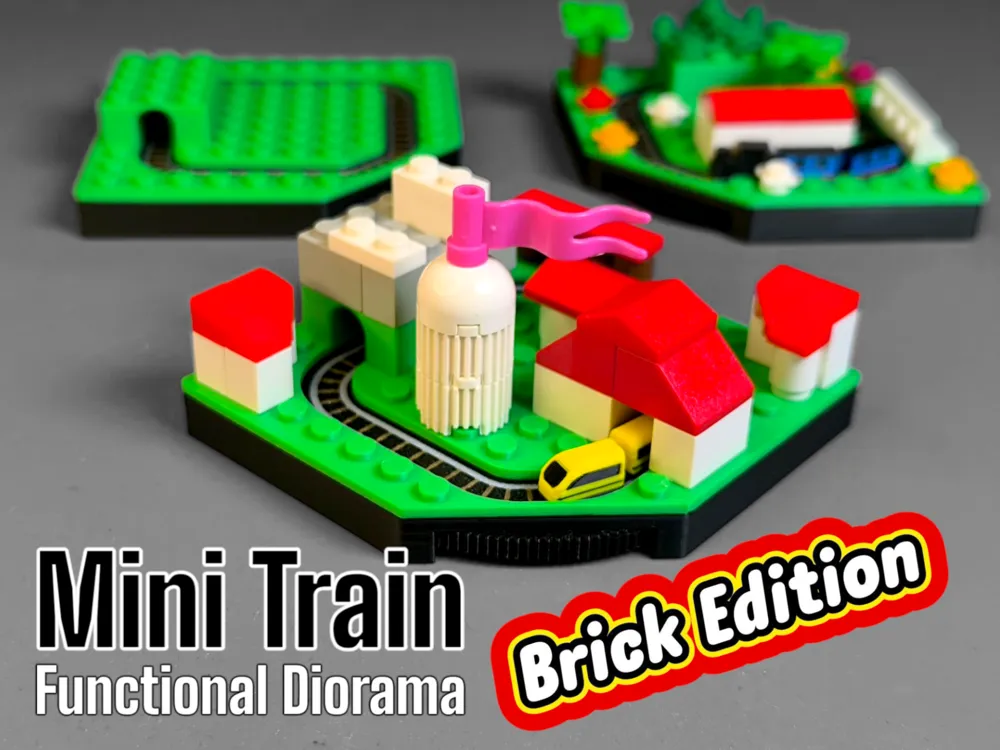
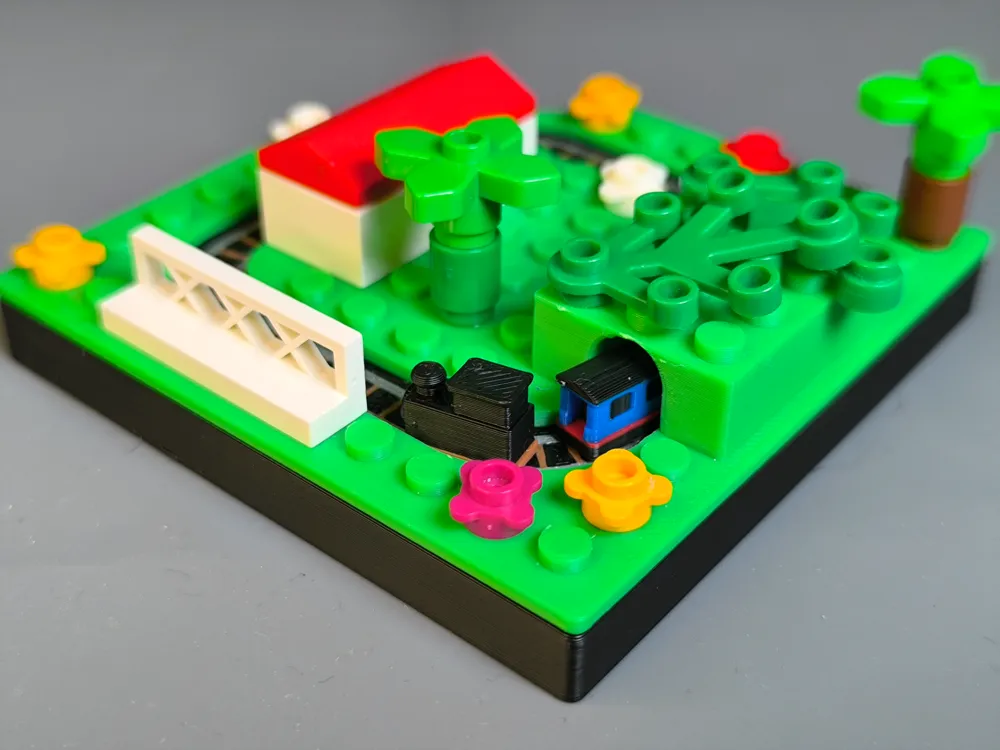
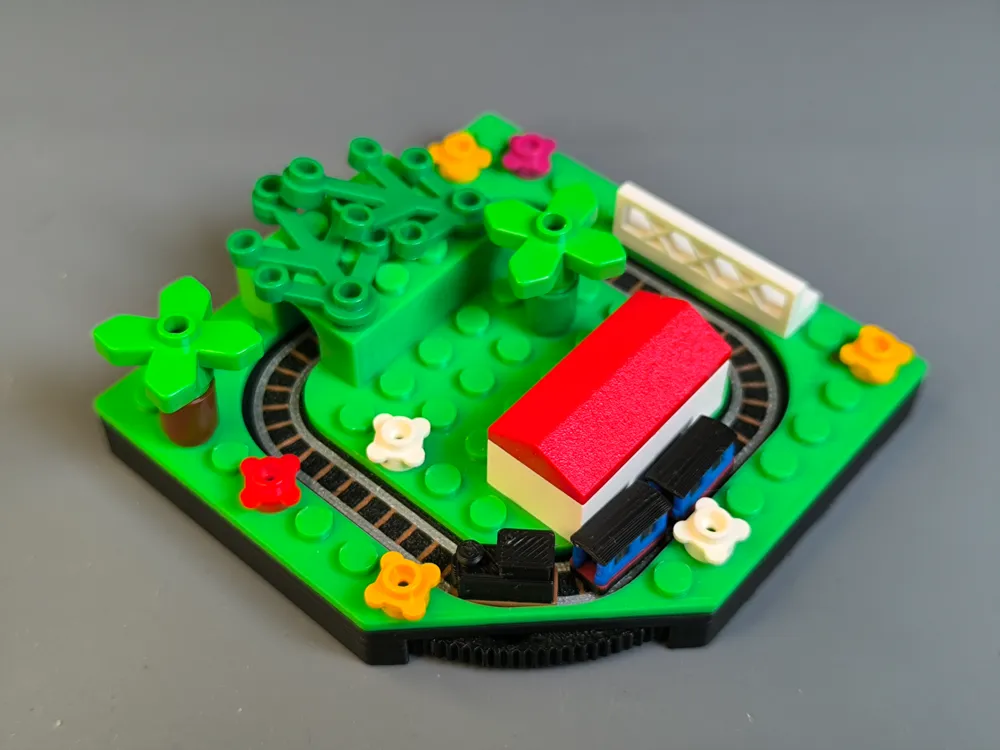
Mini Train - Brick your Diorama Special
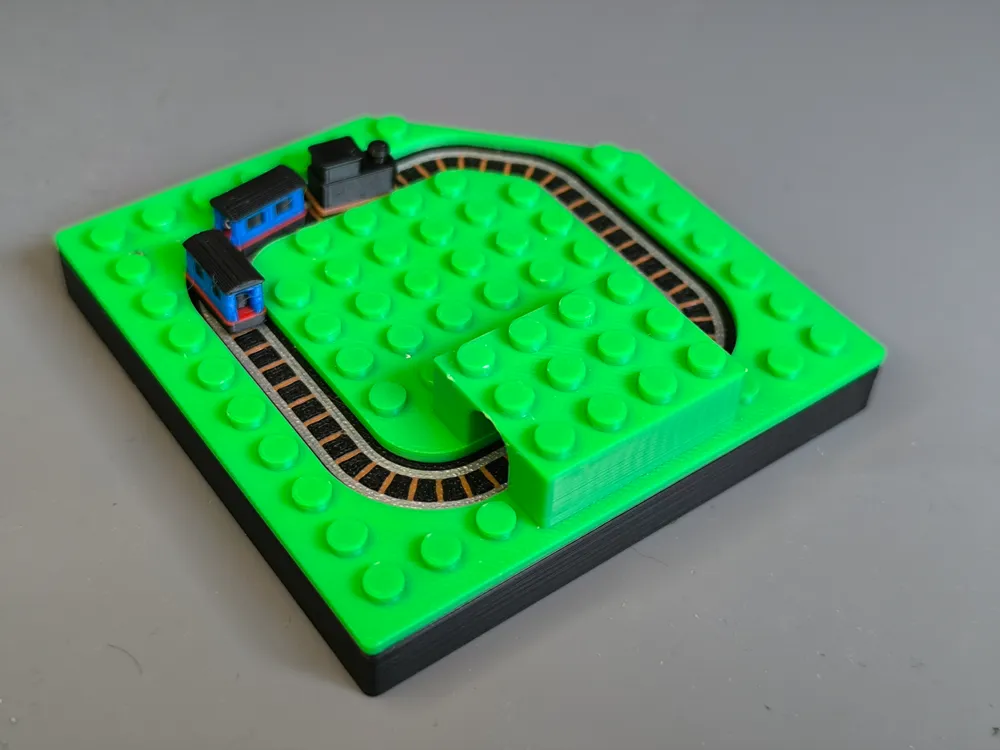
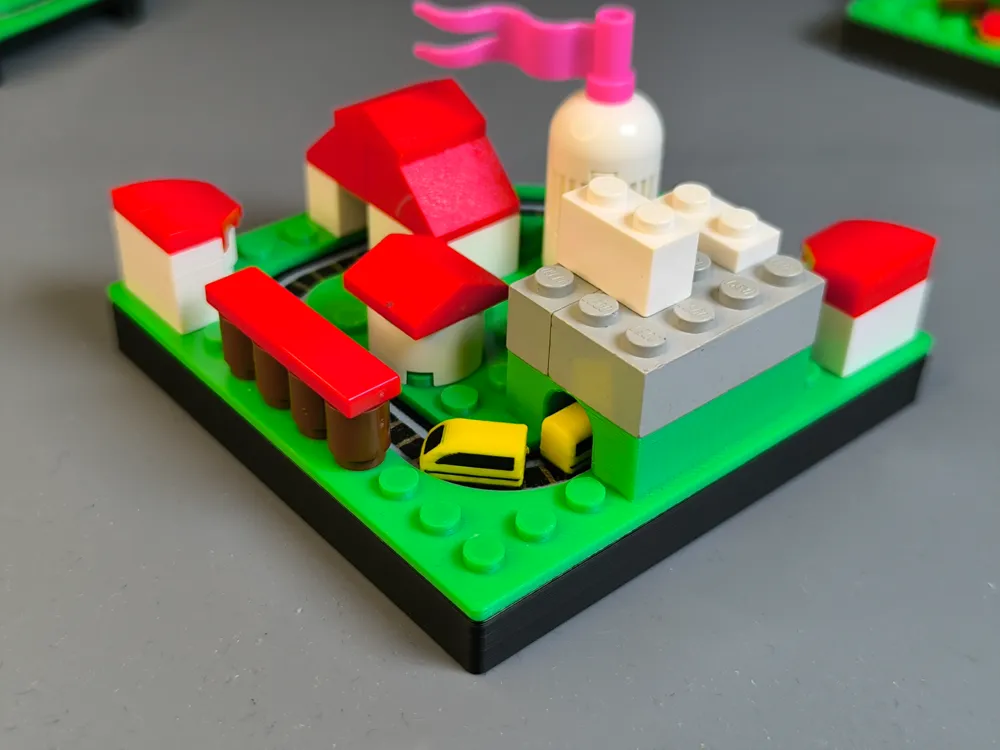
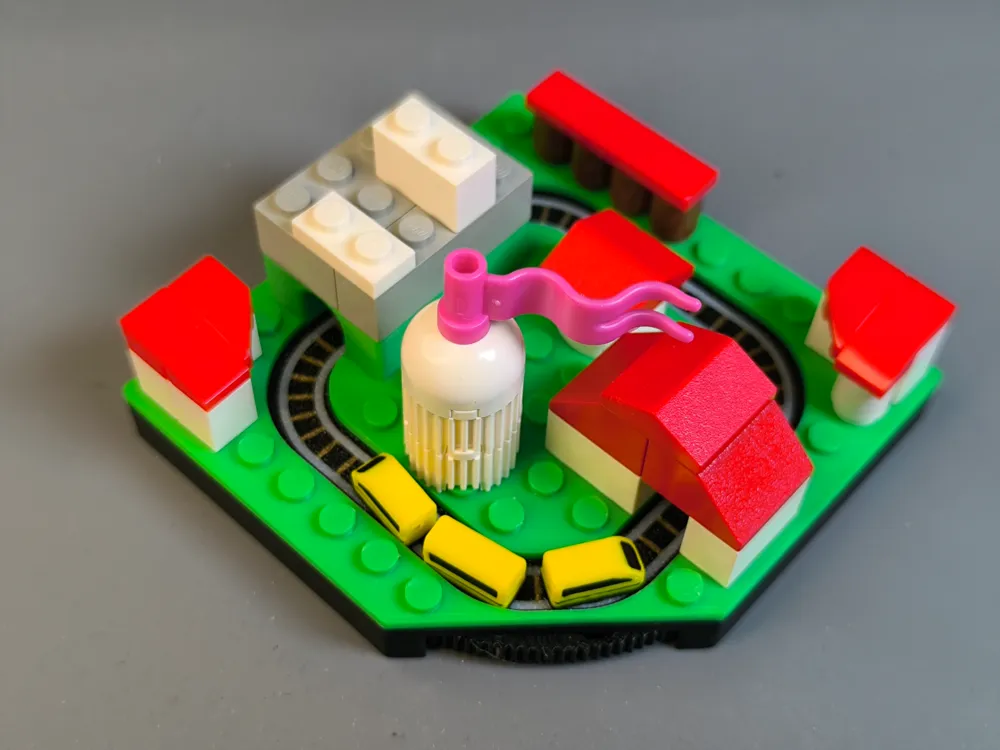

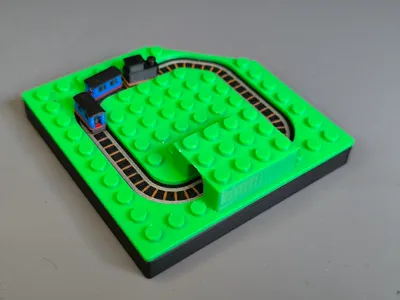
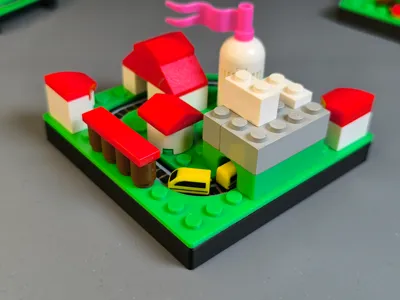
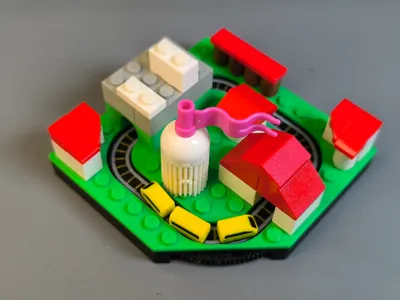
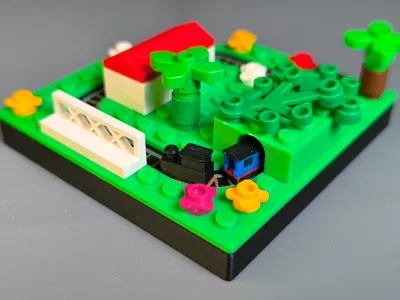
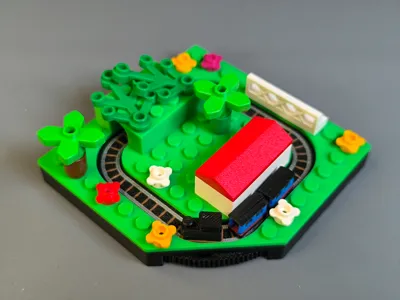
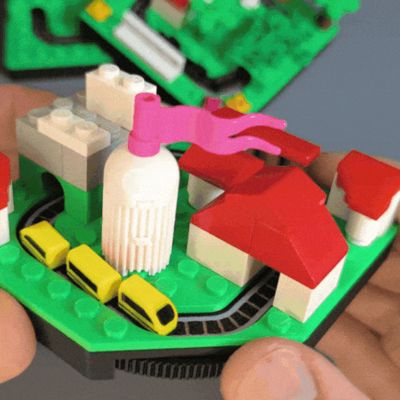
This is the seventh Mini Train… time for a special one! Let the Mini Train drive with the hand-wheel through your own design. You get an blank brick base with a tunnel to build your own diorama with well known brick manufacture. Wish to see a lot of cool builds in the comments. Who can build the best diorama?
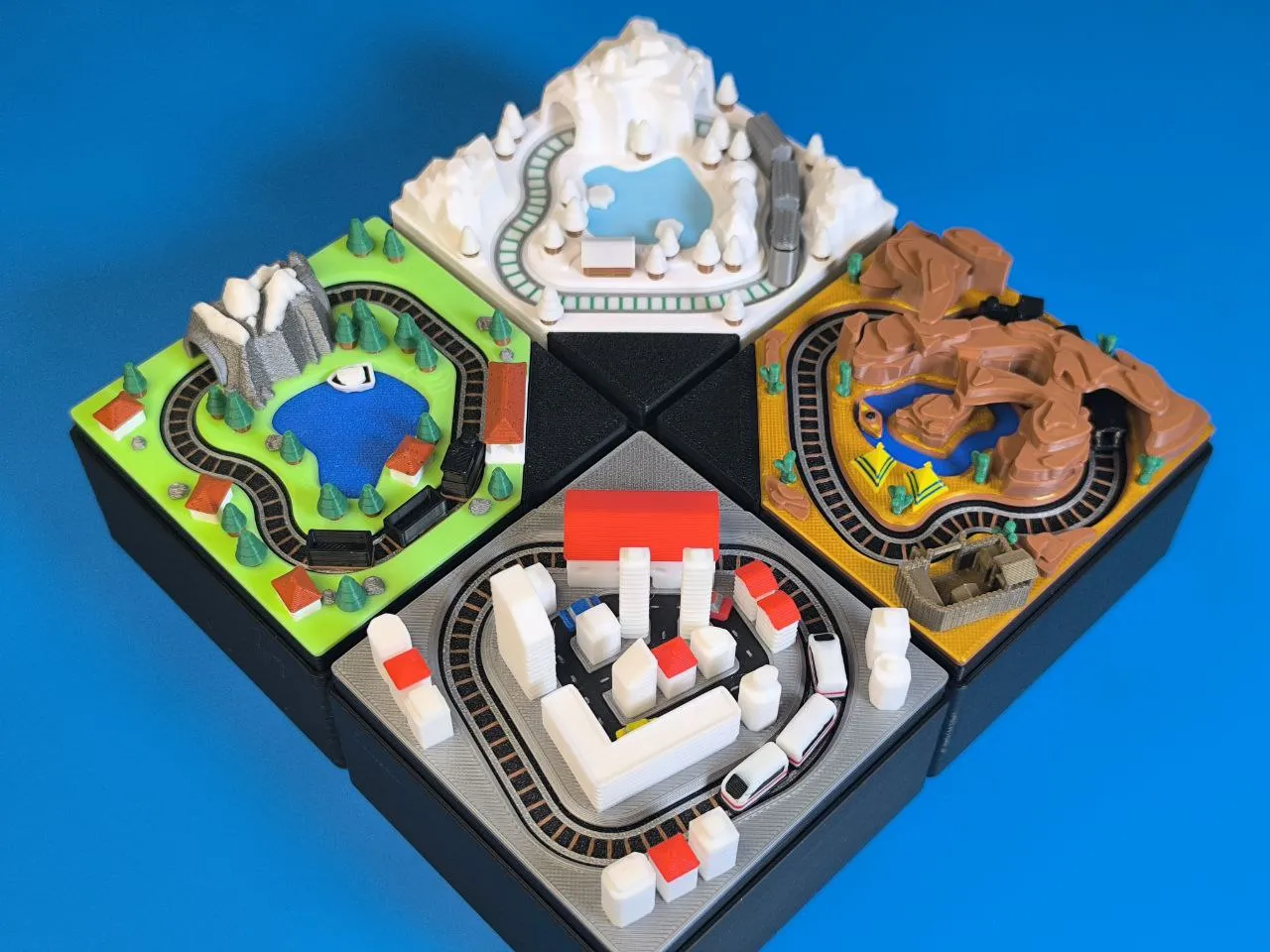
The new Track & Train is 100% compatible to the previous designs.
The studs are designed with an offset to print without additional contour compensation and fits well with other bricks.
All printed parts are designed to get an good result with a 0,4 nozzle and this time i tried to use less colors and reduced color changes for a fast printing time.
More is coming… stay tuned….check the “Mini Train collection” and leave a follow👍
Boost Me (for free)
Printing:
Note that some parts are very small. Good adhesion is necessary!
Following PLA Basic Filaments are used
Bambu Green (Terrain)
Black (Base)
Silver (Track)
Brown (Track)
Yellow (Train)
Other colors are possible of course, look what you have in stock. Think of an winter or sand brick build.
Assembly:
*watch this video from previous design:
You need just 6pcs round 4x2 magnets magnets this makes it compatible with the "Makers Beginner Kit"
- Insert 3pcs Magnets in the train and wagon with same polarity
- Insert Magnets in the 3 pins all with same polarity but opposite direction than before! The Pins must attract the train
- Insert 4 magnets into the hand-wheel same polarity and same direction like the pins
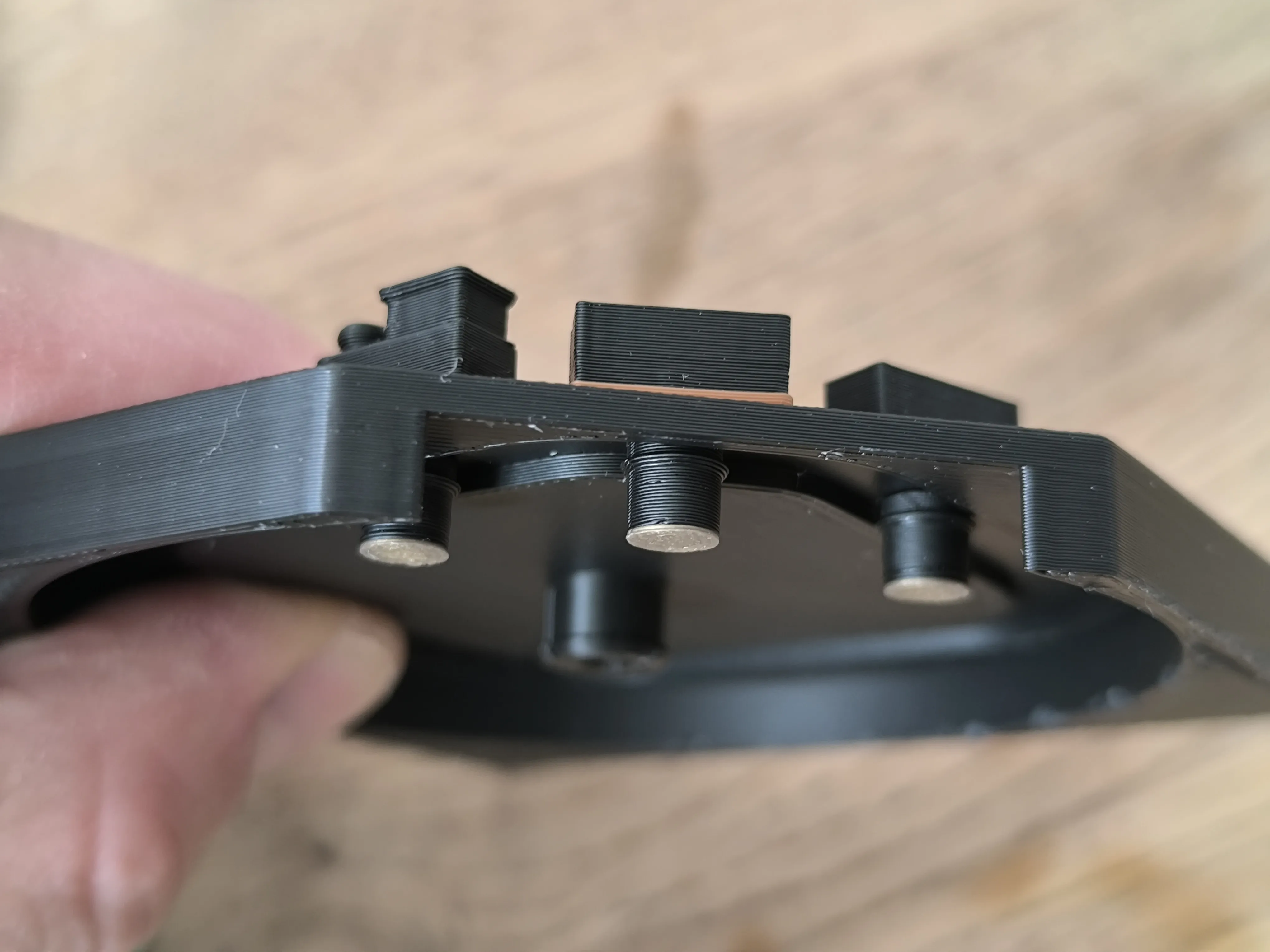
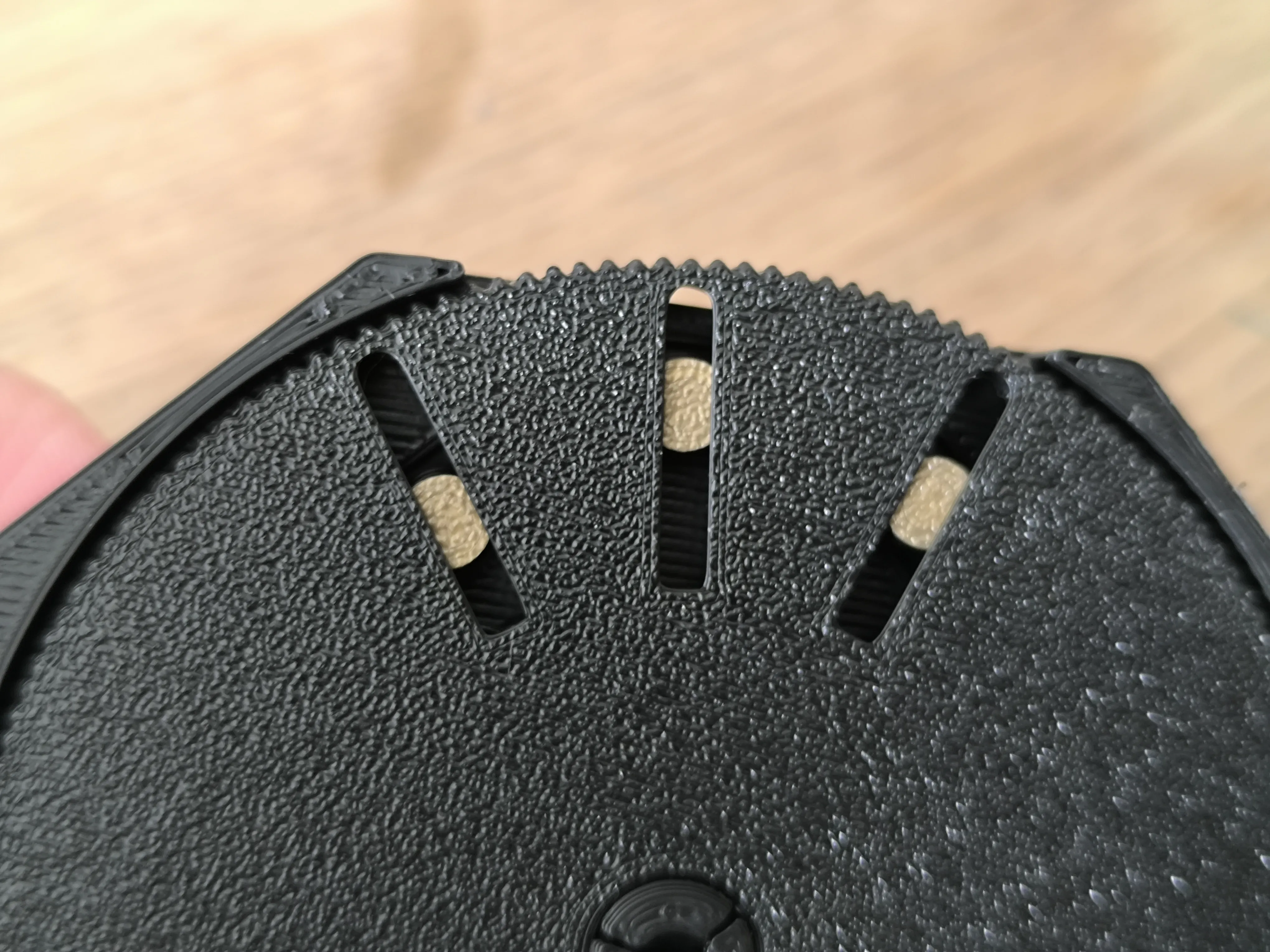
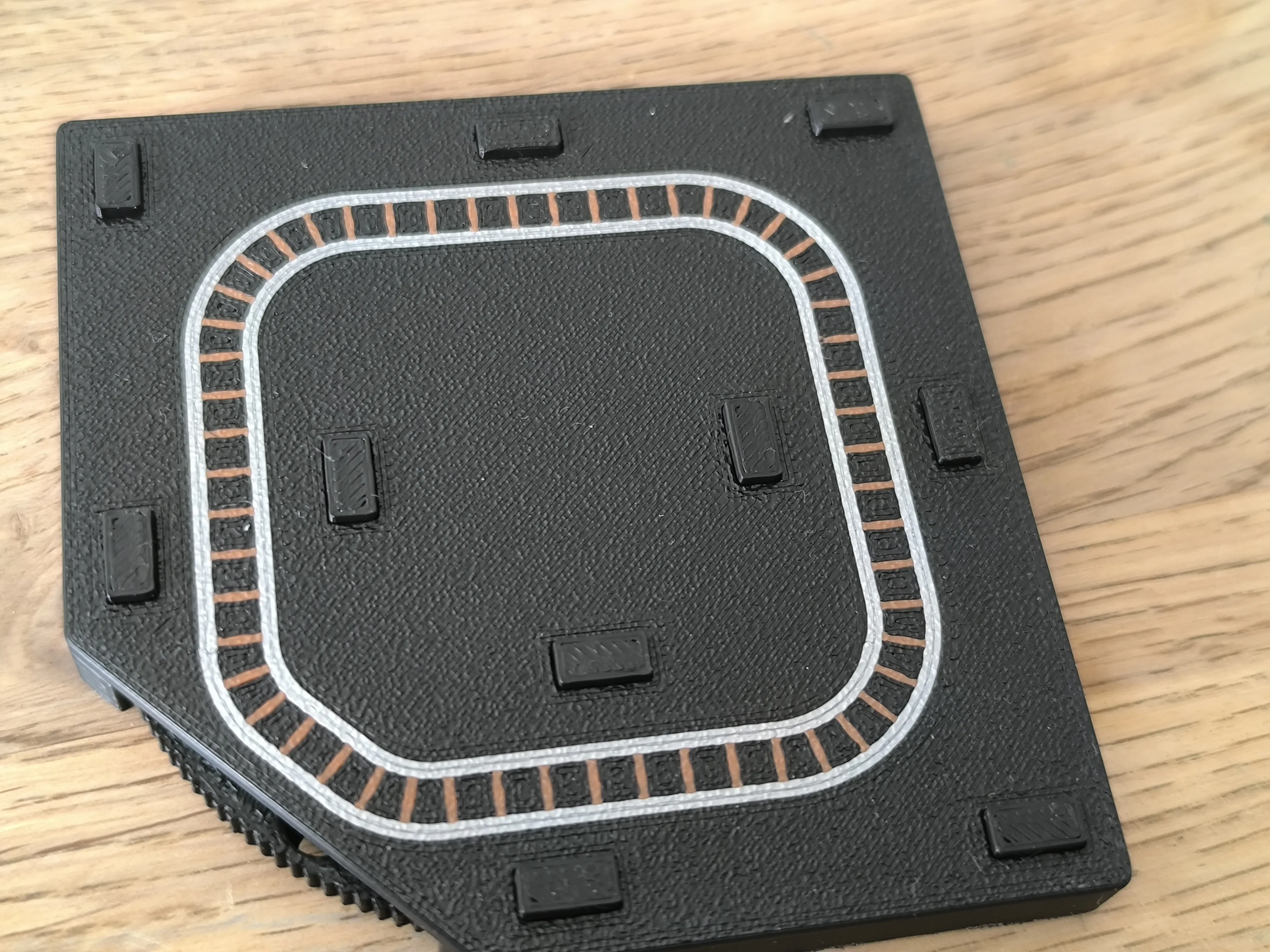
- Use the little connectors to place the terrain on top. You can add a bit of glue to combine.
- Place the train to the magnetic position and have fun 😀👍
I hope you like this little project.
If you want to support me, you can simply follow, boost & like the model.
You want to sell printed parts from my designs? Commercial license you get at my Makerworld profile or on Patreon:
https://www.patreon.com/BamBamDesign/
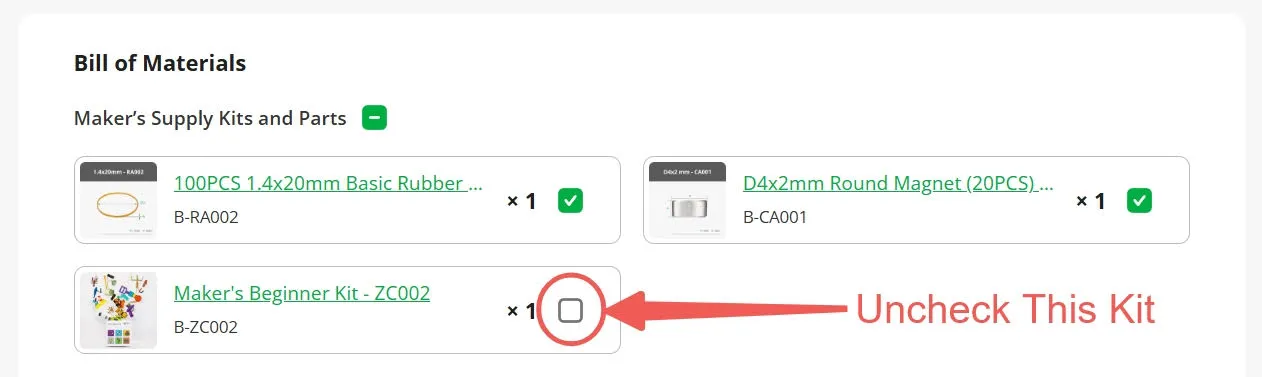
Disclaimer: This model is compatible with the Maker's Beginner Kit B-ZC002. The kit includes various non-printed parts to accommodate multiple popular models. As a result, some parts may not be necessary for this specific model. If you only need to purchase the non-printed parts required for this model, please uncheck the Kit option when making your purchase.
Membership
You want to sell printed objects from my designs or just support my work? Now you can subscribe on Makerworld! Thank you!
License

You shall not share, sub-license, sell, rent, host, transfer, or distribute in any way the digital or 3D printed versions of this object, nor any other derivative work of this object in its digital or physical format (including - but not limited to - remixes of this object, and hosting on other digital platforms). The objects may not be used without permission in any way whatsoever in which you charge money, or collect fees.


Comment & Rating (129)