
Xbox Achievement Badge / Magnet
Print Profile(1)

Bill of Materials






Description
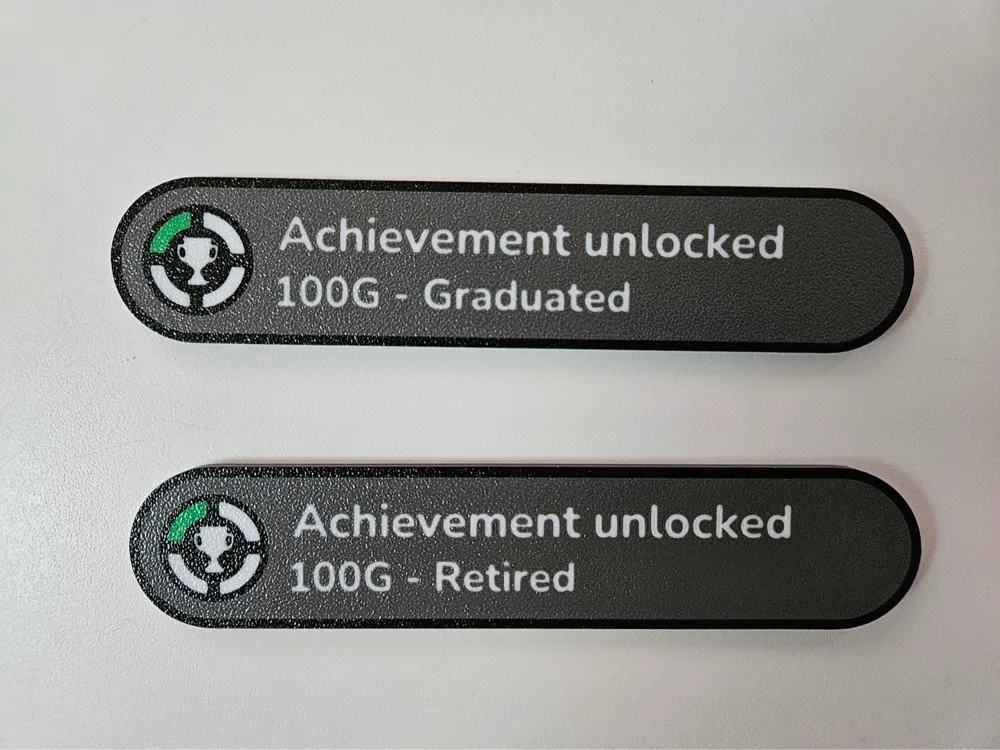
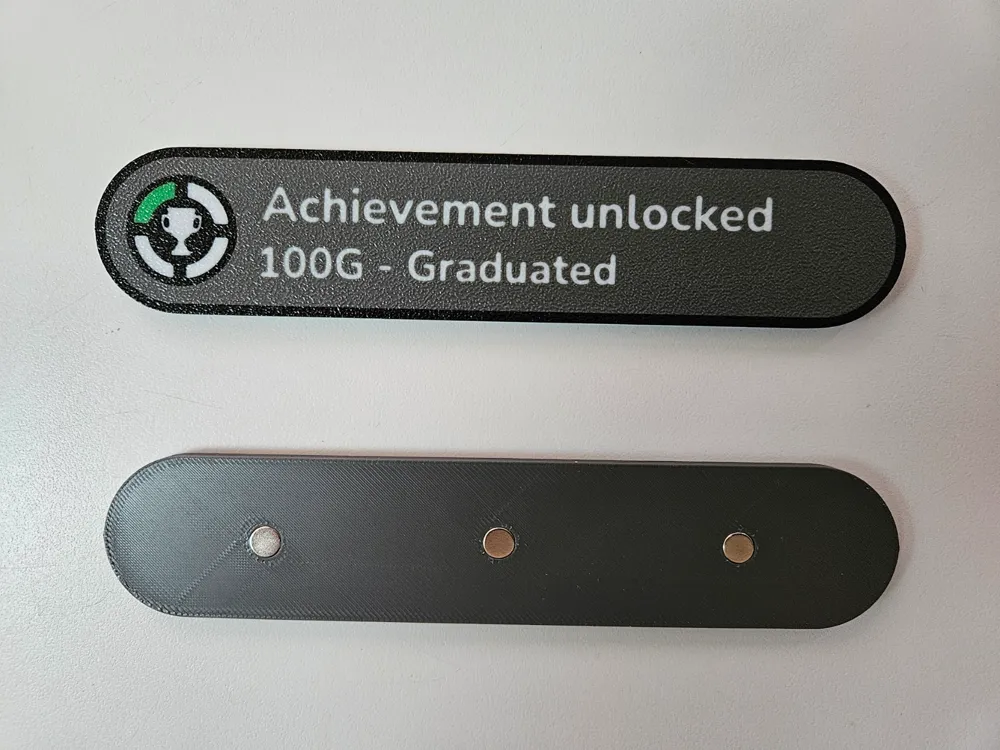
Xbox Achievement unlocked badge / magnet
Customizable:
You can easily customize by clicking the “Customize" button in MakerWorld but you will loose the magnet holes.
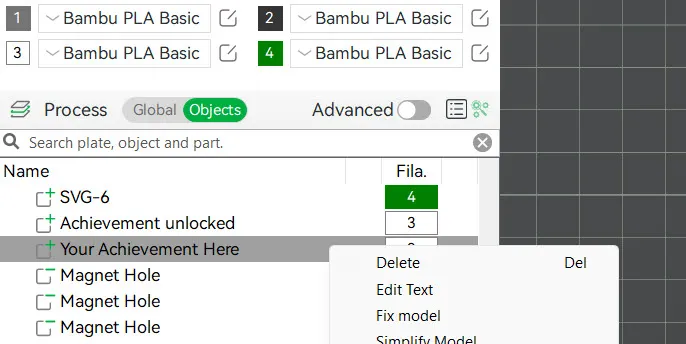
If you want magnets, right click the “Your Achievement Here” object in Bambu Studio and select “Edit Text”.
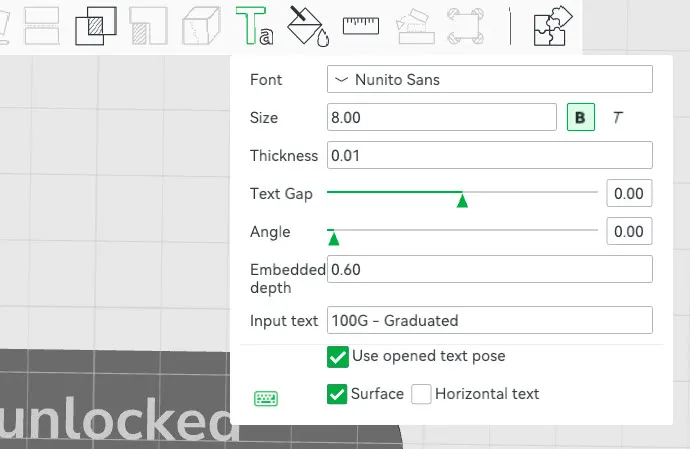
Then change the Input text and click the green “Ta” tool button.
After editing the text, select the “Your Achievement Here” object again and click the “Move” button or press “M”. Slide the red arrow to allign the text. When done, click the Move tool button or click off the badge.
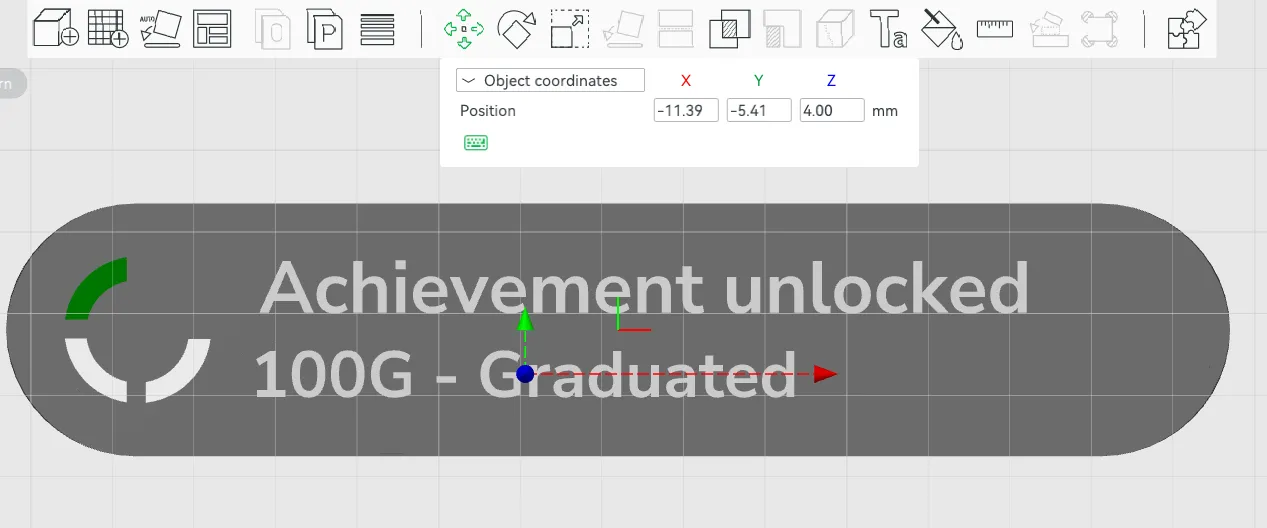
Congratulations: Achievement unlocked - Customized a text object.
Optionally you can delete (or resize) the “Magnet Hole” objects if you dont need magnets. These magnet objects are “Negative Parts” i.e. holes that fit 6x3 mm magnets without glue. Resize them if you have different size magnets. Add 0.2 mm to the actual diameter and subtract 0.2 mm from the actual depth.
License



Comment & Rating (13)