
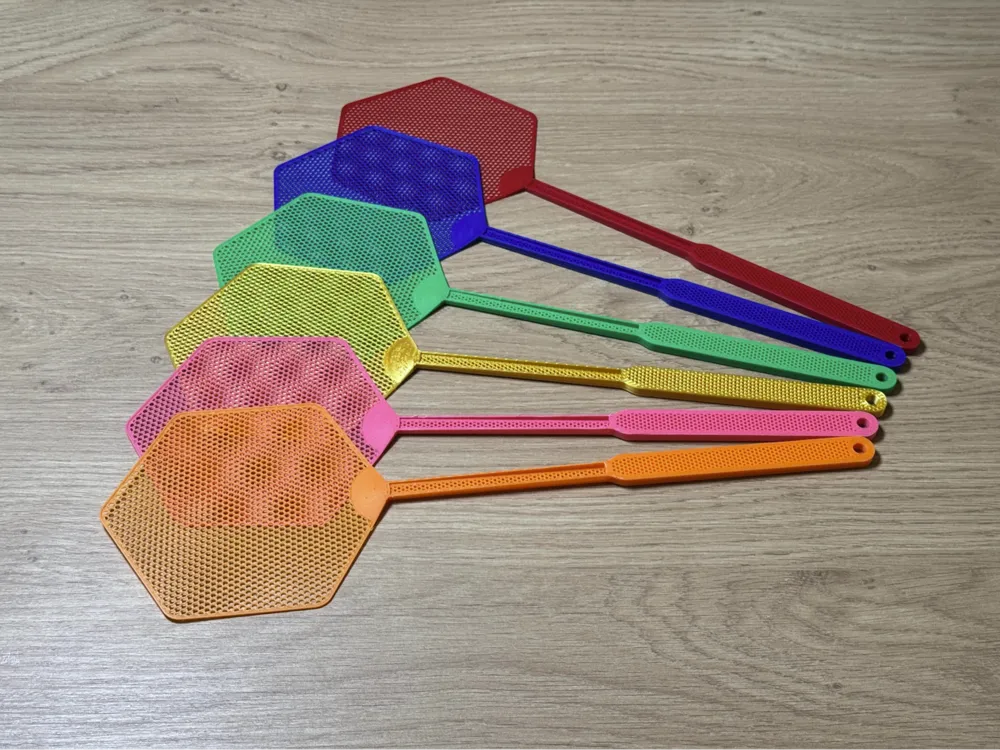
Fly Swatter V2
Print Profile(7)


Description
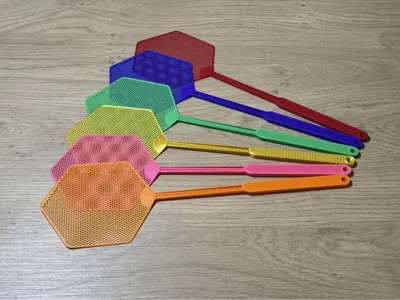
I have various designs of the fly swatter paw fly swatter , fly swatter (hand) or finger of god fly swatter
Also a model for H2 and A2L printers → here
2025-07-10: Since some users reported fast wear (breakage at the front of the swatter), I created a more stable version
The front part is now thicker, the profile uses more walls and a thicker layer height
2025-03-26: I uploaded a modified print profile (without modifier) This should also make printing with ABS or PETG work better and be more stable I printed it myself with the filaments mentioned above
However, the filament should be calibrated
I designed this fly swatter to keep my surroundings free of flies and mosquitoes
I printed it with Bambu PLA Basic, eSun PLA+, Sunlu PLA+, Sunlu Silk PLA, Bambu PETG Basic, Bambu PETG HF, and eSUN ABS+
I strongly advise against using Silk PLA and PLA Matte for the fly swatter Also, Rapid PETG did not prove effective for me
I do not find PETG optimal due to weaker layer adhesion
I have printed the fly swatter very often by now and have had no printing problems so far
If you have problems, please contact me before rating the item poorly without meaningful comments
Important note on the print files:
The holes in the swatter part are not directly created in the STL or STEP model They are created by the special settings in the 3MF print profile
Therefore, simply downloading the STL or STEP file makes little sense if you want to print the model unchanged
Please use Bambu Studio or OrcaSlicer To my knowledge, printing does not work correctly with Anycubic Next Slicer and Creality Print, as these programs do not correctly apply the settings for missing top and bottom layers
Please leave a comment, a print profile rating, and a picture
Check out my other models
Boost Me (for free)
If you like the model, please give it a Boost
Thank you very much
License

You shall not share, sub-license, sell, rent, host, transfer, or distribute in any way the digital or 3D printed versions of this object, nor any other derivative work of this object in its digital or physical format (including - but not limited to - remixes of this object, and hosting on other digital platforms). The objects may not be used without permission in any way whatsoever in which you charge money, or collect fees.


Comment & Rating (853)