
Print Profile(1)

Bill of Materials


Description

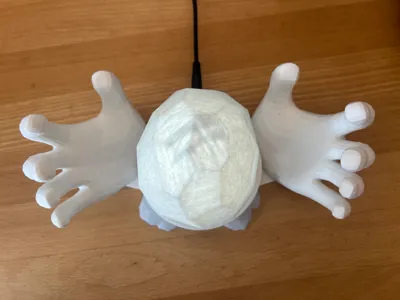
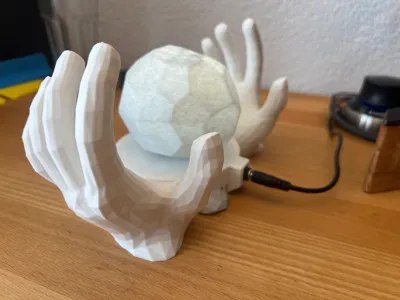
A NEW HAND TOUCHES THE BEACON!
Spruce up your setup by becoming the champion of Meridia and expelling evil from her temple!
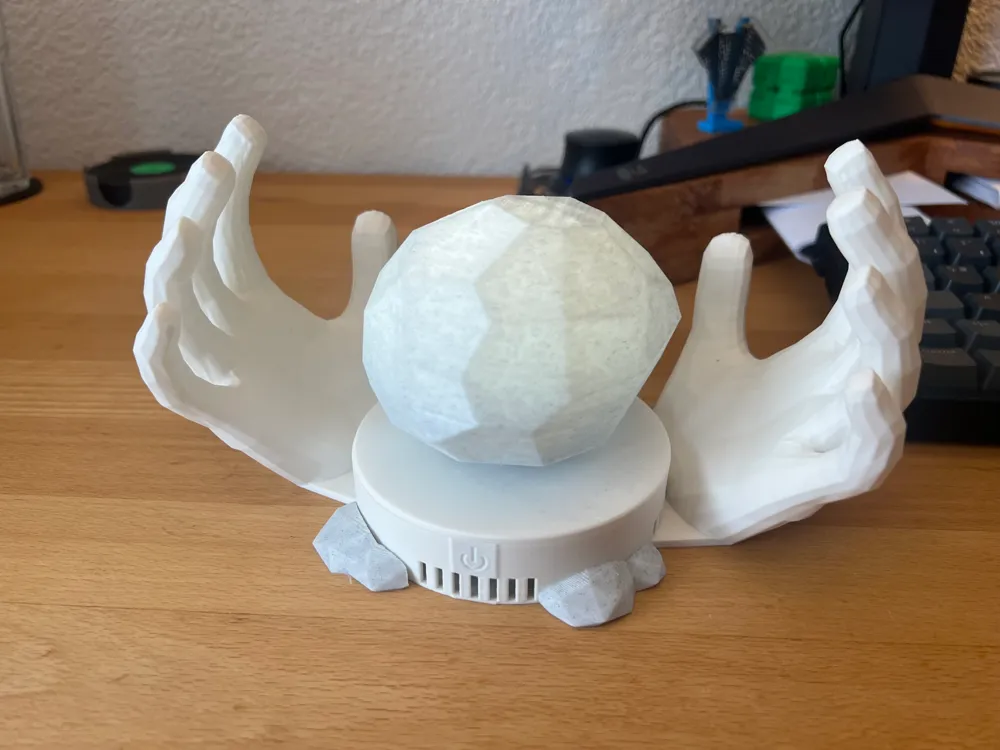
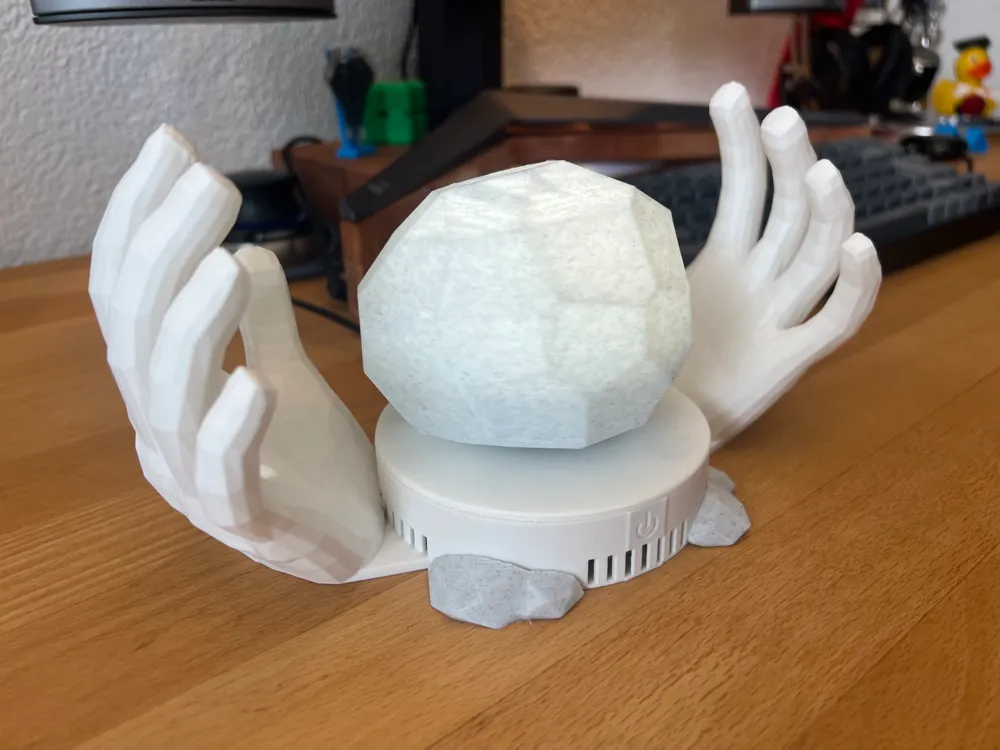
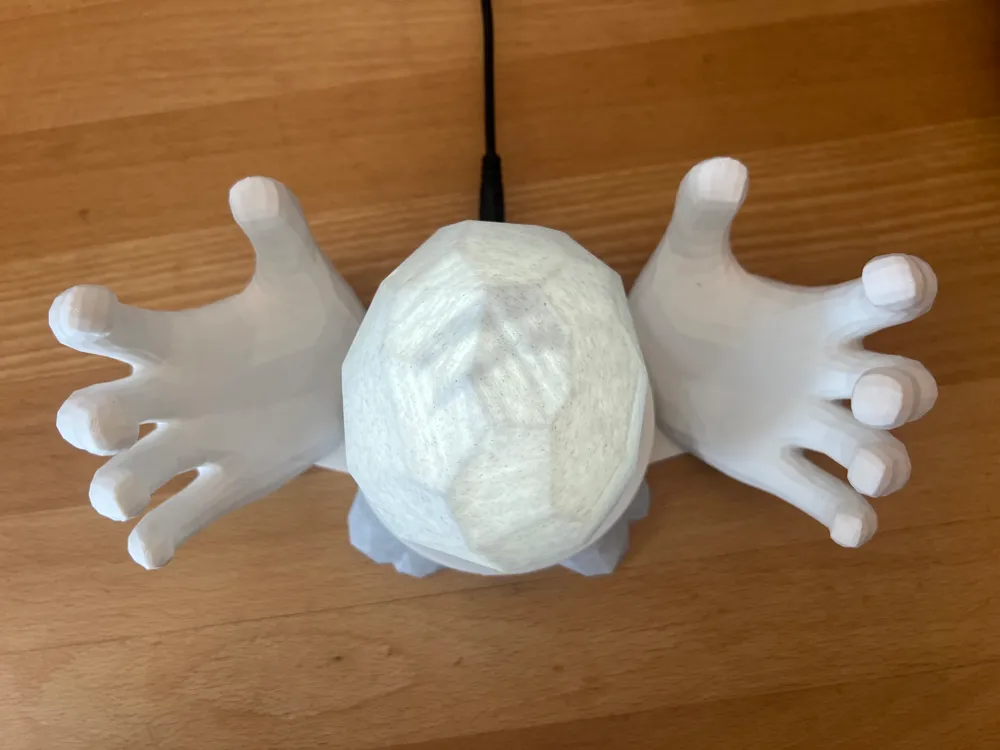
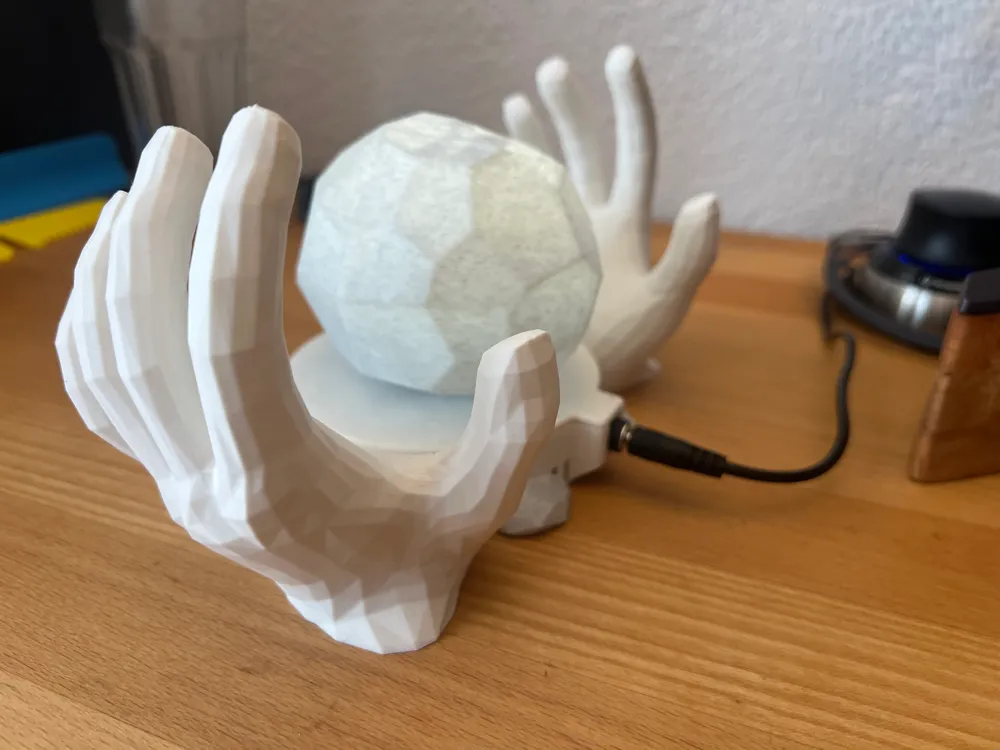
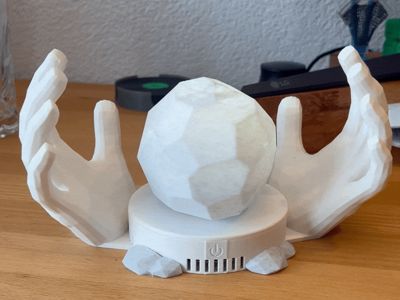
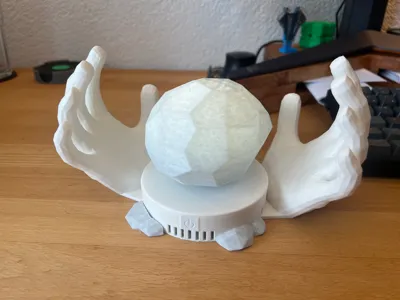
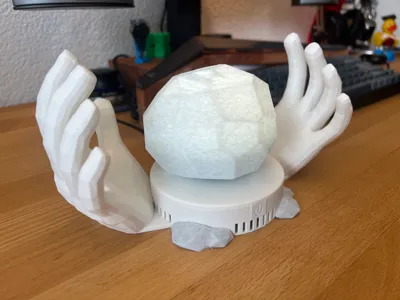
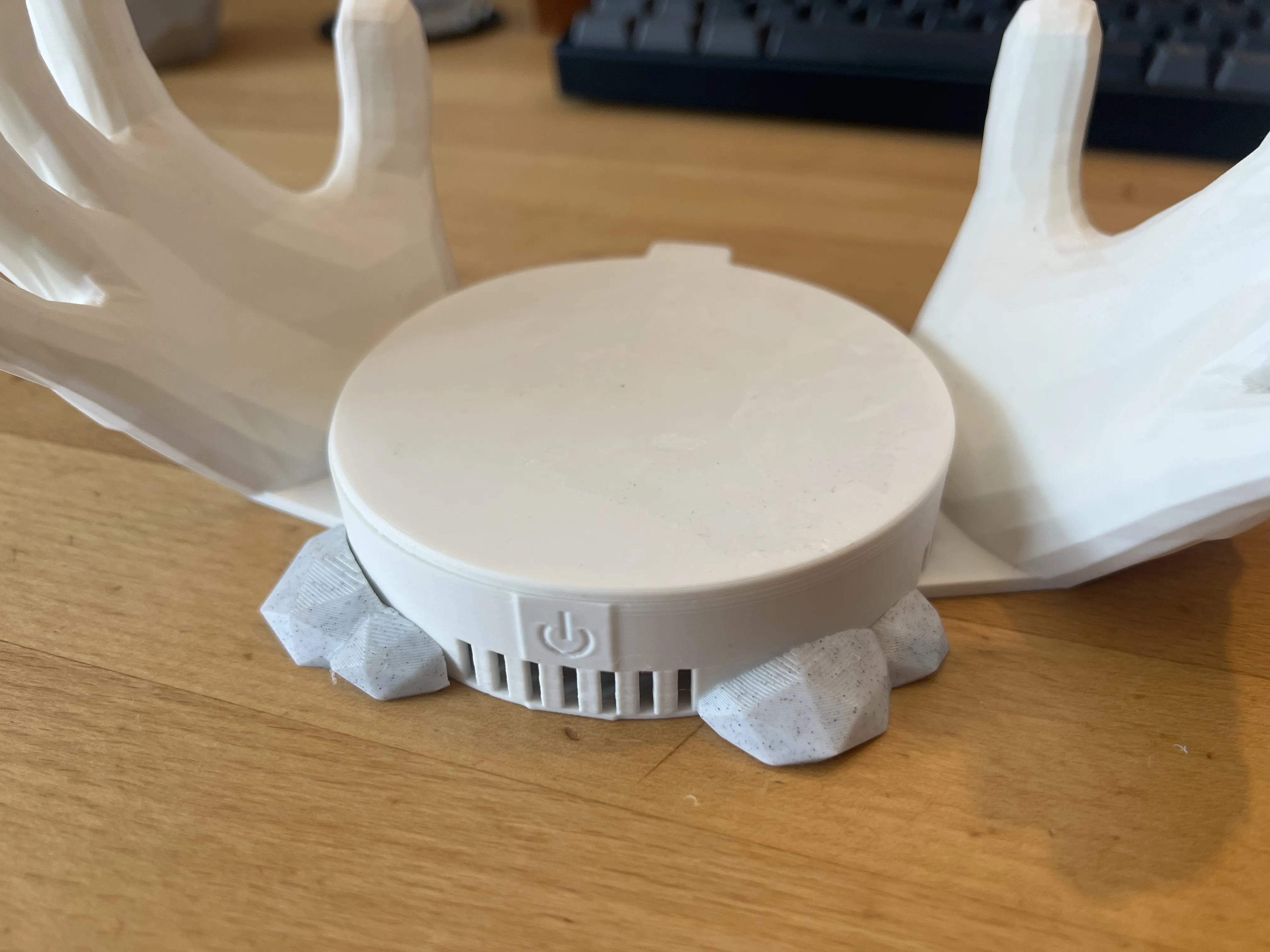

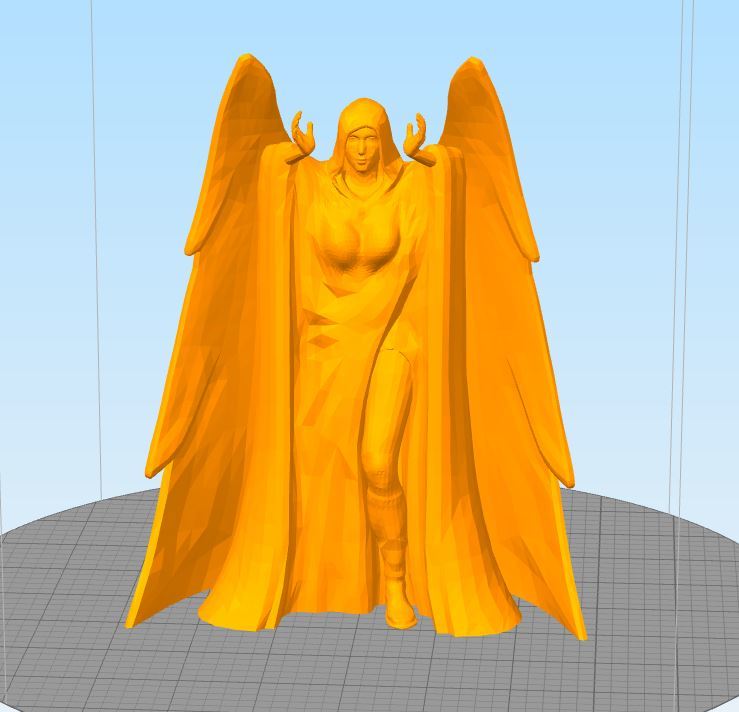
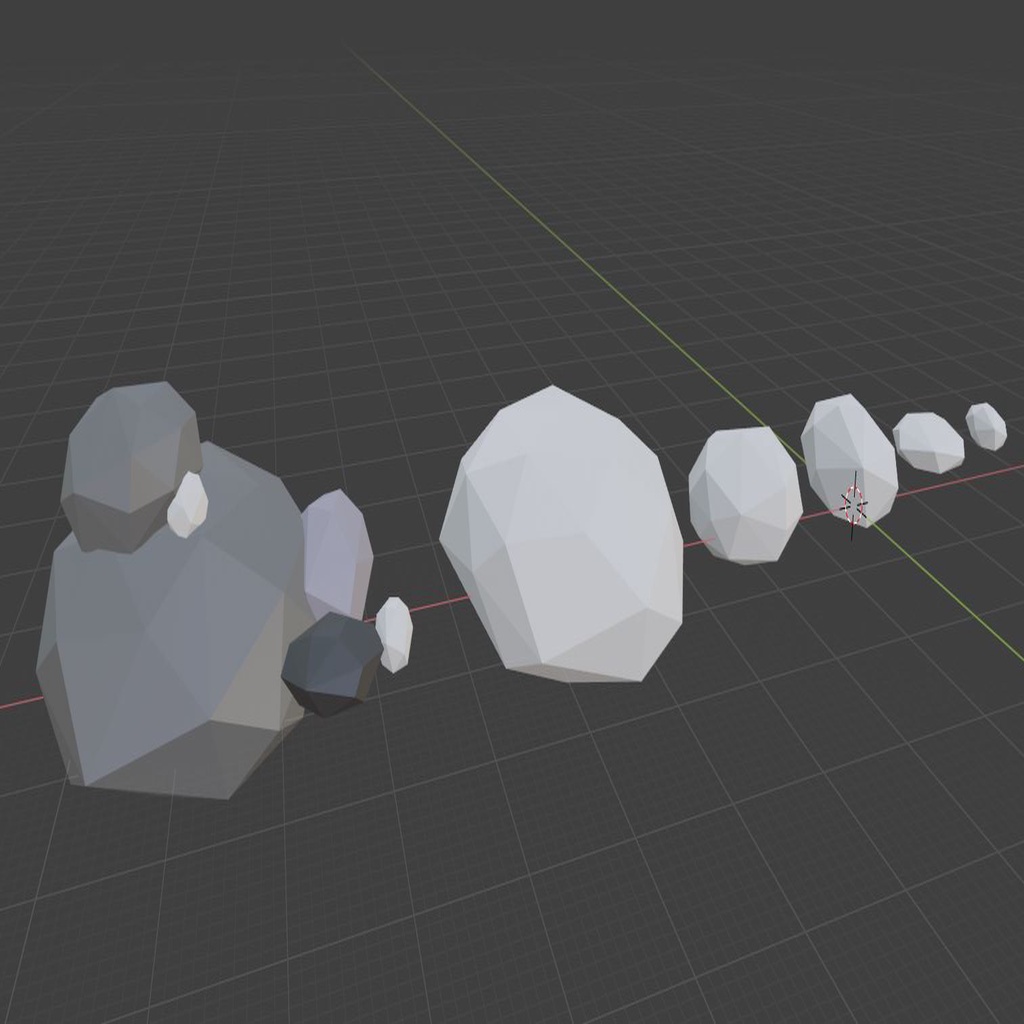
I integrated multiple available models to work with the BambuLab Magnetic Levitation DIY Kit to bring this classic moment from Skyrim to life. Printed in Marble PLA the model looks like a real statue and the LEDs of the levitation kit make the beacon shine just like in-game.
The Beacon needs to be printed with NO infill and at most 3 walls so that the LEDs can shine through it.
Assembly
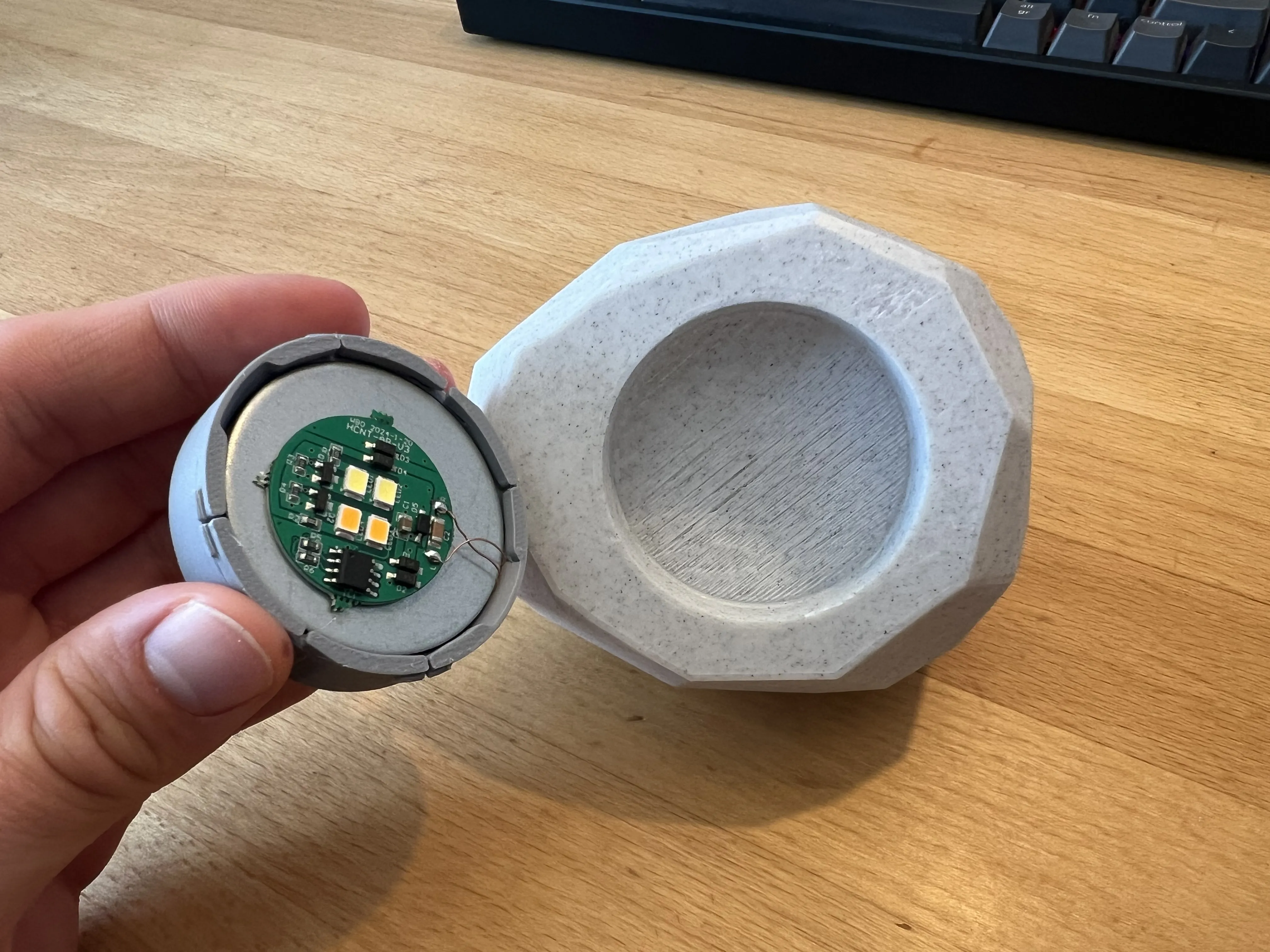
1. Insert the float into the model cap. Make sure that the copper coil is correctly positioned and that the LED wire is not damaged or pinched anywhere.
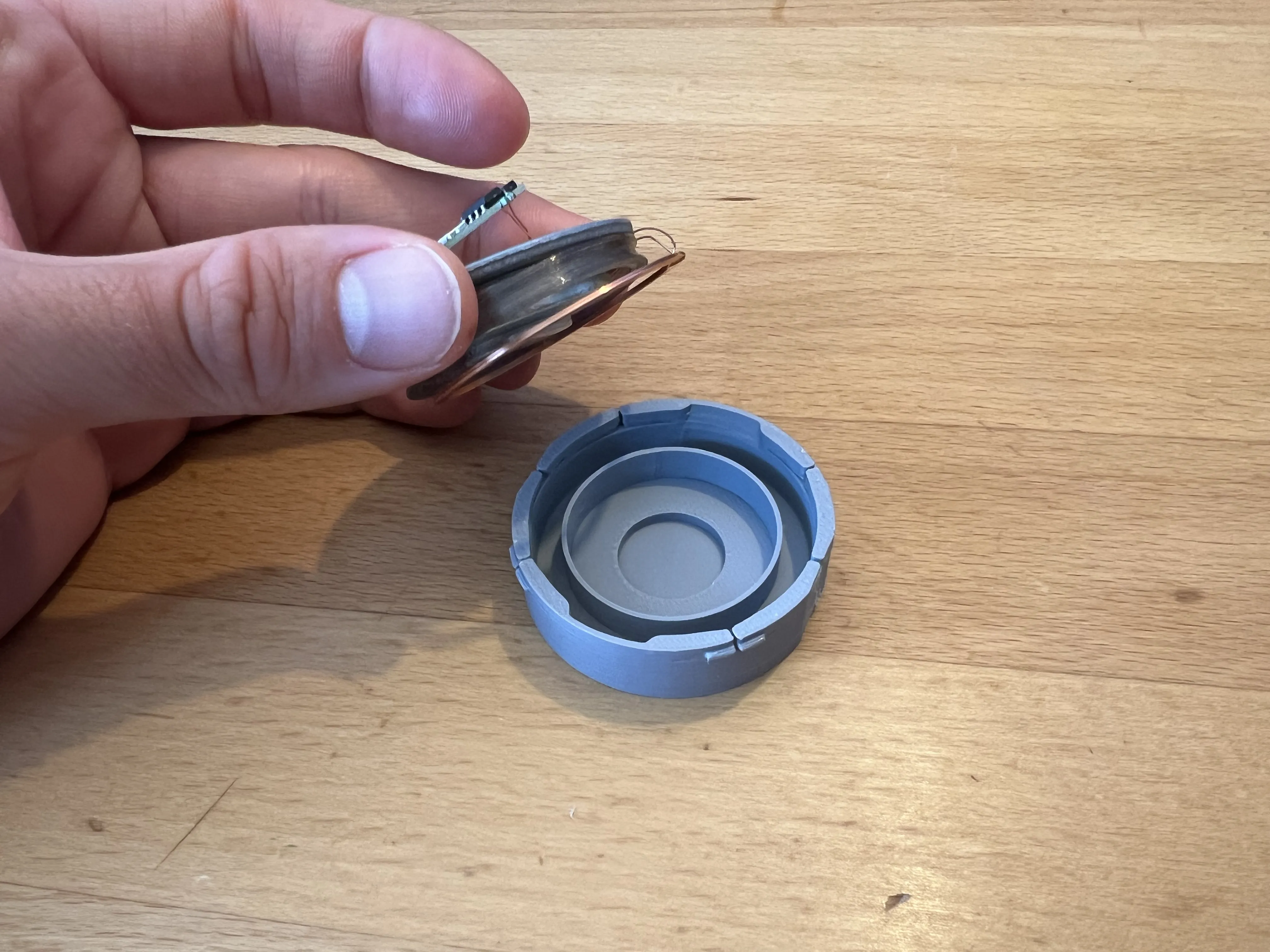
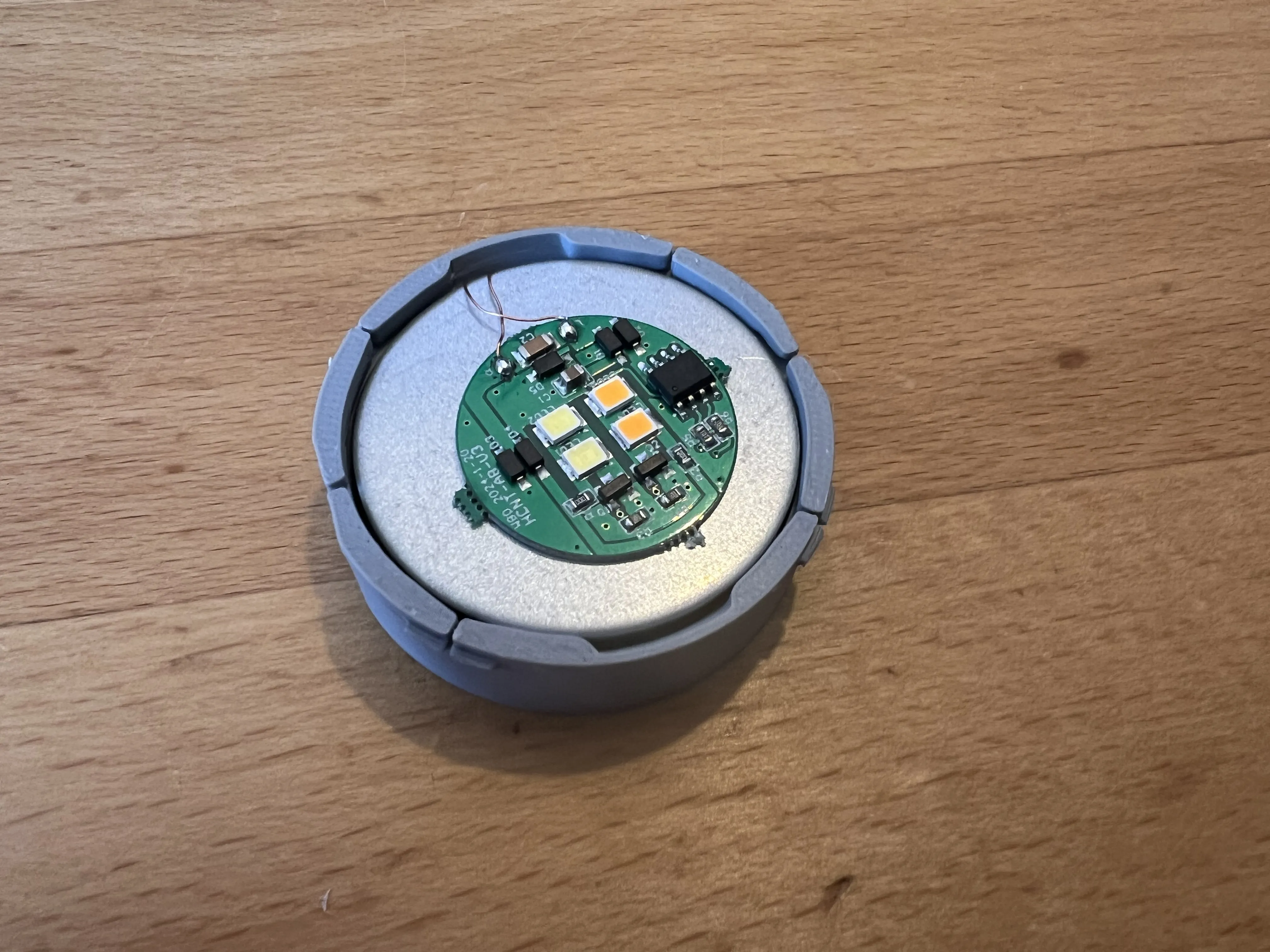
2. Insert the cap into the beacon base. Should you want to remove it again I recommend carefully using a flathead screwdriver as a prytool.
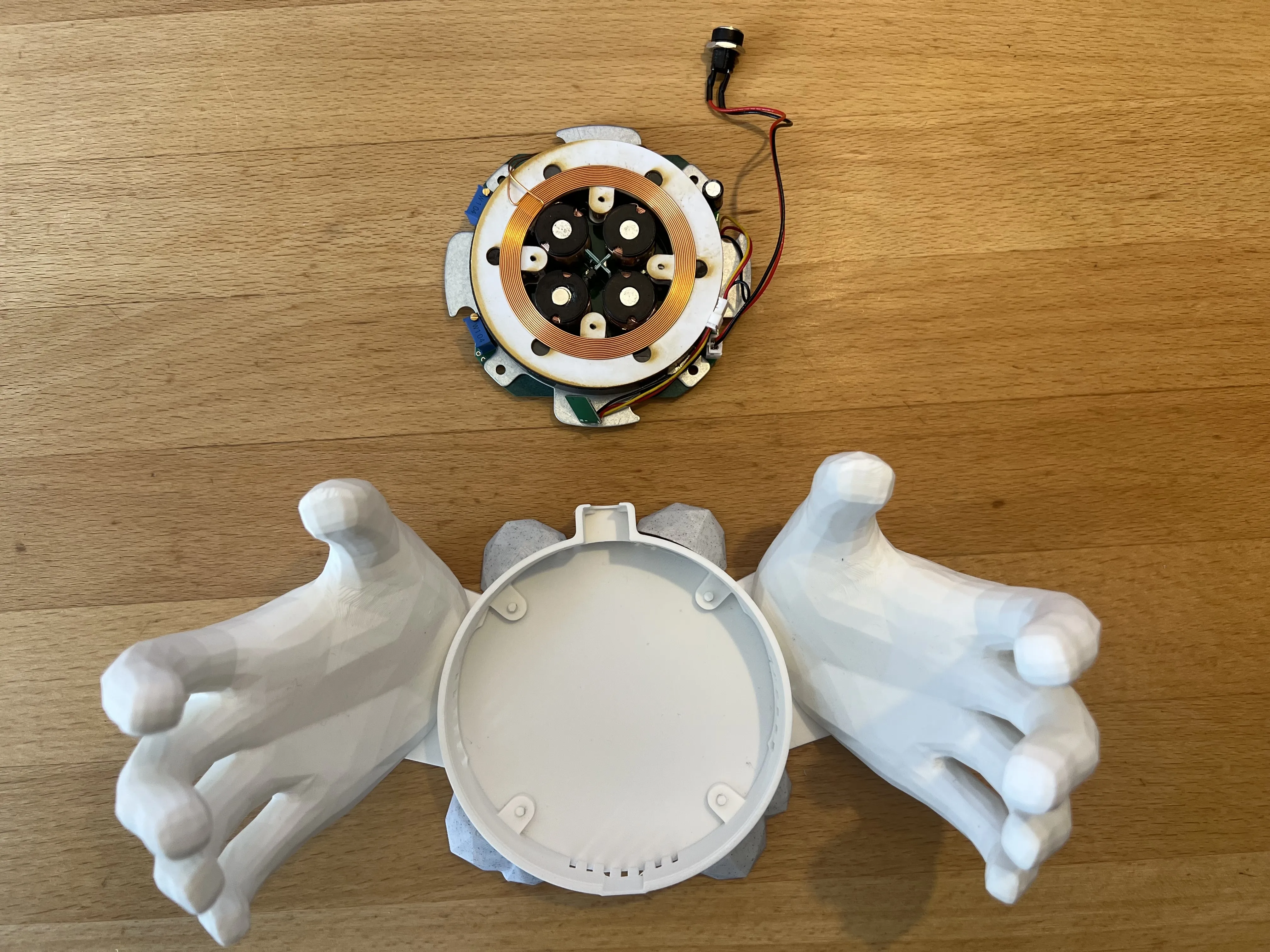
3. Insert the bottom part of the levitation kit into the base and screw the power connector into the back recepticle.
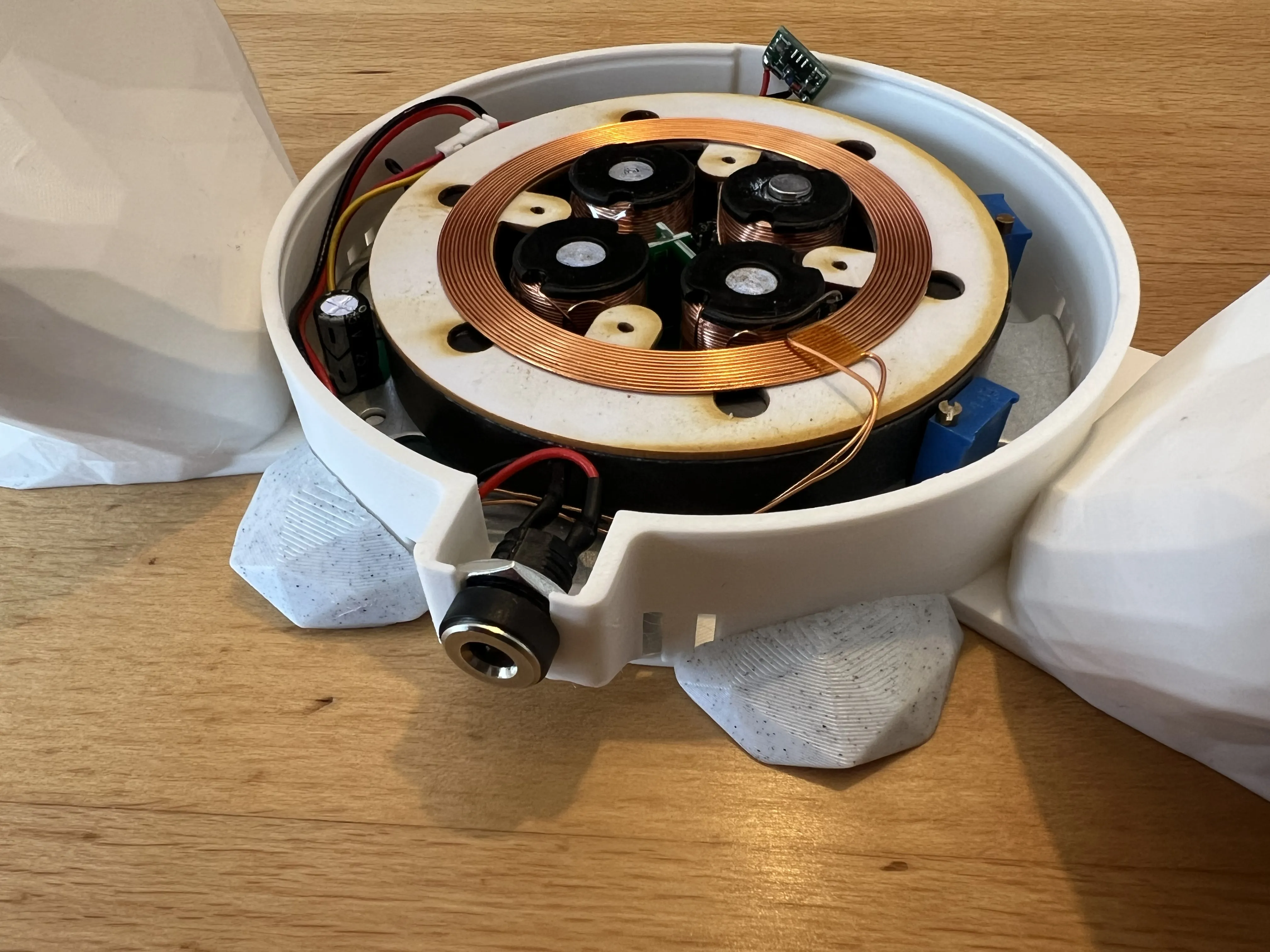
4. Apply a drop of glue and fix the power button in the front.
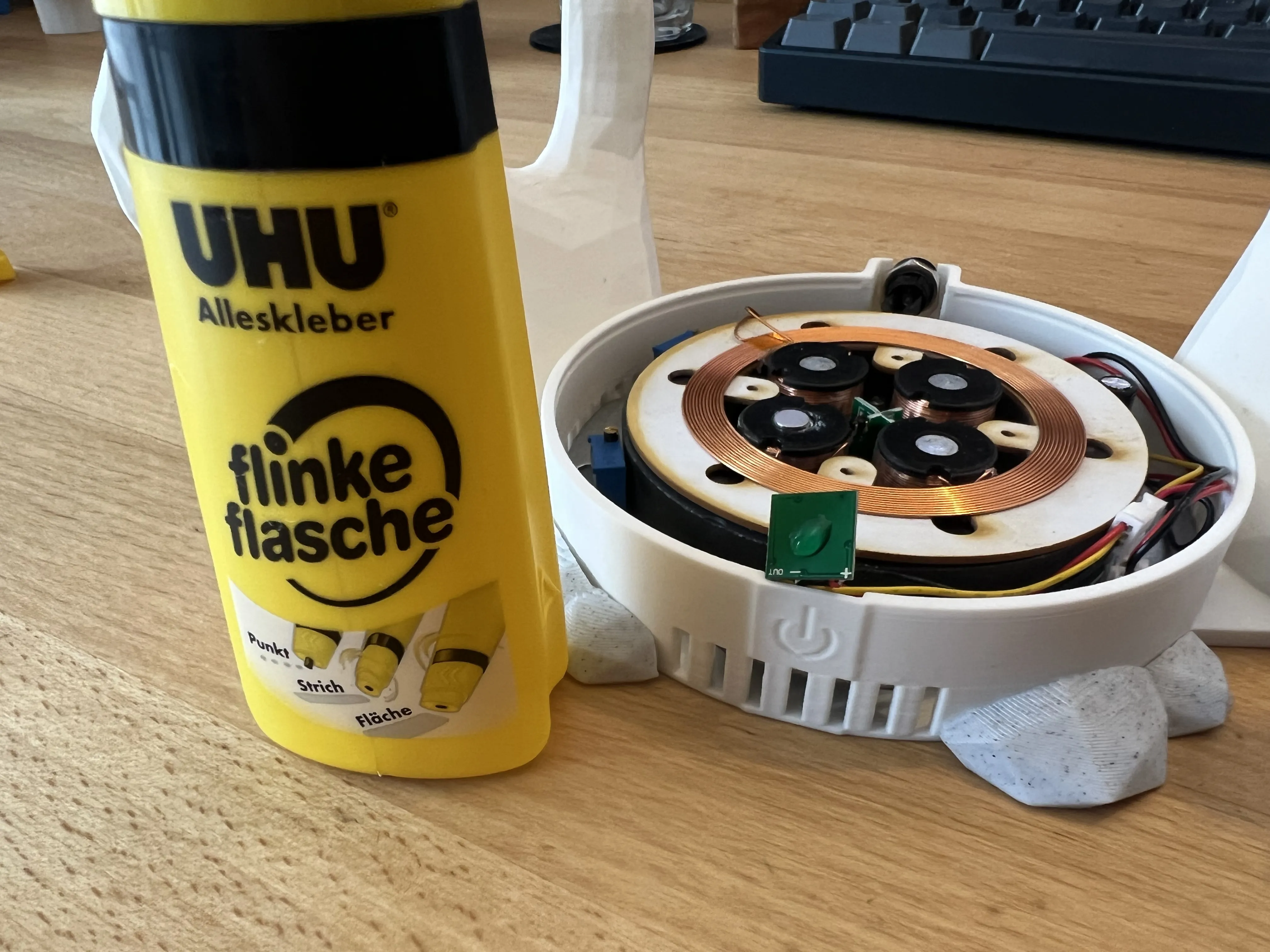
5. Seal the base with the Cap.
Usage
Power the levitation kit up and gently place the beacon above it, making sure to center the float above the base. You will feel some magnetic attraction and it might take a few tries to place it perfectly and might need to nudge the model to make it spin. You can then change the colour of the LEDs with the power button.
Boost Me (for free)
Like this model? Please consider leaving a Boost, it helps me out directly :)
This remix is based on

License



Comment & Rating (1)