
MagLev Hoverboard - No Glue

Print Profile(2)


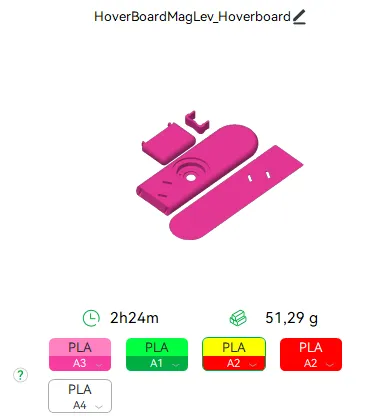
Bill of Materials






Description
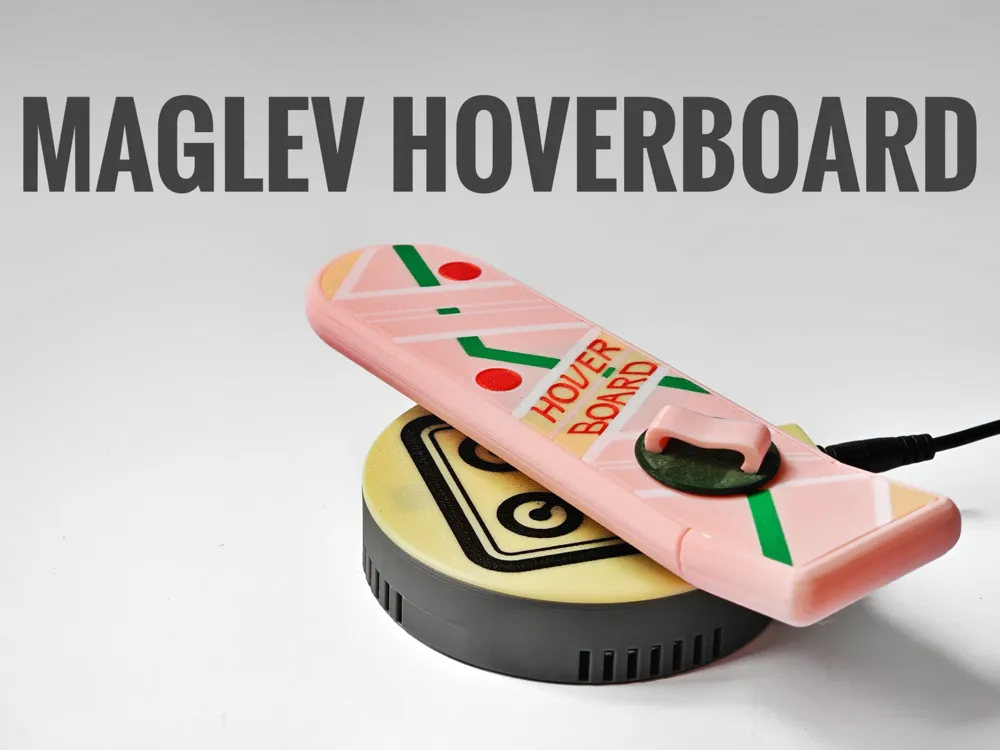
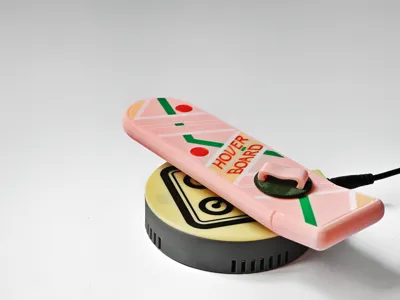
MagLev Hoverboard – Elevate Your Space with Iconic Style

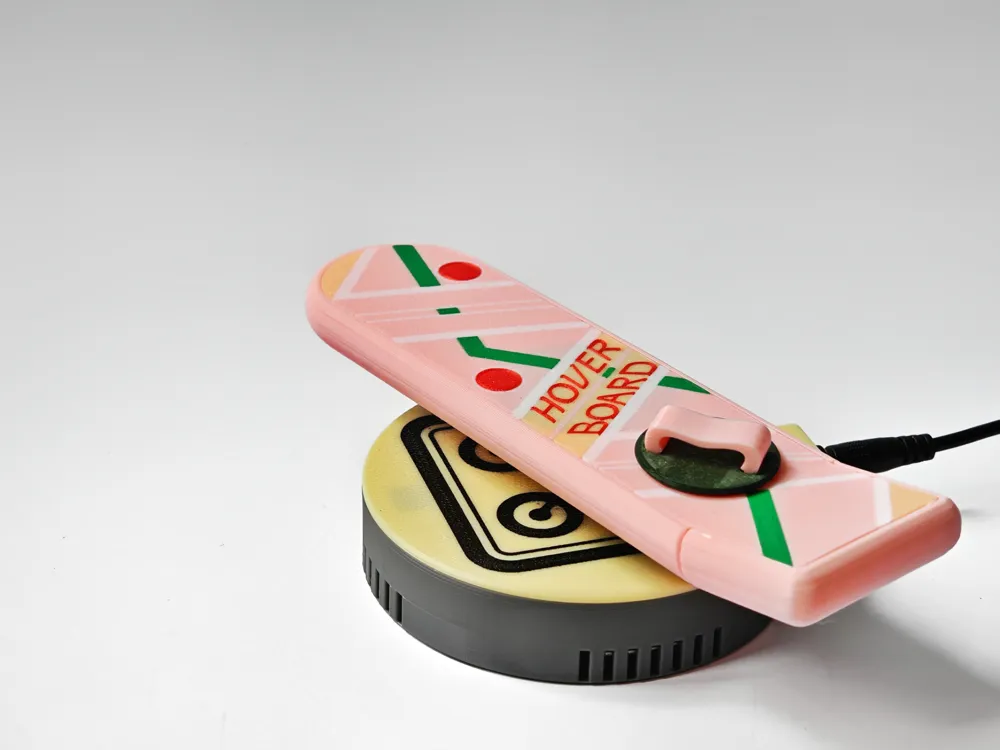
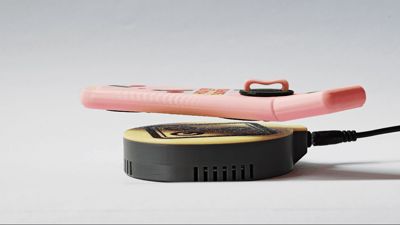
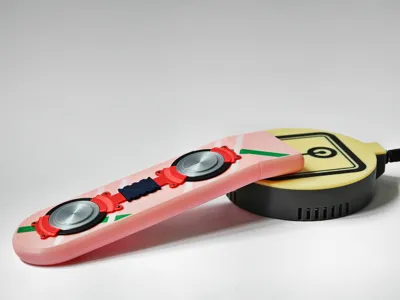
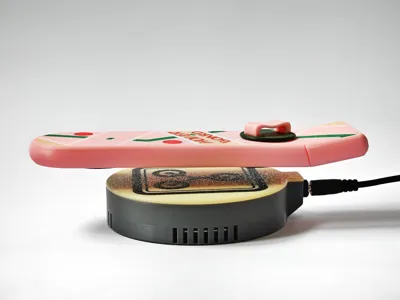
Bring the future directly to your desk with the MagLev Hoverboard! Utilizing the Magnetic Levitation DIY Kit from Maker Supplies, this miniature hoverboard perfectly captures the essence of futuristic mobility, floating gracefully above its base with precision and elegance.
Features:
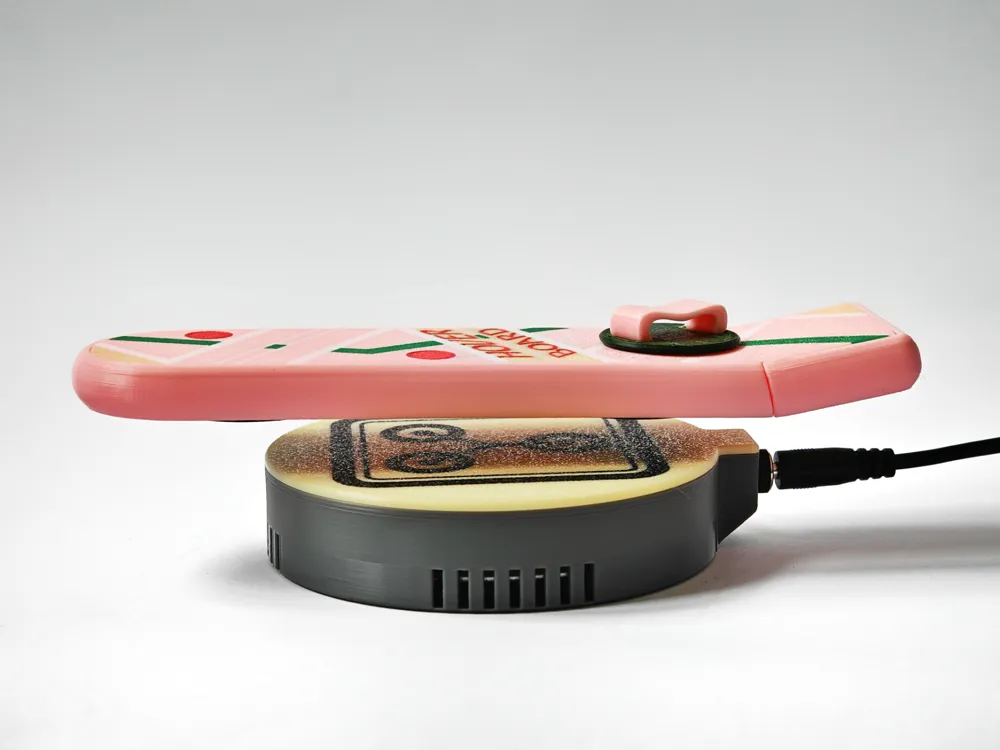
- Magnetic Levitation: Floats effortlessly above its base, creating a mesmerizing and frictionless visual.
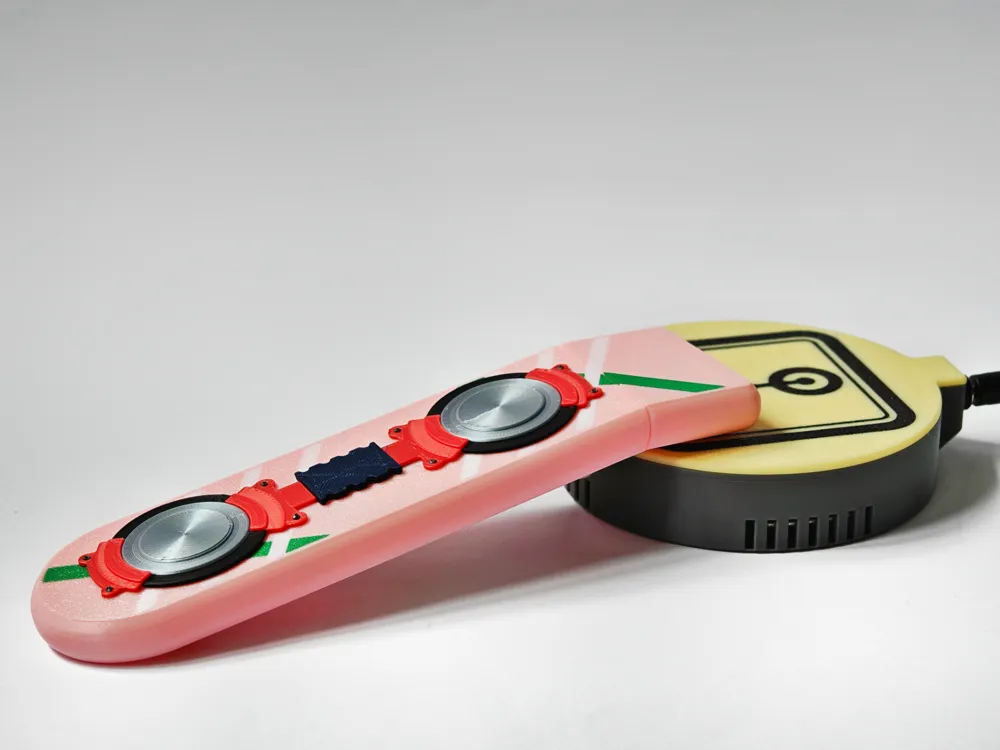
- Iconic Design: Accurately detailed to resemble the legendary hoverboard from Back to the Future.
- Easy Assembly: Simple, straightforward setup without complex electronics, glue or programming.
- Perfect Desk Piece: Compact size makes it an ideal addition to your desk, shelf, or workspace, instantly sparking conversation and imagination.
Whether you're a film enthusiast, technology admirer, or urban visionary, the MagLev Hoverboard adds an exciting touch of innovation and style to your personal space. 🚀
Boost Me (for free)
Guide: Printing More Than 4 Colors with One AMS
Easily print models with more than 4 colors using a single AMS by following these simple steps:
- Load AMS Slots:
- Load Pink, Green, Red, and White filaments into your AMS.
- Set Up Your Slicer:
- Assign each color (Pink, Green, Red, White) to different AMS slots.
- Assign Yellow to the same AMS slot as Red.
- Printing Process:
- Start the print. The printer will automatically use Pink, Green, Red, and White.
- After the Red sections are completed, you'll have sufficient time to swap the Red filament for Yellow.
- Once Yellow finishes, swap back to Red.
This method leverages the timing of color changes, ensuring smooth printing without needing pauses.
Assembly Guide
Follow these simple steps to assemble your MagLev Hoverboard. Handle all components with care, especially the magnet and LED.
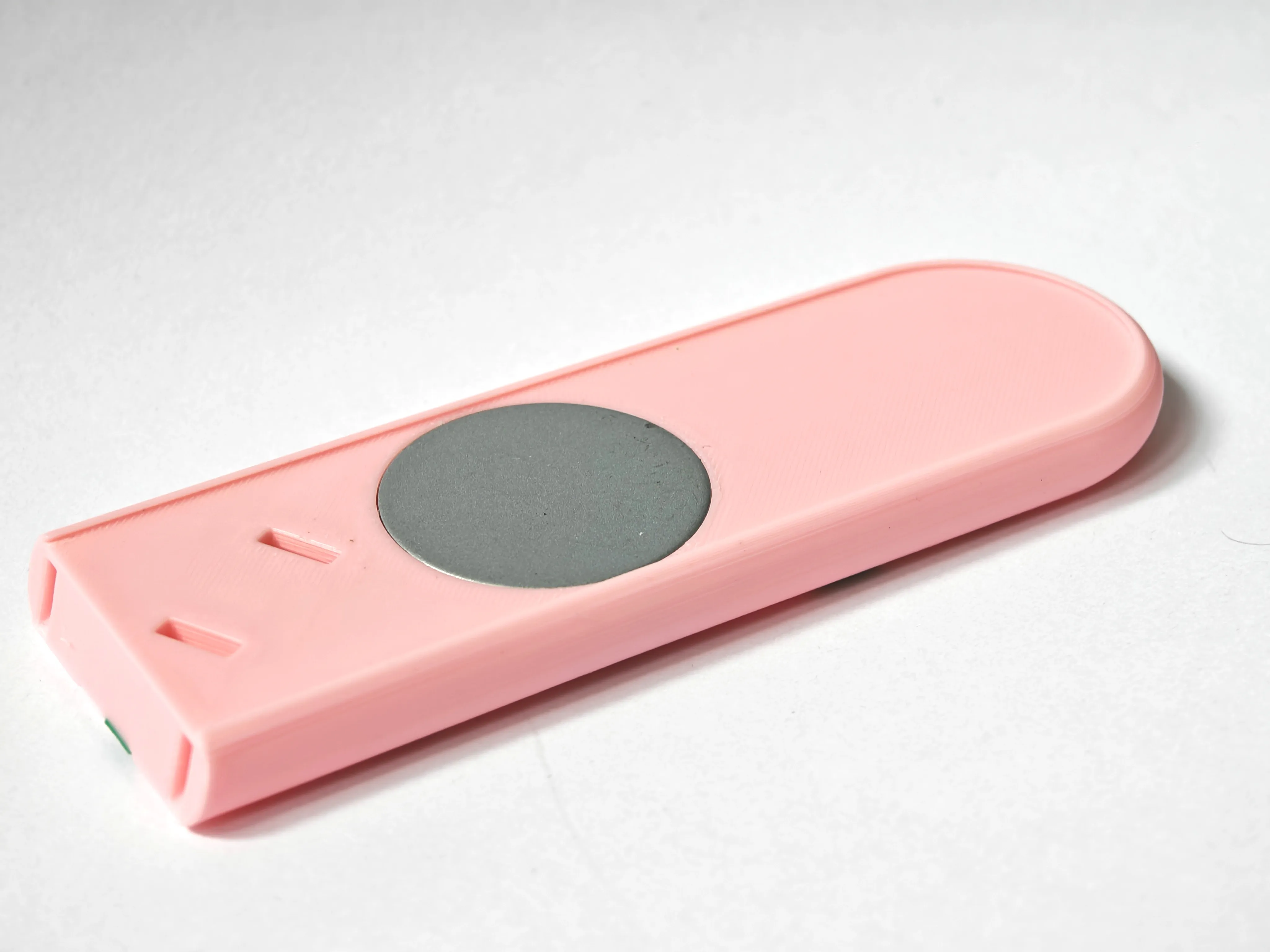
1. Insert the Magnet
- Carefully remove the magnet from the floater case.
- Store the LED safely for later use.
- Insert the magnet into the designated slot in the hoverboard.
2. Prepare the Filament Pins
- Cut small pieces of filament and insert them into the pinholes on the bottom of the hoverboard.
- Leave them slightly longer than needed; we will trim them in the next step.
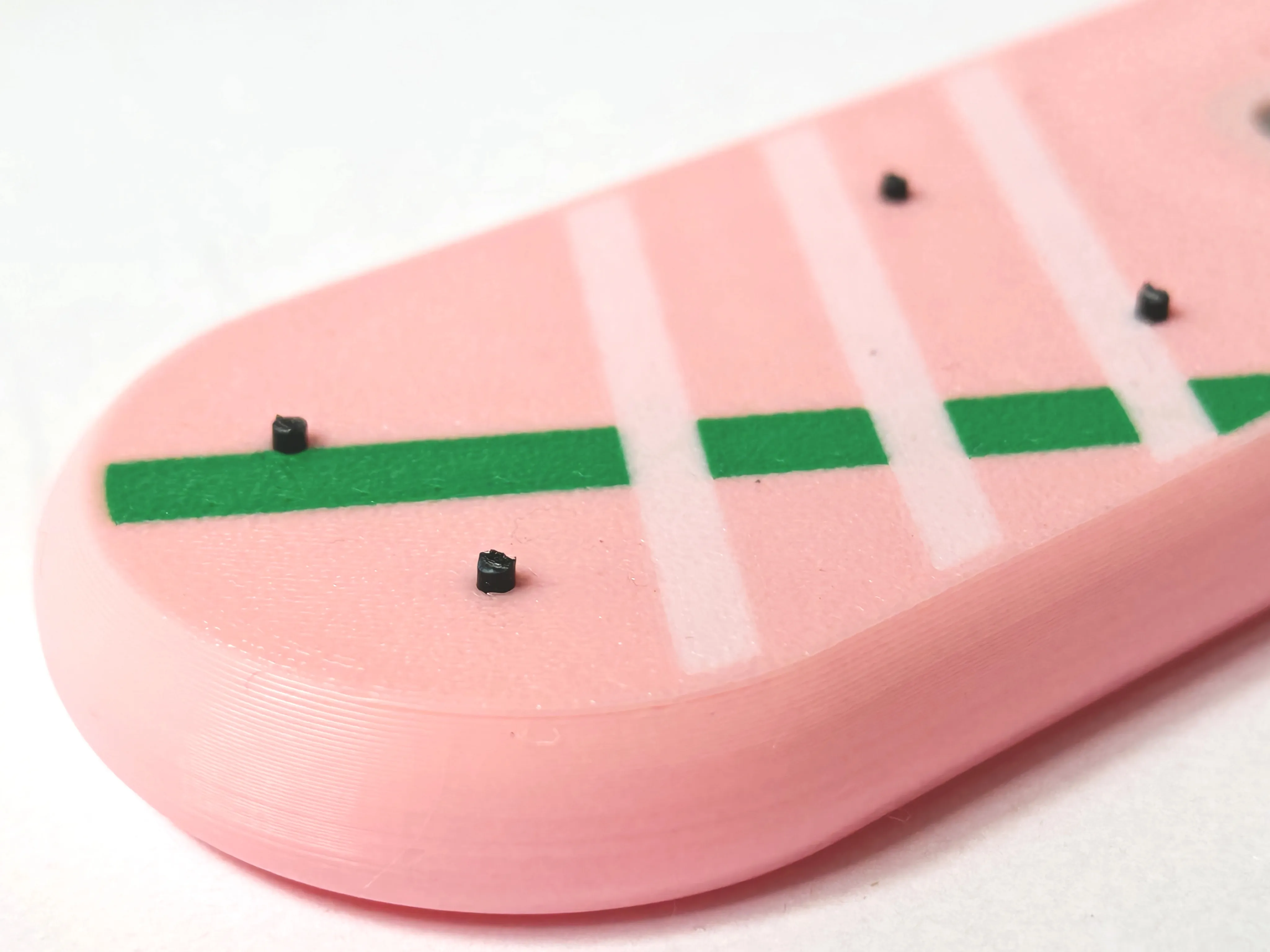
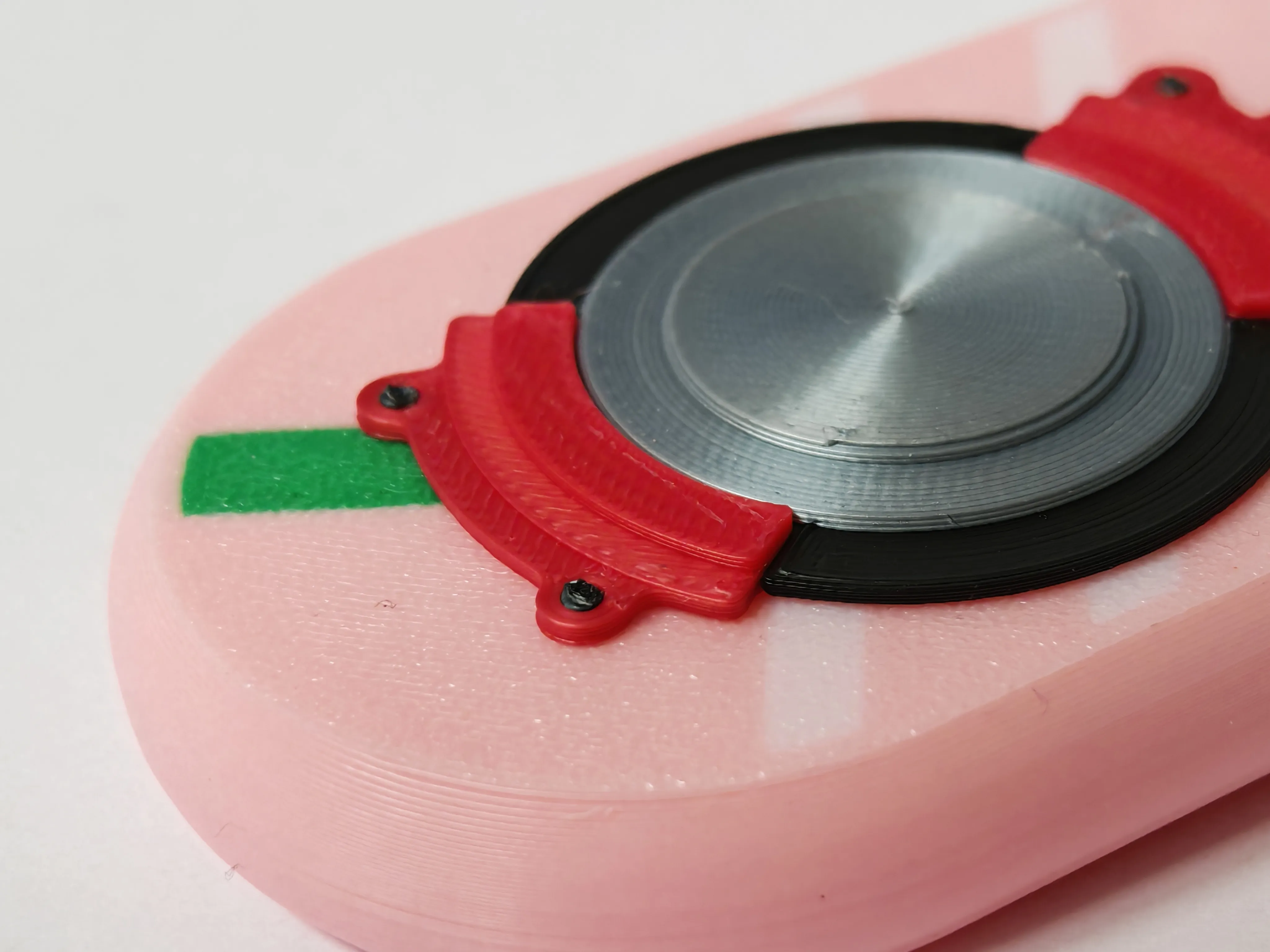
3. Attach the MagLev Disc
- Place the MagLev disc (bottom piece) onto the filament pins.
- Trim the filament pieces to the correct length so they sit flush.
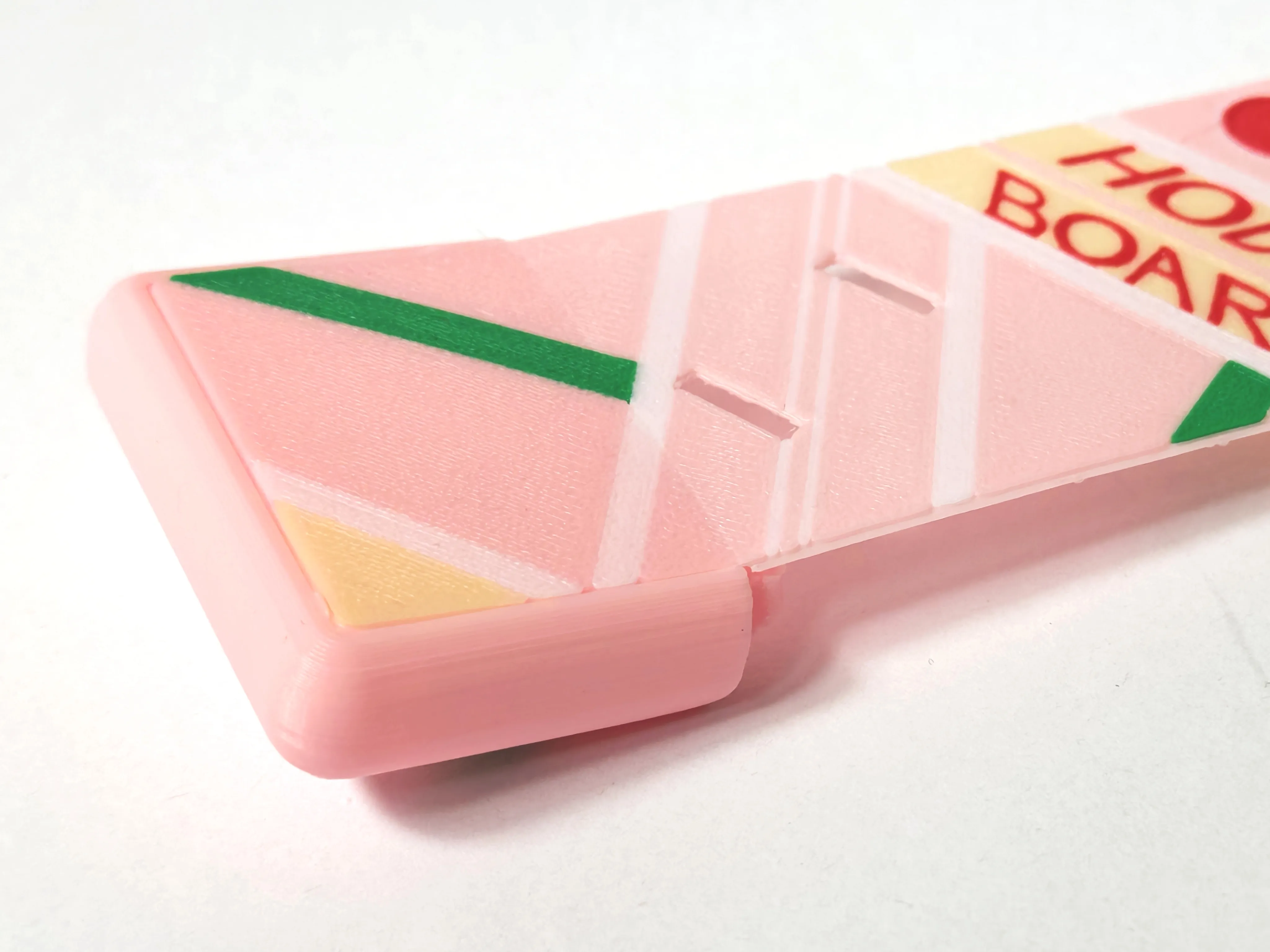
4. Attach the Kicktail
- Insert the top deck into the kicktail.
- The groove ensures it stays in place.
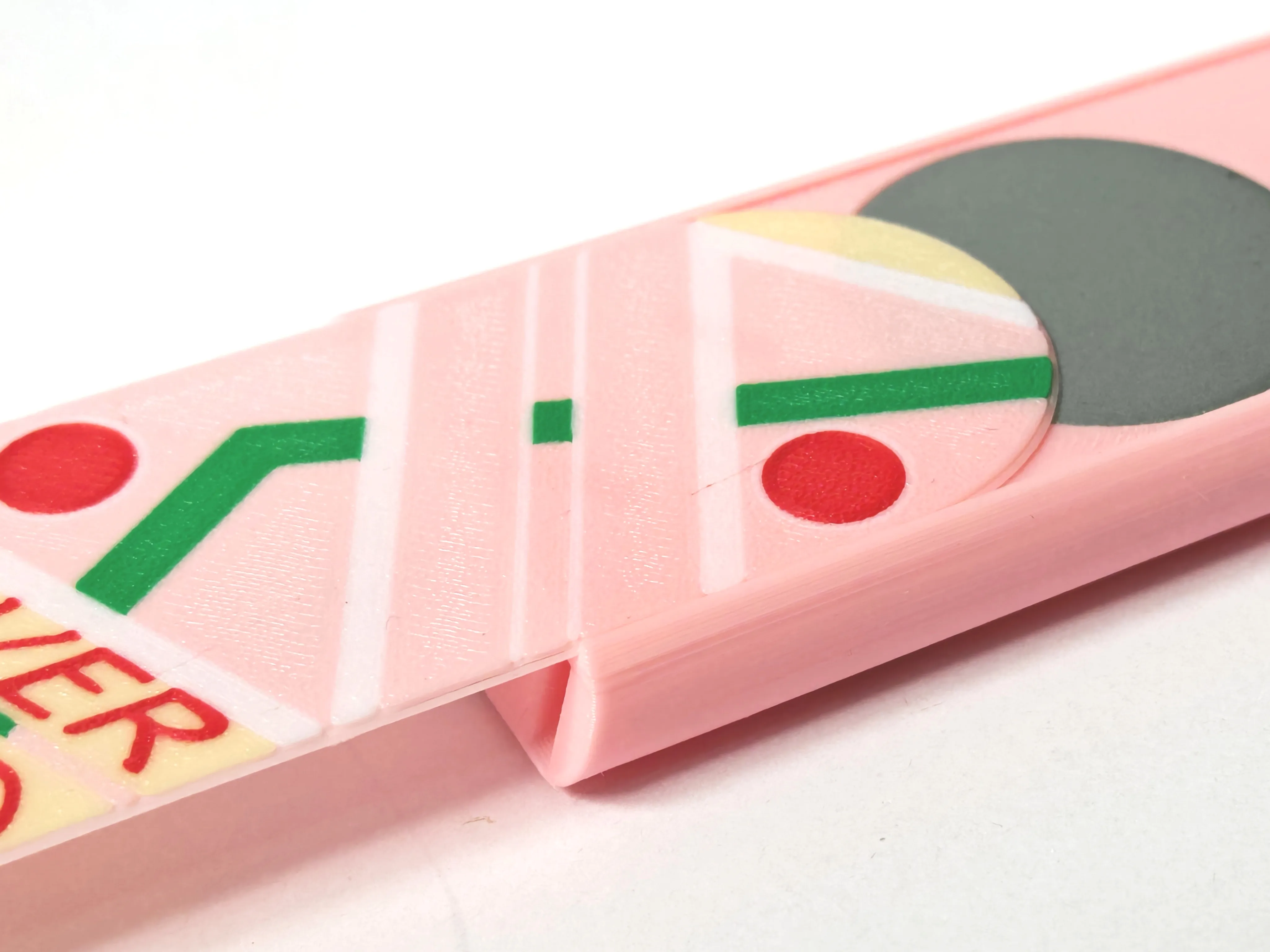
5. Secure the Top Deck
- Attach the other end of the top deck onto the main body.
6. Lock the Kicktail in Place
- Use the push pins to secure the kicktail to the main tail.
- This step may require some force.
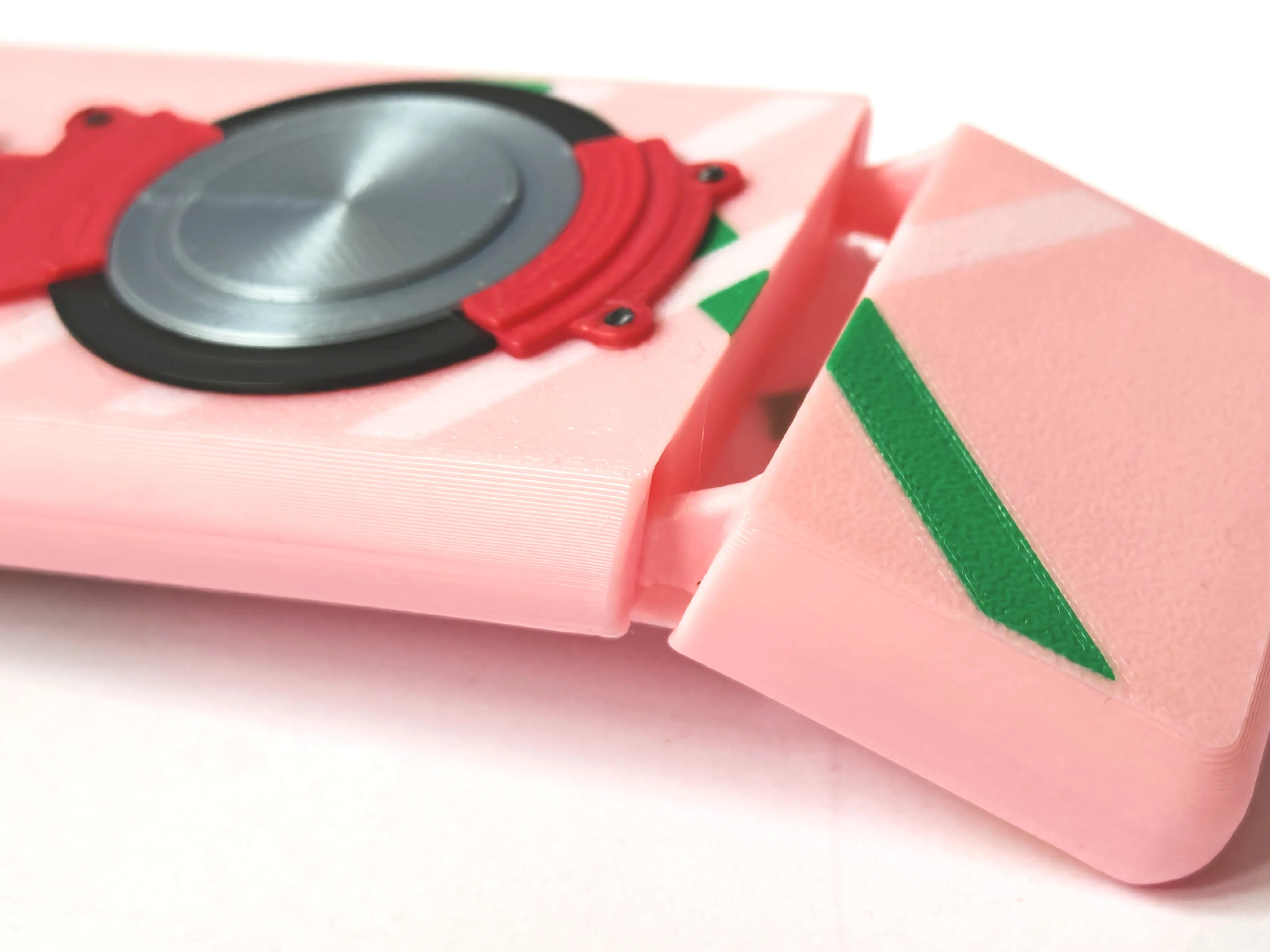
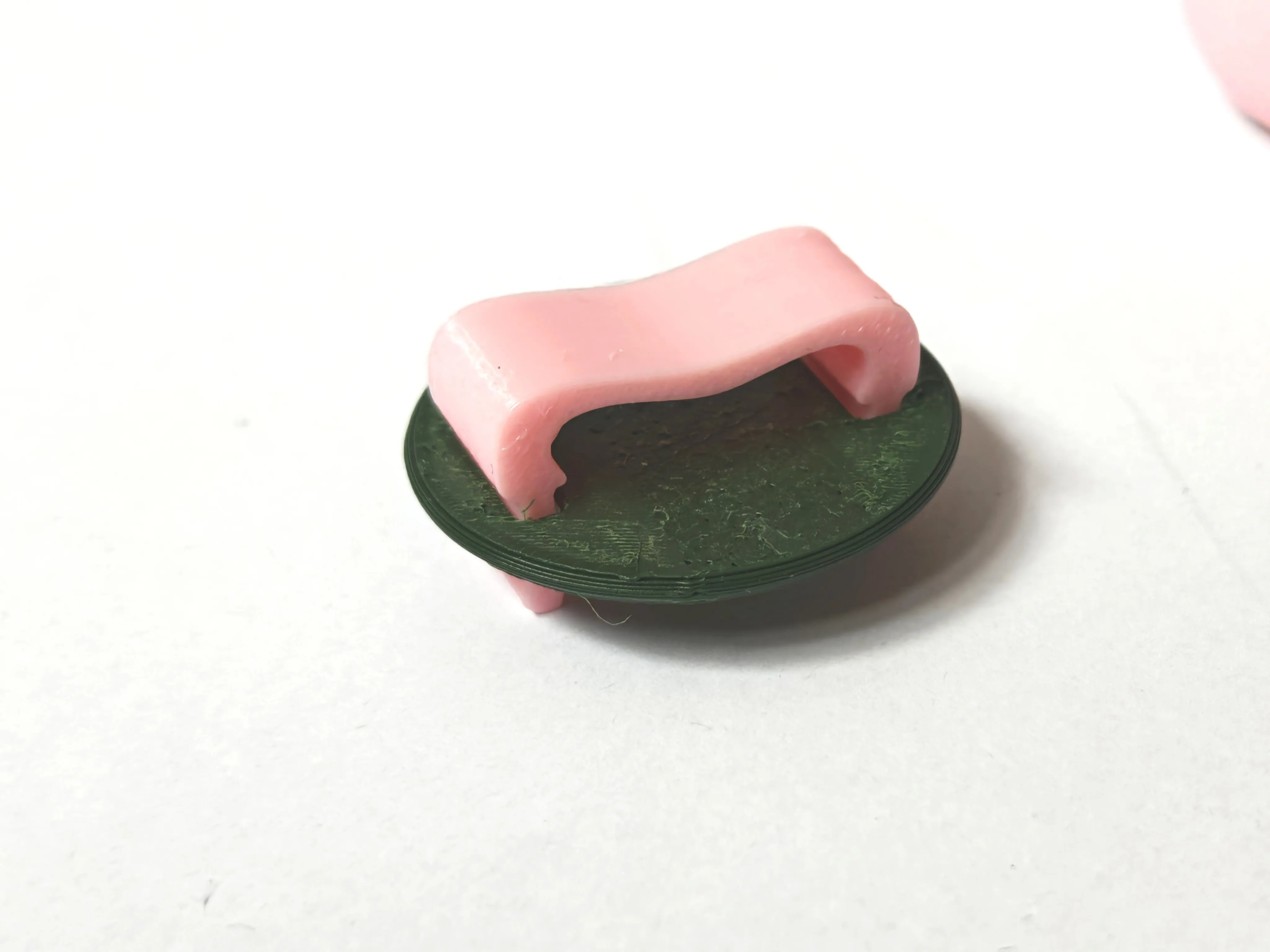
7. Attach the Footstrap and Footpad
- Thread the footstrap through the holes in the footpad.
- Secure both to the main body using the footstrap push pins.
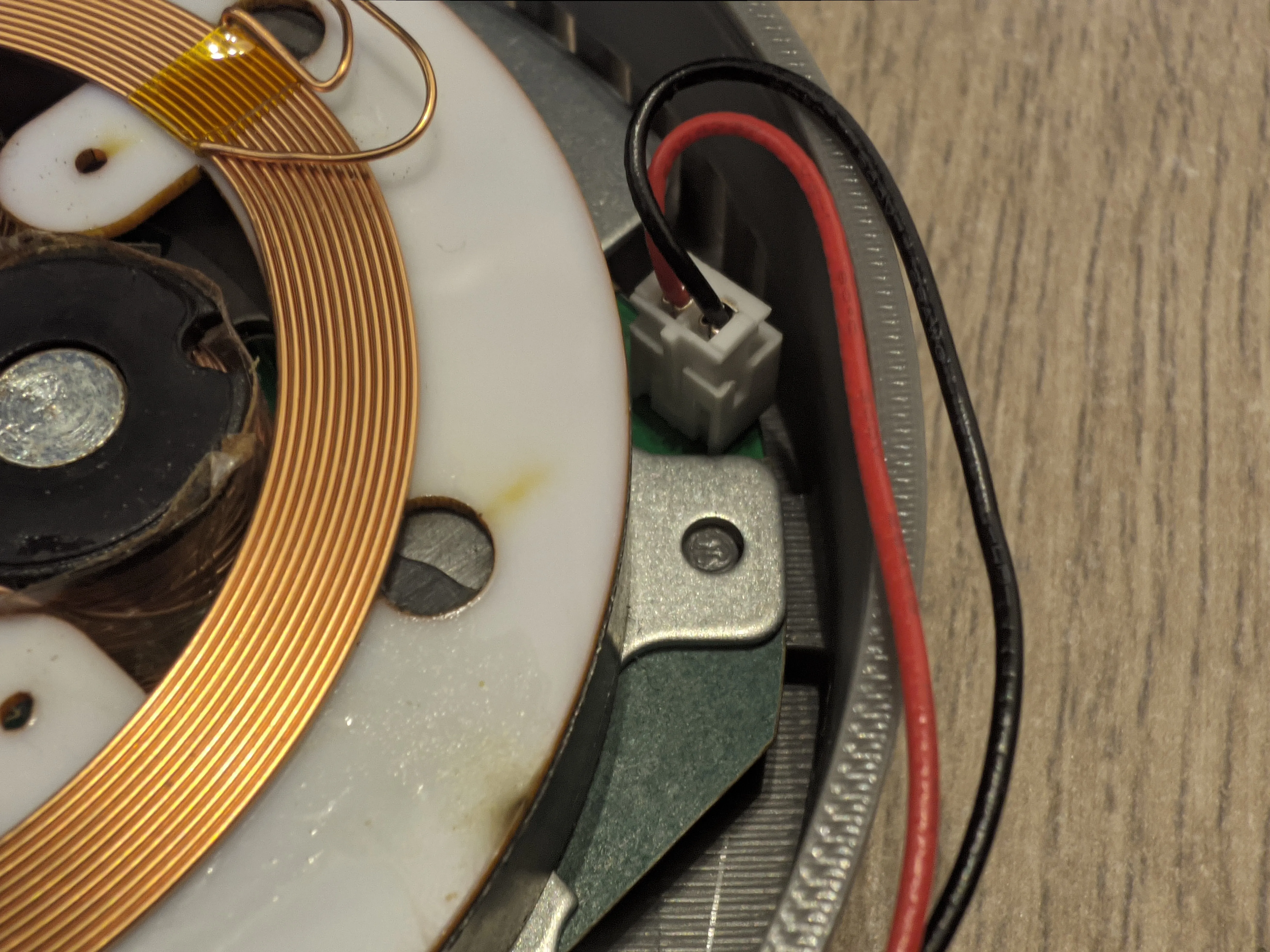
8. Assemble the Base
- Remove the Original Printed Cover
- Take off the original cover from the base of the magnetic levitation unit.
- Insert the MagLev Base
- Place the MagLev base into the new 3D-printed round base. Ensure the levitation mechanism is centered.
- Align the Pins
- Align the pins from the printed base with the holes in the MagLev base.
- Secure the Power Socket
- Position the power socket within its slot on the new base.
- Use the provided nut to securely fasten the socket in place.
- Close the Lid
- Attach the lid to the base and press down gently until it clicks into place. Ensure the alignment is correct for a snug fit.
You Did It! 🚀
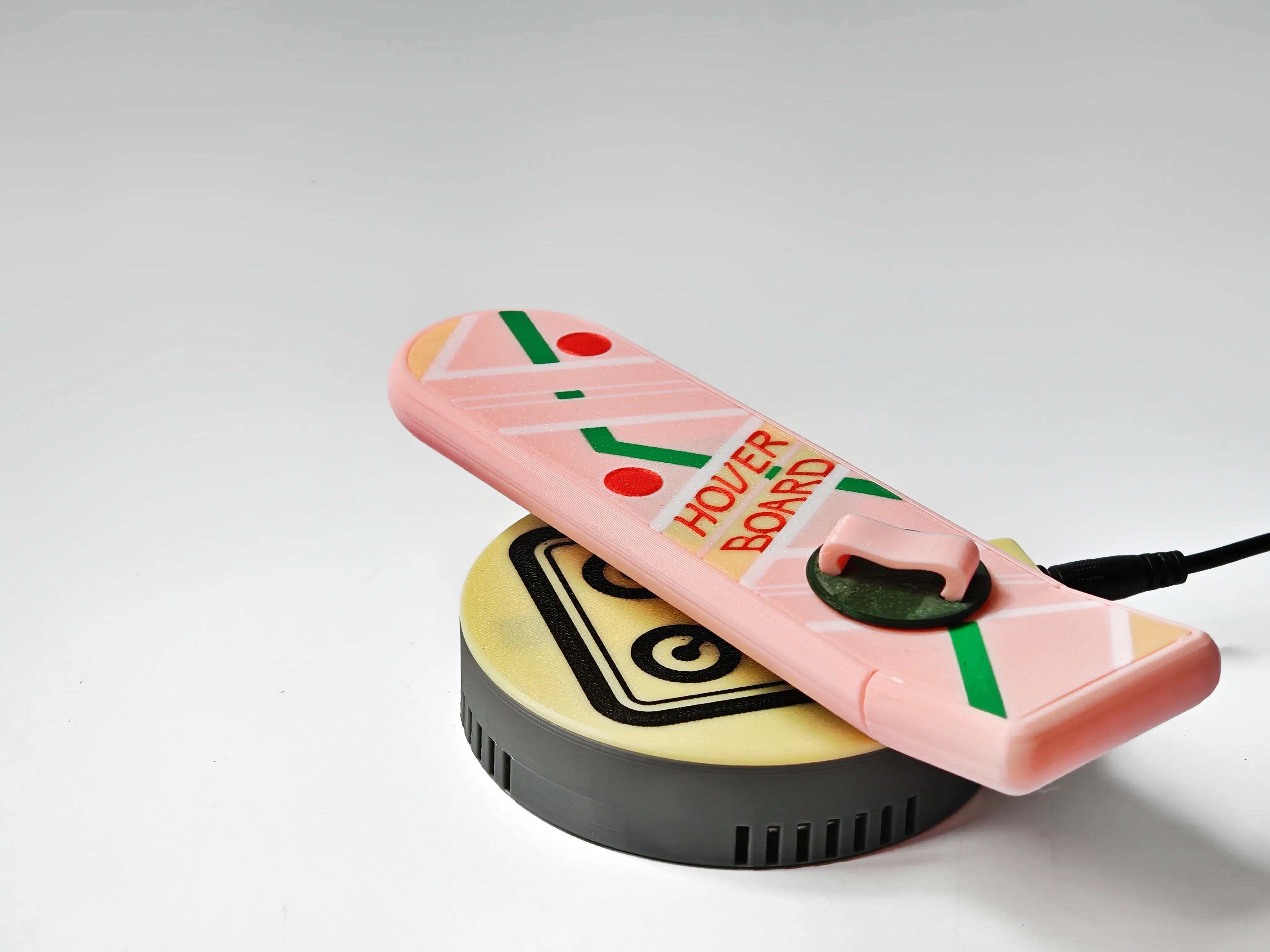
Your MagLev Hoverboard is now fully assembled and ready to hover! Place it onto the magnetic base and enjoy watching it float.
Happy hovering!
License

You shall not share, sub-license, sell, rent, host, transfer, or distribute in any way the digital or 3D printed versions of this object, nor any other derivative work of this object in its digital or physical format (including - but not limited to - remixes of this object, and hosting on other digital platforms). The objects may not be used without permission in any way whatsoever in which you charge money, or collect fees.


Comment & Rating (18)