
xTouch Pro Magnetic base - P1 Base - Guition 5"
Print Profile(7)


Description
Boost Me (for free)
If you find this useful, please leave a like and a boost.
Also, don't forget to follow me.
Thank you!
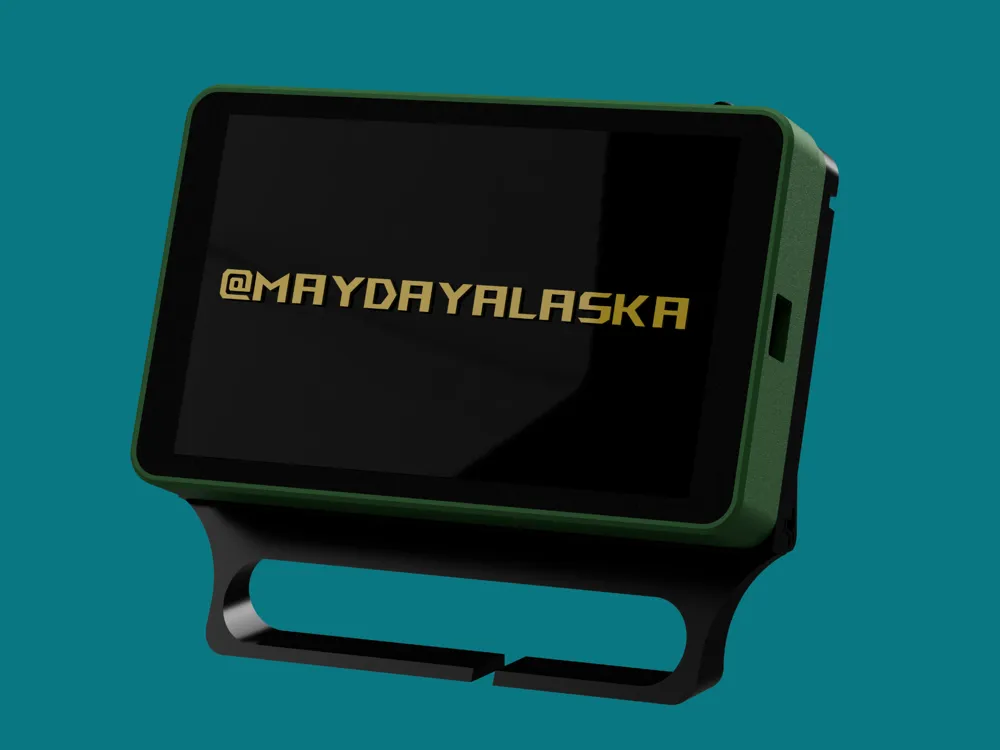


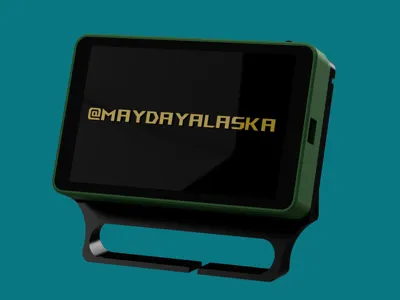
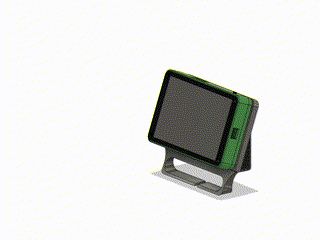
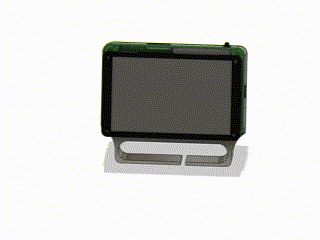
A magnetic stand with USB-C hole and pogo pins for power and potential data transfer for the xTouch Pro by xperiments (GitHub).
🖨️ Printing Recommendations:
- Recommended Material: PLA for standard use
Please note that changing the orientation of any part might mess the tolerances up. Adjust the print profile accordingly.
Updates and info:
- Housings and mounts are compatible with eachother only when the version number matches.
(e.g.: v1.6 case might not mount on v1.5 P1 stand)- I'm planning on doing a quick video to show how to assemble everything.
XTOUCH PRO - Enhanced Magnetic Locking for Guition 5" LCD
This is a remixed version of the official XTOUCH PRO base, designed for the Guition 5" LCD. It features an improved magnetic docking system, automatic power connection, and enhanced usability for a seamless experience.
🔹 Main Features:

✔️ Magnetic Docking: Securely locks onto the dock with magnets for quick attachment and removal
✔️ Auto Power Connection: Pogo pins enable seamless power delivery without extra cables
✔️ USB-C Compatibility: Still allows a direct USB-C cable connection when needed
✔️ Dedicated Battery Space: Designed to house an internal battery for portable use
✔️ Stand-Alone Operability: Can be detached from the dock and used independently with the internal battery
✔️ Integrated Cable Clips: Built-in clips ensure clean and organized internal cable routing
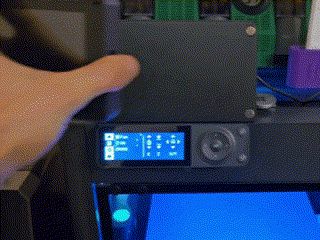
✔️ P1 Series Dock Compatibility: Easily mounts onto P1 series printers, sitting perfectly on top of the stock display
📂 Available Files: STL and STEP for easy customization and modification

MATERIALS | PCS | SOURCE |
| Guidion ESP32S3 5" Display | 1 | |
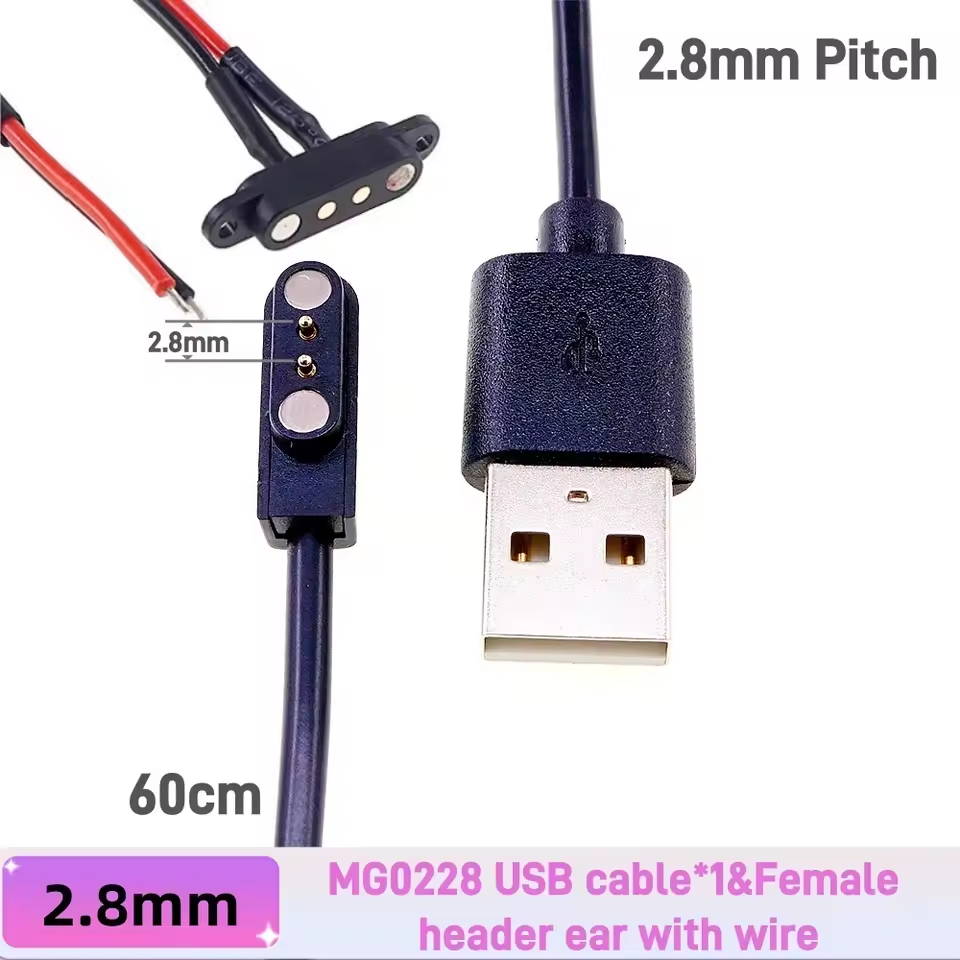
| Pogo pin connectors - 2 pin with ears (select amodel 2 Pin 2.8 USB cable) | 1 | |
| m3x20mm flathead screws | 4 | Local hardware store |
| m3 threaded inserts (personally used 3.5mm height and 4.5mm outer diameter) | 4 | |
| 8mm*3mm round magnets | 5 per part | |
| Double sided tape | 1 | Amazon: |
| Rubber feet 12mm*5mm (for desk stand) | 1 | AliExpress |
| Shrinking hoses (optional) | 1 | Amazon: |
| Buy ONE of the following batteries (still testing fit) | ||
| 103565 3.7v 3000mAh Lithium Battery (select model 1.25 2P) | 1 | |
| LIP1522 3.7v 2000mAh Lithium Battery | 1 | Amazon: |
| LIP1522 3.7v 2000mAh Lithium Battery (select model with 3.5mm plug, bundle discounts available) | 1 | AliExpress |
| LIP1522 3.7v 2000mAh Lithium Battery (bundle discounts available) | 1 | AliExpress |
I recommend soldering the 5V and GND cables coming from the JST connector with the two cables from the pogo-pin connector, but you can also twist them together if you don't feel like soldering. Just make sure they don't disconnect.
I also recommend using shrinking hoses to insulate the soldering points (or the exposed cables if you just twisted them together) to avoid short circuits, or you can use electrical tape.
Credits and thanks:
@xperiments for developing xTouch and helping me find some components
@padshot for testing clearences on maCyo42's AMS Riser V2
This remix is based on

License



Comment & Rating (51)