
Polymaker PolyDryer Cereal Box adapter V5

Print Profile(1)

Description
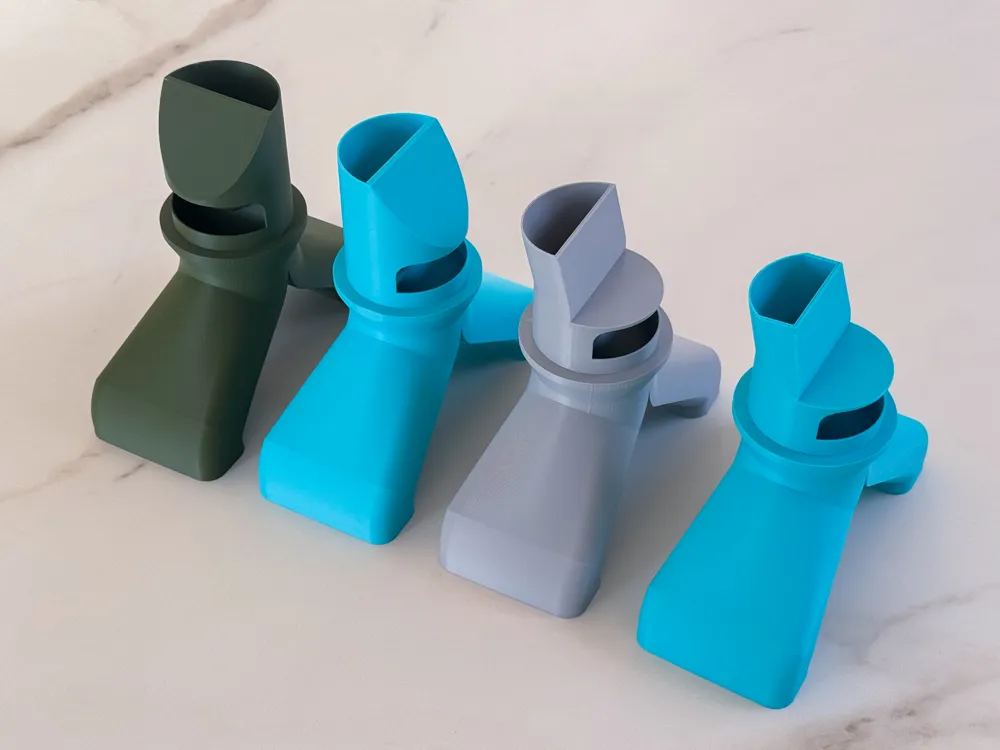
No critical overhangs, so even if your slicer gives a small warning, ignore it you don’t need supports!!!!
I guarantee it prints perfectly support-free.
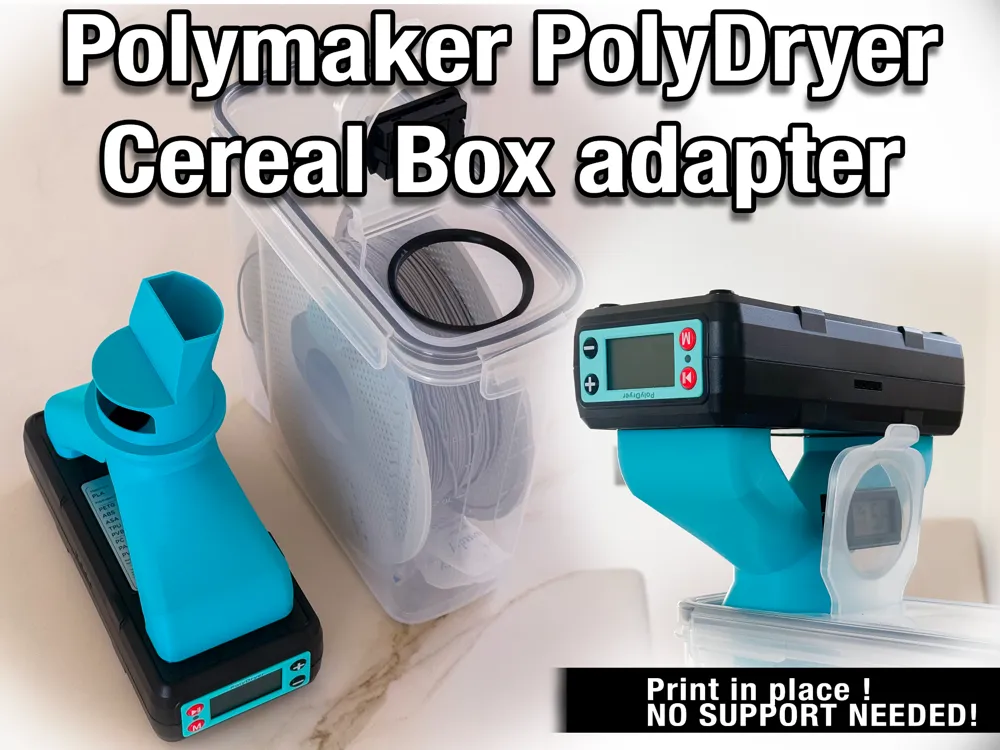
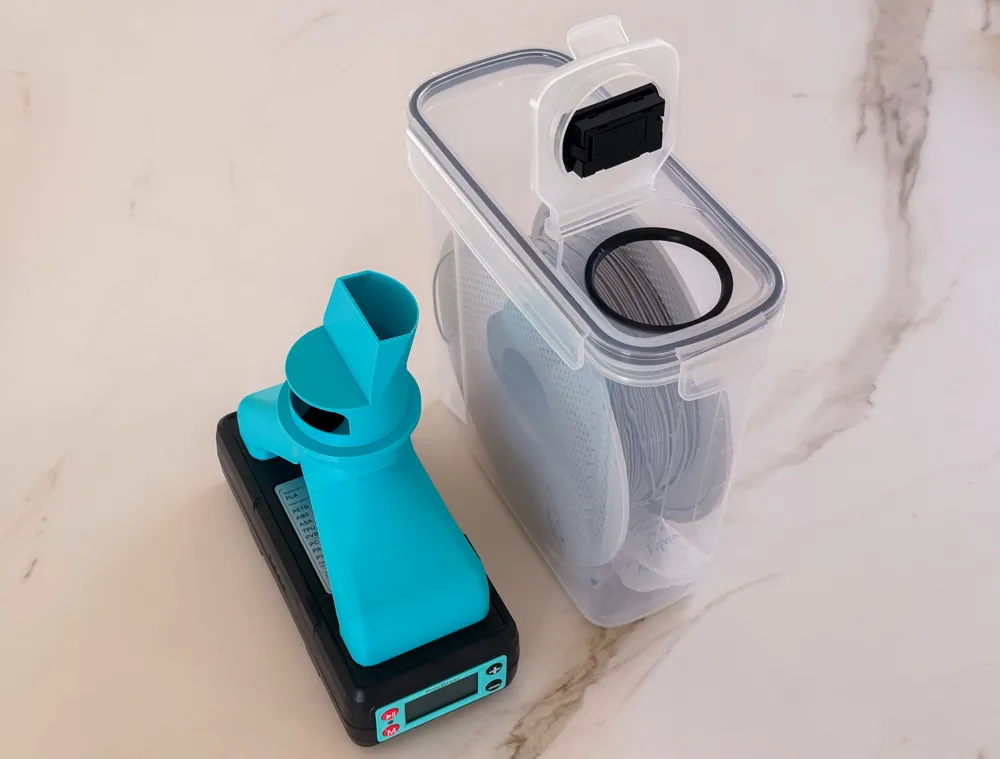
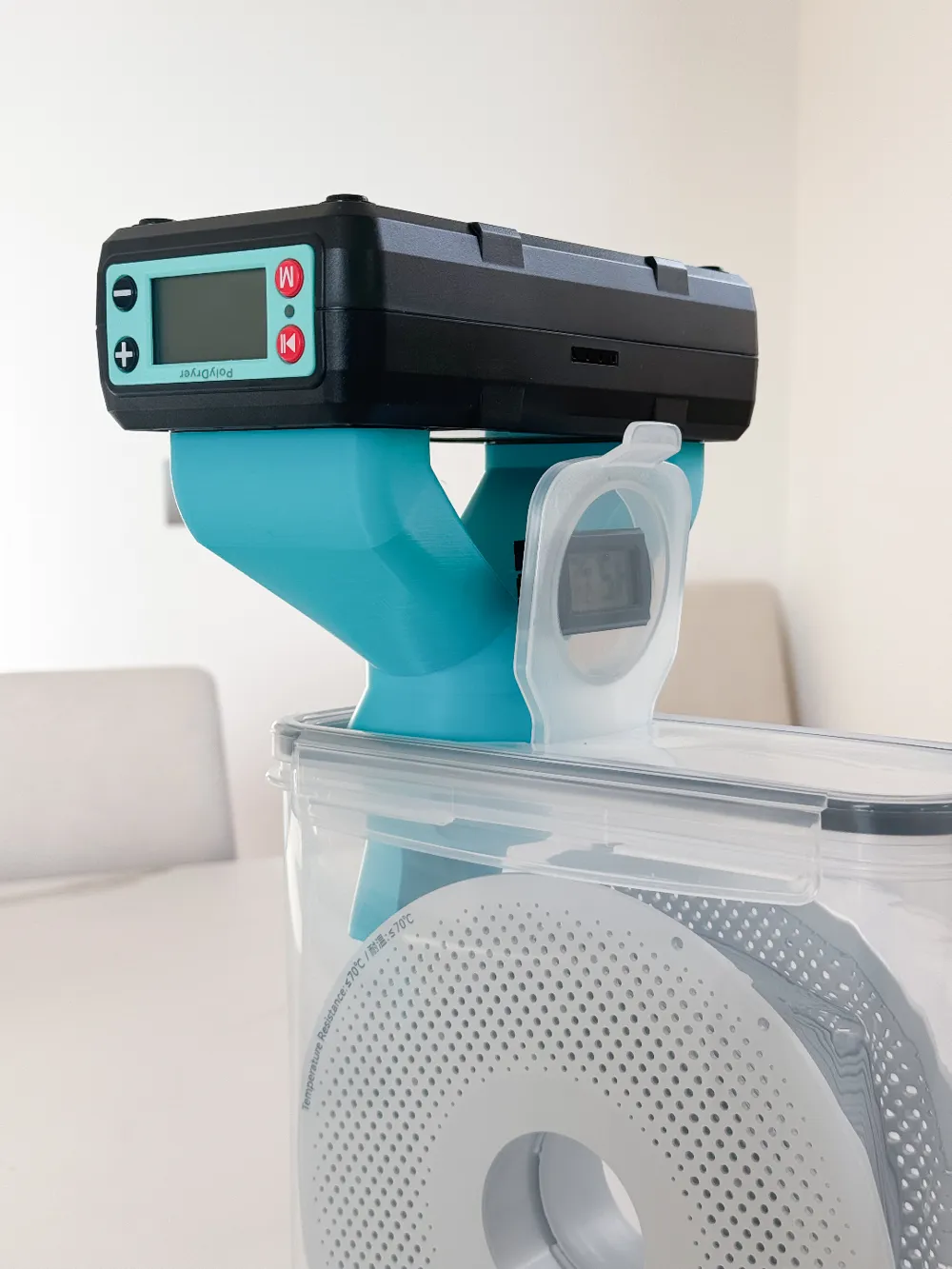
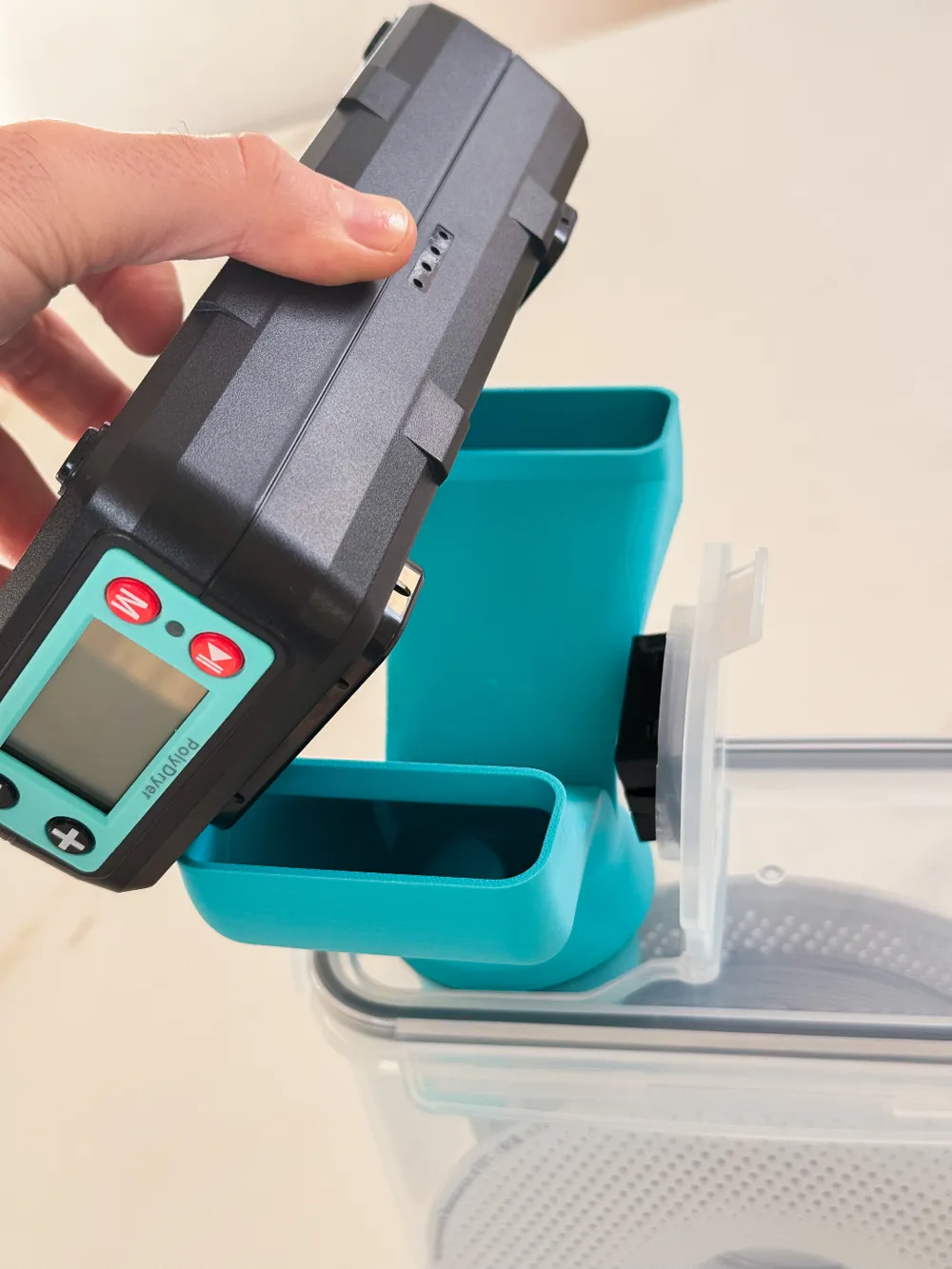
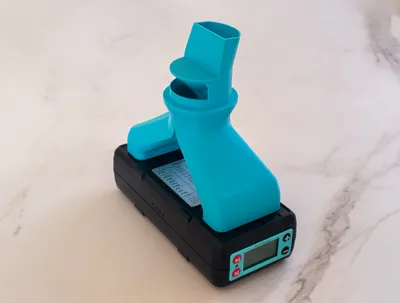
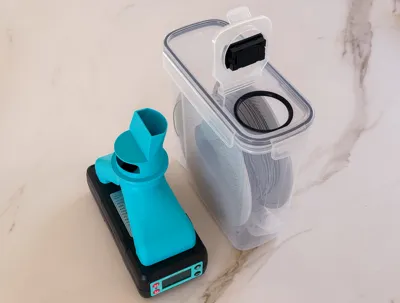
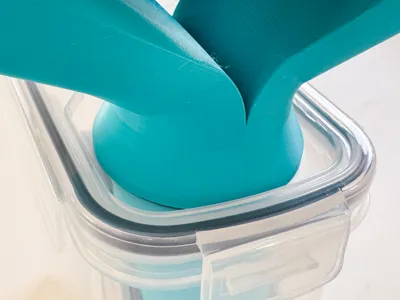
For those of you that have a PolyDryer from Polymaker and store your filament in a 4-liter cereal box from Amazon, here’s my solution: an adapter that lets you quickly connect the PolyDryer to the box.
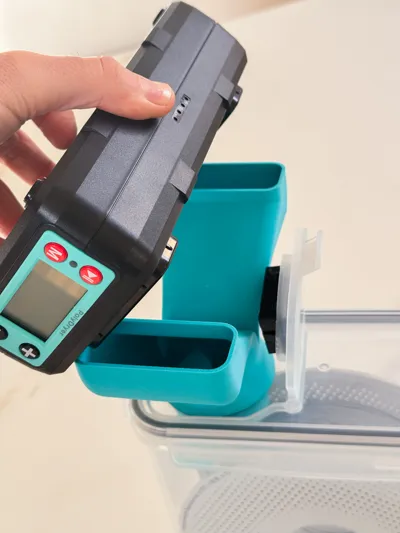
Polymaker sells a dedicated drying box, but let’s be real—it’s expensive, and if you have multiple filaments, you’d need several of them. So, I designed a more budget-friendly alternative: this adapter fits into the small round lid of your cereal box and has two ports—one for the warm air output from the PolyDryer and one for the vacuum intake. This setup keeps your filaments dry for extended periods without breaking the bank.
Why this works better than other solutions?
• Quick install: Just pop open the small round cap (which is part of the larger lid). No need to unclip all four locks of the full lid like other solutions require.
• Minimizes moisture loss: Other adapters replace the entire lid, meaning you constantly swap between the original and drying lids, exposing your filament to ambient humidity. This design reduces that by keeping the sealed environment intact and only opening a small valve-like passage.
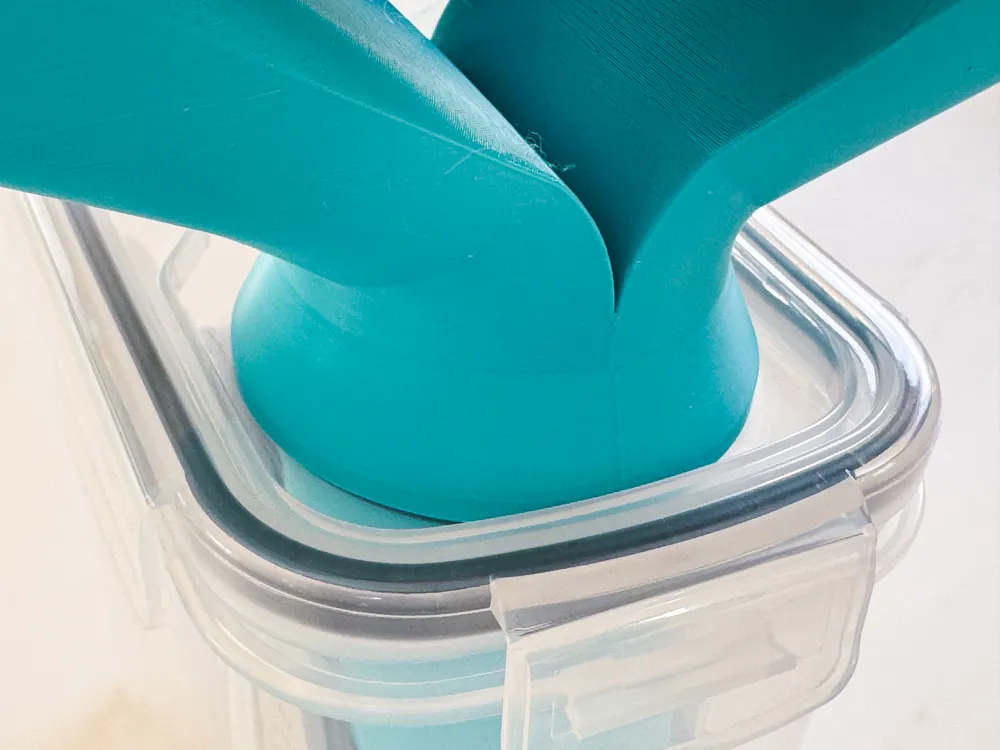
• Auto-sealing fit: The adapter slides into the small lid hole and naturally seals itself due to gravity and sizing. No extra gaskets, no leaks.
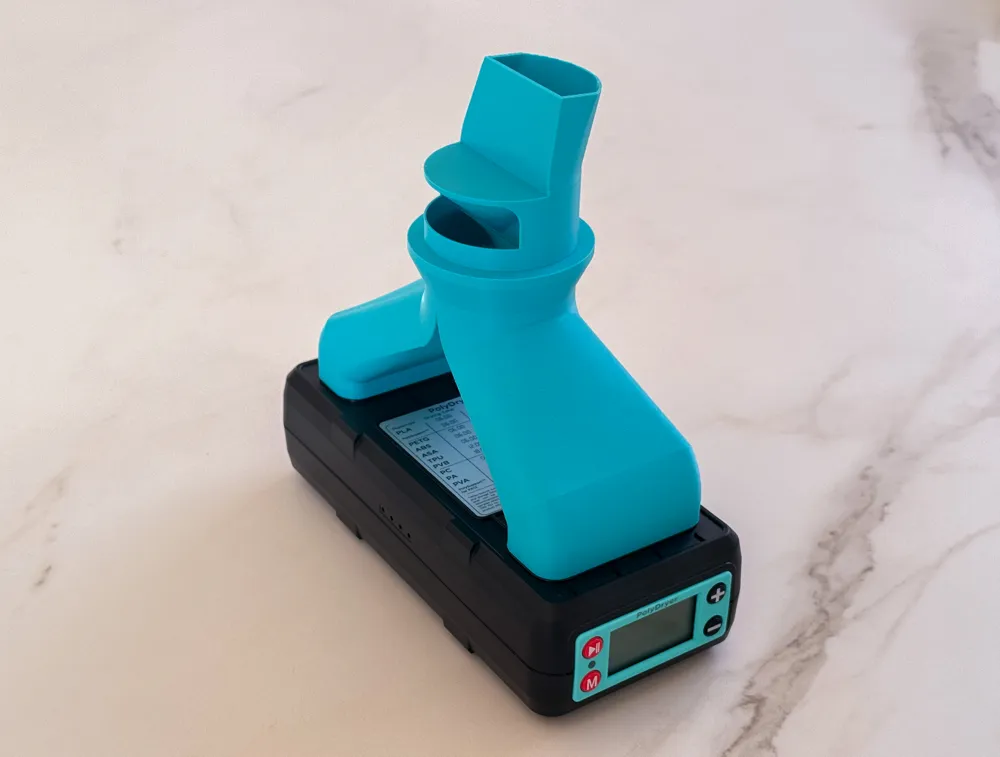
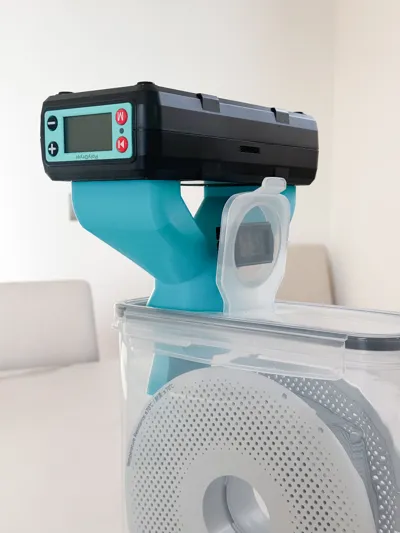
• Secure but easy connection: The PolyDryer’s ports fit snugly into the adapter—tight enough to prevent leaks but not so tight that you struggle to attach or remove them.
Tested and Improved Over Time
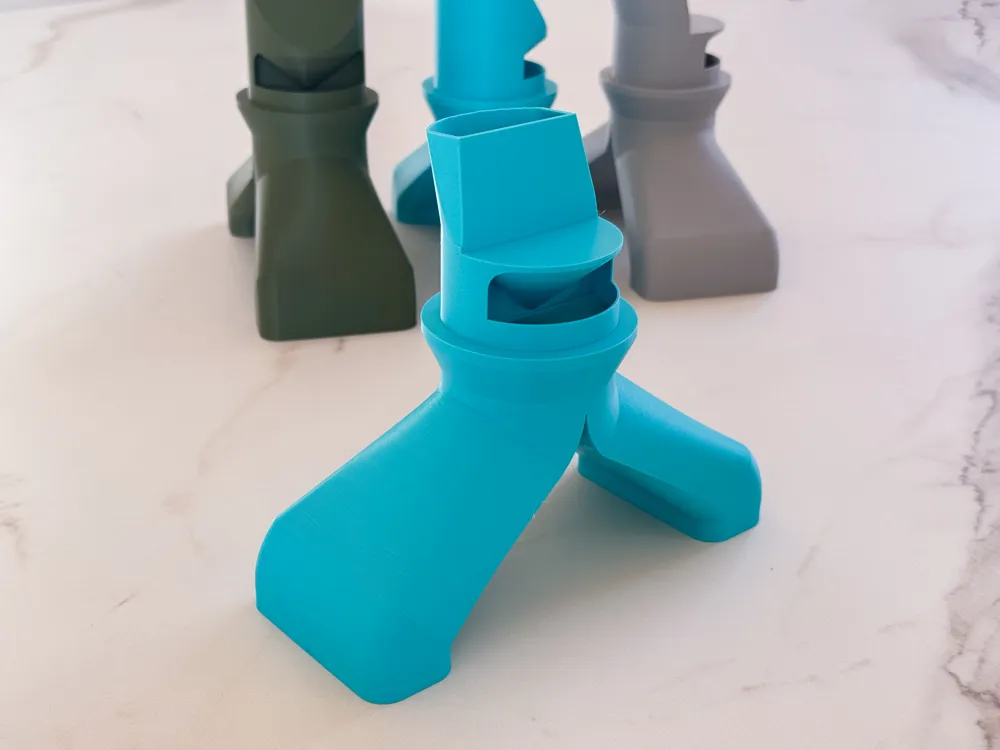
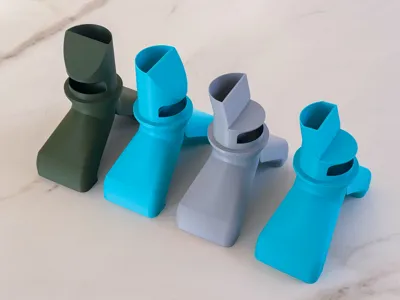
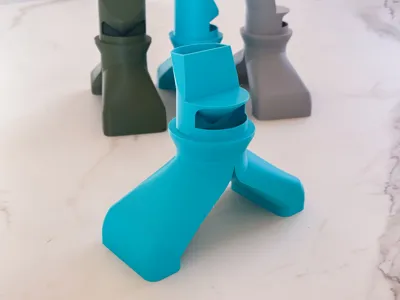
This is already the fifth version of my design. I’ve tested multiple iterations to improve usability in different setups. The biggest change? I rotated the dual-tube section 90° relative to the central tube that fits into the cap. This keeps the PolyDryer from interfering with the lid when open while keeping the whole setup as low-profile as possible.
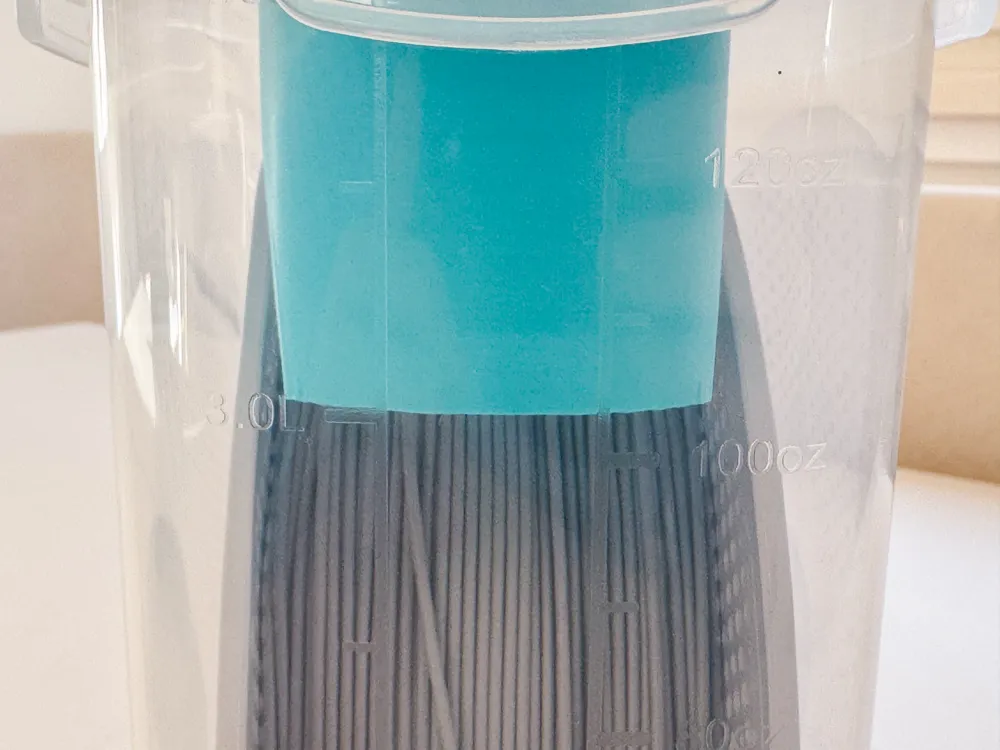
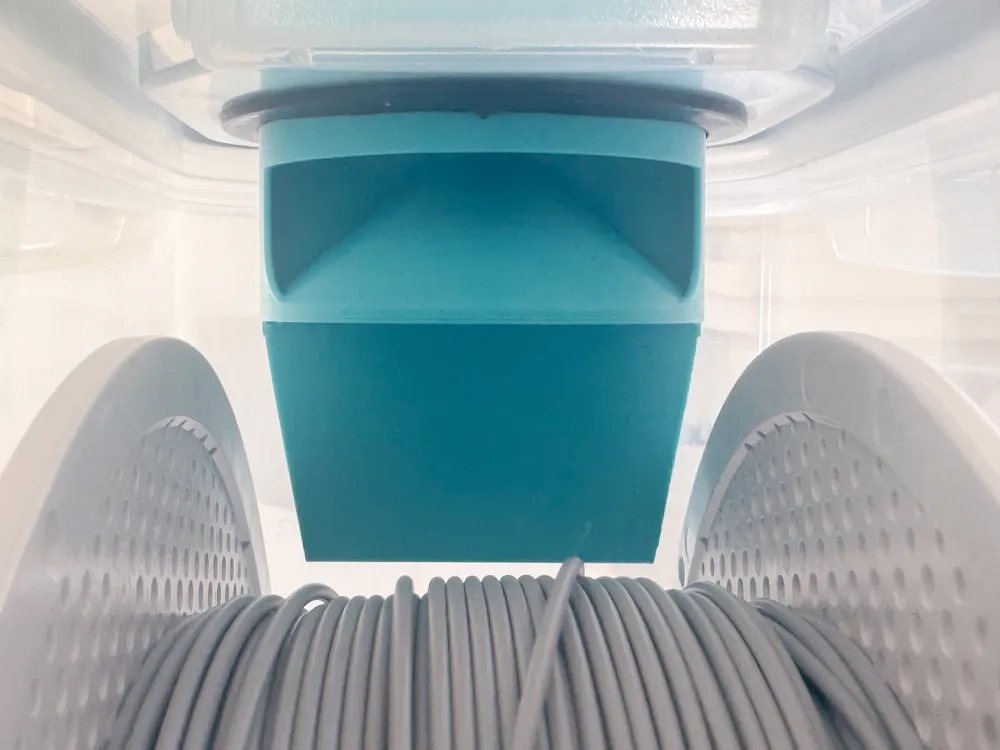
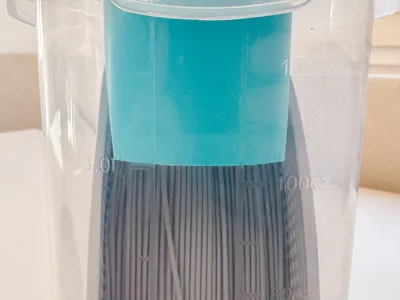
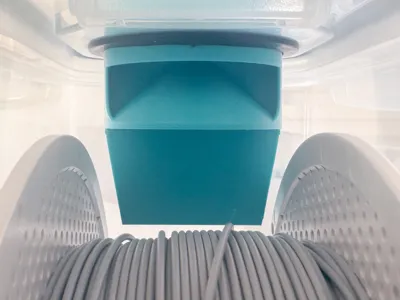
Inside the box, the adapter works whether your filament spool sits freely or on a printed roller system. Many people use rollers to feed filament directly from the box, which raises the spool slightly. To avoid interference with the spool’s flanges, I added an offset to the warm air port, ensuring it doesn’t bump against anything.
Printing Tips – No Surprises, No Hassle
• PLA or PETG? If you only plan to dry PLA, you can print this adapter in PLA, as it won’t soften under the PolyDryer’s PLA drying program. If you want a more universal solution, print it in PETG—same print settings, no extra tweaking needed.
• Designed for easy printing: The model has no critical overhangs, so even if your slicer gives a small warning, ignore it—you don’t need supports. I guarantee it prints perfectly support-free.
• Default settings work fine: If you have a Bambu Lab A1, you can print this with the default settings—no need to mess with profiles.
• Bed adhesion matters: Make sure your first layer sticks well! If in doubt, use a skirt or brim to be safe.
How to Use It – No Guesswork
• This ensures that the warm air port aligns with the deeper opening inside the box (pushing hot air further in), while the vacuum port aligns with the higher intake, optimizing airflow and drying efficiency.
Open to Suggestions!
I’ve put a lot of time into designing something useful for myself, and I’m happy to share it with anyone in the same situation—storing filament in 4-liter cereal boxes and using a PolyDryer.
I’d love to keep improving it, so if you have suggestions or modifications, let me know! If you have any questions before printing, feel free to ask—I’ll be happy to help.
License

You shall not share, sub-license, sell, rent, host, transfer, or distribute in any way the digital or 3D printed versions of this object, nor any other derivative work of this object in its digital or physical format (including - but not limited to - remixes of this object, and hosting on other digital platforms). The objects may not be used without permission in any way whatsoever in which you charge money, or collect fees.


Comment & Rating (73)