
Frosthaven Organizer for App Users
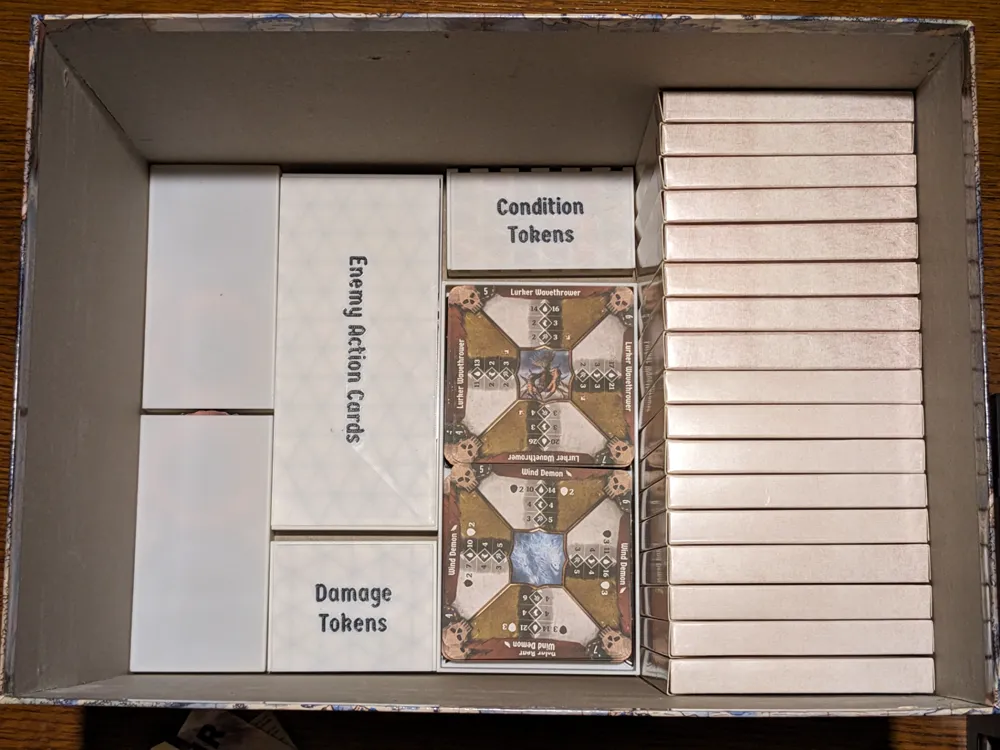
Print Profile(4)


Description
UPDATE: 11/7/2025
I just added two new print profiles. One for the contents of an envelope our group just opened and an optional one to fill up some space in the envelope box now that there's less stuff in it (the filler helps prevent the token holders from dropping into the envelope box).
----------------------------
UPDATE: 6/30/2025
After using this for a couple months I found myself feeling like the sizes of the card boxes on the top layer weren't quite right, especially after unlocking some new content. I created a v2 of the Big Card Box, Small Card Box - Horizontal, and Small Card Box - Vertical and have been using those for the past month and it's much better now. This update replaces the step files for those three models with the v2 versions, adds the missing Player Box Lid file, and updates the 3mf accordingly. Please note the cover photo and the photos of the actual prints have not been updated to reflect this because the layout of the top layer isn't really changed.
----------------------------
There are a few excellent organizers for Frosthaven out there, but being an app-user (Gloomhaven Secretariat in my case) I found there were many parts that would never get used and were just in the way. Eventually I got tired of dealing with the default game box's organization and struck out to design my own using inspiration from others to guide my design.
The parts included are described here:
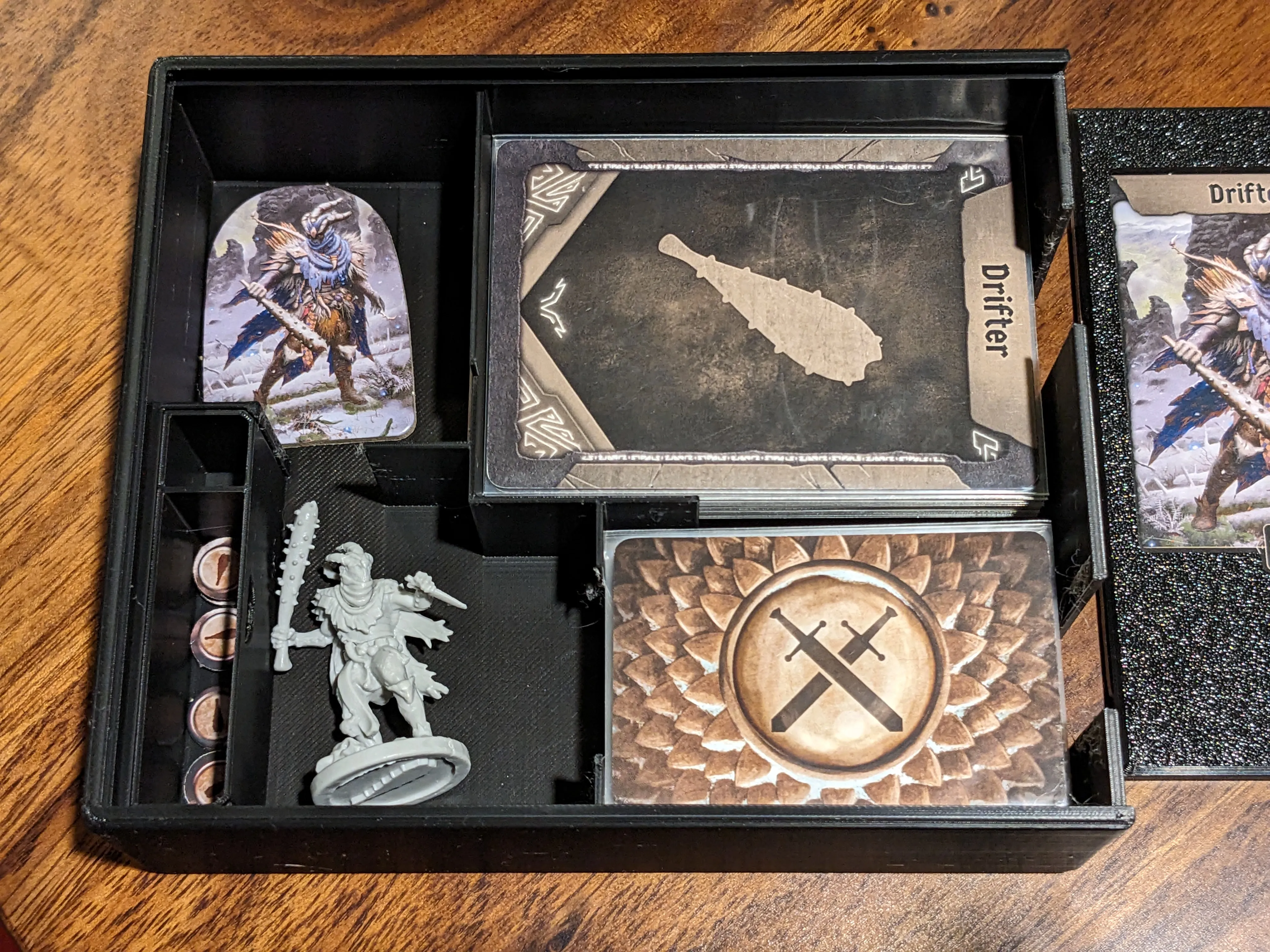
Character Boxes
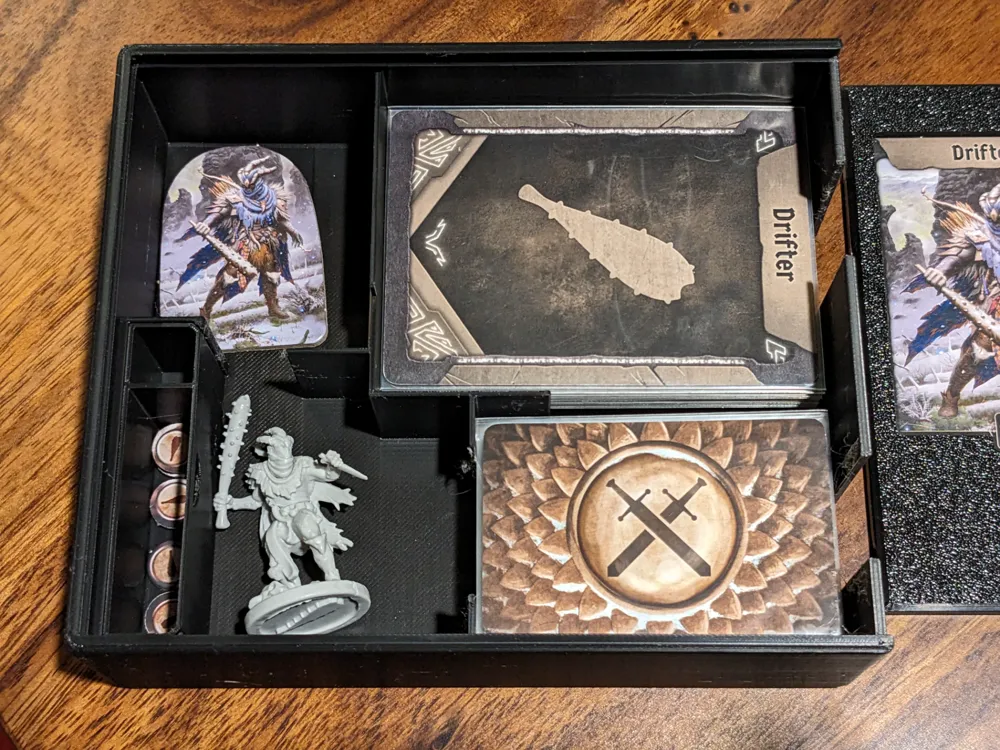
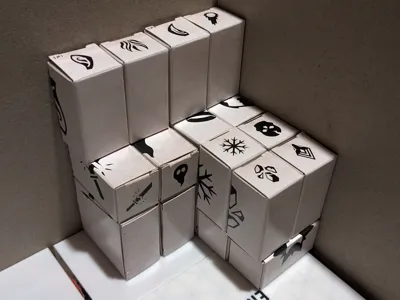
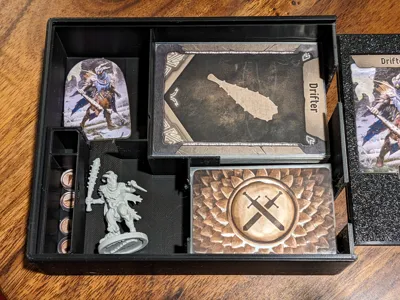
These boxes are based on Leon_H's from the Frosthaven Insert. All I did was round off the outside edges and remove the pencil holder. My design does not include the dividers here because I use a combination of locked/unlocked cards facing different directions and only my active hand being sleeved, but I didn't change any dimensions here so the dividers would still fit if you wanted them. These boxes have room for everything you need for your character, including items, locked/unlocked action cards, your full attack modifier deck, standees, tokens, miniature(s), etc. Your character plate also slides into the lid to make your box easily identifiable.
You will need to print four of these.
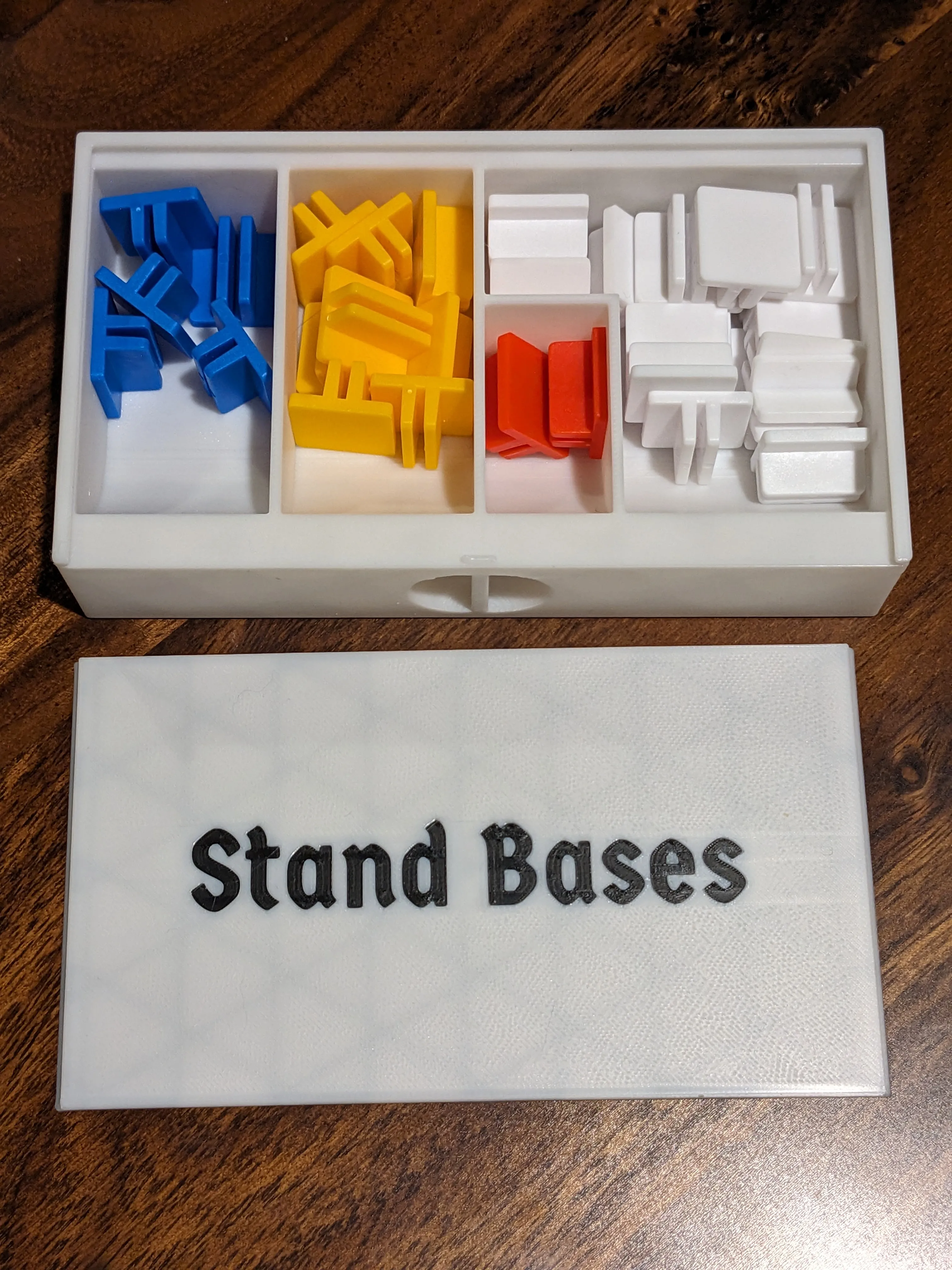
Stand Bases
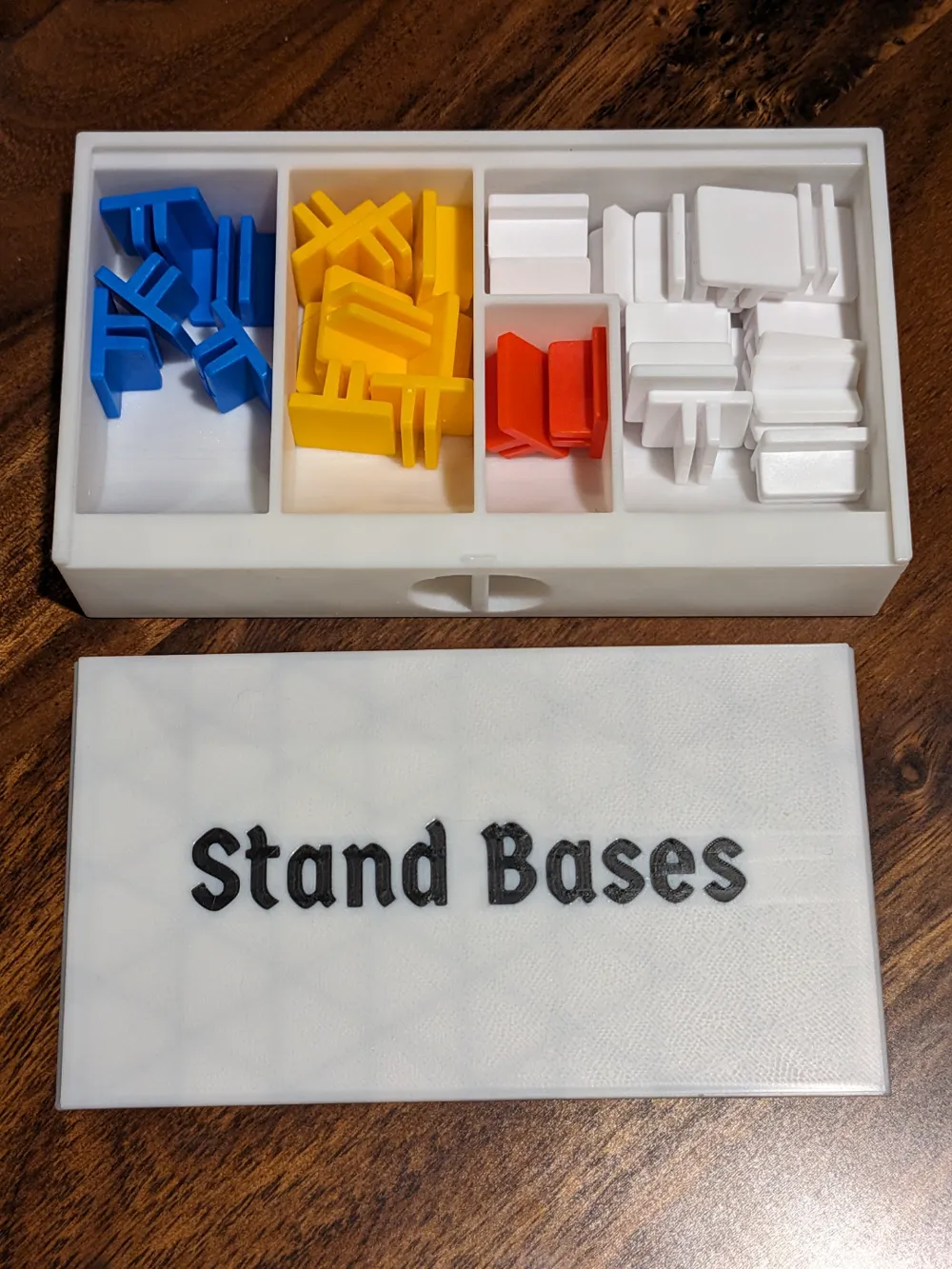
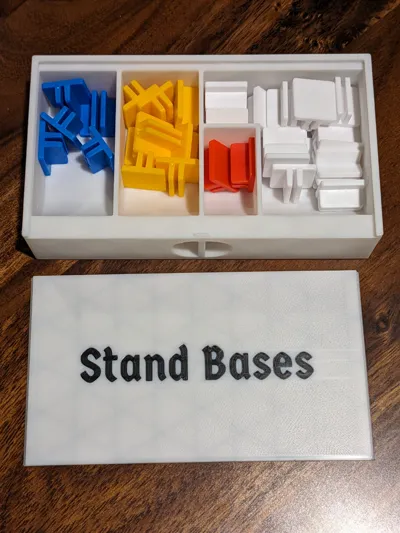
This is just a small box with sections for each standee base, and a sloped ramp in each section to allow for quick and easy removal. The box features a small handle on the side as it's required to be stored on its back edge in order to fit.
Card Trays
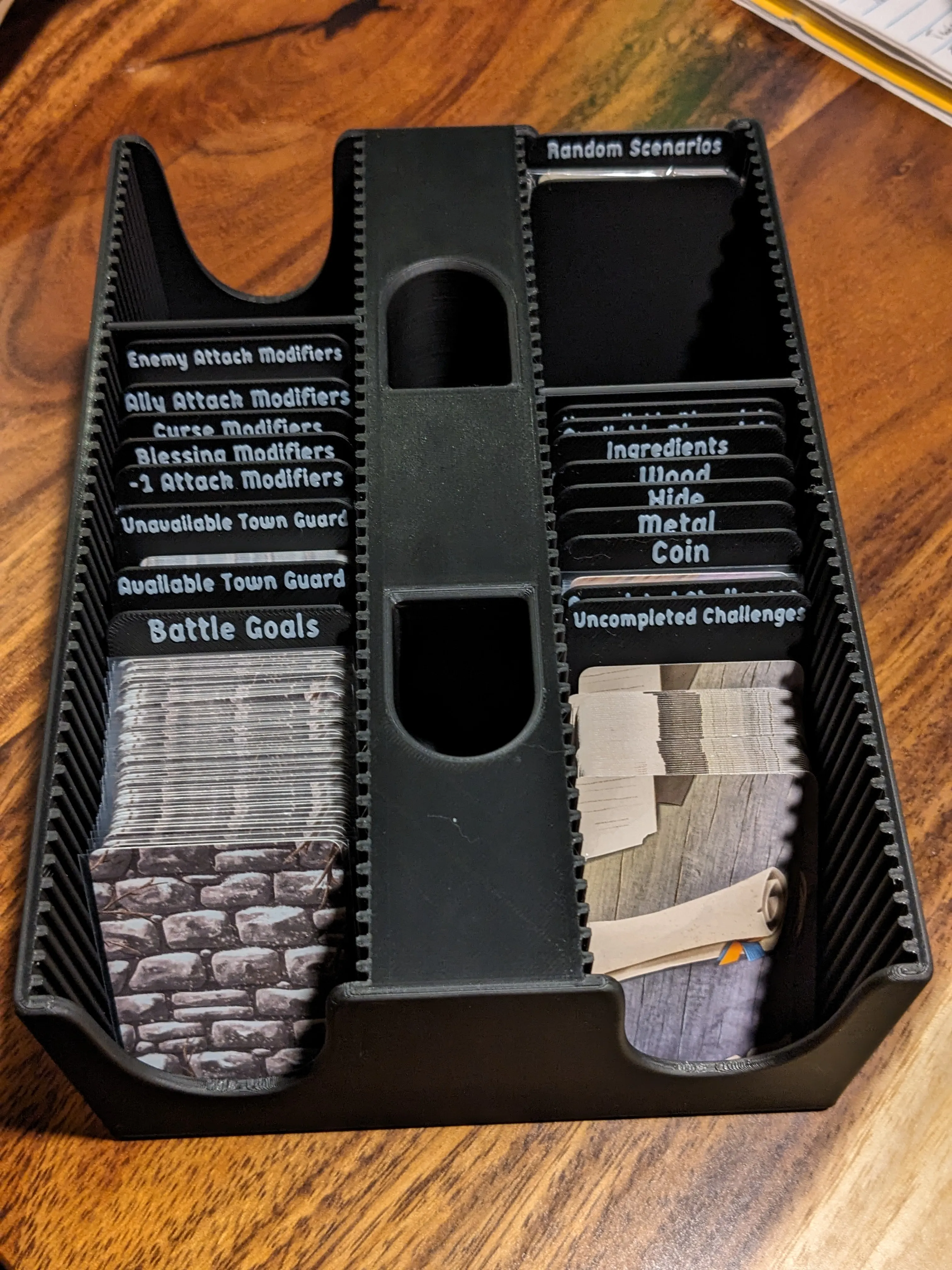
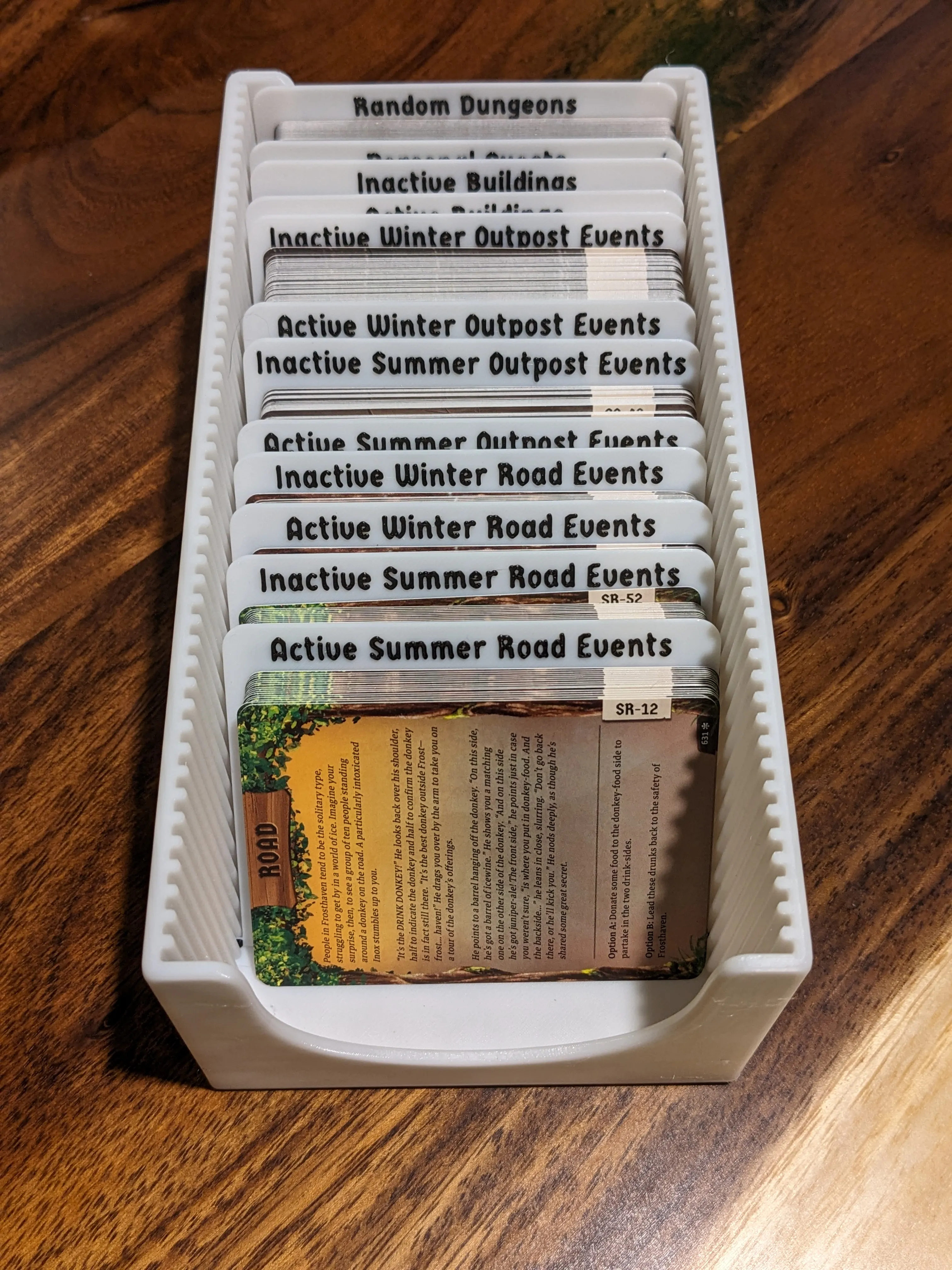
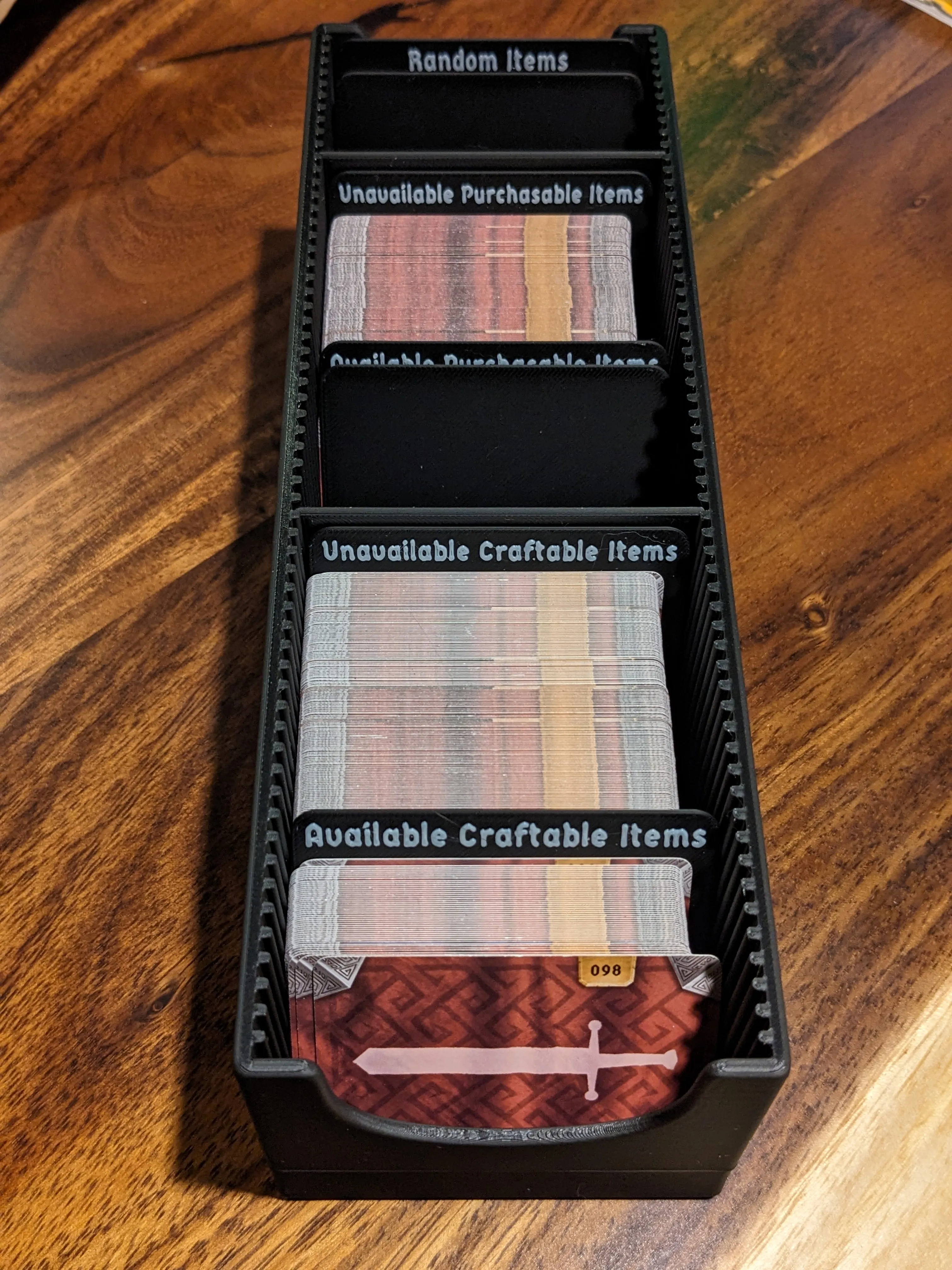
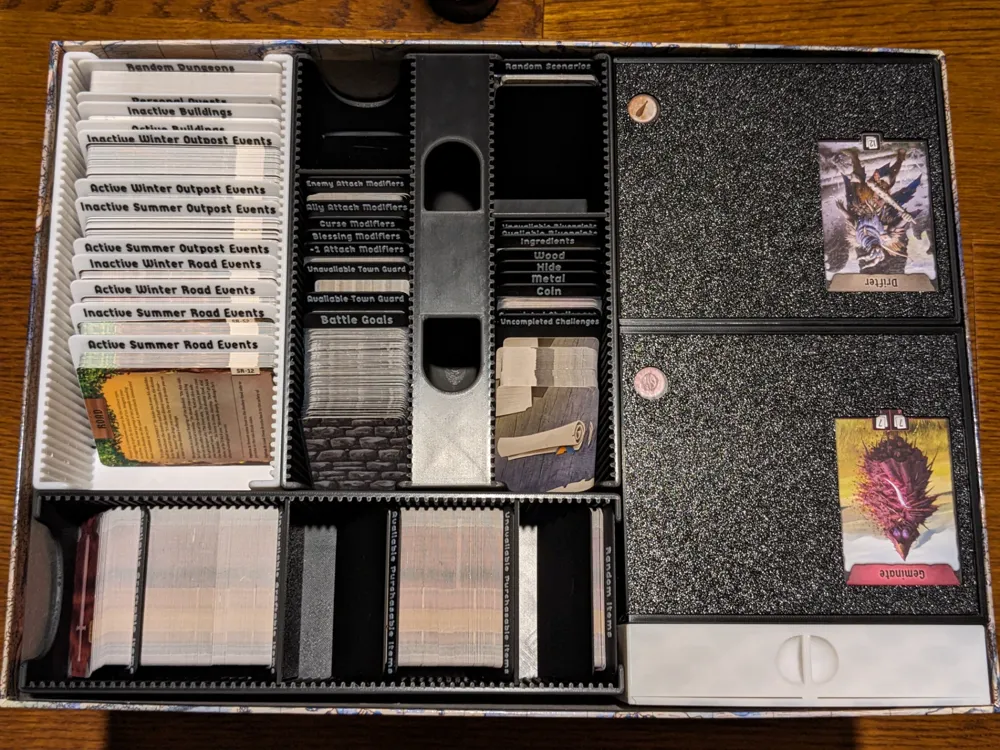
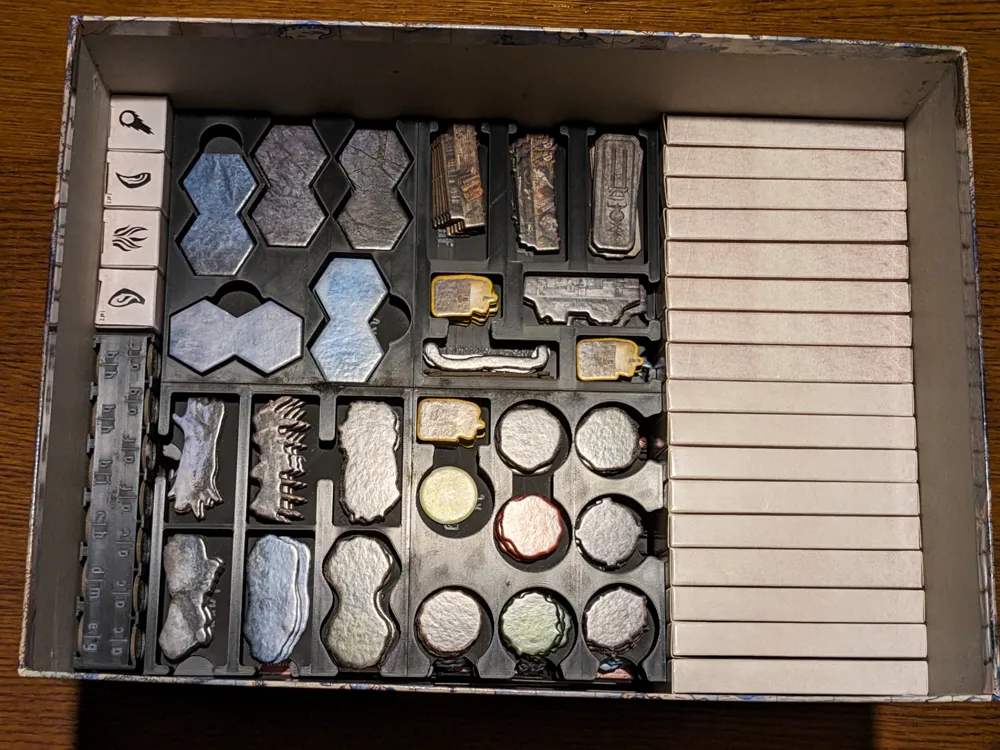
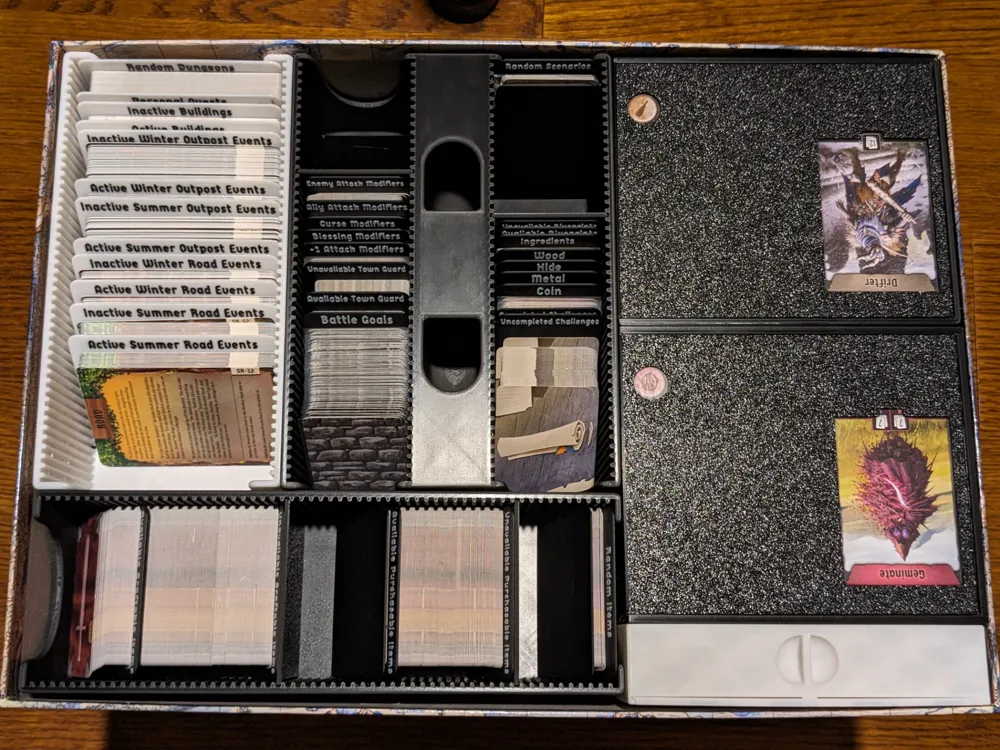
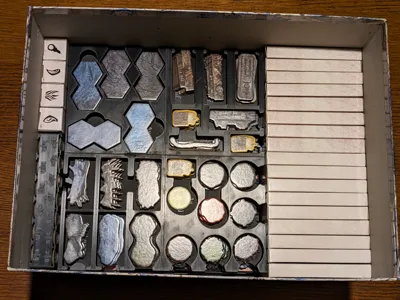
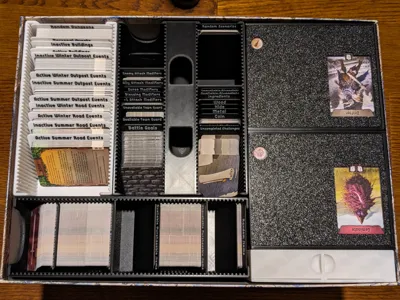
These trays are grouped by size and orientation. Big Cards include buildings, outpost events, road events, random dungeons, and private quests. Small Horiztonal Cards are the craftable and purchasable items, as well as the random items. Small Vertical Cards are everything else. These trays have slots so you can position the dividers wherever you want in a way that logically works best for you. You could even use the fixed dividers to create sections and still use the default paper dividers within those sections. The tilt dividers are all designed so you can flip through and easily grab any set of cards no matter how small and few they are. This was an issue I had with many other types of organizers, as actually getting the cards out of them was just too difficult without moving dividers. There is plenty of space to sleeve every card here if you really wanted to, but I would recommend only sleeving the ones you actually handle and shuffle frequently.
Number & Letter Tokens
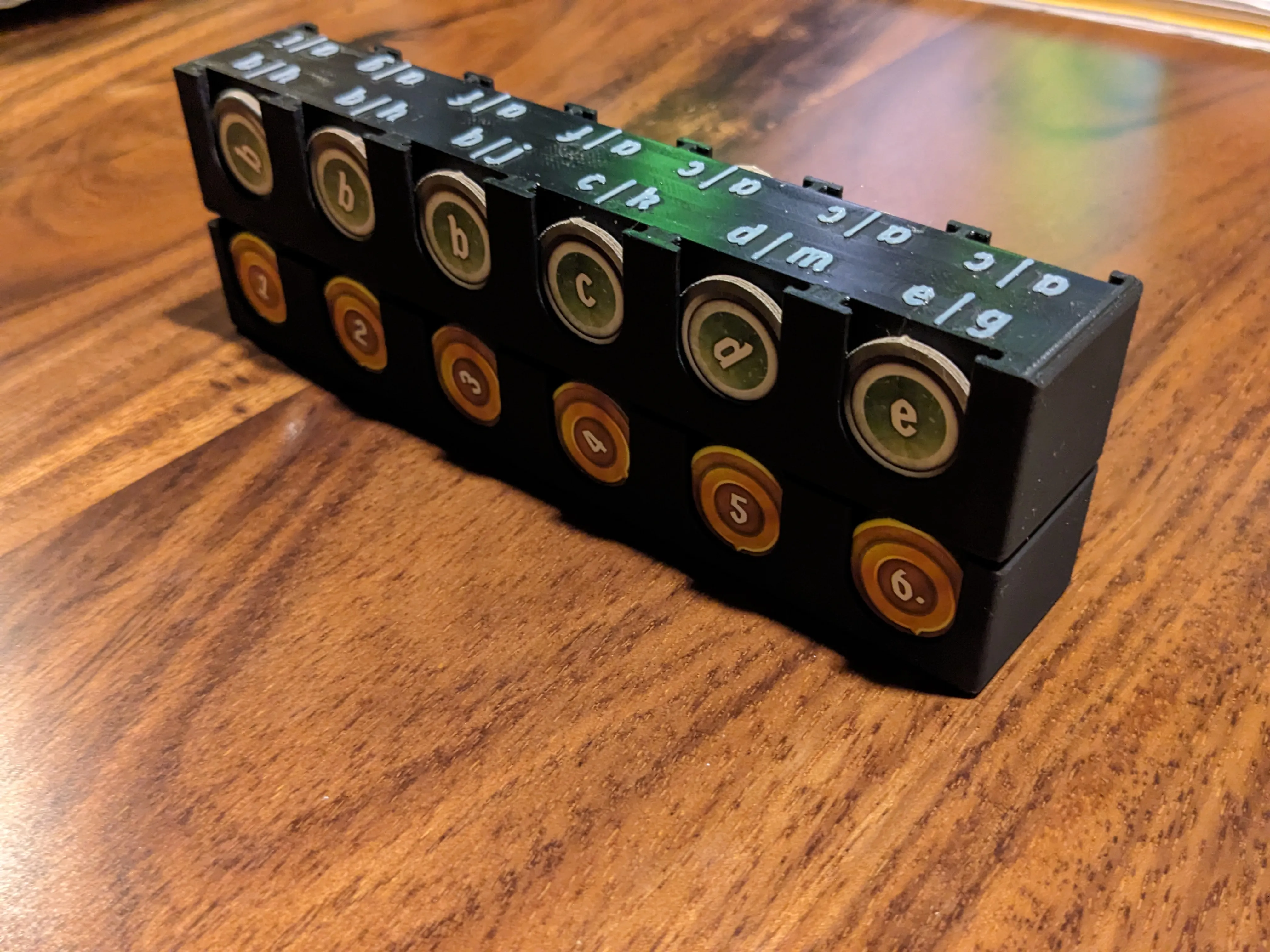
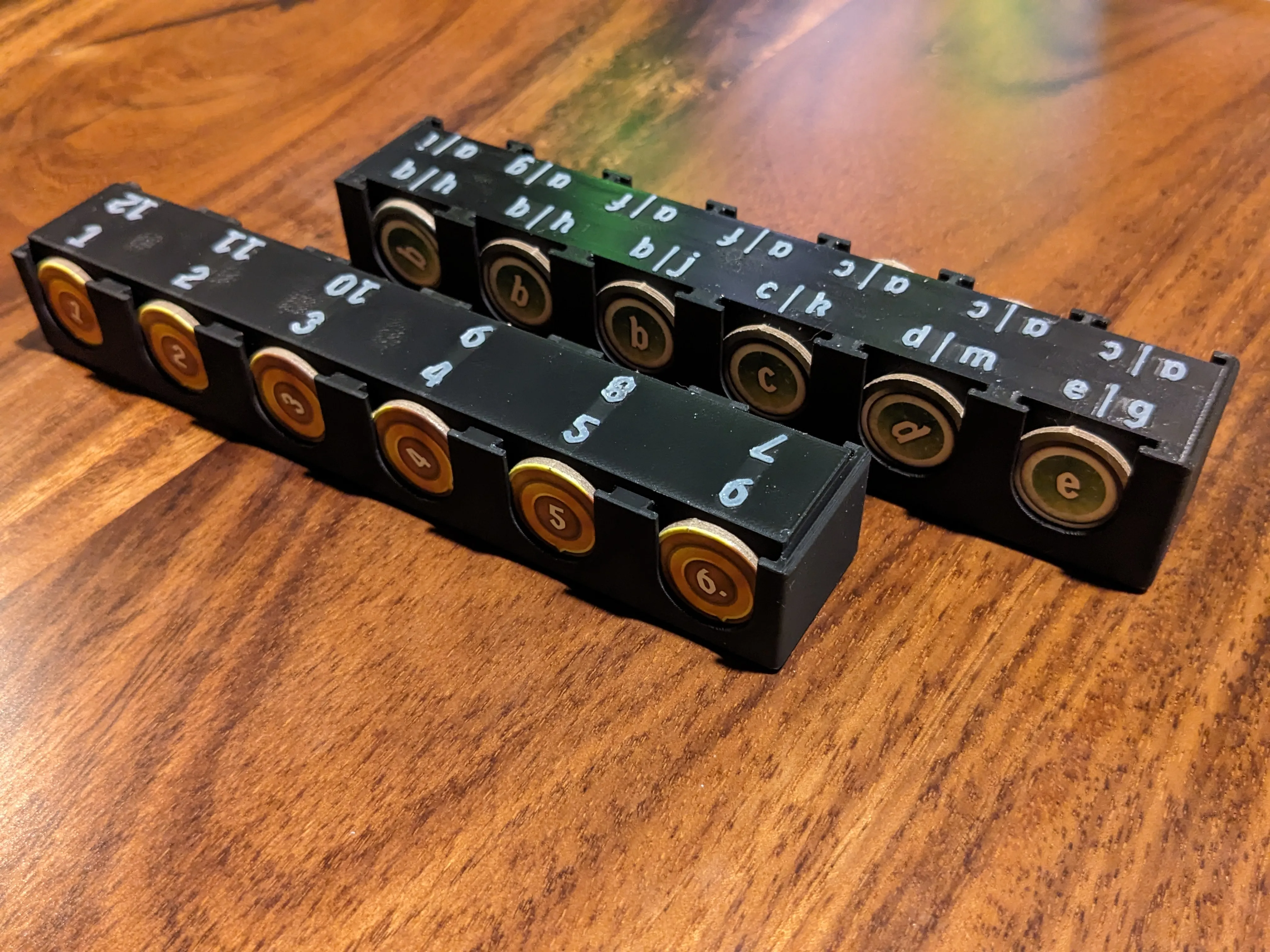
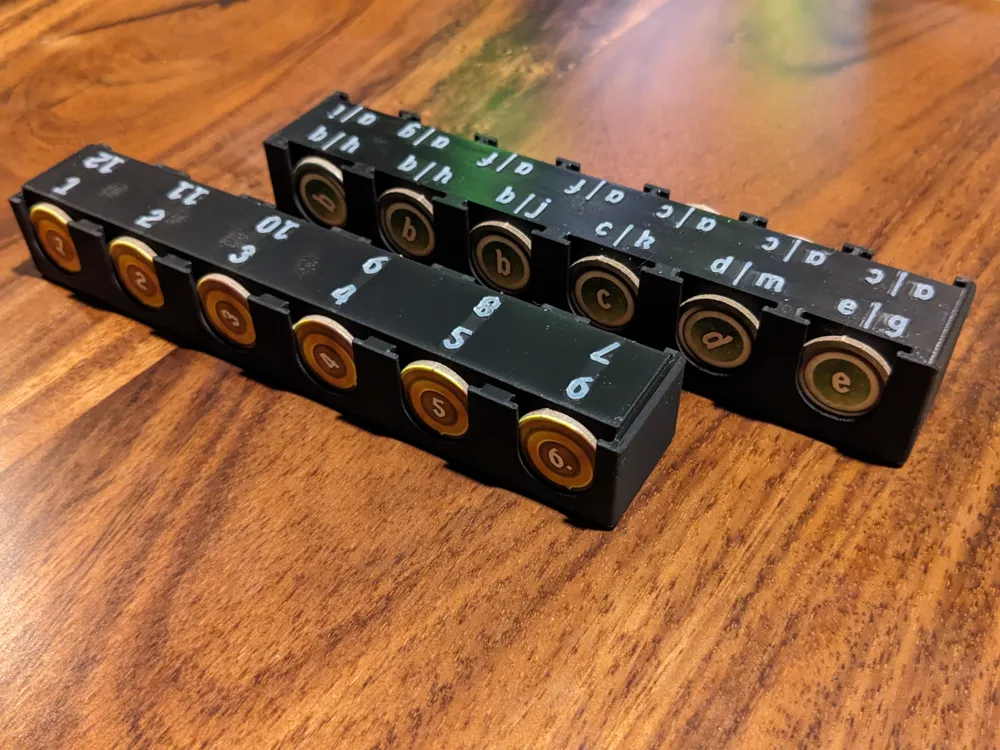
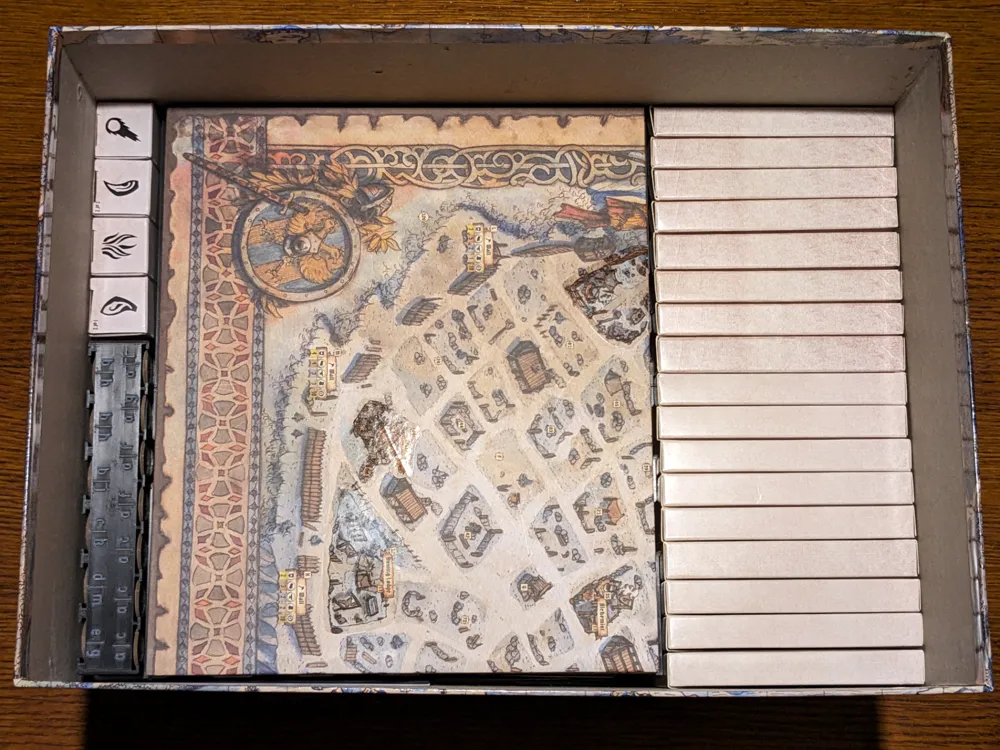
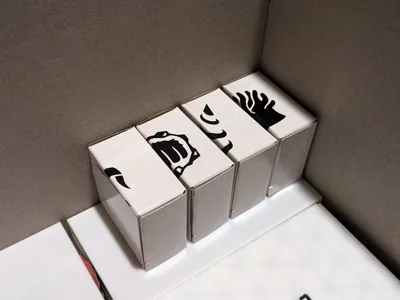
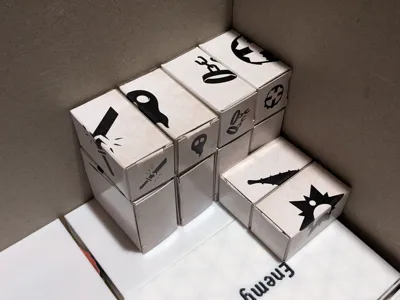
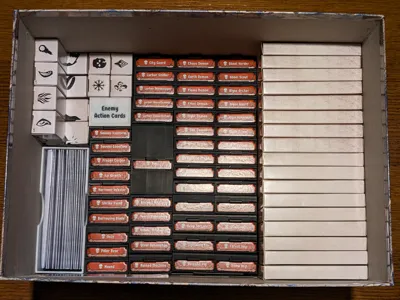
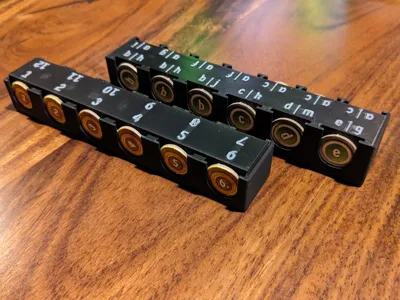
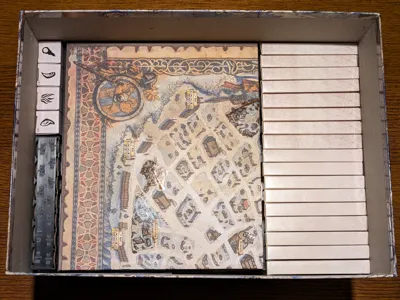
Given these are only occasionally used, I positioned them to the side of the box where they do not need to be removed in order to access everything needed to play. They are able to nest into each other to create an easily removable stack, and the individually-slotted tokens can be quickly identified and removed whenever they're actually needed.
Overlay Trays
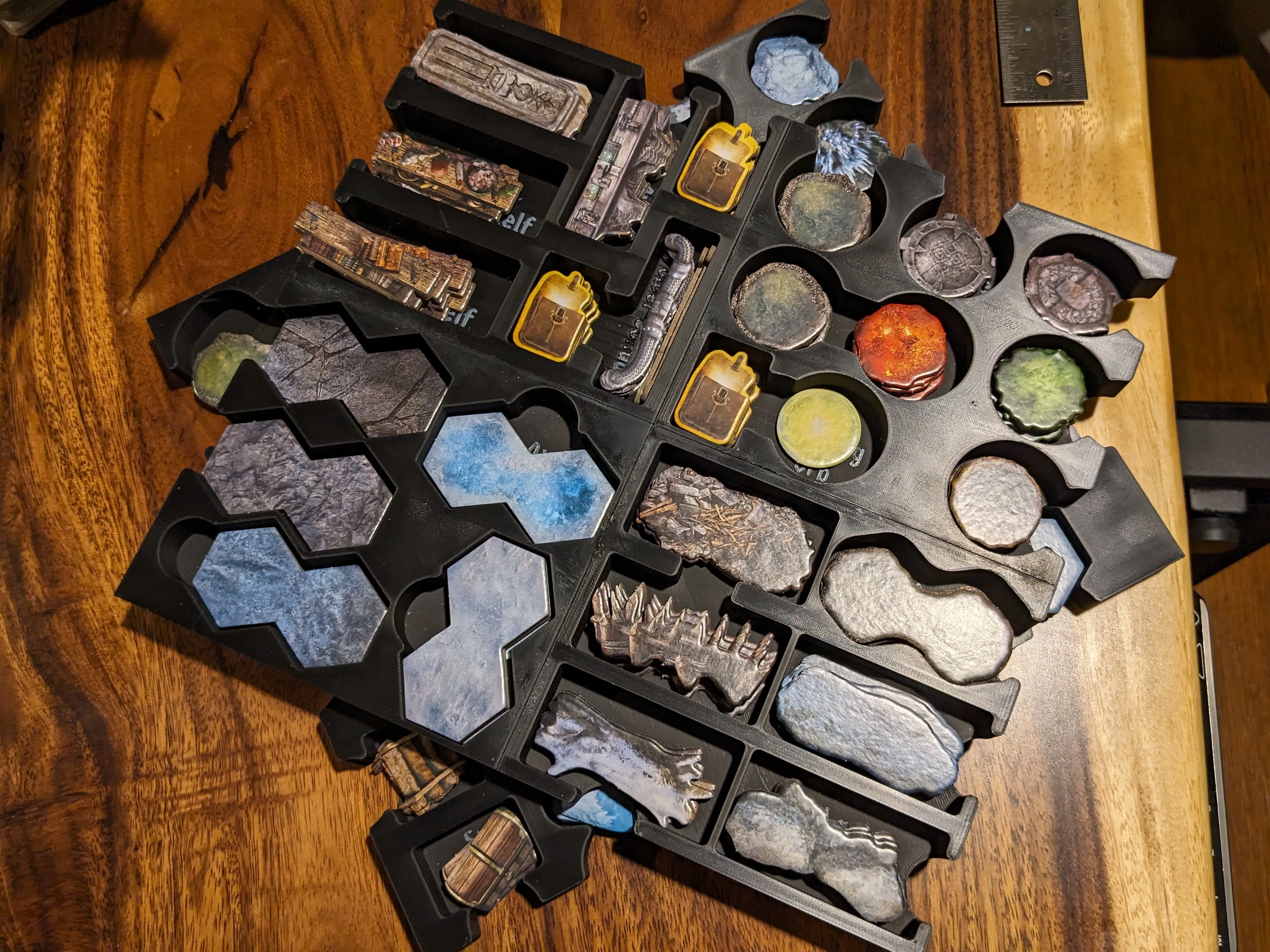
Once again based on Leon_H's design from the Frosthaven Insert, these two plates consist of four pieces each. This was necessary to be able to fit on most printers. I modified these so they can be stored in a different orientation from Leon_H's design in addition to adding slots for all of the Loot tokens. I also added keys and slots to the pieces so they can be easily aligned when supergluing together.
Envelope Box
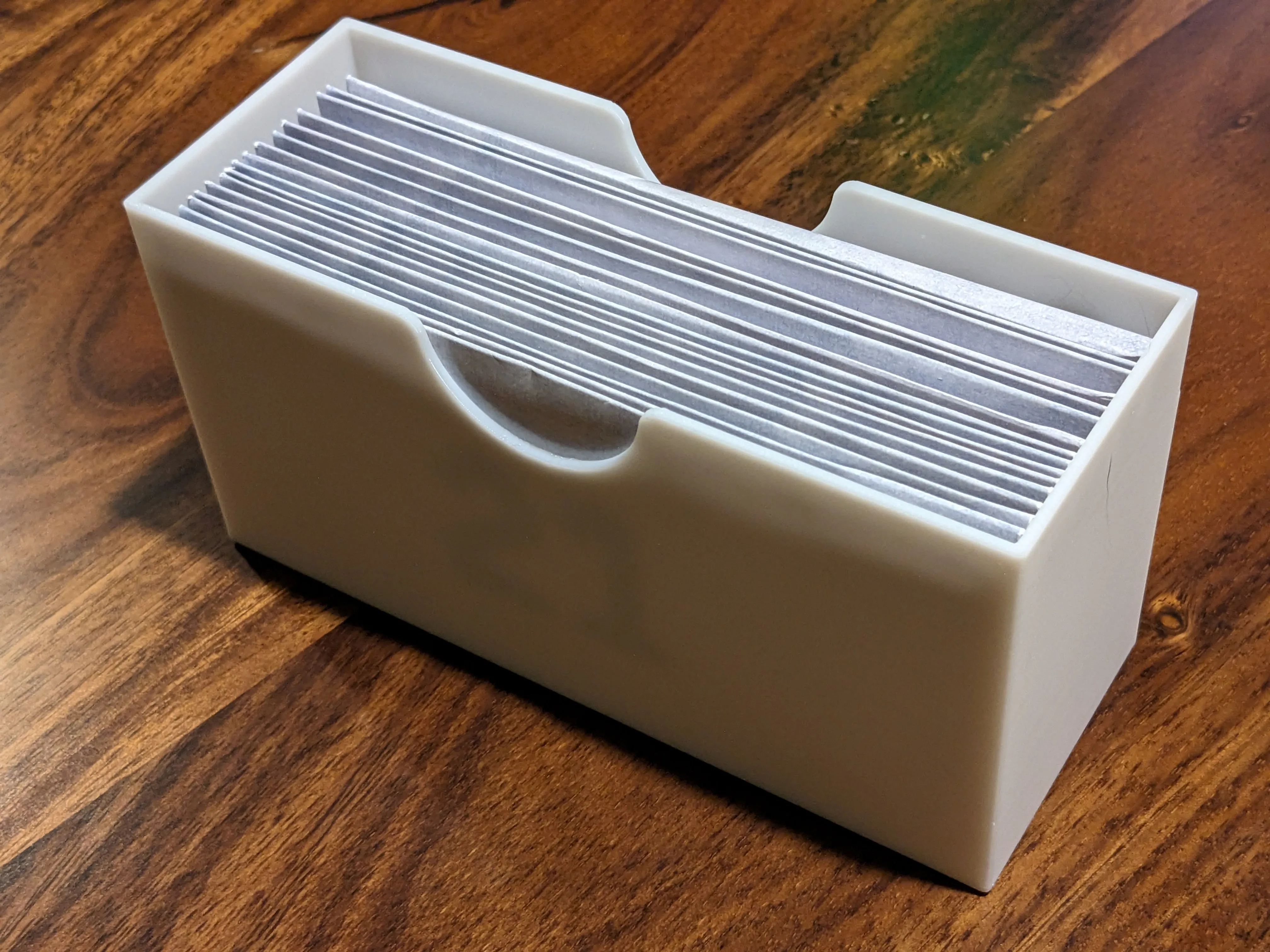
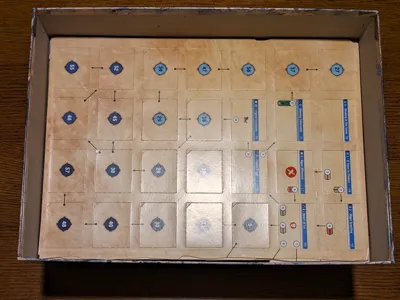
Not much to say here. It's a box that holds all the envelopes. You rarely need these so it's near the bottom of the box and off to the side where it never needs to be removed to access the parts required to play.
Enemy Standee Carriers
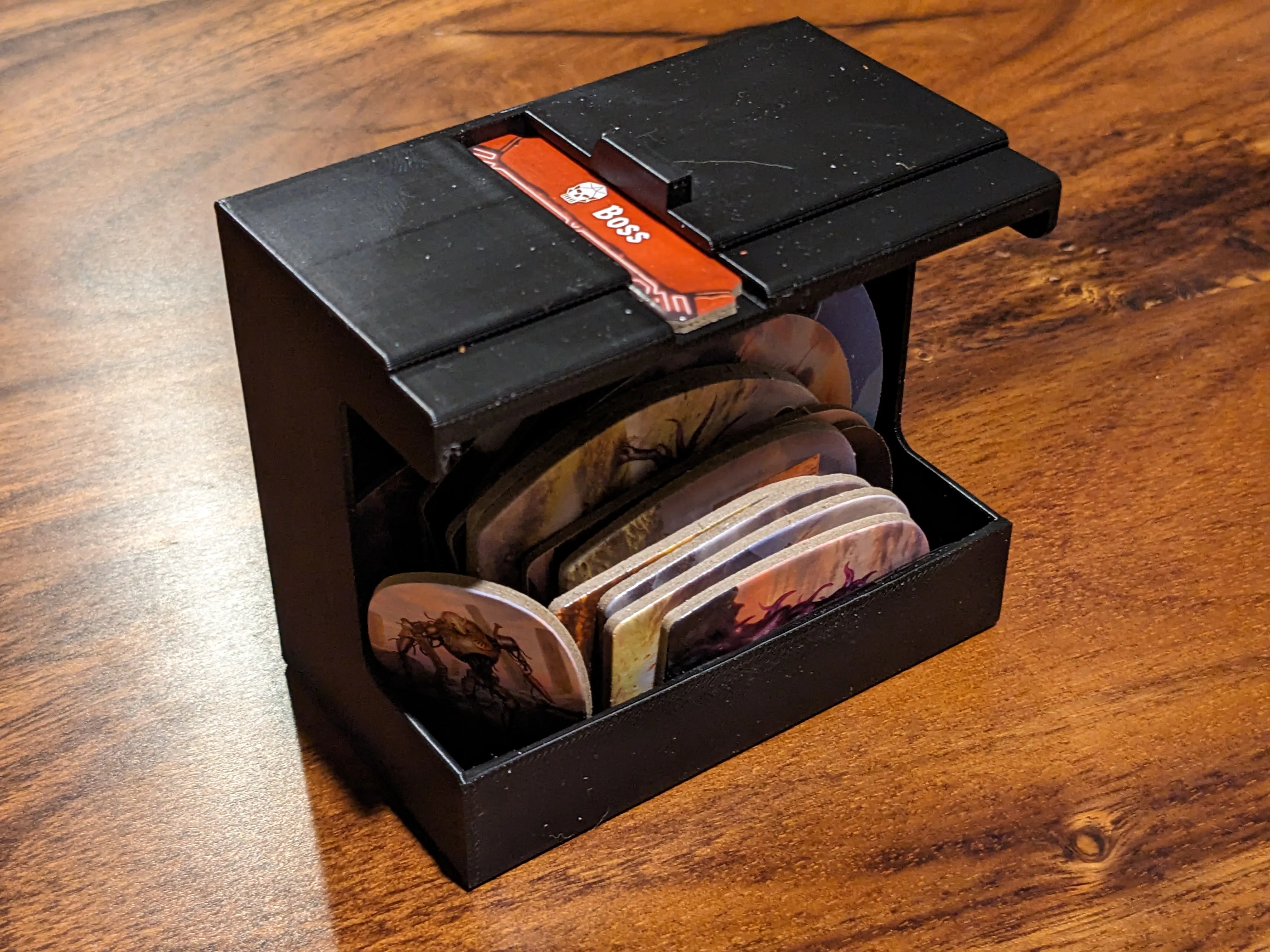
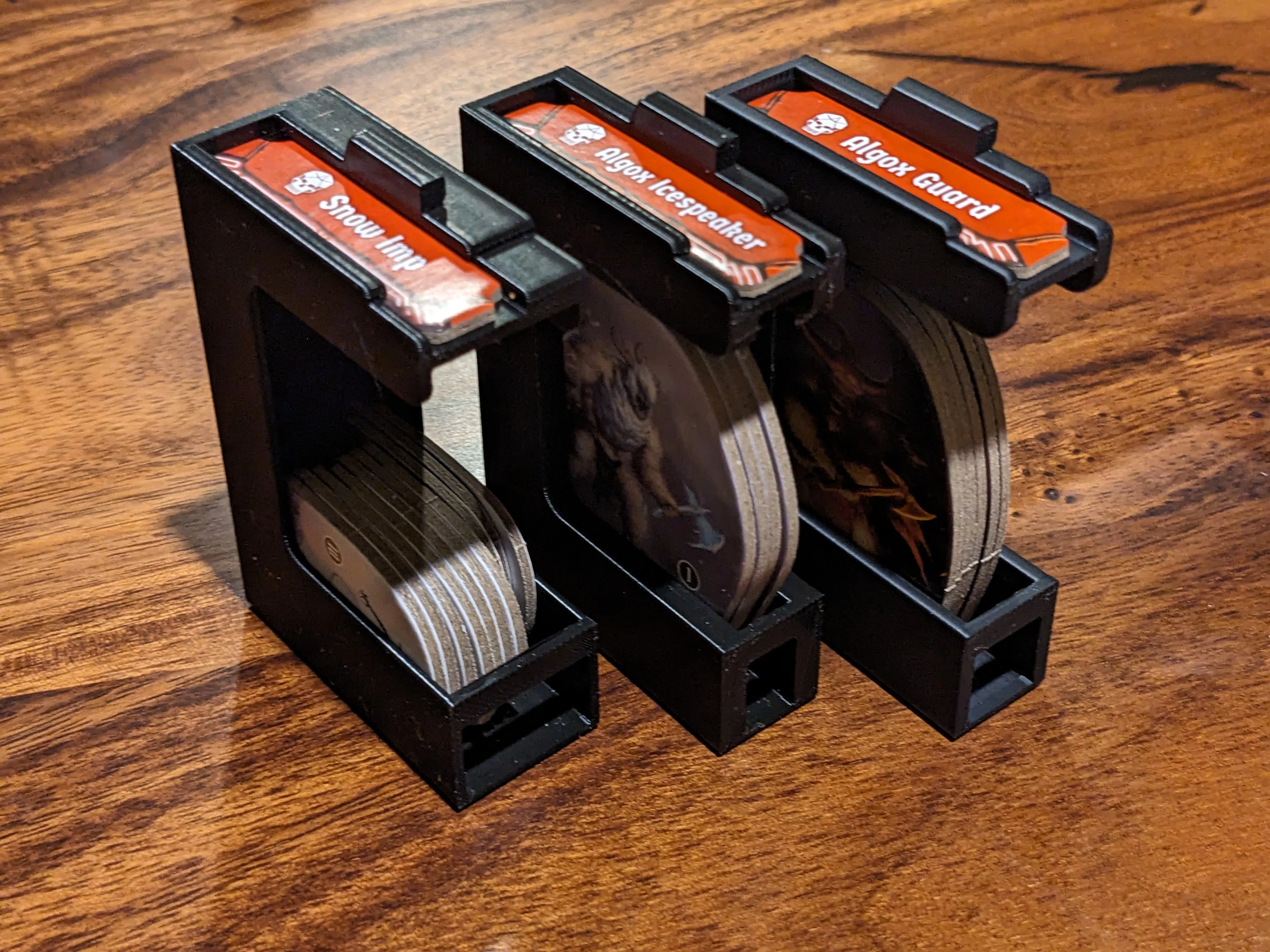
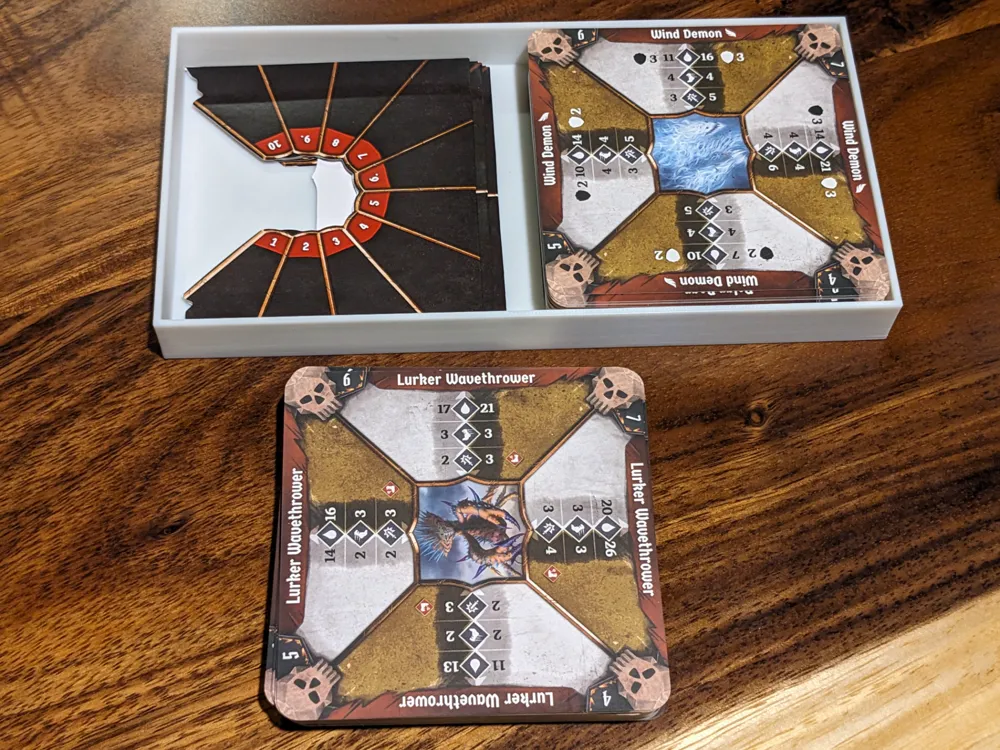
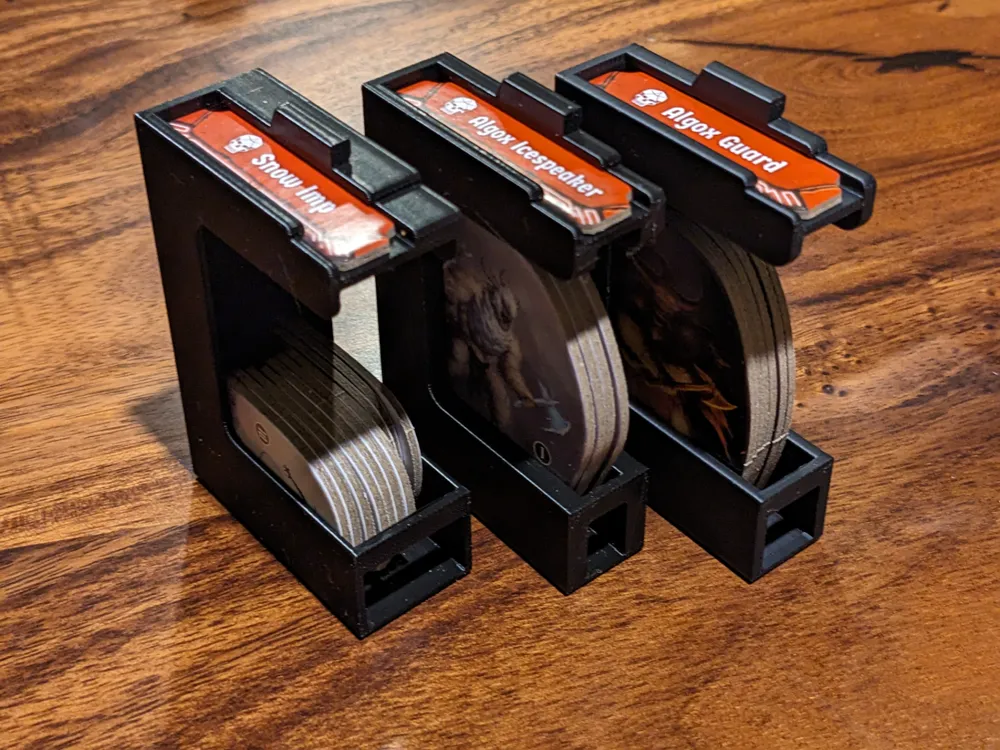
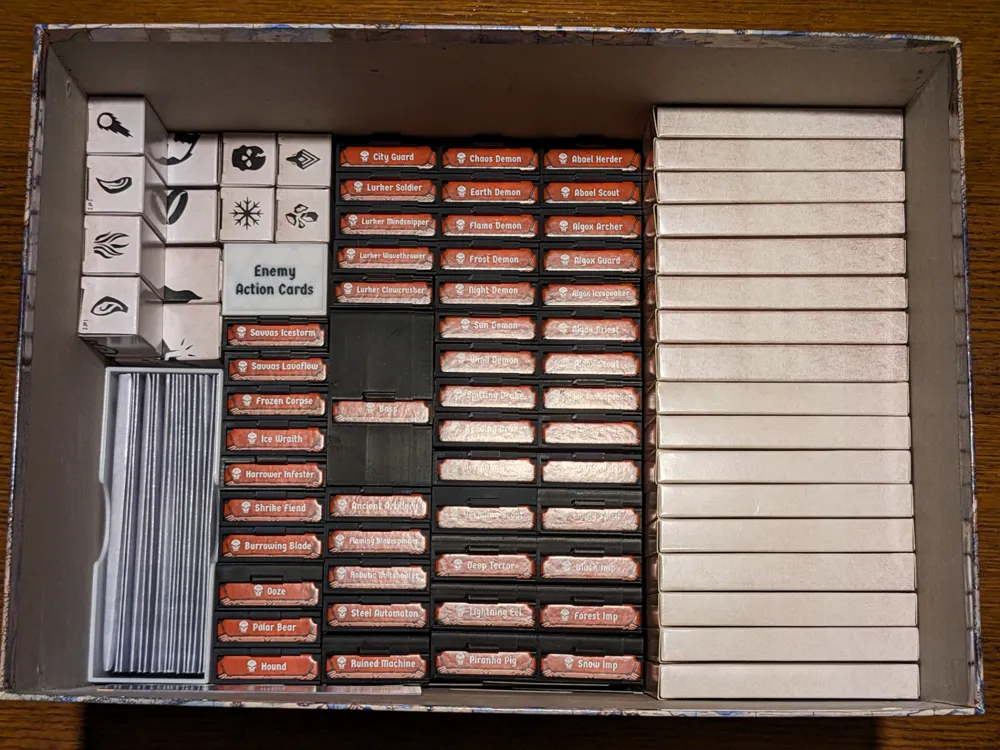
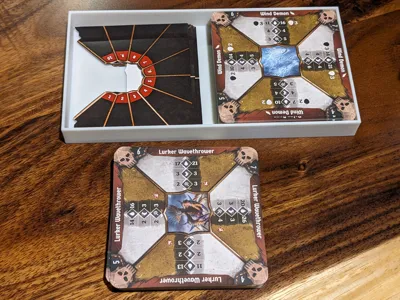
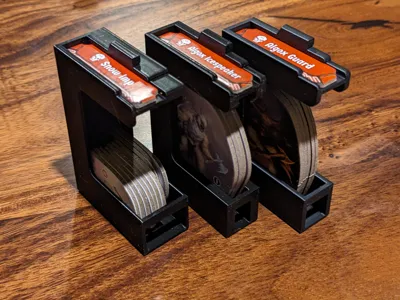
These carriers are based on Darkw3ight's Frosthaven Monster Caddies which I have modified in various ways. The changes include making the tab on top smaller while adding a notch so it's easier to grab, removing the action cards from the carriers, and adjusting the internal sizing to best fit the number of standees it holds. These carriers are near the bottom of the box as you will only ever need at most a handful of them per scenario. Slotting the enemy's turn tracker in the top of the carriers allows for quick and easy identification of the ones you need.
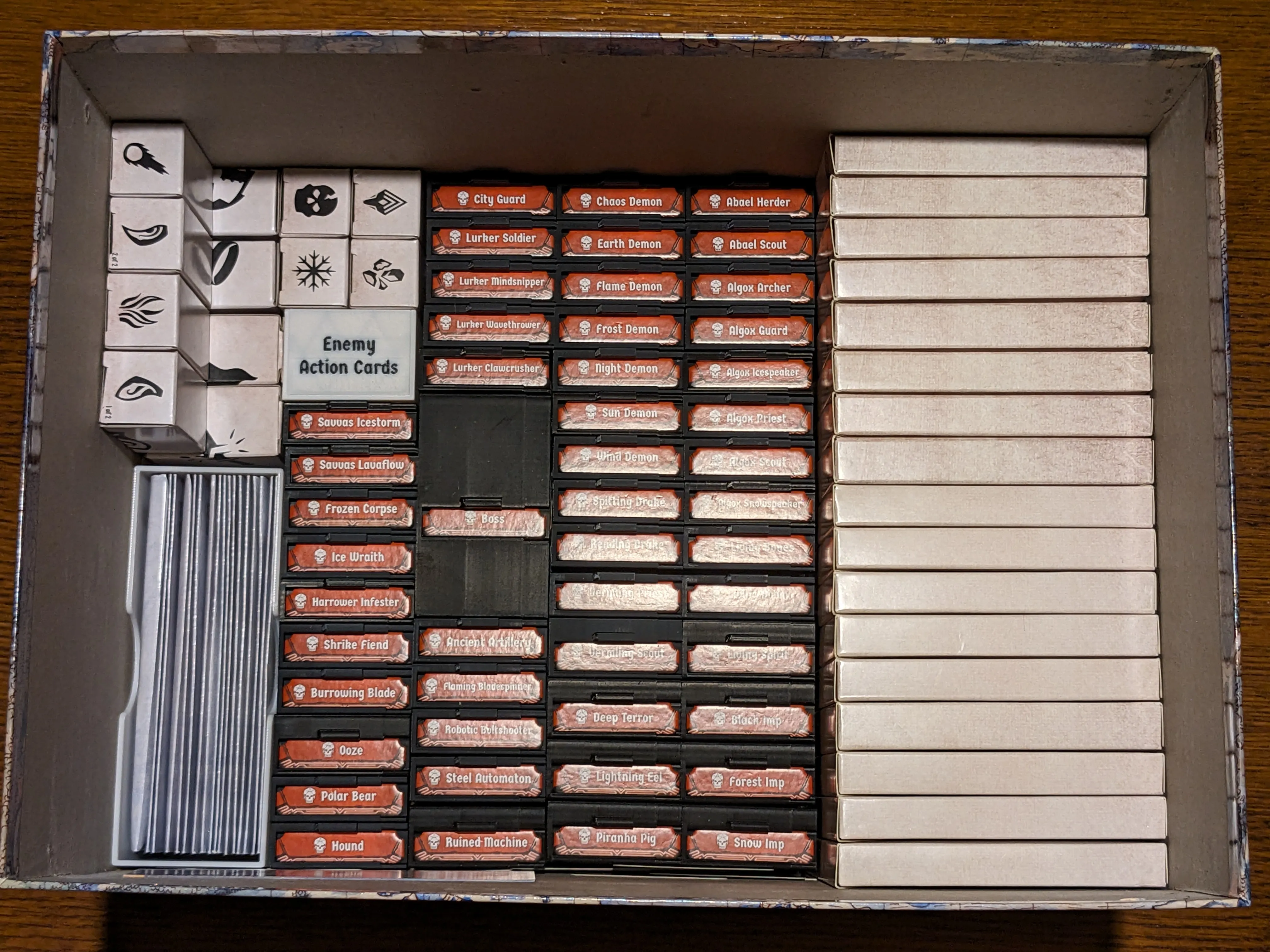
You will need to print a total of (31) 6x carriers, (7) 4x carriers, (10) 10x carriers, and 1 boss carrier.
Miniature Tuck Boxes
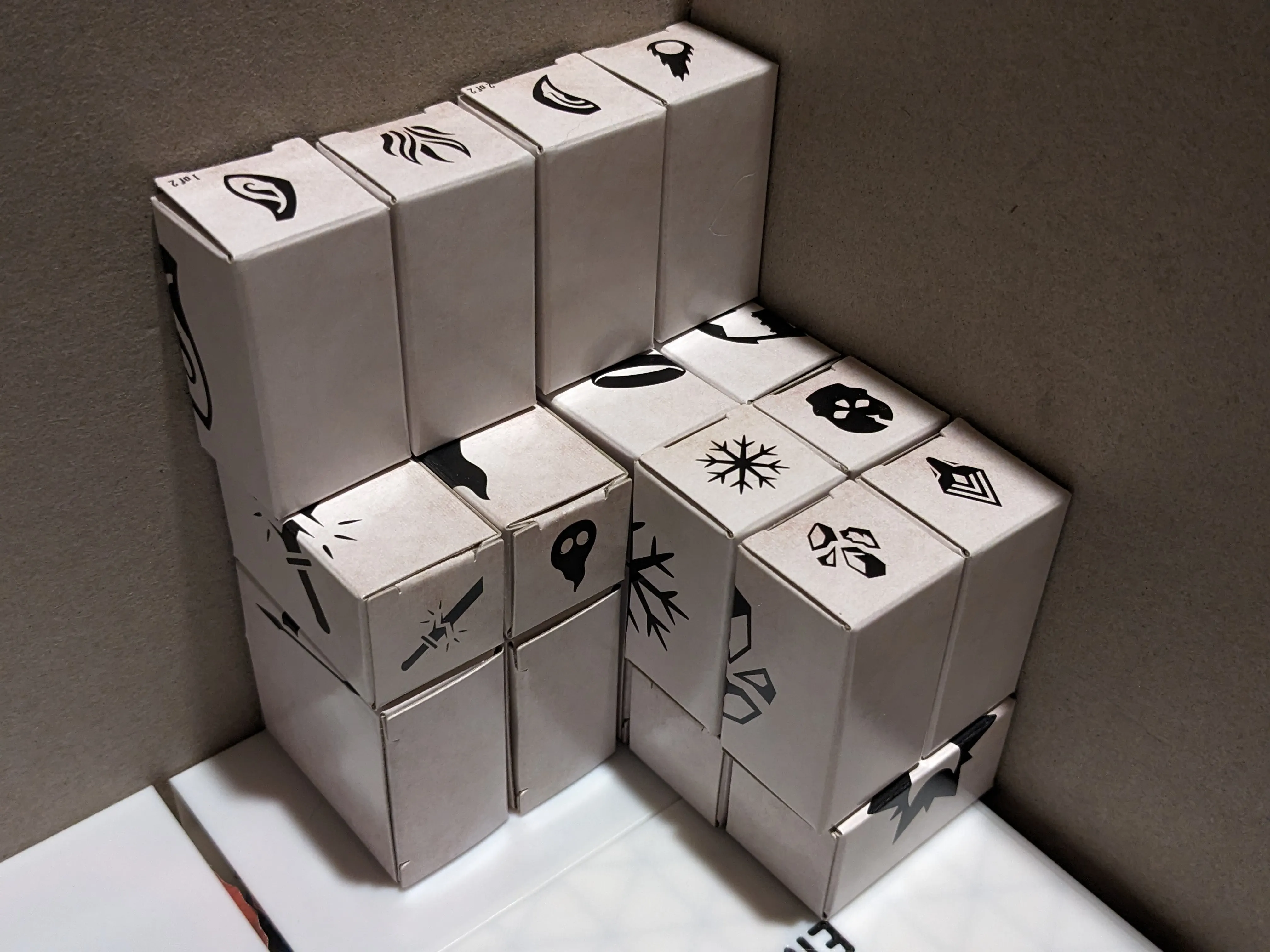
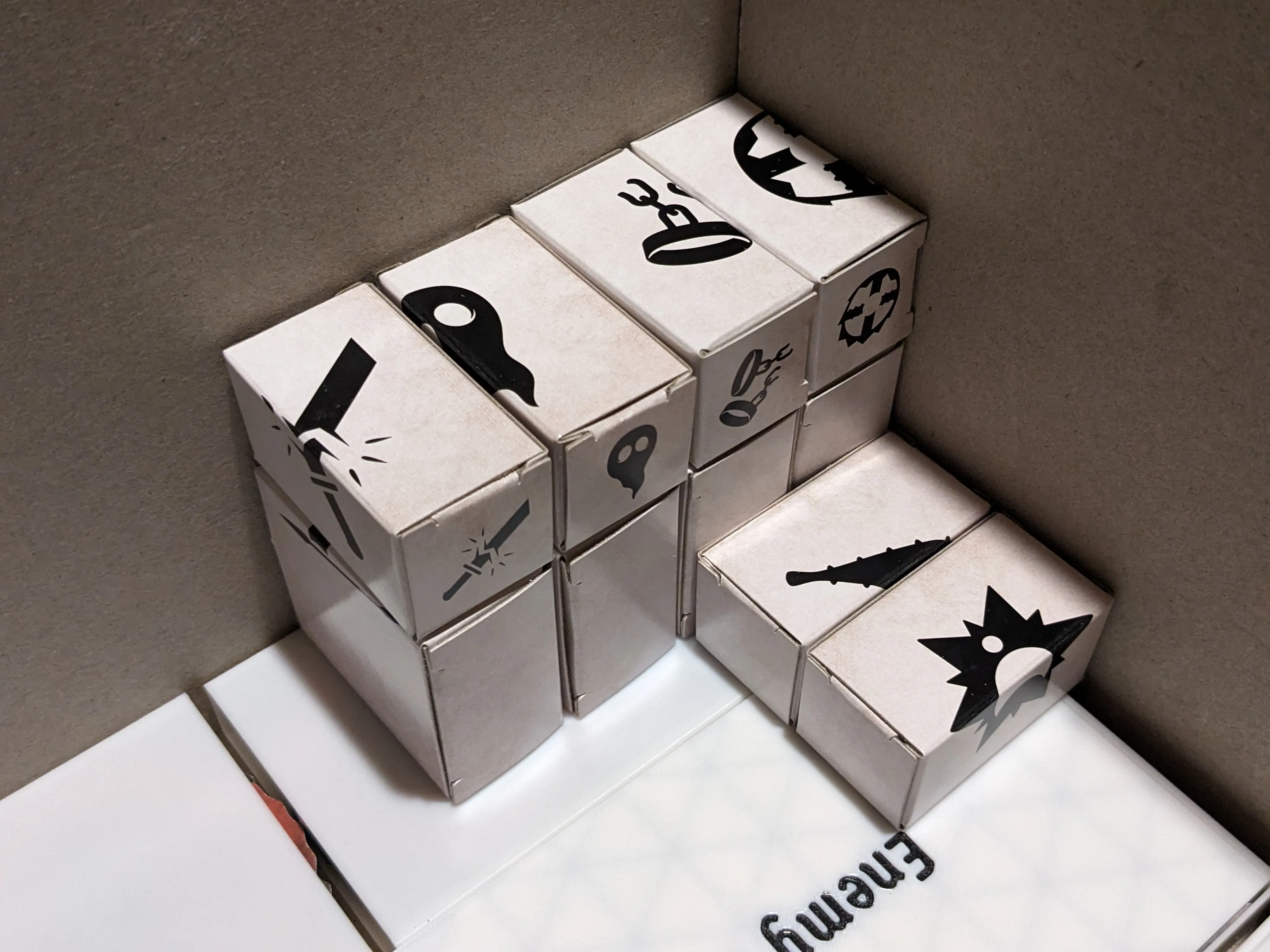
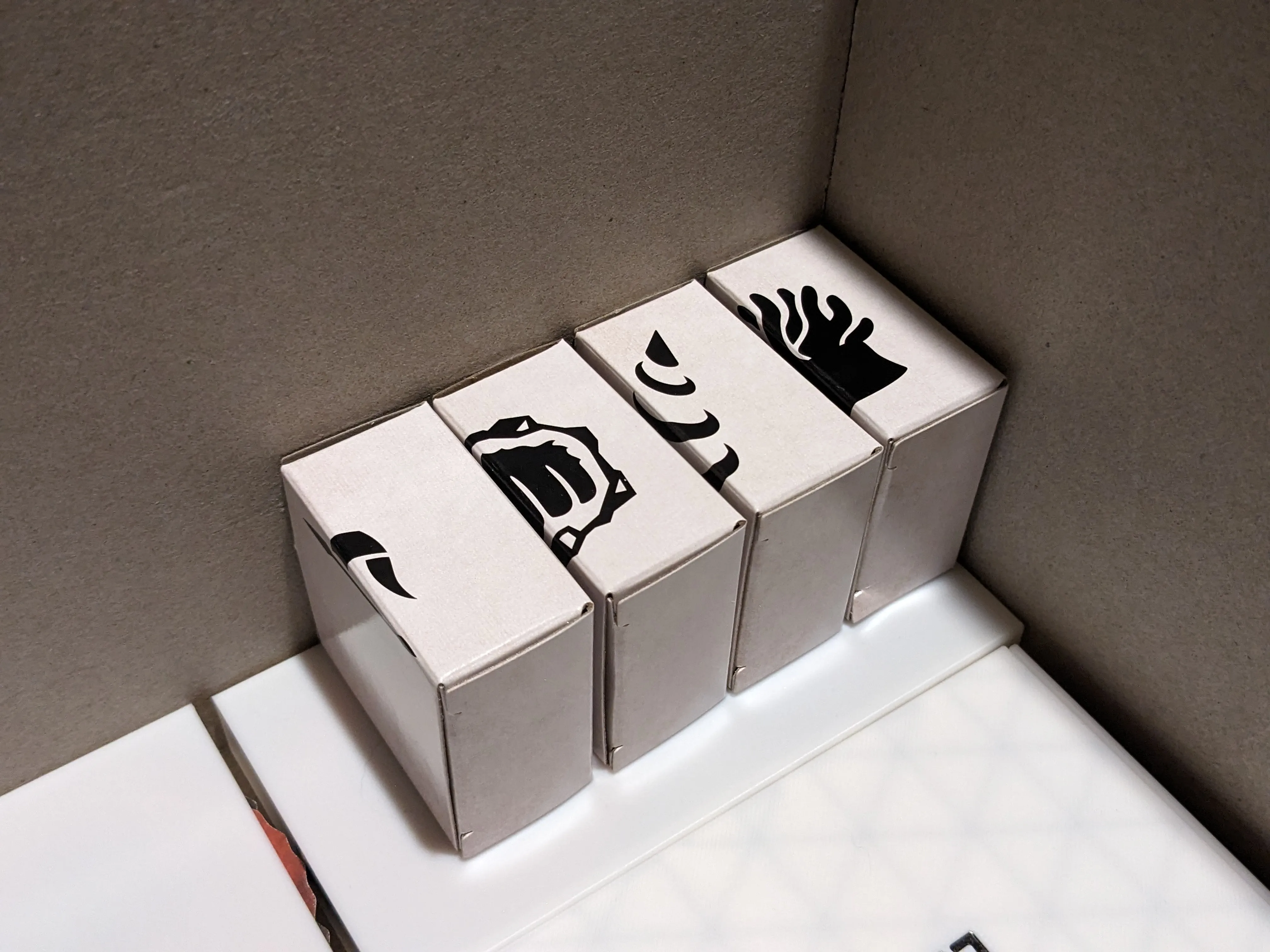
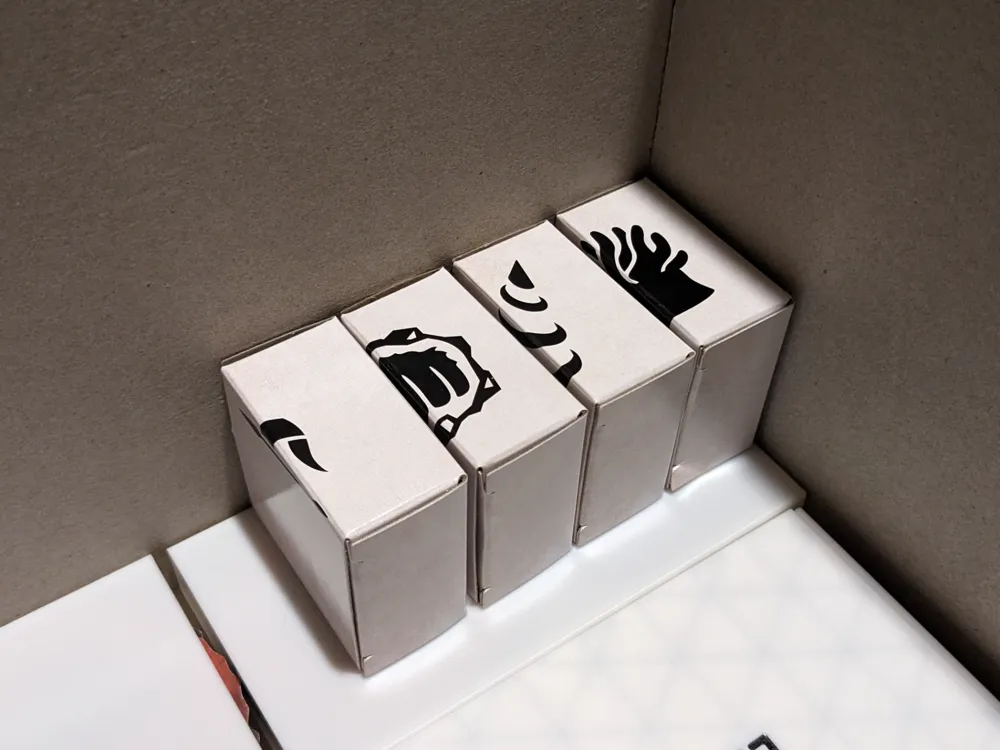
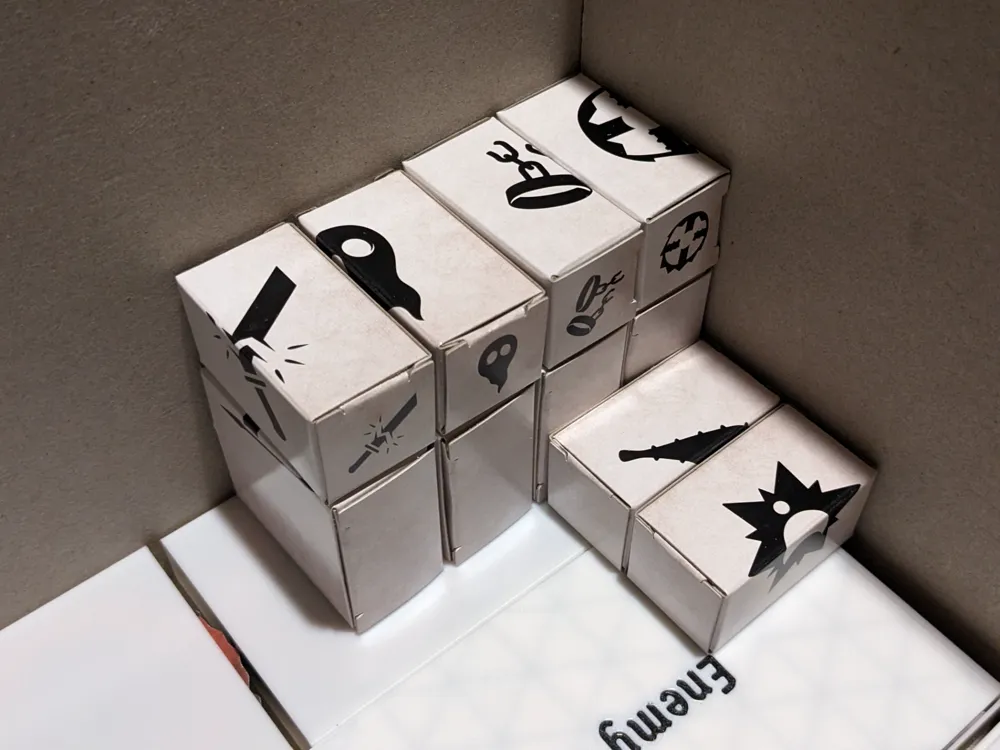
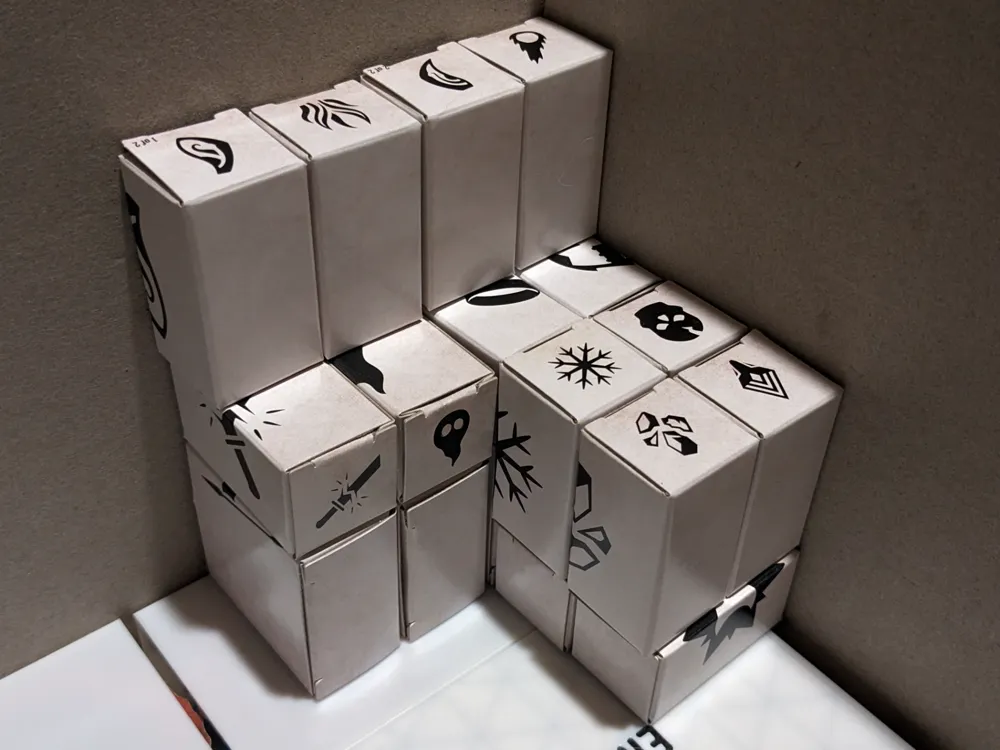
While the tuckboxes for the player miniatures is a bit of a pain to find something in, you will only ever need to dig through it when retiring a character or the game tells you to pull out a certain mini for some reason. This is because the active characters' minis will be kept in their respective player boxes. Look closely at the pictures as the orientation of the boxes is very important. They're all slightly smaller in certain dimensions than others and those differences add up if placed incorrectly.
Player Health Trackers
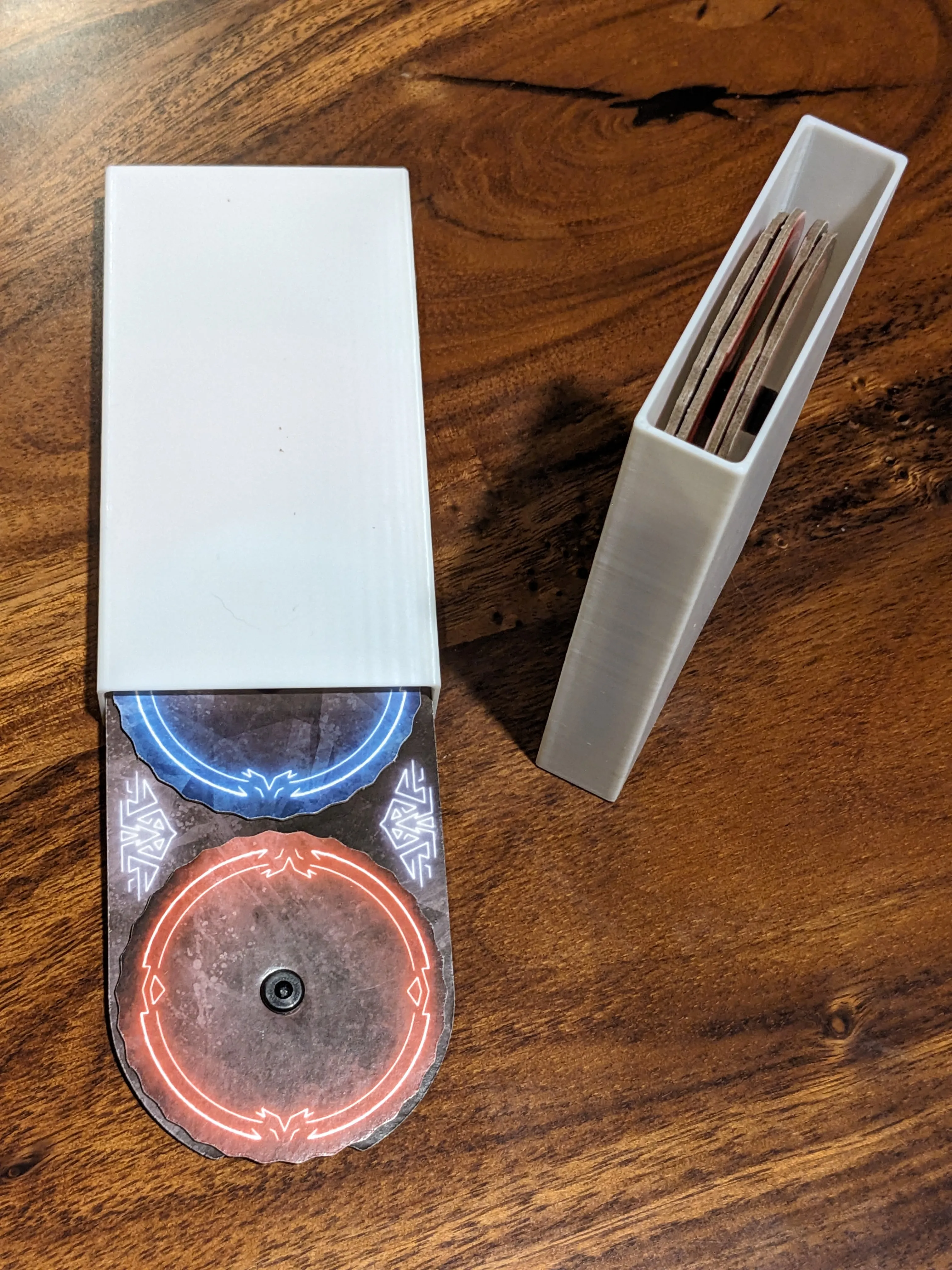
This is just a simple pair of boxes that lie in the bottom of the box and each hold two player health trackers, which you will never need if you use any of the apps.
Enemy Action Cards
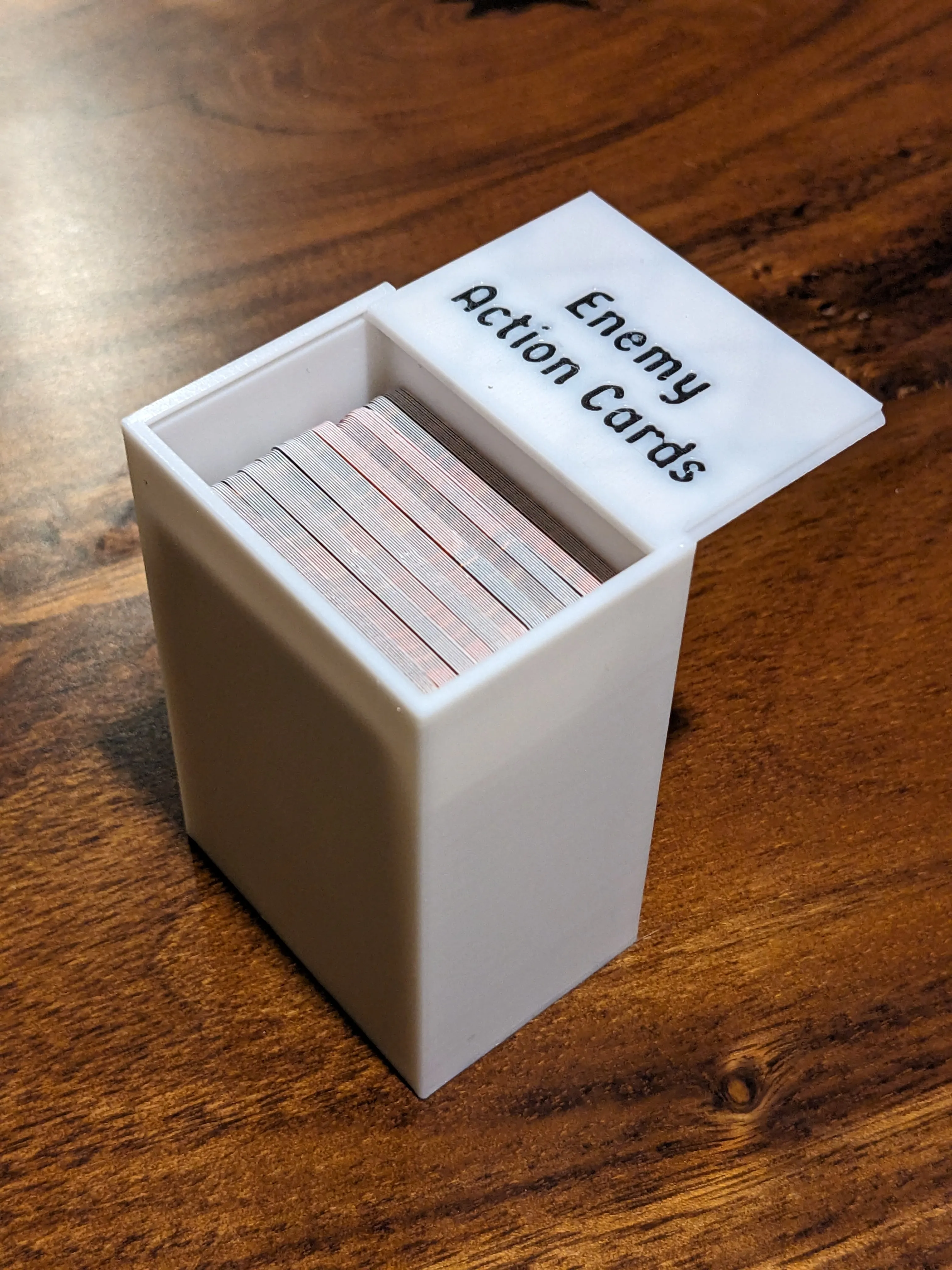
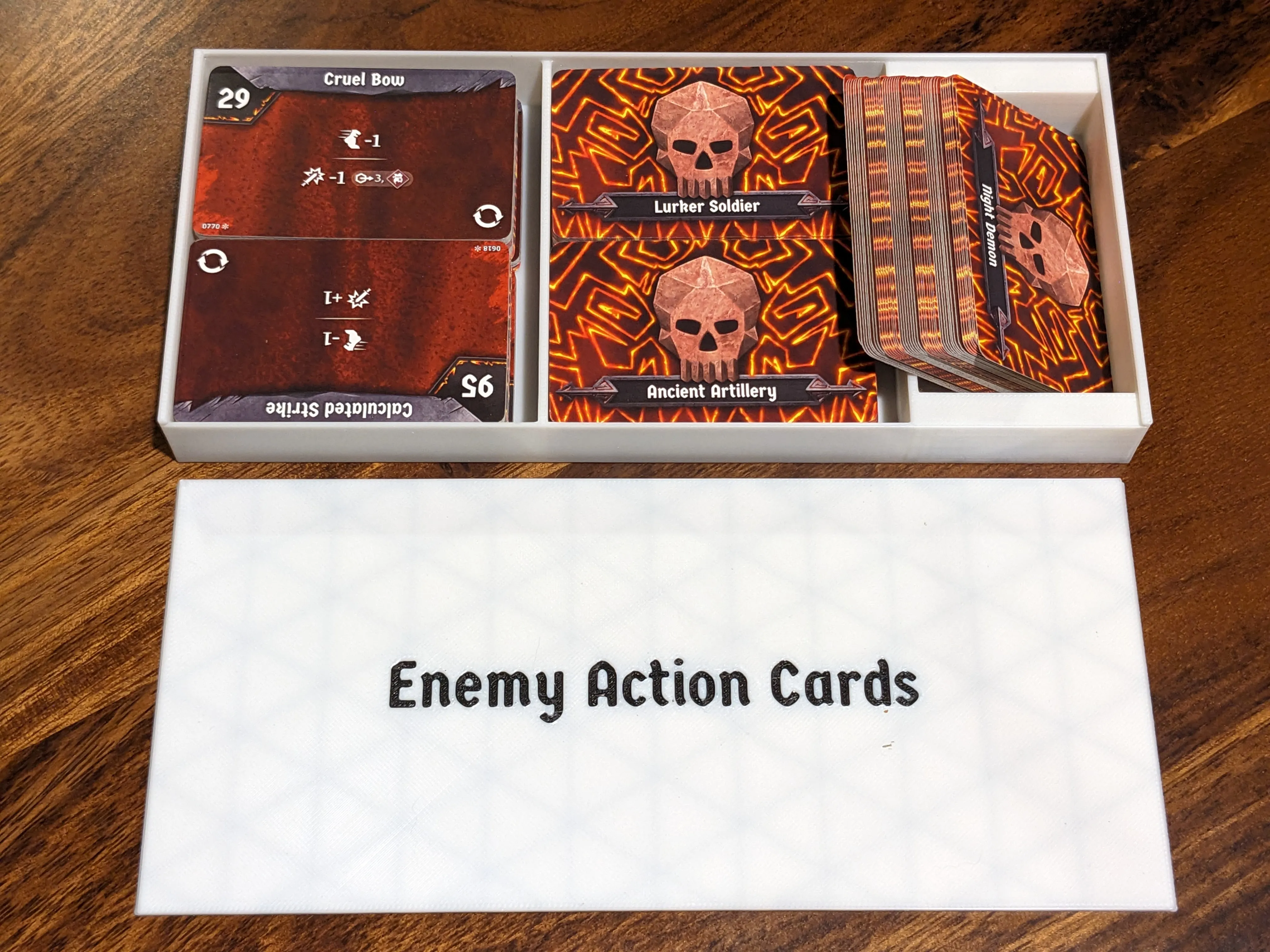
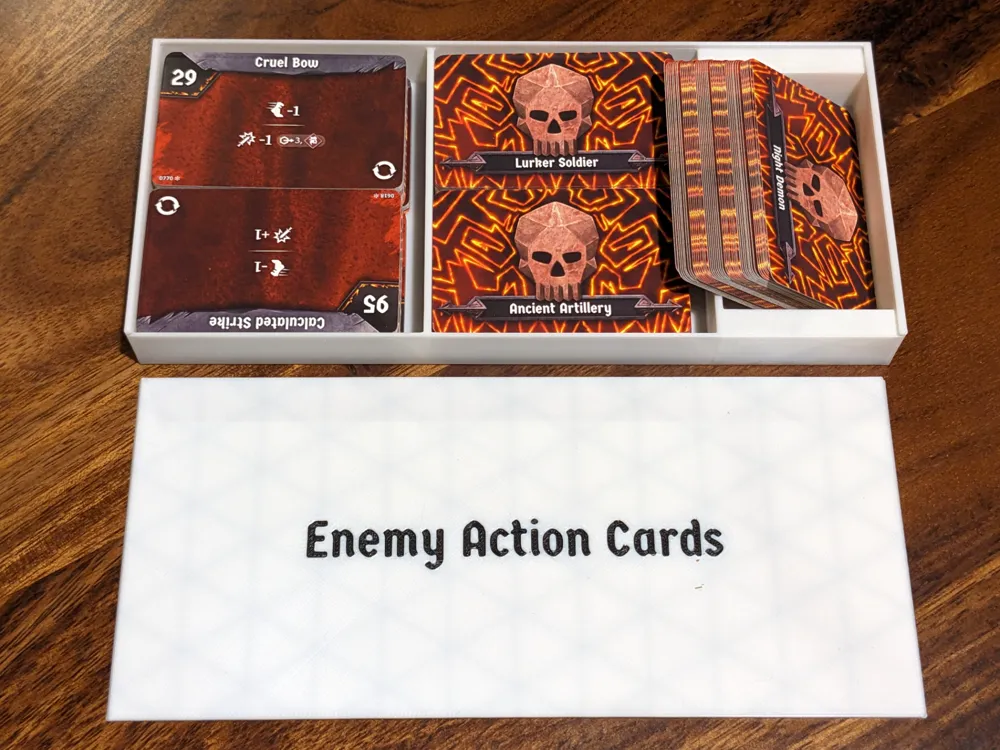
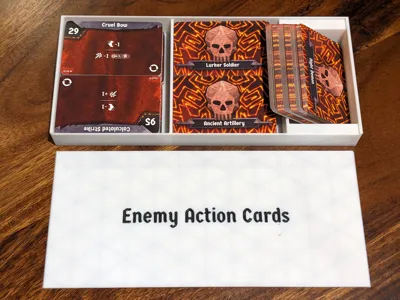
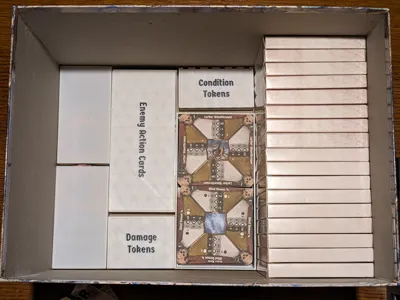
The larger of these two containers holds the majority of the enemy action cards, which you will never need if you are using an app. Each spot in this larger container can hold 6 full enemy action decks, for a total of 30. The smaller container holds the remaining decks.
Condition & Damage Tokens
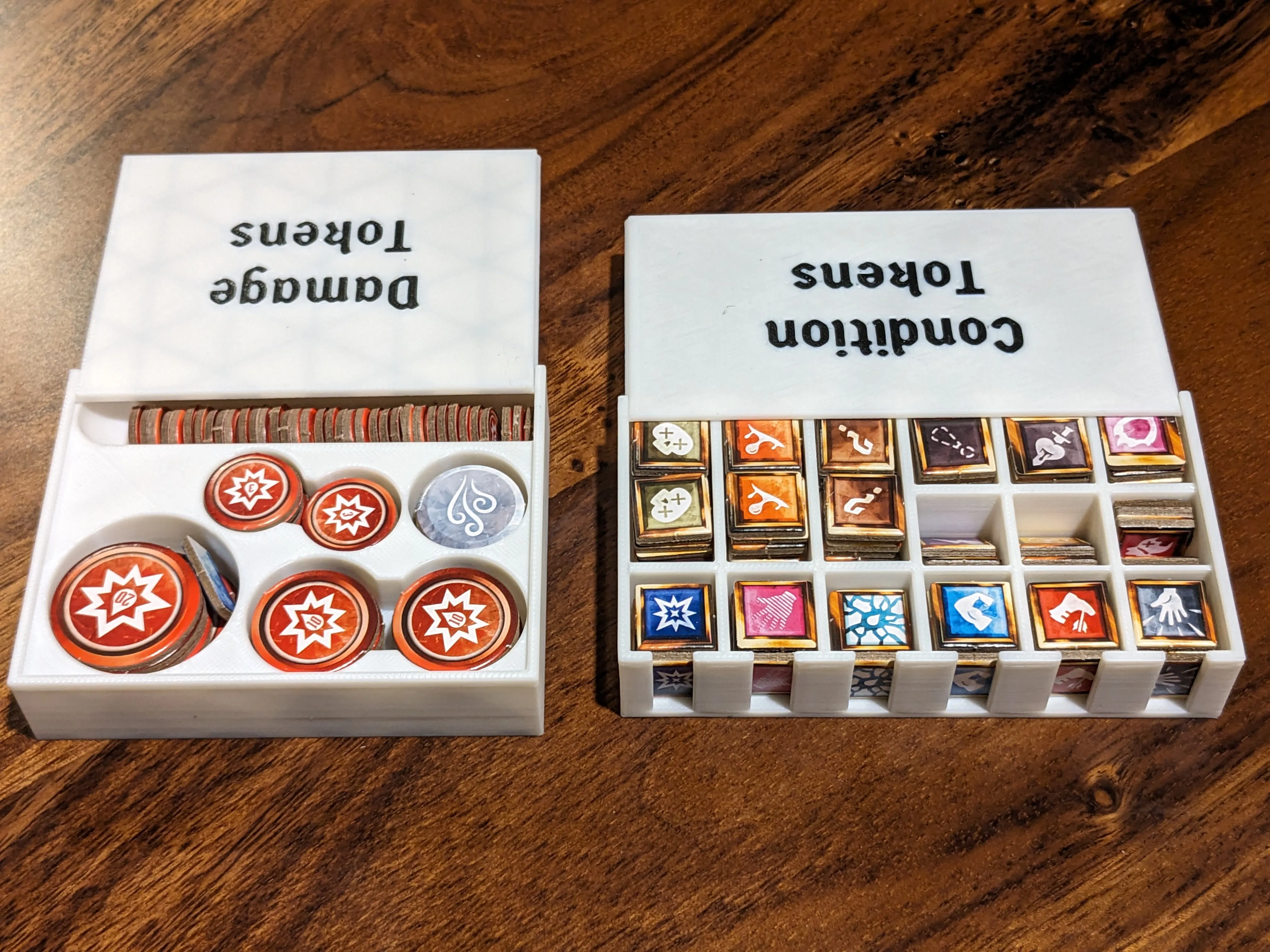
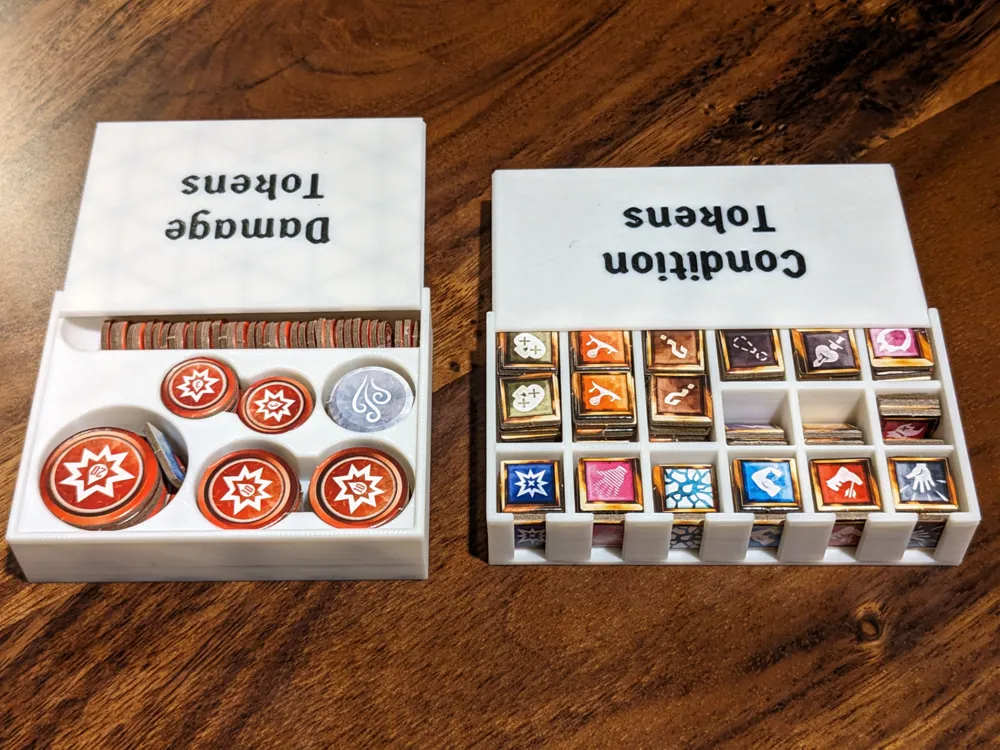
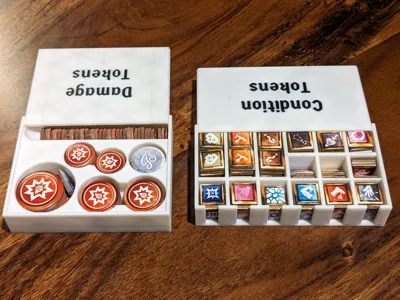
These two small boxes are very compact containers for all the damage tokens, elemental trackers, and condition tokens. They are designed to keep everything separated in the event you want to use them for something, but emphasis was put on keeping them as small as possible.
Enemy Health Cards
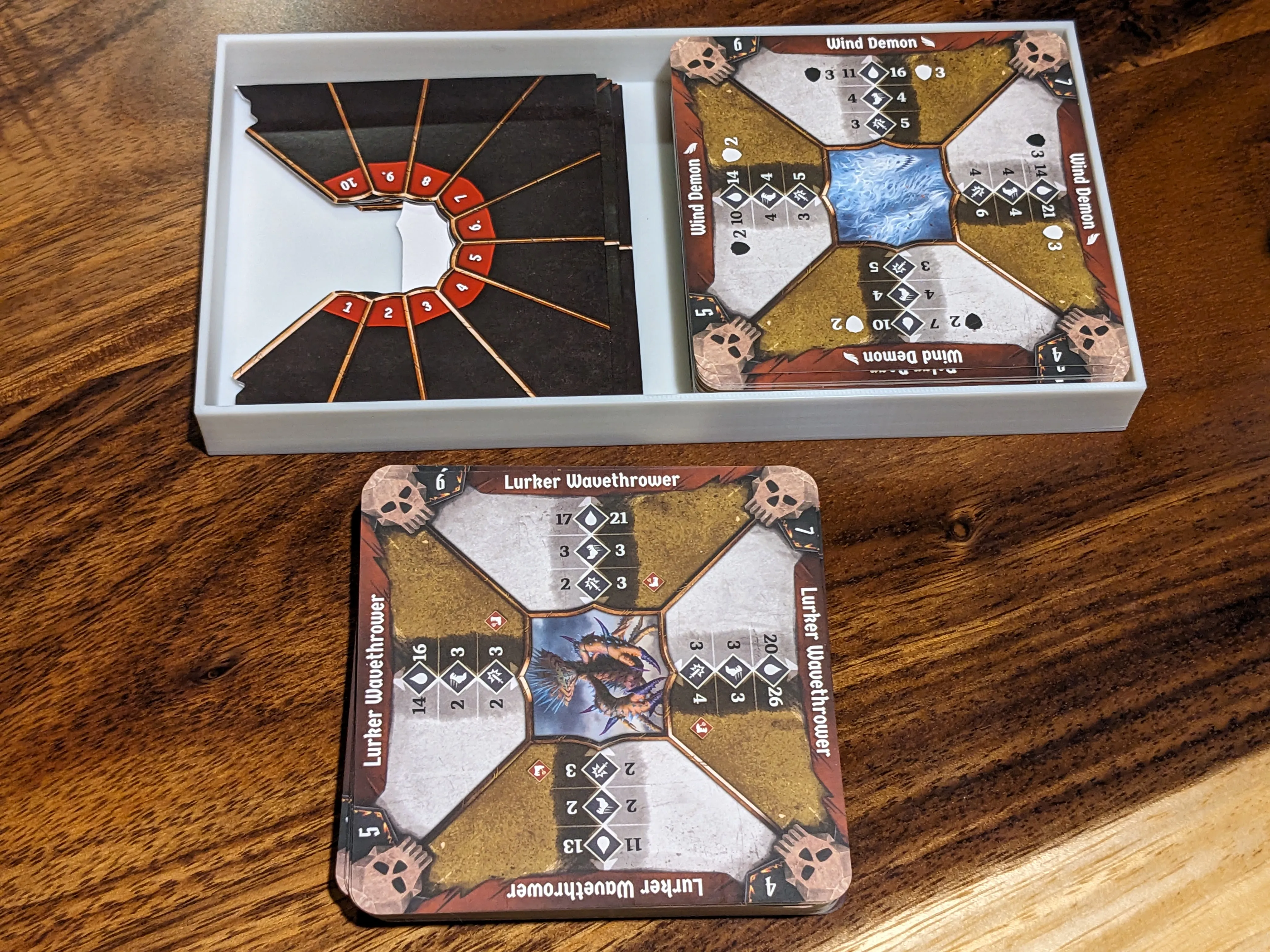
This tray holds all of the enemy health cards as well as the assorted sleeves for these cards.
Character Tuck Boxes
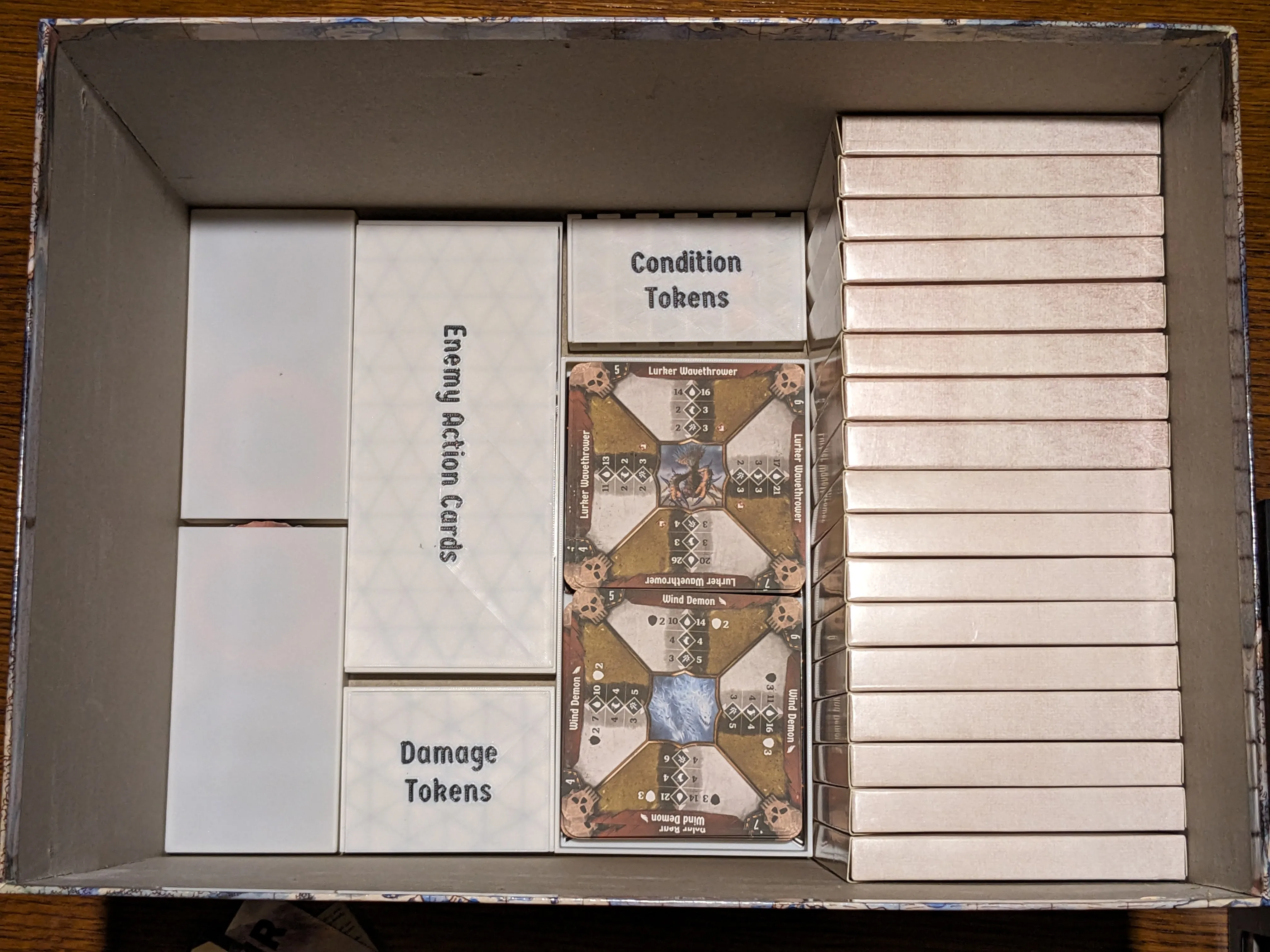
It's important to note that in addition to putting the character tuck boxes along the short edge of the box instead of the long edge, you also need to rotate them so each character box is sitting on their short side in order to fit everything else in the box around them.
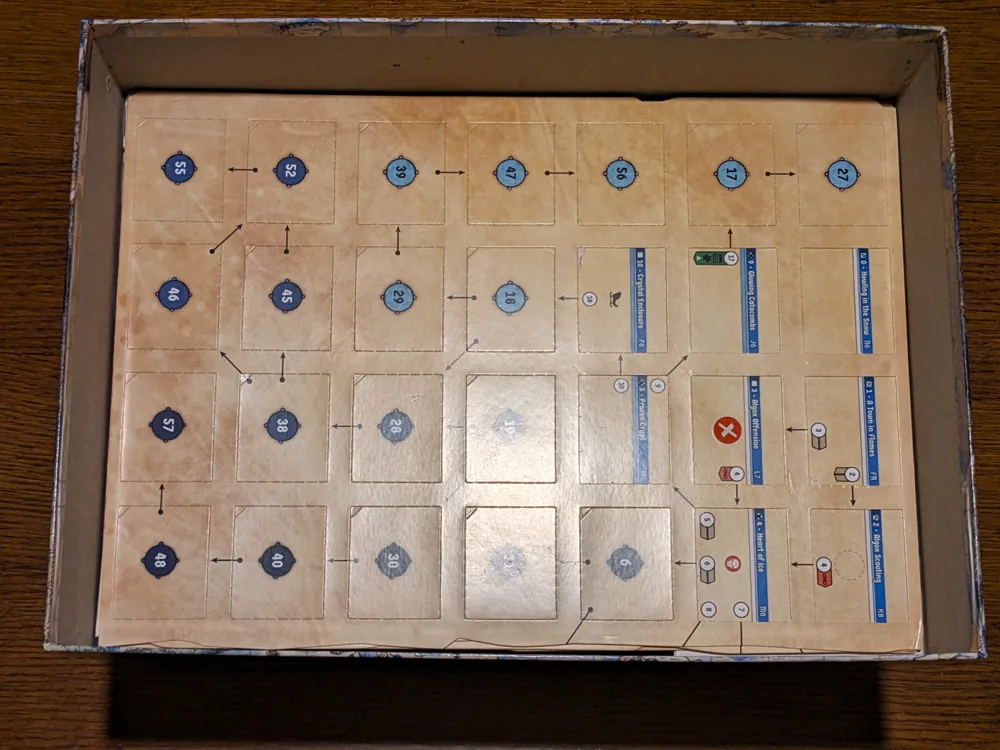
What about map tiles, the rulebook, and the section/scenario books? What about the sticker sheets and the alchemy crafting card?
While the sticker sheets and alchemy crafting card could feasibly be kept in the box, they're used infrequently and are better kept in the accordion file with the books and map tiles. If you aren't already using an accordion file, you really really should start. Yes, it expands the game outside its box, but it makes setup and teardown dramatically easier.
Print Settings
- I used default settings for most of these for a .2 layer height and .4 nozzle.
- Supports are not necessary for any objects.
- While there is a small amount of color changing in certain models (like the card dividers and container lids), you could just as easily print these in solid colors or do manual color changes.
License

You shall not share, sub-license, sell, rent, host, transfer, or distribute in any way the digital or 3D printed versions of this object, nor any other derivative work of this object in its digital or physical format (including - but not limited to - remixes of this object, and hosting on other digital platforms). The objects may not be used without permission in any way whatsoever in which you charge money, or collect fees.


Comment & Rating (27)