Search models, users, collections, and posts

PixelBuddies - The Legend of Zelda
Print Profile(3)

All
A1 mini
P1S
P1P
X1
X1 Carbon
X1E
A1
H2D
H2D Pro
H2S
P2S
H2C
X2D
A2L

PixelBuddies (Standard Sprites)
Designer
38.9 h
6 plates
5.0(2)

PixelBeadies - Sprite Beads
Designer
39.3 h
6 plates
5.0(1)

PixelBuddies+ - Magnetized Sprites
Designer
40 h
6 plates

Open in Bambu Studio
Boost
105
371
12
6
128
43
Released 

Description

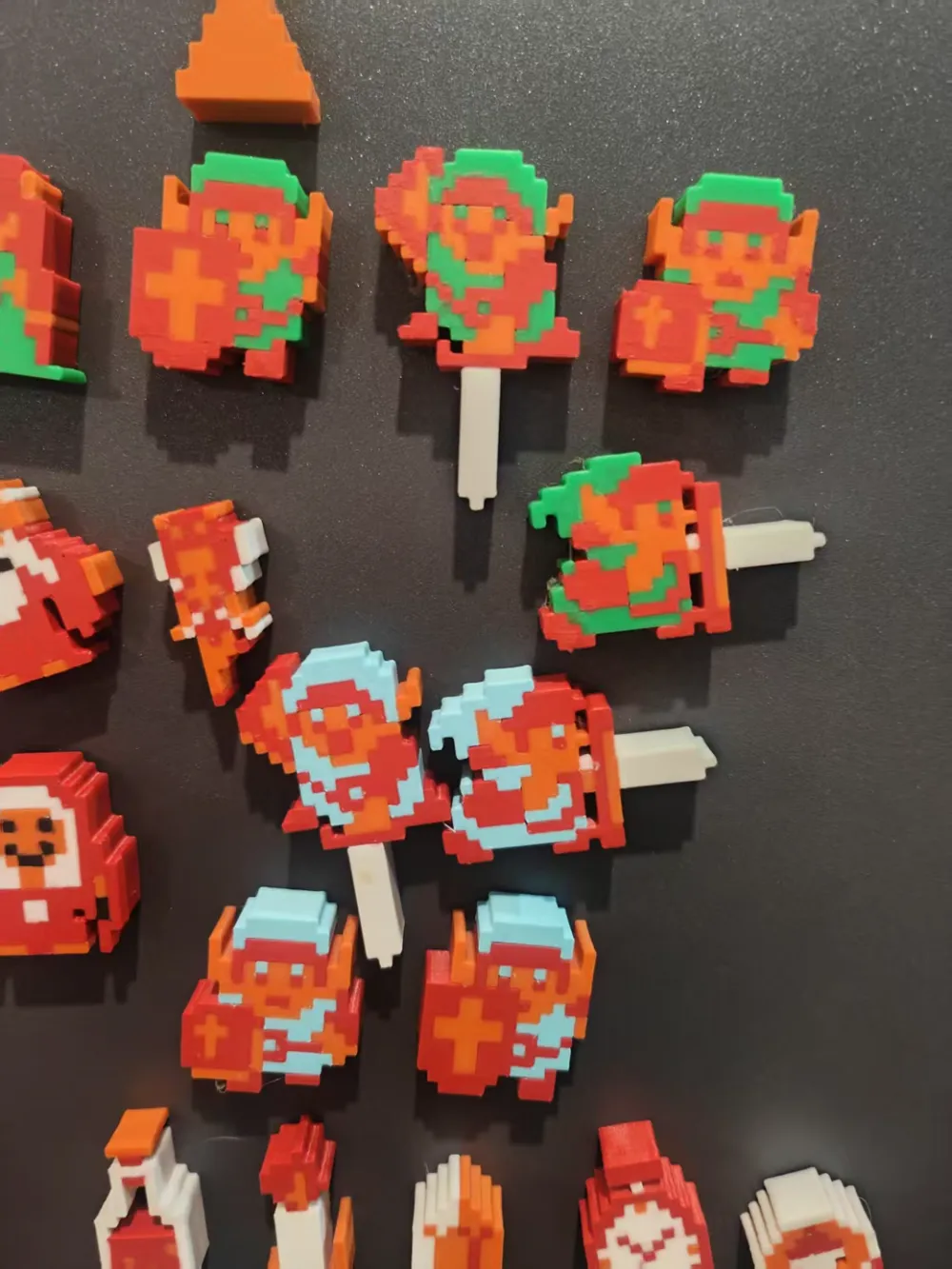
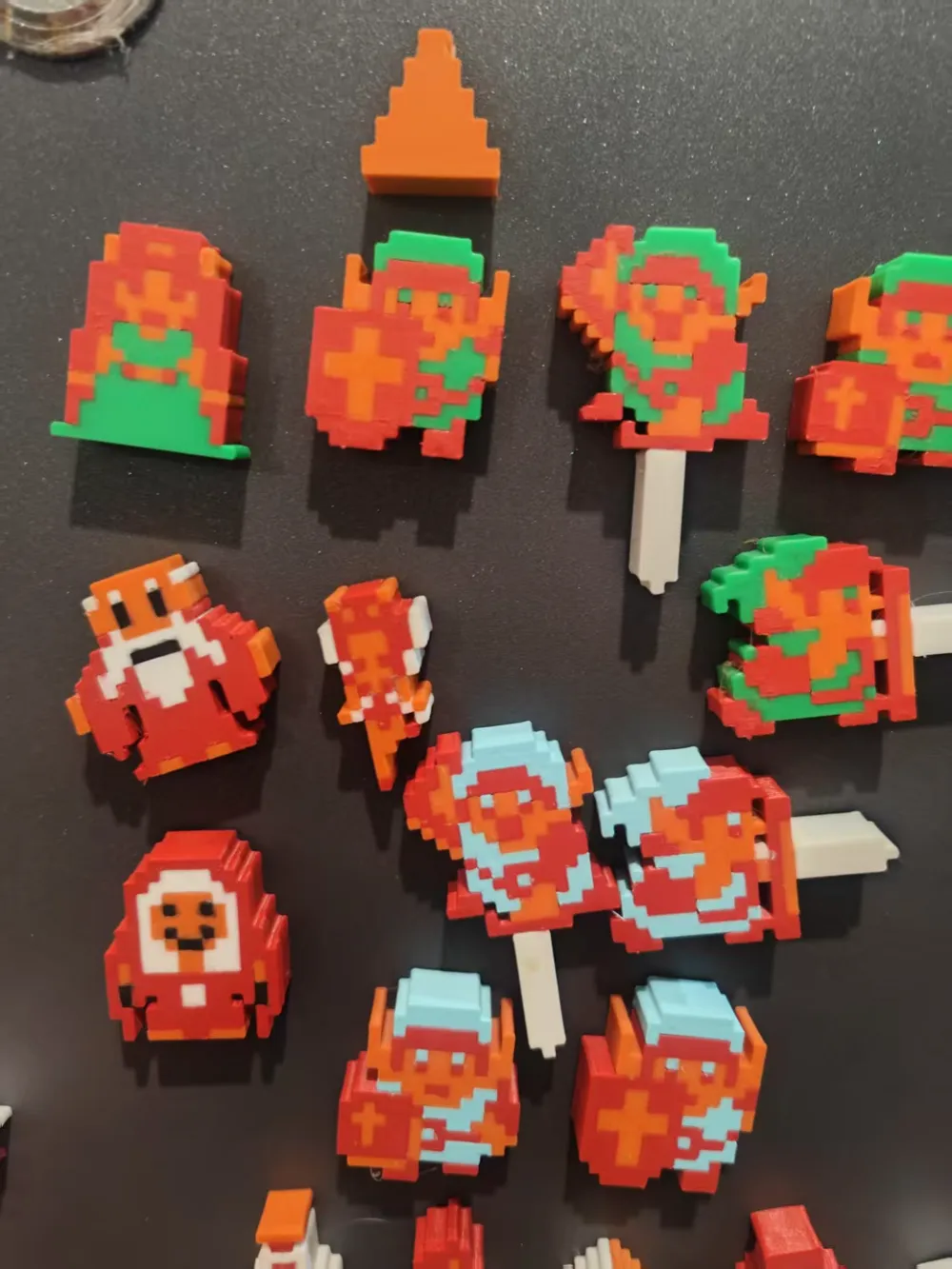
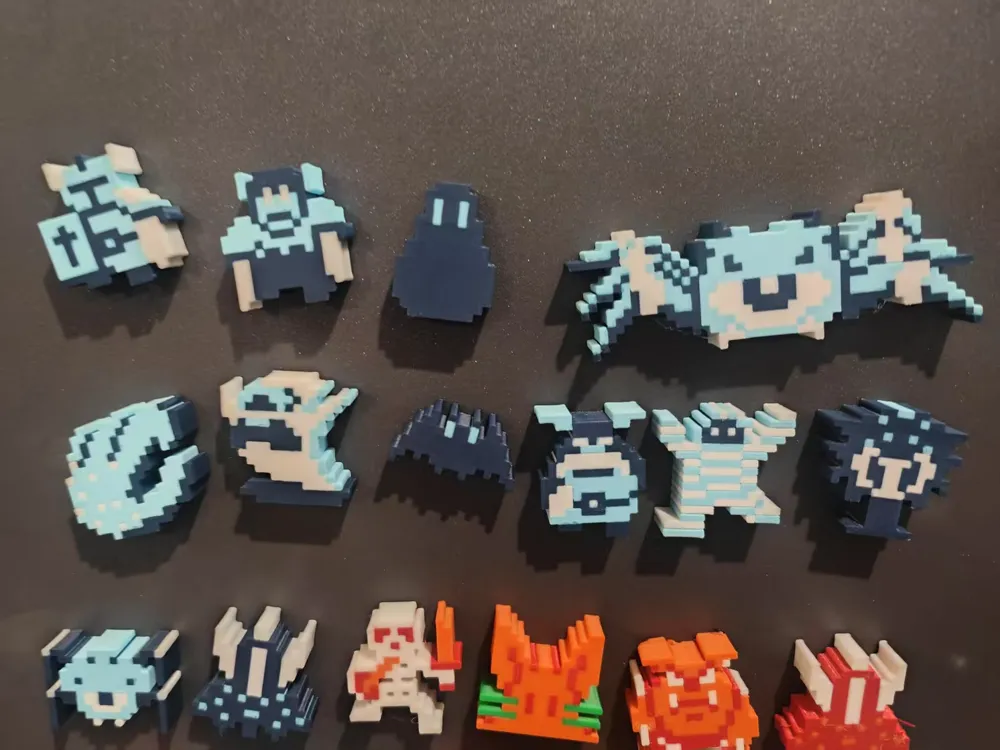
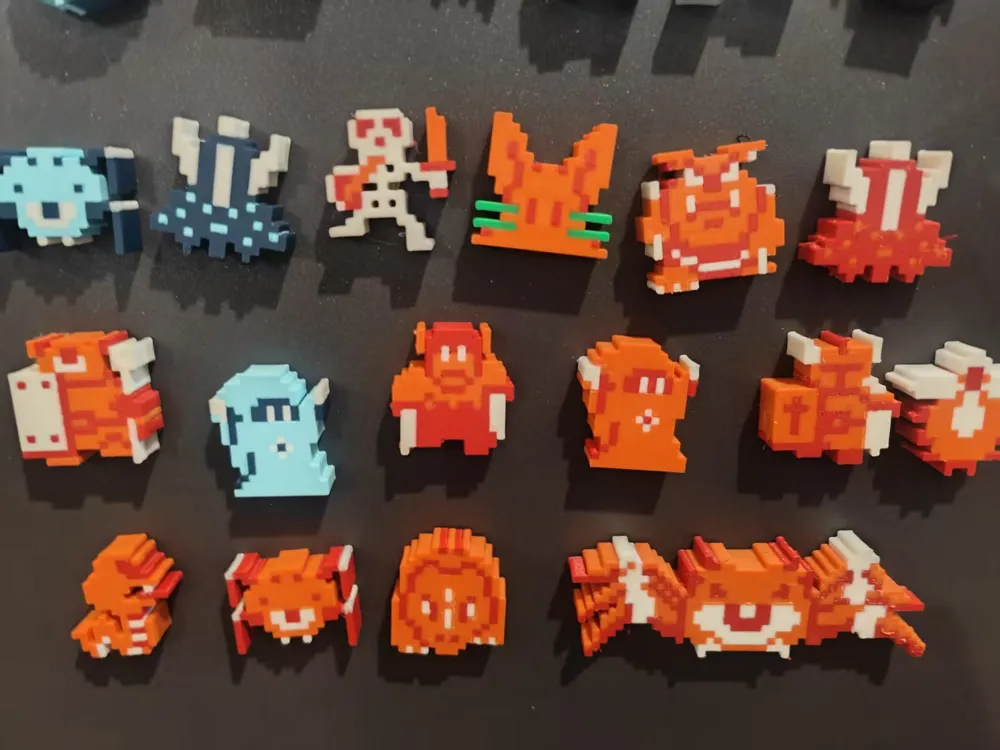
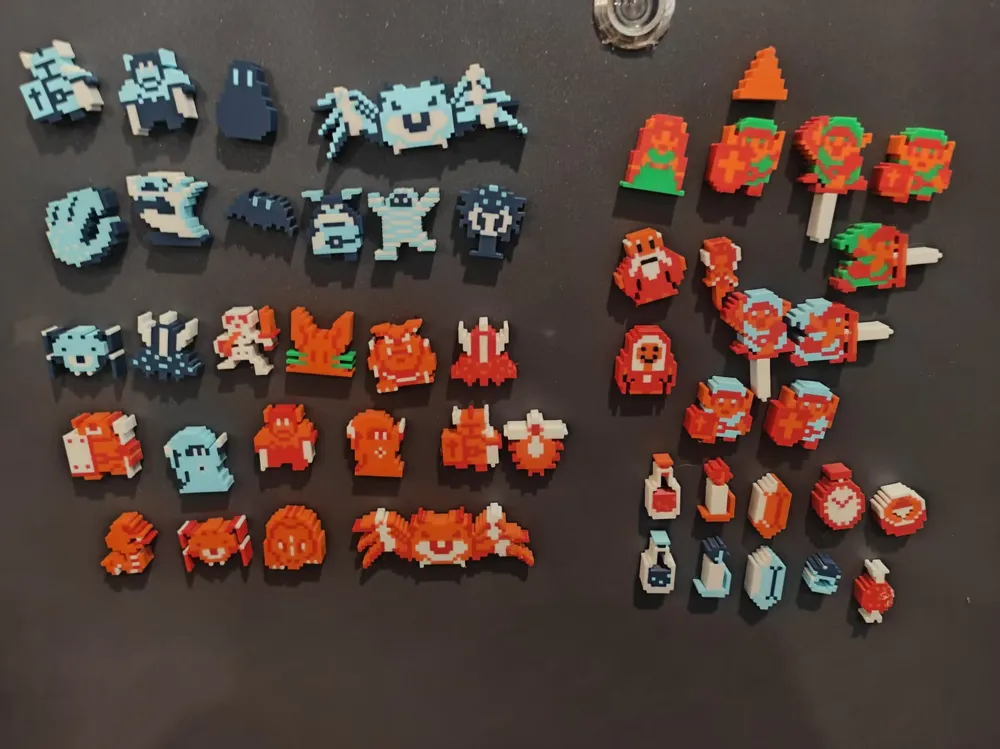
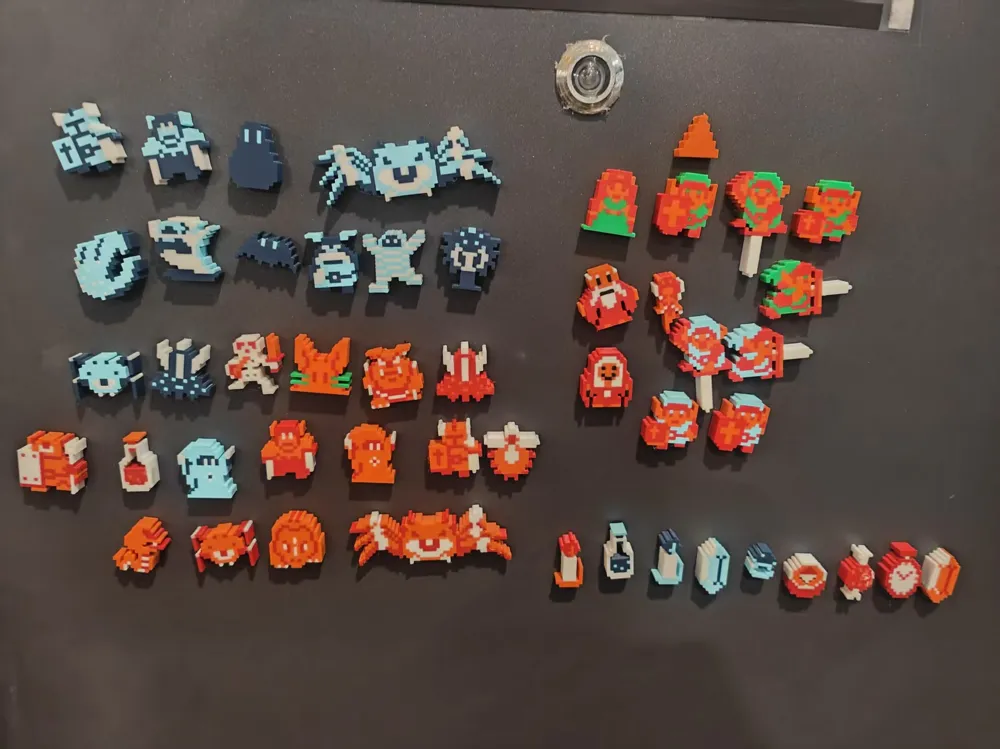
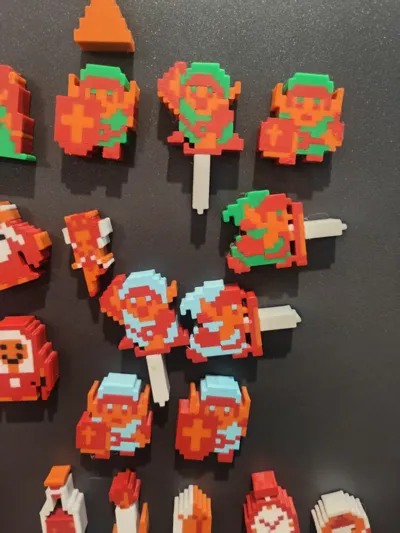
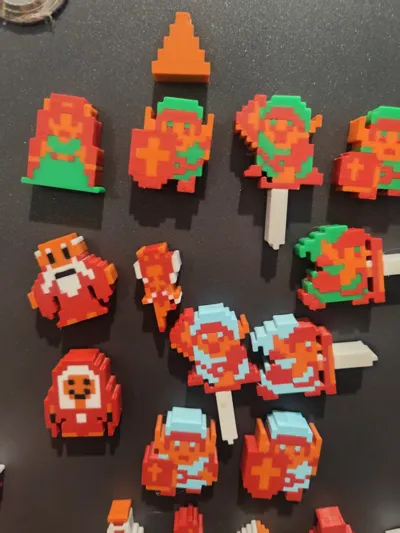
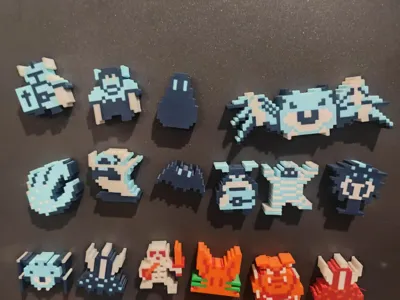
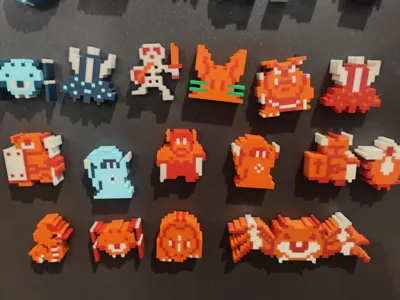
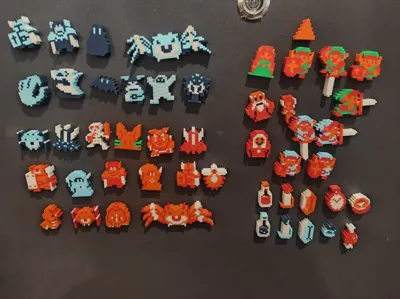
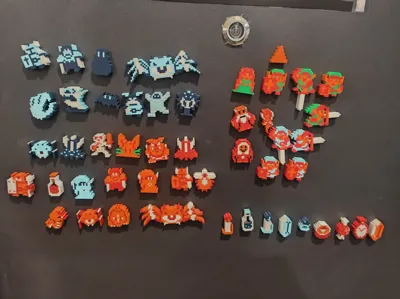
The classic pixel sprites from The Legend of Zelda.

Each sprite is reconstructed from the original game assets (with occasional minor changes for stability) and ready to print in several formats:

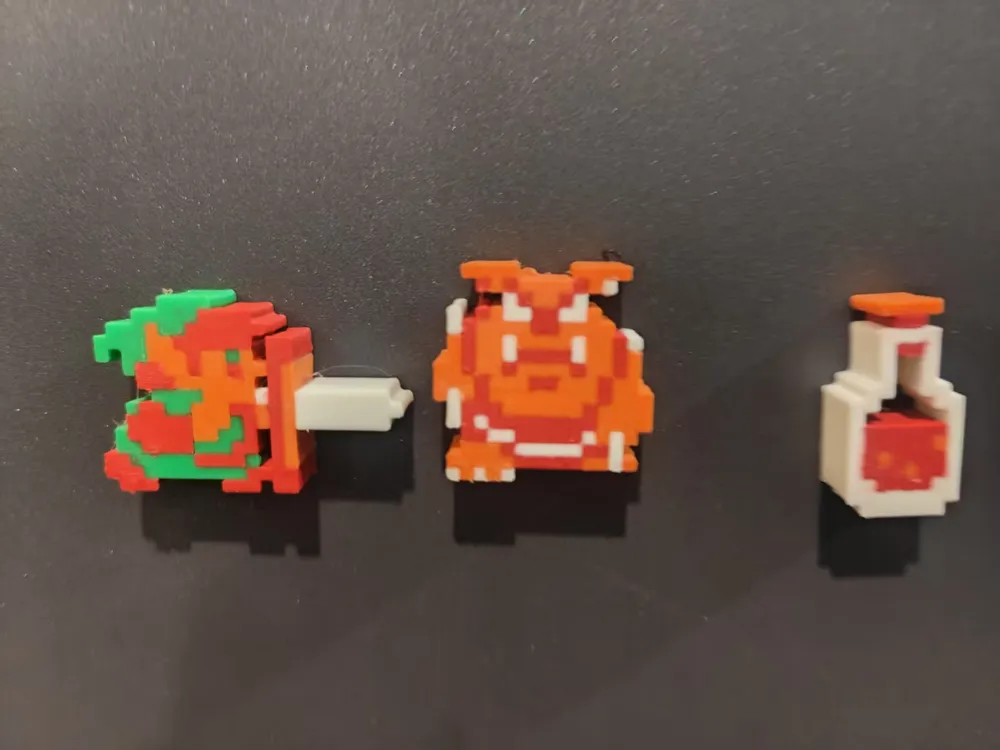
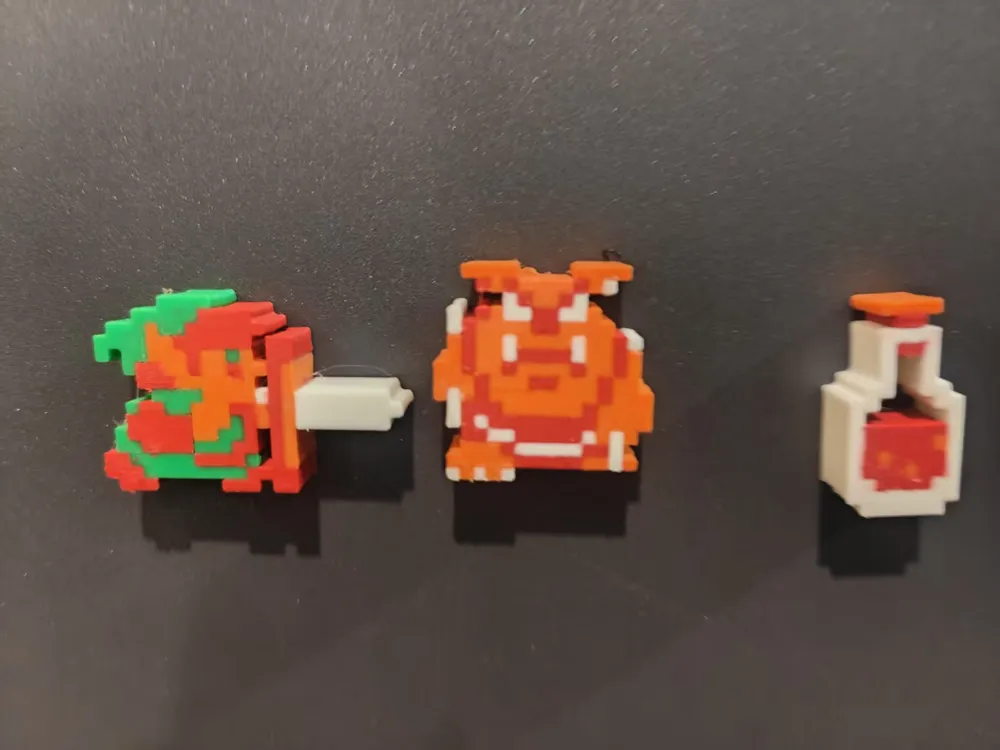
PixelBuddies are simple sprites at 10mm thickness. Ready for general purpose fun or further modification.

PixelBuddies+ are the same as the standard pixelbuddies, but have been modified to have magnet holes (6mm x 2mm) on the back for your refrigerator or customisable art displays.

PixelBeadies have been modified in Blender Studio to contain 5mm bead holes run through them for using as beads, charms, or hoodie beads. There is also a version of PixelBeadies that is a bit smaller (PixelBeadies 60) that have been scaled down on X and Y, but are still 10mm thick with a 5mm bead hole.

Check out the other classic games in my growing PixelBuddies collection:
 

Boost Me (for free)

Boost me to tell me what PixelBuddies set you'd like to see next.

Super Mario Brothers
 

Comment & Rating (12)

(0/1000)

These are so awesome!
0
Reply
Print Profile
PixelBuddies (Standard Sprites)
I LOVE these! Thank you! Please complete this set with the missing bosses!
0
Reply
These are amazing! PLEASE, I beg of you, please do each boss for the remaining levels so I can put them with their corresponding map! Thank you!!
0
Reply
Boosted
do Mario next please
The designer has replied
0
Reply
I have already done Super Mario Brothers 1 - check my other models!
0
Reply
Boosted
Replying to @hecticdialectic :
Ah! I didn't see them until now. How do you make them? LOVE THESE THINGS.
0
Reply
Boosted
Replying to @hecticdialectic :
Do you have the list of colors you used for the PLA? Matte or basic?
0
Reply
These are great, but they waste A LOT of filament doing filament changes with AMS systems. The height is 10 mm while the magnet only needs 2 mm of depth and 2 to 3 mm of wall behind it. At minimum you could decrease the height to 4 mm by slicing, then paint the first 2 mm white as only the top really needs the coloring. You could get away with not using a brim of 10 and a purge tower. Also, you could set the infill to 100 to give you a solid print. And it is better to have the hole on the top and just use a smooth or textured PEI plate. Doing all this would reduce waste, reduce filament swaps, and reduce print time.
1
Reply
I LOVE these sprites. I'm doing something similar to what these other people are doing, printing all the dungeons, overworld, etc. but In trying to make accurate versions of the dungeons, I'm having a very hard time trying to find the rest of the sprites elsewhere. The stairs, sideways facing Dodongo, other bosses, other enemies from the dungeons... I was wondering if you ever plan on doing a follow-up to this awesome collection to fill out the rest of the sprites from the game. (I'll be getting some of these printed and posted with pictures ASAP)
0
Reply
Unfortunately even these were a LOT of work for the number of makerworld points i've ended up getting off of them. With the many others versions of sprites, especially when including stairs, walls, etc, its just too big of a project for me to take on when I have no personal use for them myself. But here is my workflow: 0) Download sprite sheets 1) Paint out the sprite on pixilart.com, and export as png 2) Separate png by colors in gimp and export as separate images (using export layers plugin) For each color: 3) Convert png to svg using an online converter 4) Import svg to blender 5) Scale all parts of svg to correct size 6) Join parts 7) Convert to a mesh 8) Solidify 9) Extrude along the z axis or just scale the z axis only 10) Export 11) Import the stl for each color into bambu 12) Place magnet holes using a negative part .... I'm sure you can see why this is a pretty long process. There are probably a few places it could be sped up, but I don't know them.
0
Reply
These are all great. My only request would be if we could get a Link holding his arms above his head that can hold the triforce piece. But really excellent and thorough collection.
0
Reply
Print Profile
PixelBeadies - Sprite Beads
0
Reply
Print Profile
PixelBuddies (Standard Sprites)
0
Reply
No more