
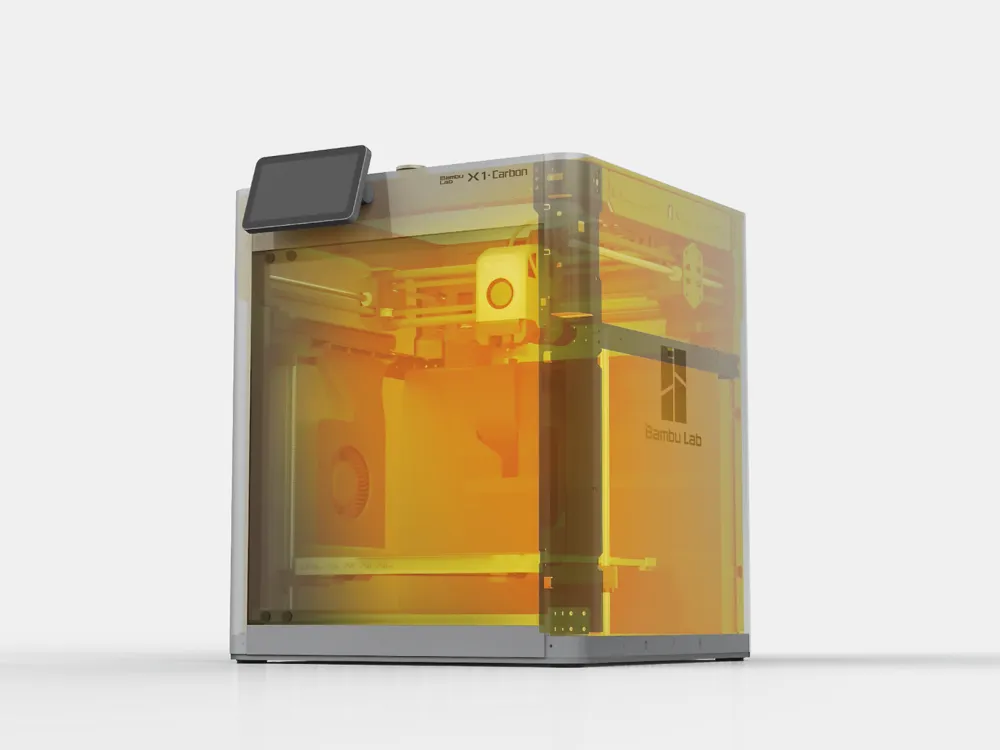
G-code for X1C chamber heating and heat soak

Print Profile(0)
Description
Custom gcode to manage X1C chamber pre-heating and heat soaking. By default, only activated if chamber temperature is set above 30ºC.
Developed for use with X1C and OrcaSlicer. Will not work on P1 series since they lack a chamber temperature sensor. Bambu Studio does not have the option to set chamber temperatures for X1C.
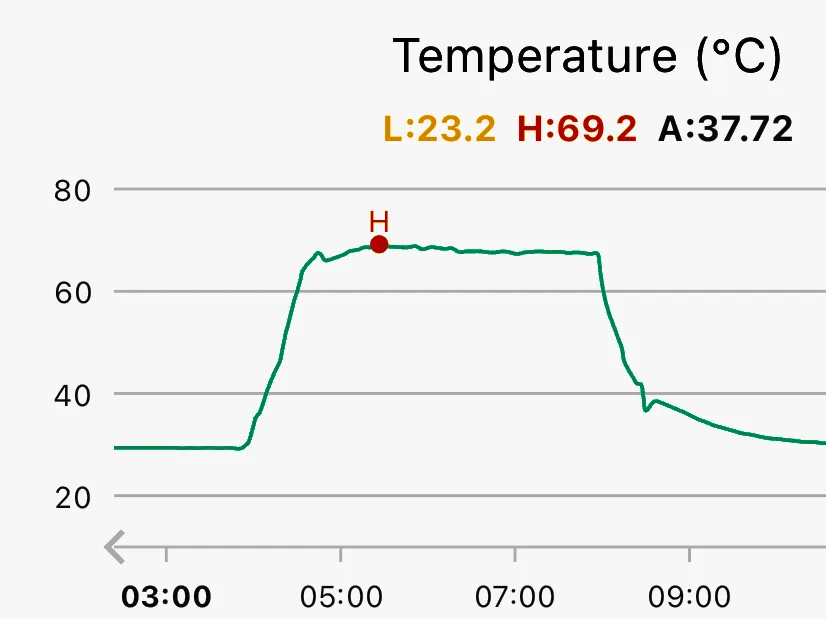
The code causes the print to pause after heating the bed to allow the chamber to reach the target temperature. To speed up heating, the auxiliary fan is run at 100% to circulate heat from the print bed.
After temperature is reached, there is an additional 15 min pause to heat soak the printer before starting calibration. This pause allows thermal expansion to occur prior to bed mesh generation.
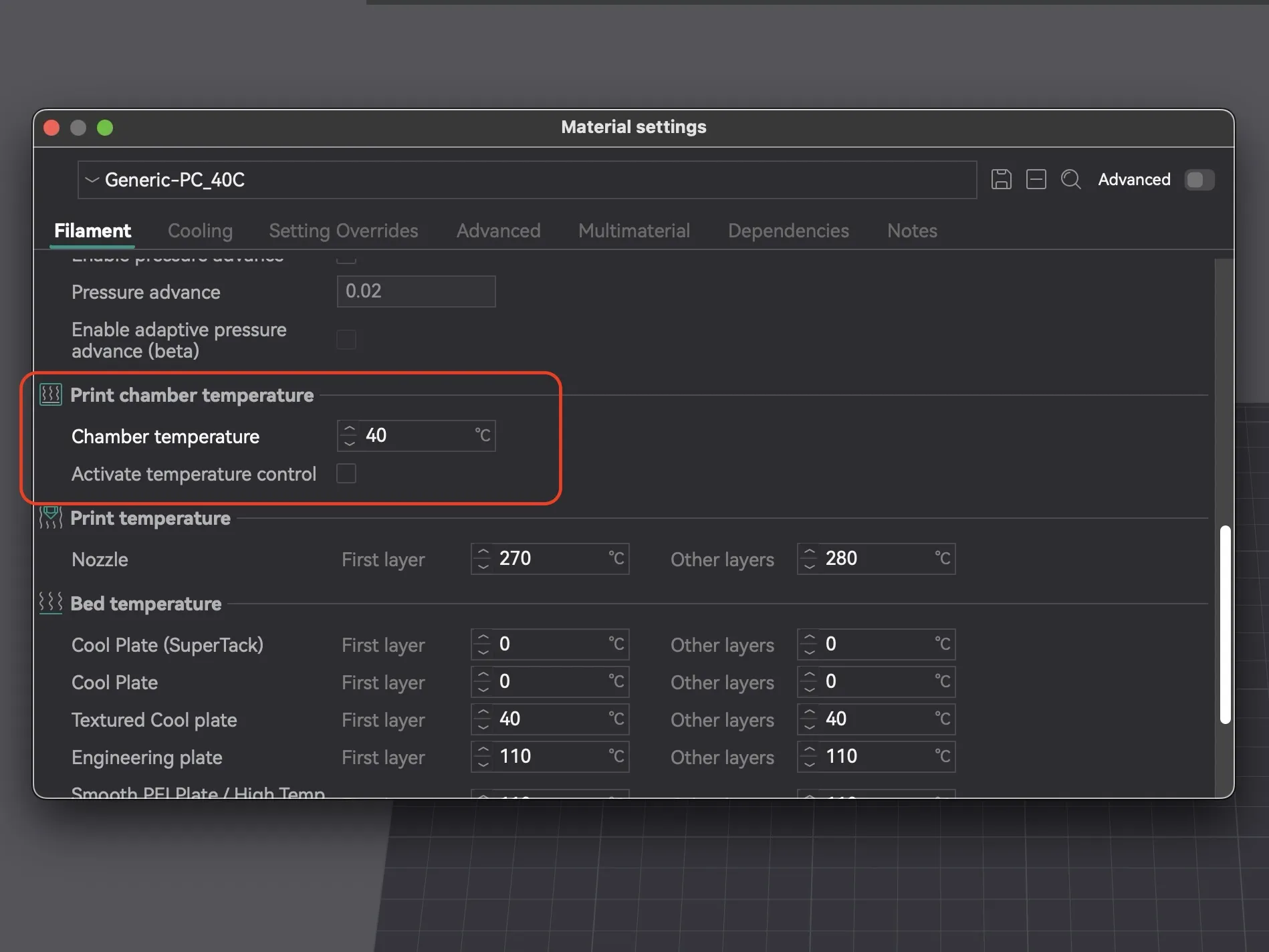
In OrcaSlicer, you can specify a target chamber temperature for any filament under “Material Settings” → “Filament” → “Print chamber temperature” → “Chamber temperature.” This value is used by the gcode as the target temperature. Leave at 0 to disable heating/soak.
Code
The included .3mf file is an otherwise stock profile (OrcaSlicer 2.3.0-rc) with the machine start gcode modified to contain the code for chamber heating and heat soaking. You can find that same modified machine end gcode in the txt file.
Source
;===== chamber heating - start =======================
{if (chamber_temperature[0] < bed_temperature[current_extruder])||(chamber_temperature[0] > 30)}
G1 X70 F21000 G1 Y245 G1 Y265 F3000 M400; move to poop chute
M106 P2 S255; Switch auxiliary fan on at 100%
M106 P3 S0; Turn off exhaust fan just in case
M1002 gcode_claim_action : 16; LCD Message = "Paused by the user"
M191 S{chamber_temperature[0]}; Wait for target chamber temperature of first filament
{endif}
;===== end - chamber heating =======================
;===== heat soak - start ======================
{if chamber_temperature[0] > 30}
M1002 gcode_claim_action : 5; LCD Message = "M400 Pause"
M400 S900; pause for 900sec/15min
M1002 gcode_claim_action : 7; "Heating hotend " … to differentiate with next step
{endif}
;===== end - heat soak =======================
Destination
Add the code block after bed pre-heating but before calibration.
;===== heatbed preheat ====================
M1002 gcode_claim_action : 2
M140 S[bed_temperature_initial_layer_single] ;set bed temp
M190 S[bed_temperature_initial_layer_single] ;wait for bed temp
;####################################################################################
; Add here!
;####################################################################################
{if scan_first_layer}
;=========register first layer scan=====
M977 S1 P60
{endif}
Recommendations
To help with monitoring the print, I have print status set to “Paused by the user” during chamber heating and "M400 Pause" during heat soak.
Bambu Studio does not have “Print chamber temperature” settings available for X1C so you have to either set the target temperature another way or just hardcode a temperature within the gcode (e.g. `M191 S40`).
Do not select “Active temperature control.” This turns on chamber heating and waits to reach target temperature before the heatbed is turned on. A chamber heater needs to implemented in the printer firmware for this to work.
If you are not actively heating the chamber, it can take a while to reach temperatures above 40ºC even with the bed at the maximum value of 120ºC. An actively heated printer would work best for higher temperatures. However, even lower temperatures provide a head start on heating the chamber. If the target temperature is too high, there is a possibility the printer might get stuck at this step, especially without an active heater.
References
- Bambu Lab specific gcode implementation → https://forum.bambulab.com/t/bambu-lab-x1-specific-g-code/666
- More gcode commands → https://github.com/jphannifan/x1plus-testing/blob/main/Gcode.md
- How to access values set in the slicer when writing gcode → https://wiki.bambulab.com/en/software/bambu-studio/placeholder-list
- OrcaSlicer chamber temperature implementation → https://github.com/SoftFever/OrcaSlicer/wiki/chamber-temperature
- Marlin documentation for chamber temperature gcode → https://marlinfw.org/docs/gcode/M191.html
- Benefits of heat soaking printer → https://ellis3dp.com/Print-Tuning-Guide/articles/troubleshooting/first_layer_squish_consistency_issues/thermal_drift.html
Documentation (1)
License



Comment & Rating (17)