
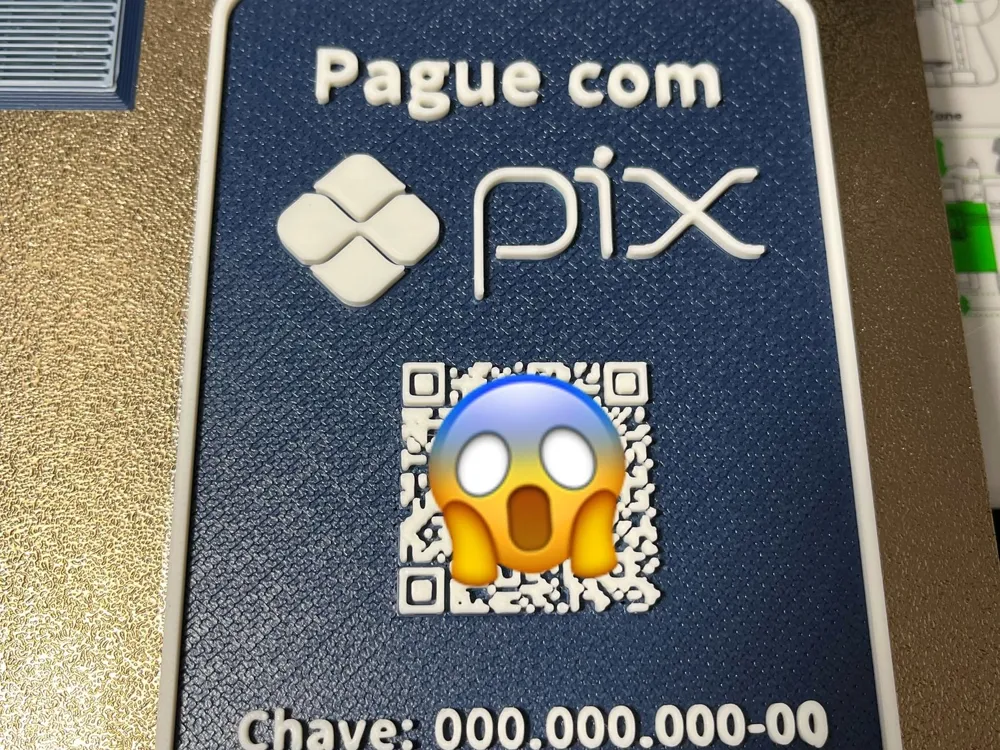
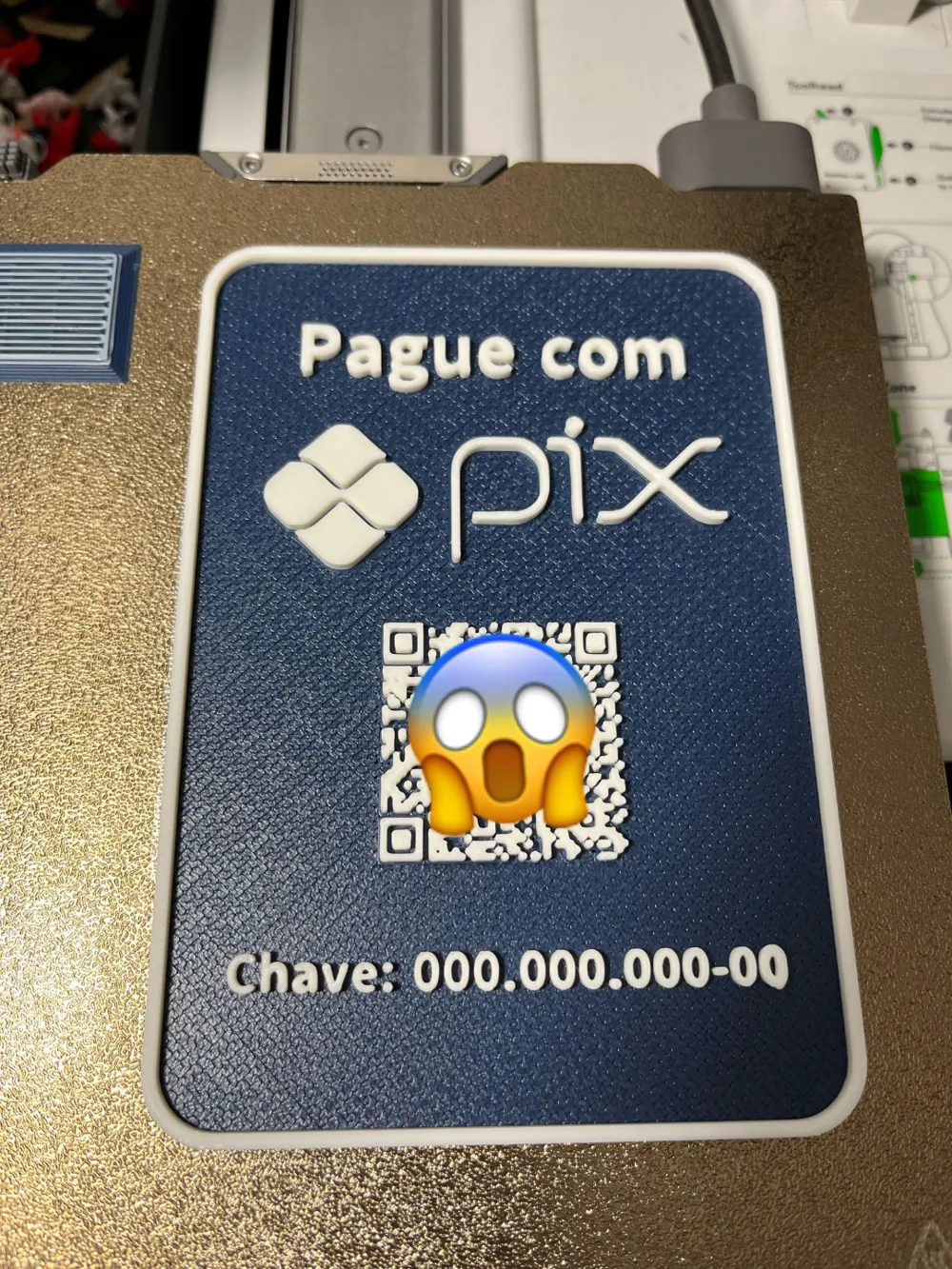
PAY WITH PIX QR CODE - EDITABLE

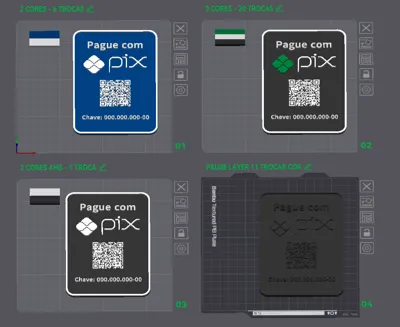
Print Profile(1)

Description
Customizable Pay with PIX Plate:
- Edit the text
- Replace the QR CODE
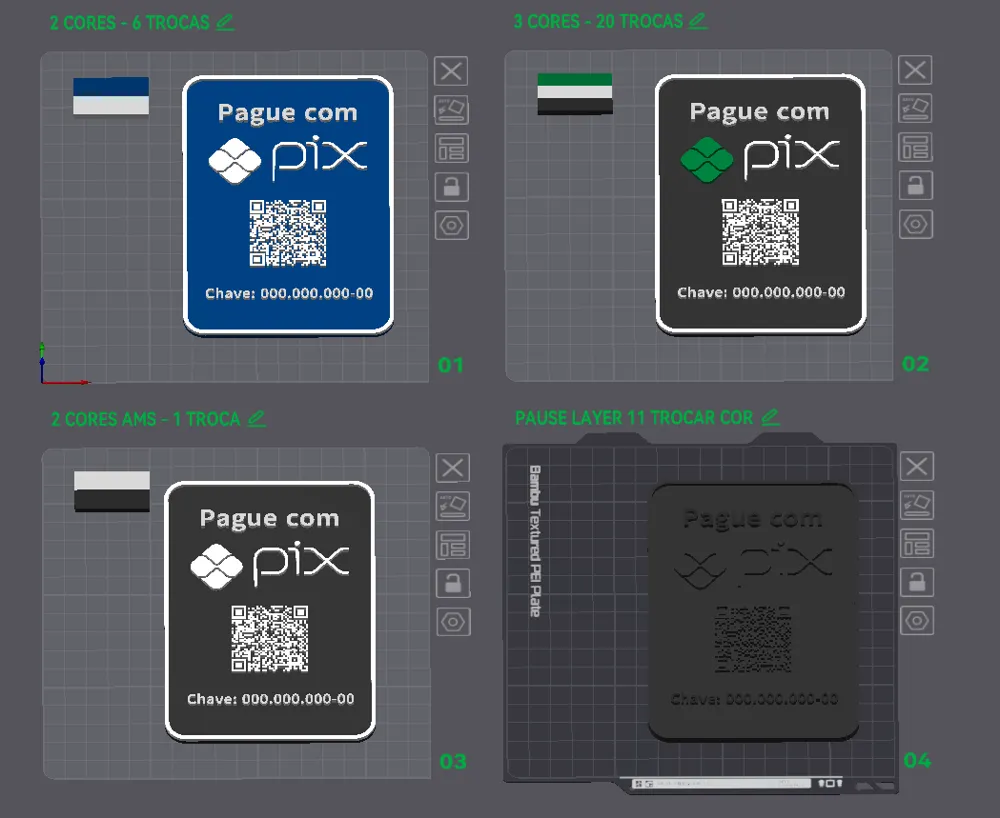
- 4 pre-configured captioned models (Including non-AMS version with PAUSE on LAYER 11 for MANUAL COLOR CHANGE)
- Ironing only on the top layer - please check speed and flow settings - disable if you don't have experience
Select your preferred color configuration (at your own risk - I DO NOT RECOMMEND USING A WHITE BACKGROUND!)
BASE FOR THE PLATE: https://makerworld.com/en/models/1511844-base-for-plates-version-1#profileId-1583198
Workflow for customizing your plate:
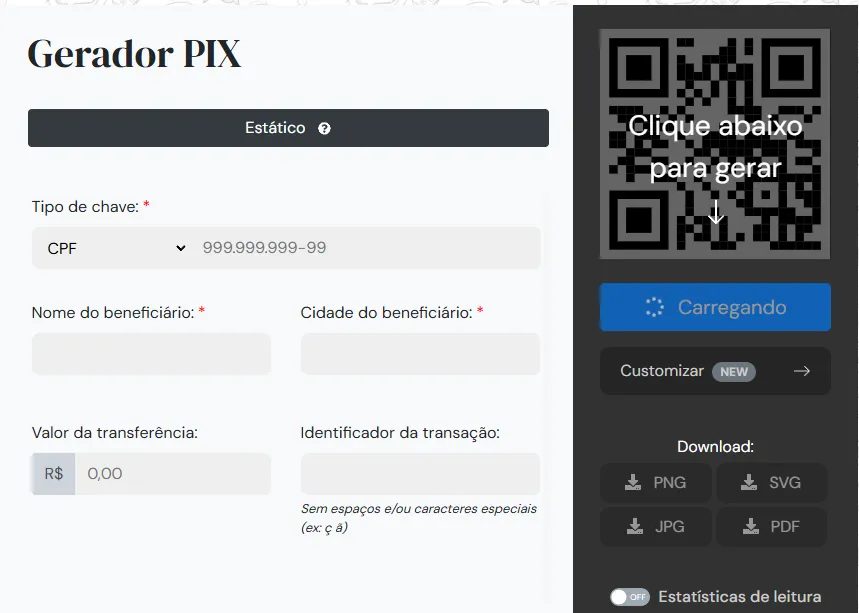
1: Generate your QR Code with PIX data at https://www.qrplus.com.br/gerador-de-pix
Fill in your data and select the output file as SV
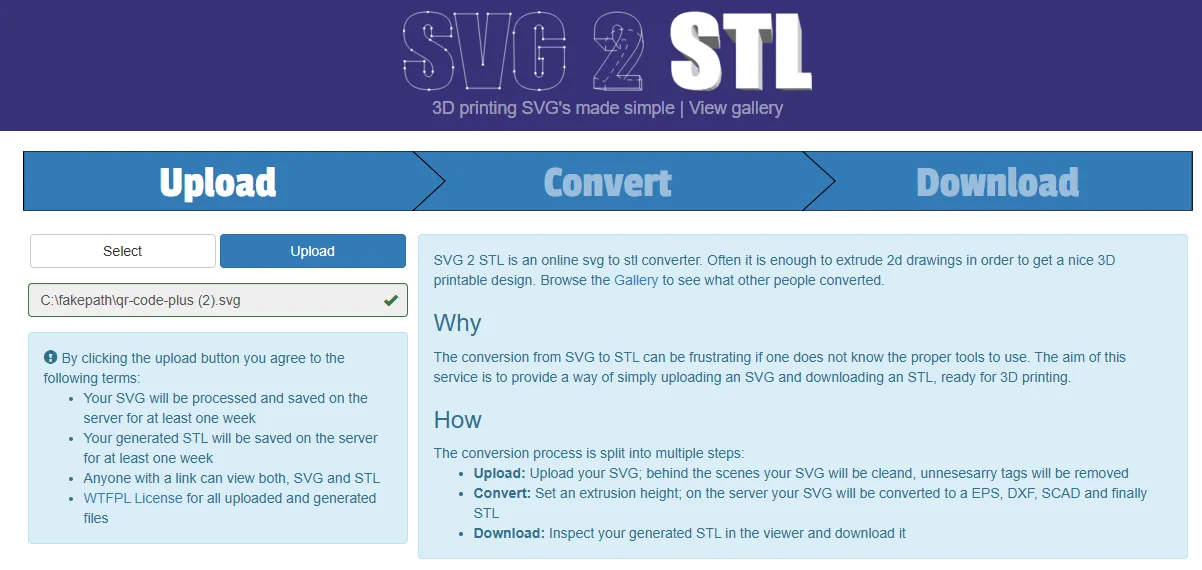
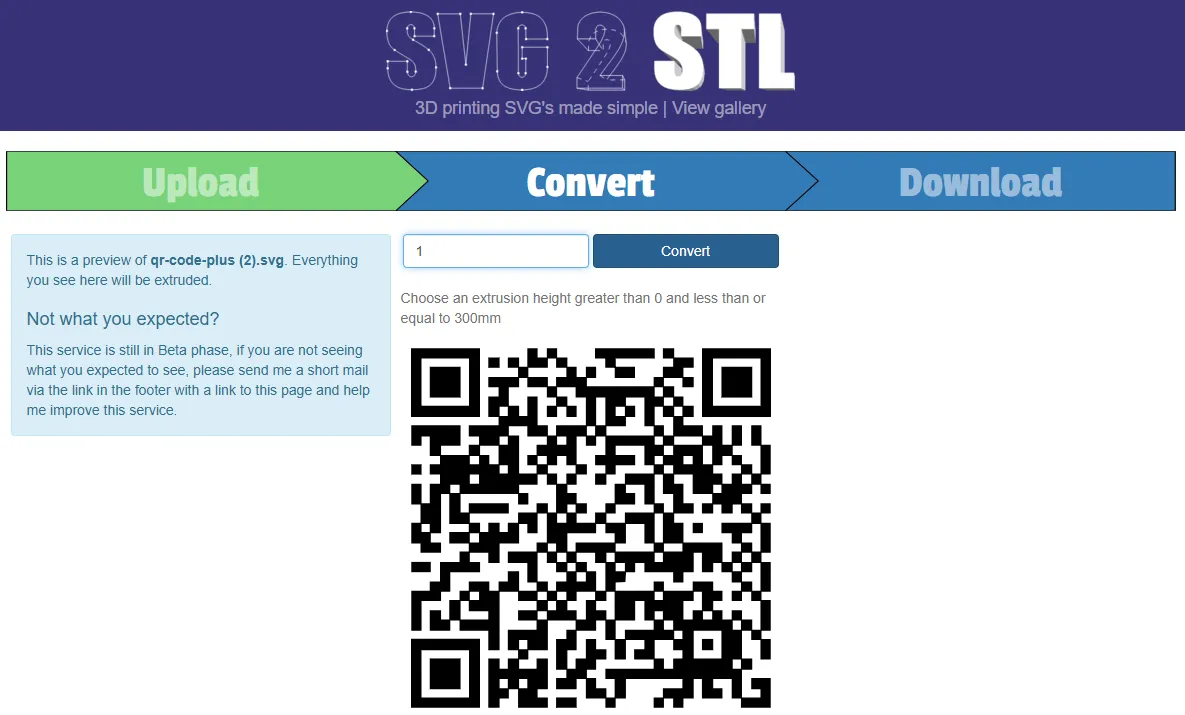
2: On the website https://svg2stl.com/ upload your QR CODE svg and convert it to STL by entering the extrusion height as 1 before clicking convert.
3: Now in the Pay with PIX STL you will replace the existing QR CODE with the QR CODE you generated by right-clicking the object and selecting Replace with STL ("Substituir com STL").
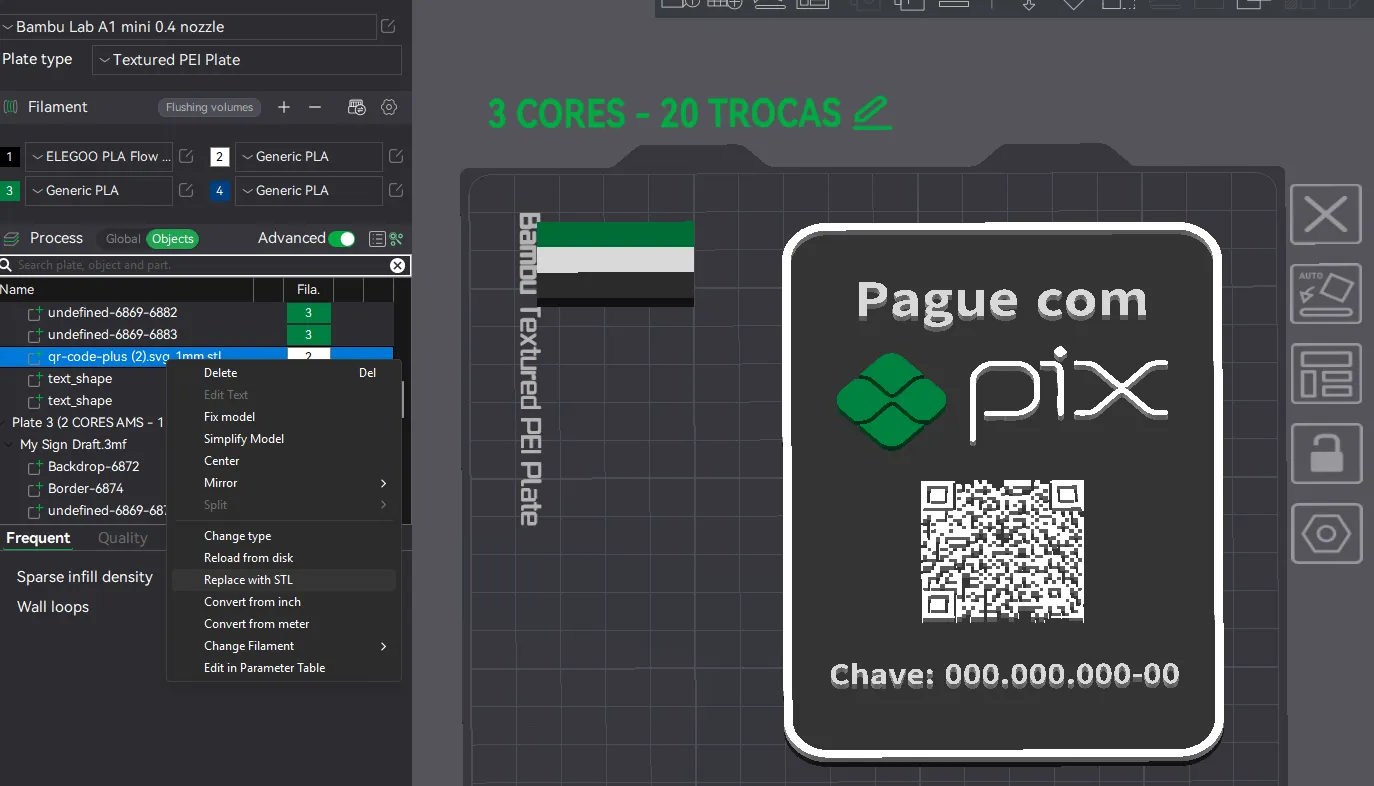
4: Like the model
5:
Boost Me (for free)
Step by step:
License



Comment & Rating (453)