
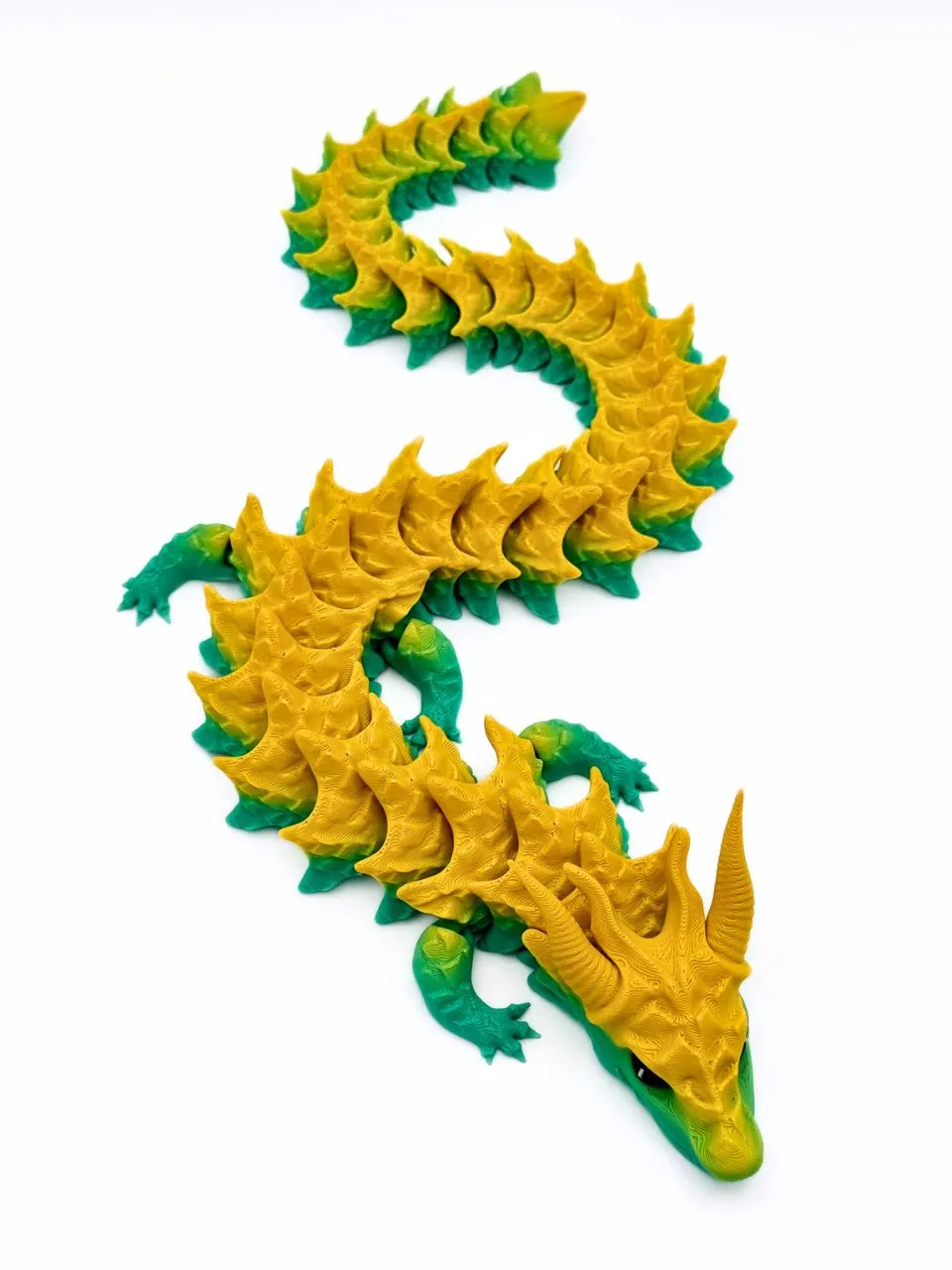
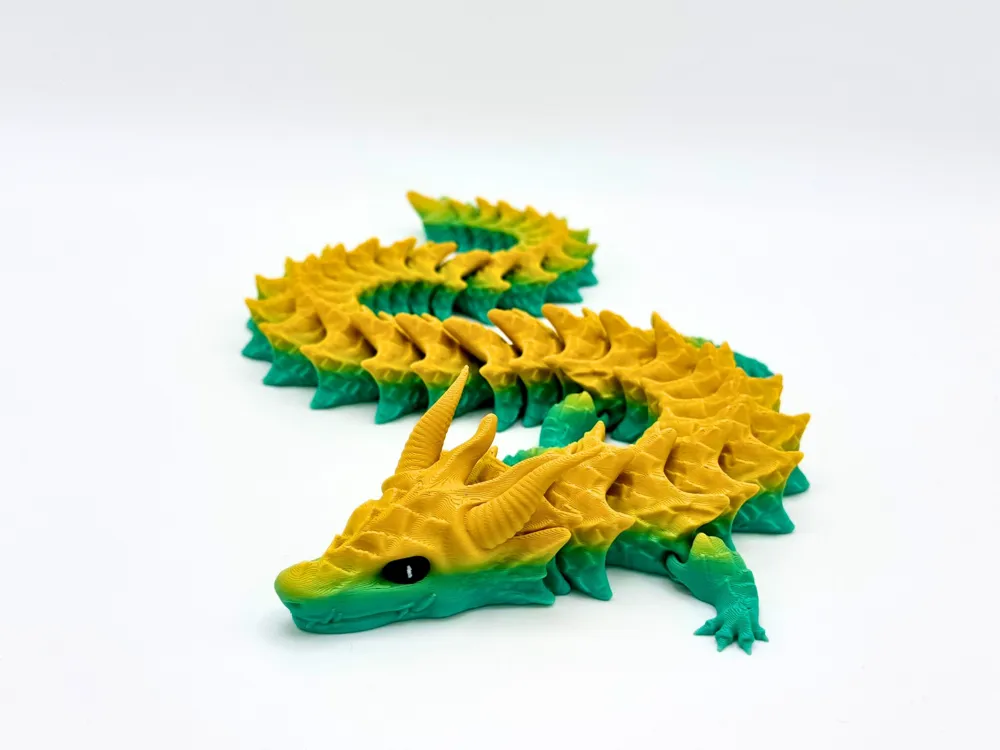
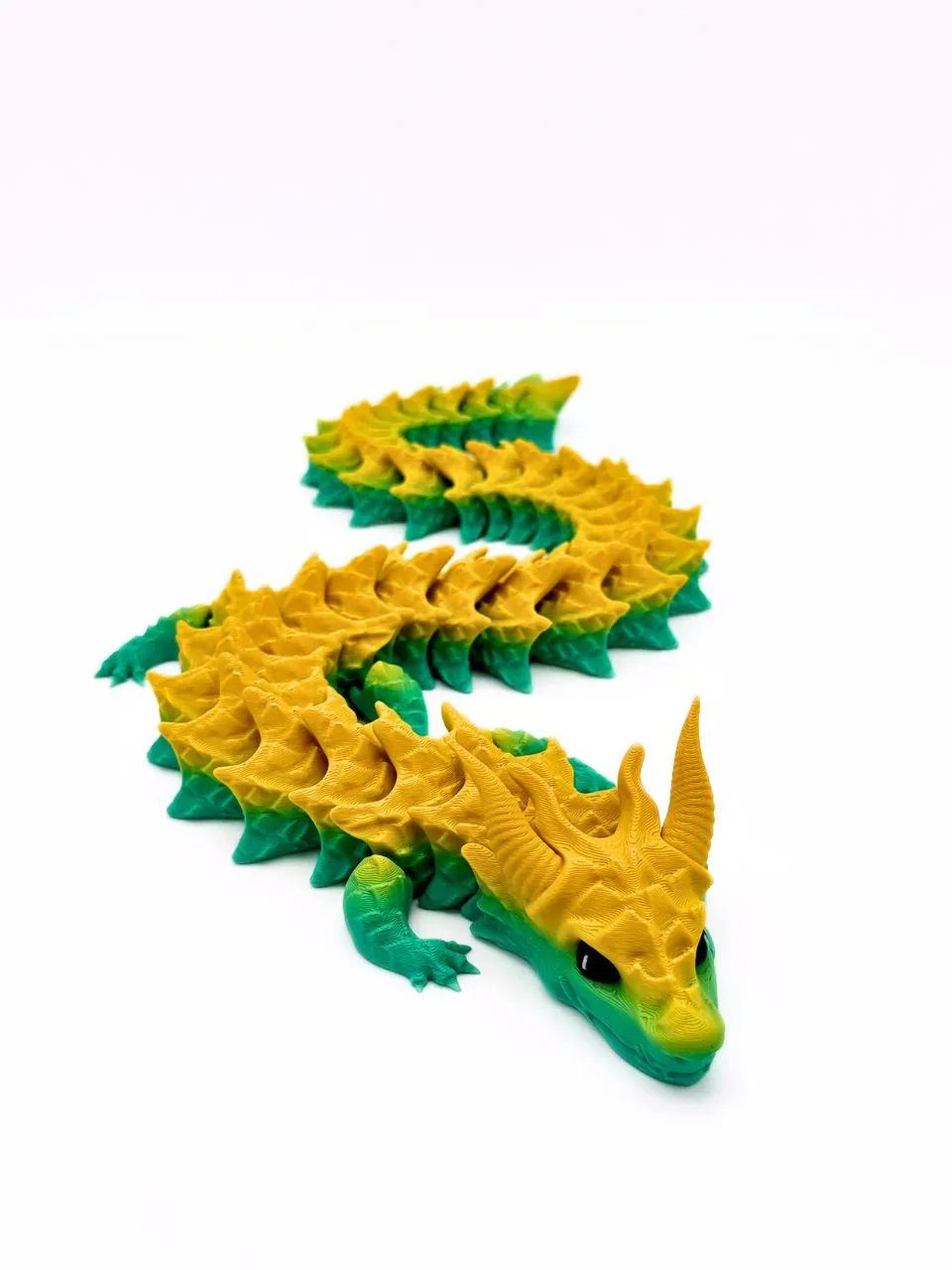
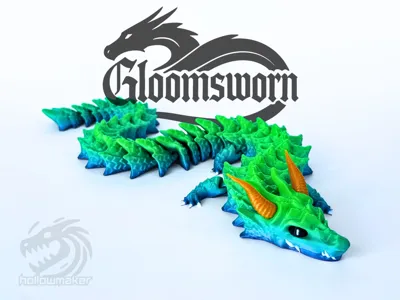
Gloomsworn - Articulated Dragon
Print Profile(7)



Description
Boost Me (for free)
Do you like my model? Boosting is free and a valuable way to support me in creating new models that I can continue offering for free on this platform. Thank you! ❤️
Membership
If you want to use this model commercially, please join my "Commercial Membership Tier" here on Makerworld or Patreon.
Due to various misunderstandings, I unfortunately have to end the boost-for-commercial-license promotion for the Gloomsworn Dragon. However, it’s still possible to purchase a 6-month license for this model in my Patreon-Shop ←Click here!
Otherwise, I’d be very happy about your support through the commercial license level, as I’m currently making the move into full self-employment.
Thank you so much for your understanding and support!
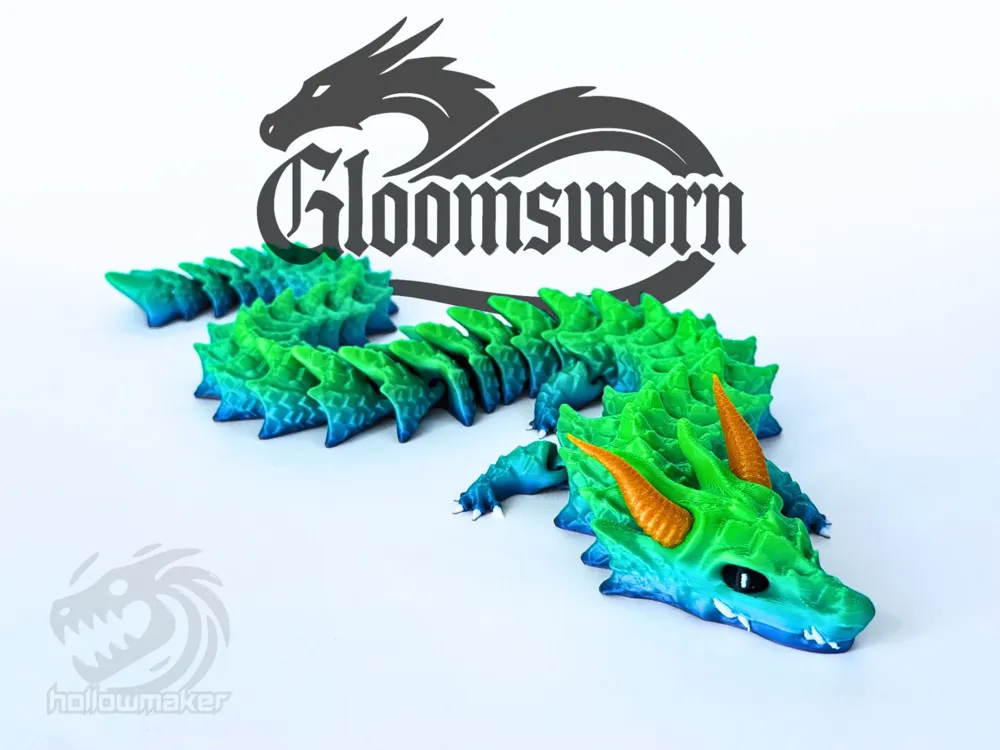
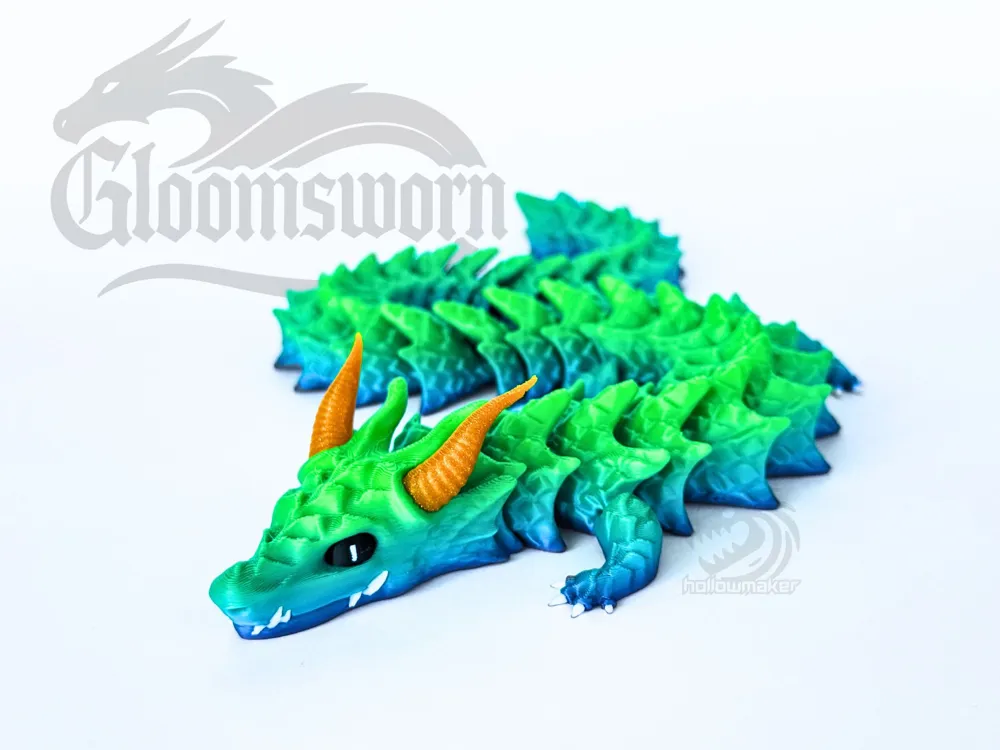
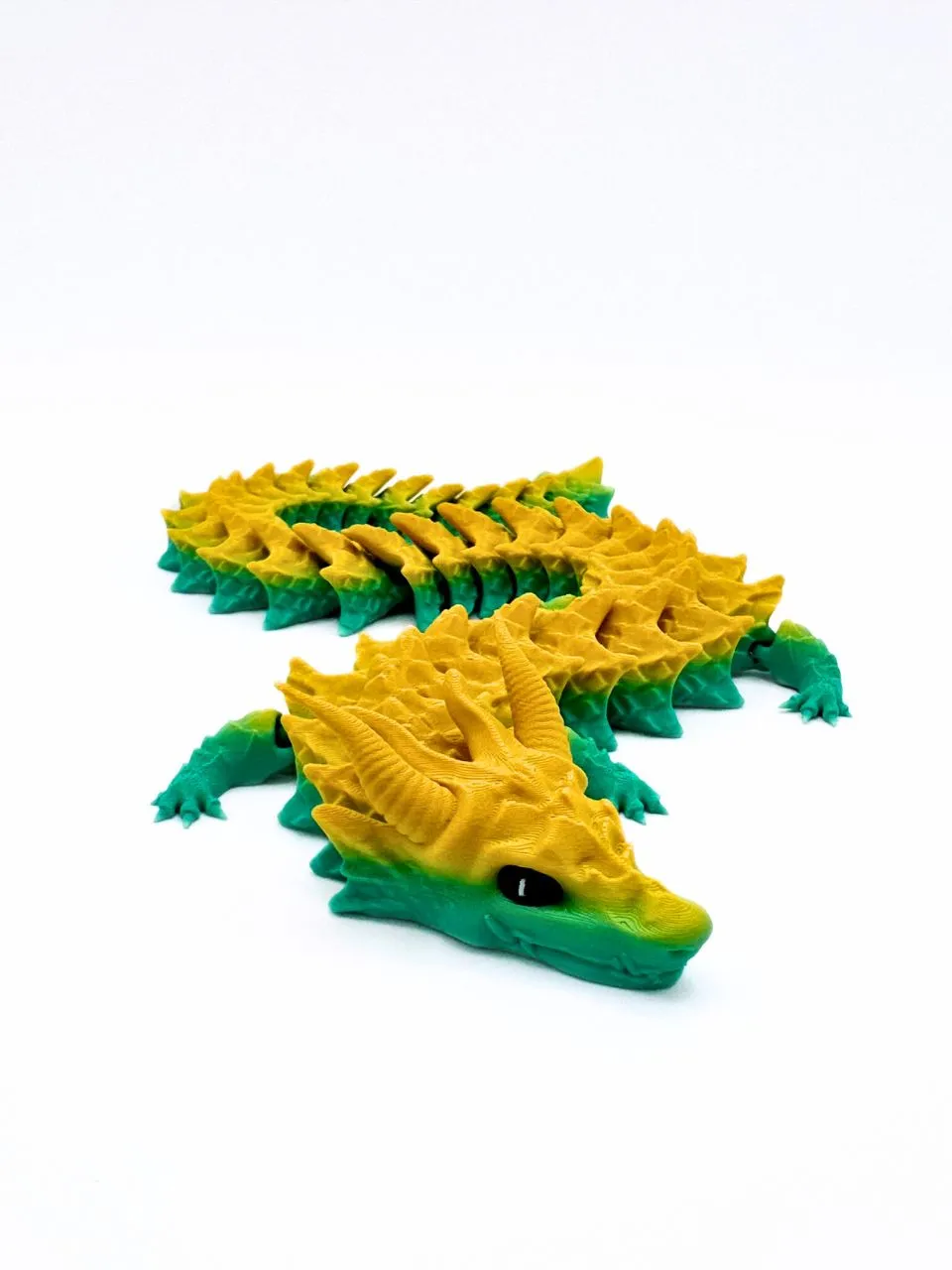
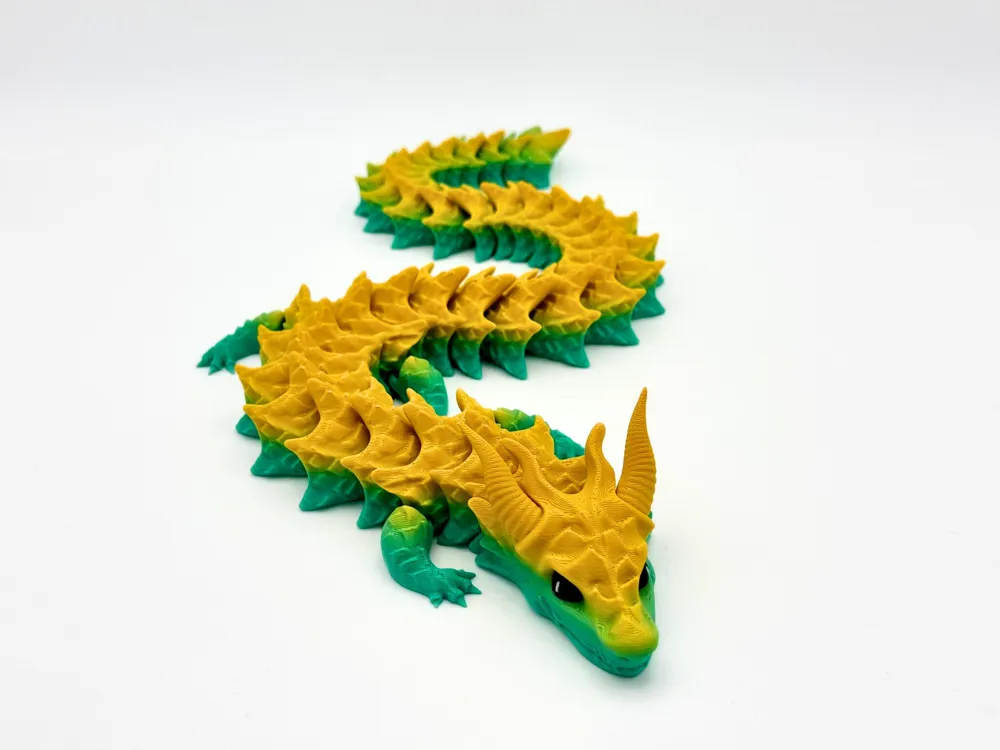
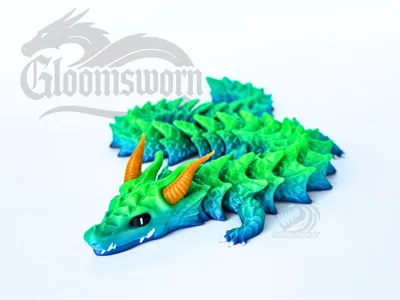
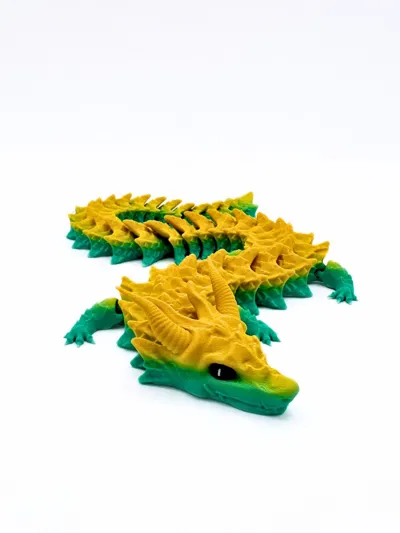
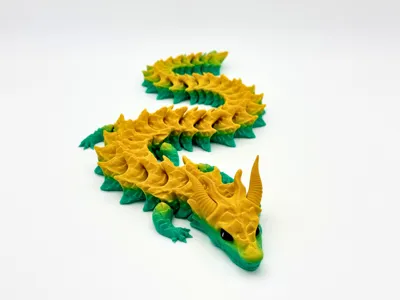
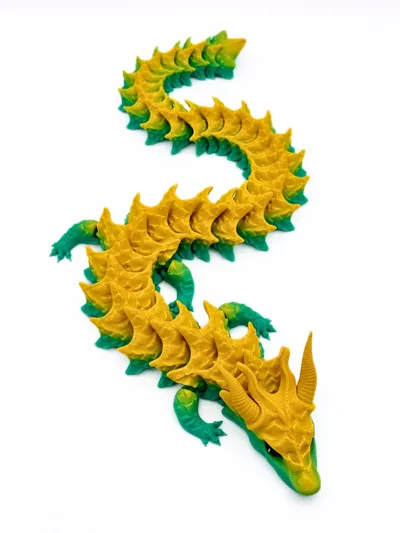
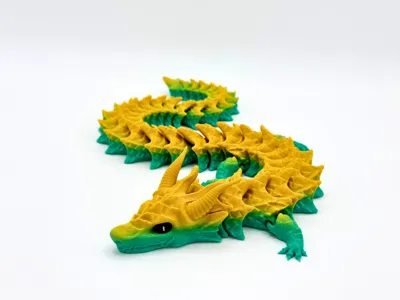
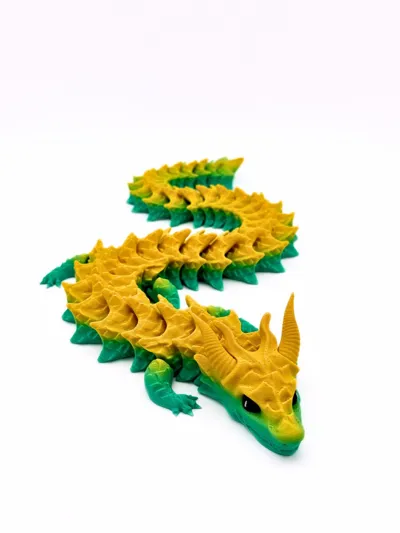
The Gloomsworn Dragon is a terrifying creature of darkness, its form devoid of wings, yet it moves with an unsettling speed and grace. Its sleek, obsidian scales absorb the light around it, leaving only the faintest glimmer of its presence in the shadows. Its eyes glow with an eerie, otherworldly light, like the faint glow of distant stars. The dragon's tail, long and sinuous, coils through the air with a deadly precision, while its claws are sharp and quick to strike. Born from the very essence of the shadow, the Gloomsworn Dragon is a creature of the night, feared for its ability to manipulate the darkness itself, wrapping the world in an inescapable gloom.
No supports needed! (Print-In-Place)
The filament used in the pictures is from iSanmate Rainbow PLA and Kingroon 3-color PLA red/yellow/blue
Printing Instructions:
- Prepare the Print Bed (Important Step!)
- Clean the print bed thoroughly with alcohol or, preferably, isopropyl alcohol to ensure proper adhesion.
- Attention! Additional adhesive for the print bed is highly recommended! I suggest using 3D-Lac spray or alternatively hairspray for PEI print beds, and a glue stick for Bambu’s original Cool Plate.
- Download the Print Profile
- Download the pre-configured print profile for Bambu Studio.
- Download the pre-configured print profile for Bambu Studio.
- Open the File
- Open the file in Bambu Studio.
- Open the file in Bambu Studio.
- Select Your Printing Options
- Choose your filament type and color.
- Select your print bed type (e.g., textured or smooth).
- Confirm your printer settings, ideally for a Bambu Lab printer.
- Start Printing
- Begin the print job. All necessary supports are already included in the print profile.
.
***
Do you want to sell my printed designs?
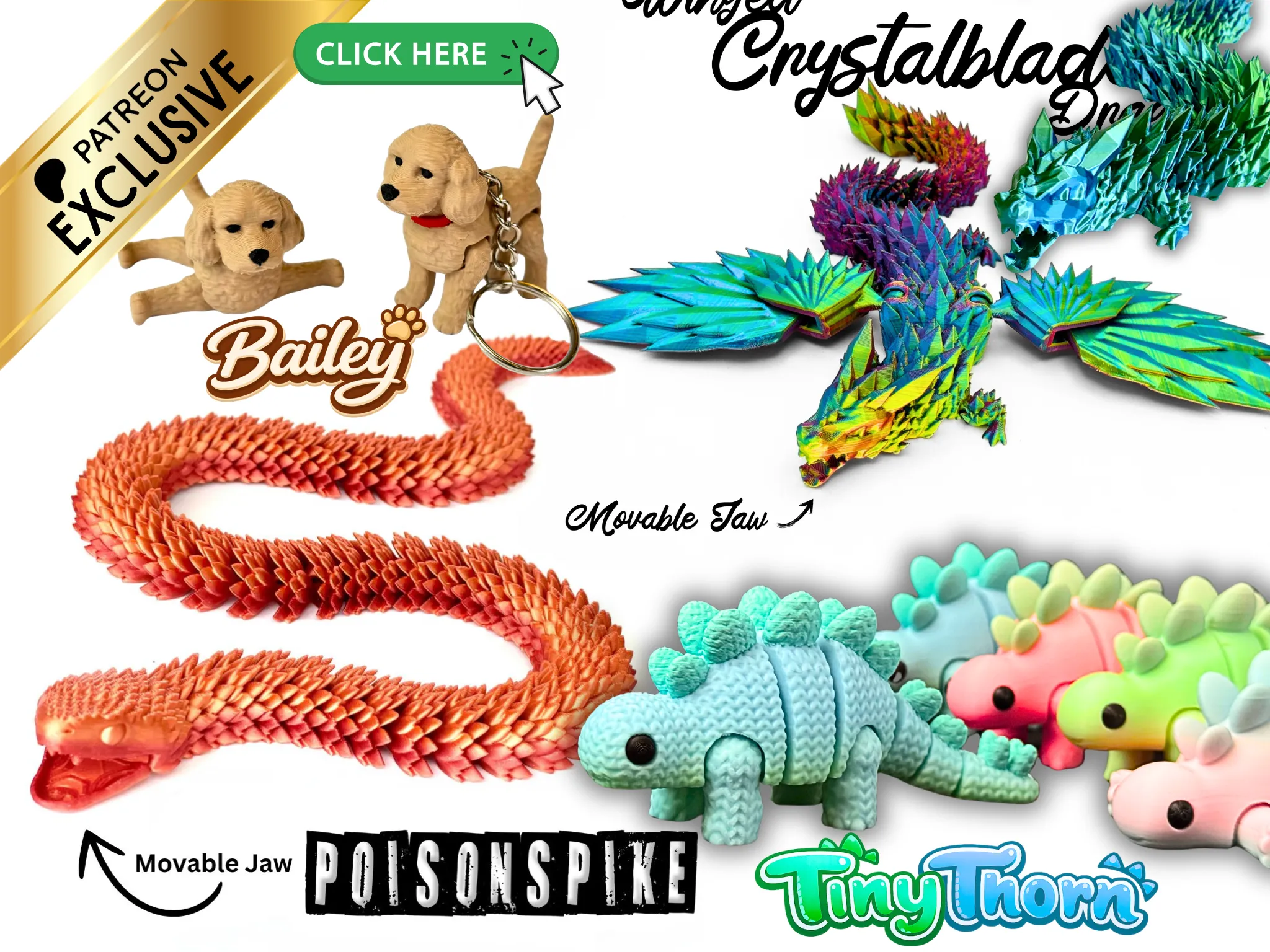
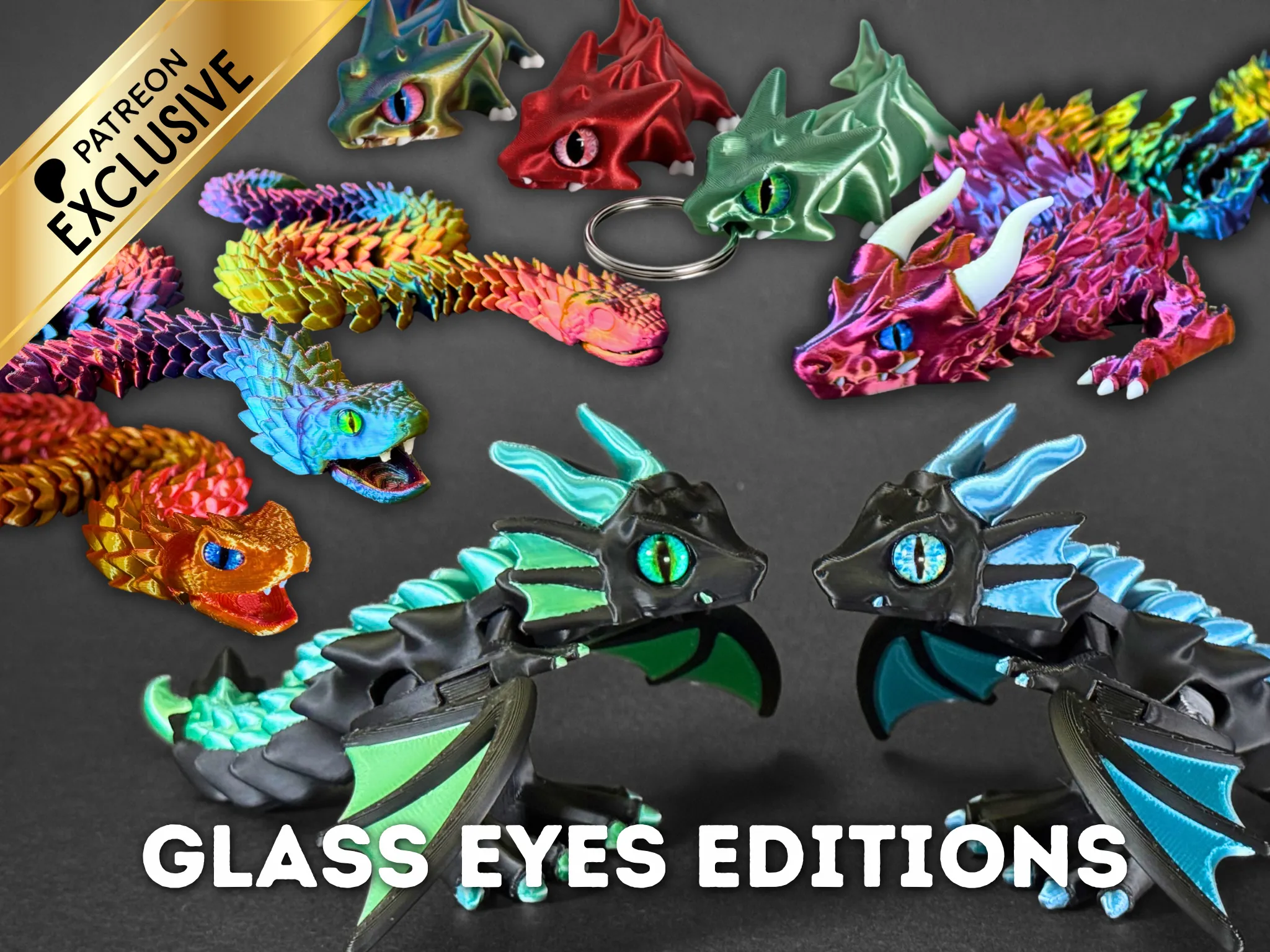
We offer a commercial license for just $9 via Patreon. With this license, you not only receive a commercial license for over 100 of our models, but also gain access to exclusive models, multi-batch print profiles, and glass eyes models. But be quick - the offer is limited. First come, first served!
https://www.patreon.com/Hollowmaker
FREE DOWNLOAD:
Hammerjaw - Print-In-Place Hammerhead Shark , exclusive here on MakerWorld: https://makerworld.com/en/models/2746932
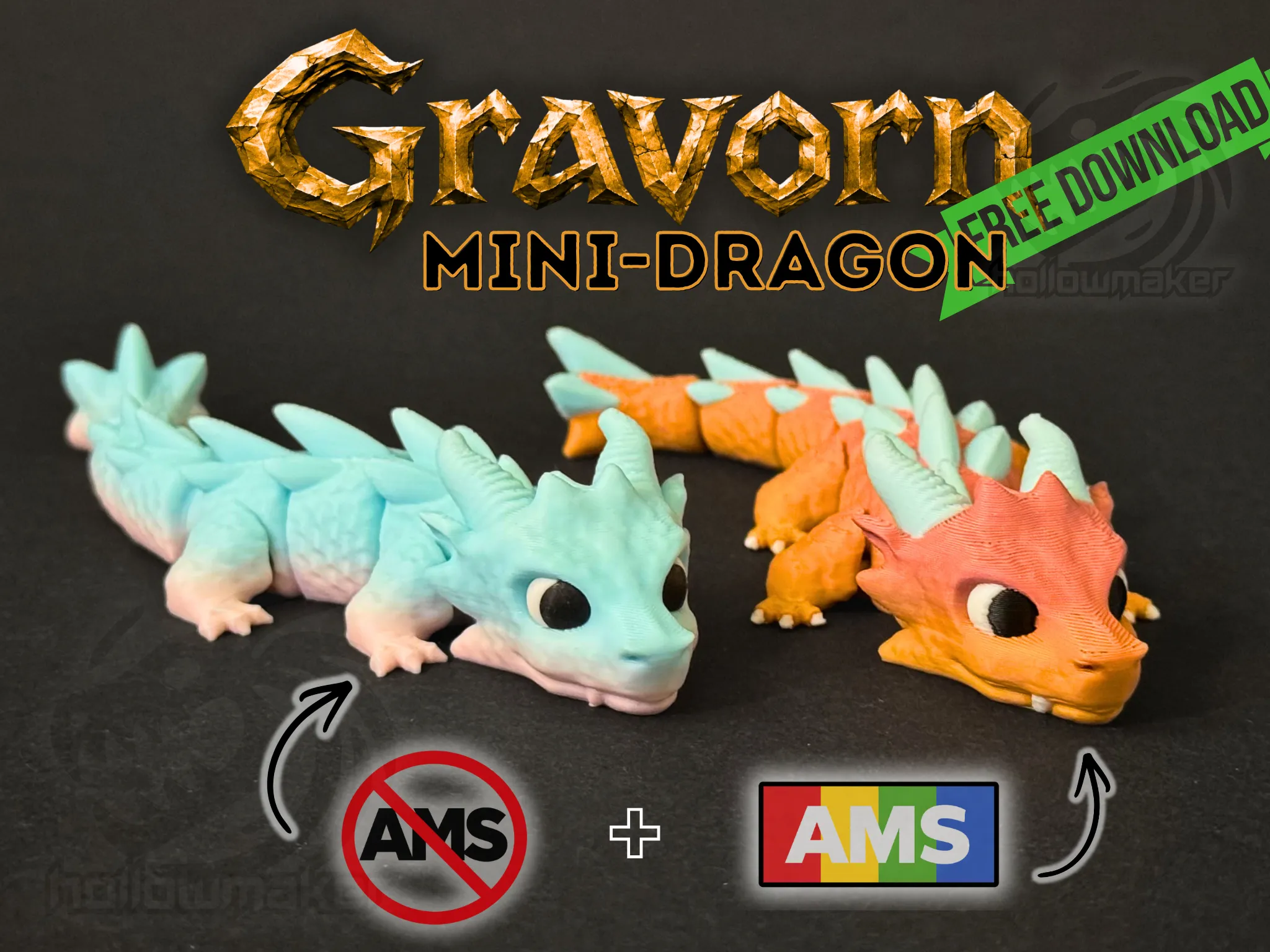
Gravorn - Mini Dragon (No AMS required!) https://makerworld.com/en/models/3011245
License

You shall not share, sub-license, sell, rent, host, transfer, or distribute in any way the digital or 3D printed versions of this object, nor any other derivative work of this object in its digital or physical format (including - but not limited to - remixes of this object, and hosting on other digital platforms). The objects may not be used without permission in any way whatsoever in which you charge money, or collect fees.


Comment & Rating (396)