Search models, users, collections, and posts

Chamber Heater Unit

Print Profile(1)

All
X1 Carbon
P1S
P1P
X1
X1E
A1
A1 mini
H2D
H2D Pro
H2S
P2S
H2C
X2D
A2L

Version 0.1
Version 0.1
Designer
1.6 h
1 plate
5.0(12)

Open in Bambu Studio
Boost
617
1683
79
45
440
96
ReleasedĀ 

Description

Boost Me (for free)

Enjoy smart, practical 3D prints? I share creative ideas made for makers like you. Drop a like or leave a comment, your support really makes a difference! Don't forget to leave me ⭐⭐⭐⭐⭐ if you enjoyed it!


šŸ”„ Improve Prints with ABS, ASA, and Technical Materials

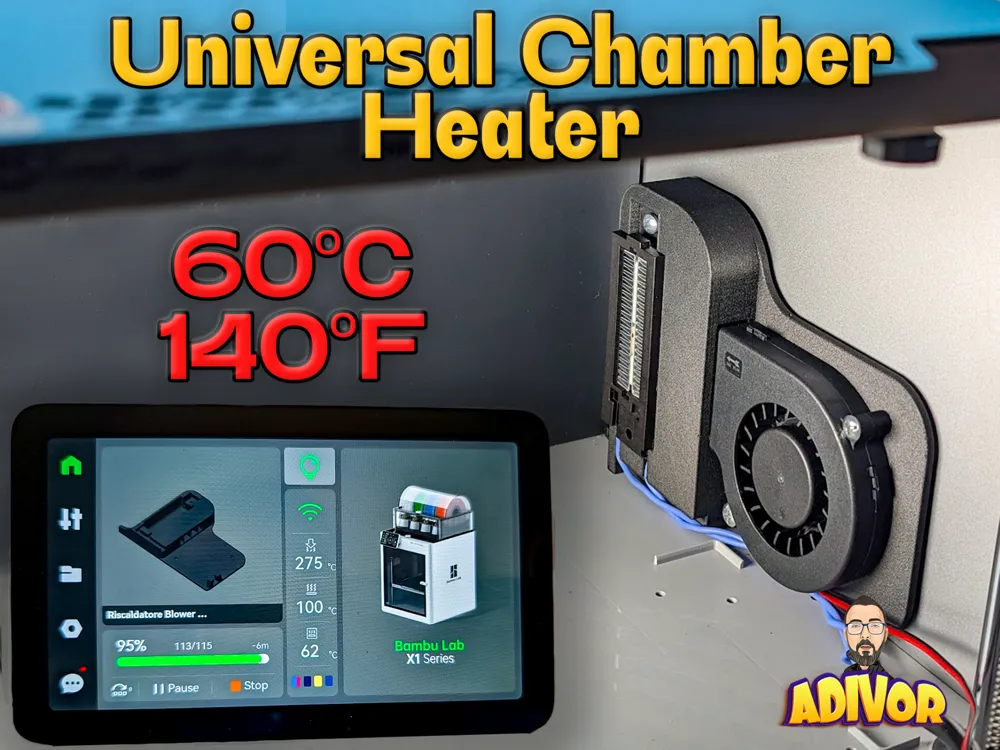
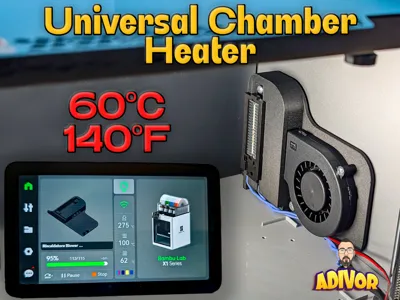
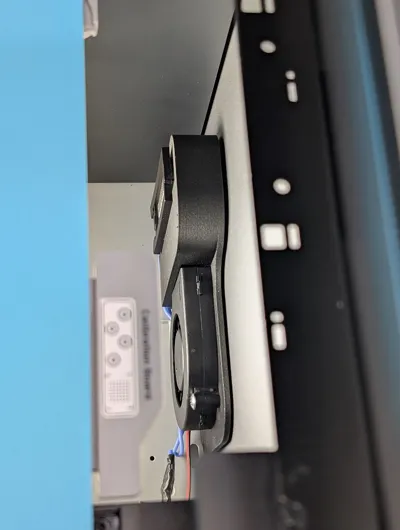
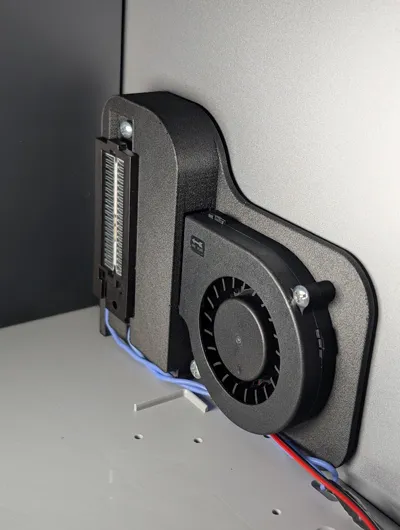
This Chamber heater helps maintain a stable temperature inside the print chamber, enhancing layer adhesion and reducing warping when printing technical materials such as ABS, ASA, Nylon, and PC.

āš™ļø Main Features

āœ… Compatible with Bambu Lab P1S/X1/X1C and other enclosed 3D printers (check available space for other brands)
āœ… No modifications to the printer required, does not void the warranty
āœ… Designed to be controlled via a smart WiFi plugs (recommended: TP-Link Tapo Smart Plug)

āœ… I use Home Assistant to control everything. but isn't mandatory.
āœ… Works with a temperature sensor for automated control (recommended: Tapo T310)
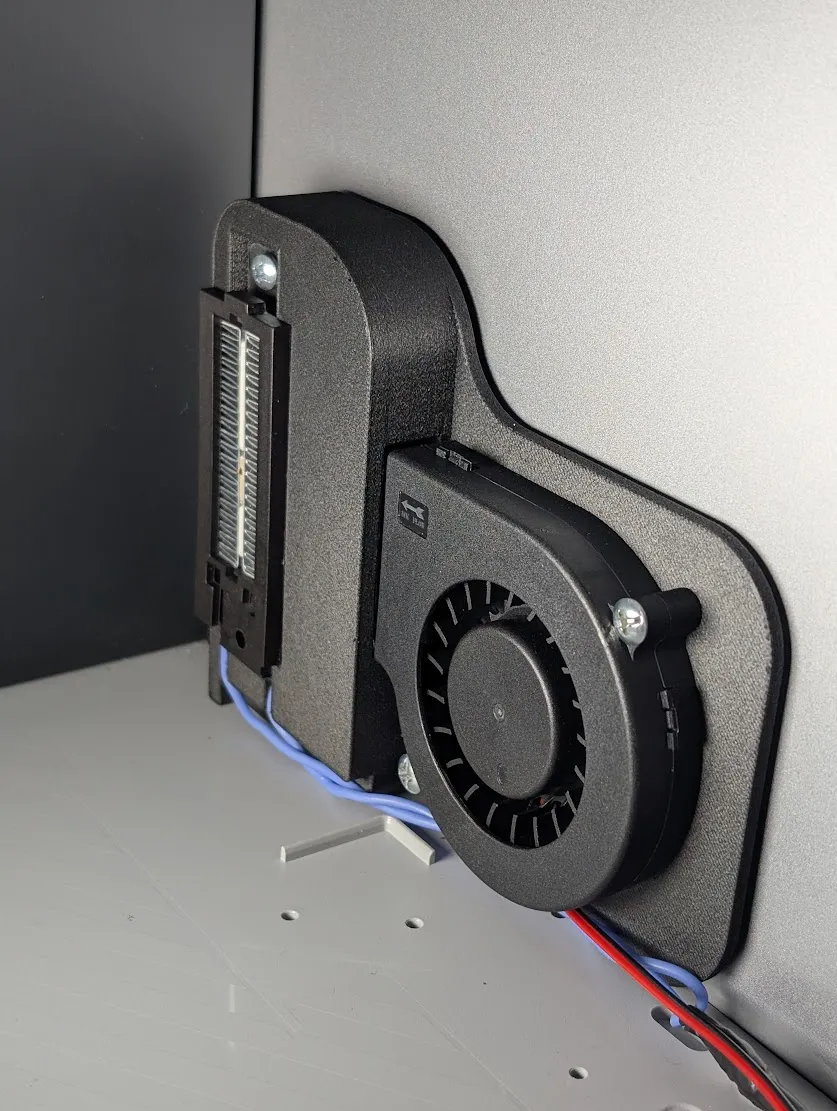
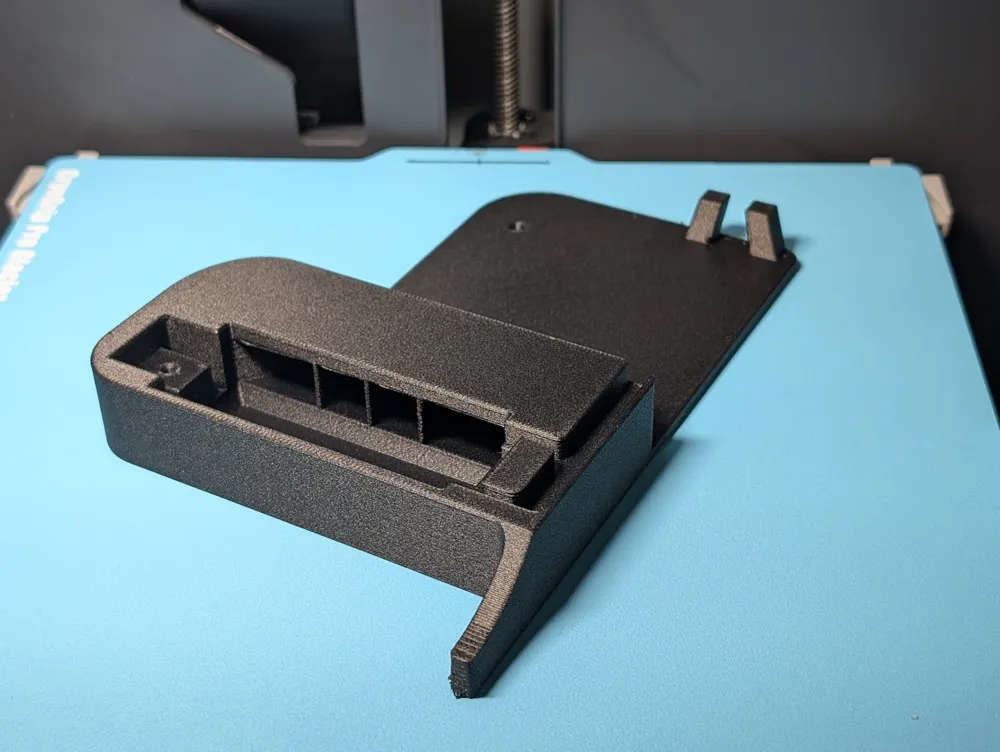
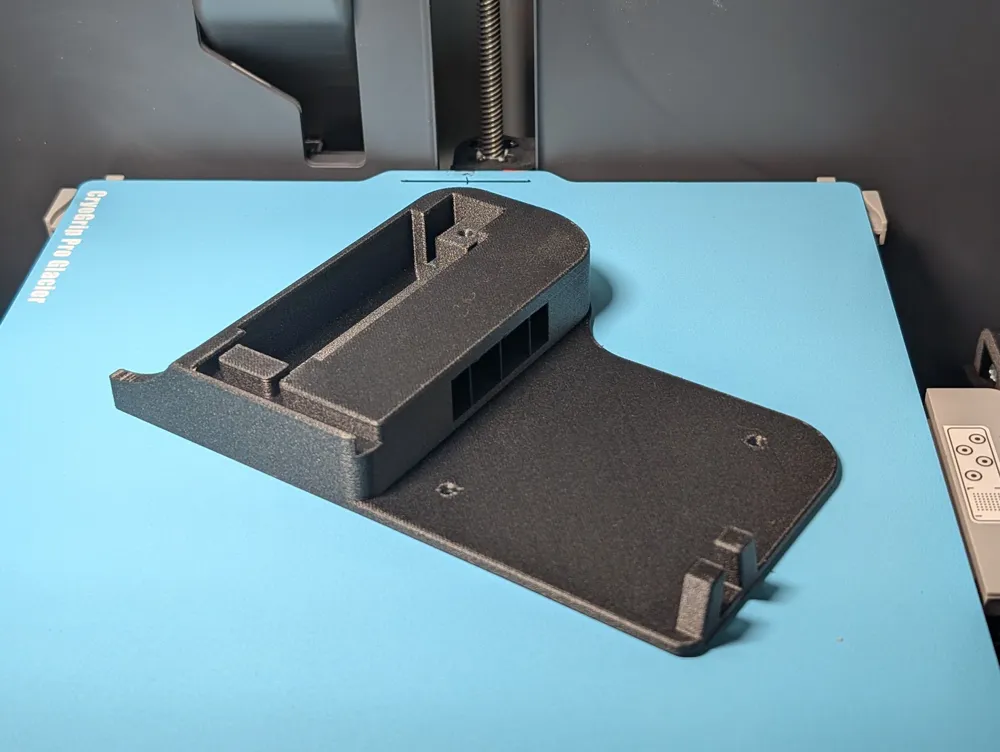
āœ… Attaches with high-temperature adhesive tape, no screws or drilling required
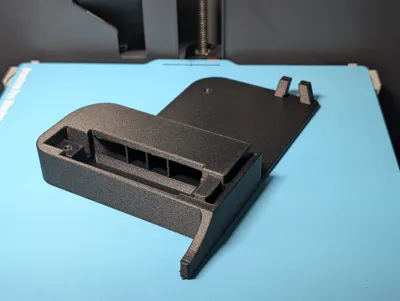
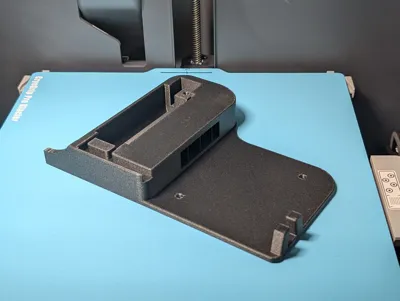
āœ… Dedicated space for a blower fan suggestedĀ 12v but possible with limitations with 5v (7515) and PTC heater (50w model, suggested 100w model) Ā checking the voltages and absorptions of transformers
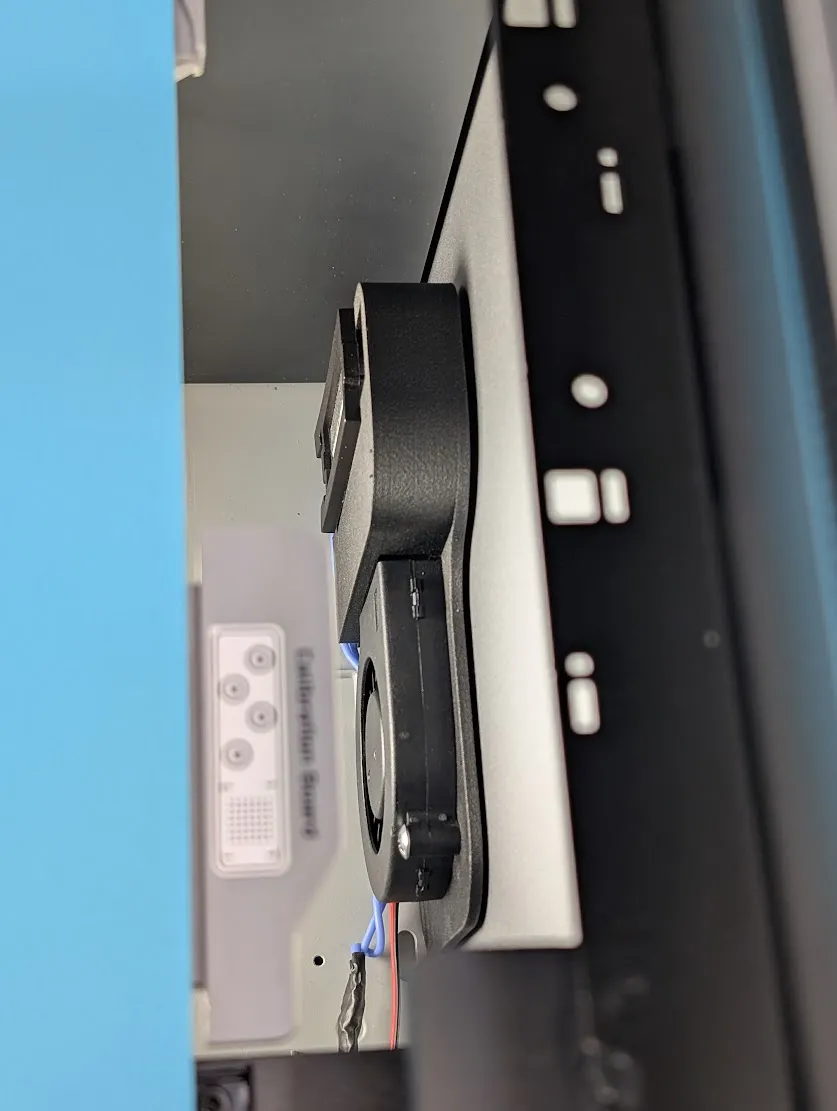
āœ… Compact and optimized design to avoid interference with the print bed movement

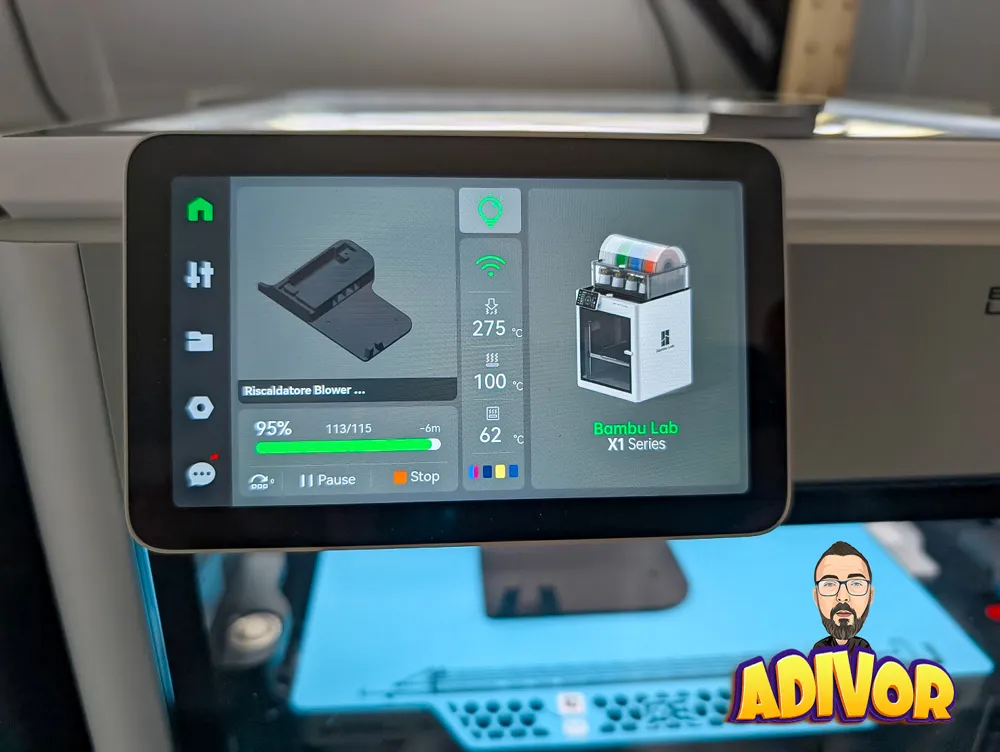
āœ… Heats the chamber up to 60°C (140°F) for optimal printing conditions with technical materials. The enclosure must be fully sealed with no openings for optimal heating efficiency and 100w installed.

šŸ› ļø Easy Installation

1ļøāƒ£ Print the mount using ABS, PA6 or another heat-resistant material.
2ļøāƒ£ Purchase the required components via the provided links.
3ļøāƒ£ Attach the mount using high-temperature adhesive tape.
4ļøāƒ£ Connect the heater and fan to a TP-Link Tapo Smart Plug for remote control.
5ļøāƒ£ Use the Tapo T310 temperature sensor to automate heating based on real-time chamber temperature.

6ļøāƒ£ Route the cables from the back of the printer for a cleaner and safer setup.

šŸ“Œ Compatibility with Other Printers

  • This mount is designed for Bambu Lab P1S/X1/X1C, but it can also be used on other enclosed 3D printers (Creality K1 Max, Voron, Prusa XL, etc.), as long as there is enough space for installation.
  • It does not require any connection to the printer’s motherboard, making it 100% independent and safe.

šŸš€ Why Use It?

šŸ”¹ Improves print quality on technical materials
šŸ”¹ Better layer adhesion and reduced warping
šŸ”¹ Smart and automated control with a WiFi plug and temperature sensor
šŸ”¹ Easy to install and remove

⚔ Recommended Usage

šŸ”„ Preheat the enclosure for at least 30-45 minutes before printing to ensure a stable temperature and optimal print quality.

Boost Me (for free)

Se ti piace il mio lavoro puoi supportarmi Gratis!



Don't forget to leave me ⭐⭐⭐⭐⭐ if you enjoyed it!


If you love smart, creative 3D printing projects, you’ll love what I’m making, click on image!
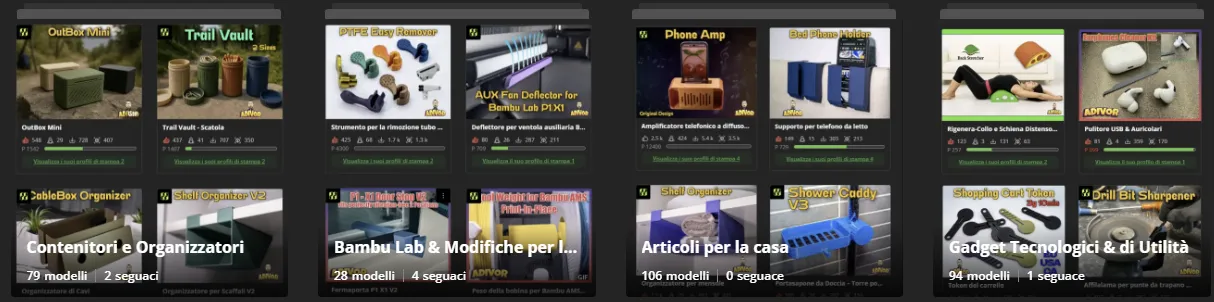

Membership

Support fresh ideas and ongoing innovation by becoming a member! Your membership helps fund new designs and gives you the license to sell printed copies of these unique creations.

Join

Comment & Rating (79)

(0/1000)

How are you powering the fan (5, 12 or 24v) from a 220v smart plug?
The designer has replied
0
Reply
I use 2 smart plug easy.
0
Reply
@Adivor I don't understand? The smart plug is 220v correct? So you are using something to lower the voltage to the fans voltage, correct?
(Edited)
0
Reply
Replying to @rushmere3d :
i use a small converter 2A from 220 to 12v. 4euro aliexpress
0
Reply
Boosted
Print Profile
Version 0.1
Prints easy, fit is great but didn’t have the time to integrate it into the printer.
profile
1
Reply
Print Profile
Version 0.1
Top
The profile uploader has replied
0
Reply
Thank you! Use it well and I welcome suggestions for improvements
(Edited)
Show original
1
Reply
Thanks a lot. I'll install on my Kobra S1
0
Reply
Print Profile
Version 0.1
Thank you… I've been waiting for this for a long time… I had already ordered the parts
Show original
0
Reply
Hello, Is it possible to wire a thermostat to it? I dont want to use one that is controlled by an app. And where did you place the transformator and the wires, where do they exit the printer? I'm planning on isolation my printer form the inside.
The designer has replied
3
Reply
Certainly, you can wire the resistor as you see fit; there's ample space behind the printer chamber. I drilled a small hole in the back; it doesn't cause any issues.
Show original
1
Reply
Anyway u can share the step file?
The designer has replied
0
Reply
I can't provide the STEP file since my project was shared for free. However, if you have any suggestions for modifications or improvements, feel free to ask!
0
Reply
Replying to @Adivor :
Very cool, thank you! The request is specific for my need, can you make the back plate 5mm thick for m3 heat insert for the fan installation and create a bracket for thermal switch on the top wall of the ptc heater for safety, just in case if the heater fell face down flat onto the printer floor, the excess heat would trigger the circuit shutoff. thank you, thank you!
0
Reply
Replying to @Adivor :
Of course, you could provide the STEP files, but you choose not to This is a significant difference
Show original
11
Reply
So, lets say I have a few weeks, and I am in the uSA before this gets here. How do I safely route the wires through the back? I have never taken it apart, is it easy? (sorry if stupid question)
The designer has replied
0
Reply
The rear cable routing is achieved by removing the back panel and feeding the cable through; it's straightforward, with ample space available
Show original
1
Reply
Replying to @Adivor :
Thank you very much!
1
Reply
Replying to @Adivor :
Question, how about the cables, in your picture they route through the front, but I just bend them toward the back and use the small hole between the plastic and metal? Then remove the back? (I have not seen the back before so until I take it all apart it will probably make more sense)
1
Reply
links for heater doesn't work for me
1
Reply
same, links are dead
1
Reply
Boosted
Same, links no longer work.
0
Reply
This is really dangerous without a thermal fuse.
The designer has replied
2
Reply
With these limited absorptions, it's unnecessary Then, regarding safety, if one possesses the capacity, more is always better than less
Show original
0
Reply

License

If you want to use this model commercially, please join my membership.
Join Now
This user content is licensed under a Standard Digital File License.

You shall not share, sub-license, sell, rent, host, transfer, or distribute in any way the digital or 3D printed versions of this object, nor any other derivative work of this object in its digital or physical format (including - but not limited to - remixes of this object, and hosting on other digital platforms). The objects may not be used without permission in any way whatsoever in which you charge money, or collect fees.