
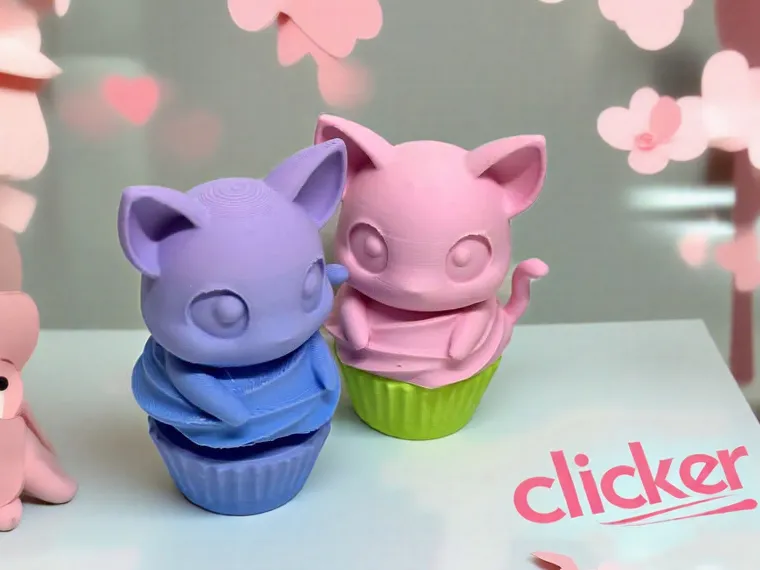
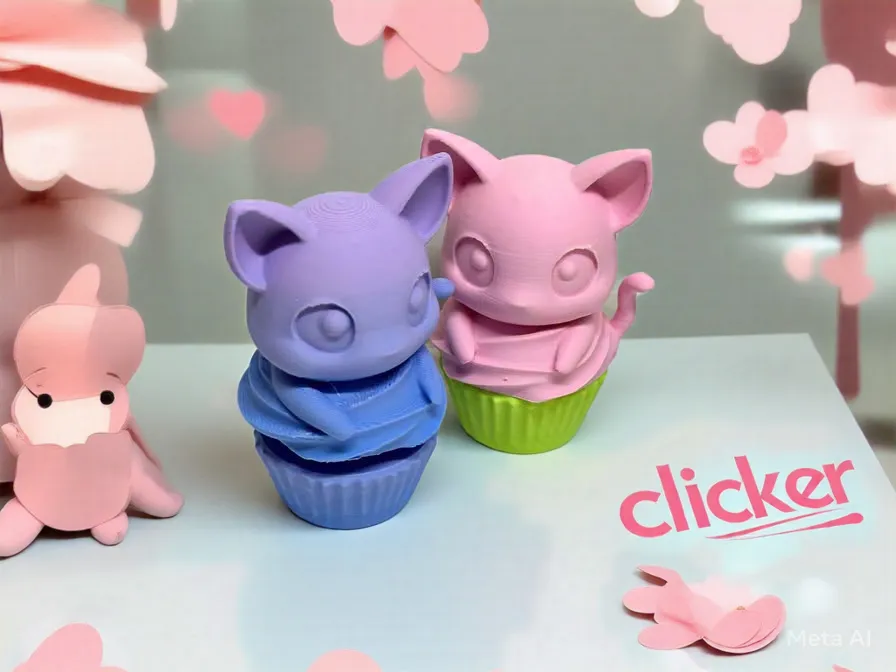
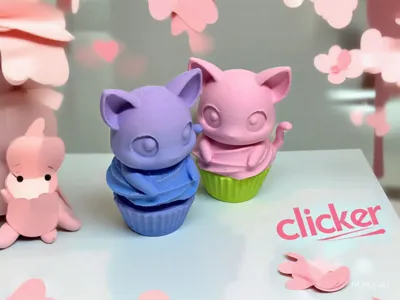
Kitty Cupcake Clicker
Print Profile(1)
Description
Please take a second and follow us.
Boost Me (for free)
Your boost would mean the world to us. Thanks so much for your support. With your help, our work gets seen more!
Say Hello to Nalla. A cat I had long ago that ate my sister's birthday cake before she even got to see it. I spent hours on it too. lol
My daughter and I created this in honor of her. Please consider giving us a boost. Thanks
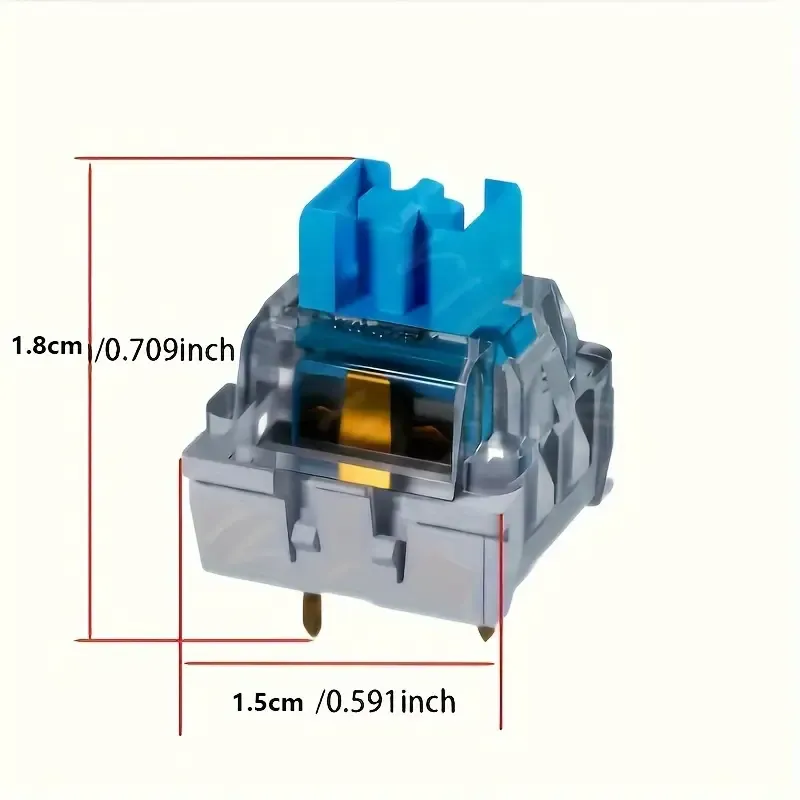
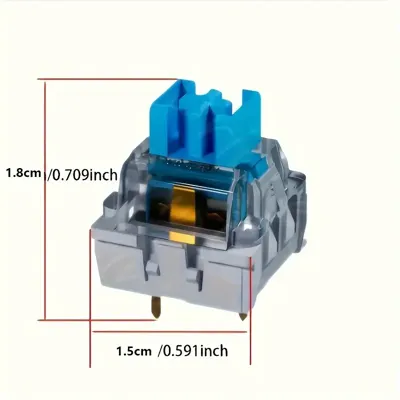
You will need a keyboard switch and maybe a dab of glue.
We do have commercial license available on our Patreon, patreon.com/3DA1. Or send us a message for more info.
Boost Me (for free)
We would love your boost!
Nalla, a mischievous little kitty, had a sweet tooth that couldn't be satisfied by ordinary cat treats. She dreamed of cupcakes, with their fluffy frosting and colorful sprinkles. One day, while exploring the kitchen, she spotted a tray of freshly baked cupcakes on the counter. Nalla couldn't resist the temptation, and with a quick swipe of her paw, she knocked a cupcake to the floor. As she devoured the treat, Whiskers knew she was in feline heaven. From that day on, she became known as the Cupcake Kitty, and her love for sweet treats was legendary.
3D Printed Clicker Toy Assembly Guide
Materials:
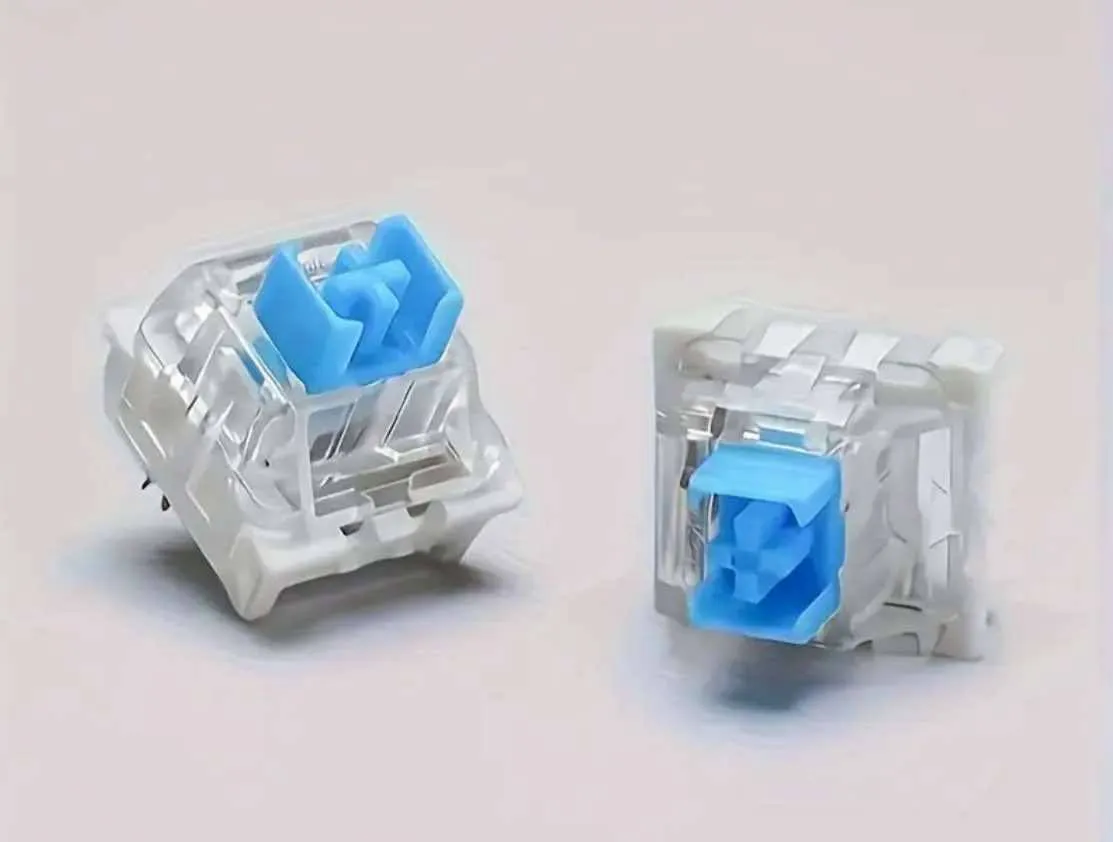
• 1 Mechanical Keyboard Switch
• 3D-Printed cross half and box hole Half
• (Optional) Small amount of super glue
Assembly Steps:
Find the cross half, box Half (holds the switch), and the switch itself.
Push the cross top of the switch into the cross half of the 3d print. It should click into place snugly. You can use glue if needed. A little glue goes a long ways. You don't want the glue to get into the switch.
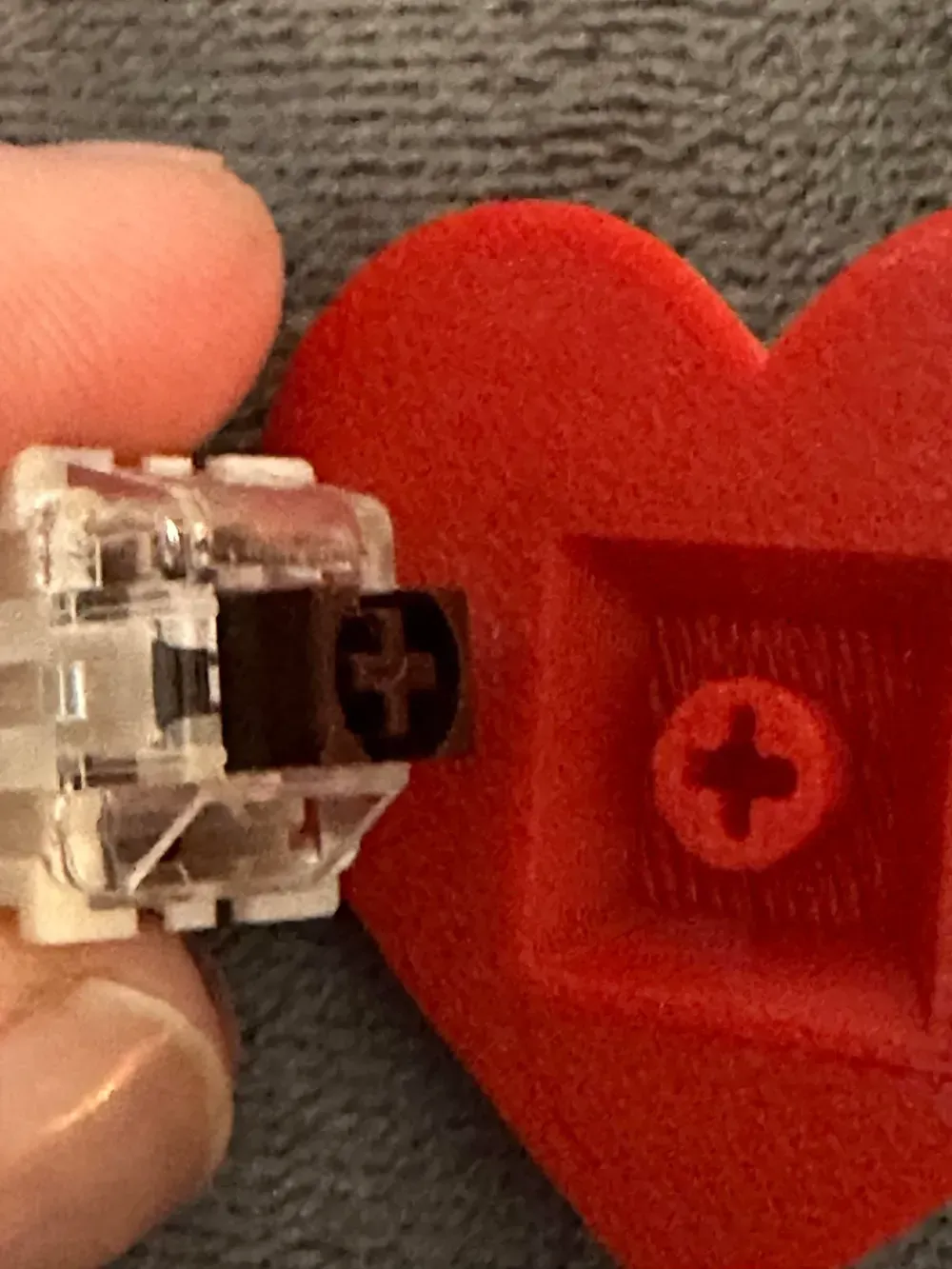
Line up the box 3d print half over the switch. Press the two halves together firmly.
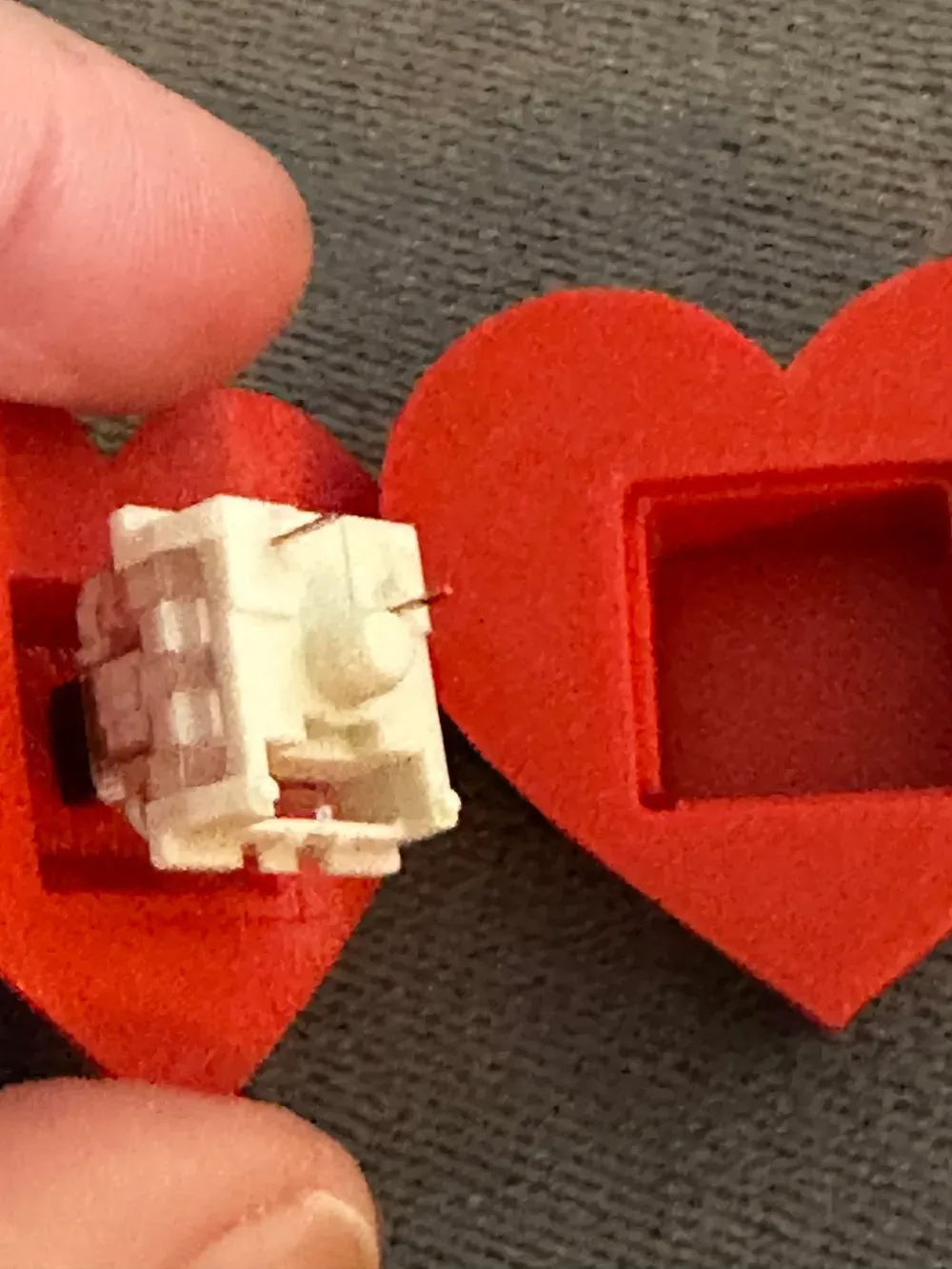
Test Your Clicker
Press down to test the click action! If the halves feel loose, use a tiny bit of glue to secure them.
Powered by PrintMon from MakerWorld (https://makerworld.com/makerlab/printMonMaker)
Do you want to sell our items? Be sure to purchase a membership, available here and on Patreon. https://www.patreon.com/3DA1
Membership
ONLY $4! Join our creative world! Become a member and get commercial license to sell all our unique 3D print designs! *We also try our best and take your 3d print ideas to life. No additional cost to you.* Patreon provides different payment options for you. You can sell our models from both sites with any membership. patreon.com/3DA1
License



Comment & Rating (22)