
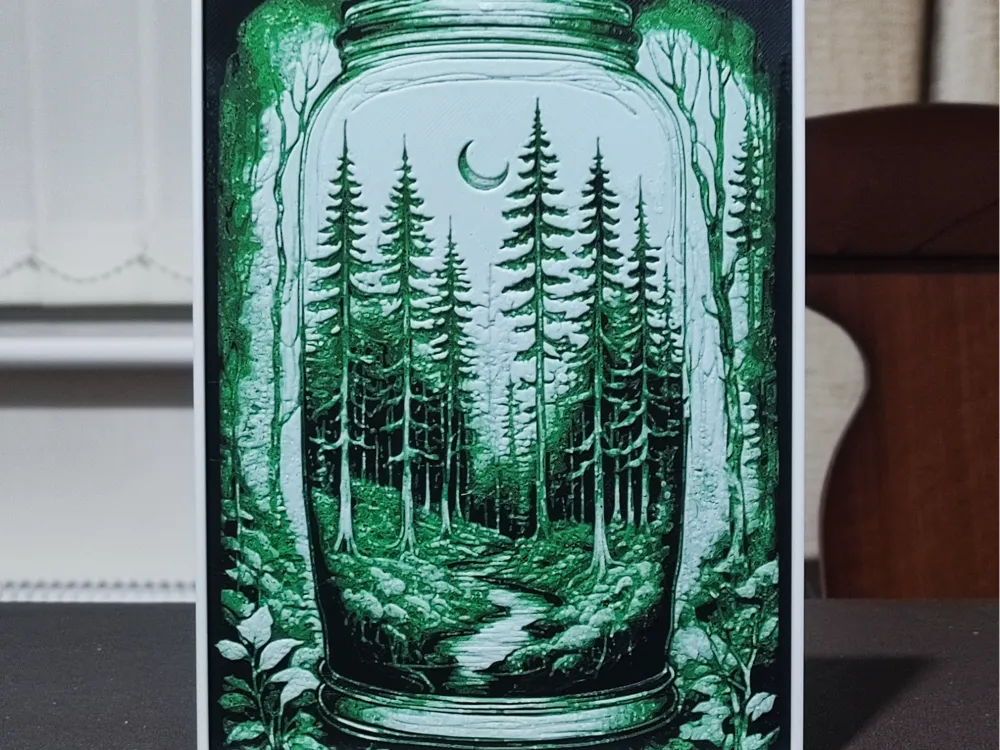
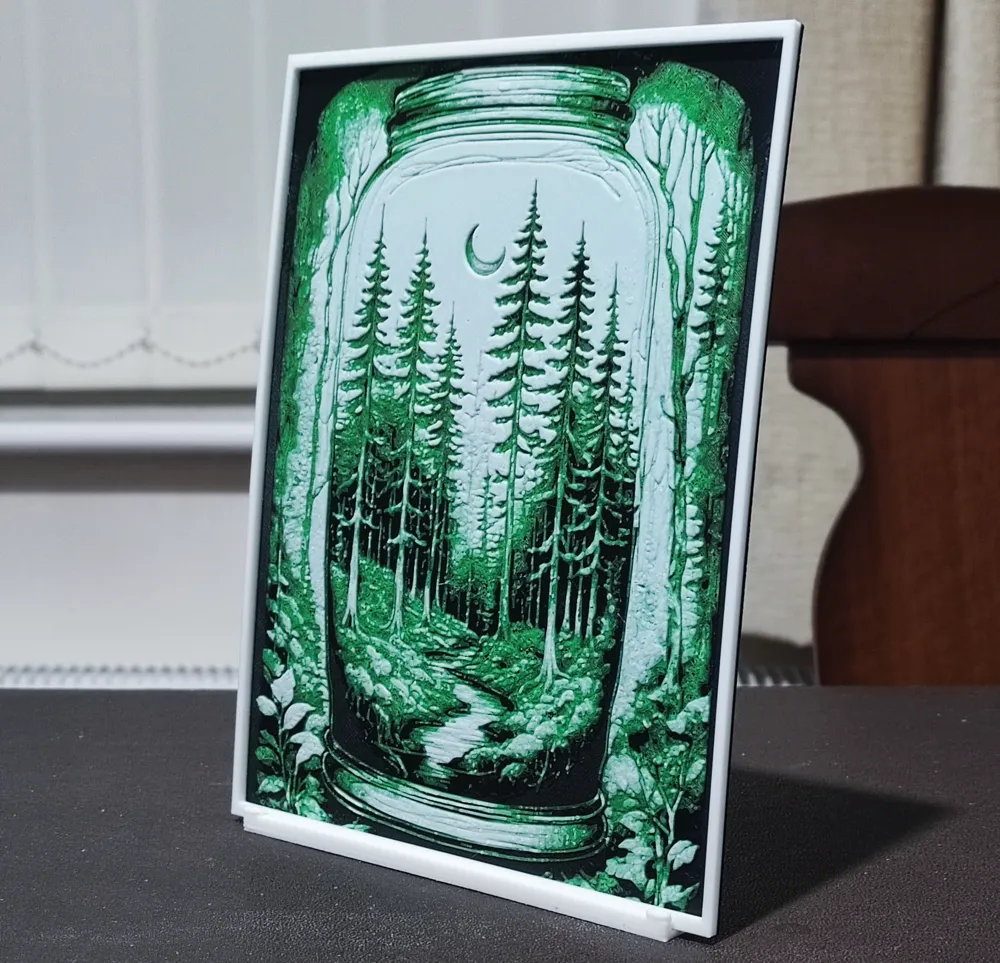
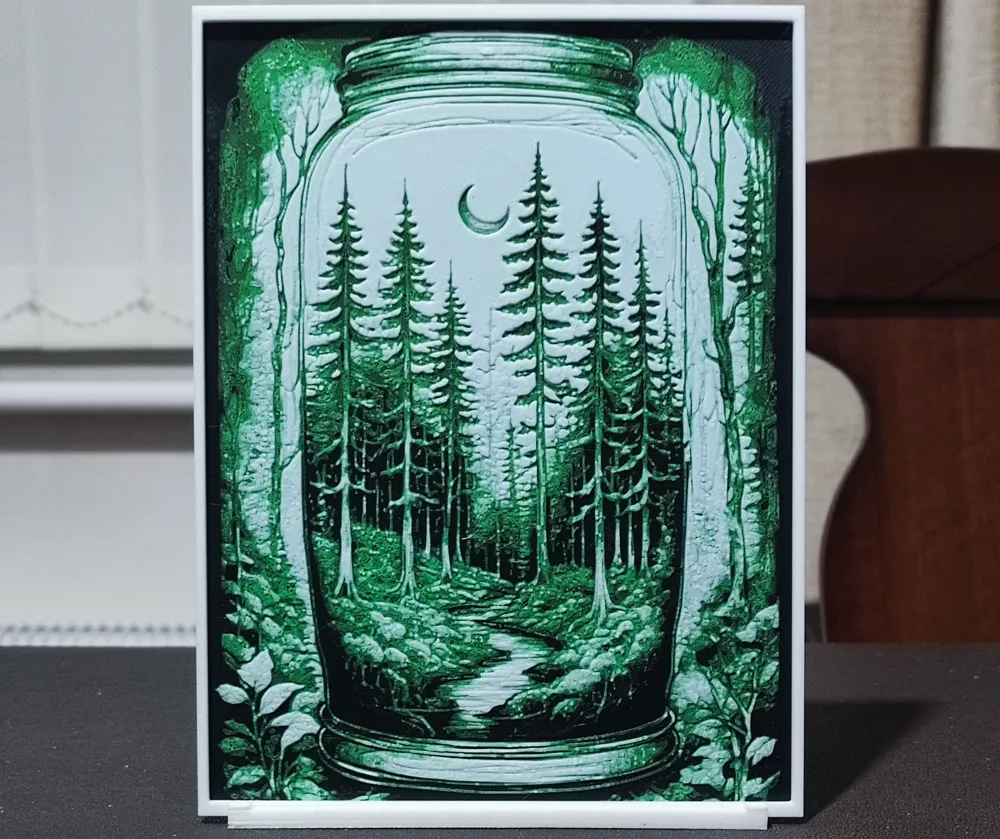
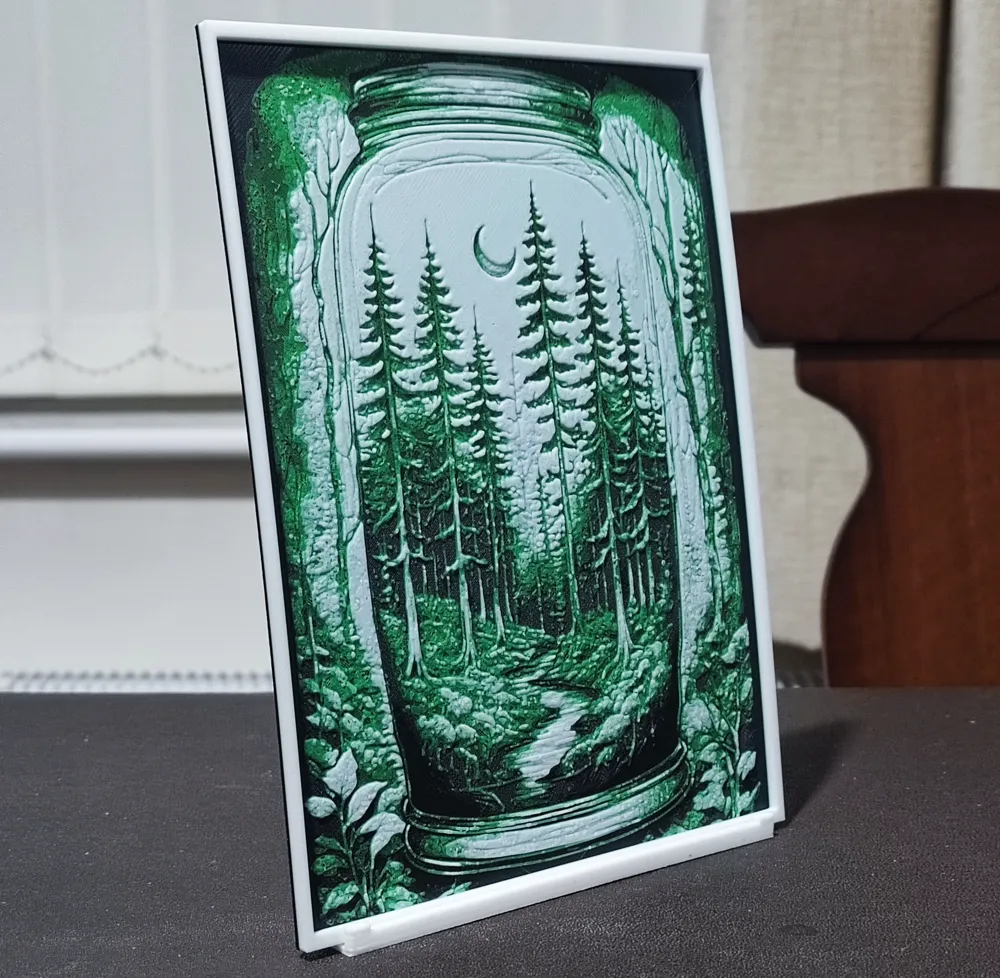
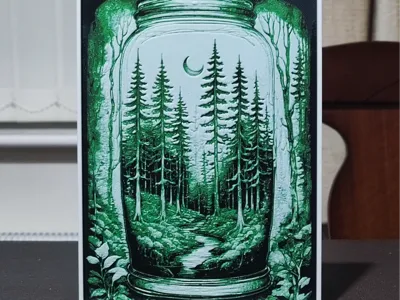
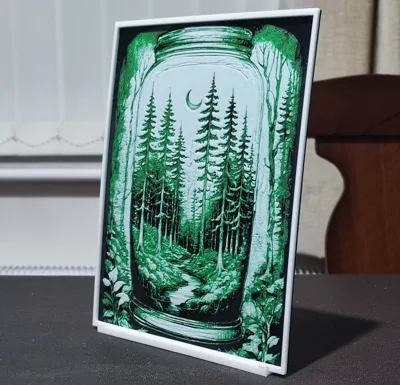
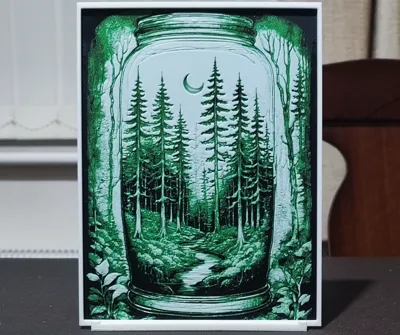
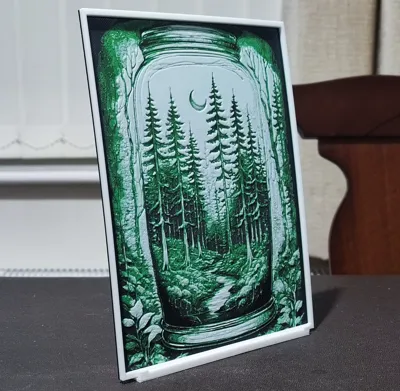
Biosphere In A Jar - HueForge 3 Color
Print Profile(1)

Description

It can be difficult to get a HueForge right in only three colours, but I'm challenging myself to design HueForges that look great, using subjects I enjoy, but using as few colours as possible along with keeping printing and slicing time to a minimum. It's not always possible, and It's not easy to achieve when it is possible, but it is rewarding when you finally get it right.
HueForges are notoriously known for producing very different results if you don't stick with the filaments that the original designer used. I'm trying to make designs that are more tolerant of substitutions, but care still needs to be taken. The black definitely isn't an issue, the green highlight colour shouldn't be too much of a problem either. When it comes to the white, it's very important that you use one with a similar transmission distance to what I've specified. Don't use one with a lower TD (eSun Cold White for example is extremely opaque and will change the end result considerably).
Boost Me (for free)
If you like any of my designs, please consider boosting them. It's free for you to do, but any designer will tell you that creating these designs takes many hours, a great deal of effort, and multiple prints to get things just right. It's a good way of showing your appreciation at no cost to yourself.
Very few people seem to leave reviews or comments on designs, and it's incredibly important to designers so they know if they're getting things right. So, please leave a comment or review. I like to learn, so constructive criticism, suggestions for future designs and your genuine feedback are always welcome.
All the settings and colour changes are in the print profile, but should you not have an AMS, after slicing, replace the colour changes with pauses and make manual colour swaps as detailed below. I'd strongly suggest not changing any other settings in the slicer, as my printing profiles are highly customised to produce the best quality HueForge.
If you decide to resize any of my designs, you can only resize on the X & Y axes. DO NOT RESIZE THE Z AXIS! If you choose to ignore this instruction, it will change the layer heights that the colours change at and destroy the end result.
One final thing - please don't turn ironing on for the top surface. This shouldn't need to be said, but HueForges rely in texture and interplay with light. Ironing will reduce the quality of the image. It's turned off in my print profile for this exact reason.
Print at 100% infill with a layer height of 0.08mm with a base layer of 0.16mm
The Model is 135.53x180mm in size
You may print at higher layer heights below the Min Depth of 0.72mm
The Max Depth is 2.2mm and the Actual Depth is 1.7mm
Filaments Used:
PLA Deeplee Black Transmission Distance: 0.8
PLA Bambu Basic Green Transmission Distance: 4
PLA Deeplee White Transmission Distance: 5.6
This print uses 3 unique filaments
Swap Instructions:
Start with Black
At layer #10 (0.88mm) swap to Green
At layer #13 (1.12mm) swap to White for the rest.

License

You shall not share, sub-license, sell, rent, host, transfer, or distribute in any way the digital or 3D printed versions of this object, nor any other derivative work of this object in its digital or physical format (including - but not limited to - remixes of this object, and hosting on other digital platforms). The objects may not be used without permission in any way whatsoever in which you charge money, or collect fees.


Comment & Rating (12)