Search models, users, collections, and posts

Wall-Mounted A4 Document Holder
Print Profile(3)

All
A1
P1S
P1P
X1 Carbon
X1E
X1
H2D
H2D Pro
H2S
P2S
H2C
X2D
A2L

0.2mm layer, 2 walls, 15% infill
Designer
7 h
1 plate
4.9(62)

0.24mm layer height, 2 walls, 15% infill Hexagonal orientation adjustment
Designer
6.3 h
1 plate
4.9(10)

0.24mm layer, 2 walls, 15% infill Extra Flair
Designer
6.4 h
1 plate
4.8(8)

Open in Bambu Studio
Boost
801
2427
96
55
2.5 k
1.2 k
Released 

Description

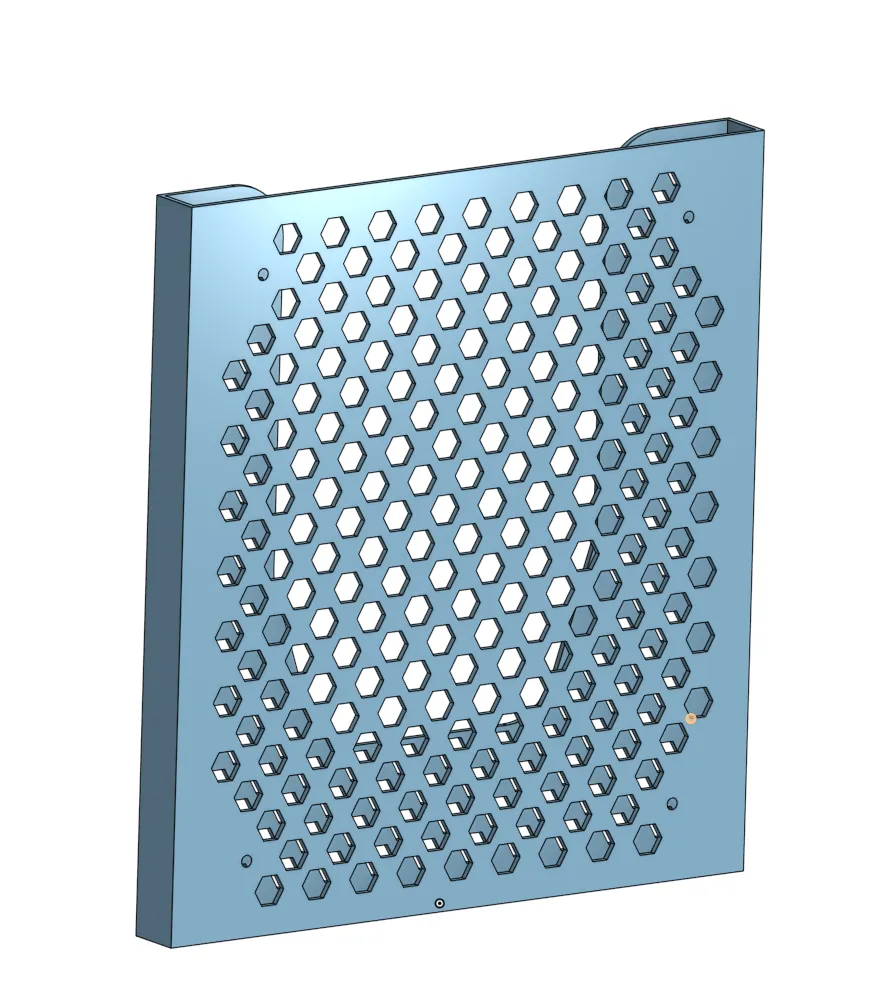
Wall-Mounted A4 Document Holder
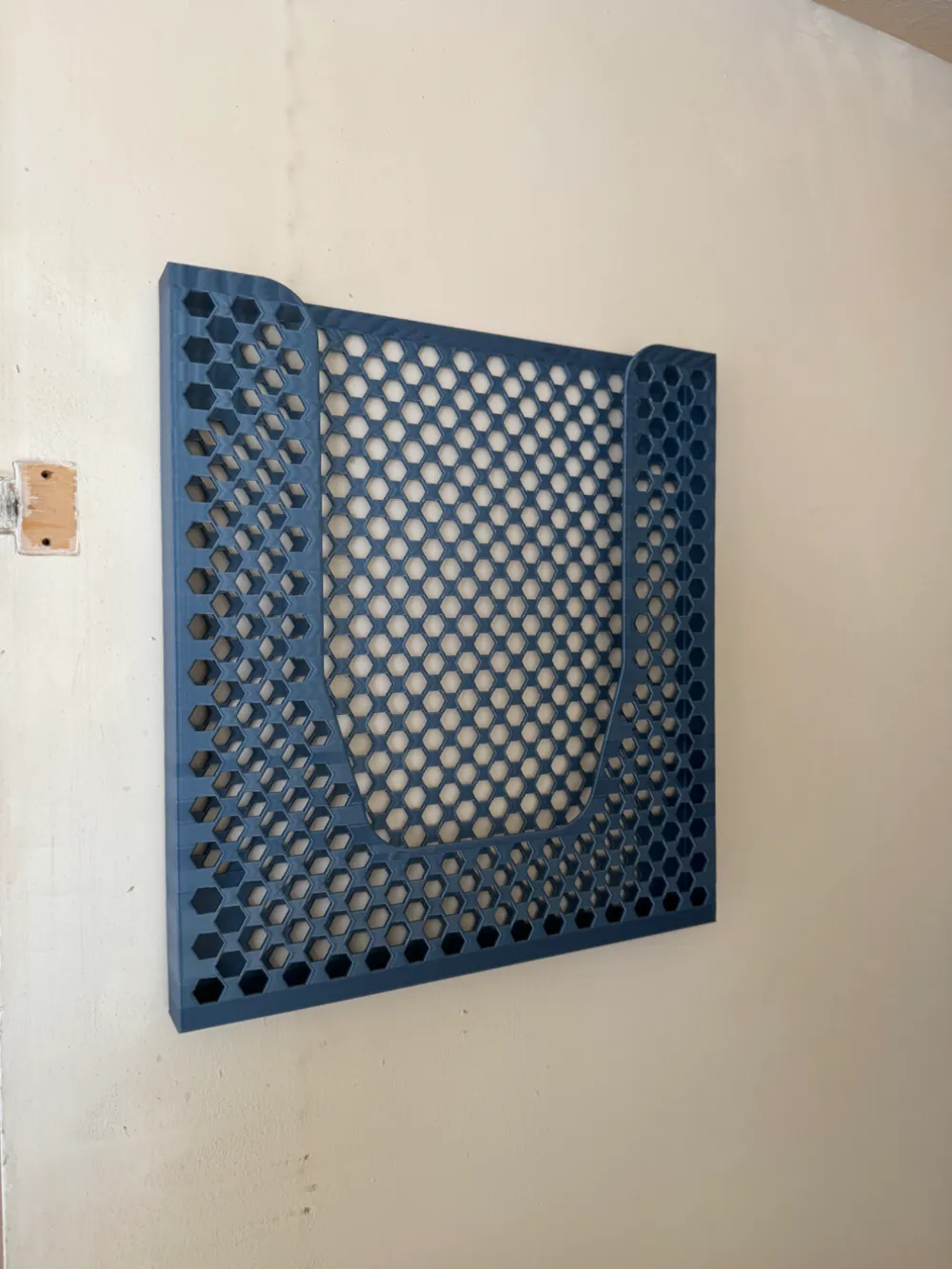
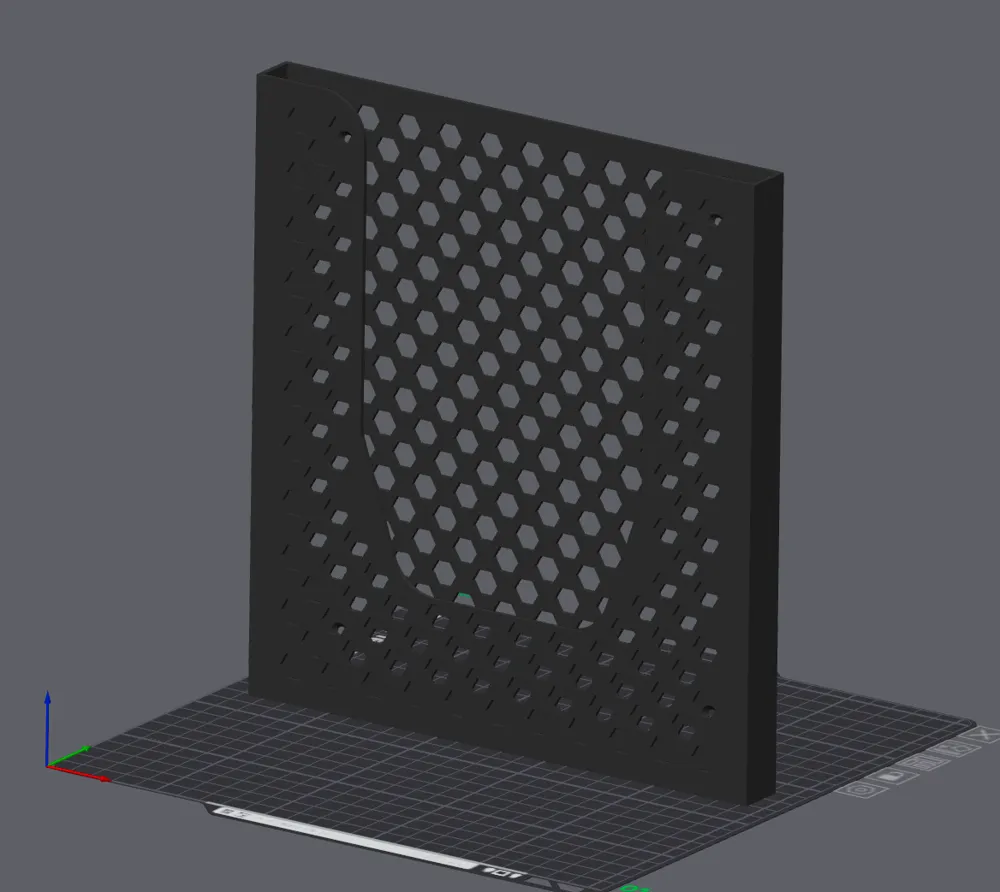
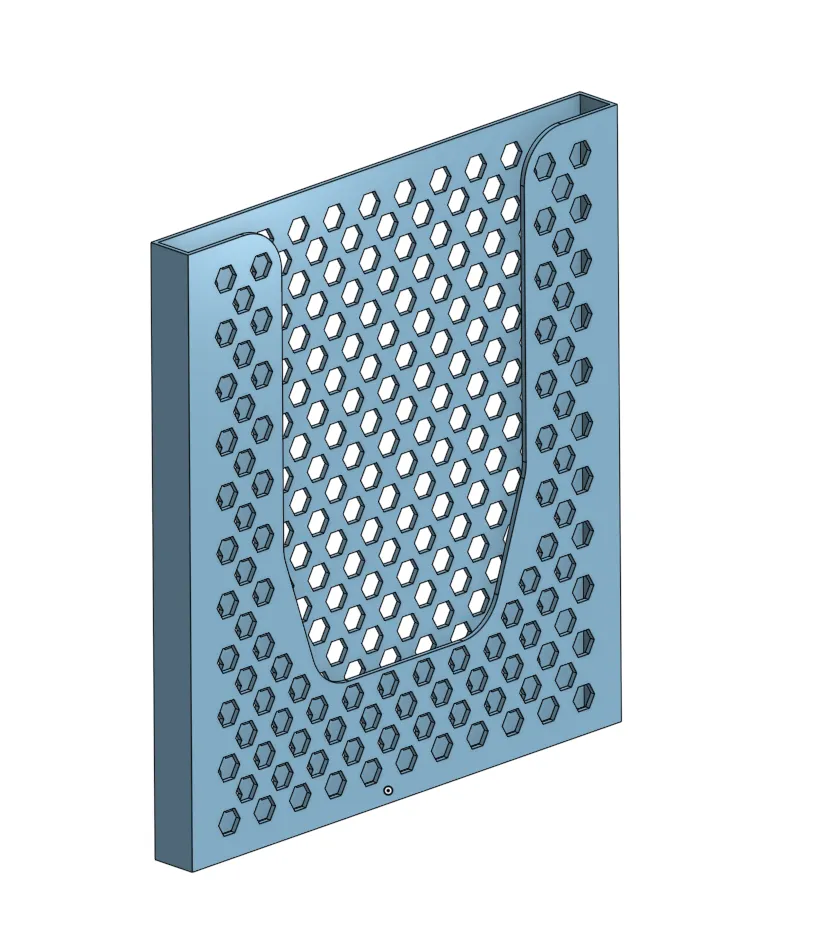
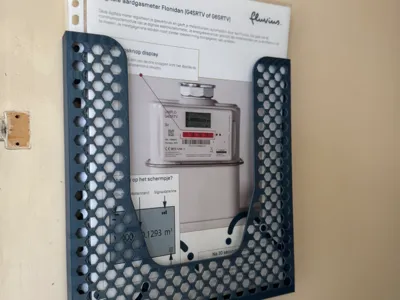
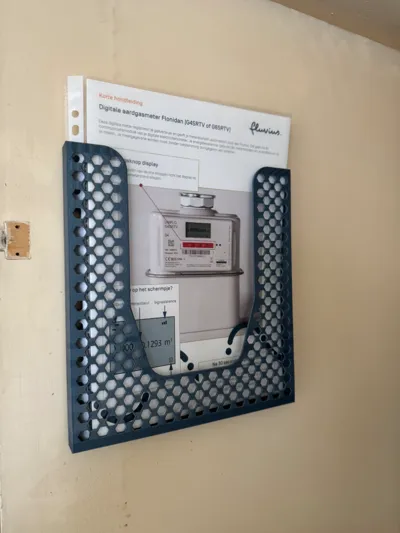
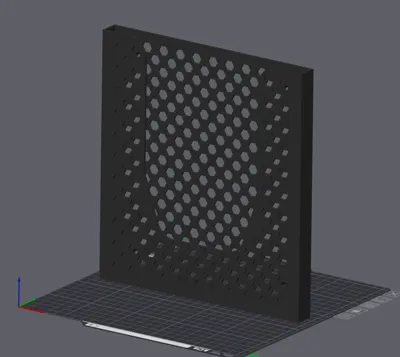
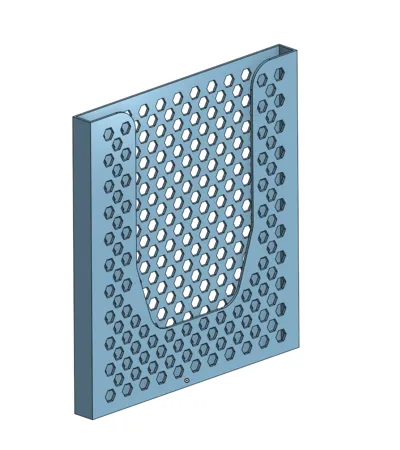
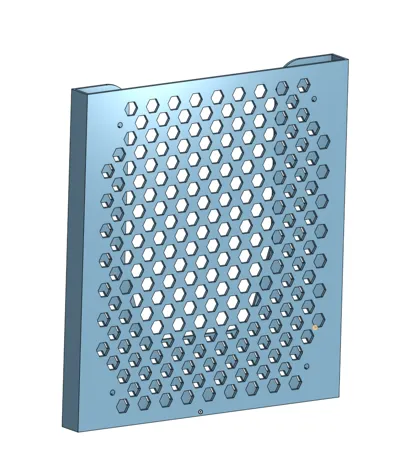
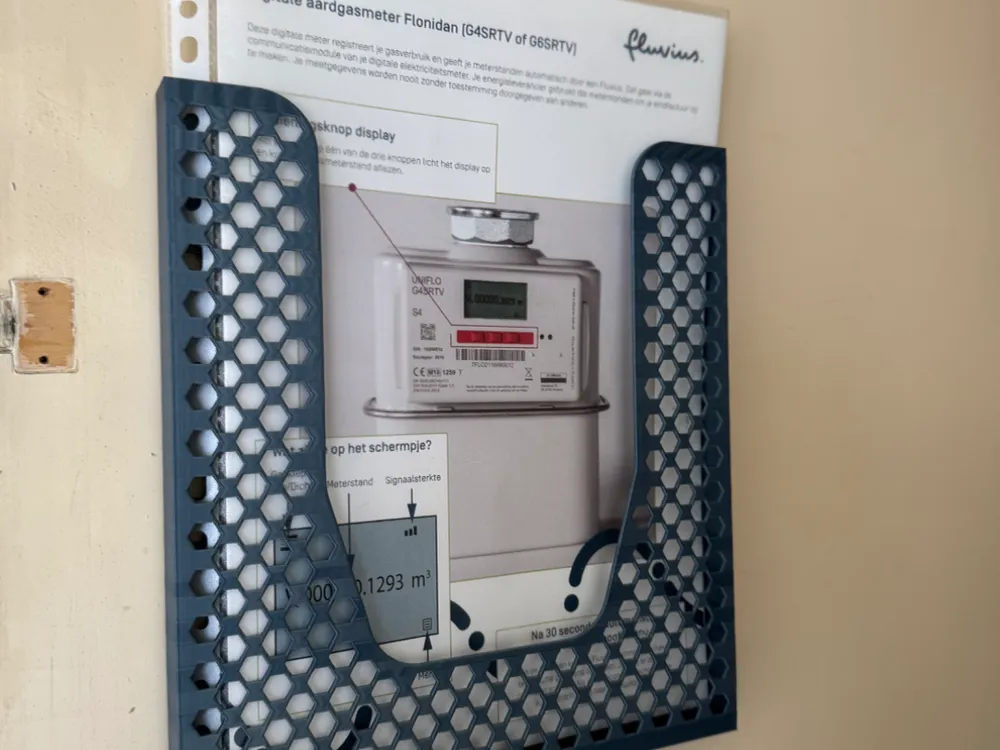
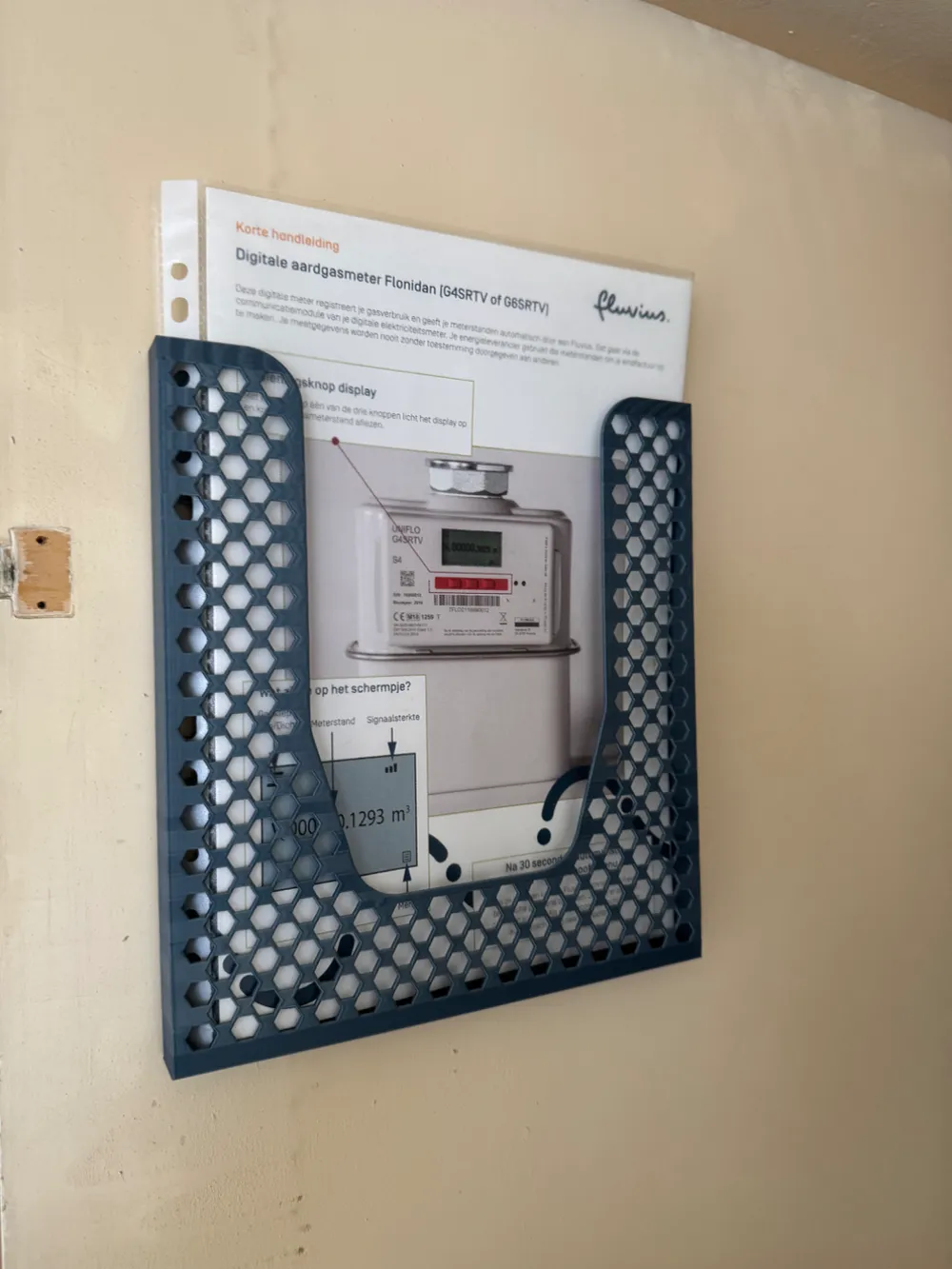
Keep your A4 documents neatly organized and prominently displayed with this simple, effective wall-mounted holder. It's perfect for offices, workshops, or any space where you need quick access and visibility for important papers.

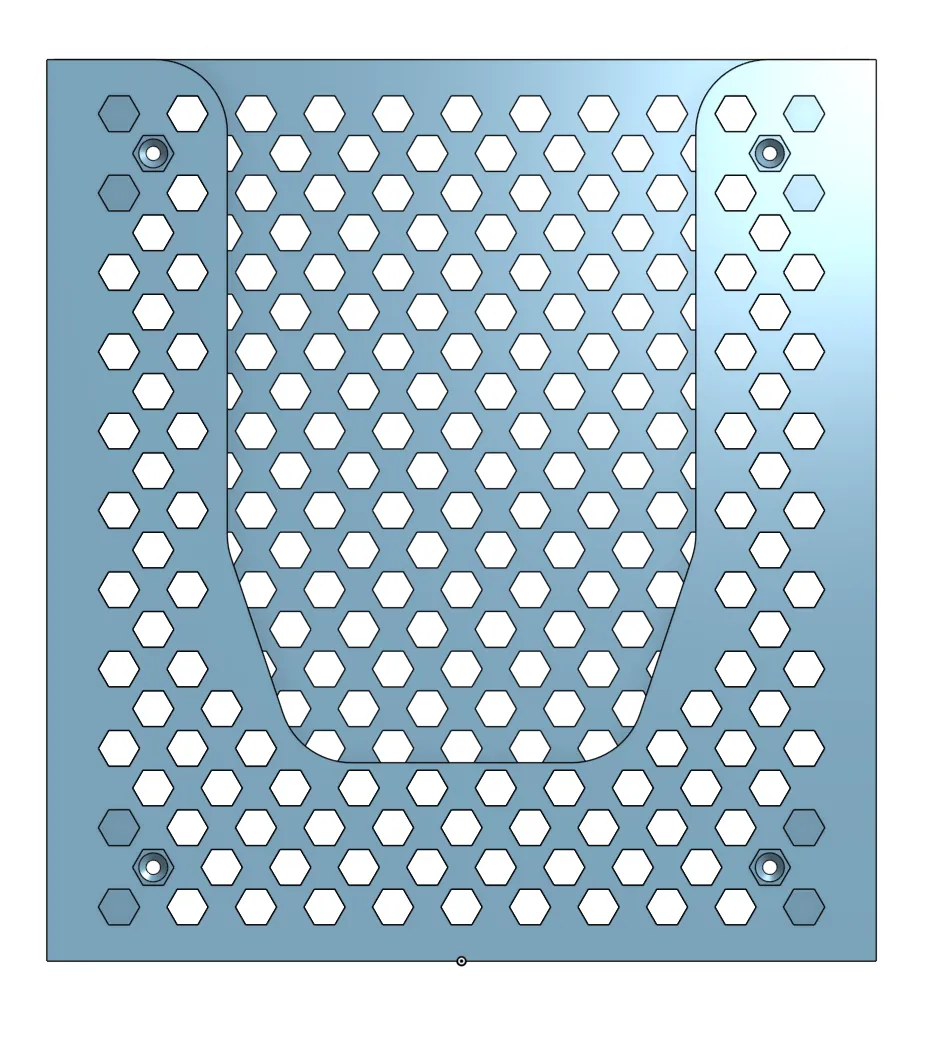
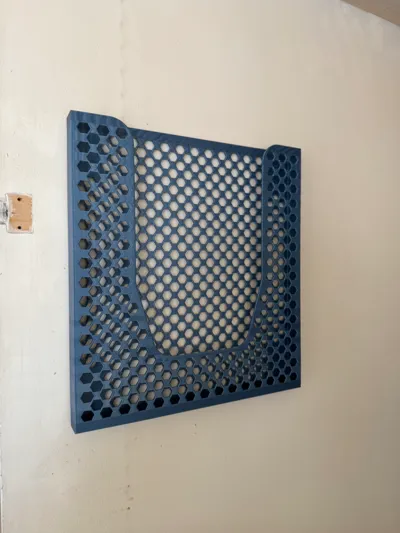
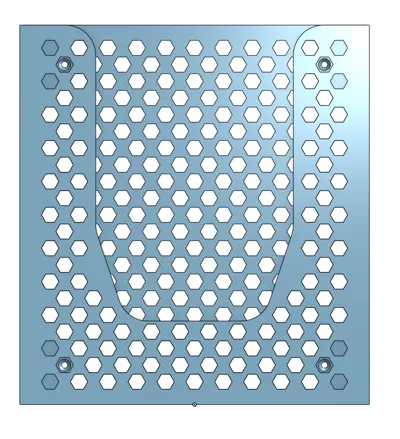
I designed this holder with flexible mounting options in mind: it features four chamfered 2mm screw holes for secure attachment to a wall, or you can use the four flat pads on the back for easy installation with double-sided tape.


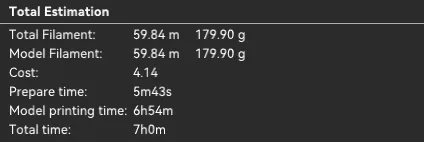
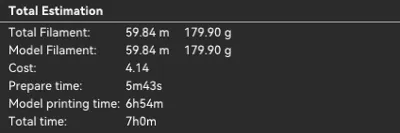
Printing this holder takes approximately 7 hours and uses around 180g of filament.


I'd love to hear what you think! If you found this model useful, please consider leaving a like, comment, or boost to support my work. And if you have any feedback or suggestions for improvements, please share them in the comments below!


*edit*

At the suggestion of commenter @starbase3d I added a print profile where the hexagon shapes are oriented pointy-side-down for better print quality. 

Since I completely redesigned the model from scratch to do this (the initial model was not well constructed), I also added a profile with some half hexagons at the edge for a different look.


Both print profiles are now set at 0.24mm layers for slightly improved print time at 6:30h.

Boost Me (for free)

If you find this model helpful, please consider boosting it to support my work. All proceeds go directly towards materials for creating even more useful models!

Comment & Rating (96)

(0/1000)

Print Profile
0.2mm layer, 2 walls, 15% infill
Appreciate the design considerations that have gone into this. Using it to store recipe cards in the pantry door and it’s working great.
The profile uploader has replied
profile
2
Reply
Happy you like it, thanks for the kind feedback and the photo. Love to see it being used in the wild.
0
Reply
Print Profile
0.2mm layer, 2 walls, 15% infill
Neat design but had a little trouble getting a good print. First attempt I used blue Bambu basic PLA and it exploded with about 4 cm's to go from the end. I decided to use black Sunlu PLA and it completed the print although it was a little rough for the last third in regards to quality. I have since carried out calibration tasks on the A1 to see what my next print looks like! Thank you.
The profile uploader has replied
profile
1
Reply
Oof, I've no idea what would cause that kind of artefacts! :o Thanks for commenting, glad you like the design.
0
Reply
Boosted
Well, something is broke in the app won't let me rate it a five-star. Easy print. It will help me get my papers off my desk.
The designer has replied
designer
1
Reply
Thanks for the photo!
0
Reply
Print Profile
0.2mm layer, 2 walls, 15% infill
passt perfekt
The profile uploader has replied
profile
1
Reply
Danke!
0
Reply
Print Profile
0.2mm layer, 2 walls, 15% infill
Nice one, thanks. Used some double-sided tape to hang it.
profile
1
Reply
Boosted
works perfect for the locker at work
designer
1
Reply
Print Profile
0.24mm layer, 2 walls, 15% infill Extra Flair
Thanks for sharing I will be able to store my scattered instructions 👍
Show original
0
Reply
Print Profile
0.24mm layer height, 2 walls, 15% infill Hexagonal orientation adjustment
Print is perfect. 15% infill is good. Use double sided tape to secure to the wall.
0
Reply
Print Profile
0.24mm layer, 2 walls, 15% infill Extra Flair
Printed fine. Looks great in Ash matte. Thanks very much.
0
Reply
Print Profile
0.2mm layer, 2 walls, 15% infill
It was 1mm too tall, I suppose I have to remove something or adjust a setting to allow my X1C to use the last bit of space available to it. Either way it was great - no supports needed.
The profile uploader has replied
profile
1
Reply
I'm not certain what the print dimensions are for an X1C, but assuming it should be able to handle the same size as A1 I'm not sure what would cause it to not fit, nor what setting would cause this. Still, glad to see it worked out for you.
(Edited)
1
Reply
Replying to @DaHitch :
Because of the layer height, the limit of P1S is 250mm. If set 0.24mm, after slice, the total height will be 250.04mm which if out of limit. It's simple to modify: add a modifier to limit height.
0
Reply

License

This user content is licensed under a Standard Digital File License.

You shall not share, sub-license, sell, rent, host, transfer, or distribute in any way the digital or 3D printed versions of this object, nor any other derivative work of this object in its digital or physical format (including - but not limited to - remixes of this object, and hosting on other digital platforms). The objects may not be used without permission in any way whatsoever in which you charge money, or collect fees.