Search models, users, collections, and posts

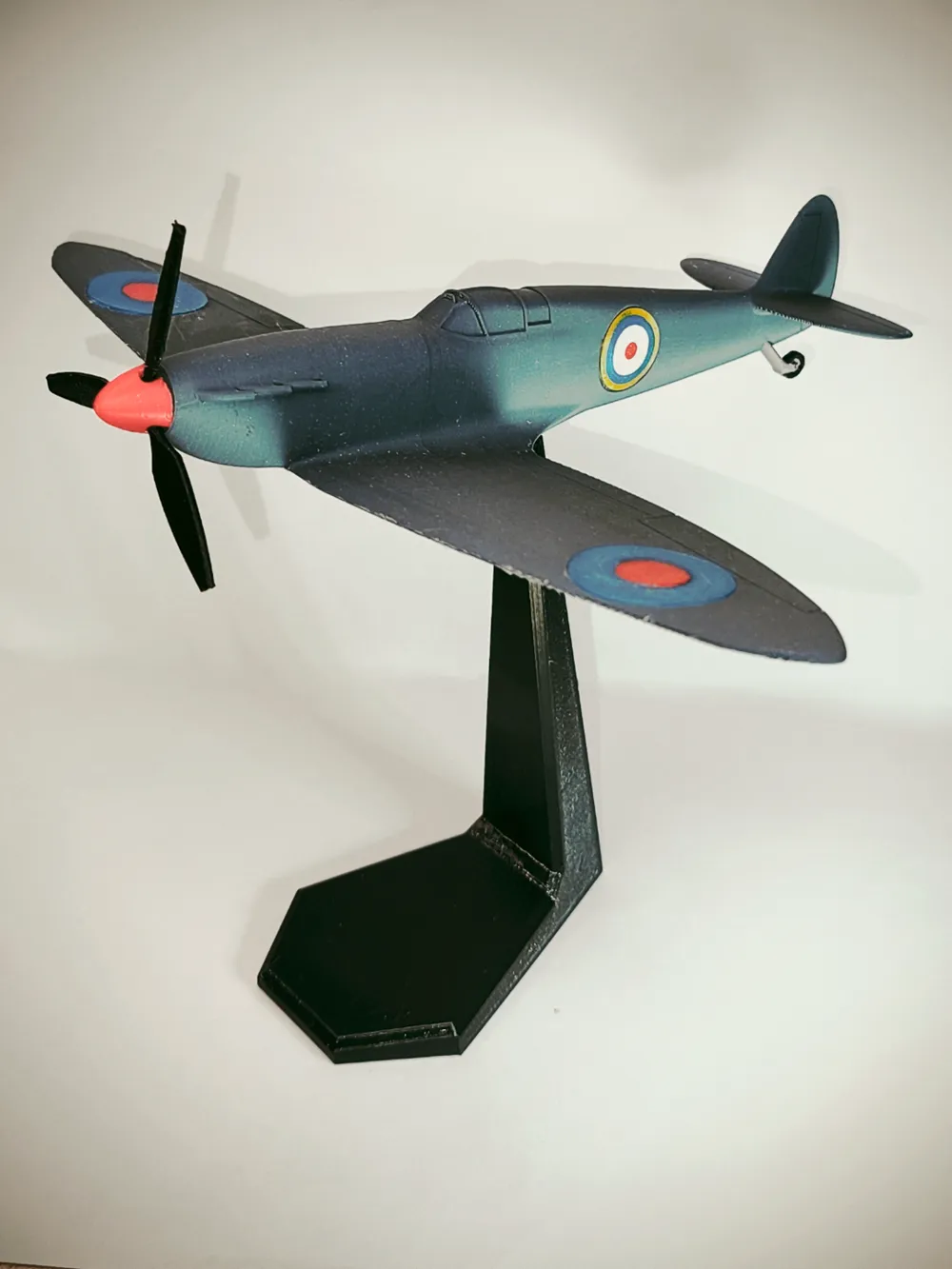
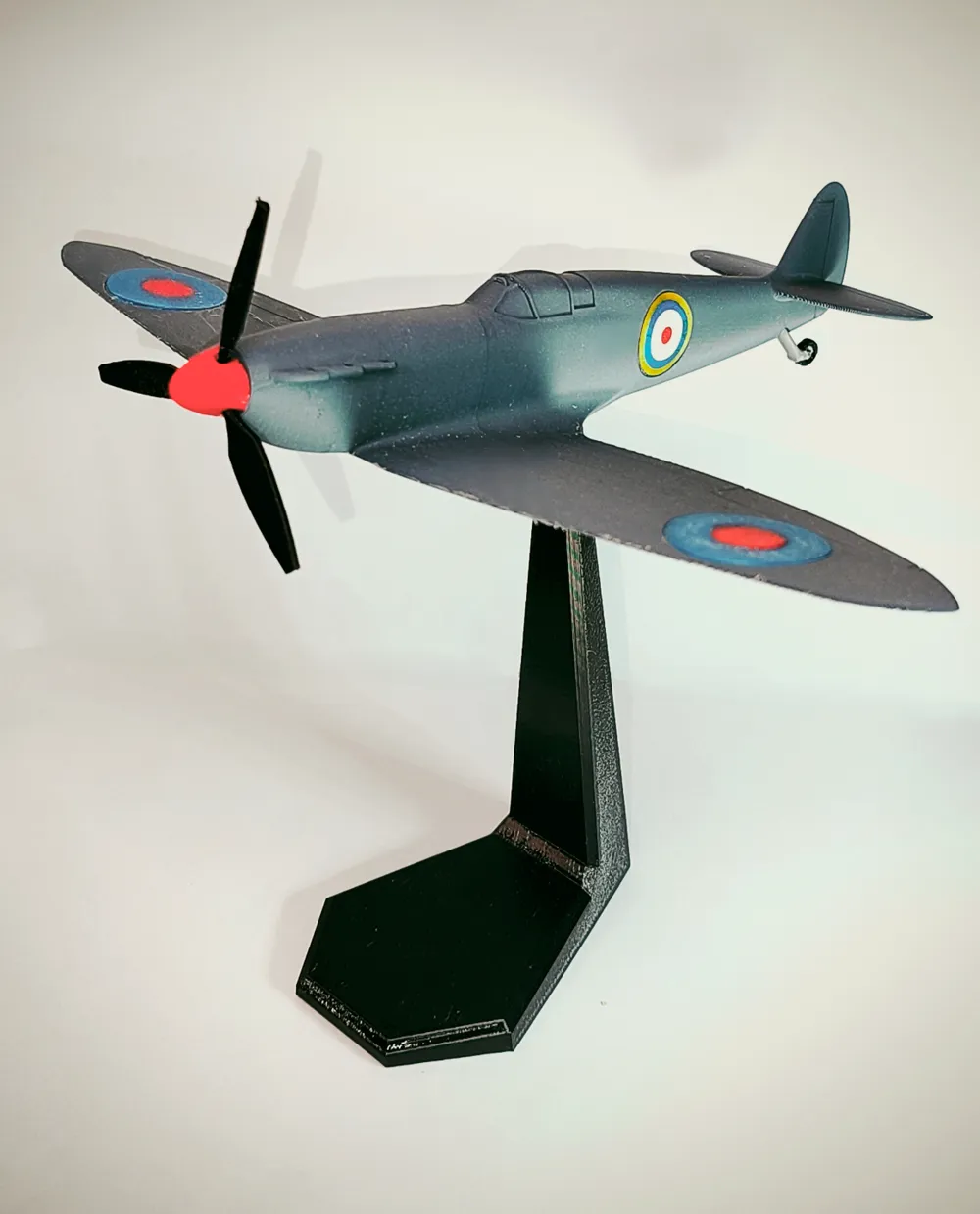
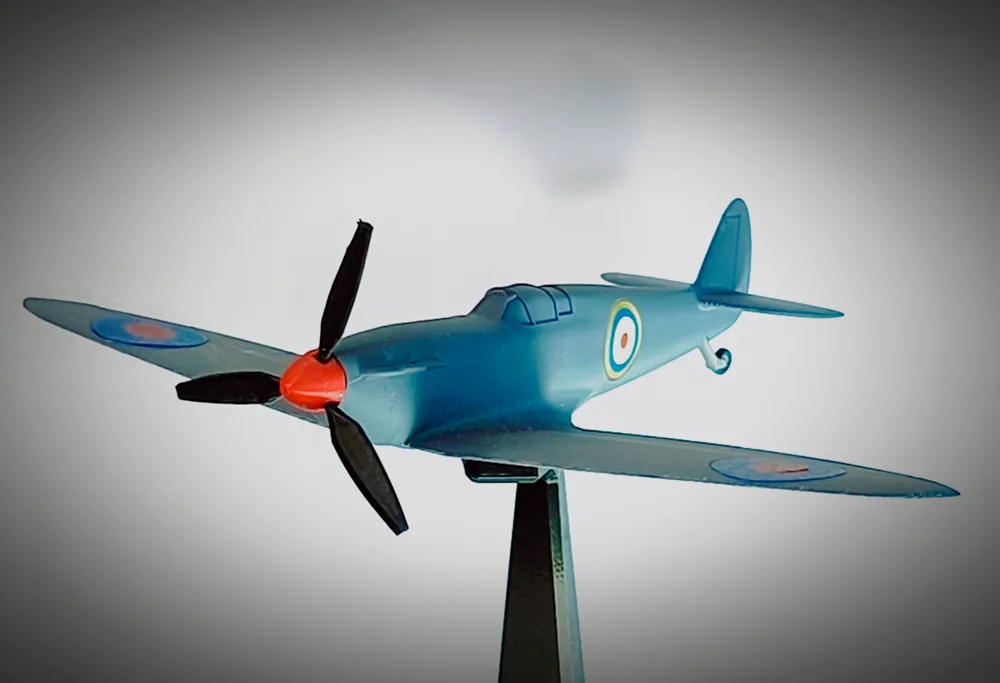
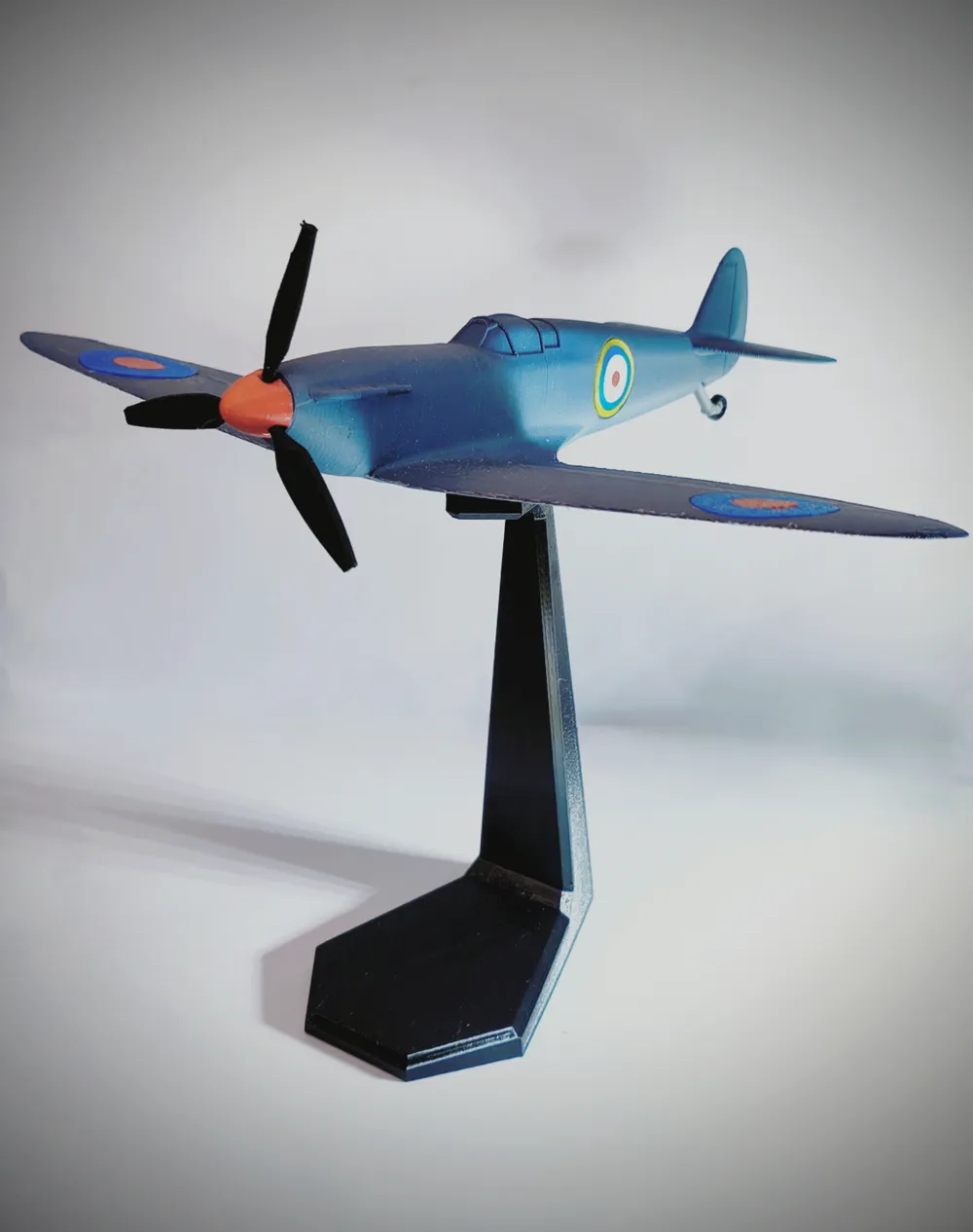
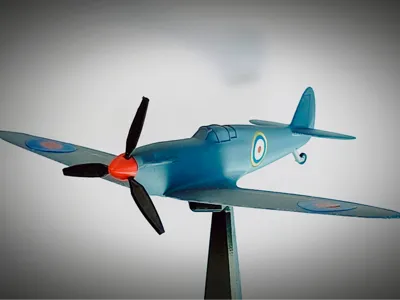
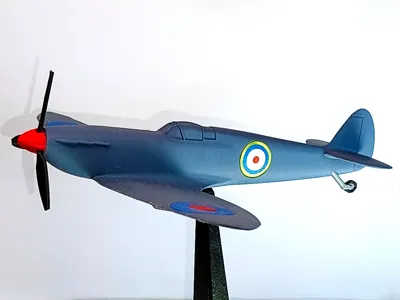
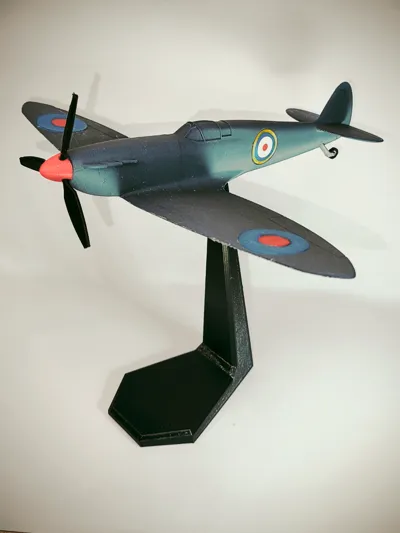
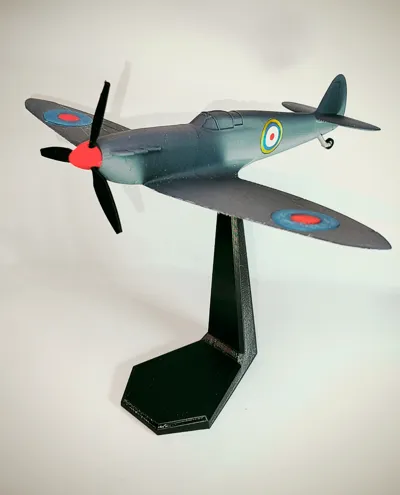
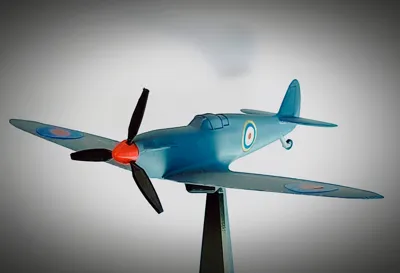
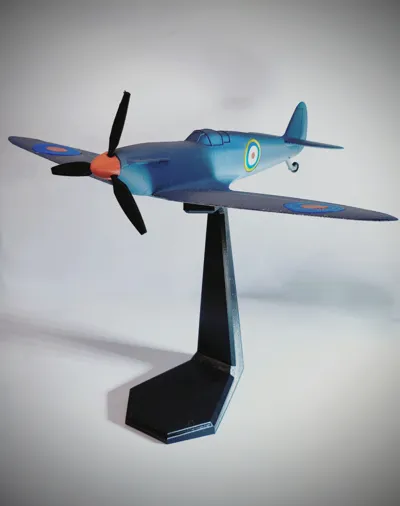
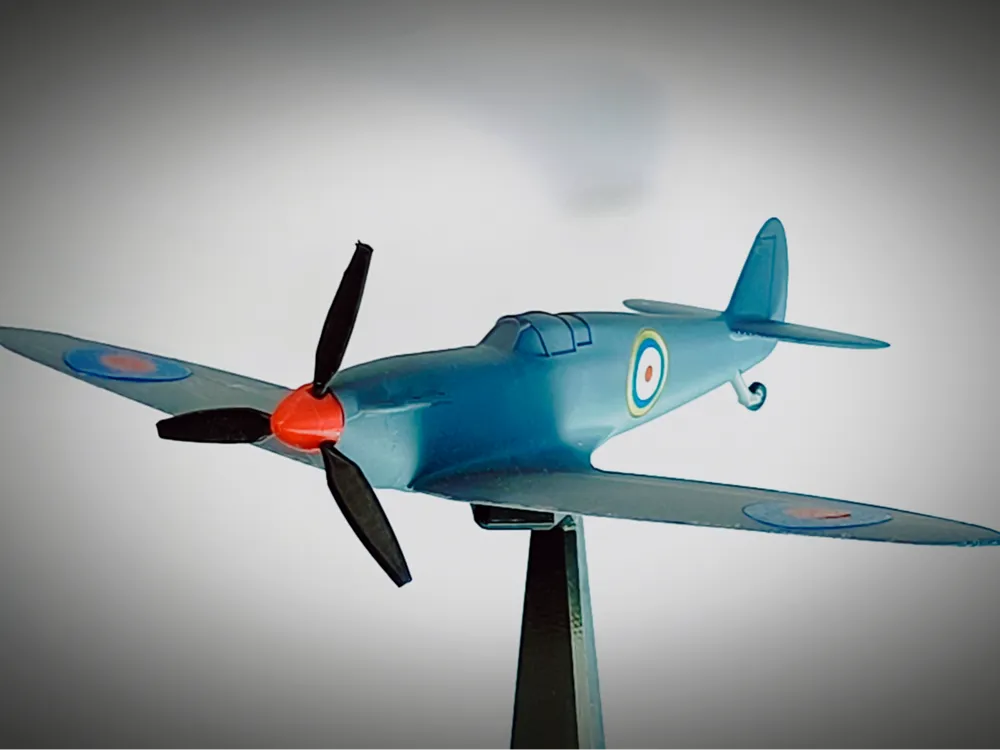
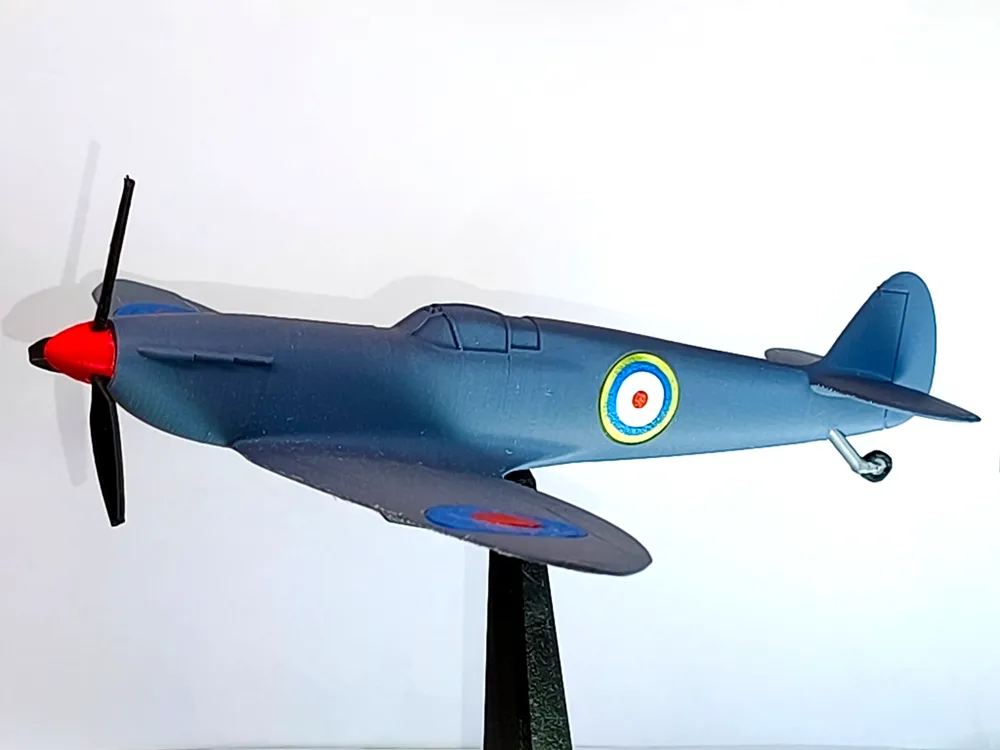
Spitfire Aircraft Model - 1:48
Print Profile(4)

All
A1 mini
A1
X1E
P1S
P1P
X1
X1 Carbon
P2S

A1/A1 Mini - Unified Fuselage & Cockpit
Designer
4.8 h
5 plates
4.8(5)

A1/A1 Mini - Separate cockpit
Designer
7.1 h
6 plates

X1/P1 Printers - Unified Fuselage & Cockpit
Designer
4.2 h
5 plates
3.0(1)

P2S - Unified Fuselage & Cockpit
Designer
3.9 h
4 plates

Open in Bambu Studio
Boost
74
125
27
9
176
61
Released 

Description

This is a scaled up version of my previous 1:72 spitfire model adding some more details and improvements to the model.

for the smaller 1:72 version visit:

https://makerworld.com/en/models/746967-spitfire-aircraft-model-1-72#profileId-702266


Presenting the iconic WW2 Supermarine Spitfire fighter at scale of 1:48.

I've tried to capture the shape and the main details of this legendary aircraft.


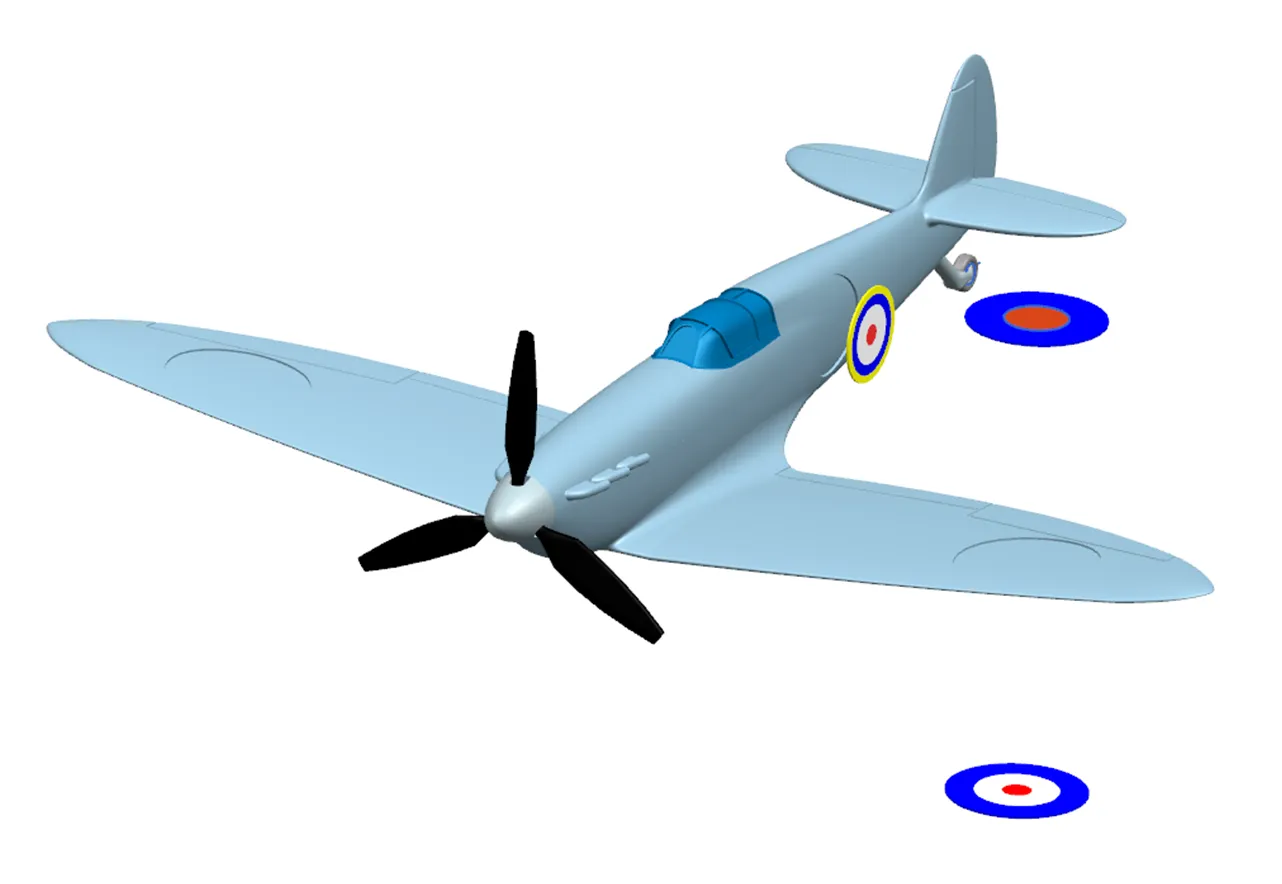
Please use a strong superglue to attach RAF roundels to the model

I advise you to remove RAF signs from buildplate using a scraper.

The correct roundels positioning is shown below:


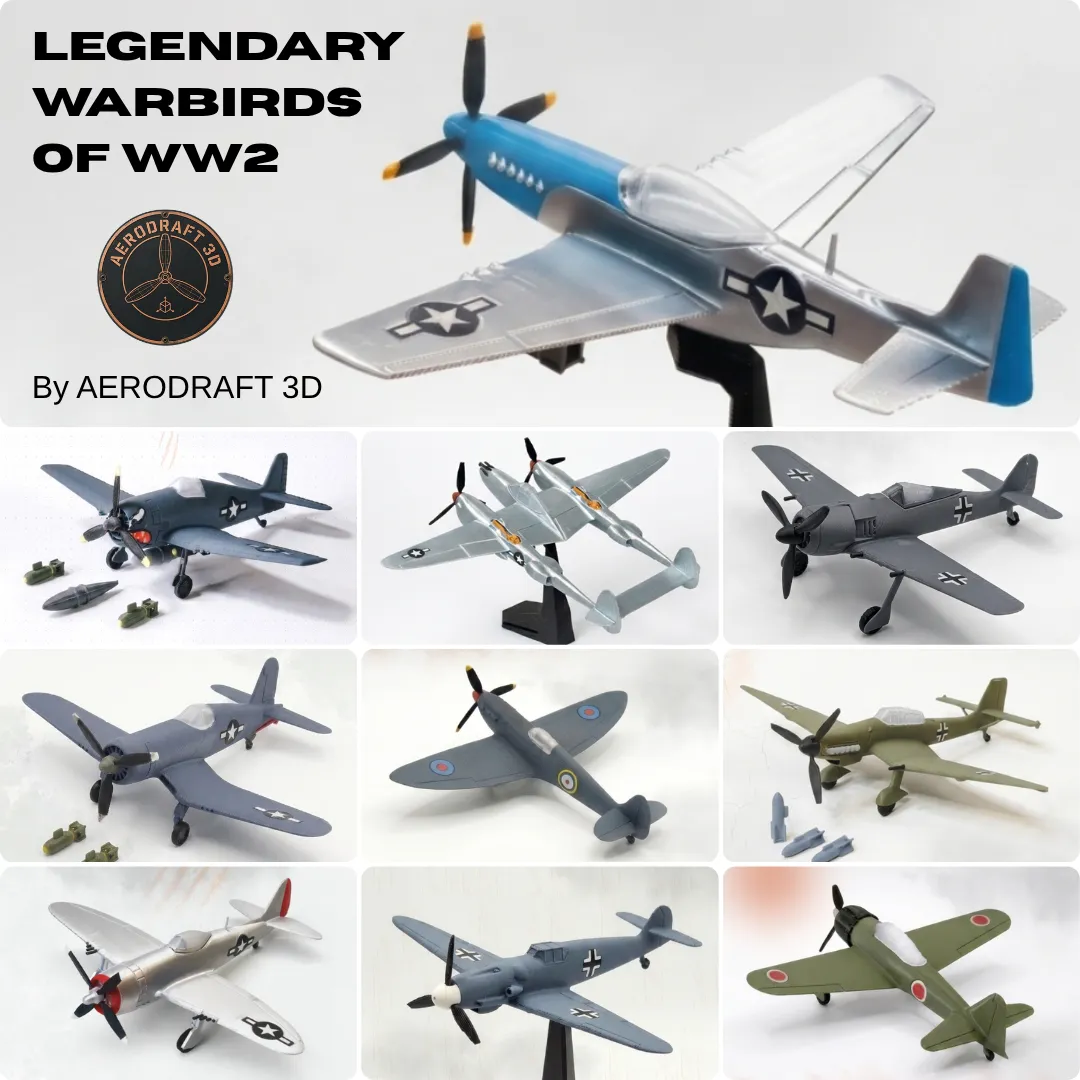
Explore the Full WWII Warbirds Collection

If you like this model, explore all other unique aircraft models in my WW2 Warbirds collection.

All models are designed in 1:72 scale, so you can display them side by side for a perfectly matched collection


Share Your Results!

I put a lot of effort into ensuring these models are both accurate and easy to print. If you enjoy this model, please:

  • Rate it ★★★★★
  • Upload a photo of your print
  • Follow my profile for more 1/72 scale historical aircraft model

If you'd like to support the continued development of the WWII Warbirds Collection, consider buying me a coffee:



Happy Printing!

Comment & Rating (27)

(0/1000)

hi. plate 2 is a problem. the grey part is bugged or something. this is my 3rd try at it and it goes back and forth from grey and black. I dont really understand what that grey part even is. it just keeps trying to make it over and over. the first time I wasn't home but it did complete but the propeller broke when I took it off the plate. starting to get frustrated as this is a gift for my 84 year old dad who loves spitfires
The designer has replied
0
Reply
Hi,I'm truly sorry to hear about your frustration, and I appreciate you taking the time to share these difficulties. Feedback like yours is essential for me to improve the model for everyone.Regarding Plate 02: The color transitions between gray and black are intended for the tail gear and tire (as shown in the attached picture). If you'd like to simplify the print and save filament, you can easily use the 'Paint' tool in Bambu Studio to set it to a single color .As for the propeller: It is indeed a delicate part. I recommend removing the supports carefully using needle-nose pliers or a sharp hobby knife. I’ve received similar feedback regarding its fragility, so I have developed a much stronger design. I have already updated most of my 1:72 models with this new version, and I will update this specific model with the new propeller design within a day or two.
0
Reply
ok. ya the tail gear wont print properly at all. im using a p1s so not sure if that's an issue
0
Reply
Replying to @Sharko_king :
plate 2 is the problem. 2/3 of the pièces are coming out déformed and fragile. plate 1 and 3 are perfectly good. I havent started plate 4 as im trying to get plate 2 to work. the red propeller end is completely fine but the propeller and rear wheel need fixing. ty so much for this model. im sandpapering the edges and ill be painting it soon
0
Reply
very nice 1:48 scale print. it let me print the first time on a bambu X-1 Carbon, but will not let me do it again.
The designer has replied
0
Reply
looks very good, why won't it let you print again?
0
Reply
print profile is marked as suitable for all bambu printers
0
Reply
it only had options for A1 & A1 mini in the app
0
Reply
Hi @Sharko_king ,this model is great. Thanks for it. But I can't seem to print the propeller without it failing miserably. I think I made more than 20 tries with different settings and even painted supports manually. The 1:72 propeller prints just flawlessly, but this one is tricky. Do you have any insights? It basically starts an spaghetti mid print, before reaching the axis. When it prints, quality is rough
The designer has replied
0
Reply
Thank you for notifying me. The prop is a trickey part, let me do some test prints for the prop and I'll come back to you.
0
Reply
I've tried a few orientations and the easiest to print was with blades positioned face down and the rod driection straight up as in the photo. also try top z distance of 0.3 at supports section
0
Reply
i am having the same issue!
0
Reply
Print Profile
X1/P1 Printers - Unified Fuselage & Cockpit
Strength Issue:It broke when I tried to take it off of the bed.
Support Issue:I don’t have any model glue, so I had to throw the parts that had didn’t actually fit away.
The profile uploader has replied
0
Reply
1. The stand isn’t the problem. This exact stand has been printed literally hundreds of times without a single issue. I use it in my own models as well. It does not break from normal handling. If it snapped while removing it from the bed, that usually means it was forced off instead of just letting the plate cool and flexing it a bit after a short cooldown it pops right off. 2. The glue issue is on your end. The description clearly states that super glue is required to attach the RAF roundels. If you chose to print the model without even checking the instructions, and then threw parts away because you didn’t have glue… that’s not a model problem. Please read the description next time before printing, and pick up a basic bottle of super glue. It's essential for almost any 3D-printed kit.
0
Reply
1. it’s the propeller, not the stand. 2. my parents never even buy model glue, and literally have to drive like an hour to a diffeeent city to get some.
0
Reply
Print Profile
A1/A1 Mini - Unified Fuselage & Cockpit
0
Reply
Boosted
Print Profile
A1/A1 Mini - Unified Fuselage & Cockpit
0
Reply
Print Profile
A1/A1 Mini - Unified Fuselage & Cockpit
0
Reply
Print Profile
A1/A1 Mini - Unified Fuselage & Cockpit
0
Reply
Print Profile
A1/A1 Mini - Unified Fuselage & Cockpit
0
Reply
No more

License

This user content is licensed under a Standard Digital File License.

You shall not share, sub-license, sell, rent, host, transfer, or distribute in any way the digital or 3D printed versions of this object, nor any other derivative work of this object in its digital or physical format (including - but not limited to - remixes of this object, and hosting on other digital platforms). The objects may not be used without permission in any way whatsoever in which you charge money, or collect fees.