
Home Assistant Voice PE - Fabric Enclosure

Print Profile(2)


Description
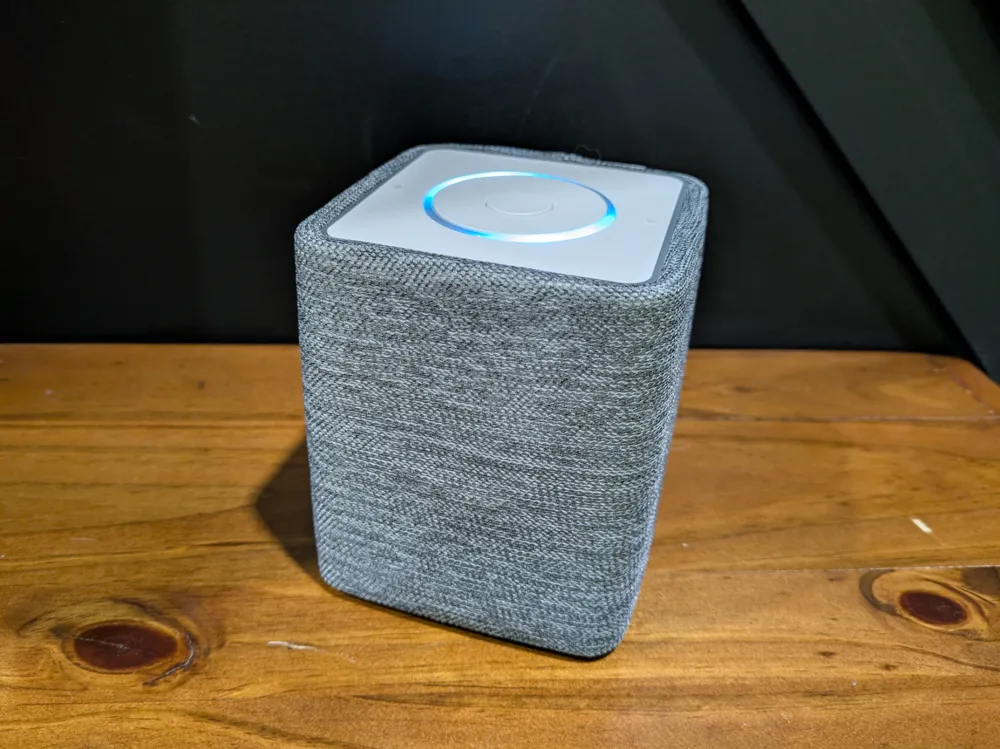
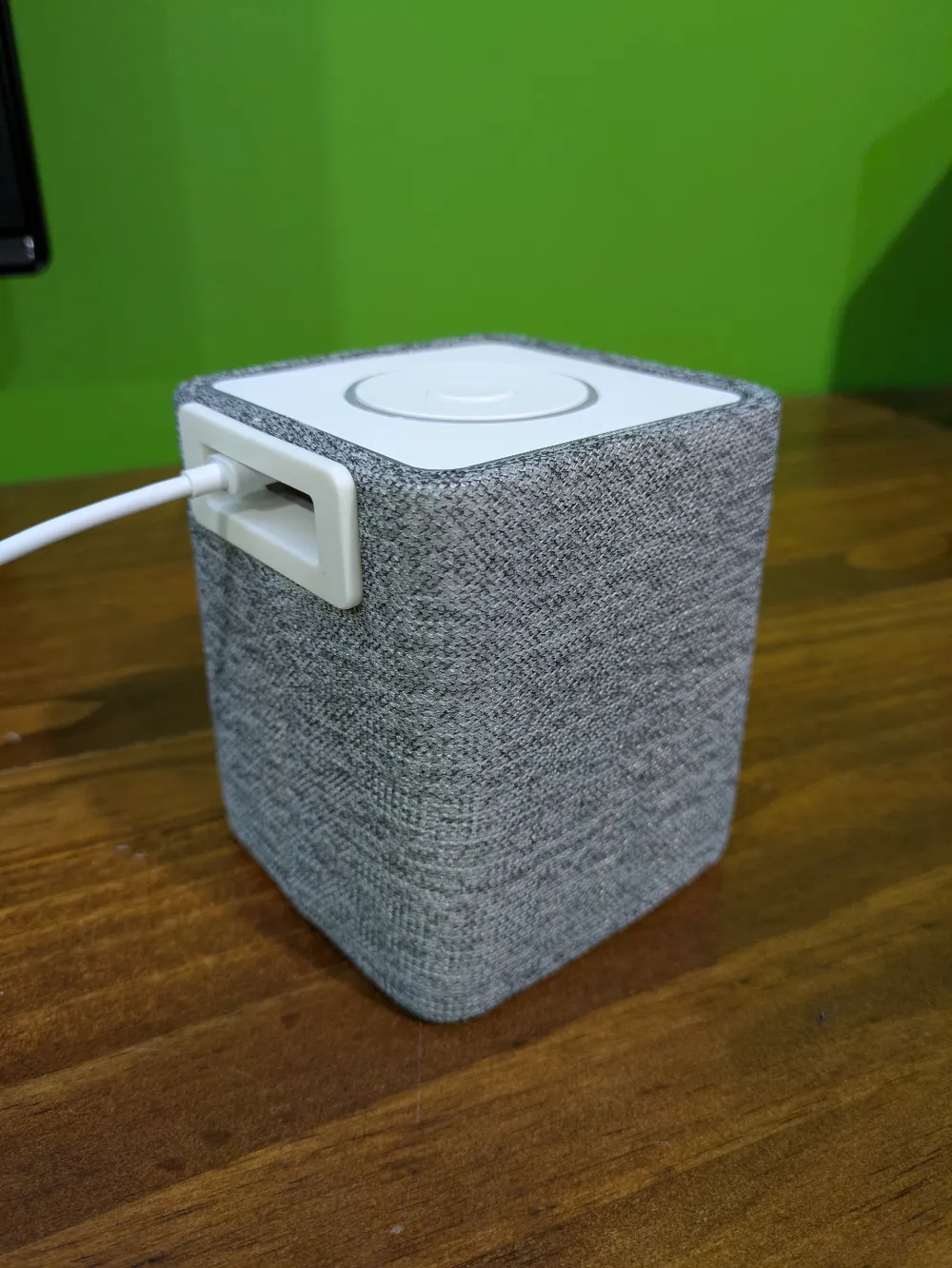
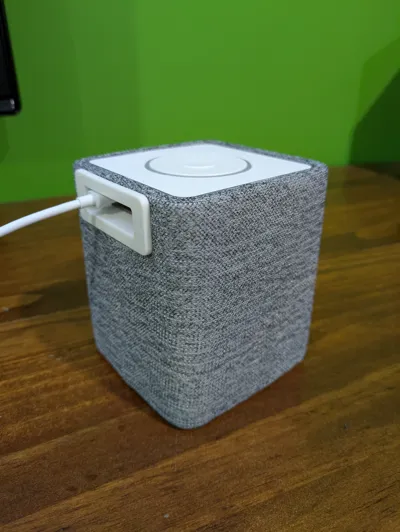
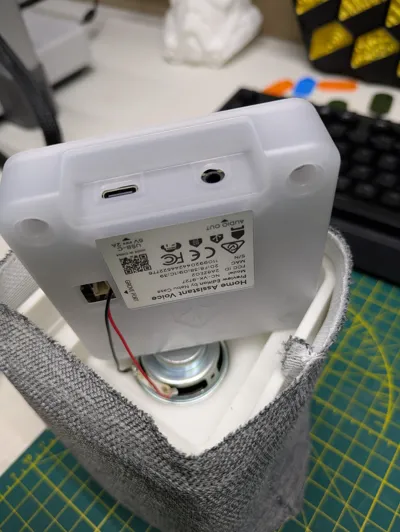
An add-on enclosure for the Home Assistant Voice Preview Edition that allows you to add a slightly bigger speaker (40mm) and a fabric covering akin to a Google Home or Alexa device. Note that the mute switch on the side is covered but you should still be able to slide it through the fabric as the enclosure has a cutout.
Additional Parts:
- four small screws (roughly 10mm in length)
- piece of fabric roughly 15cm * 42 cm
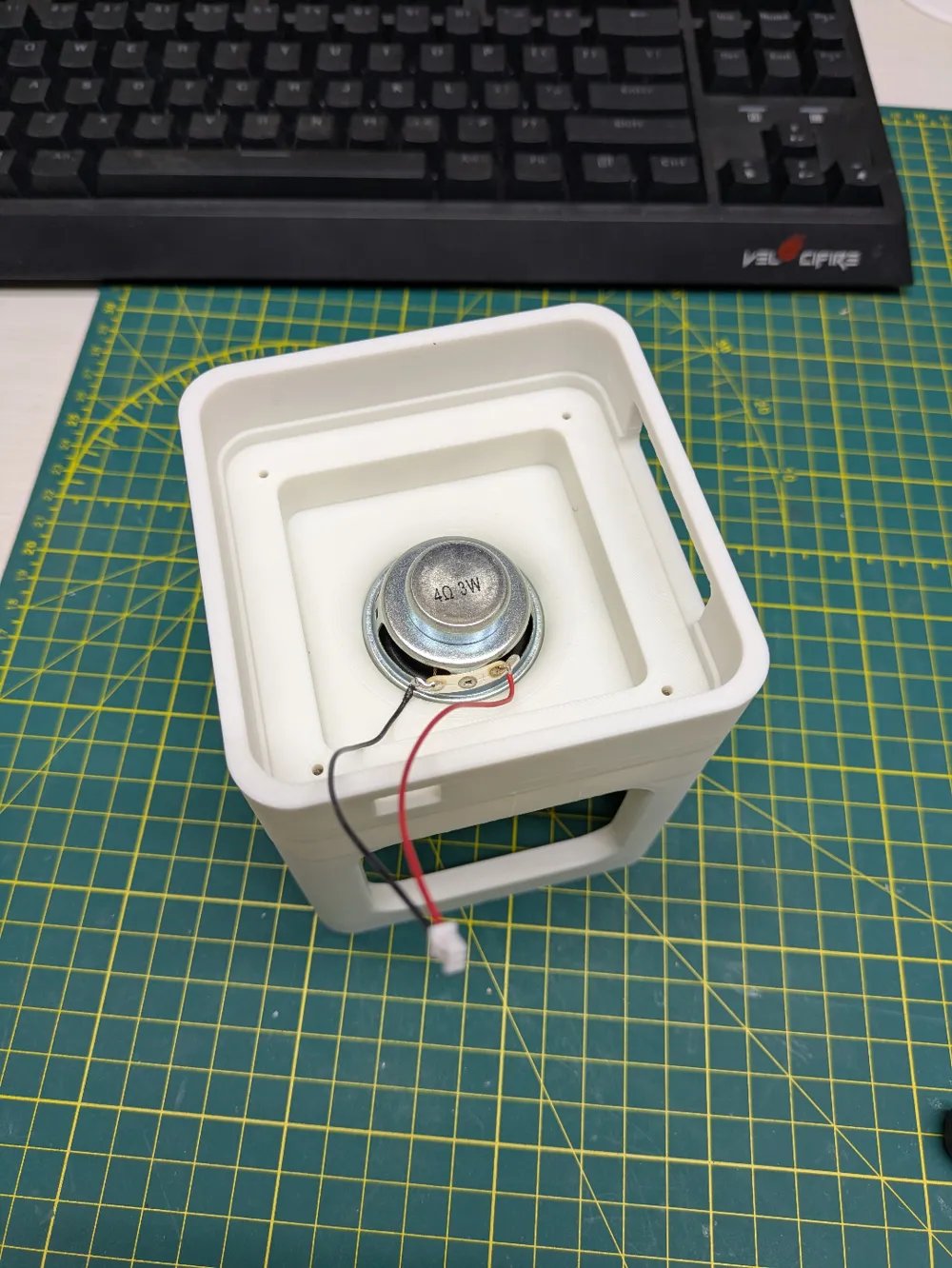
- 40mm speaker
- 1.25mm two-pin micro JST connector
Steps:
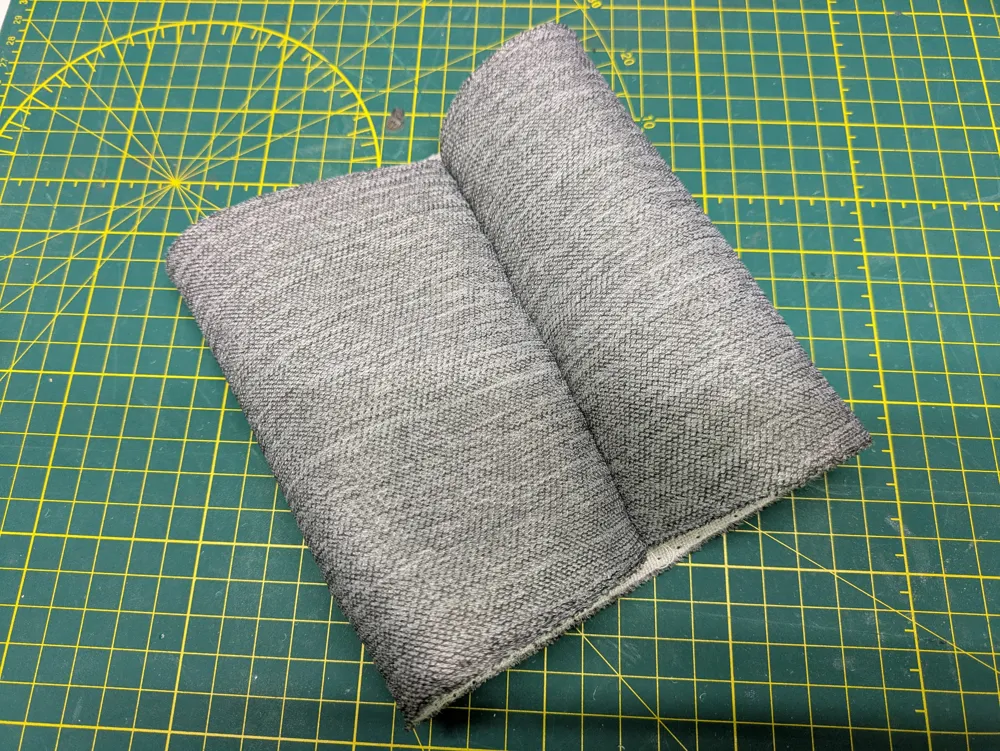
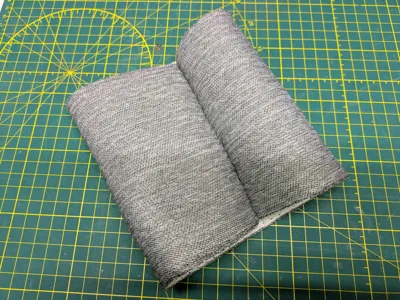
- Using the main enclosure body as a reference you have to create an appropriately sized sleeve with the fabric (Easiest way is to turn it inside out, wrap it around the enclosure and mark where the two ends meet, then sew along that line. You can then cut off the excess material and turn it right side out again so the seam is inside).
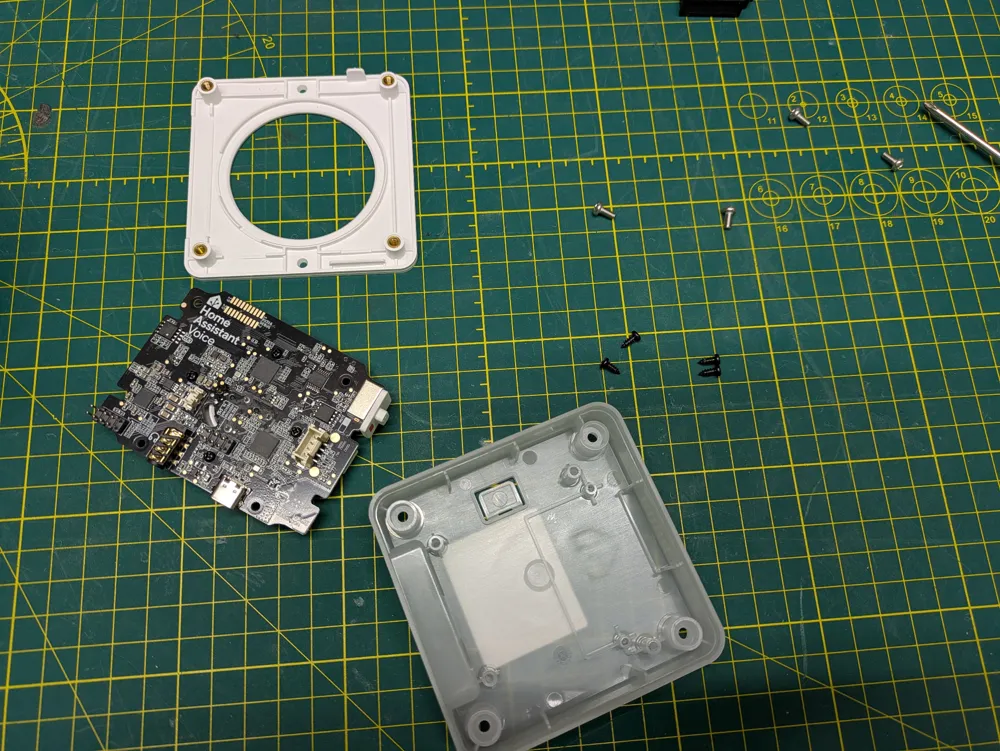
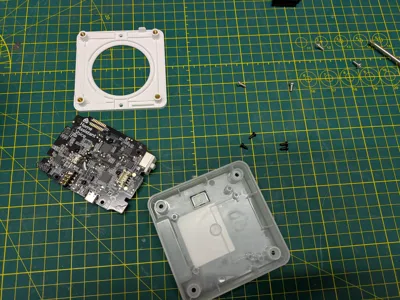
- Open the Voice PE and unscrew the the PCB and remove the original speaker.
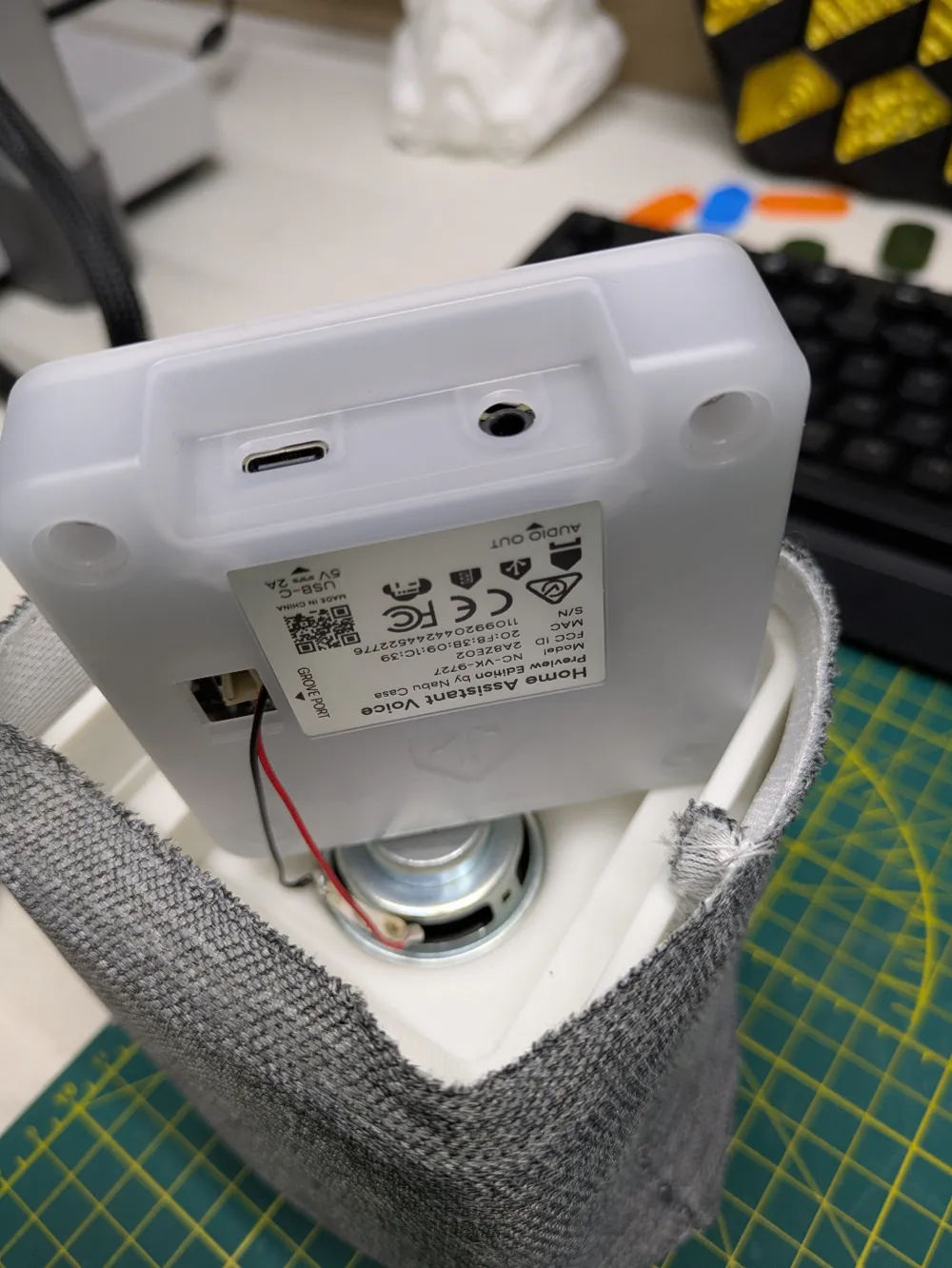
- Remove the Grove port cover.
- Solder JST connector to speaker terminals (black to negative, red to positive).
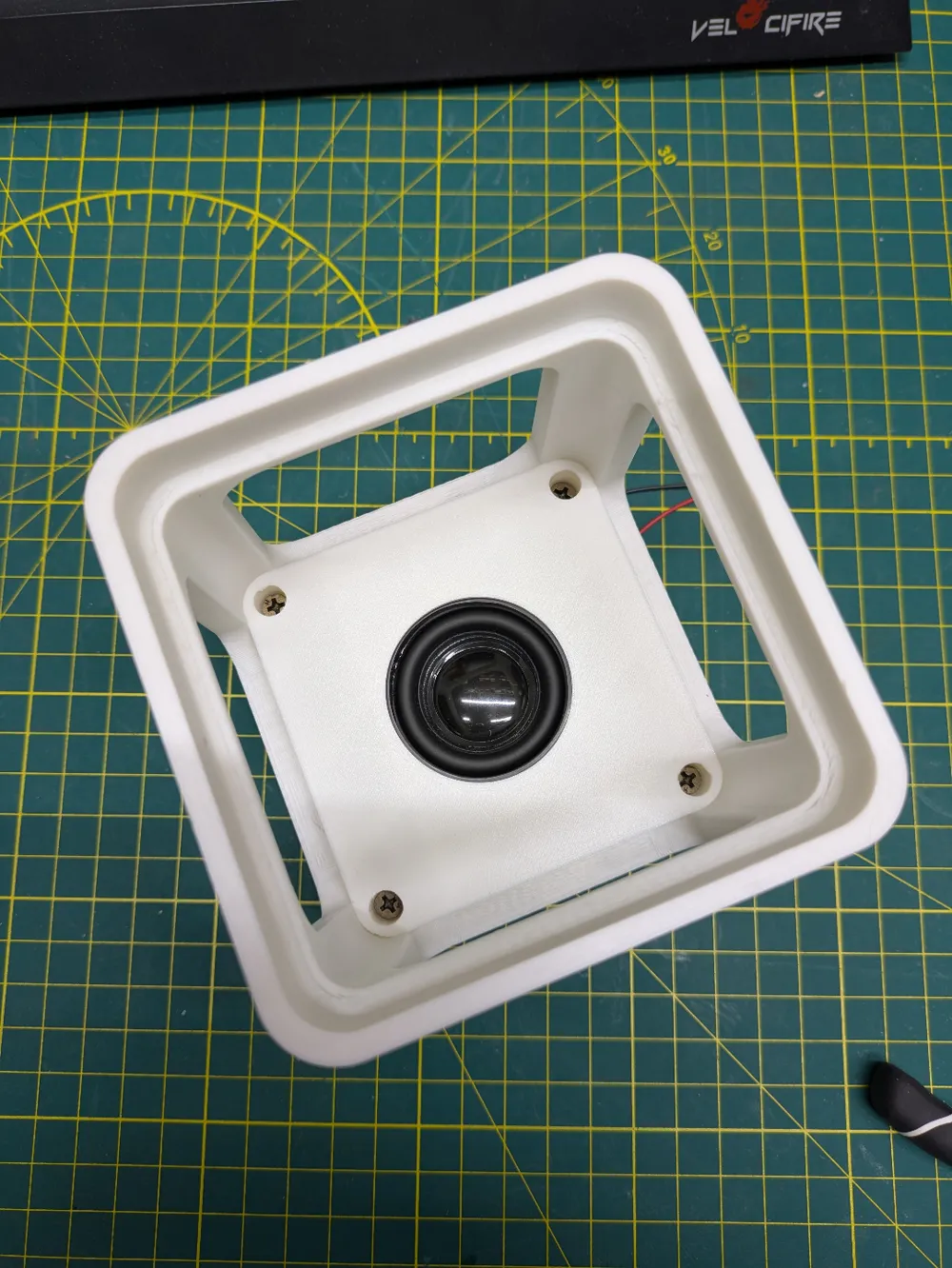
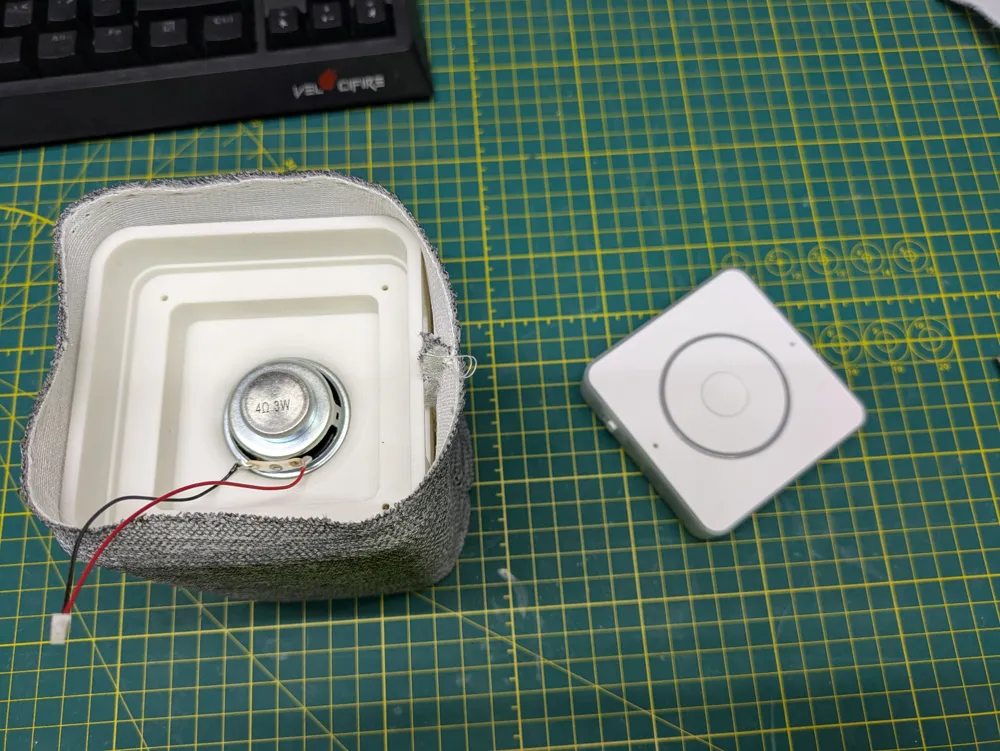
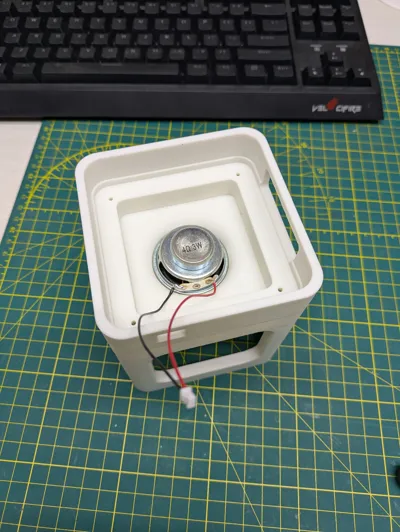
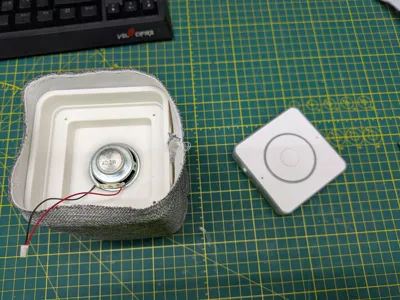
- Seat the speaker into the speaker bracket facing downward (it should friction fit, but if loose you can secure with some glue).
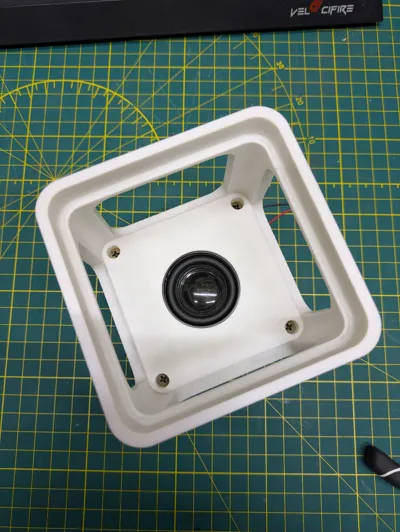
- Insert speaker bracket into the bottom of the main enclosure so that the JST wire is at the top and then secure with screws.
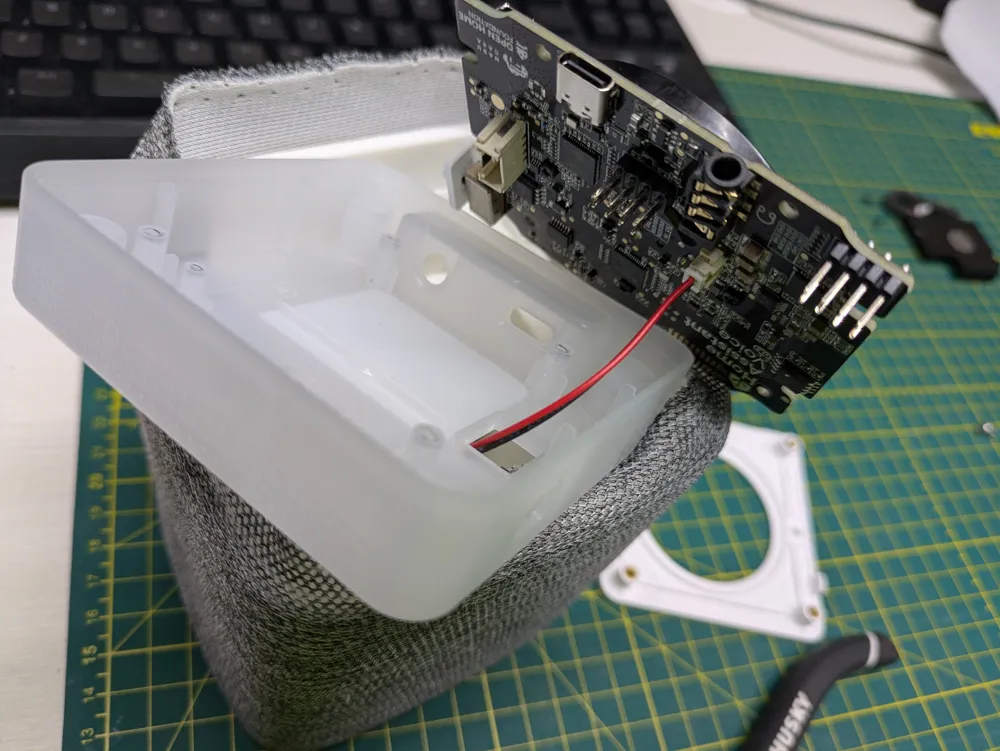
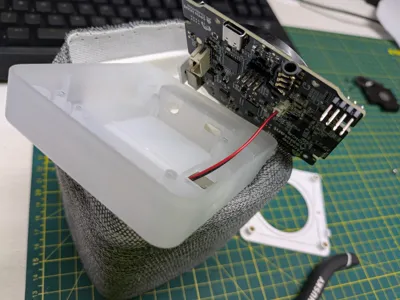
- Feed the JST wire through the Grove port hole and connect it to the speaker JST port.
- Screw the PCB back into the original case and screw the top back on.
- Slide the fabric sleeve over the main enclosure with enough excess on both top and bottom to fold it in.
- Fold the top fabric in and then slide the Voice PE into the top to secure it in place.
- Fold the bottom fabric in and then slide the bottom cover in to secure it in place.
- Cut out the fabric that covers the inputs on the back and insert the input cover.
- [Optional] Add some rubber feet or adhesive cork to the bottom for a bit of grip if you like.
If you want a version without the fabric you should check out the model freeskier93 made. It was a useful reference when I was looking into what speaker and connectors I needed.
Large Speaker Version
To test the limits of this design I modeled a second profile that allows you to use a 2.5" (roughly 61mm) speaker instead of the 40mm one in the main profile. This size seems to be the largest speaker that will fit inside the chassis as I couldn't find anything reasonably priced that was between 2.5 and 3" in size, with the latter being too large to fit.
This speaker definitely has more range, especially bass, than the 40mm version, however, I'm not sure I can recommend it over the original version. The extra bass gives a better sound, however I've noticed that the play in the scroll wheel means that when you use the larger speaker at full volume it tends to vibrate and create a bit of a rattle. It's possible this could be mitigated with some sort of gasket or dampening material.
It does have increased volume over the original version as well, however the increase is not as substantial as would be expected by the size increase as it seems limited by the wattage that the Voice PE can output. I suspect these speakers would have quite a bit more volume if attached to a higher wattage device.
License



Comment & Rating (31)