
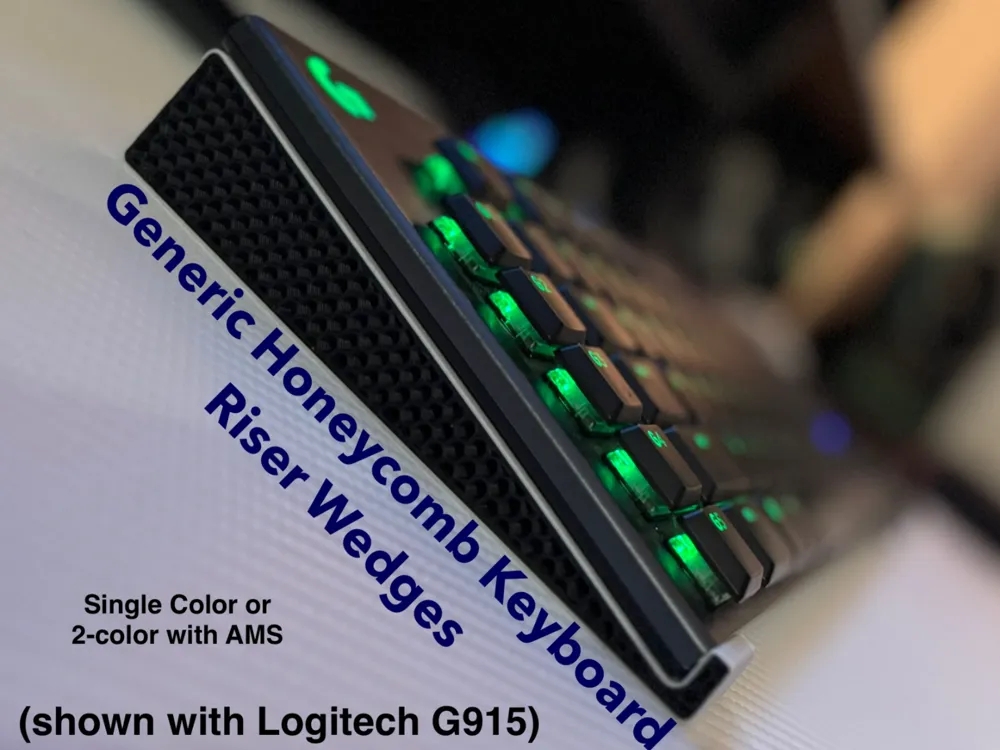
Generic Honeycomb Keyboard Riser Wedges

Print Profile(2)


Description
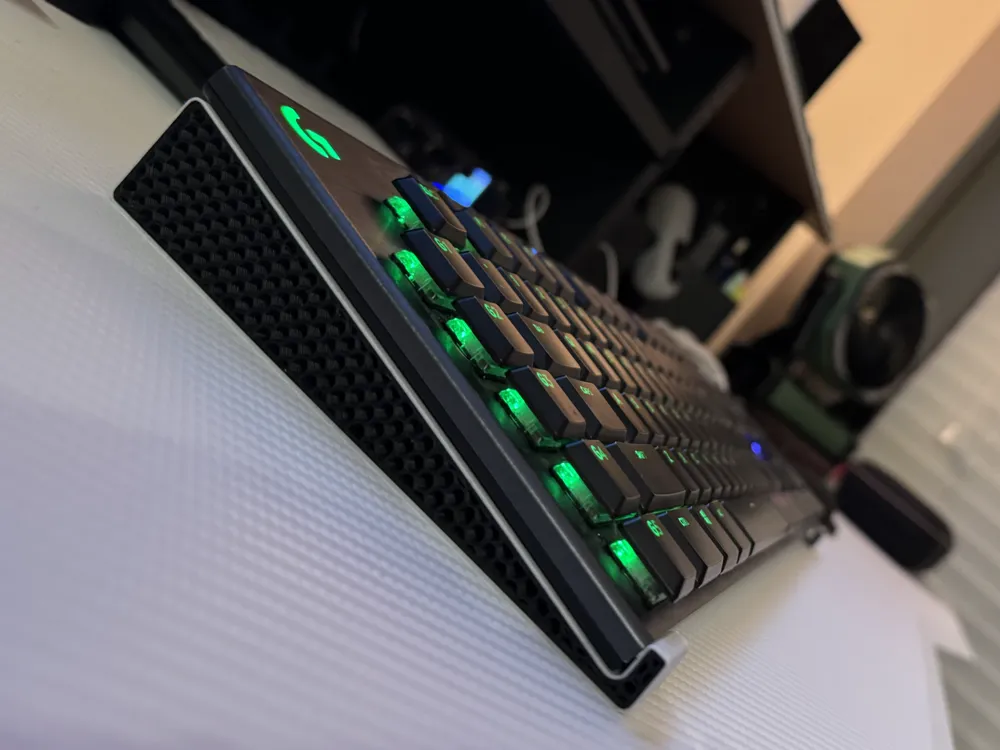
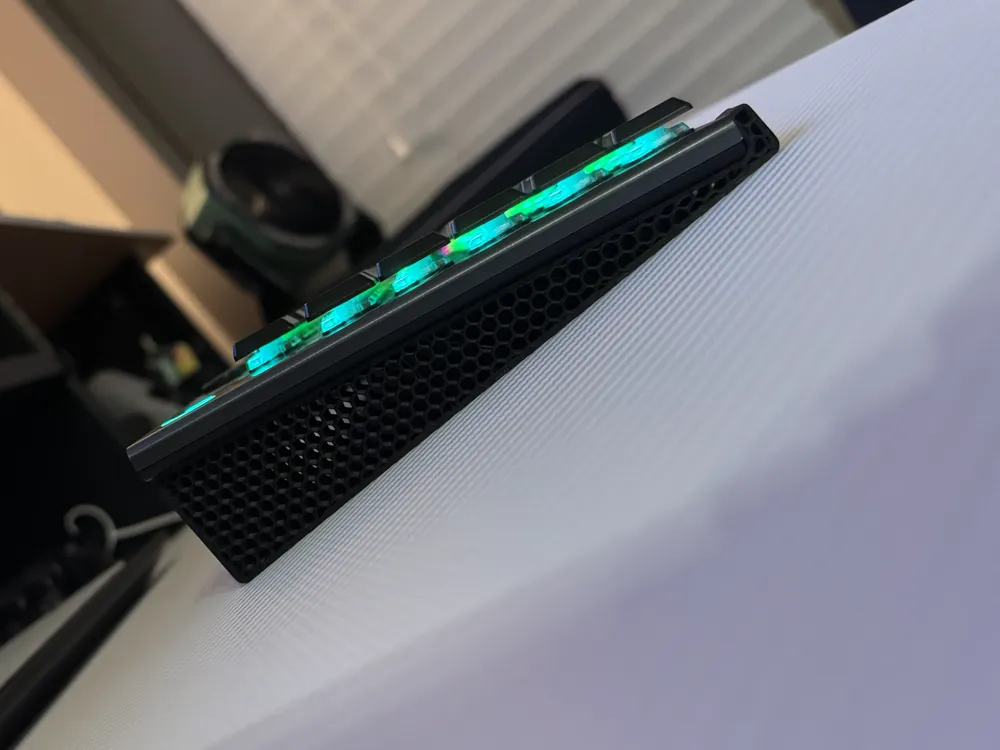
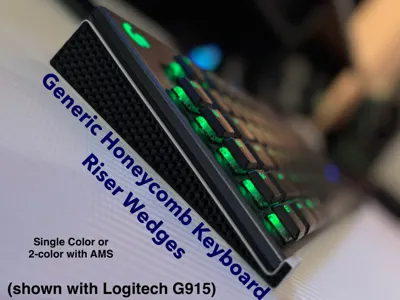
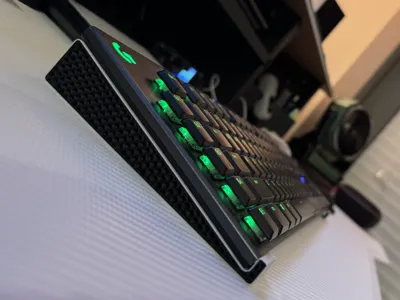
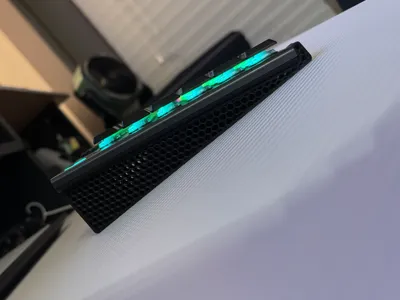
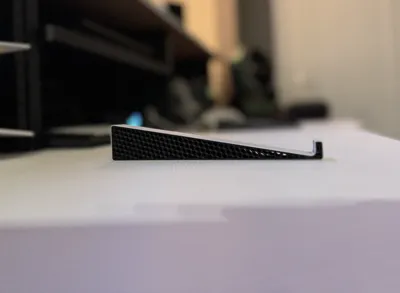
I wanted some simple little wedges to raise up my computer keyboard slightly at a shallow angle, but didn't see anything exactly like what I was looking for, so I drafted up my own in CAD with some nice rounded edges. The wedges can likely work with many different keyboard types and models, they just so happen to fit my Logitech G915 keyboard quite perfectly :) They could also be scaled in the slicer software pretty easily to suit any specific keyboard size-needs if these wedges as-designed don't fit your own keyboard.
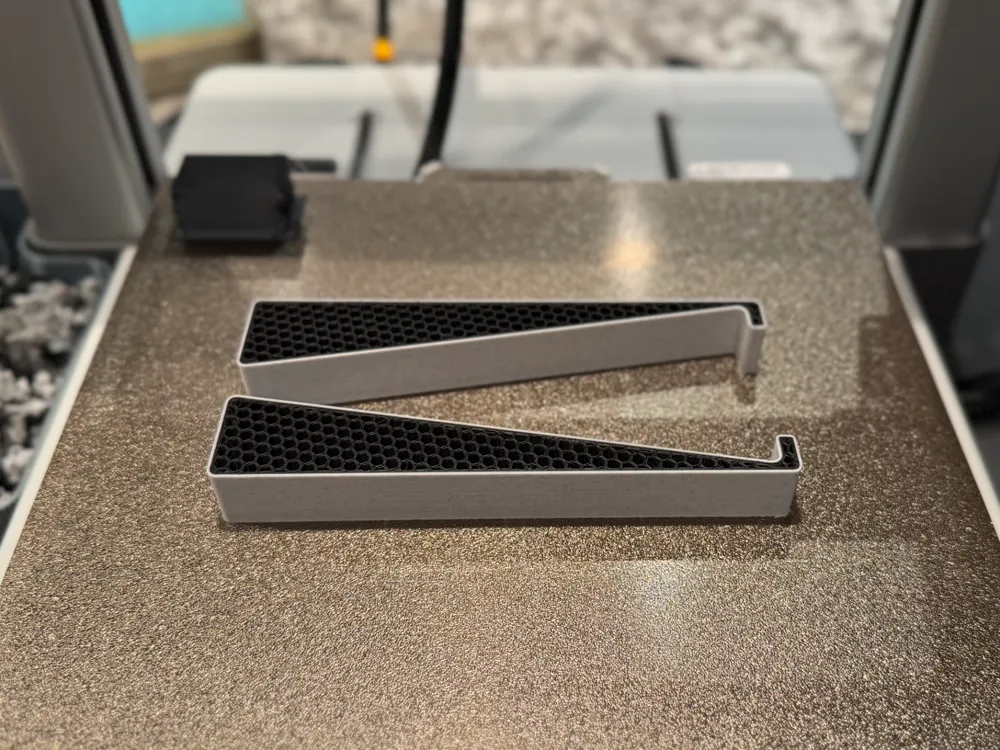
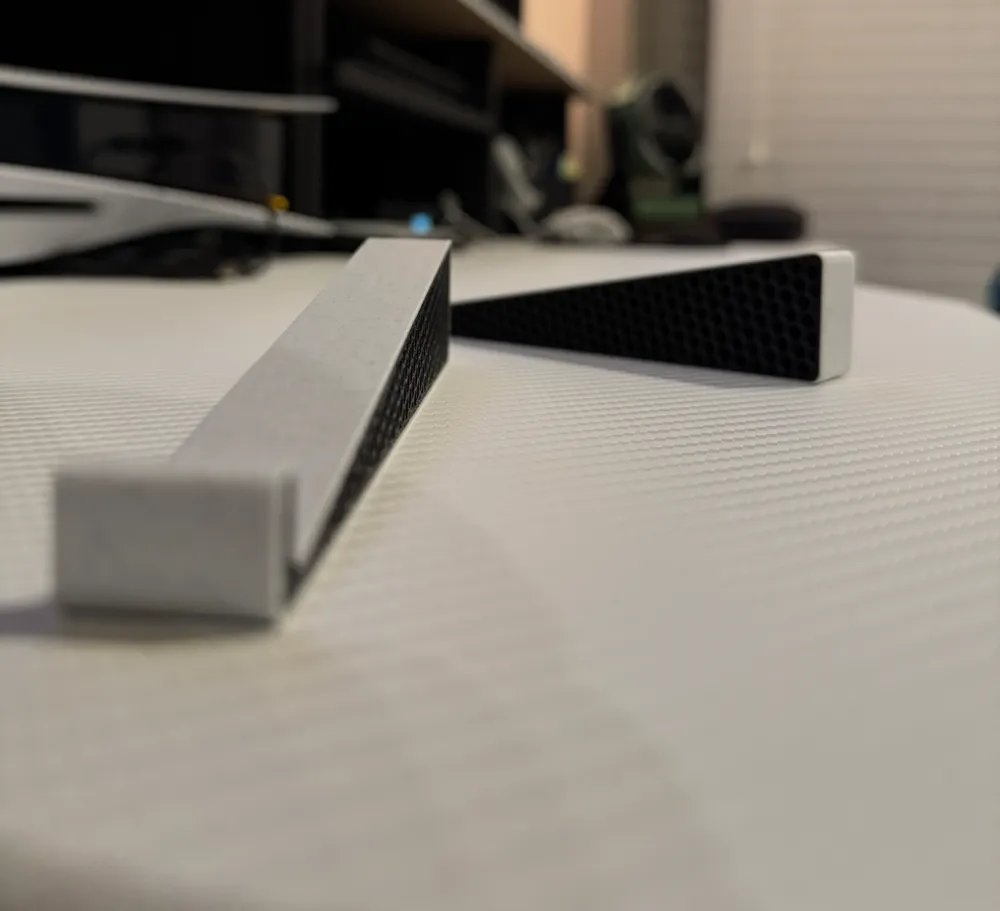
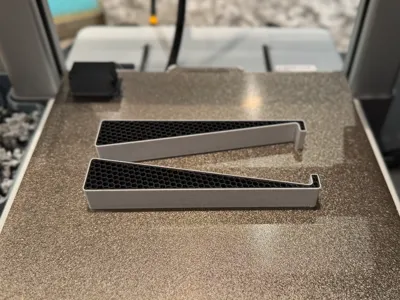
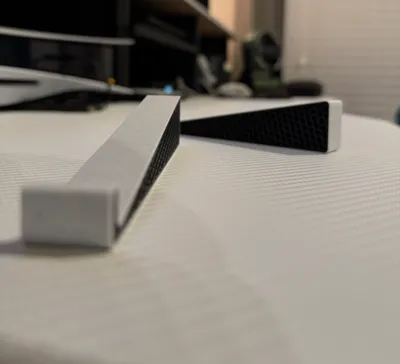
These wedges as-designed are 6" (152.4mm) deep with a 10 degree angle and 0.75" (19.05mm) wide. The thinnest section down near the base of each wedge is still about 0.15" (3.9mm) tall, so they are sturdy enough not to break just from regular handling. The plate profiles I've uploaded each includes a single plate for PLA with two identical wedges placed on opposite flat sides, so that the textured PEI plate side can be put to the inside or outside facing sides of the keyboard (if it ends up with a slightly different appearance than the top surface. Along that same note, you could also use a better-looking surface quality plate if you have one, but might need to make some setting adjustments specific to your plate).
In the slicer, I have changed top and bottom shell layers and infill pattern settings to result in a honeycomb infill pattern that is fully-visible through the wedges from the exterior Note: The infill pattern appears after slicing if on a PC. On the mobile app, the pattern doesn't appear on the plate preview, but the print will still come out looking exactly as-shown in the uploaded images. The profiles I've uploaded include a single-color version or a dual-color version, but do please note ahead of printing that the dual-color version profile will produce a decent amount of waste (see the note I've included on the dual-color profile description for more info).
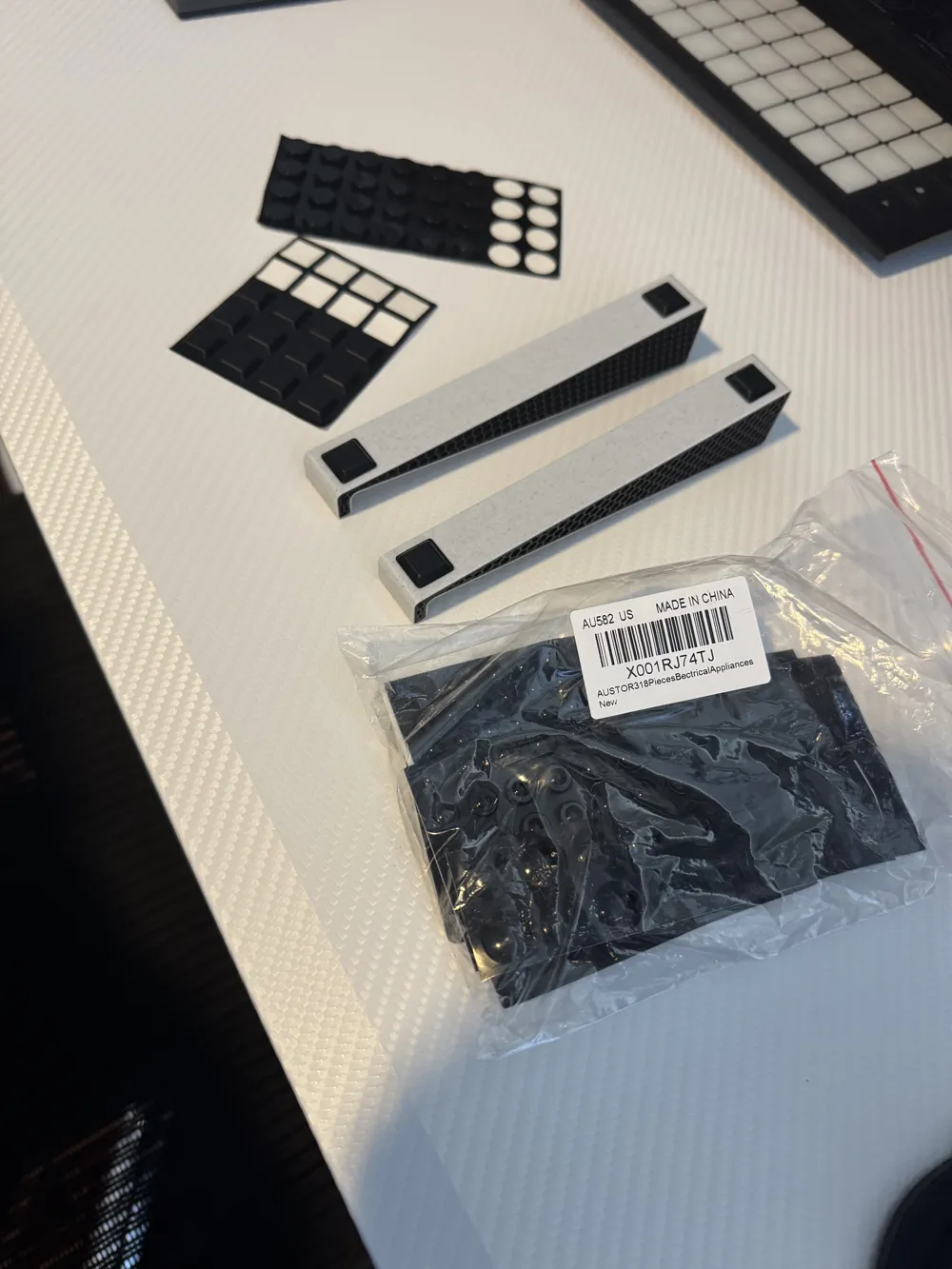
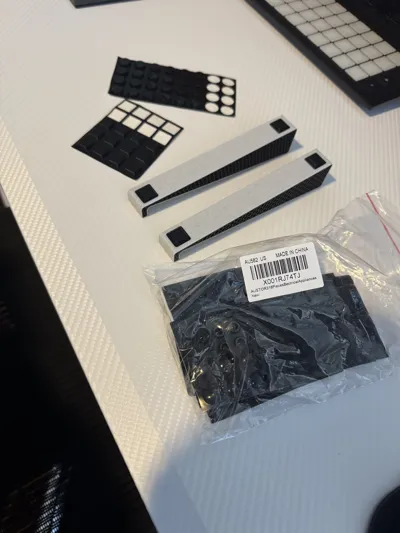
The finished printed wedges can be a bit slippery due to the smooth nature of PLA plastic, which can lead to the wedges wanting to slide around under the computer keyboard some when put to use on a smooth desk surface. I purchased some small rubber feet with an adhesive backing and added them to the bottom surface of the wedges (post-print addition), which has helped keep them from sliding around too much. I would recommend doing the same (or something similar) for anyone else using these wedges on a smooth desk surface. The brand of feet I used is Austor for anyone interested, and I got a ton of shapes and sizes for like $10 that I am now using on other things too (not going to link anything here, but they are easily searchable off that name and “rubber feet”, also see the pic I uploaded).
I personally used BambuLabs Black matte PLA and CookieCAD vanilla chip (white marble) PLA for my single color and dual color honeycomb keyboard wedges. Please share pics of your honeycomb wedges if you end up with something you think looks really cool, I'd love to see it!
License



Comment & Rating (117)