
Alignment Tool for Multiple Monitors
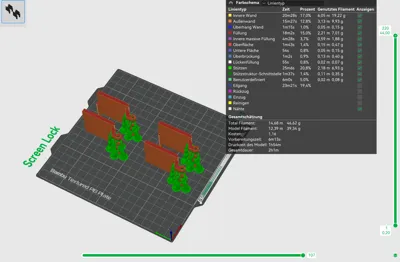
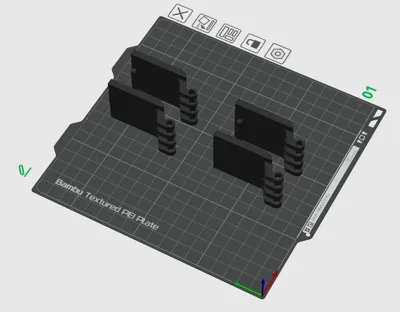
Print Profile(2)


Description
Alignment Tool for Multiple Monitors
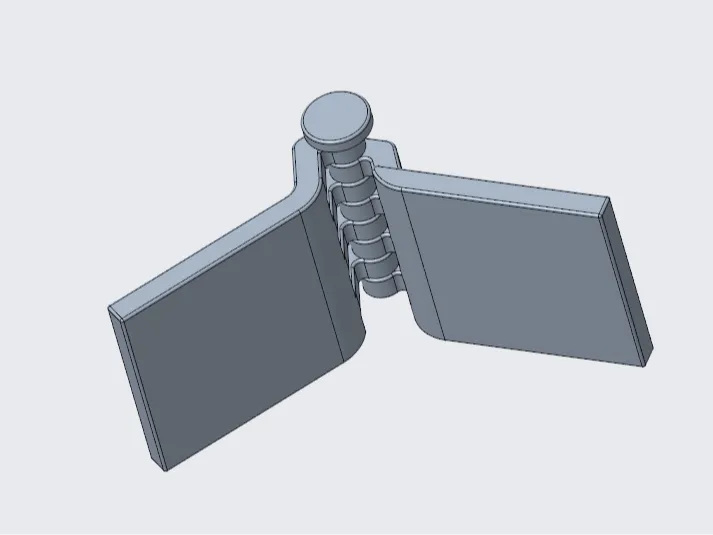
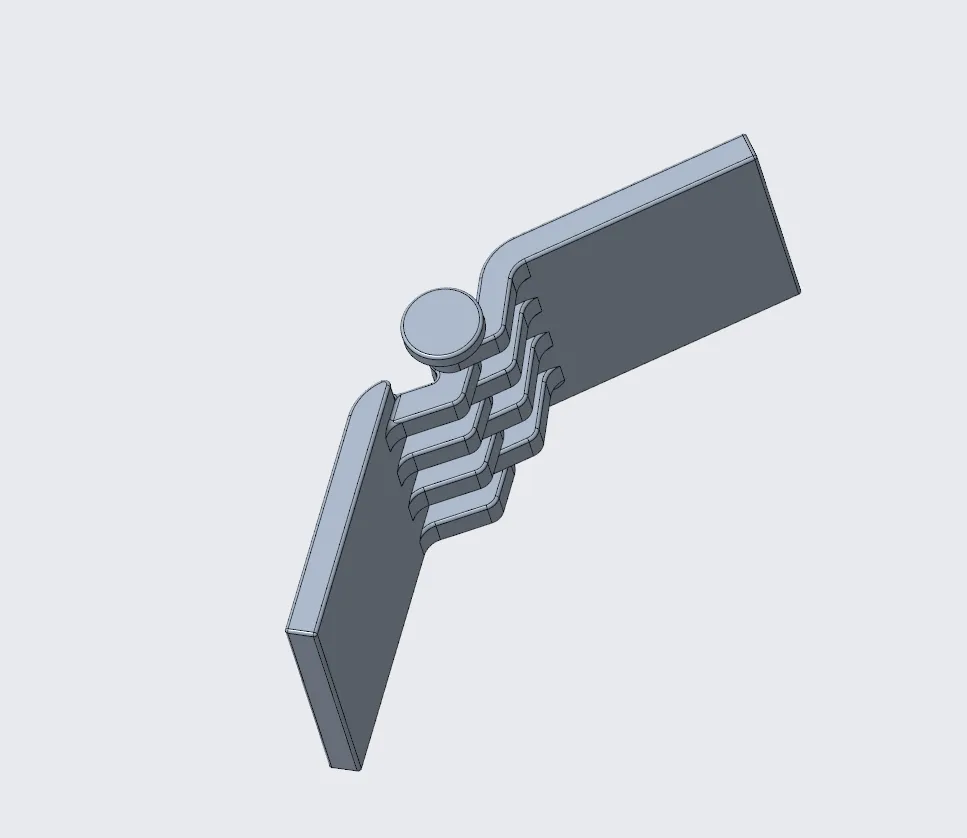
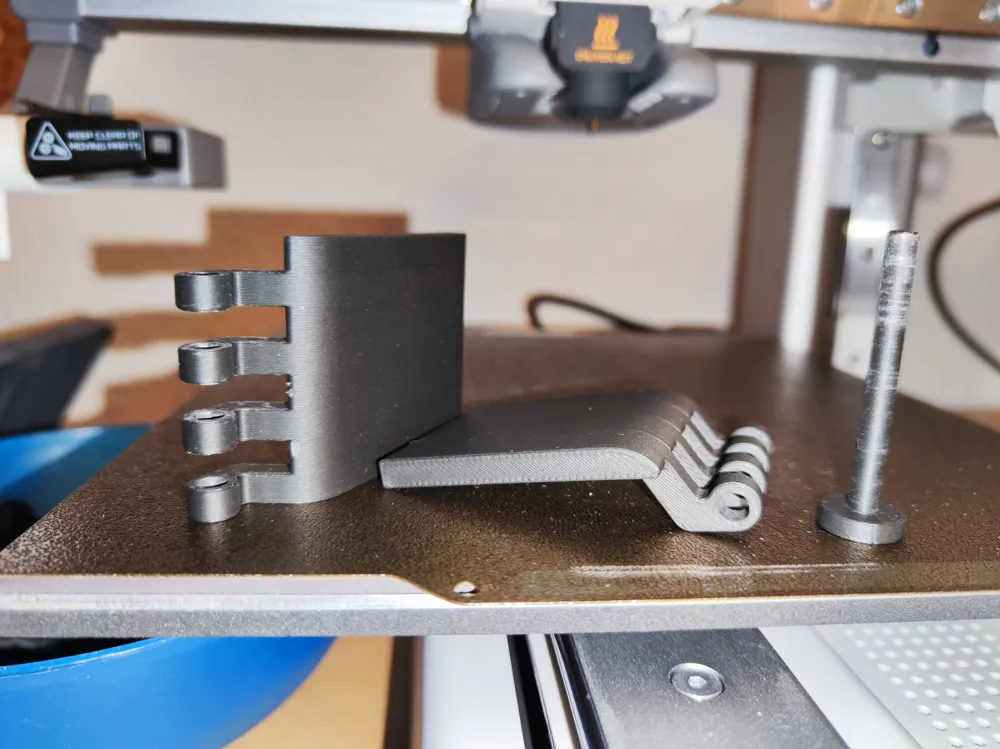
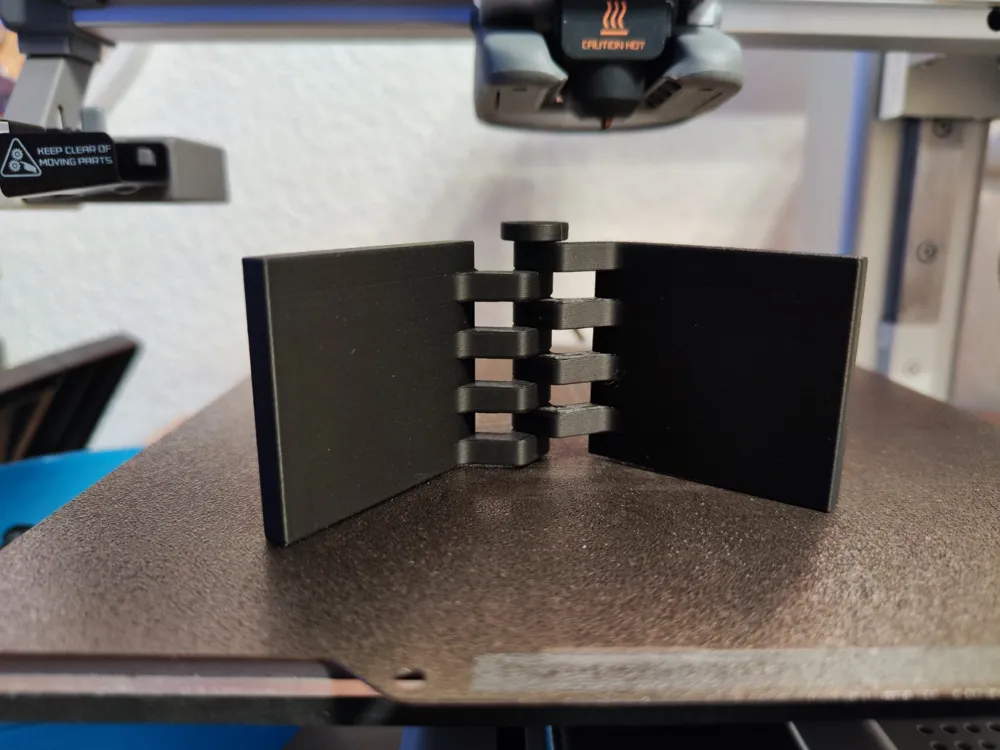
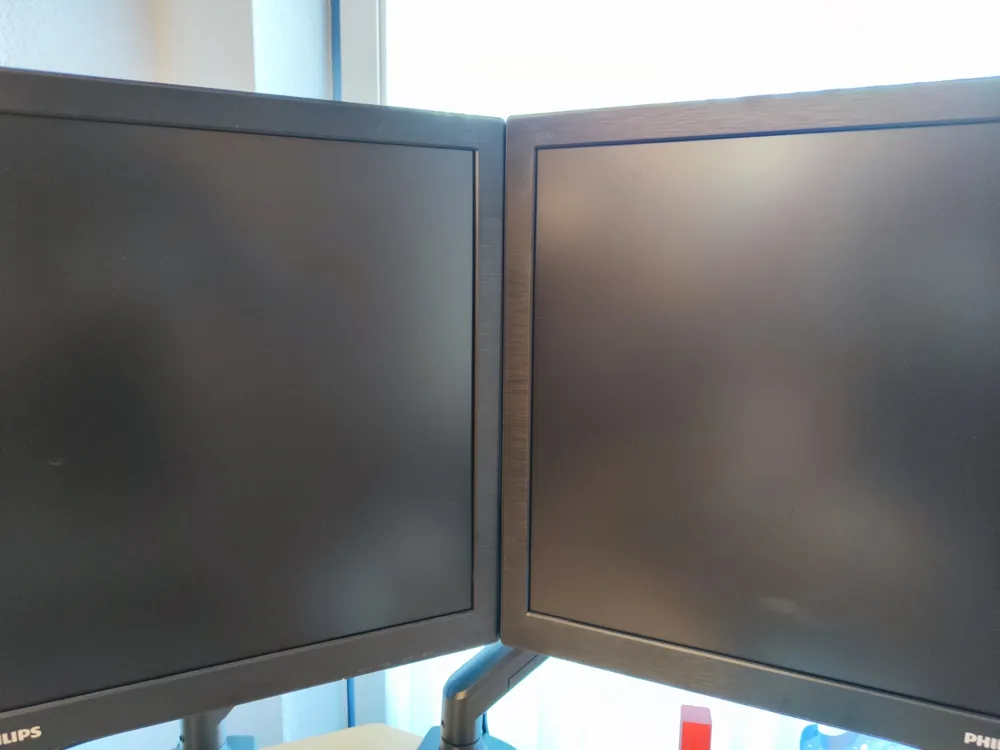
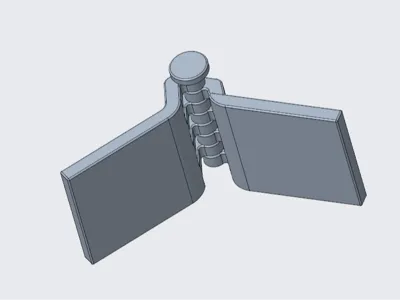
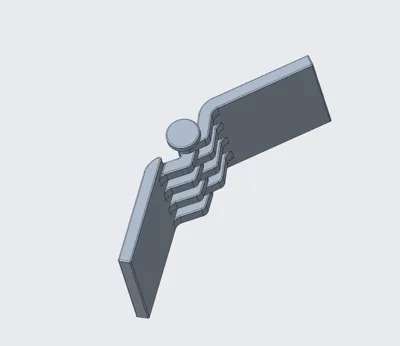
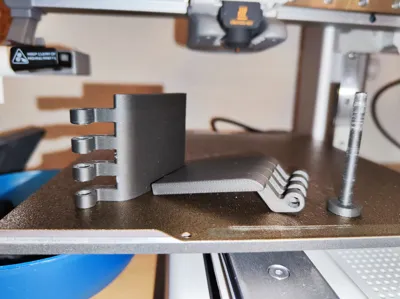
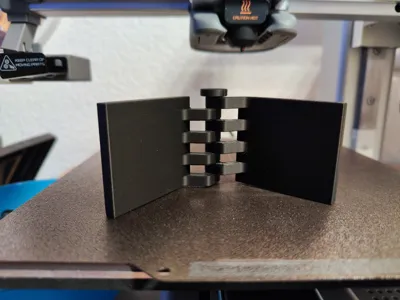
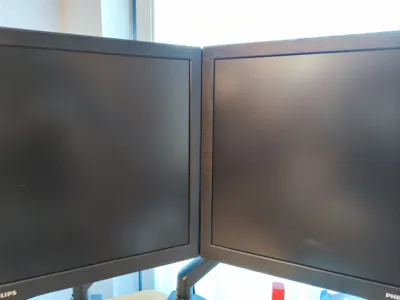
This 3D-printed tool enables simple, quick, and precise alignment and fixing of multiple monitors. It is ideal for working with monitor arms or VESA mounts. The tool provides exact positioning and stable fixation so that your monitors cannot be moved accidentally.
Usage Steps:
- Lower the Monitor Arms:
- Lower the monitor arms so that the bottom edges of the monitors rest directly on the table. This provides a stable base for further alignment and ensures that the monitors are positioned at the correct height.
- Clean Monitors and Holders:
- Clean both the monitors and the holder thoroughly to remove dust, dirt, and grease. A clean surface ensures optimal adhesion.
- Attach the Holders:
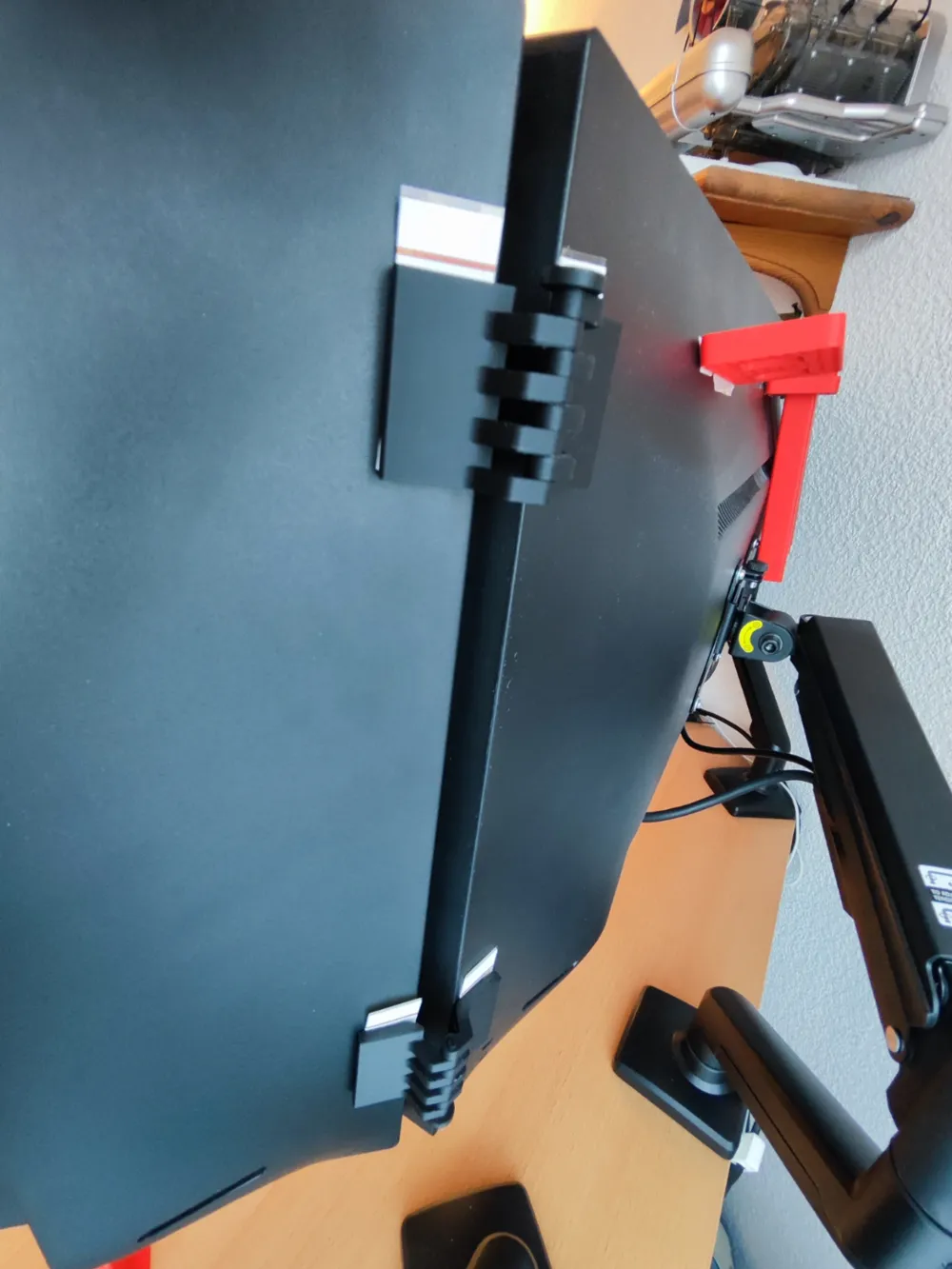
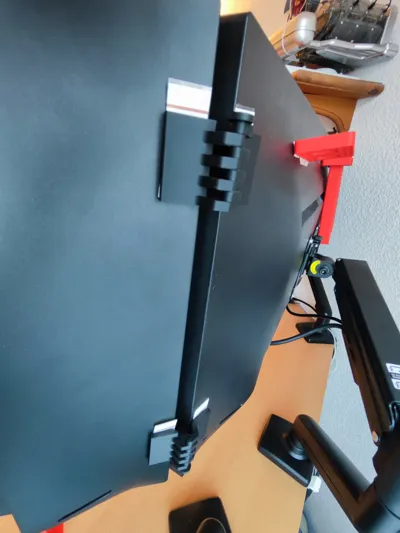
- Attach the assembled holders to the monitors using double-sided adhesive tape. The adhesive tape ensures a stable connection between the holders and the monitors. Allow it to dry sufficiently to ensure complete adhesion.
- Remove the Connecting Pins:
- Remove the connecting pins that connect the holders to the tool. This allows you to roughly align the monitors.
- Rough Alignment:
- Roughly align the monitors to the desired height. Using the holders, you can ensure that all monitors are at the same height and remain stable.
- Fine Adjustment with Bolts Fixation:
- To ensure precise alignment, perform the fine adjustment and fix the bolts to securely fix the monitors.
Advantages:
- Accuracy and Repeatability: The precise construction of the tool enables exact and repeatable positioning of the monitors. Each time you align the monitors, you achieve the same precise result.
- No Unintended Shifting: The tool offers robust fixation, preventing unintended shifts.
- Neat Appearance: The neat attachment and fixation provide a tidy appearance.
- Quick and Easy: The tool enables quick and easy alignment and fixation of the monitors.
Have fun printing!
Boost Me (for free)
Do you like this model? Feel free to boost me.
License

You shall not share, sub-license, sell, rent, host, transfer, or distribute in any way the digital or 3D printed versions of this object, nor any other derivative work of this object in its digital or physical format (including - but not limited to - remixes of this object, and hosting on other digital platforms). The objects may not be used without permission in any way whatsoever in which you charge money, or collect fees.


Comment & Rating (95)