
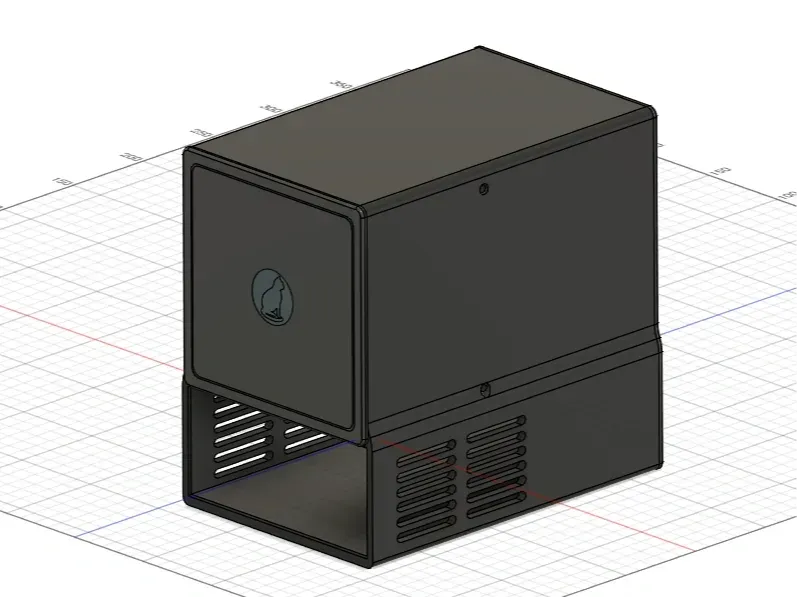
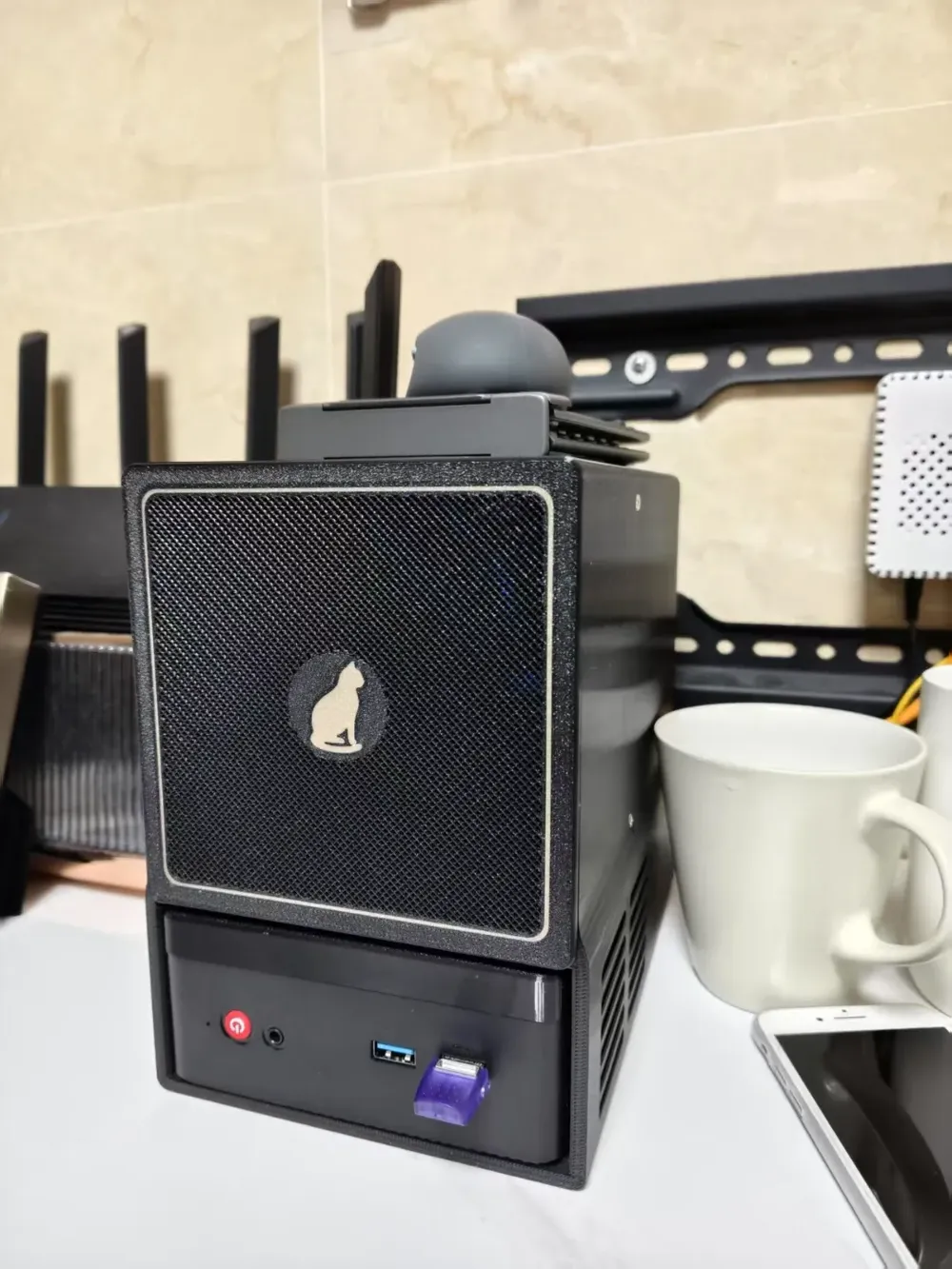
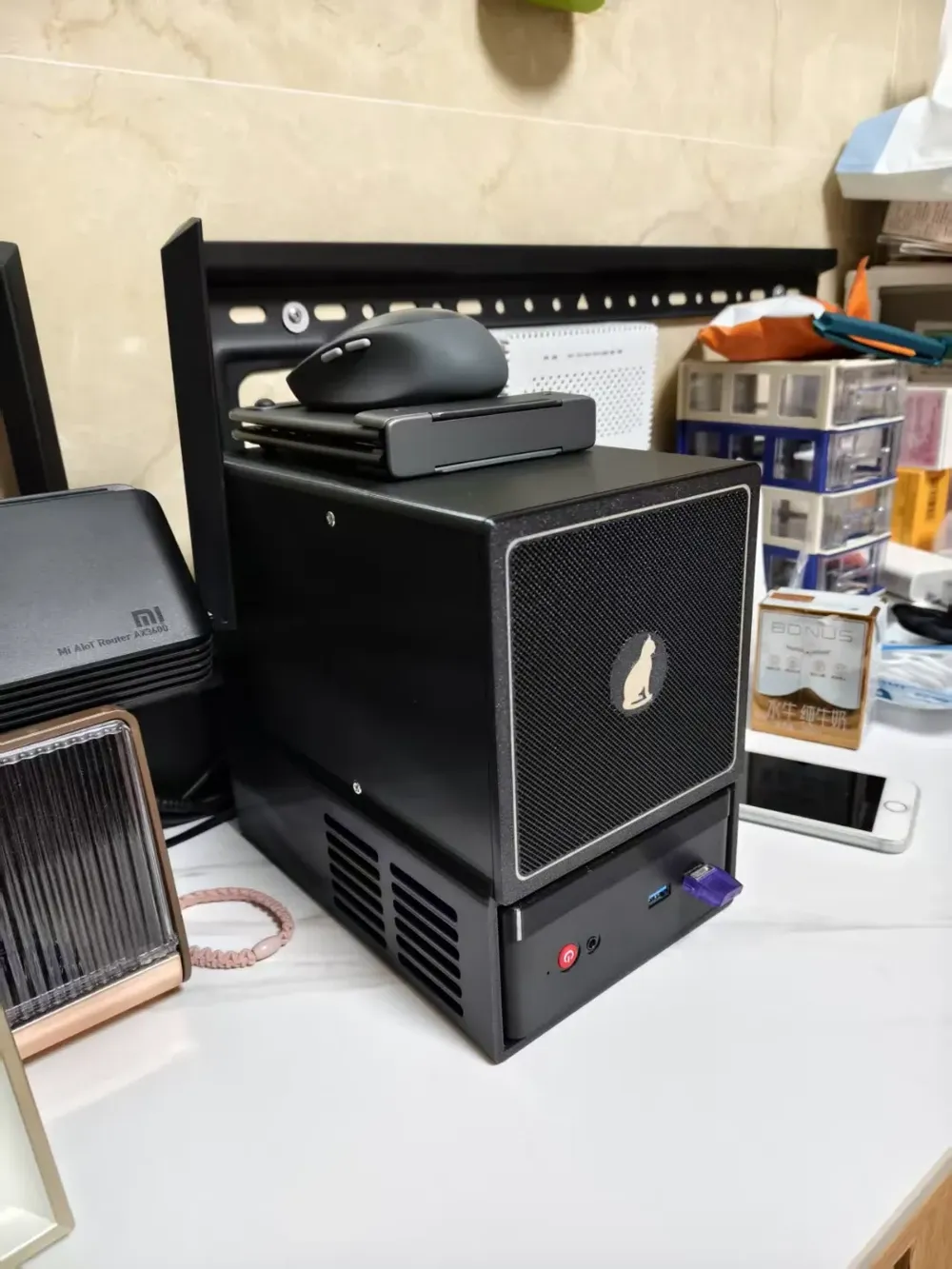
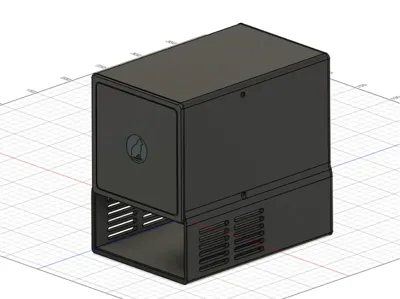
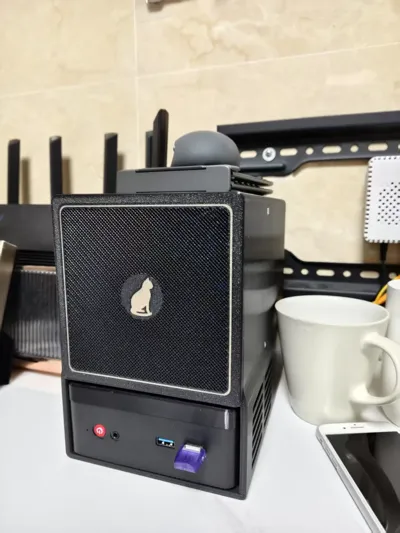
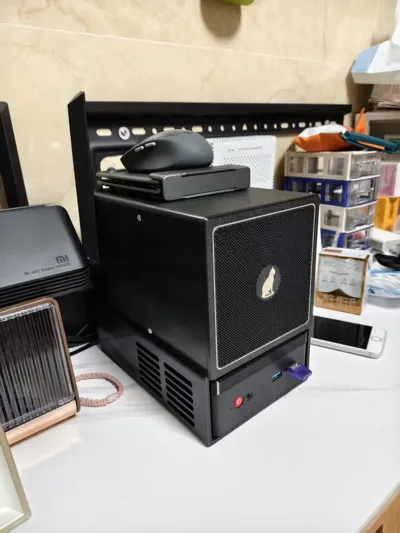
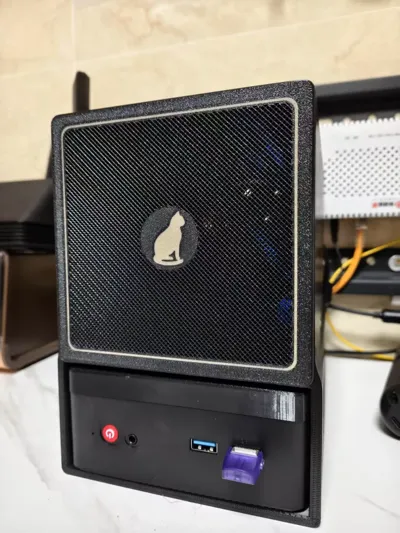
Mini NAS chassis compatible with the Embed N100 mini PC, featuring four 3.5-inch hard drive bays
Print Profile(1)

Description
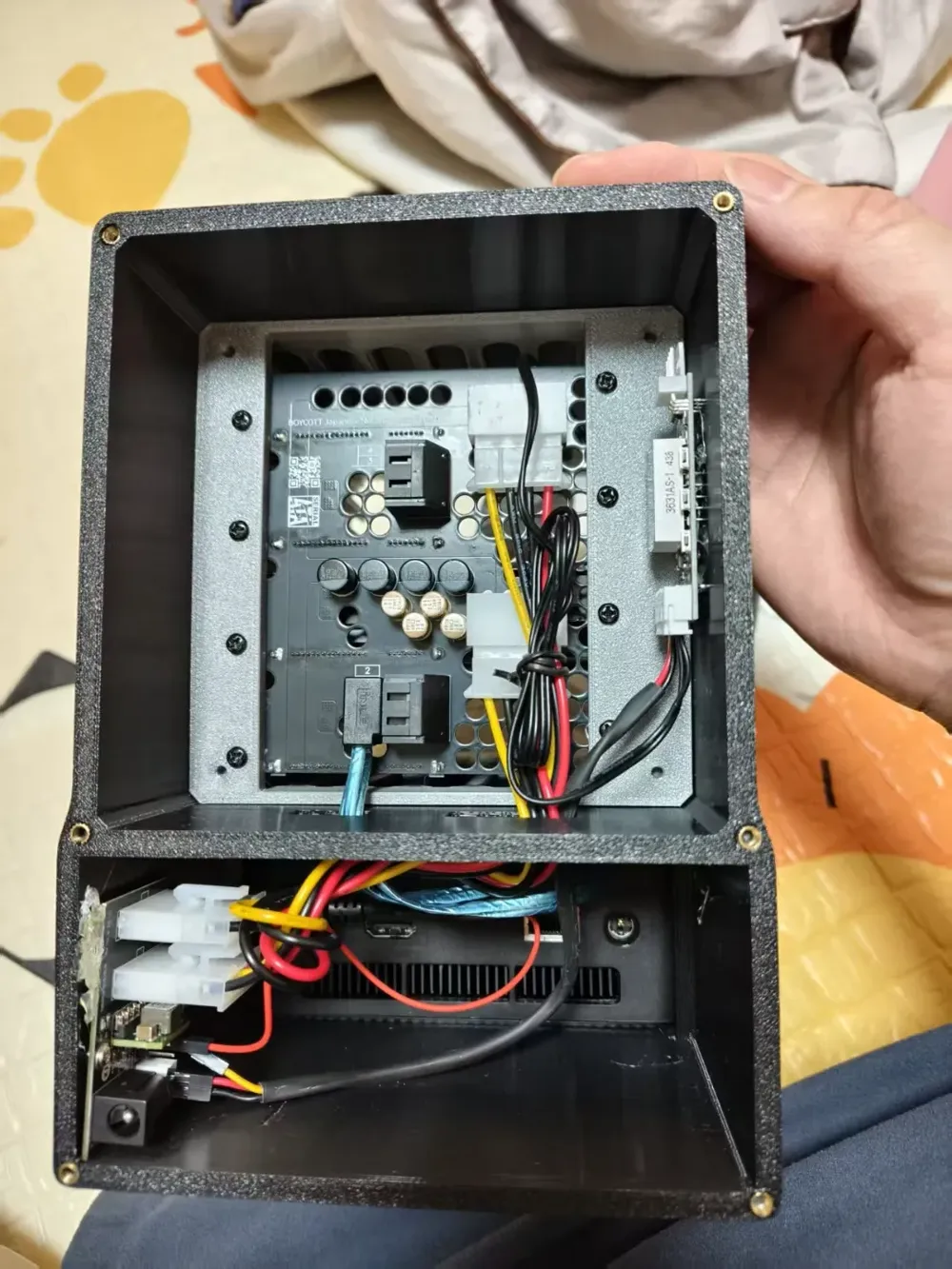
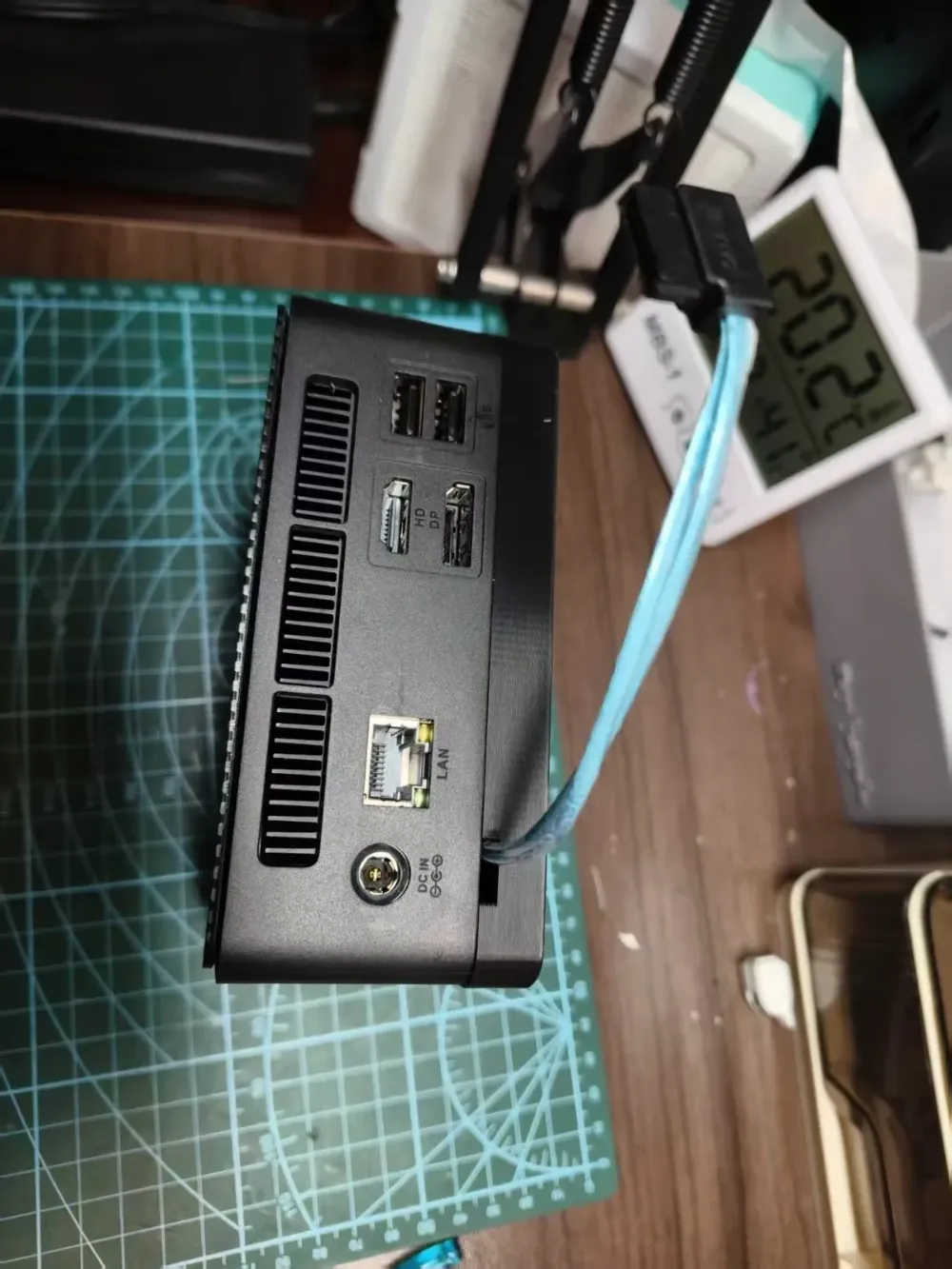
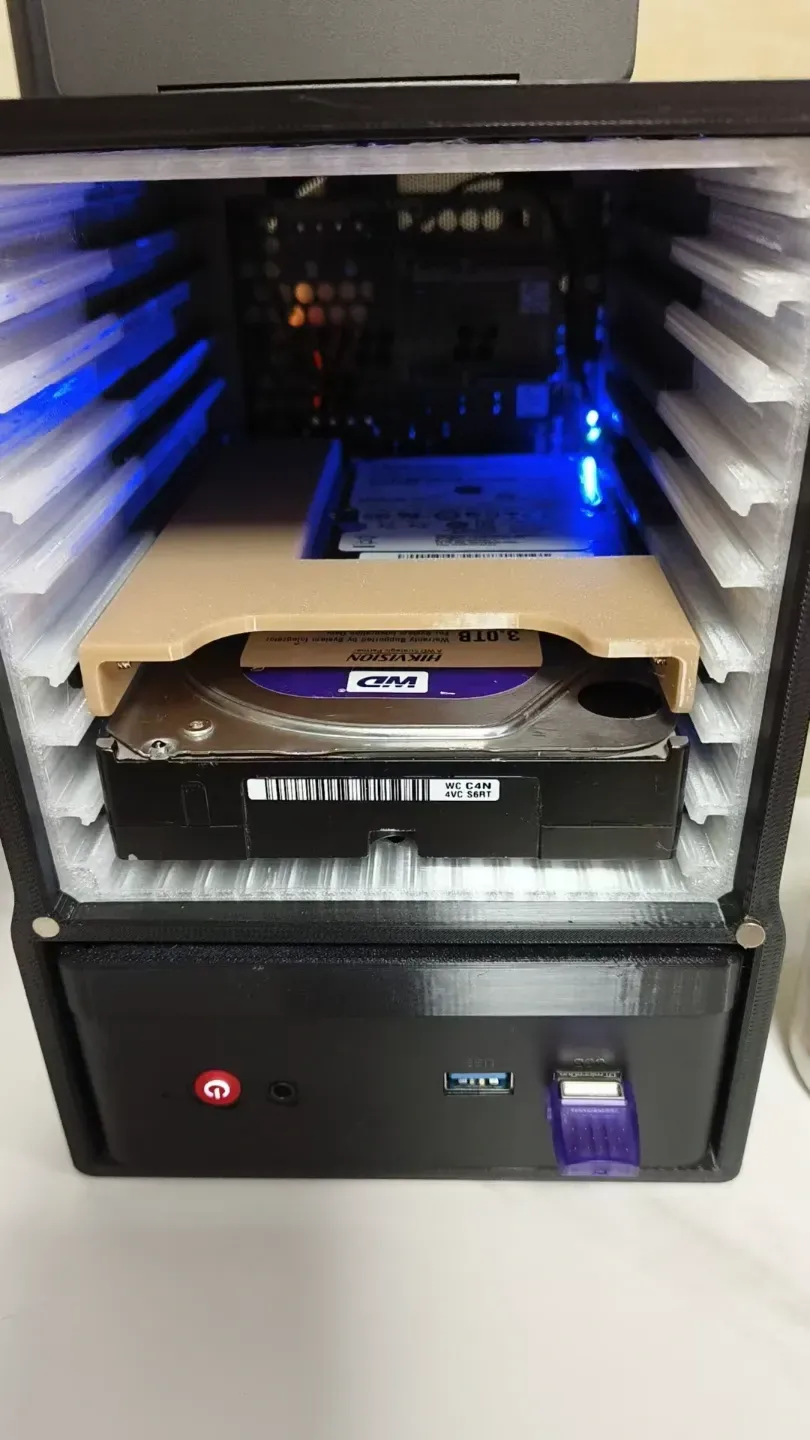
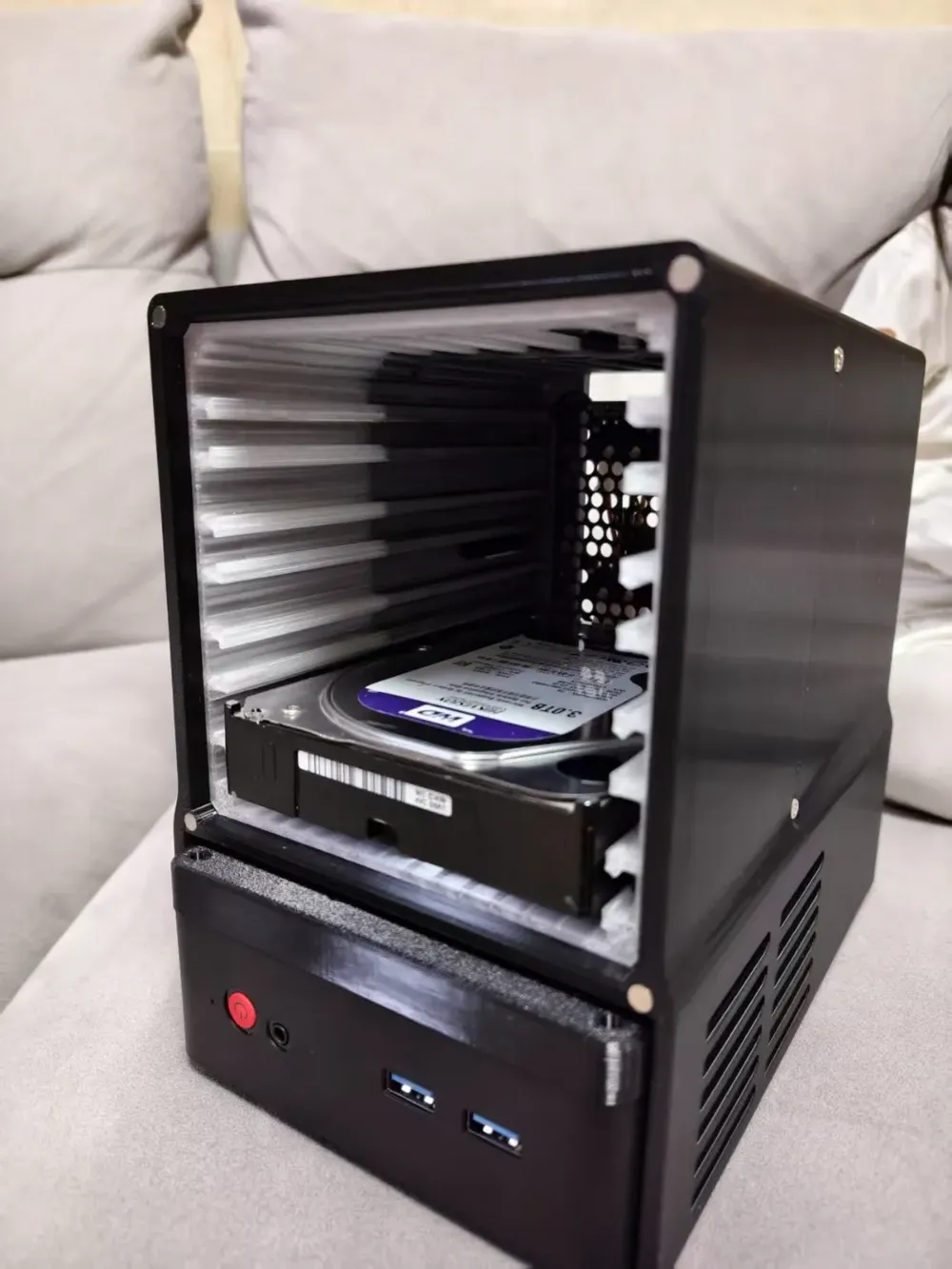
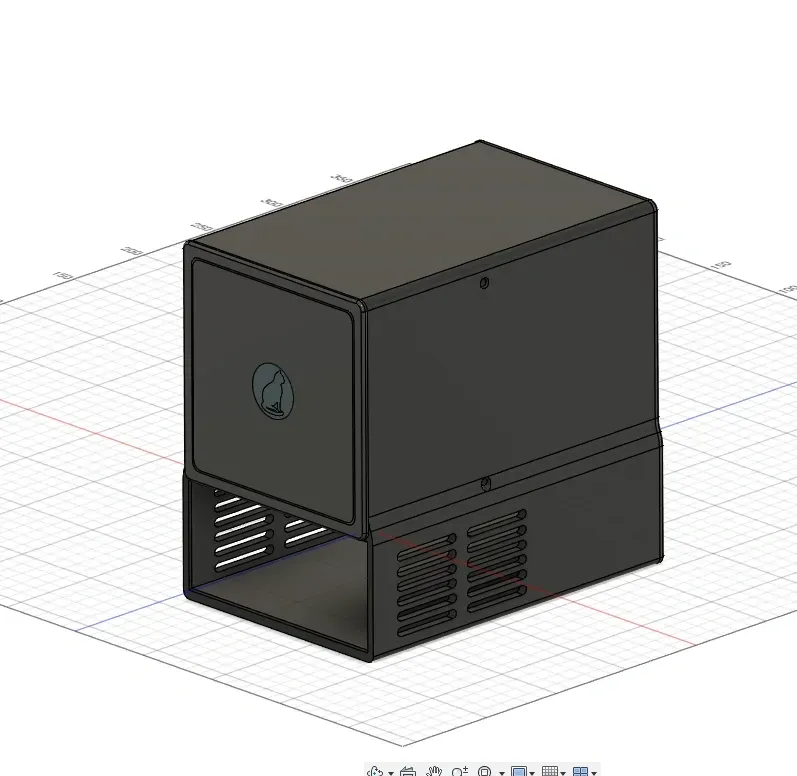
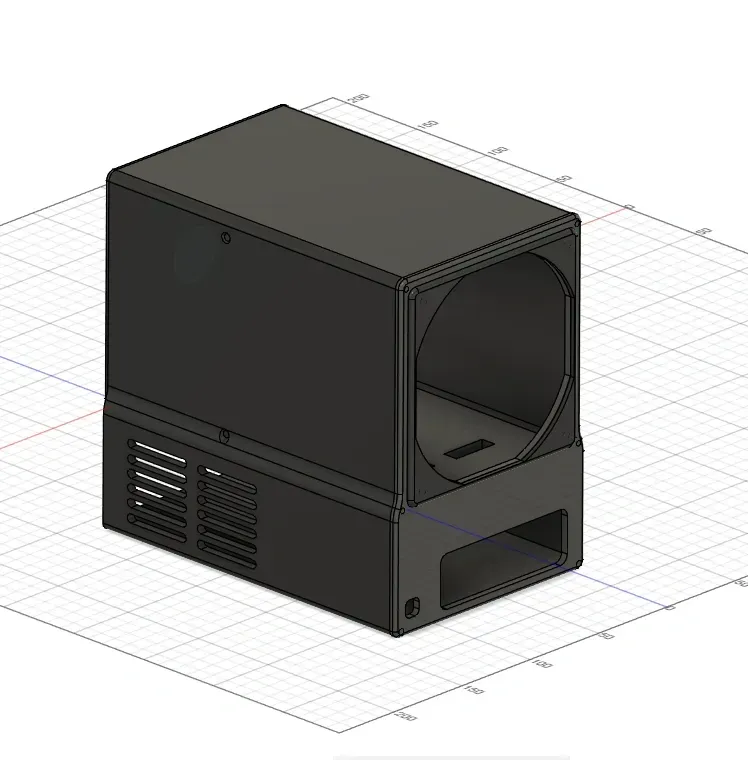
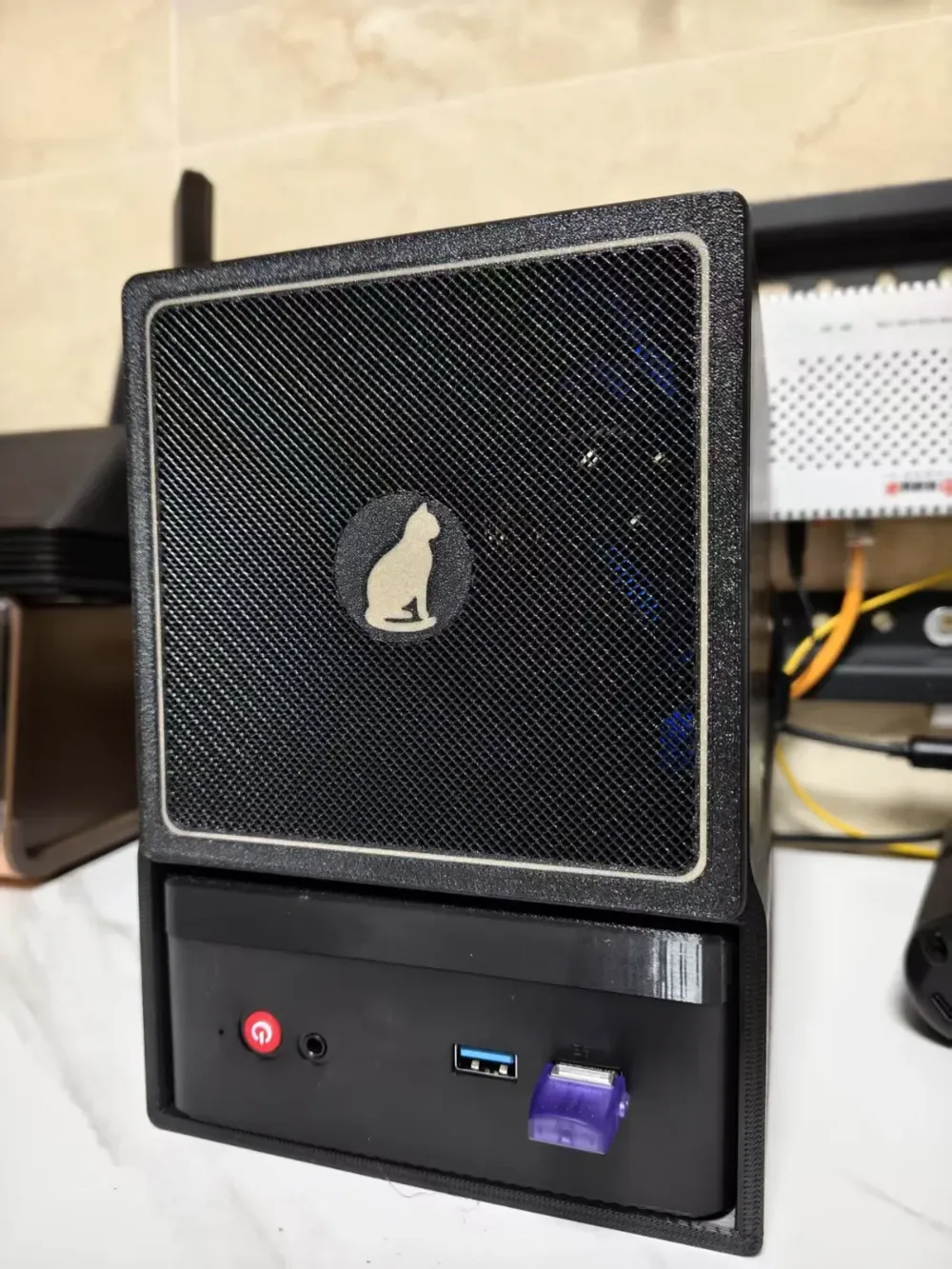
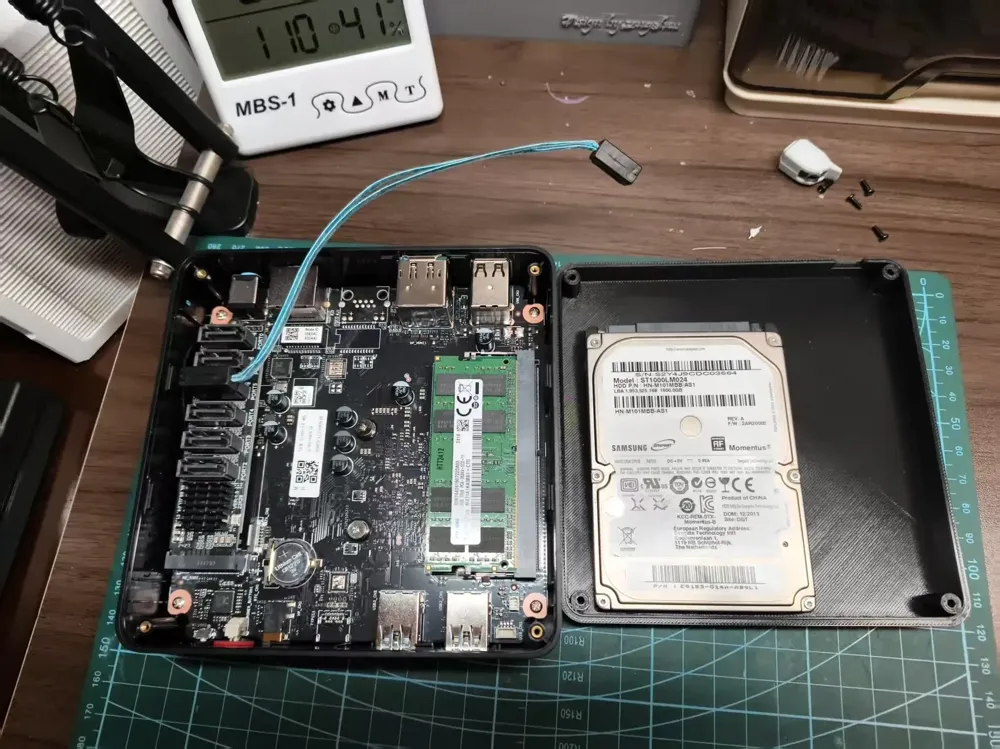
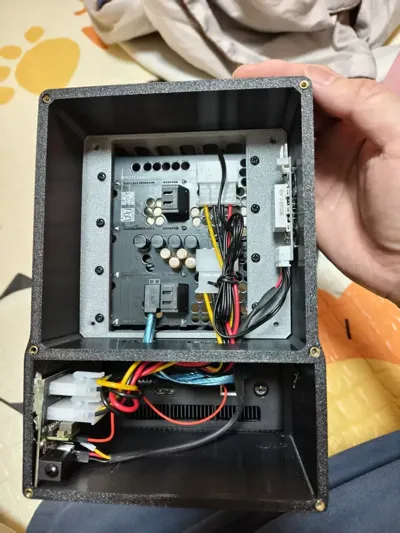
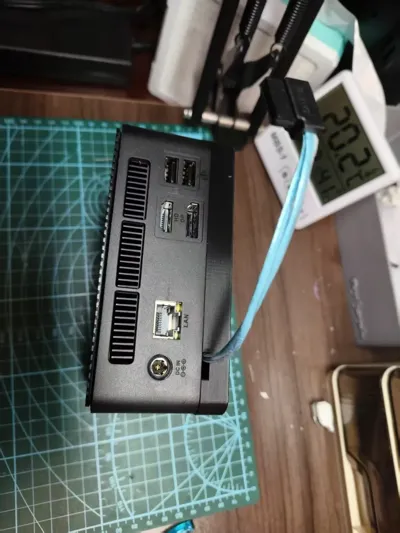
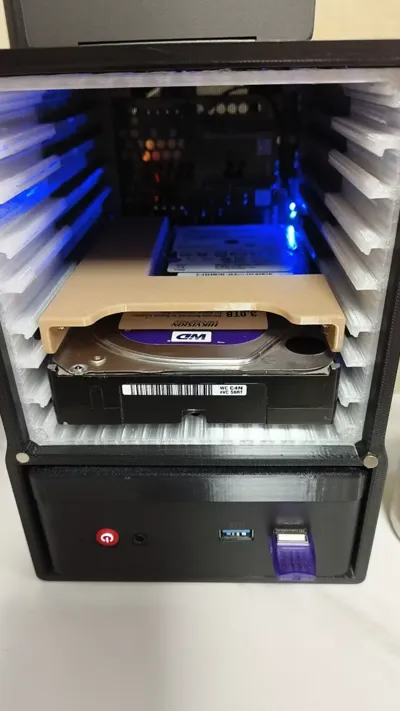
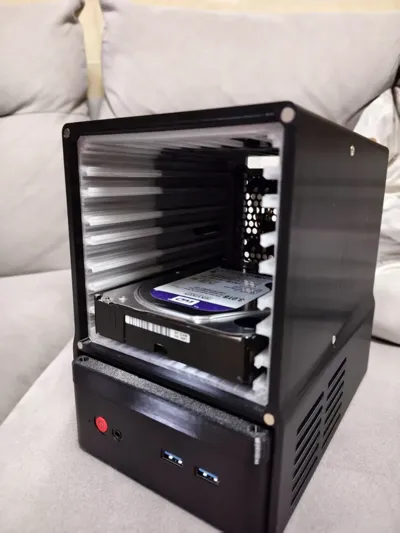
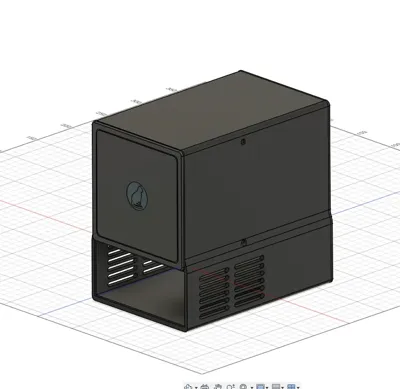
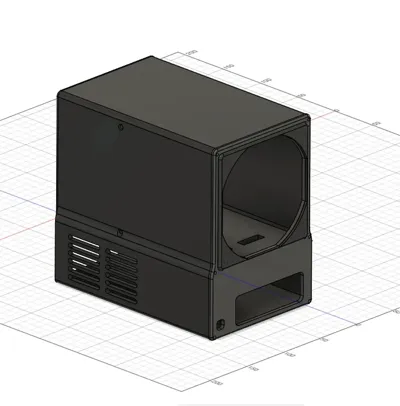
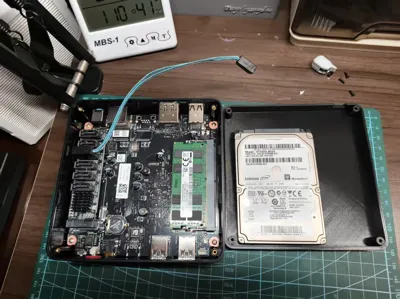
A failed attempt at a single-piece enclosure due to excessive supports prompted this design. Finding the Chuwi N100 casing aesthetically pleasing, I eschewed modifying it for NAS use. This enclosure's advantage lies in seamlessly integrating the N100 (theoretically accommodating devices up to 127x127x58mm; 128x128x58mm with minimal cable shrinkage). My unit, a Chuwi N100 II, utilizes an M.2-to-SATA adapter. A perforated cover facilitates SATA cable extension and houses a 2.5-inch drive, enabling future expansion via SATA cabling.
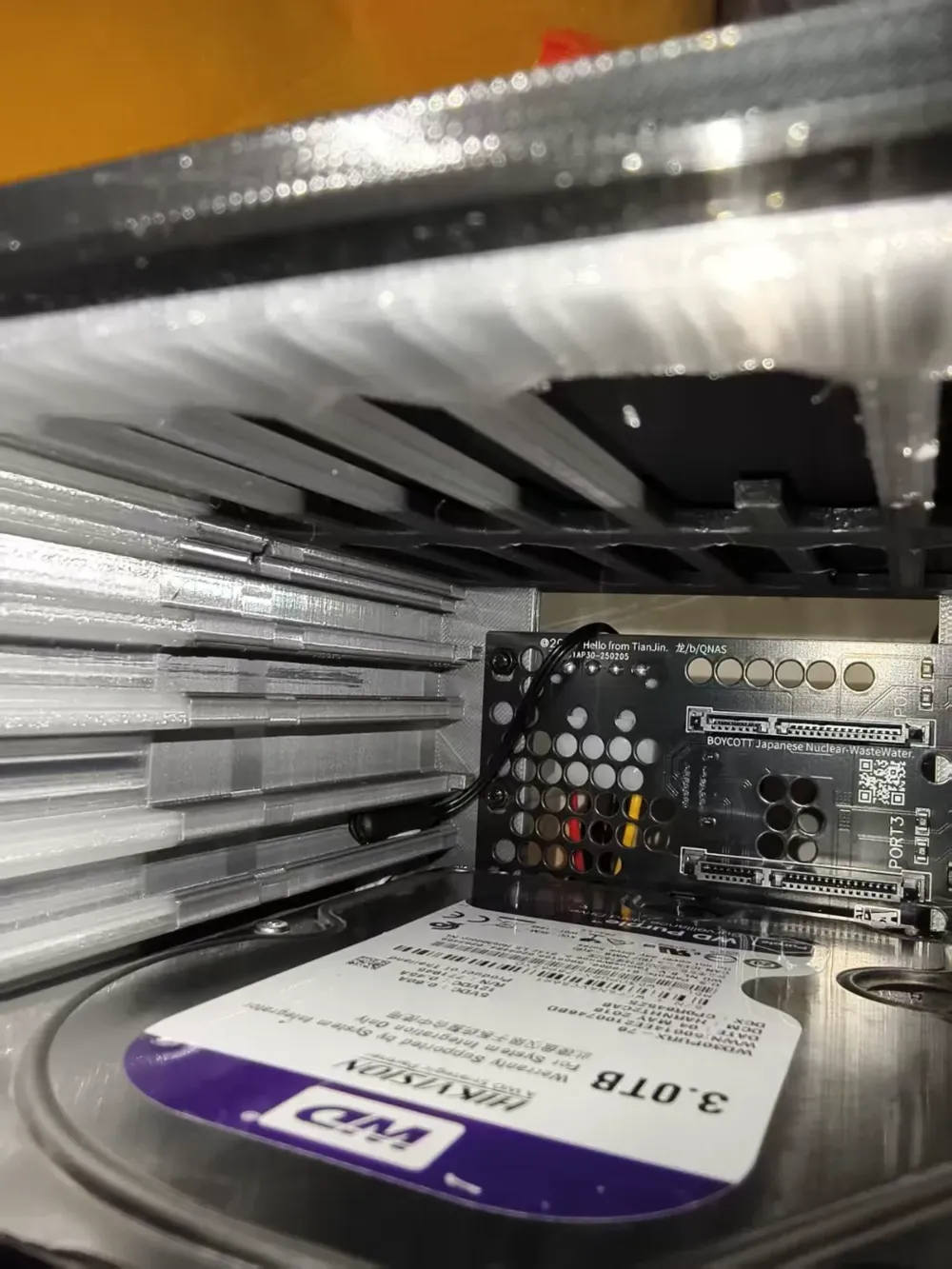
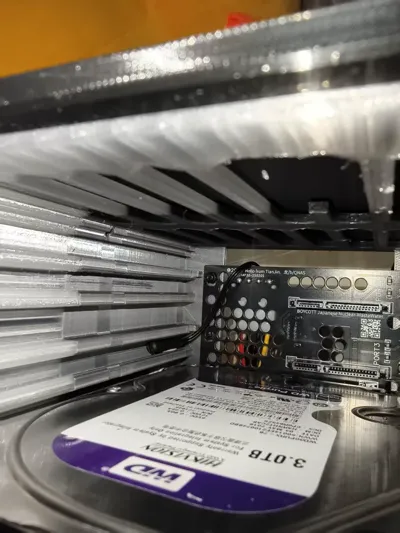
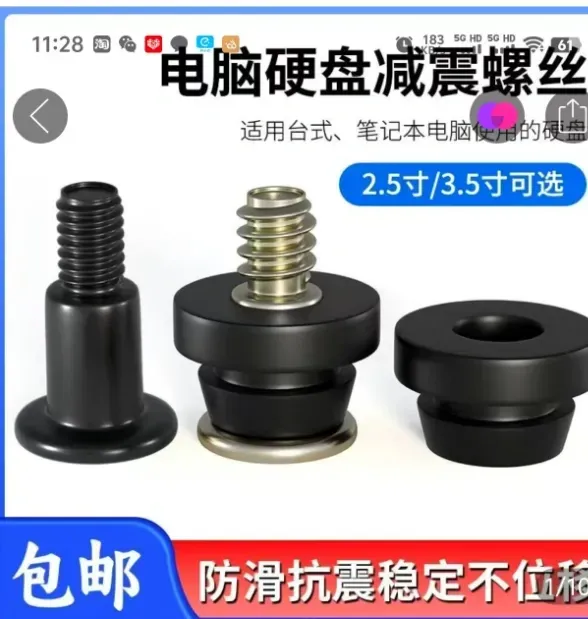
Employing prevalent quick-release hard drive cages, vibration-dampening screws secure 3.5-inch drives for swift insertion, supporting four drives in total.
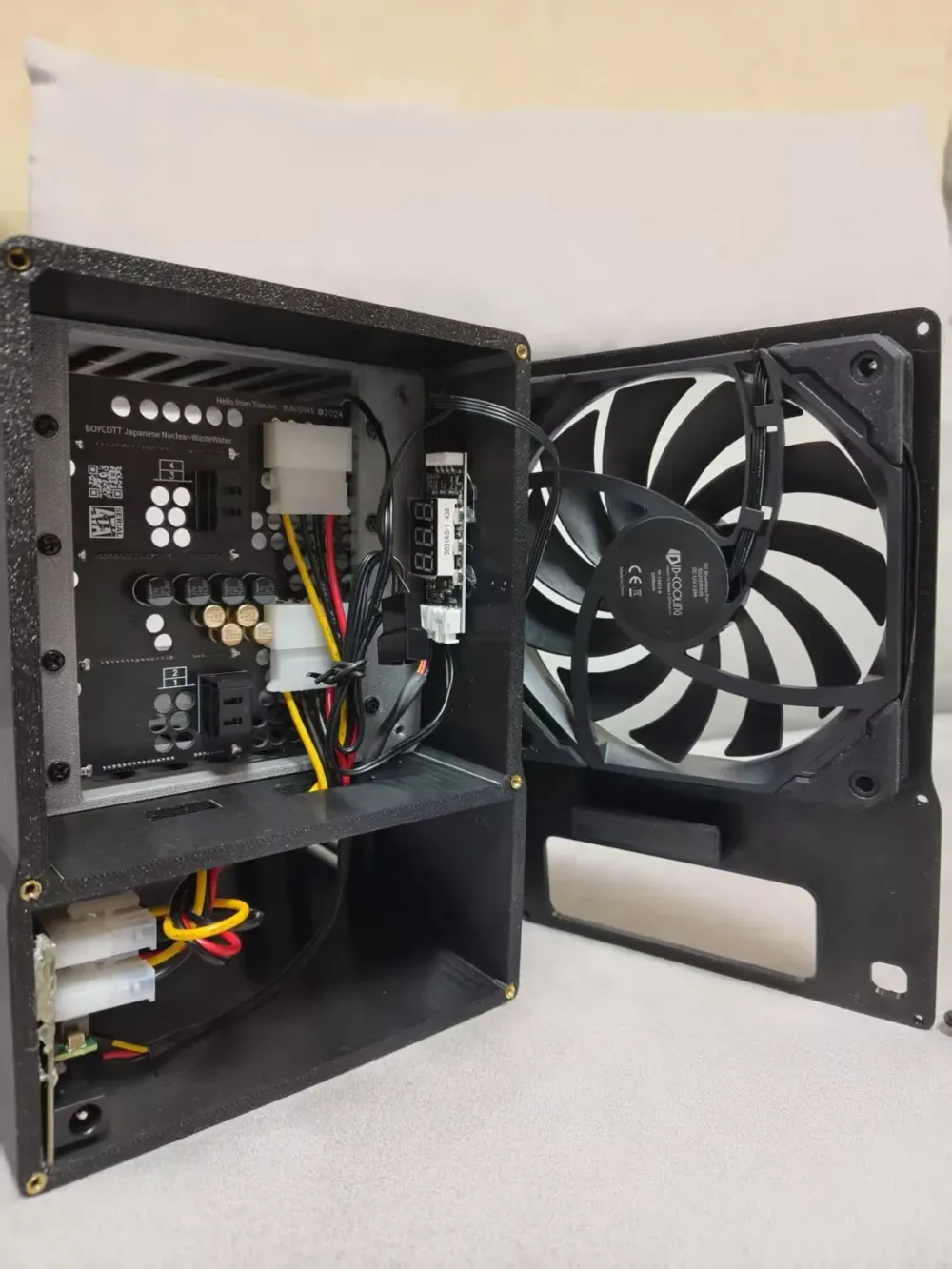
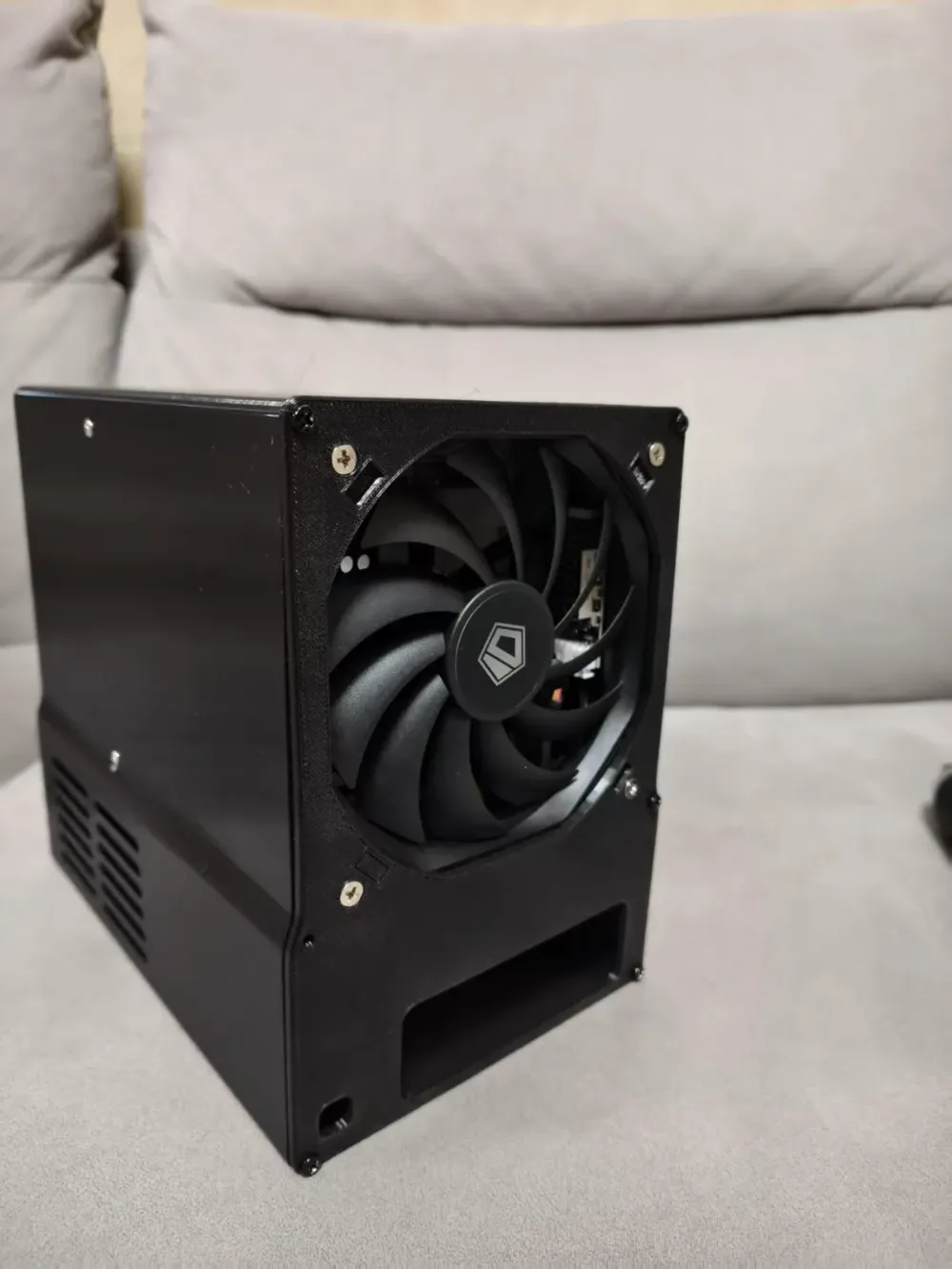
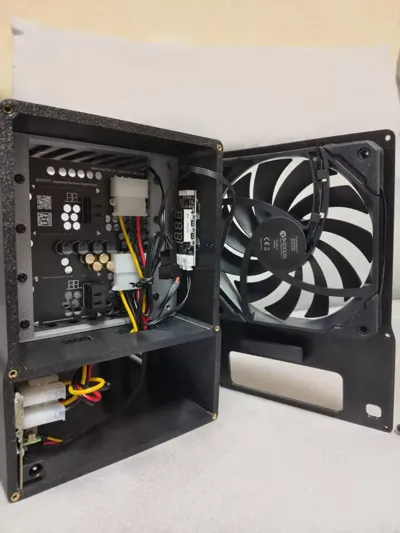
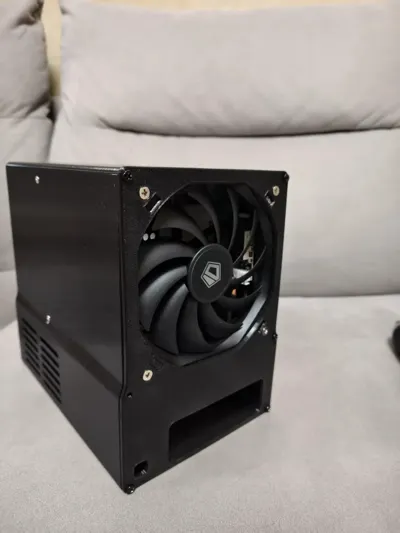
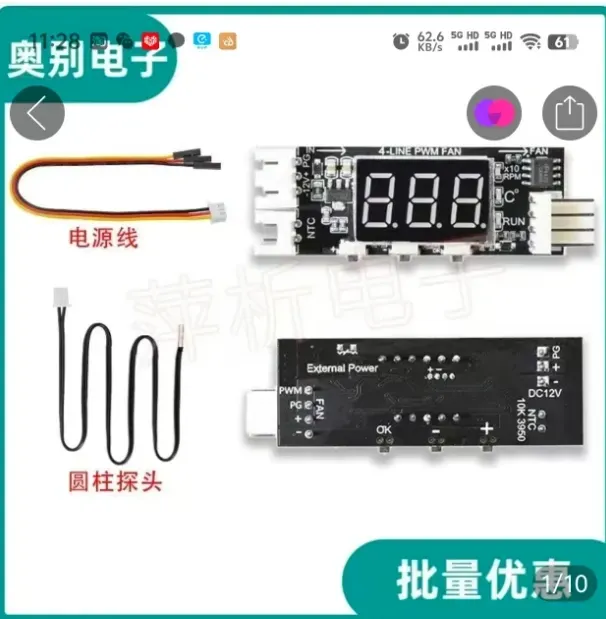
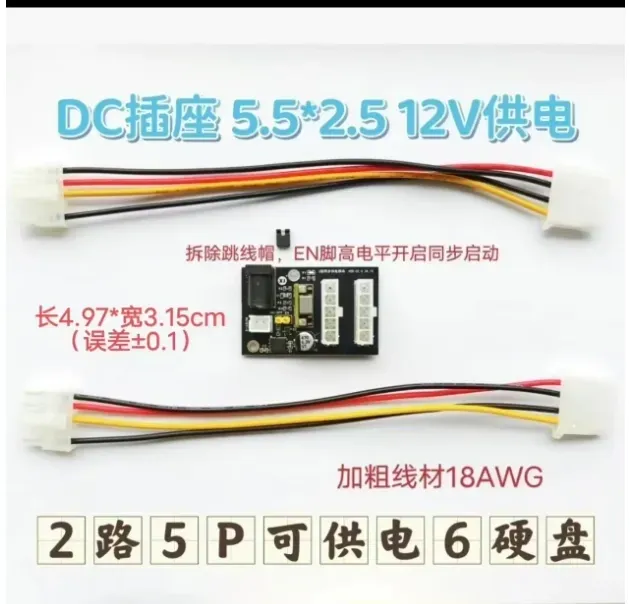
The backplane is readily available online. The widespread use of this hard drive cage ensures numerous compatible backplanes. Installation uses a synchronous power supply module (many types exist; ensure compatibility with the backplane to avoid DIY wiring). Mine features DC isolated power. A thermal sensor module (position the sensor between cage slots, optionally using heat-shrink tubing, securing it to the left and right of drives 2-3, near the interface) controls fan speed. Sufficient space accommodates these components. A 120x120x15mm quiet fan is recommended. The backplane features hooks for cable management.
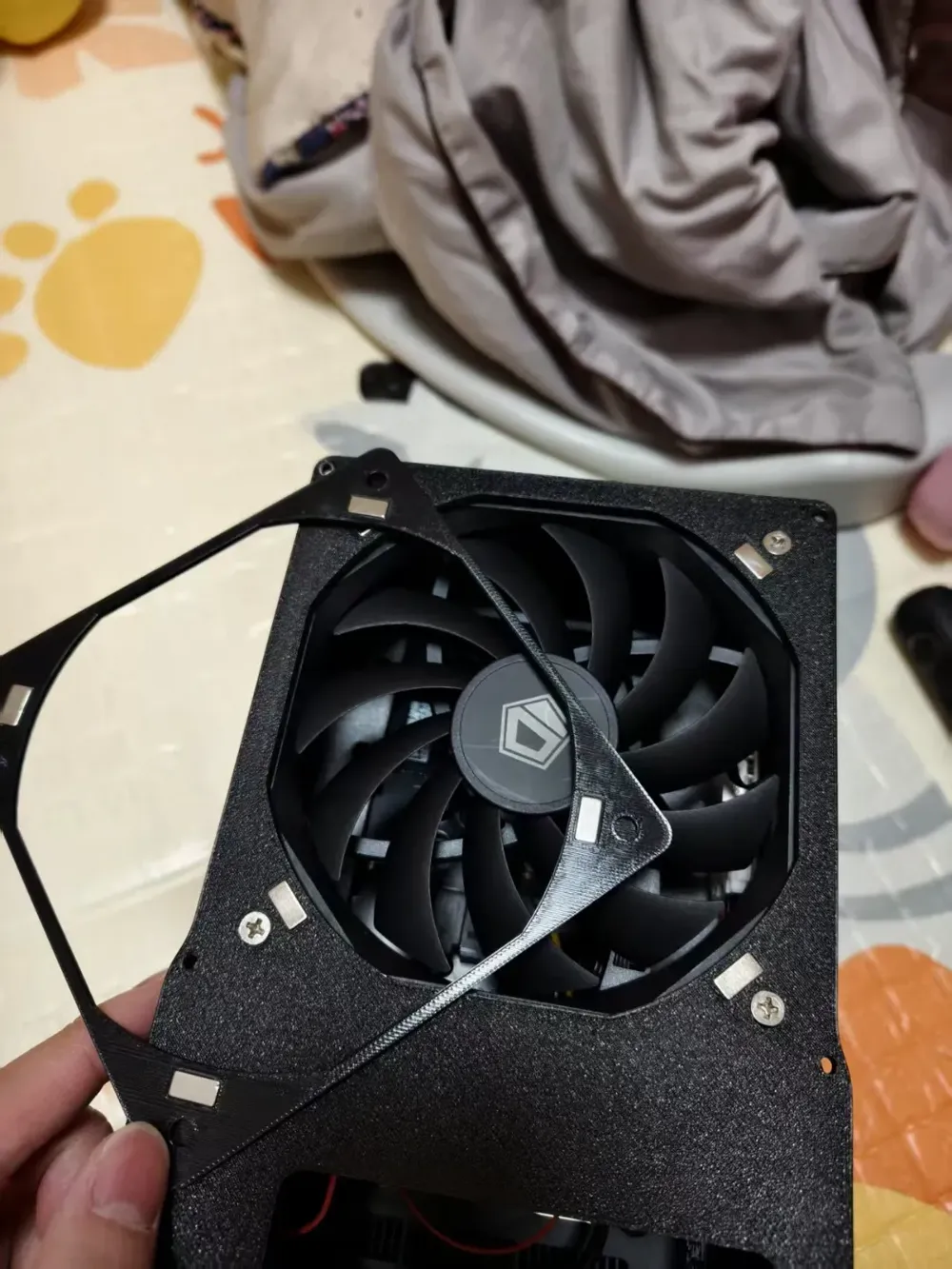
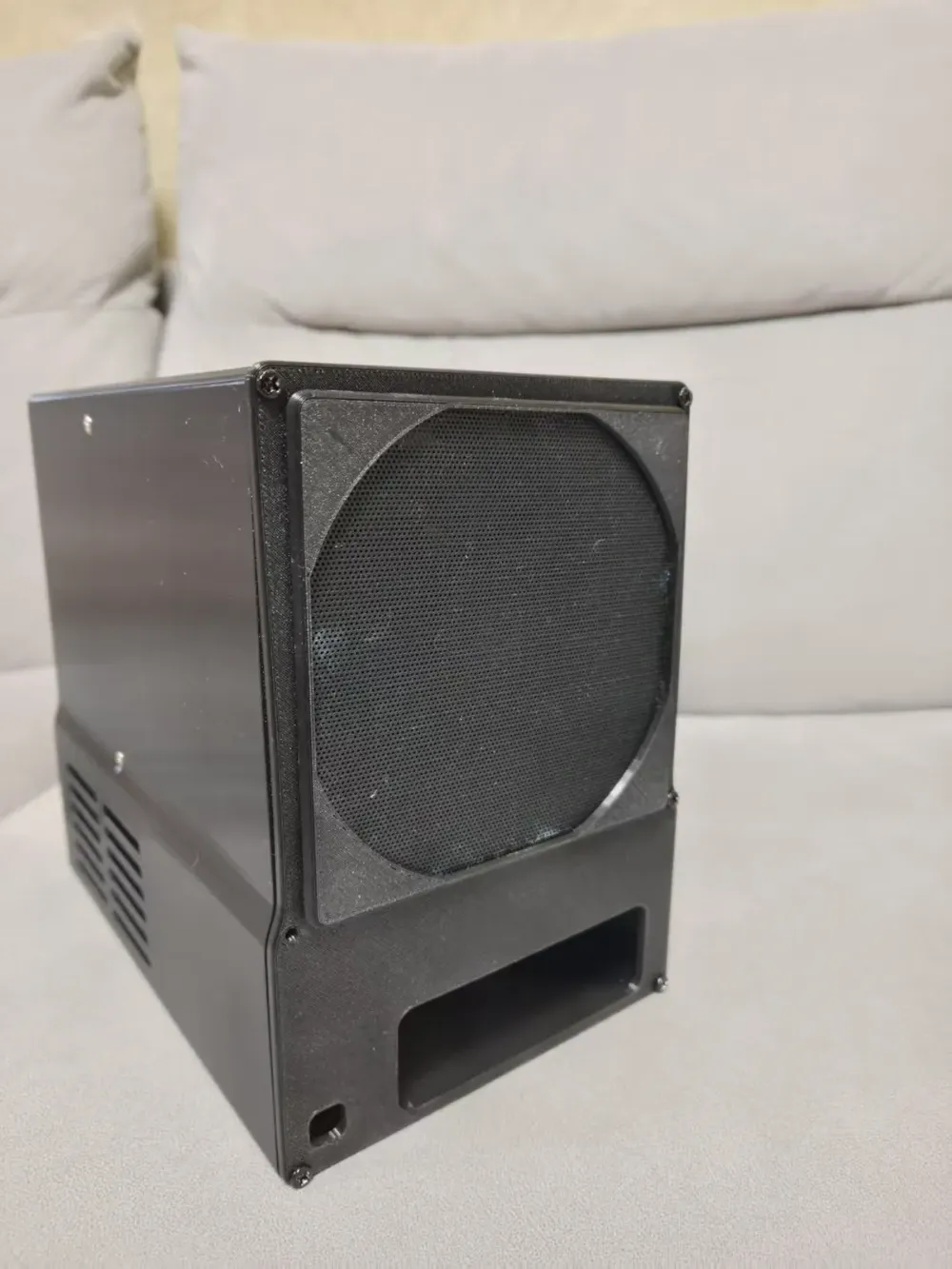
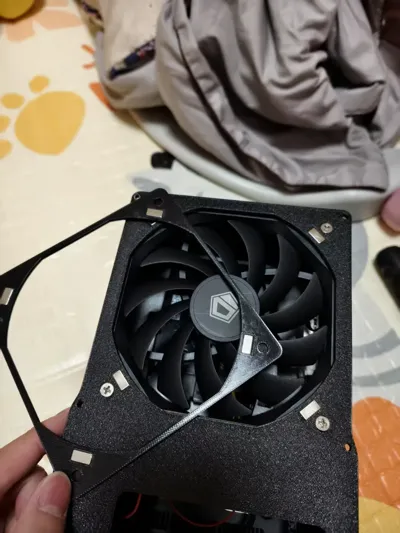
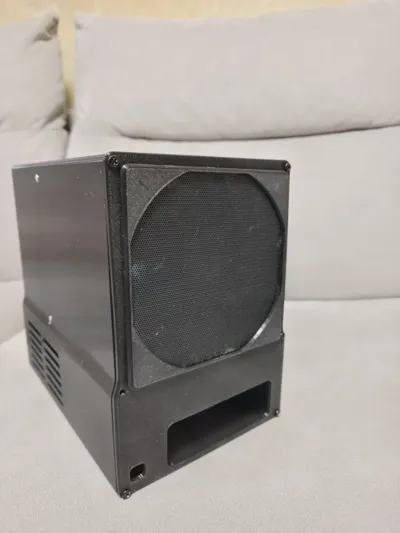
Considering the NAS's continuous operation, I added a magnetic dust filter cover to the rear of the fan for convenient maintenance. 9.5x4.5x1.5mm magnet recesses were created (though I purchased 10x10x2mm magnets online, receiving smaller ones; adjust accordingly if necessary). Four pre-drilled holes on the dust filter's backplate were initially intended to test the magnetic attachment of the fan's metal screws, but this proved ineffective. Alternatively, a readily available 12cm fan cover negates this step.
The hard drive cage cover uses magnetic fasteners. To enhance stability, the chassis employs two 5x2mm round magnets per magnet hole – eight magnets for the front cover attachment, four for the cover itself. The cover features a perforated design for enhanced airflow. Smaller perforations minimize the risk of cockroach infestation; adjust the yellow modification module’s infill percentage to enlarge them as needed.
Below is a parts list.
M3 heat-set nuts * 6 (backplane to chassis)
M3 x 10 screws * 6 (backplane to chassis)
5 x 2mm magnets * 12 (hard drive front cover)
M4 x 6-8mm countersunk screws * 4 (securing hard drive cage)
M2 x 10mm screws * 8 (securing hard drive backplane; M2 may require washers, while M3 might necessitate hole modification or enlargement)
9.5 x 4.5 x 1.5 [for fan dust filter] * 8 (received smaller magnets than ordered) + 12cm fan dust filter (a 12cm fan cover eliminates the need for magnets)
120 x 120 x 15mm fan (requires corresponding power supply)
Fan thermal control module (optional)
Power supply module (user selection)
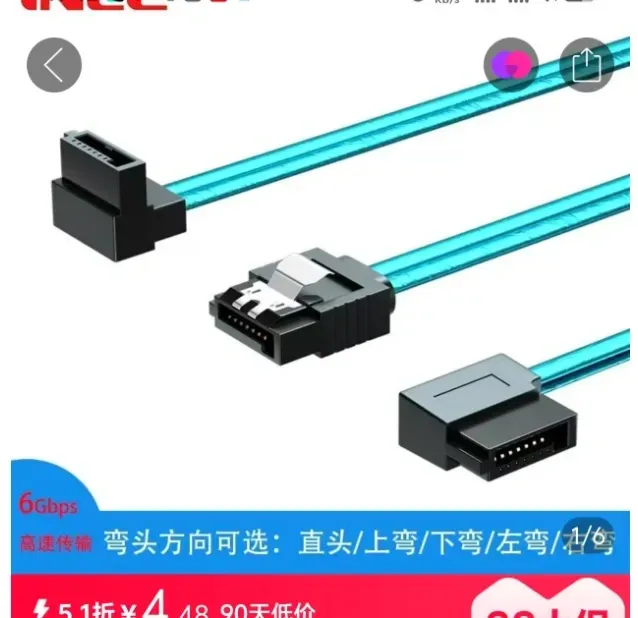
Slim SATA data cables * 4
M.2 to SATA adapter * 1
License

You shall not share, sub-license, sell, rent, host, transfer, or distribute in any way the digital or 3D printed versions of this object, nor any other derivative work of this object in its digital or physical format (including - but not limited to - remixes of this object, and hosting on other digital platforms). The objects may not be used without permission in any way whatsoever in which you charge money, or collect fees.


Comment & Rating (0)