
Print Profile(6)


Bill of Materials
- Wireless Charger x 1: USB-C
- Charging-Chip for the Mouse x 1:
Description

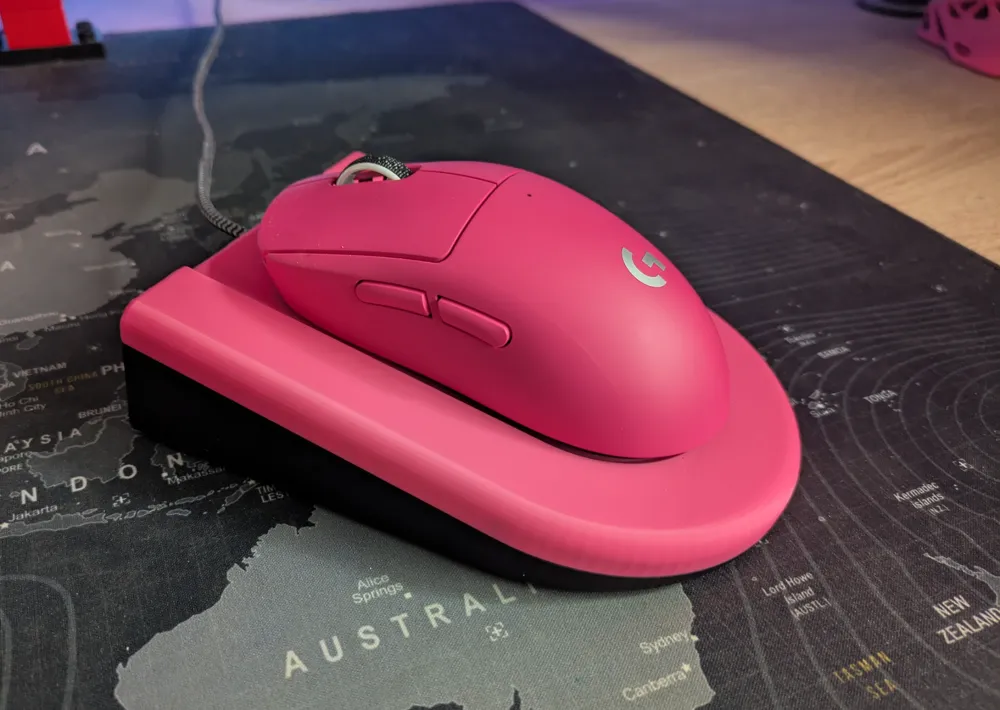
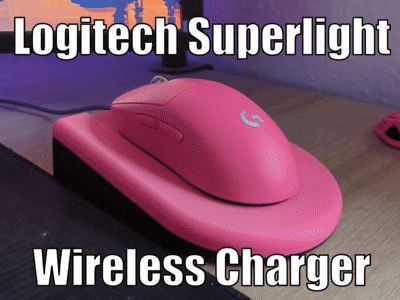
Wireless Charging Station for Logitech Pro X Superlight 2
I was thinking about how i will charge my Logitech Superlight 2.
Logitech Powerplay is too expensive for me and with cable its not that satisfactory.
This is the reason why i create my own Wireless charging station…… and i can color match it to my Mouse :P
compatible for:
Logitech Pro X Superlight
Logitech Pro x Superlight 2
Logitech Pro 2
Logitech Superstrike x2
Razer Cobra Pro
and more i guess
You need to order some parts for this Charger, see below
from Amazon:
- Wireless Charger
- Charging-Chip for the Mouse
normal USB-C Cable
(Links only Work on App)
or Aliexpress (much cheaper):
- Wireless Charger
- Charging-Chip for the Mouse
normal USB-C Cable
(Links only Work on App)
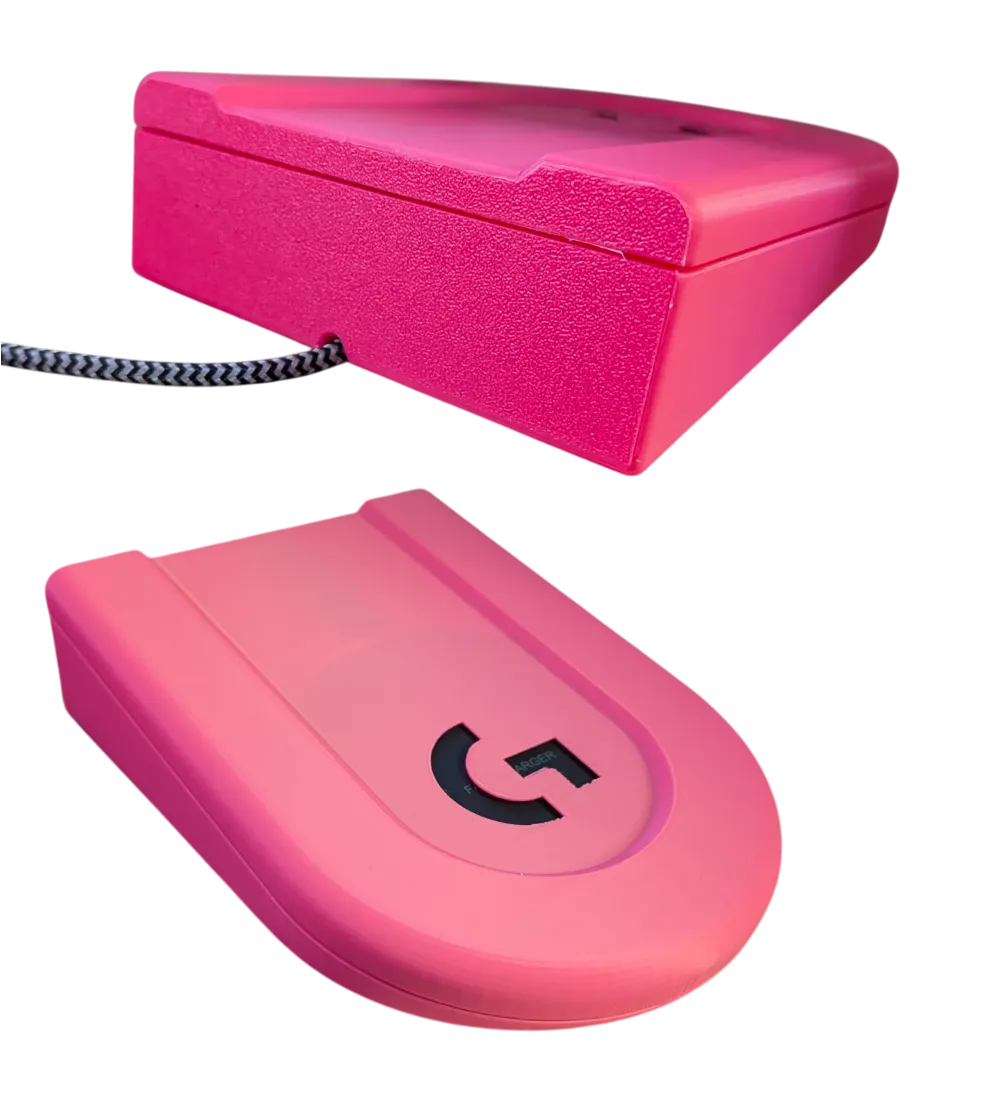
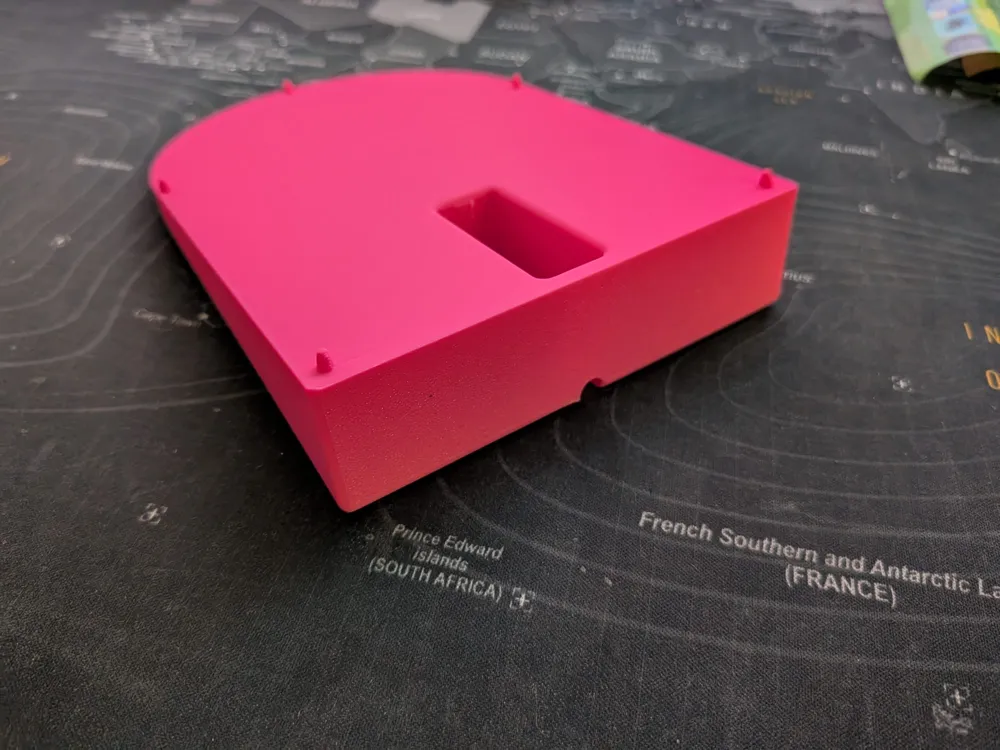
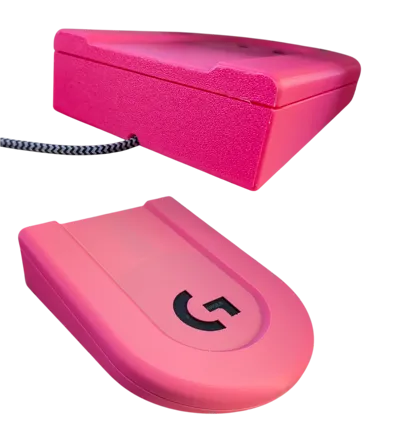
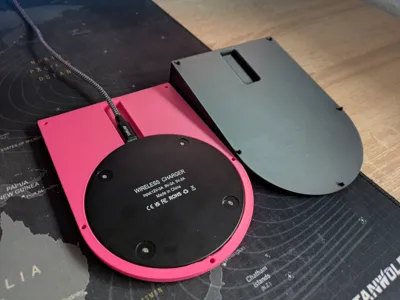
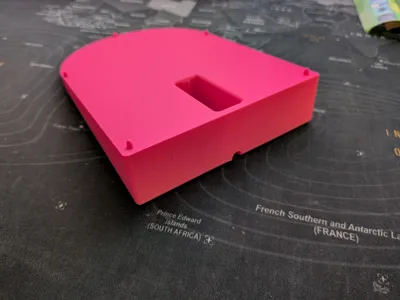
Print the Base and the Top part oriented like in the project then you dont need support.
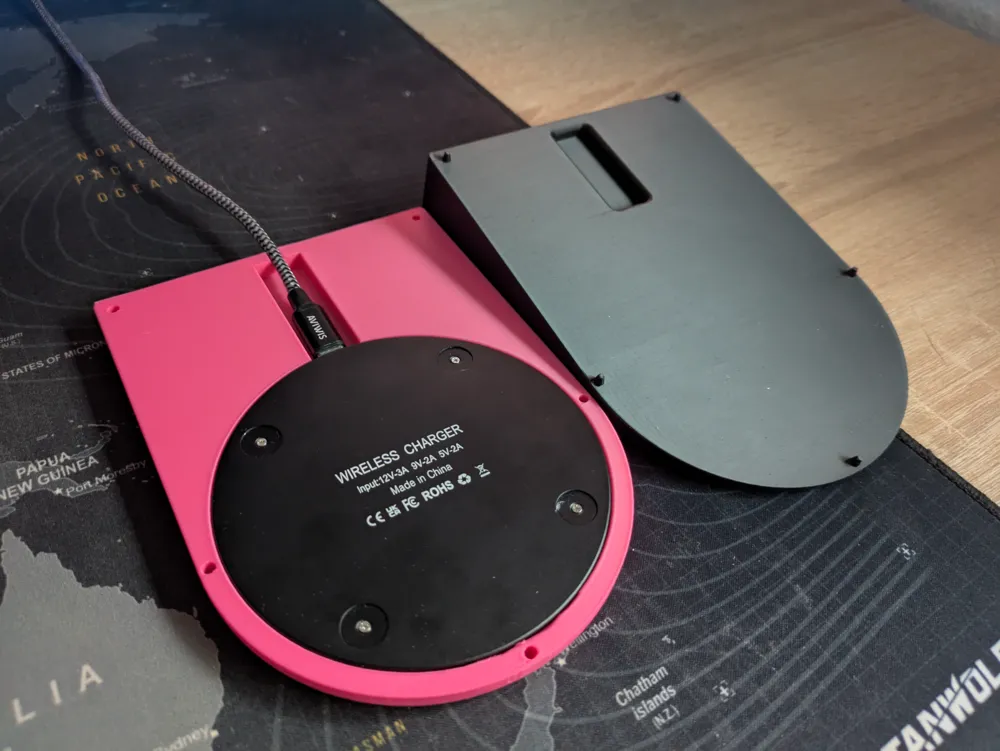
Remove the rubber feets from the Charger and place them on the Base.
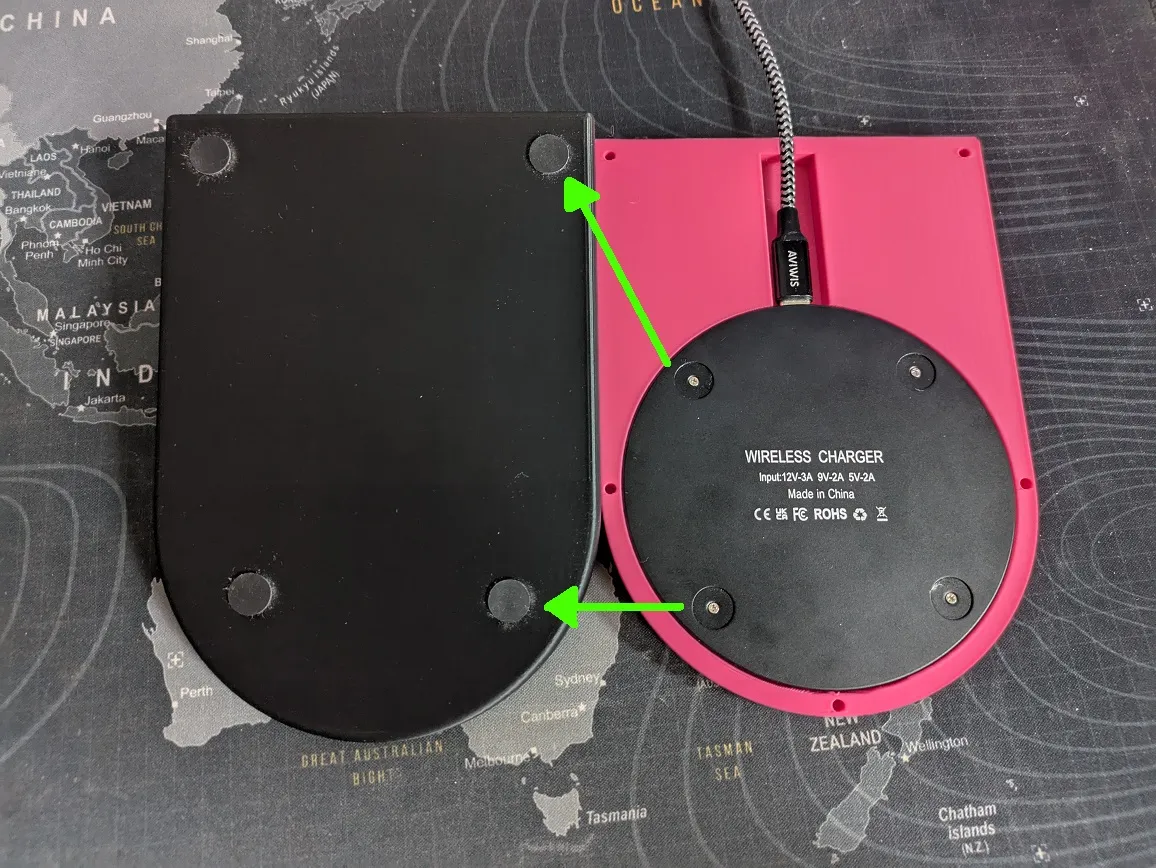
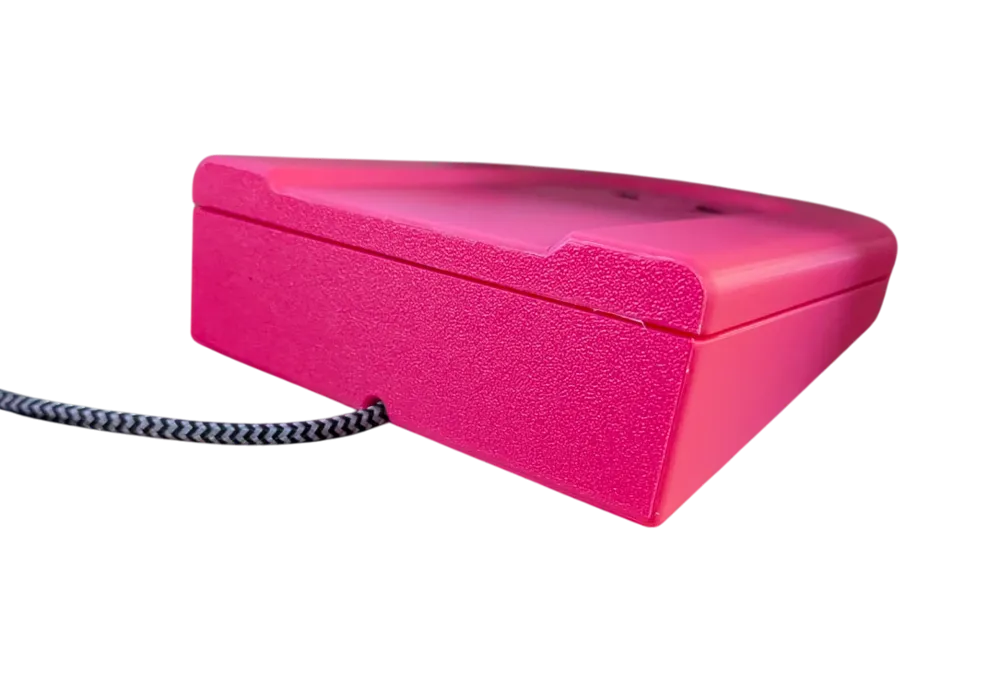
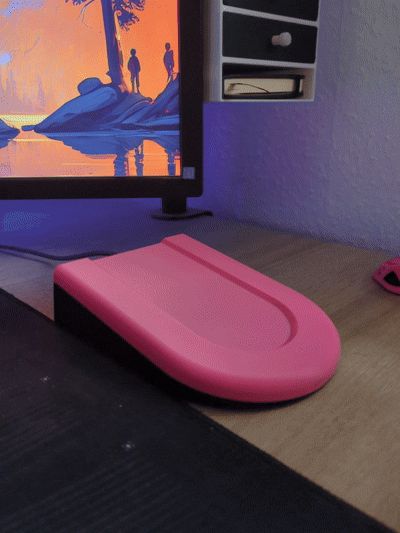
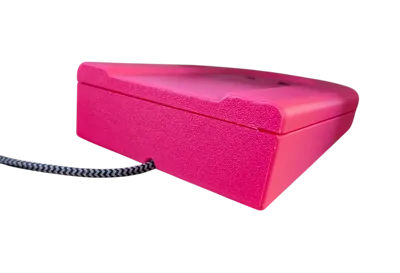
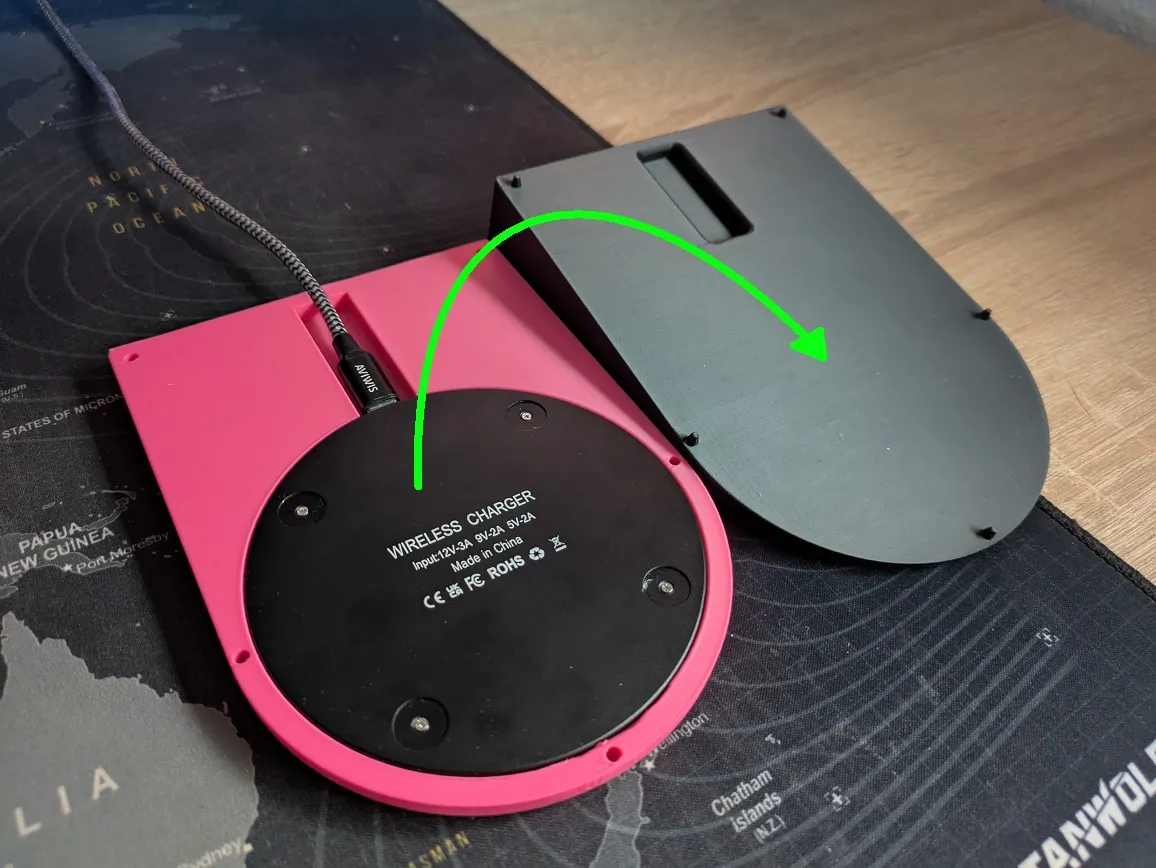
Plug in the USB-C Cable into the Charger and place it upright in the Top part.
Place the Top part on the Base and press it onto the Pins, no glue needed here.
Place the Charging-Chip into the Mouse which hold on with magnets


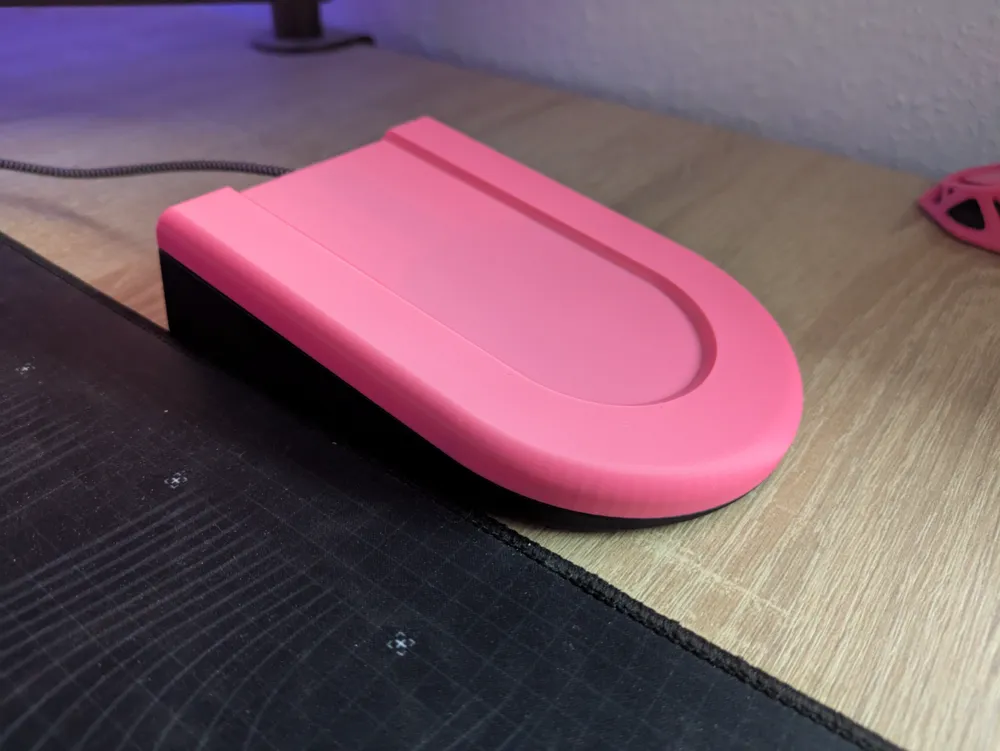
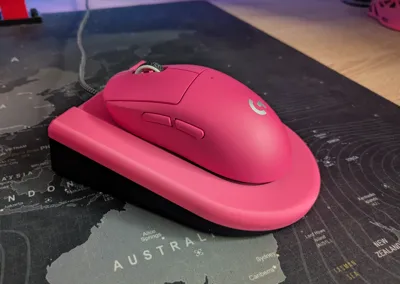
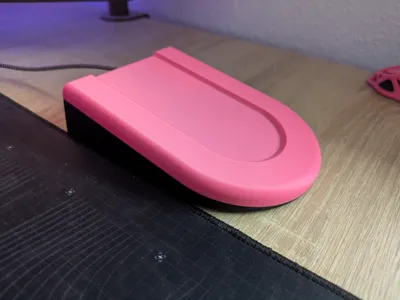
And now you have a nice Charging Station where you can place your Mouse on
and it will slowly slide in the right Position to Charge up. Ready for the next Gaming Session :)
Info: Charging from the Chip in the Mouse is typically used with Power Play
so Logitech limited the charging to max 80-85% with this Port to save the Battery.
Boost Me (for free)
Feel free to Boost me on my first Model on MakerWorld :)
License



Comment & Rating (24)