
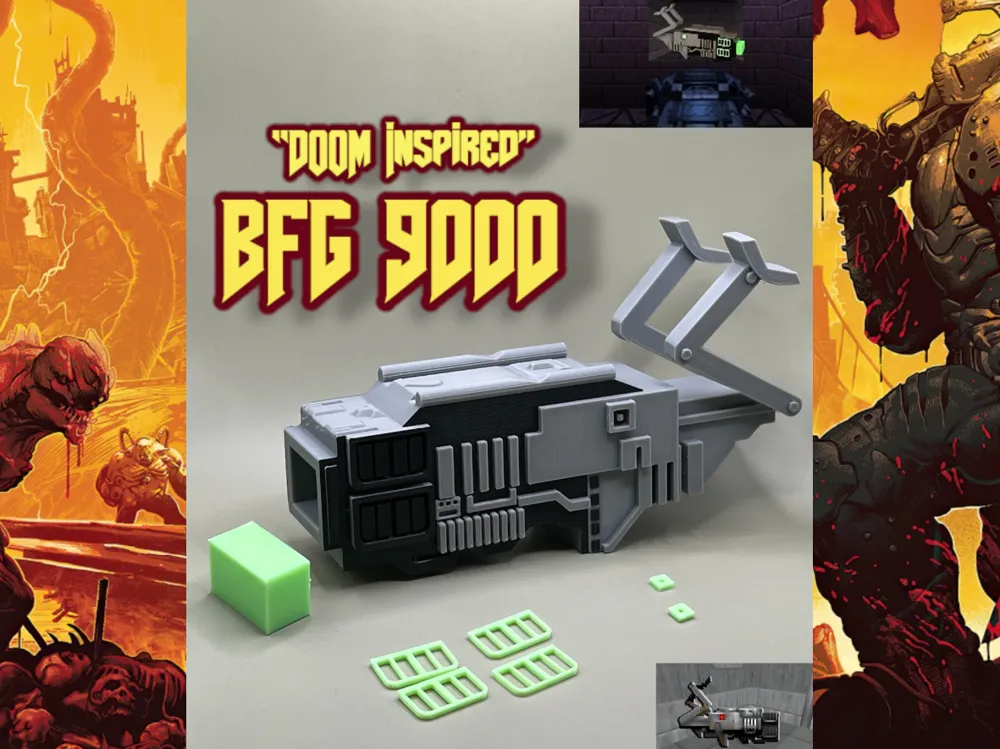
BFG 9000 1993 / Doom Inspired Replica
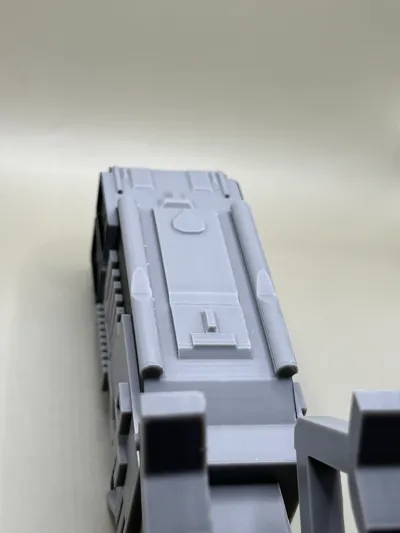
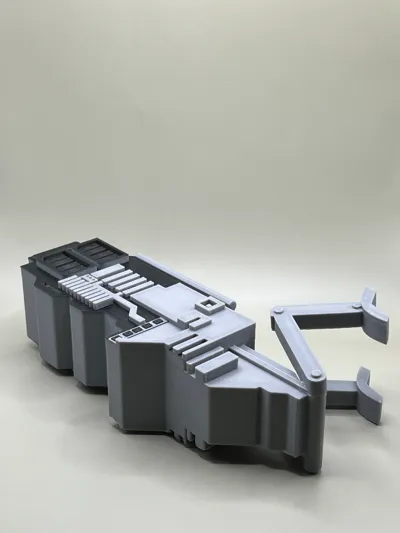
Print Profile(2)


Bill of Materials


Description
“You got the BFG 9000! Oh yes.”
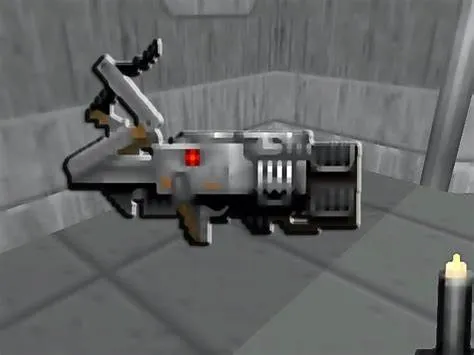
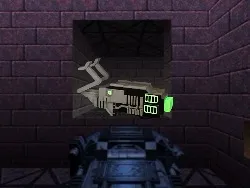
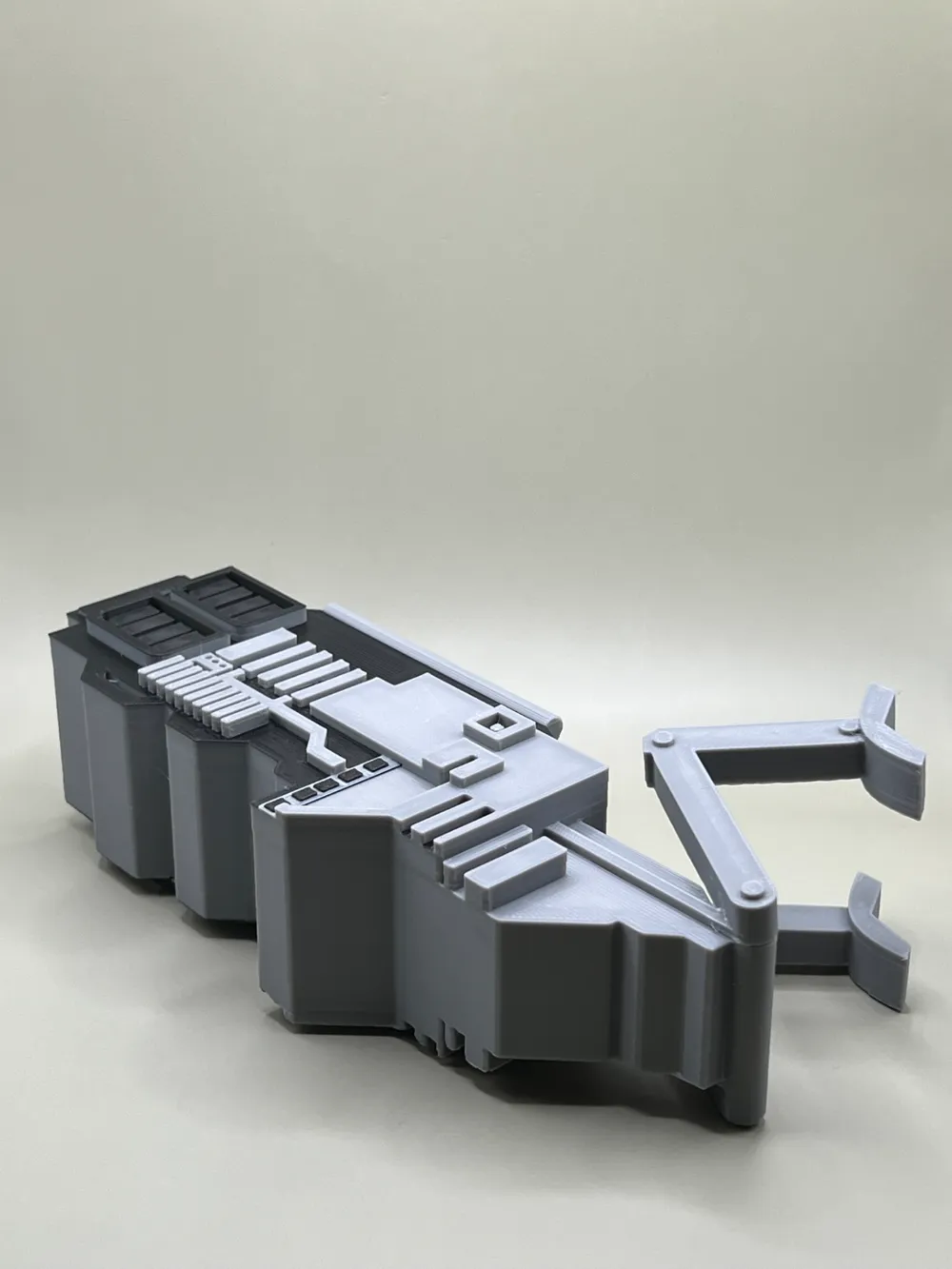
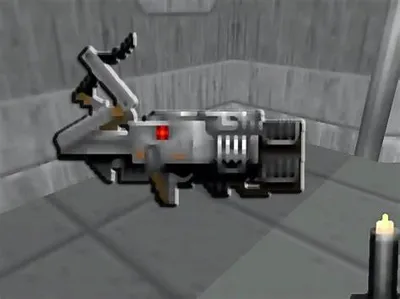
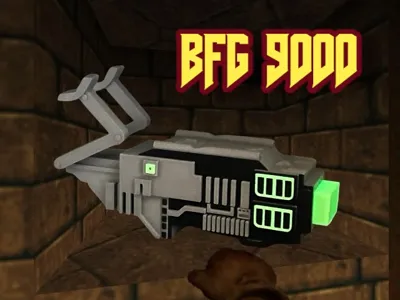
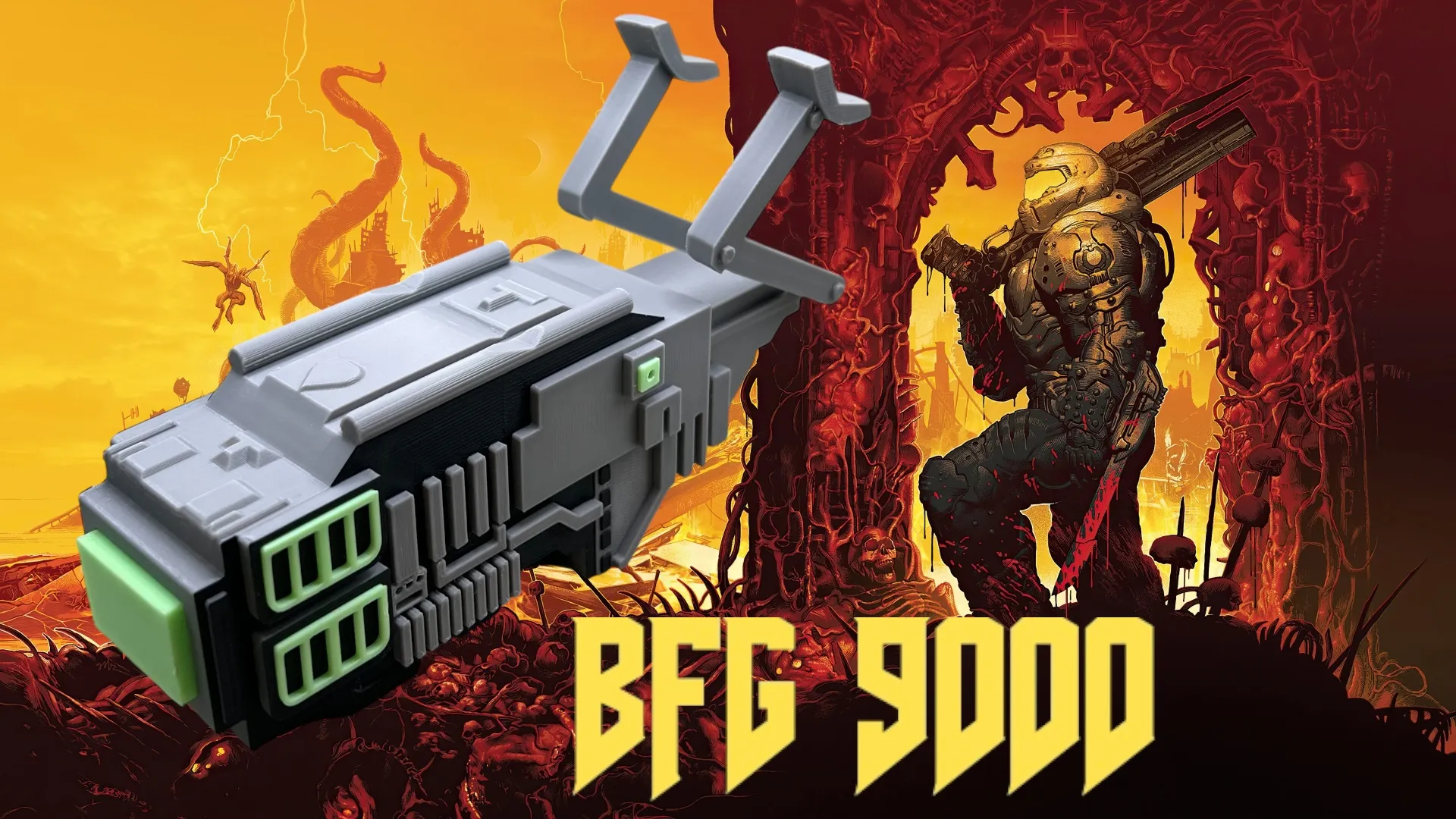
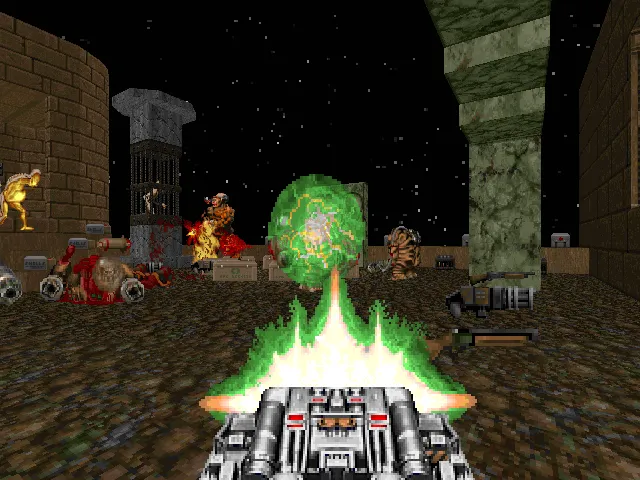
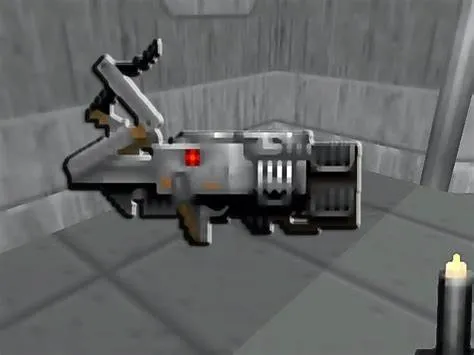
This gun from the DOOM series has many names, such as the “Big Fricking Gun” or in another word ;) As well as “Bio Force Gun” from the movie made in 2005. Inspired from the original 1993 video game DOOM, I have enjoyed for years as well as others, but the original BFG9000 is still my favorite
Model Description
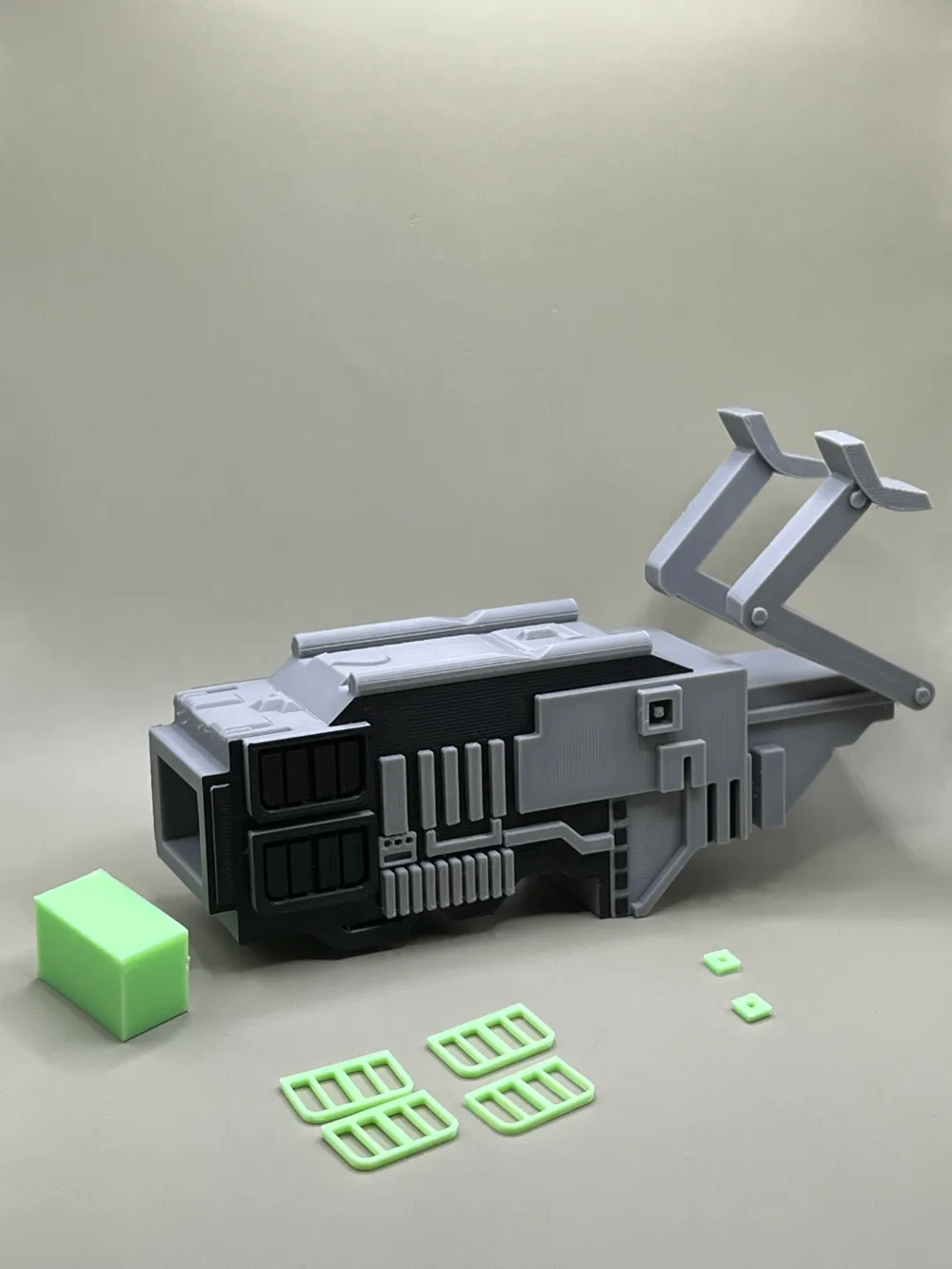
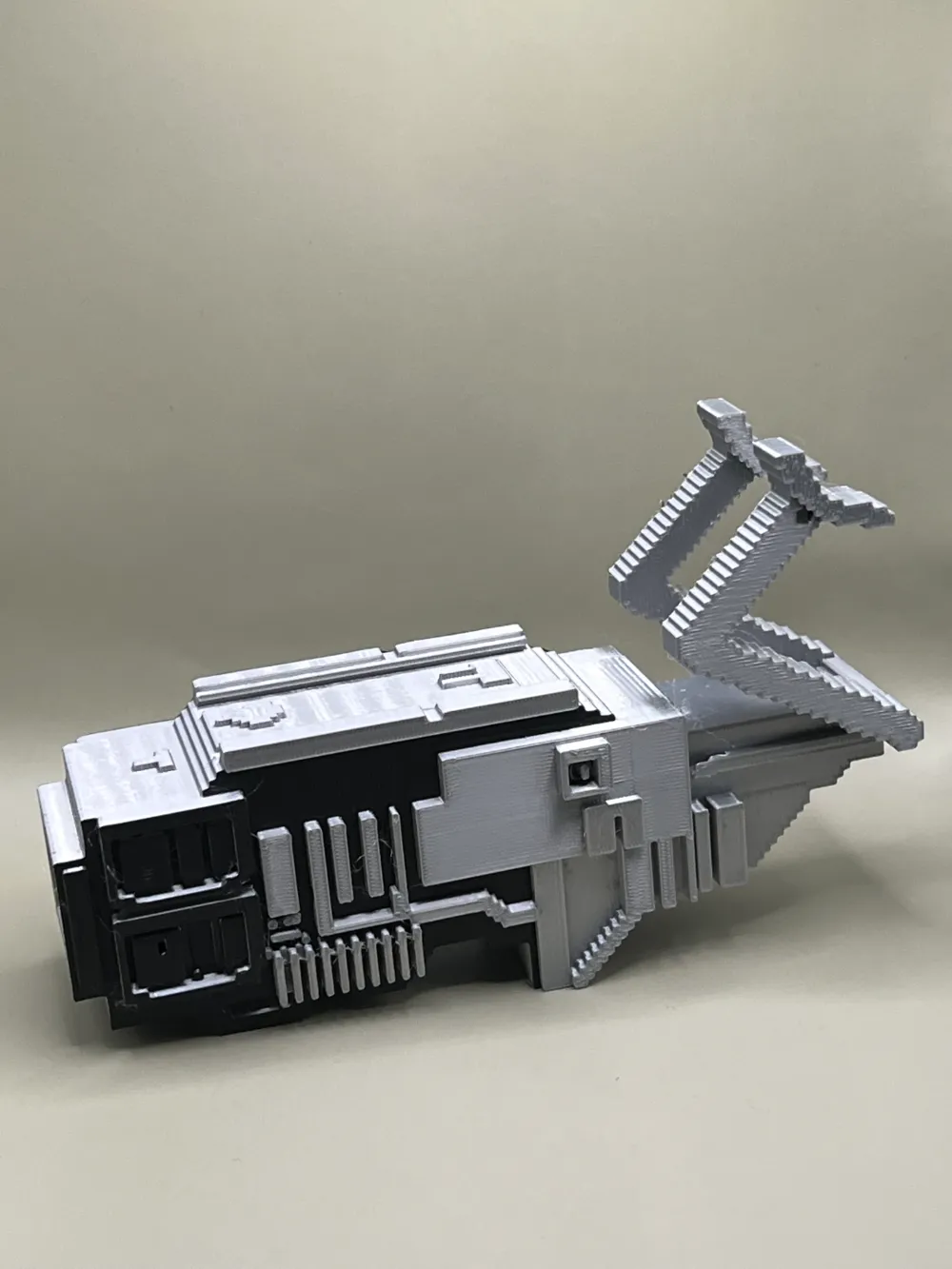
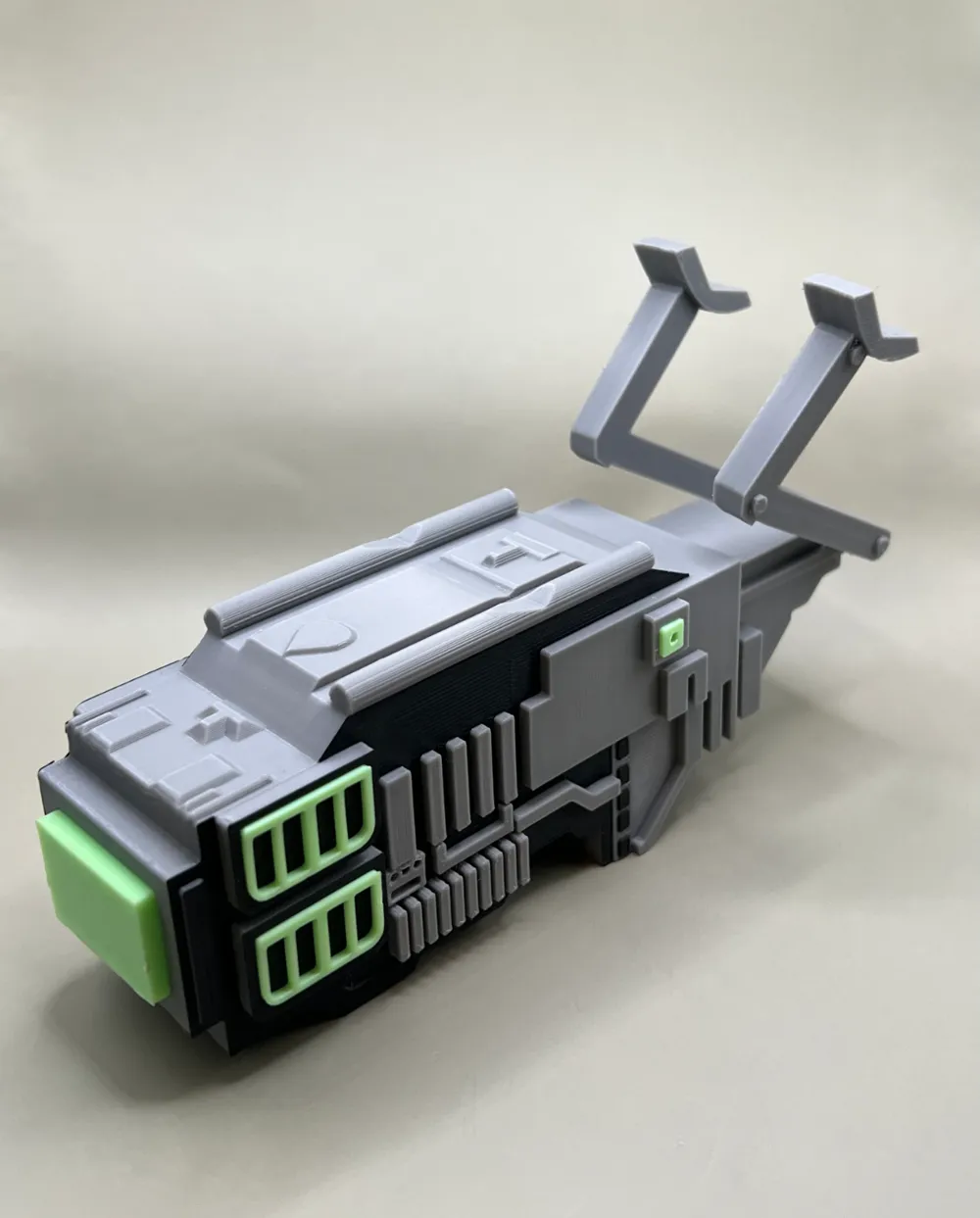
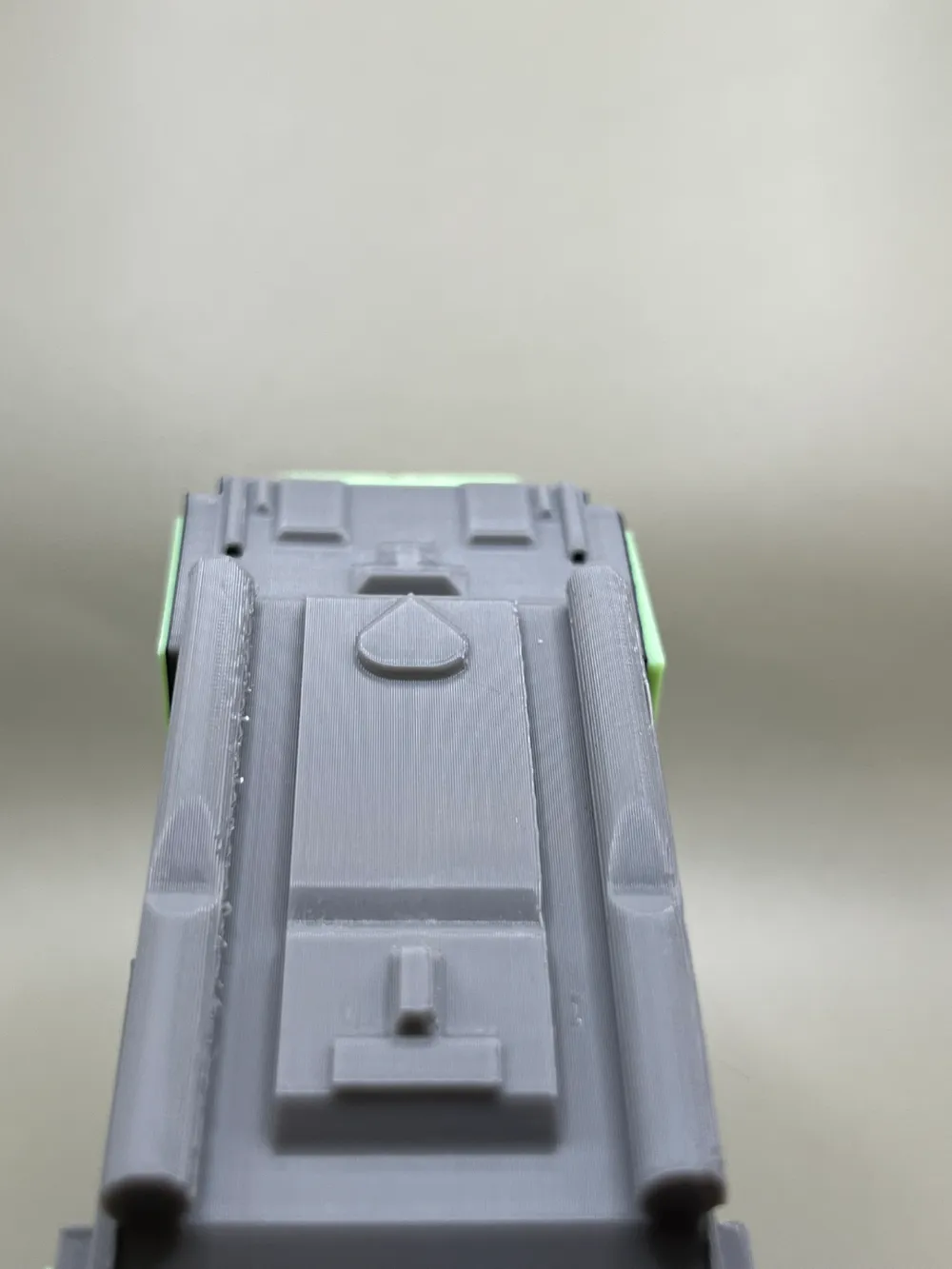
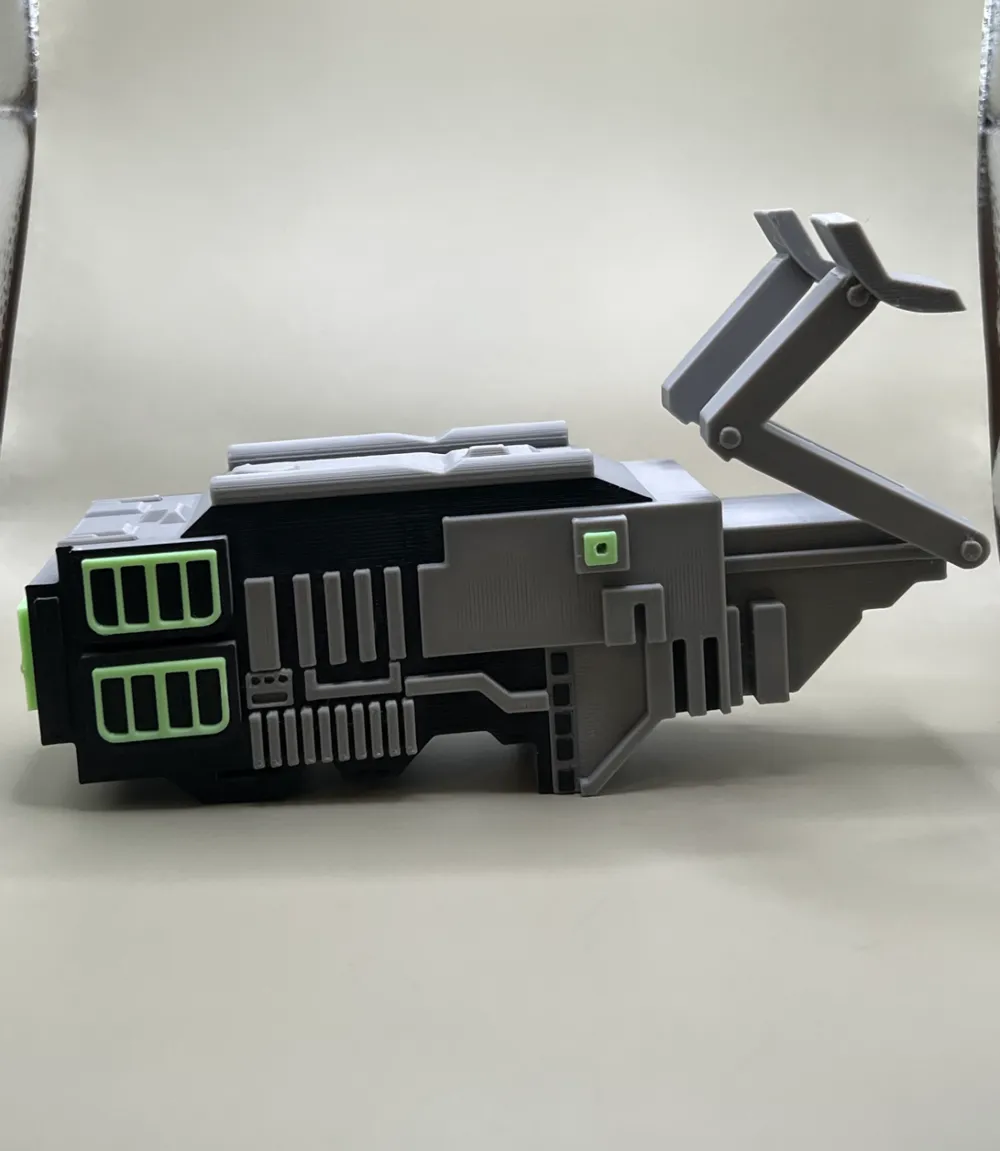
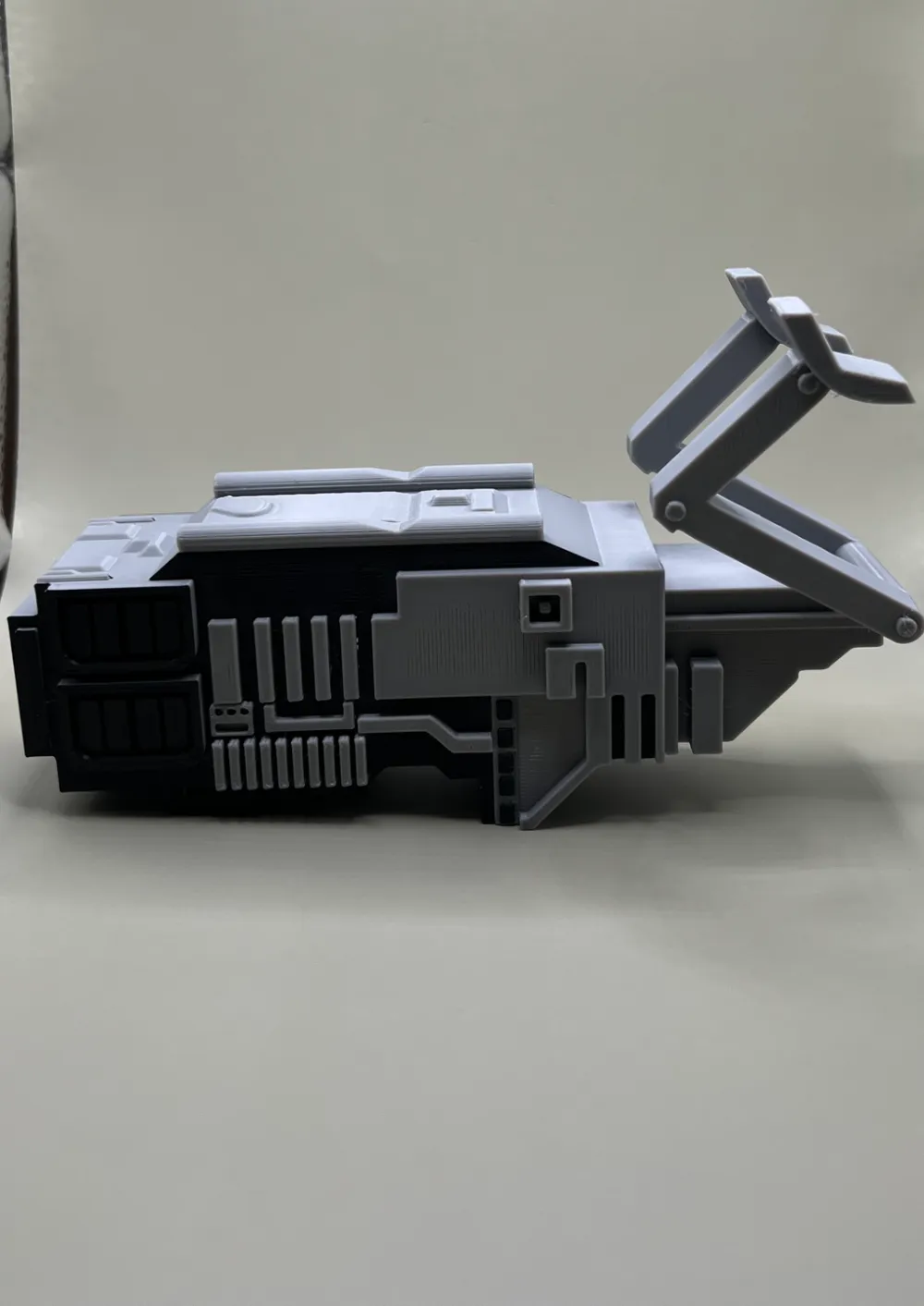
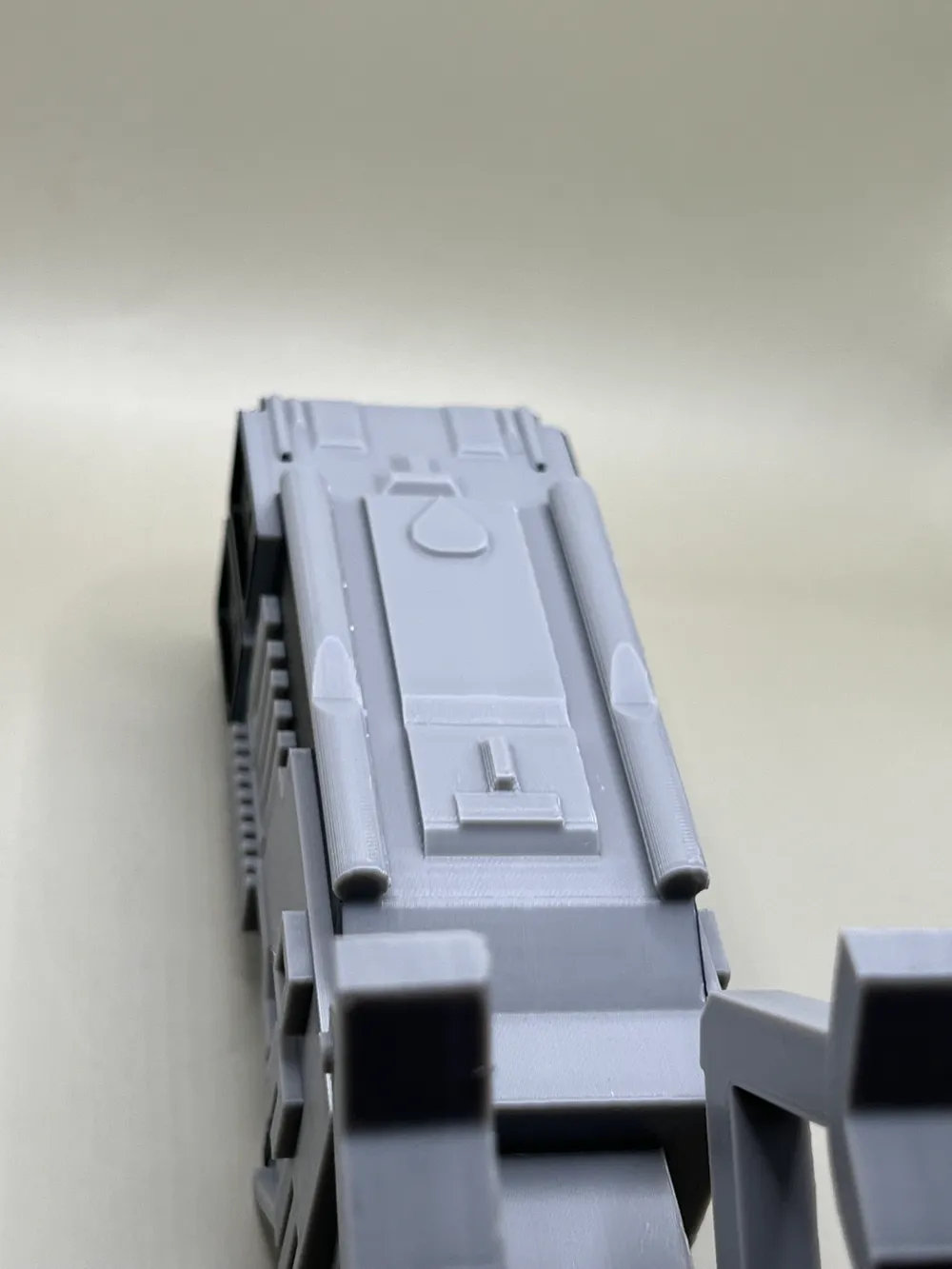
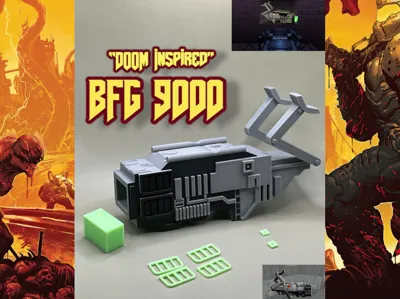
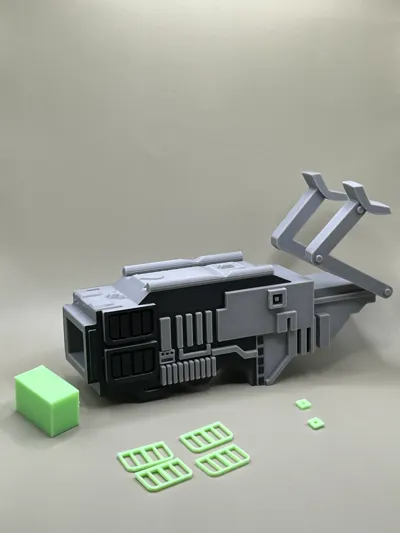
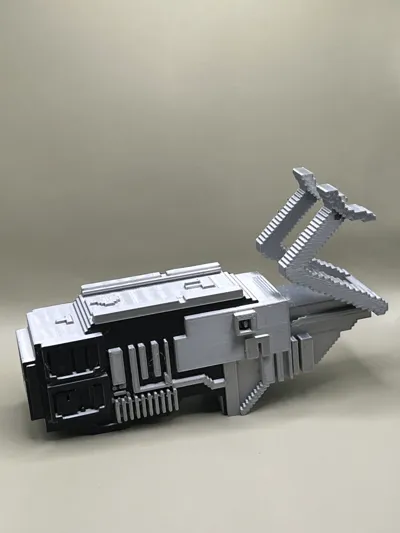
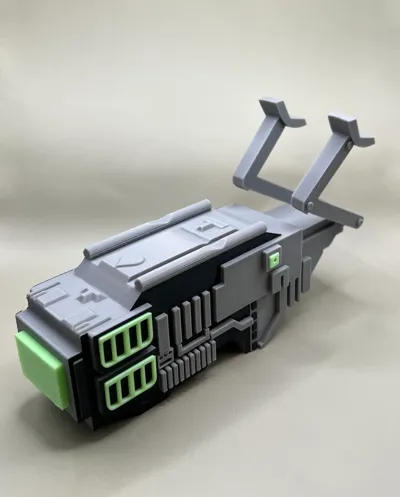
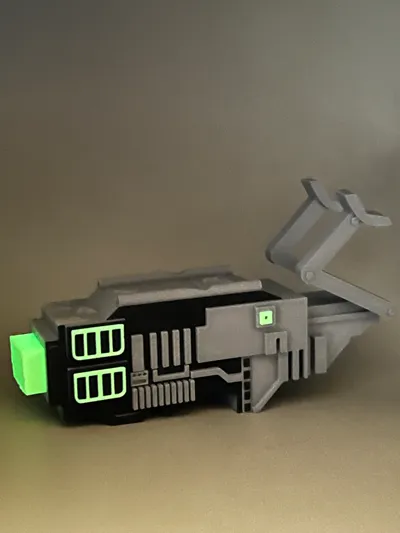
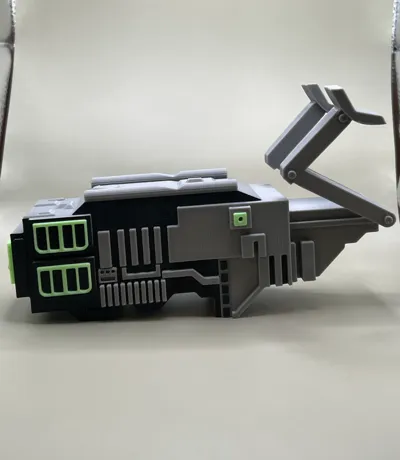
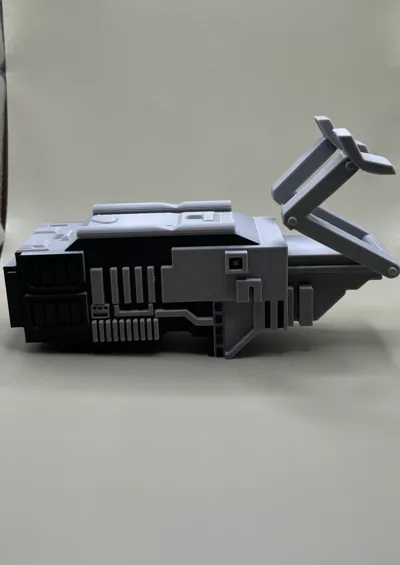

- I wanted to challenge myself with a design that can be printed in multiple ways with the addition of snap in parts.This model includes 4 plates with 2 different styles of the BFG 9000.
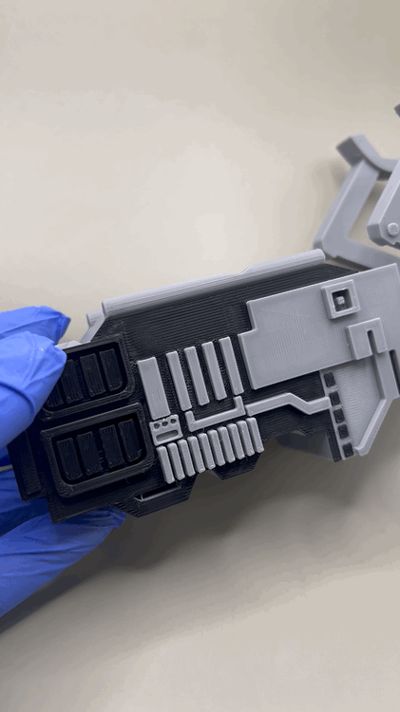
- 1st plate is modeled to look more futuristic and have a more updated look to the BFG 9000.
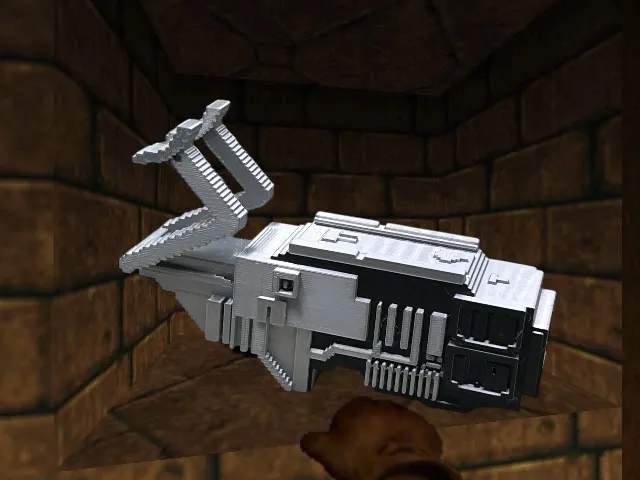
- 2nd plate includes a pixelated BFG9000 that was re-meshed in blender after modeling in Fusion 360.

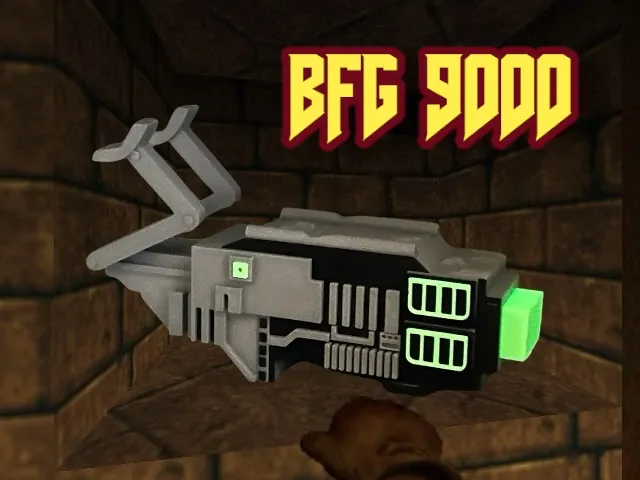
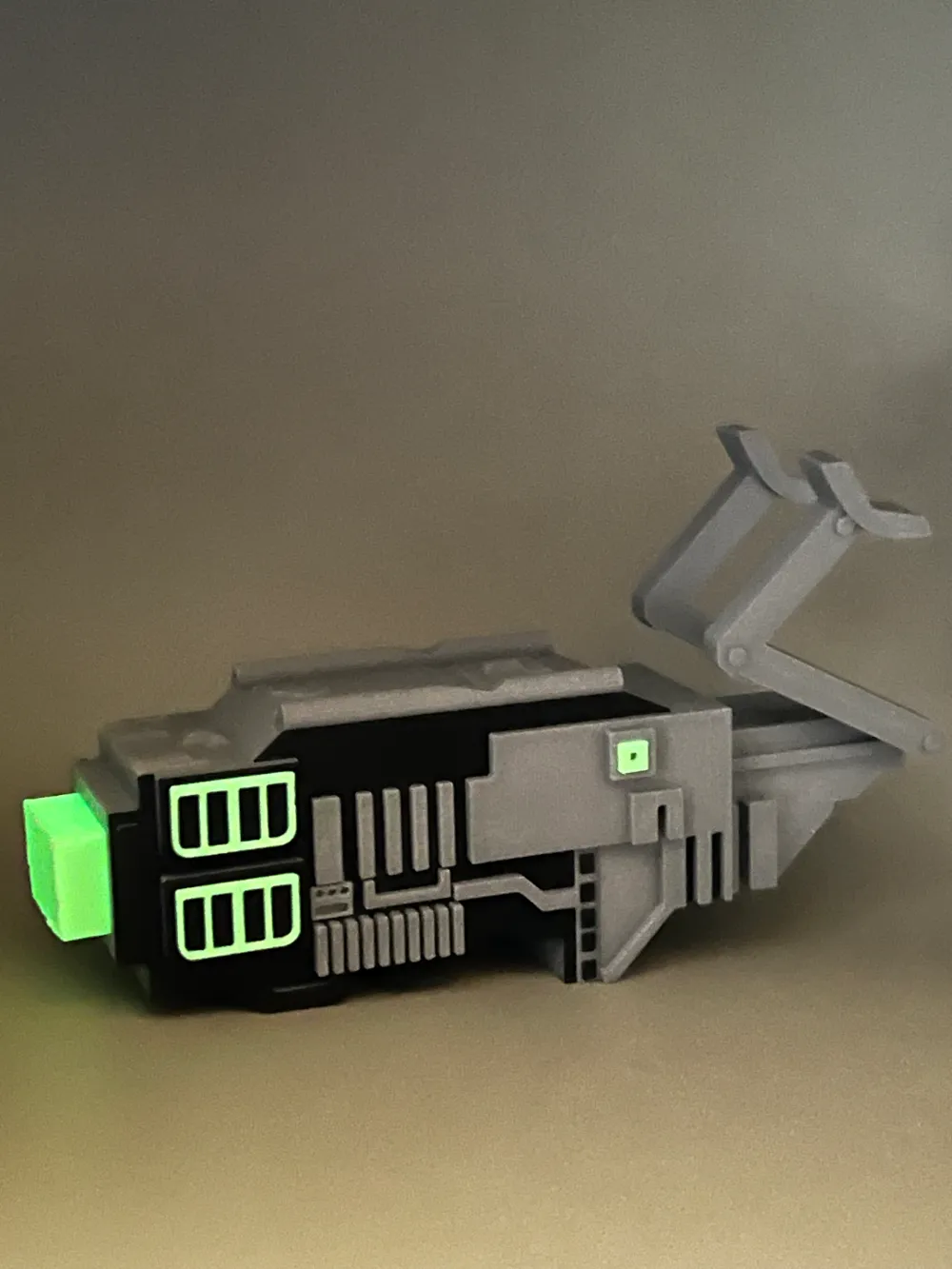
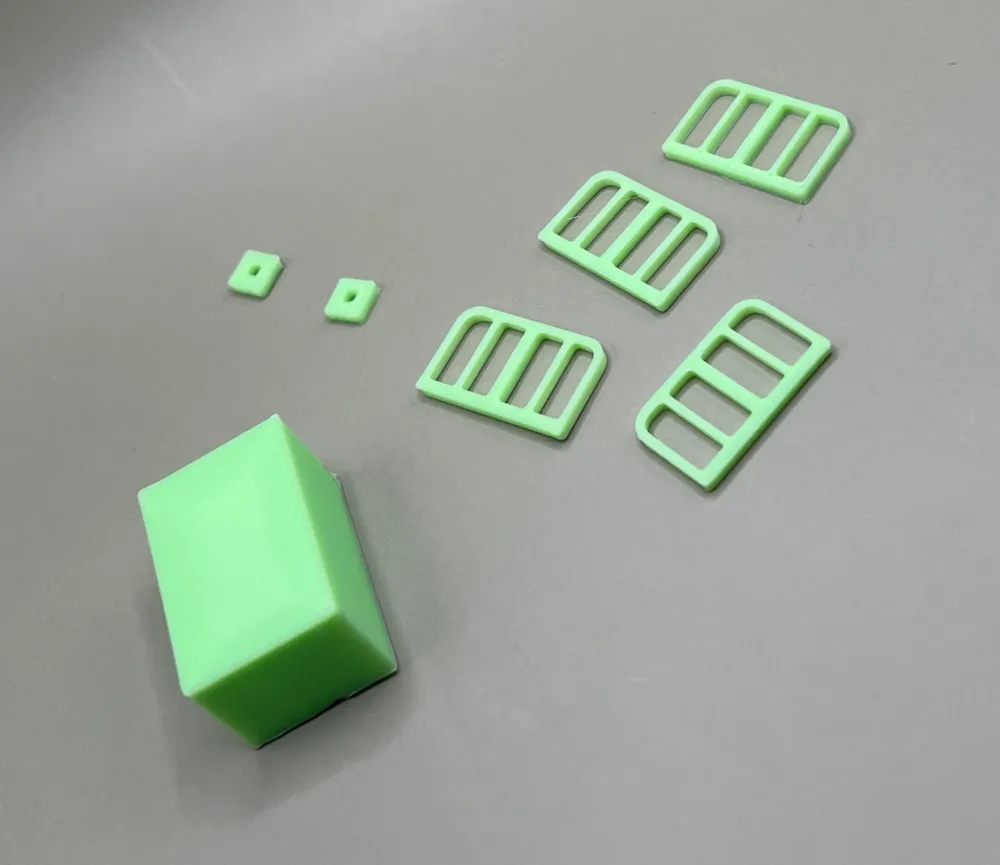
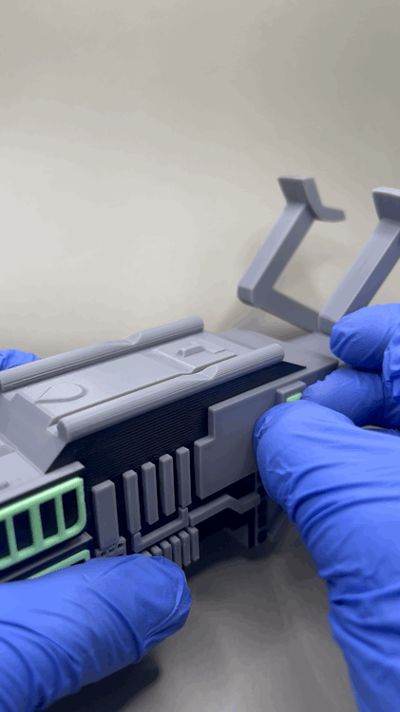
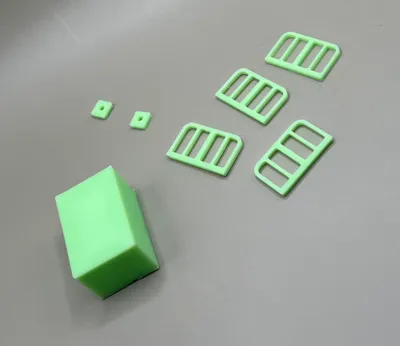
- Plate 3 includes the parts to snap in place that represent the “Death Energy” that is used as ammunition in the DOOM game.
- Plate 4, having the plasma ball in the shape of a cube as the orb being blasted.

- Parts snap easily in place and can be easily taken out with minimal effort but are not loose by any means
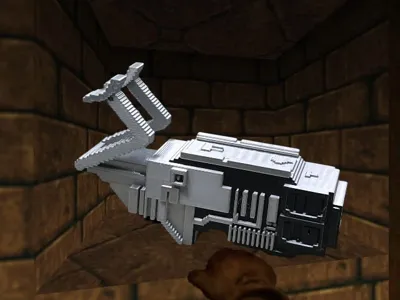
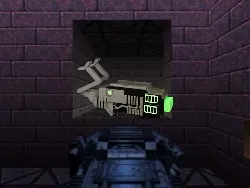
- Images were created from the inspired DOOM theme as well as painted & rendered inside of Fusion 360, Adobe photoshop to create a scene for the model
- Printed in Bambu Labs Basic PLA & PLA Glow
Print Settings
- Best to set to 50% for first layers of bottom to have better detail when removing supports
- Scale everything down to print smaller or use one color to save an hour or so
- Feel free to paint with your own colors in the slicer and post your results so we can learn together!
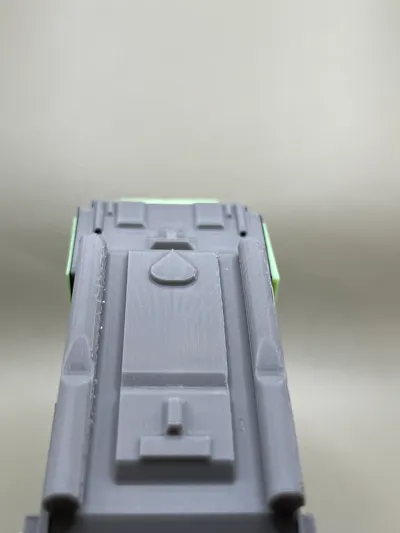
- May need pliers or tweezers to remove supports, tree supports worked best as I tried 3 times with default snug/ tree slim and default seemed to fuse to the bottom
- Be gentle with while removing supports and be patient as the handles are a bit thinner and the smaller details on the underside require a bit more to remove
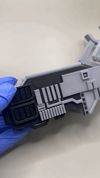
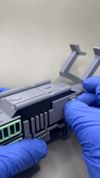
Assembly Attached Below

Documentation (2)
License

You shall not share, sub-license, sell, rent, host, transfer, or distribute in any way the digital or 3D printed versions of this object, nor any other derivative work of this object in its digital or physical format (including - but not limited to - remixes of this object, and hosting on other digital platforms). The objects may not be used without permission in any way whatsoever in which you charge money, or collect fees.


Comment & Rating (9)