
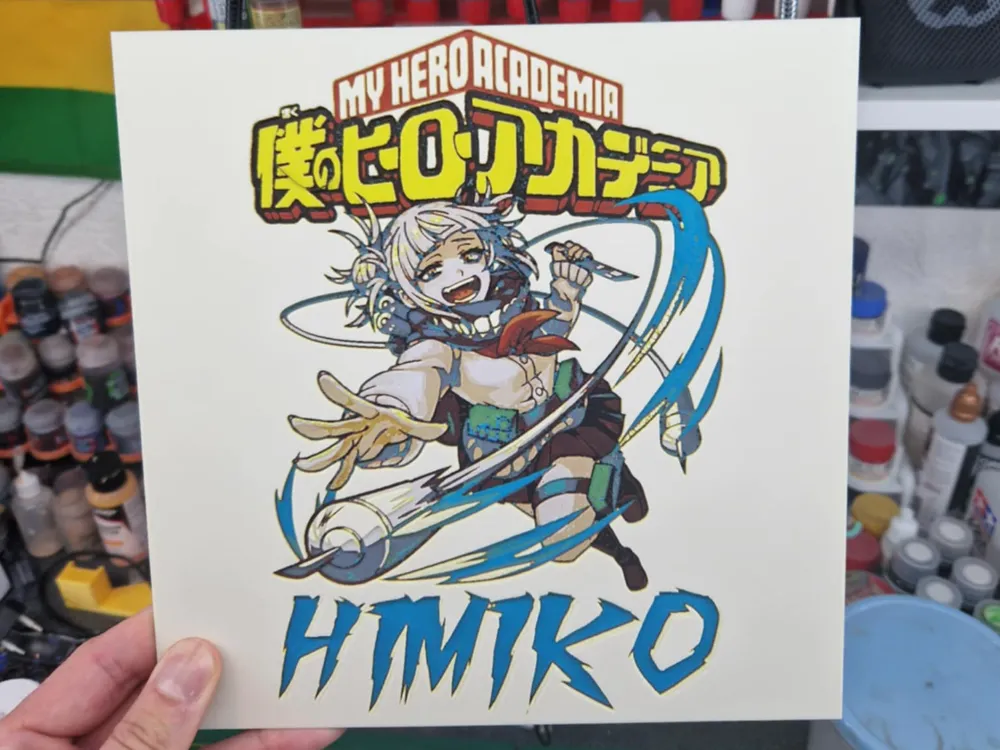
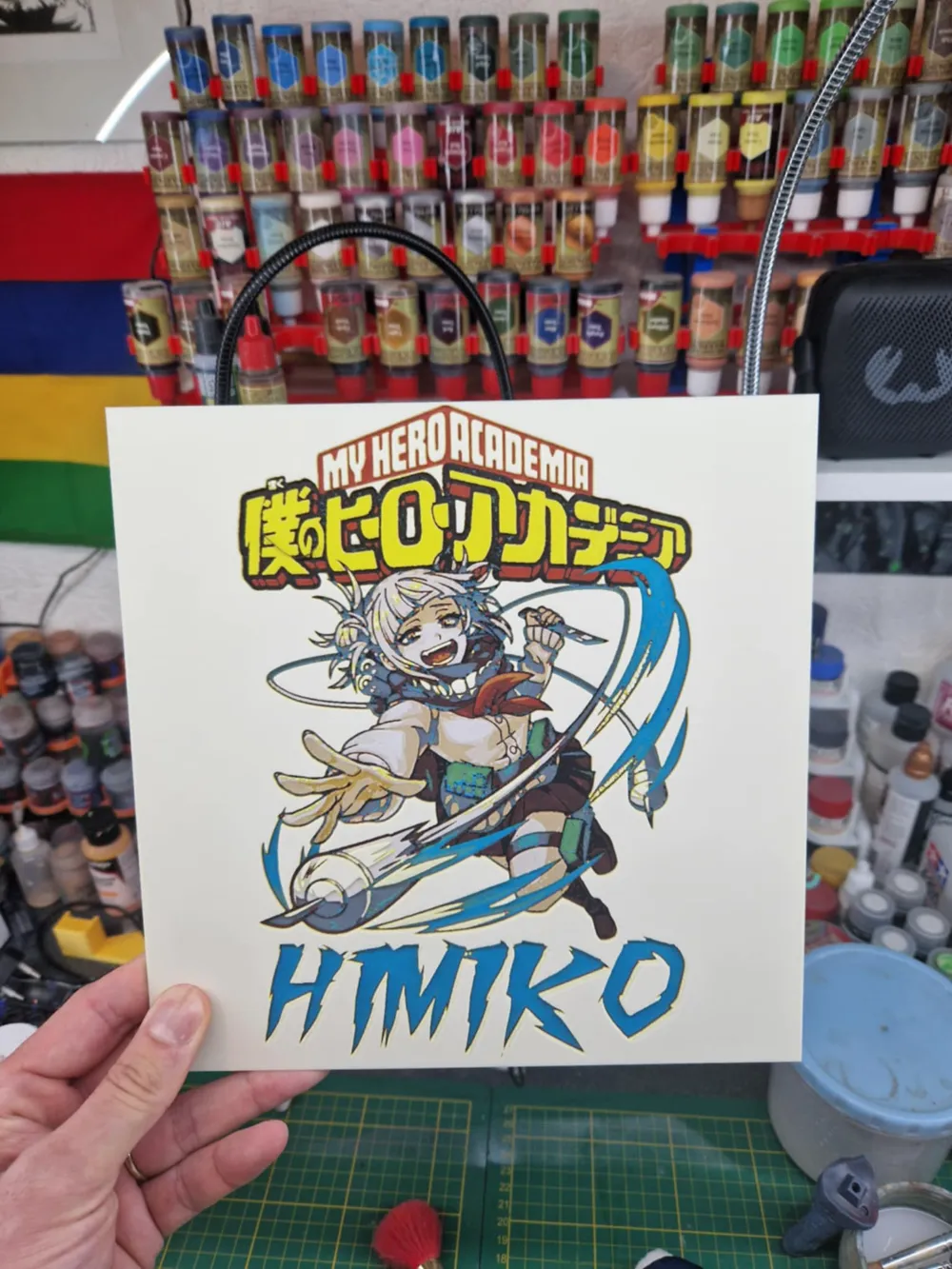
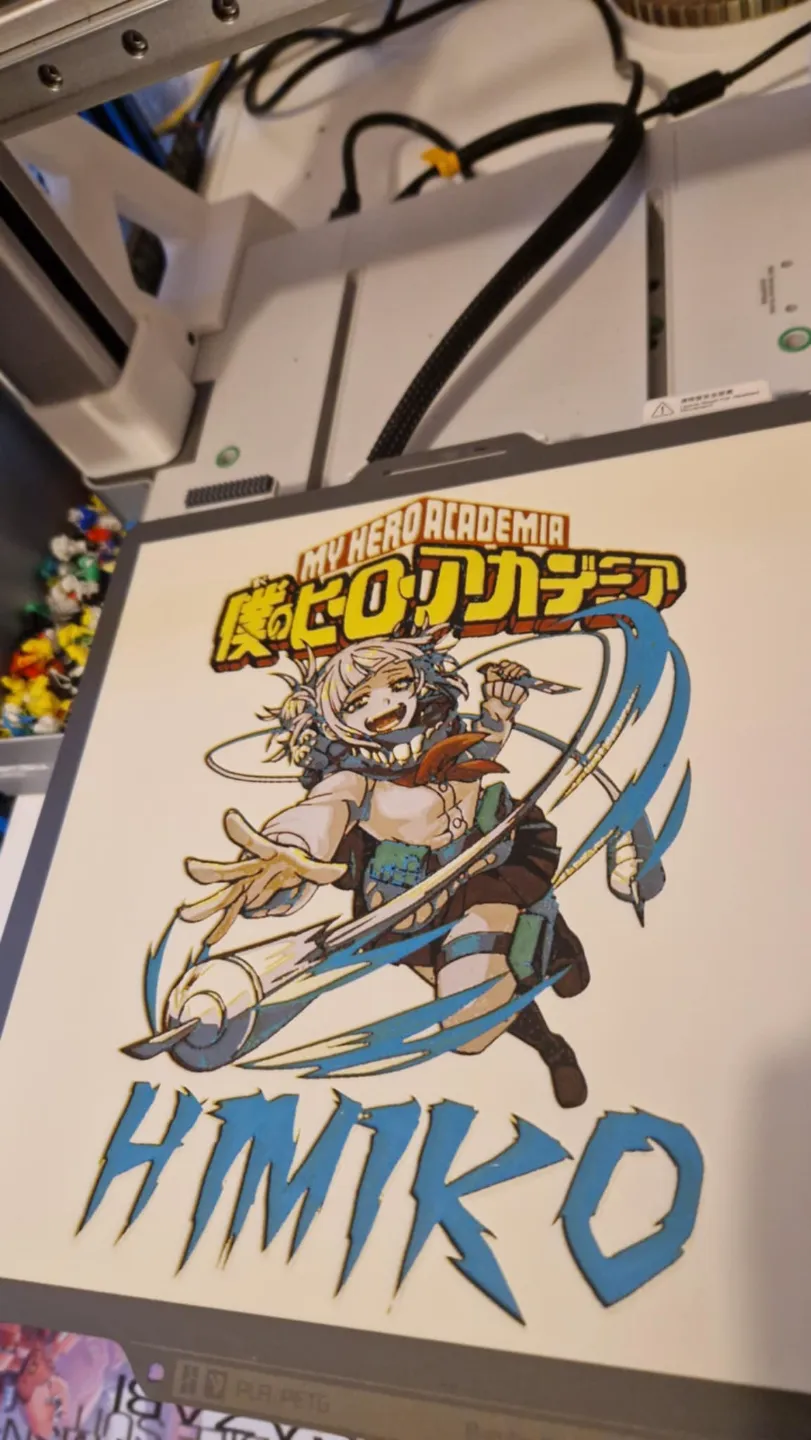
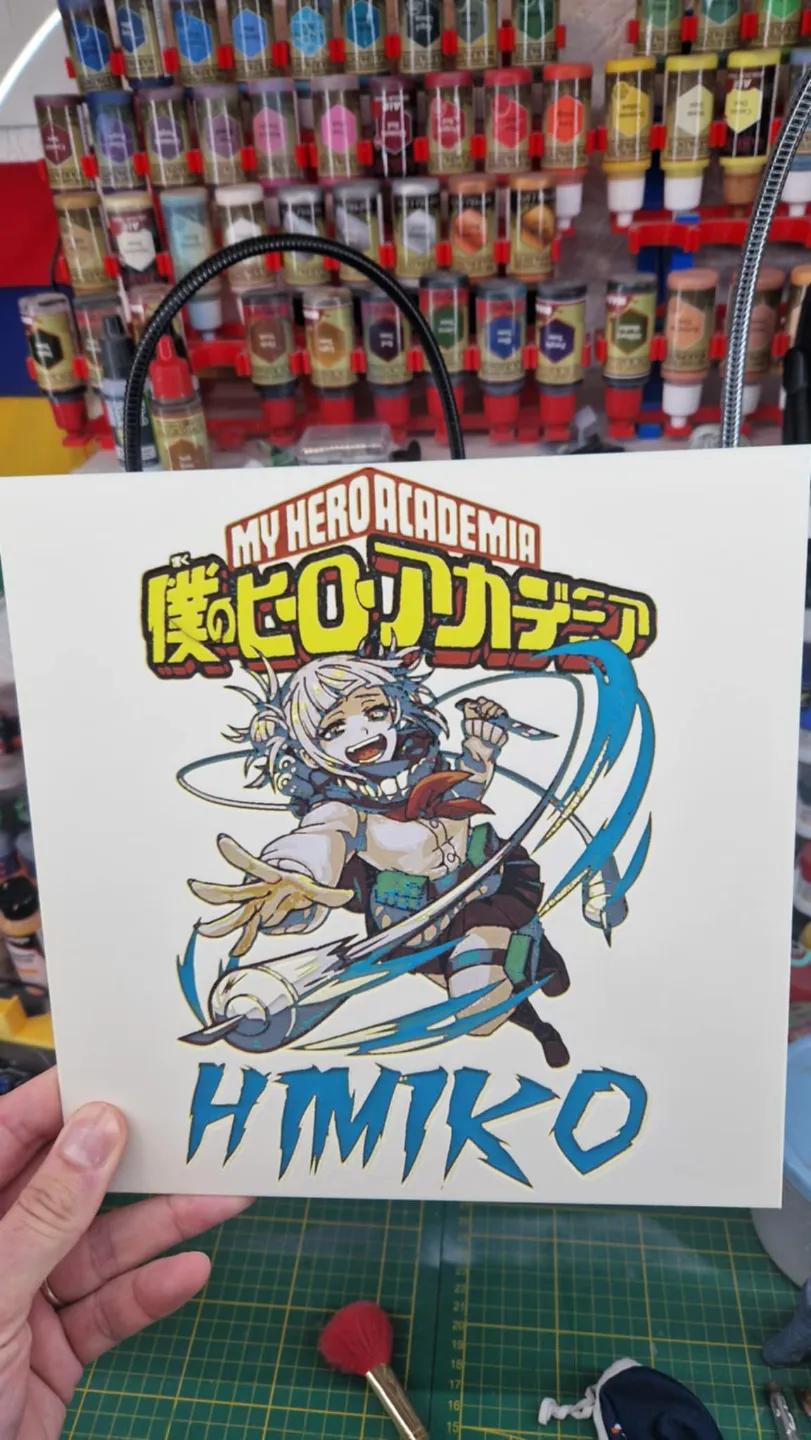
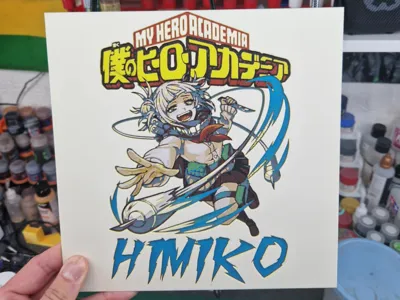
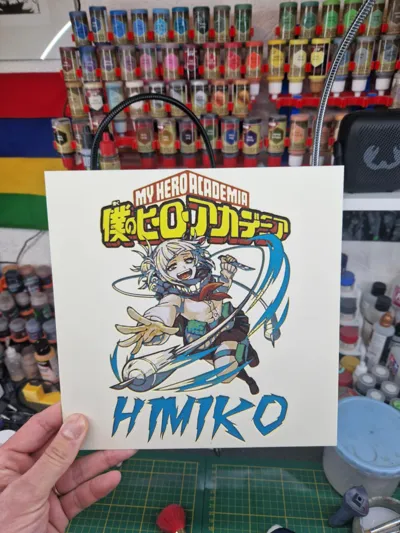
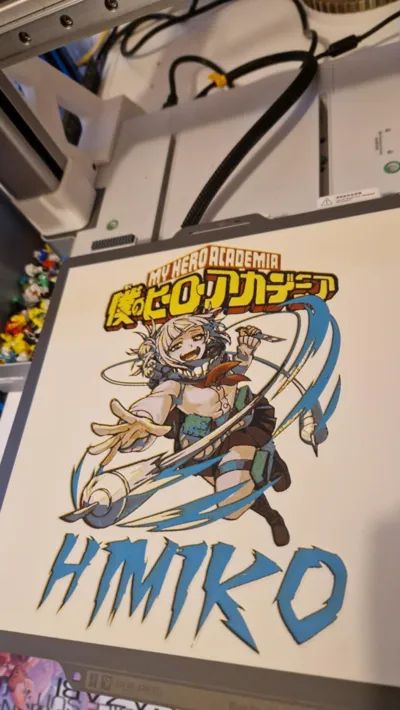
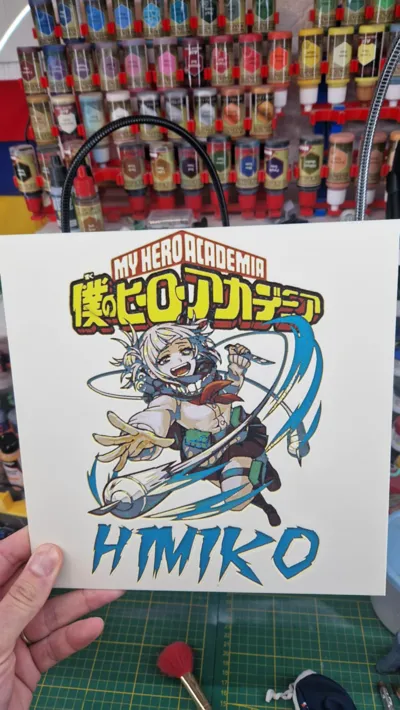
My Hero Academia Hueforge - HIMIKO
Print Profile(1)

Bill of Materials




Description
Boost Me (for free)
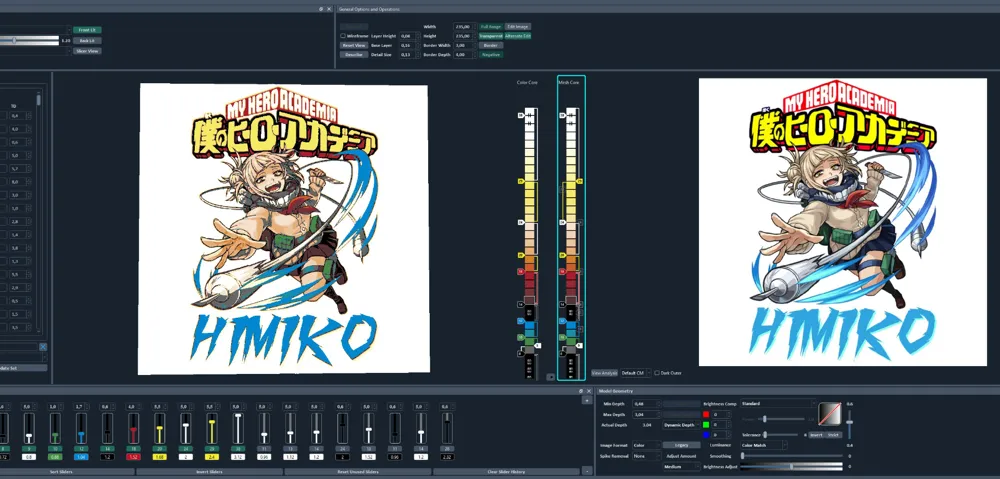
Project: My Hero Academia - Himiko.hfp
Print at 100% infill with a layer height of 0.08mm with a base layer of 0.16mm
The Model is 235x235mm in size
You may print at higher layer heights below the Min Depth of 0.48mm
The Max Depth is 2.8mm and the Actual Depth is 2.8mm
Filaments Used:
PLA BambuLab Basic Black Transmission Distance: 0.6
PLA BambuLab Basic Jade White Transmission Distance: 5
PLA BambuLab Basic Bambu Green Transmission Distance: 2.8
PLA Bambulab Litho Cyan Transmission Distance: 1.7
PLA BambuLab Basic Red Transmission Distance: 4
PLA BambuLab Basic Yellow Transmission Distance: 5.5
This print uses 6 unique filaments
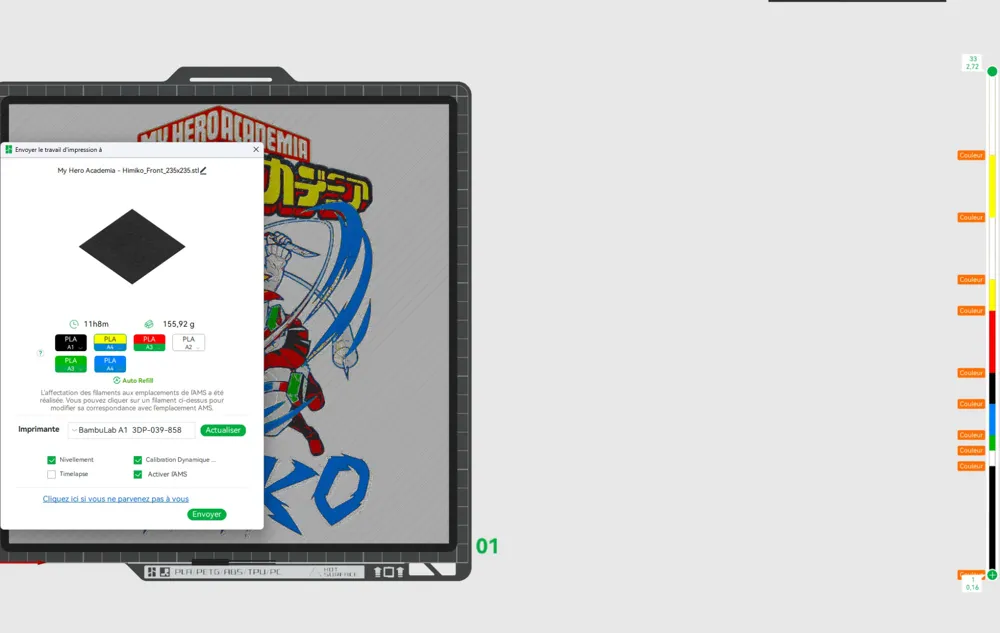
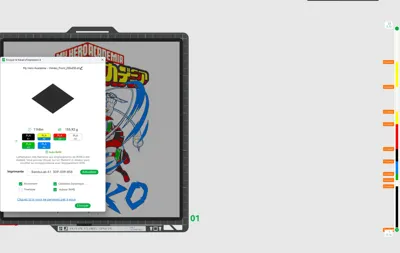
Swap Instructions:
Start with Black
At layer #8 (0.72mm) swap to Jade White
At layer #9 (0.8mm) swap to Bambu Green
At layer #10 (0.88mm) swap to Cyan
At layer #12 (1.04mm) swap to Black
At layer #14 (1.2mm) swap to Red
At layer #18 (1.52mm) swap to Yellow
At layer #20 (1.68mm) swap to Jade White
At layer #24 (2mm) swap to Yellow
At layer #28 (2.32mm) swap to Jade White for the rest.
Comment imprimer plus de 4 couleurs avec un seul AMS : à partir de 42 sec sur la vidéo
How to print more than 4 colours with a single AMS : from 42 sec onwards in the video
License



Comment & Rating (4)