
Hole Elongation Template (Universal)
Print Profile(1)

Description
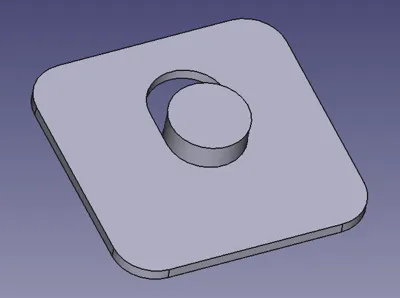
Hole Elongation Template (Universal)
Have you ever had a hole in an assembly that just wasn't in the right place, and needed to be elongated?
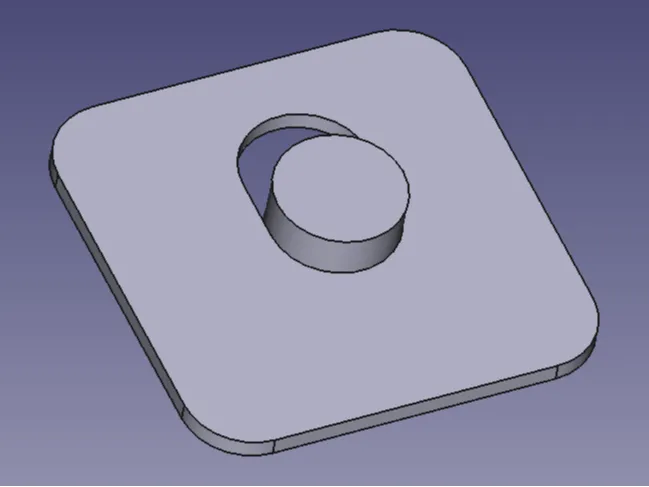
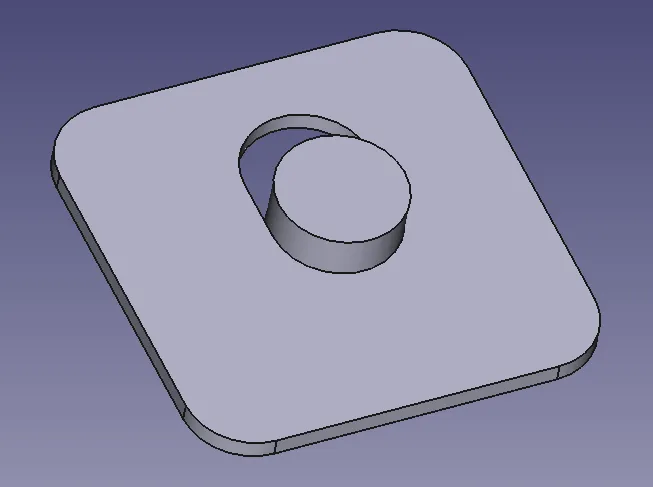
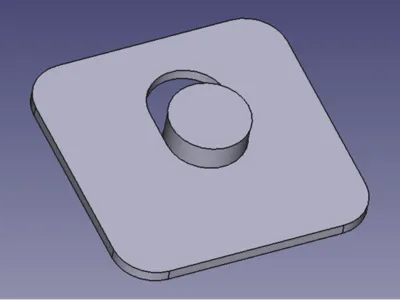
If so, this template is for you. I recently had this situation fitting a radiator, and I needed to “slot” some of the mounting holes to fit my particular application, and I designed this template. It's completely parameter driven, and can be customized to fit any situation you may encounter where you need to elongate an existing mounting hole. This model was created in FreeCAD (.FCStd file enclosed) and will leverage that software to enter your custom parameters.
Directions
- You can download the FreeCAD application from https://www.freecad.org/ (for free of course).
- Download the “Hole Elongation Template (Universal).FCStd” here on MakerWorld and open in FreeCAD.
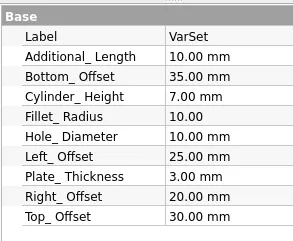
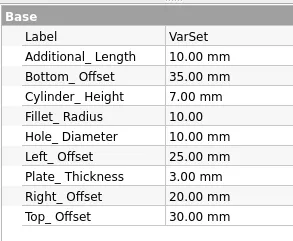
- Click on “{} VarSet” (make sure you're on the “Data” tab) and change any of the values there as needed (the model will adjust itself automatically). See enclosed screenshot.
- Variables include:
- Additional_Length: How much additional length is needed for the slot
- Bottom_Offset: How far below the hole the Base Plate extends
- Cylinder_Height: How tall you'd like the cylinder (this just locates the template in the existing hole, so it doesn't need to be more than a few mm)
- Fillet_Radius: The radius of the rounded corners on the Base Plate
- Hole_Diameter: The diameter of the existing hole. This determines the diameter of the locating cylinder. You may want to set this just slightly smaller than the hole you'd like to slot to avoid too tight of a fit.
- Left_Offset: How far the Base Plate extends to the left
- Plate_Thickness: How thick the Base Plate is (again, this could be minimal - 2 or 3 mm will be fine)
- Right_Offset: How far the Base Plate extends to the right
- Top_Offset: How far above the hole the Base Plate extends
- When done, click on “Body” (this is important as it sets the file to be exported)
- Then select “File…Export…” and select “STL Mesh (*.stl *.ast)” and save the STL file on your computer (or save and use STEP files if you prefer).
- Import the STL file into Bambu Studio, adjust any printing parameters (if needed) and print.
- Note: this is not a high-strength part, so minimal (5%) infill is fine
- Will print without supports and with PLA
HOW TO USE:
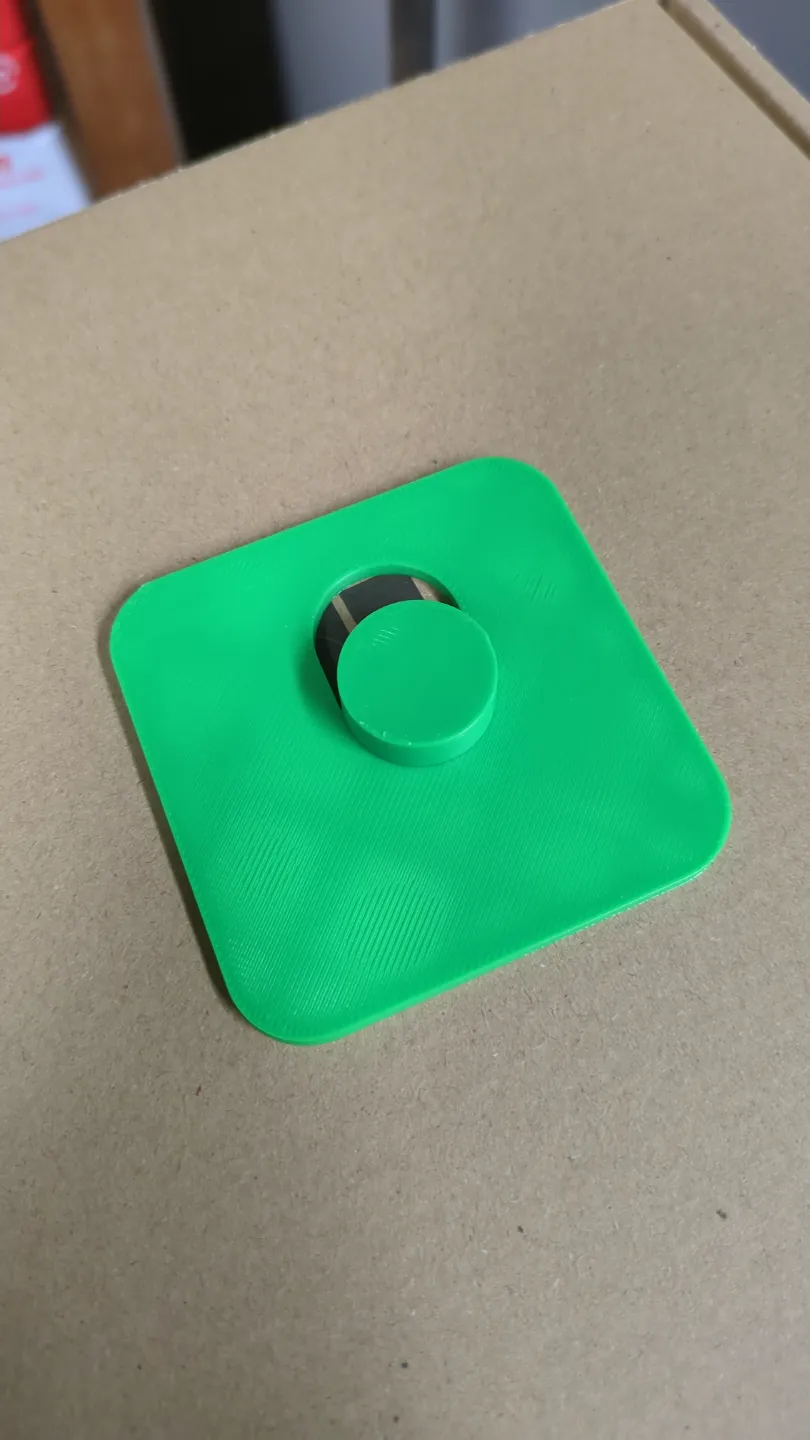
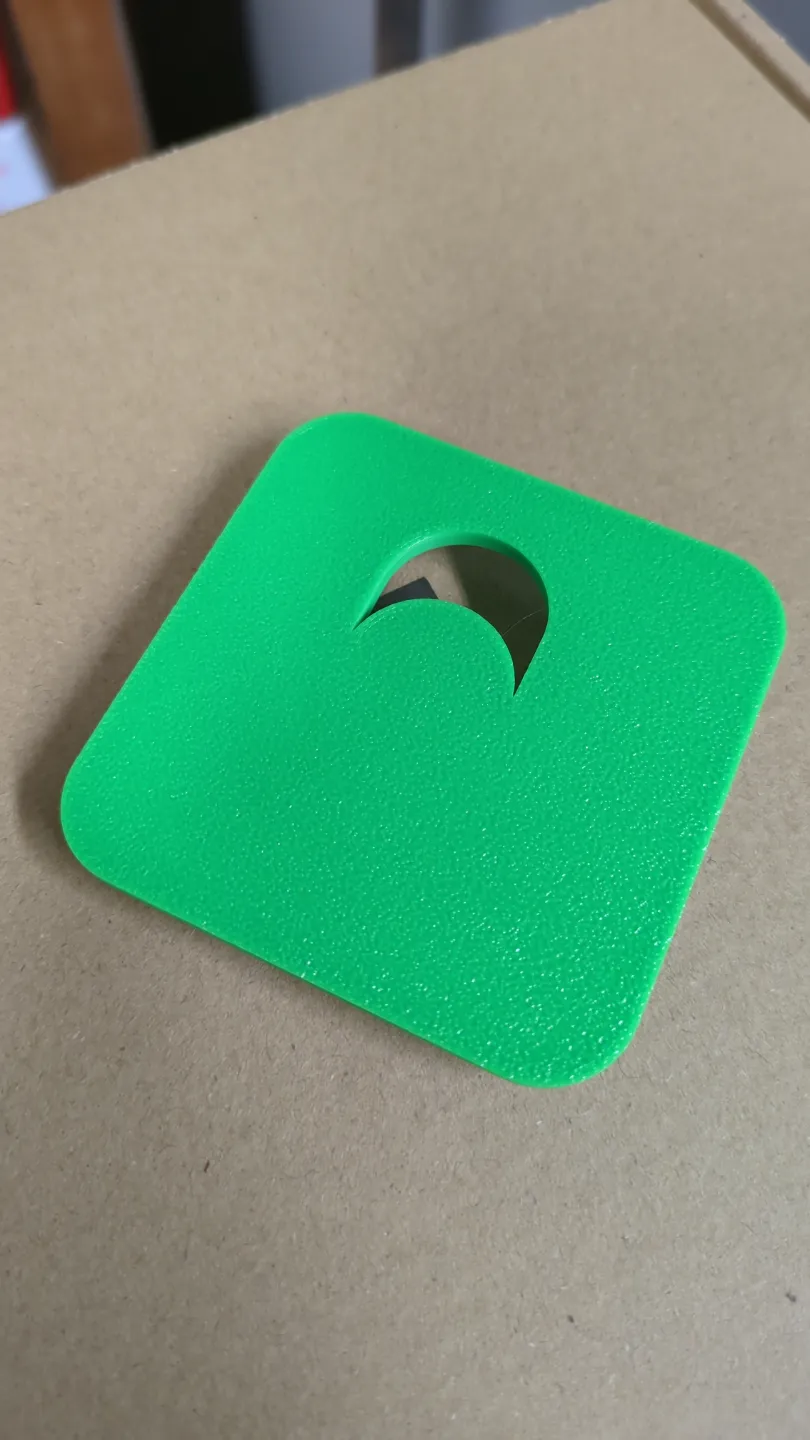
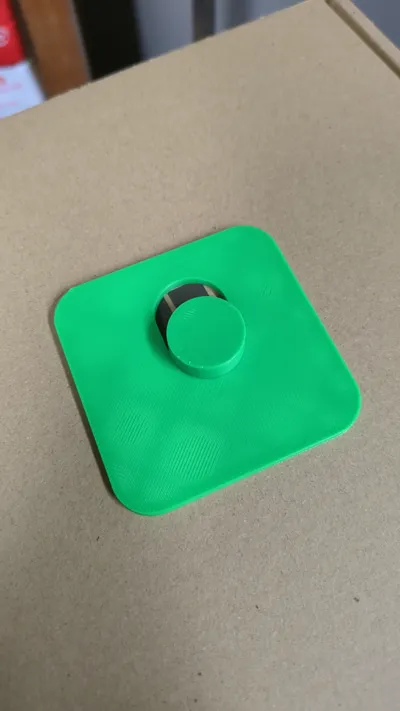
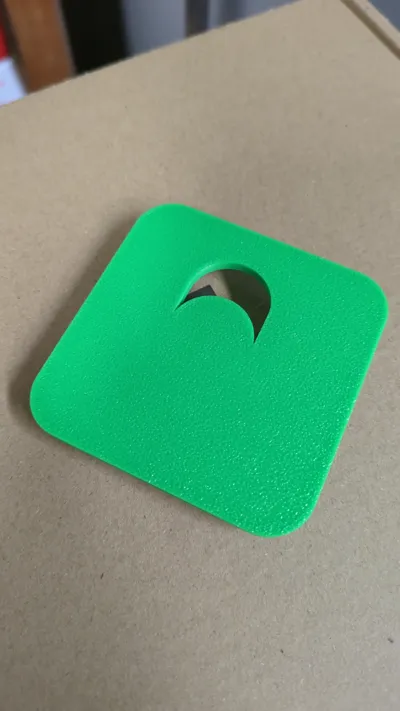
Once printed, place the “Cylinder” into the existing hole. Use the “Base Plate” to align the template to an existing straight edge (i.e. the direction of the slot will be parallel to the right and left edges) - so adjust these Base Plate dimensions for your situation.
Once the template is positioned, scribe across the borders of the new slot, remove the template and then trim exactly to your scribed line.
This template is particularly useful when you have multiple holes that all need to be elongated in the same direction, and to the same amount.
Thanks for looking, and would welcome any comments, suggestions or recommendations.
License

You shall not share, sub-license, sell, rent, host, transfer, or distribute in any way the digital or 3D printed versions of this object, nor any other derivative work of this object in its digital or physical format (including - but not limited to - remixes of this object, and hosting on other digital platforms). The objects may not be used without permission in any way whatsoever in which you charge money, or collect fees.


Comment & Rating (0)