
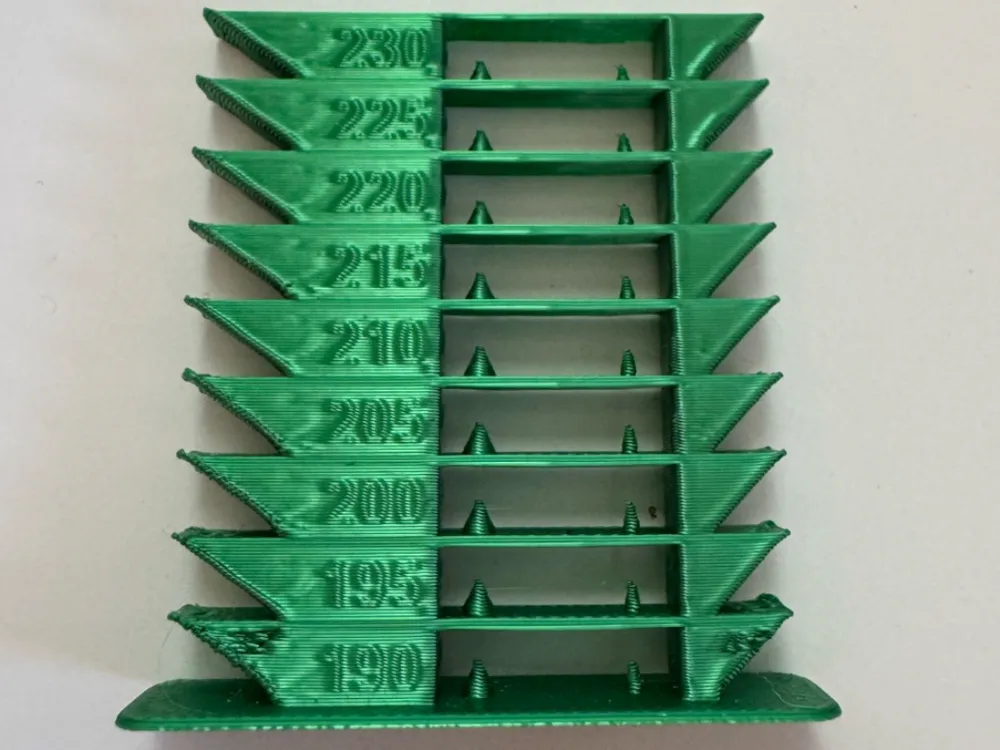
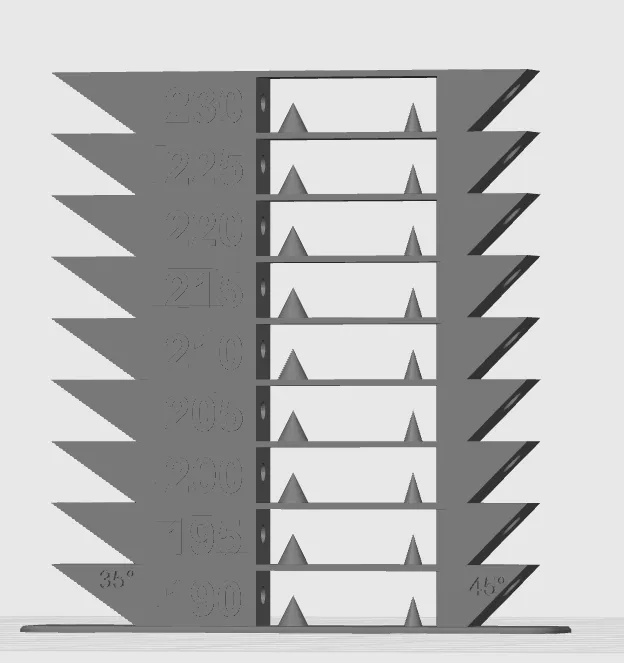
Torre de temperatura - Temp Tower

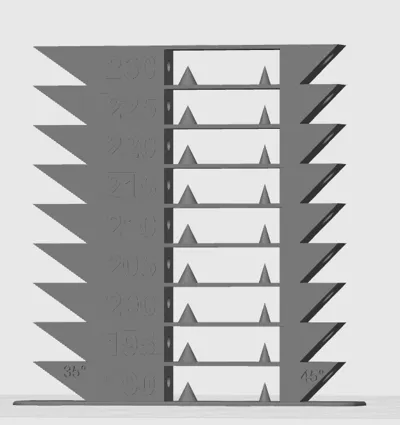
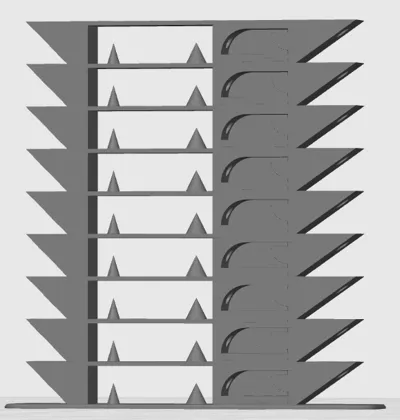
Print Profile(1)

Description
MODIFY THE FILE ACCORDING TO THESE INSTRUCTIONS TO ENSURE A PROPER TEST:
Follow these simple steps to insert the G-CODE:
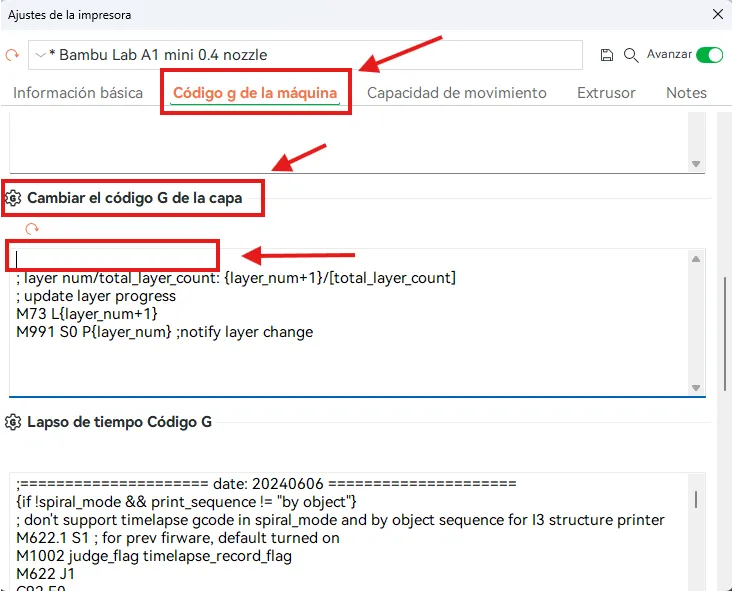
- Select the edit button to the right of your printer model to open the printer settings.
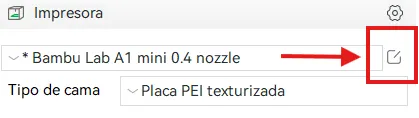
2. Select the "Machine G-Code" tab
3. Scroll down to "Layer Change G-Code". Now copy and paste this code above the current G-code (DO NOT DELETE the current G-code, simply copy and paste above)
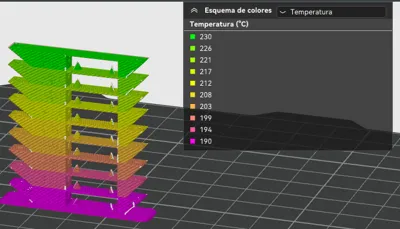
{if layer_num==0} M104 S190{endif};
{if layer_num==28} M104 S195{endif};
{if layer_num==53} M104 S200{endif};
{if layer_num==78} M104 S205{endif};
{if layer_num==103} M104 S210{endif};
{if layer_num==128} M104 S215{endif};
{if layer_num==153} M104 S220{endif};
{if layer_num==178} M104 S225{endif};
{if layer_num==203} M104 S230{endif};
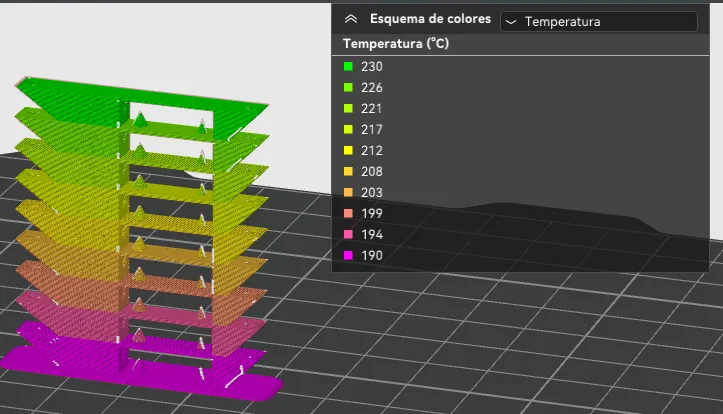
Ready!! Now you just have to slice, select in the upper right the temperature guide and verify that everything is correct before printing!
License



Comment & Rating (24)