Search models, users, collections, and posts

Custom Multicolour Name Keyring
Print Profile(1)

All
A1 mini
P1S
P1P
X1
X1 Carbon
X1E
A1
H2D
H2D Pro
H2S
P2S
H2C
X2D
A2L

0.2mm layer, 2 walls, 15% infill
Designer
22 min
1 plate
4.8(52)

Open in Bambu Studio
Boost
10143
22073
386
1.8 k
36.6 k
11.7 k
Released 

Bill of Materials

Maker's Supply Kits and Parts
Select all
25mm Silver Keychain (10pcs) - MA001

Description

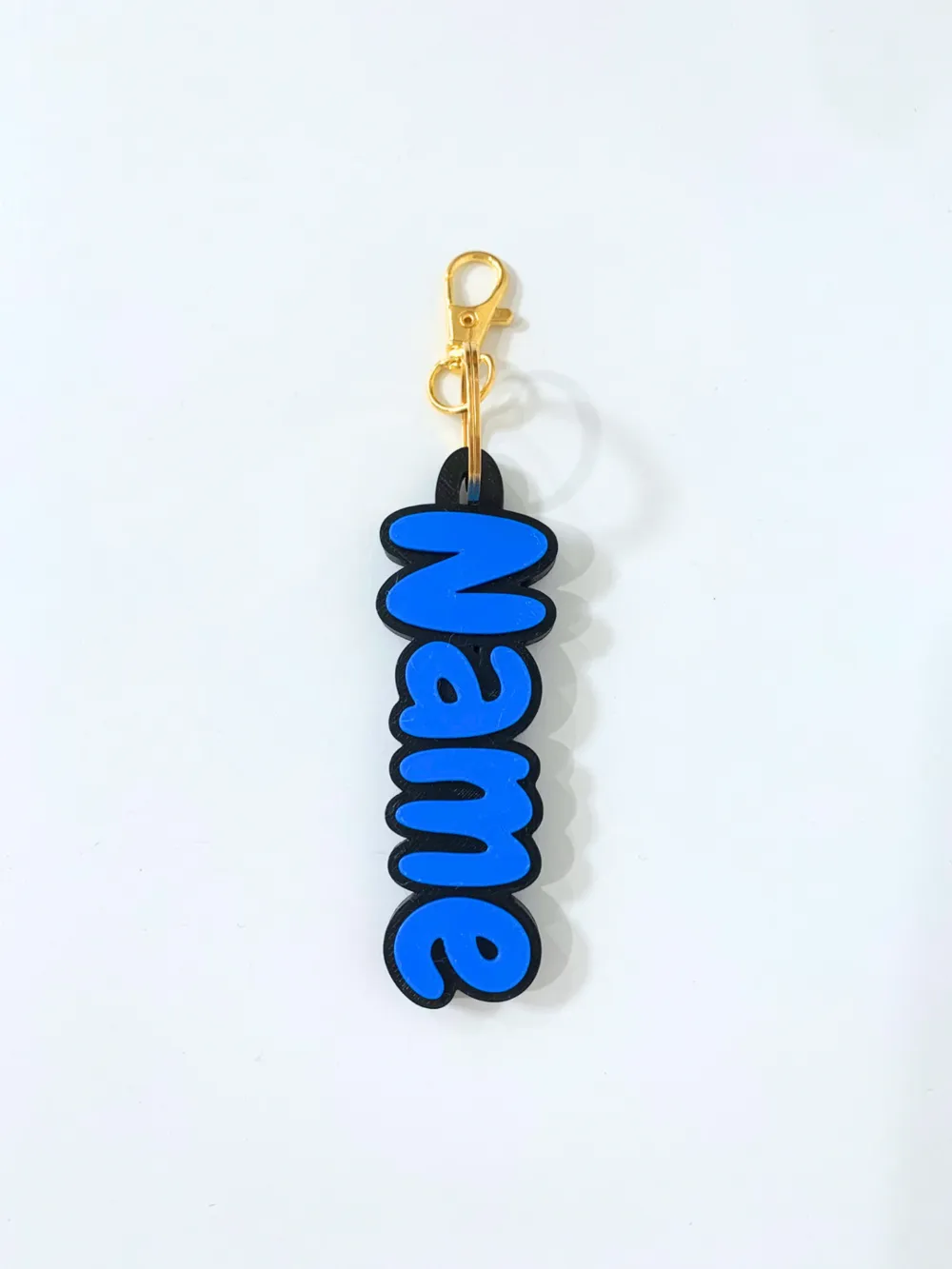
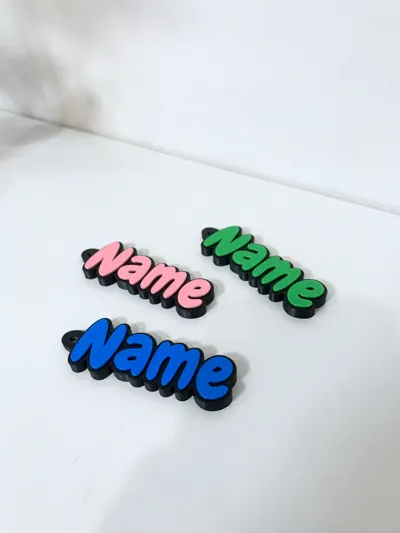
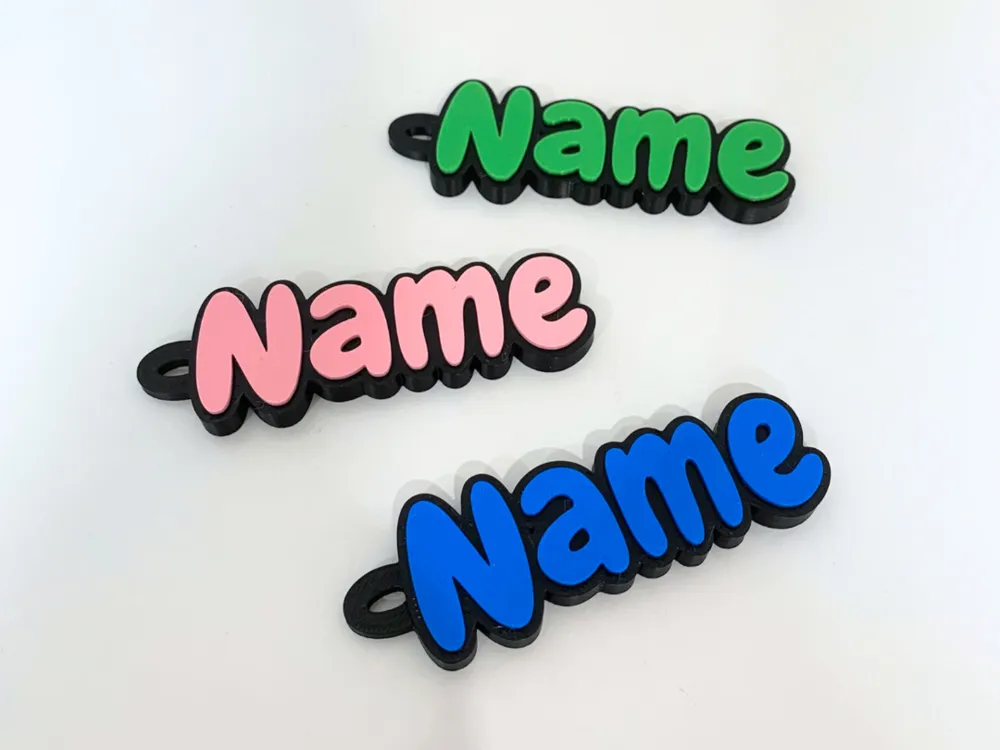
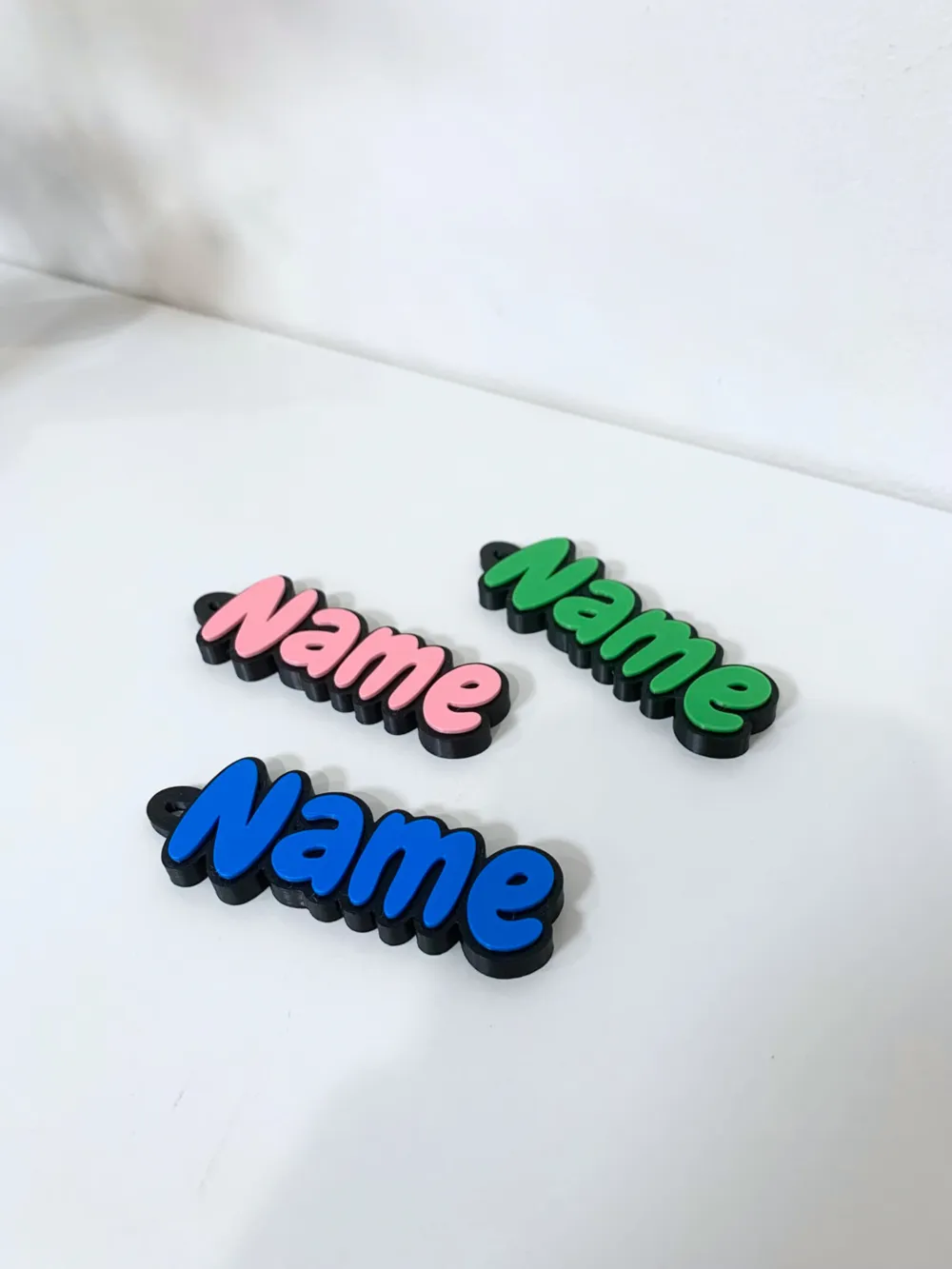
Fully Custom Name Keyring, now in multicolour! Customize with your own text using the MakerLab feature (more info below!)


NO AMS REQUIRED! Just pause the print when it starts the smaller front text and switch to your other colour! Please BOOST this model if you like it! Thank you :)


Boost Me (for free)

If you like this, please consider giving me a boost! It is free & helps support my work.

How To Customize

To customize this model, please first ensure that you have MakerWorld (web version) opened on your laptop or tablet:

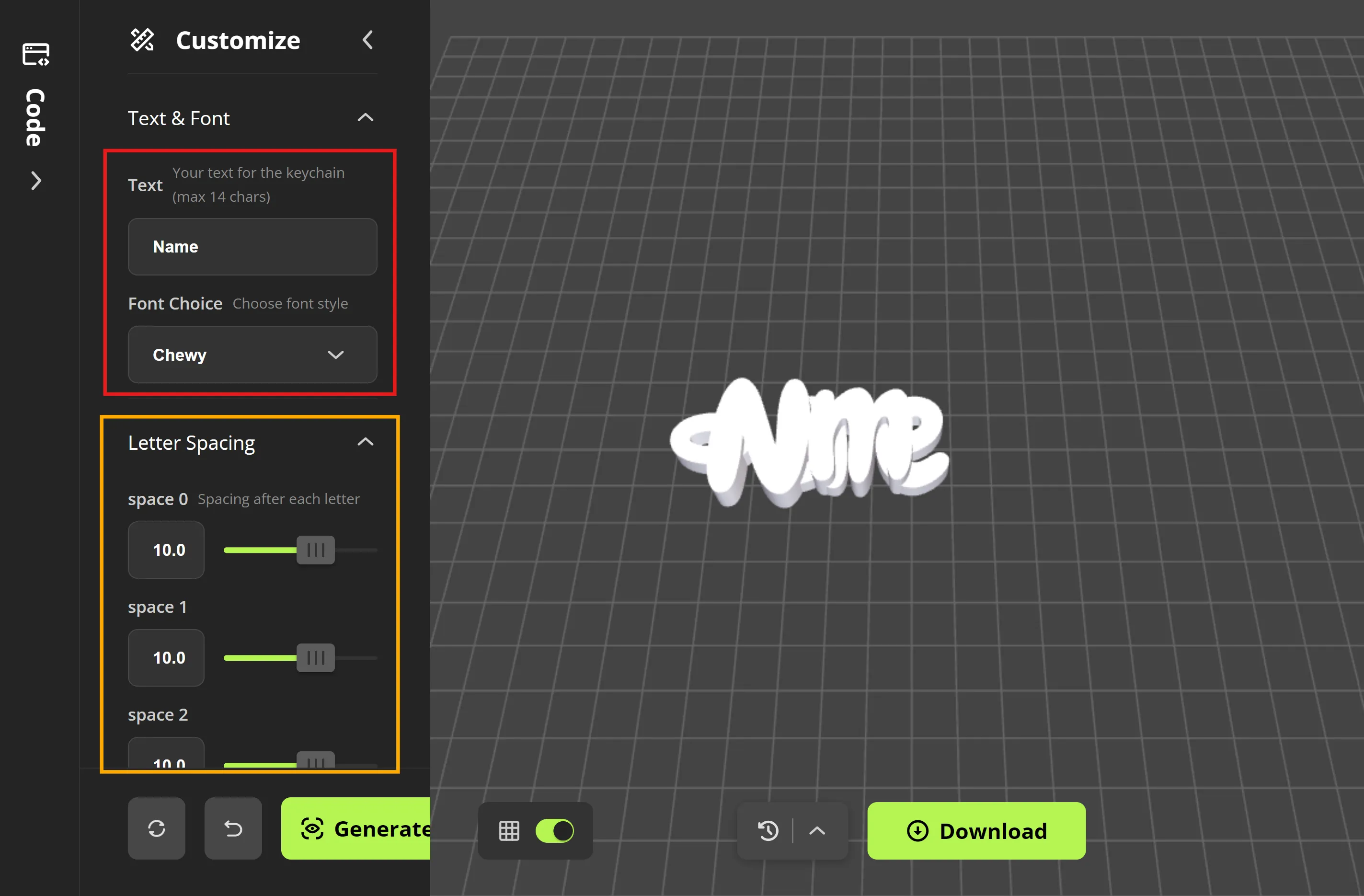
  1. Click the “Customize” button on the right of the screen (shown below)
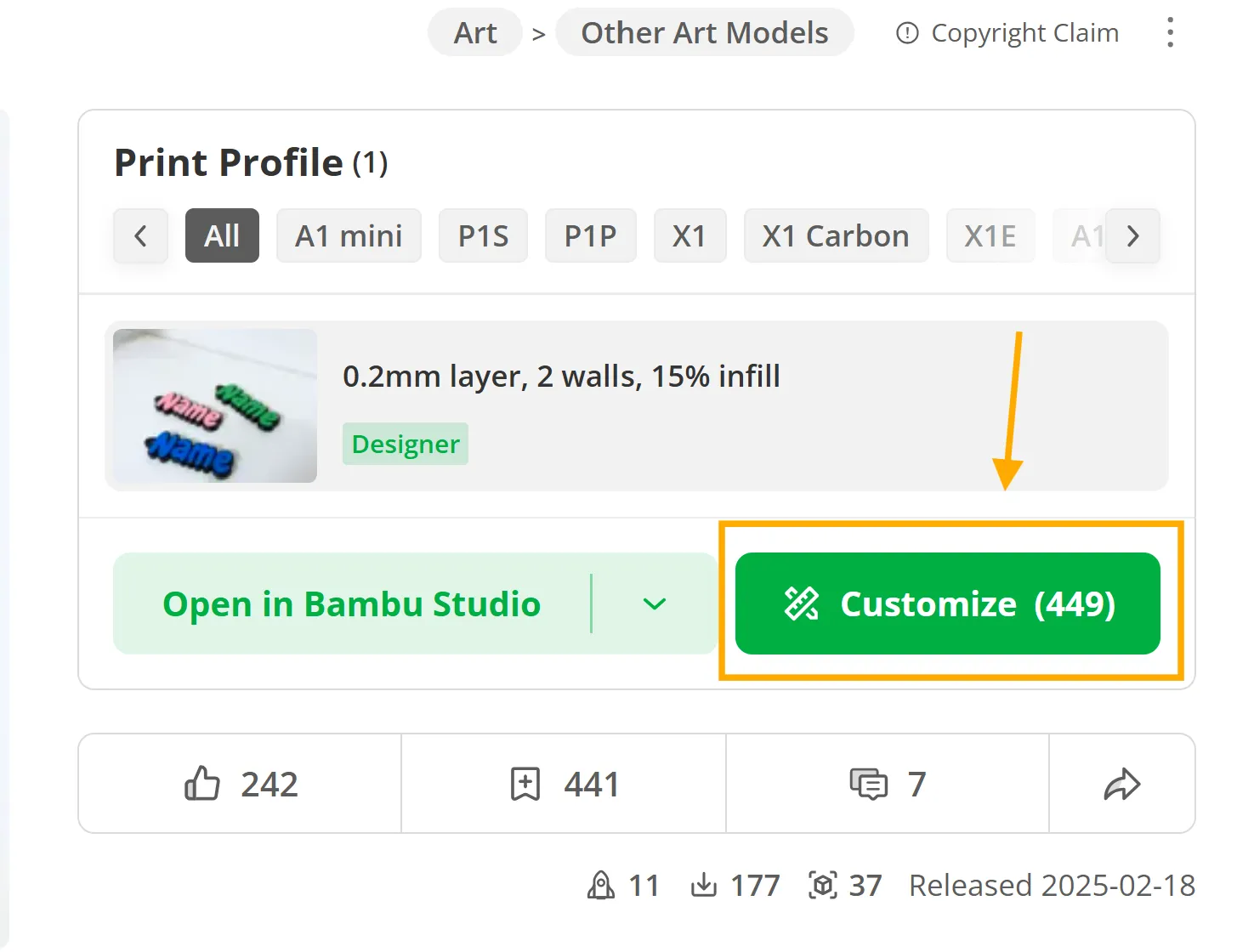
  2. Enter your text & choose a font (Shown in screenshot in red)
  3. Adjust the letter spacing for each of your letters until you achieve your desired look. You can do this by using the slider or typing in a number (Show in the screenshot as yellow)
  4. Fine-tune the ring position if needed


Support My Work!

If you like this, please consider giving me a boost! It is free & helps support my work.

Boost Me (for free)

If you like this, please consider giving me a boost! It is free & helps support my work.


Commercial Use

For any commercial use, please purchase a commercial use license on my MakerWorld profile. It helps support my work. Thank you!

Membership

Purchase my Membership for Commercial Use!

Join

Comment & Rating (386)

(0/1000)

Boosted
Thank you for the model, I created the widgets for the children😊, 60% reduction with upper surface smoothing, but I made a mistake with the pause layer, the pause for the second color should be set at the 19th layer
(Edited)
Show original
6
Reply
Did you make them all at once?
Show original
1
Reply
Boosted
Yes
Show original
1
Reply
Boosted
Replying to @cmert.13 :
The pause is set in Bambu Studio, from a PC, when you slide the control with the cursor to where the color change should begin and set the pause. The filament without AMS must be manually unloaded and loaded; after inserting the new filament, restart the print from the machine
Show original
2
Reply
aww yiss. gunna make offensive sayings with this one.
12
Reply
yes. thx for idea :D:D:D:D
1
Reply
do it
0
Reply
I find that difficult to credit
Show original
0
Reply
İ love it
8
Reply
how did you connected the keychain
0
Reply
shaikha
0
Reply
my first file that I cut. thank you it was super easy to customize a name on it. still learning I’m a newbie thank you
The designer has replied
1
Reply
great to here! thank you!
0
Reply
I don't understand 😢 When I adjusted it, it's only monochrome in Bambu Studio 🤷🏼‍♀️ I'm still completely inexperienced when it comes to 3D printing🙈 How do I get it in two colors? Kind regards
Show original
0
Reply
Replying to @Saskia89 :
I’m having the same problem
0
Reply
Very cool model, thanks for putting in the work. Been struggling to use it a bit though. First part is that the loop seems to share color with the top layer, wouldn't it make more sense to either make the loop color controllable or make it share color with the base? Second aspect I struggled with was how taller letters are offset when the letters are horizontally centered, causing the "d" in "Leonardo" to drop down. Could this be controllable, the letter alignment?
3
Reply
for the loop color in the code you can change this by putting base_color instead of top_color // Module to draw the loop (the keyring element) in a single colour. module draw_loop() {     color(base_color)
4
Reply
how to edit it please?
3
Reply
yair
0
Reply
Unfortunately, Zoe is not possible as a name The ring lies individually on the print bed
Show original
1
Reply
you can change the ring position
0
Reply
Replying to @Maokhay :
Where? I don't see this option
0
Reply
Replying to @user_872754078 :
Right where it says Loop and Settings
0
Reply
Boosted
I have to stick pieces together
0
Reply
you needed to adjust the spacing like the instructions say.
2
Reply
Replying to @Shiftomatic :
Yes, sadly takes a long time but is 100% worth it.
0
Reply
Boosted
Super easy to customize with excellent results A boost to add more fonts
Show original
1
Reply
Operator error. You didn't change the letter spacing.
0
Reply
My dog ​​says it's great.
0
Reply
pretty eyes!
0
Reply
I love it The ability to independently adjust the spacing of each letter opens up very interesting possibilities The only thing I miss is the option to choose from a wider range of fonts
Show original
1
Reply

License

If you want to use this model commercially, please join my membership.
Join Now
This user content is licensed under a Standard Digital File License.

You shall not share, sub-license, sell, rent, host, transfer, or distribute in any way the digital or 3D printed versions of this object, nor any other derivative work of this object in its digital or physical format (including - but not limited to - remixes of this object, and hosting on other digital platforms). The objects may not be used without permission in any way whatsoever in which you charge money, or collect fees.