
Print Profile(2)


Bill of Materials


Description
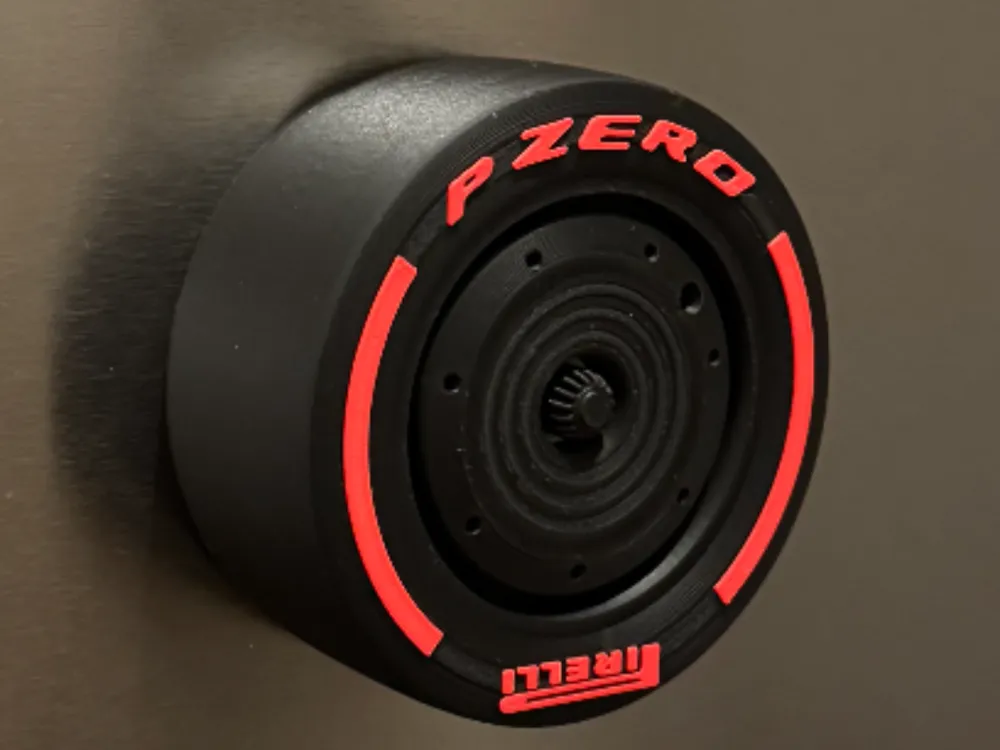
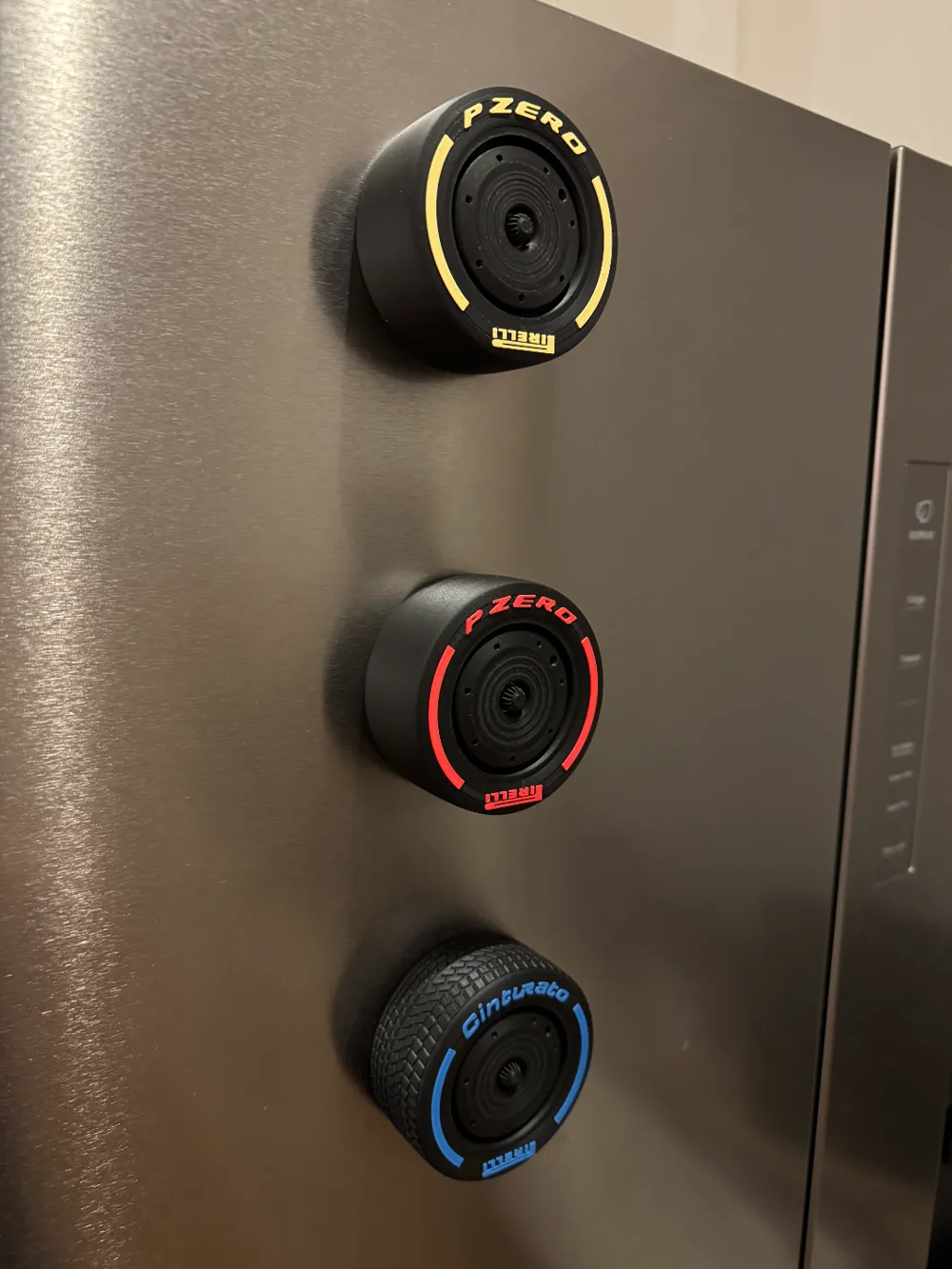
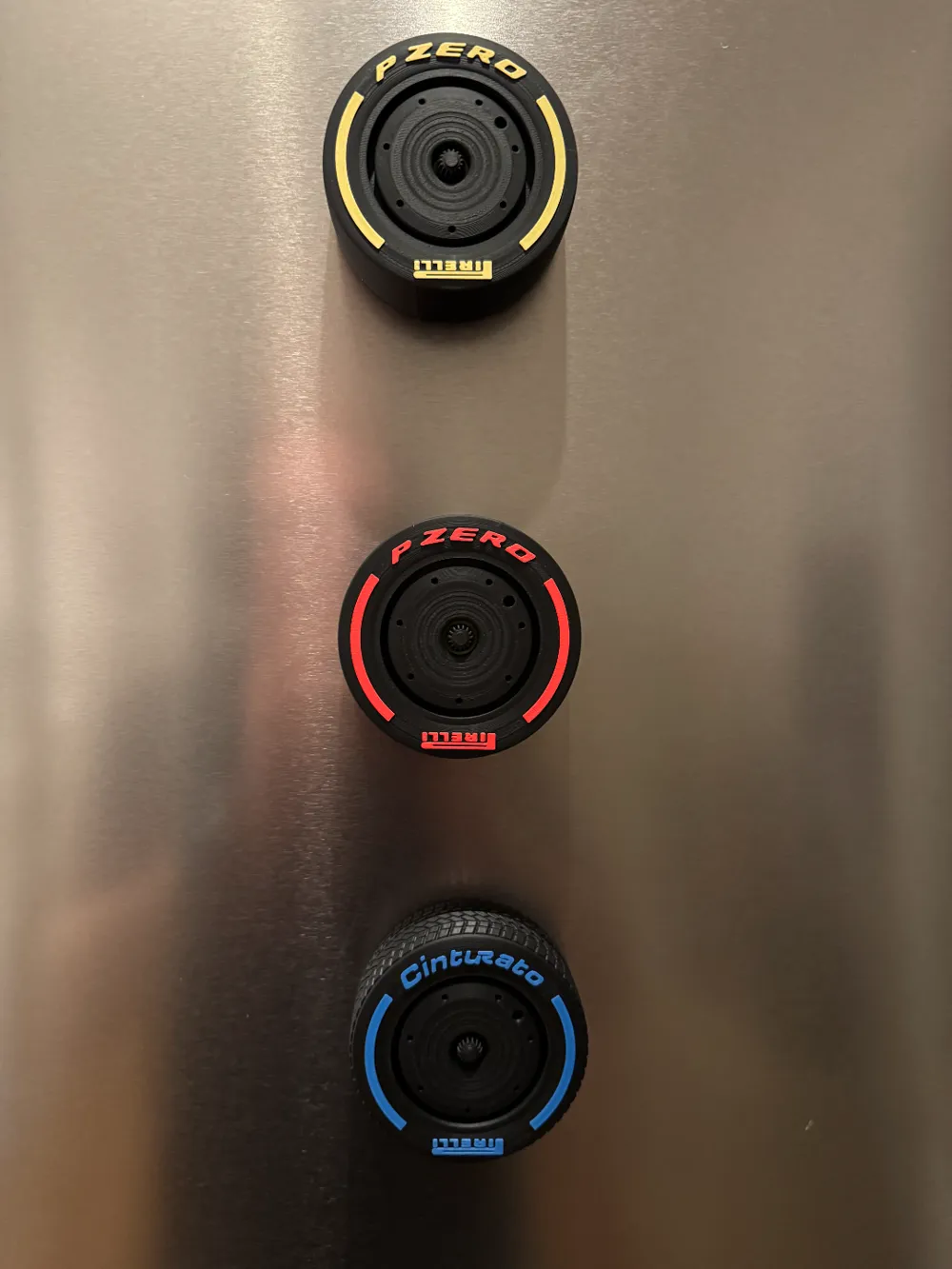
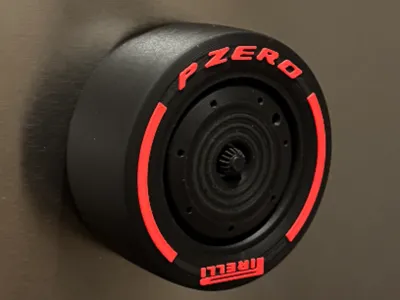
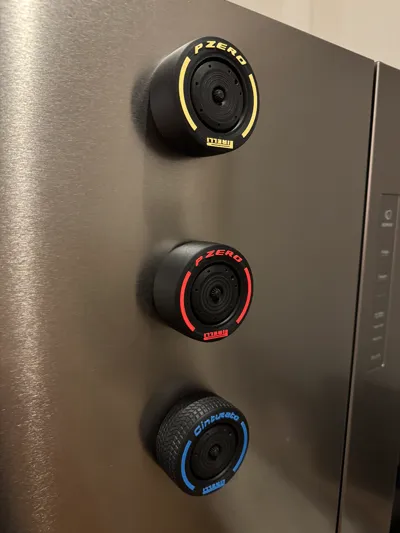
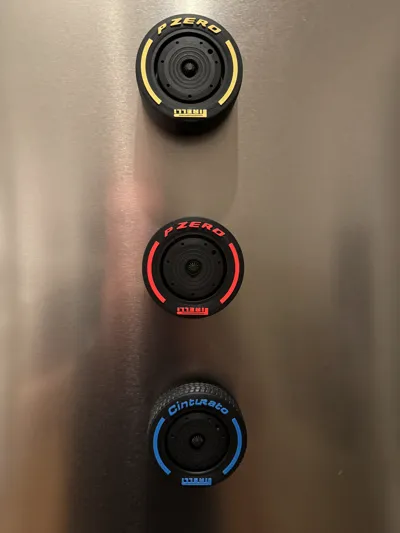
Based on @Archie3D's model I made a selection of magnets, looking like the current generation of F1 wheels.
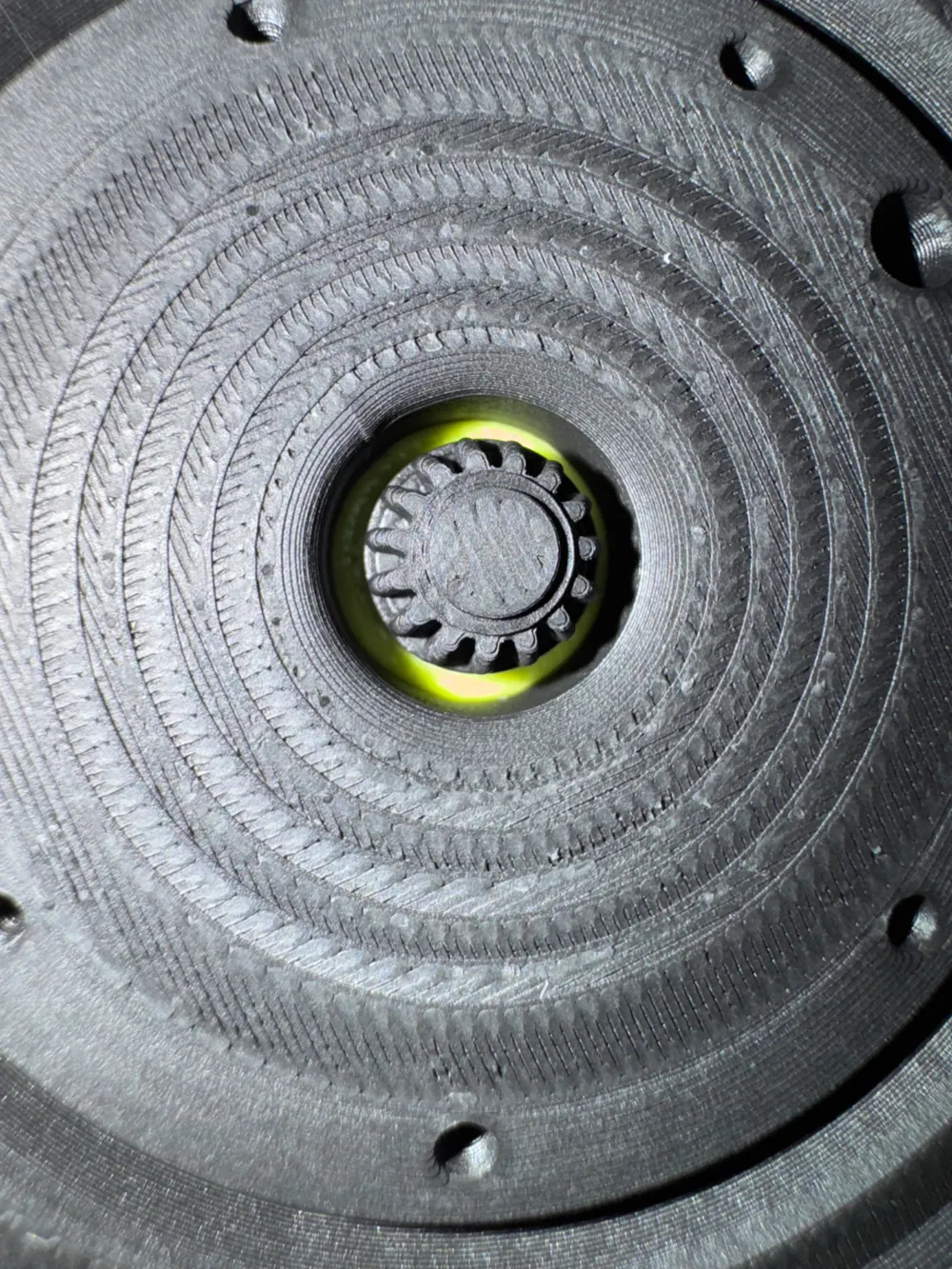
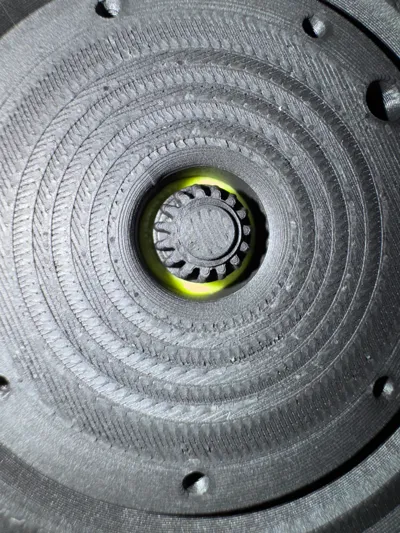
I used 5x3mm magnets and you will need 4 of those per wheel. You can try it with less of course, depending on your use case.
I printed them with BambuLab Matte Filaments.
Matte Charcoal (Tire)
Matte Marine Blue (Wet)
Matte Ivory White (Hard)
Matte Lemon Yellow (Medium)
Matte Scarlet Red (Soft)
Matte Grass Green (Intermediate)
Matte Bright Green (ring around wheel nut)
In case you haven't done this before, here's a few important hints.
You will need magnets. I've added them to the list below, but you can basically use any 5x3mm round magnet.
During the print, you will have to put the magnets into the print, which happens quite early in the print, so you can wait for that to happen and then leave the printer on it's own overnight for example.
You can automatically pause the print and the printer will only resume printing, once you tell it to do so.
To do that, you need to slice it in BambuStudio and then select the last layer before the printer closes the magnet holes.
Right click on the slider and hit “Add pause” - done. Now just start the print and the printer will stop at your selected layer automatically.
In this file, it should be layer 17 for the Wets, layer 14 for all Slicks and layer 18 for the Intermediates.
Also the pause should already be pre-selected if you download/open the .3mf file (just press Open in BambuStudio, that's easiest).
Have fun!
Boost Me (for free)
Feel free to leave a boost if you liked it.
Also, it really makes my day seeing pictures of your prints! So go ahead and take a snapshot of your F1 fridge magnet!
License

You shall not share, sub-license, sell, rent, host, transfer, or distribute in any way the digital or 3D printed versions of this object, nor any other derivative work of this object in its digital or physical format (including - but not limited to - remixes of this object, and hosting on other digital platforms). The objects may not be used without permission in any way whatsoever in which you charge money, or collect fees.


Comment & Rating (124)