
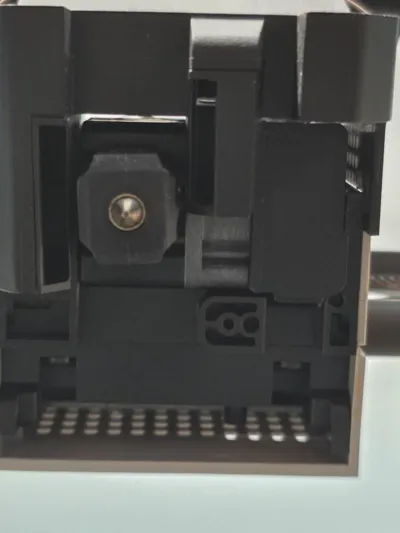
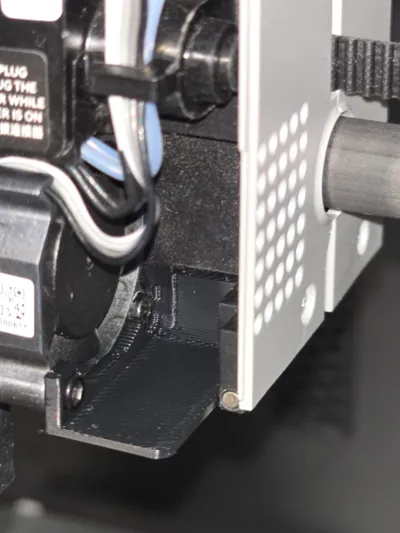
Toolhead nozzle cooler heat block for P1P/P1S
Print Profile(2)
![[PLA/PETG] 0.2mm layer, 2 walls, 15% infill](https://makerworld.bblmw.com/makerworld/model/US1670a76ac4156e/309206008/instance/2025-02-15_2b843ce784bdb.jpg?x-oss-process=image%2Fresize%2Cw_100%2Fformat%2Cwebp)


Description
👍🏻 If you like this design, please give it a thumbs up — even if you don’t download it! It helps more people discover this model. Thanks so much for your support!
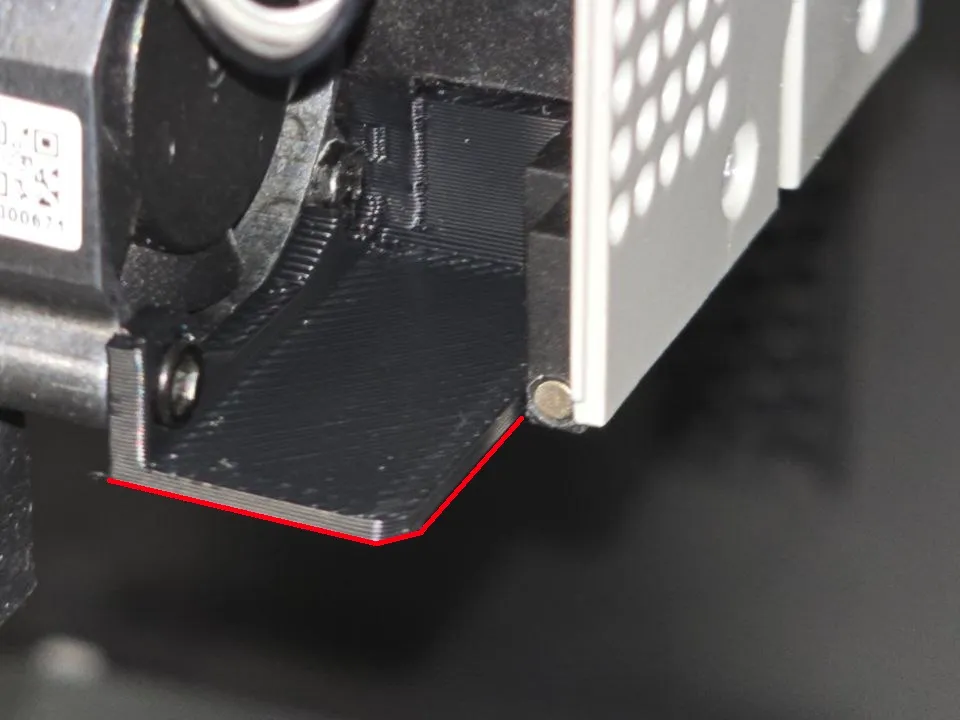
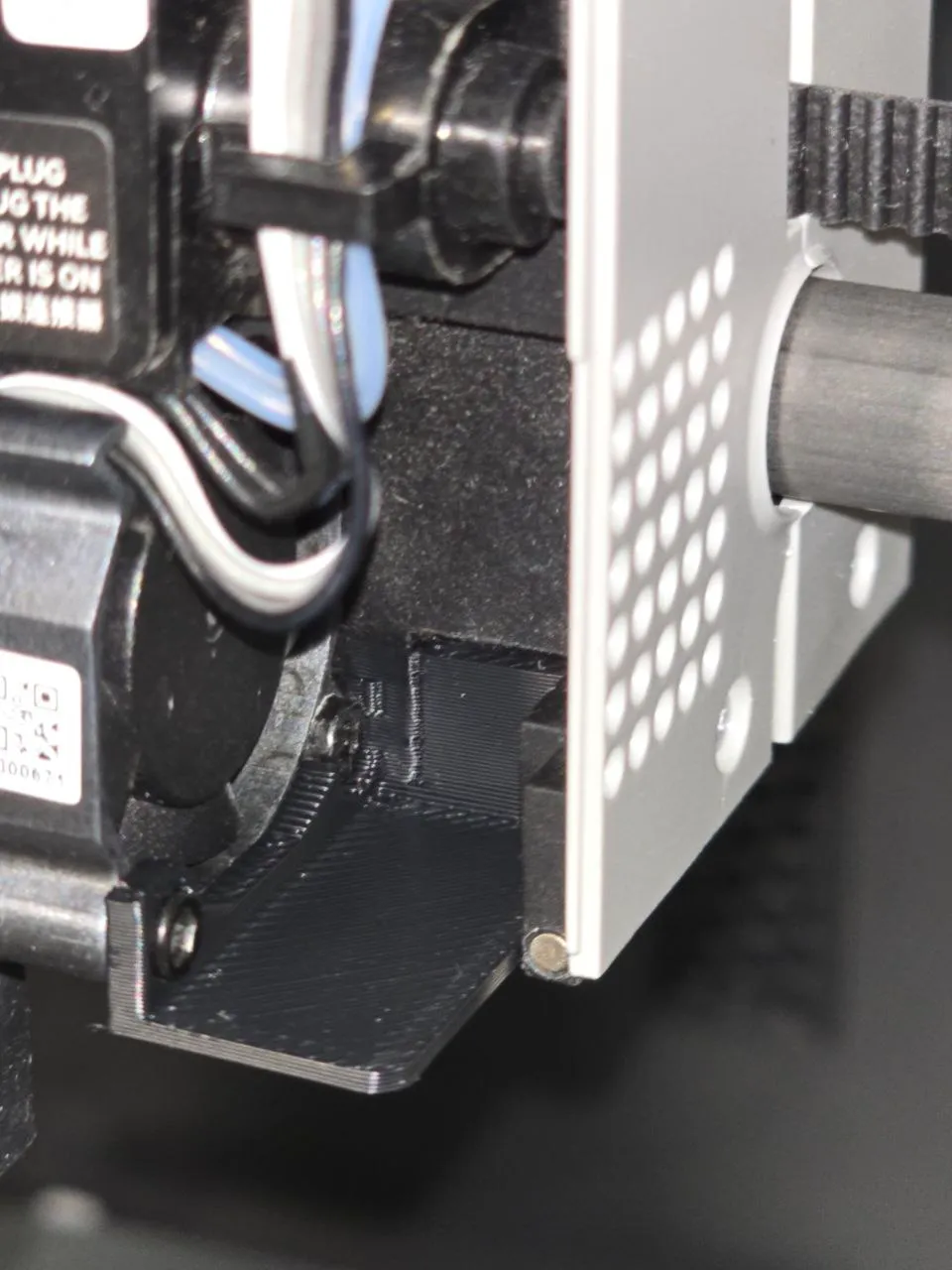
Update: This remix improves the original design by ensuring that the toolhead front cover can detach freely in case of print issues. The original model could block the cover, potentially leading to breakage and failed prints. This version removes the obstructing parts while maintaining effective coverage of the bottom hole, preventing hot air from being drawn in. Now, the cover can be safely removed without compromising cooling efficiency.
---
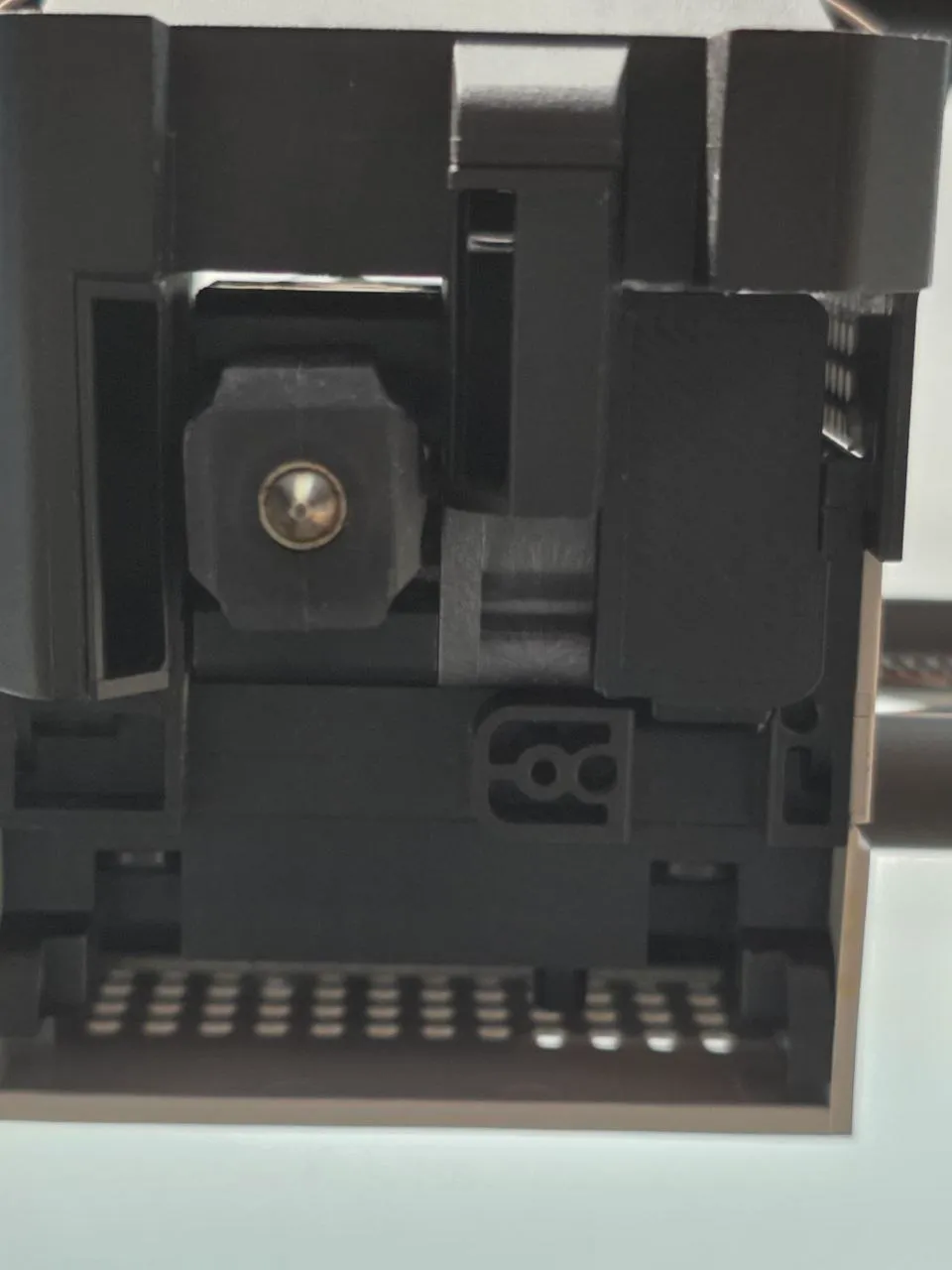
Purpose: This plate is designed to minimize the intake of hot air from the heated bed, ensuring optimal performance of the heatbreak. By directing airflow efficiently through vents and an upward channel, it prevents hot air from disrupting cooling while maintaining a lightweight and non-intrusive design.
Key Features:
- Prevents overheating: Reduces the risk of hot air being drawn into the cooling system.
- Lightweight design: Weighing only 0.7g (ASA), it adds minimal mass, preserving toolhead inertia and motion accuracy.
- Easy installation: Unlike some models that require full hotend disassembly, this version only requires removing a single fan screw for installation.
- Improved toolhead cover detachment: Ensures the front cover can be removed freely in case of print failures, preventing damage.
- Optimized fit: Tightens gaps around heat-sensitive areas while avoiding interference with the nozzle.
Recommended Materials: For best durability and heat resistance, print this part in ABS, ASA, or at least PETG to prevent deformation under high temperatures.
Installation Instructions:
- Remove the toolhead front cover.
- Unscrew the front-facing fan screw.
- Snap the bracket onto the inner screw with light pressure.
- Align the front screw hole.
- Reattach the fan screw and reassemble the cover.
Compatibility:
- Compatible with Bambu Lab P1 series.
- Not compatible with X1 series due to lidar interference.
This remix is based on


License



Comment & Rating (5)