
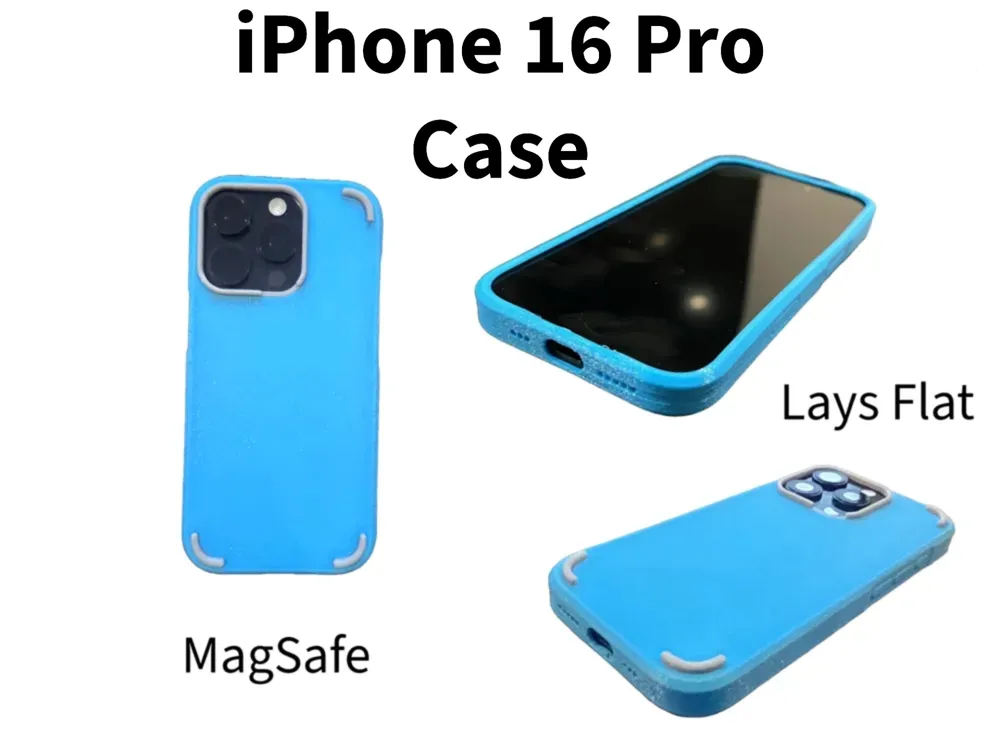
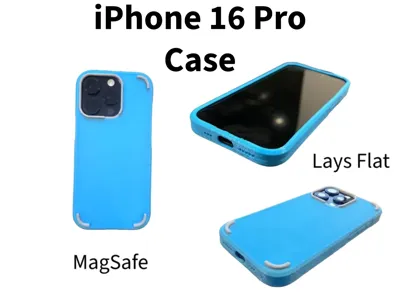
iPhone 16 Pro Case MagSafe Lays Flat (No Supports)
Print Profile(2)


Bill of Materials



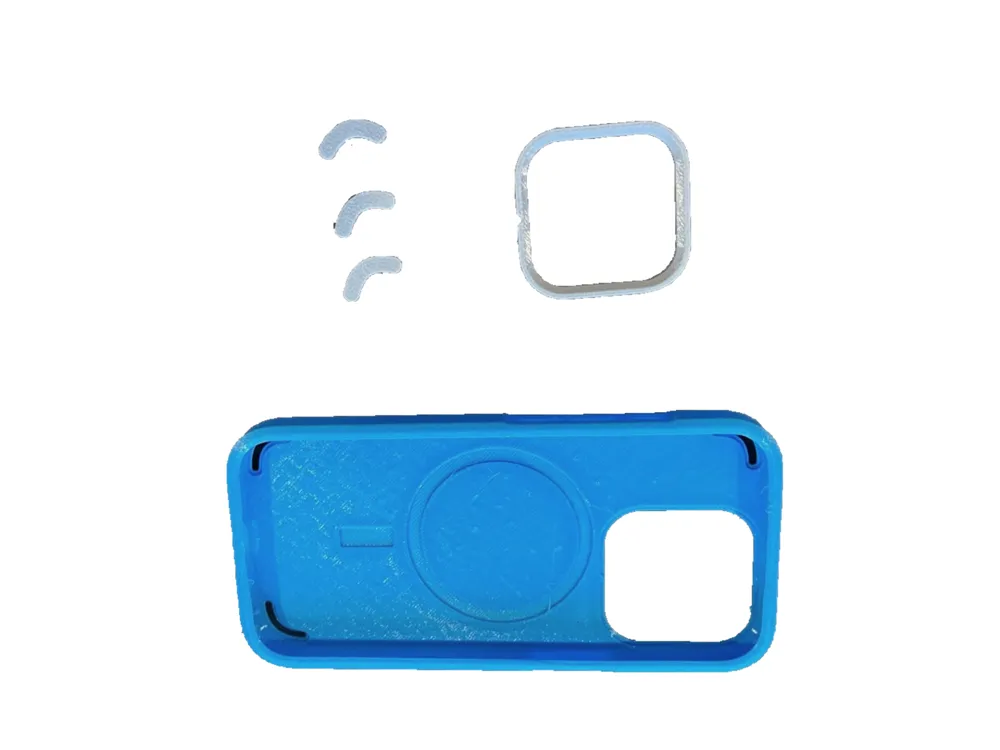
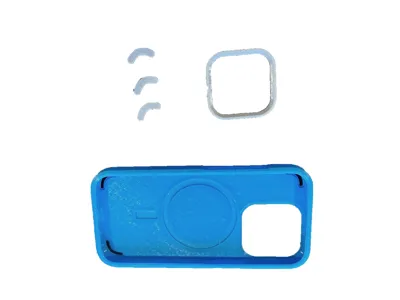
- MagSafeMagnets x 1: InsideCaseOrientation
Description
Membership
🛒 Selling prints? Commercial licenses start at just $3/mo and cover my entire library — no per-model fees, no royalties. Upgrade to Inner Circle for source CAD files (STEP/F3D) and priority design requests.
I wasn't super happy with the other iPhone 16 Pro phone cases I could find online so I designed my own.
Some design features worth noting:
- Designed using Apple's Accessory Design Guidelines for Apple Devices (the only area I know doesn't match the guidelines is around the camera button - more on that below).
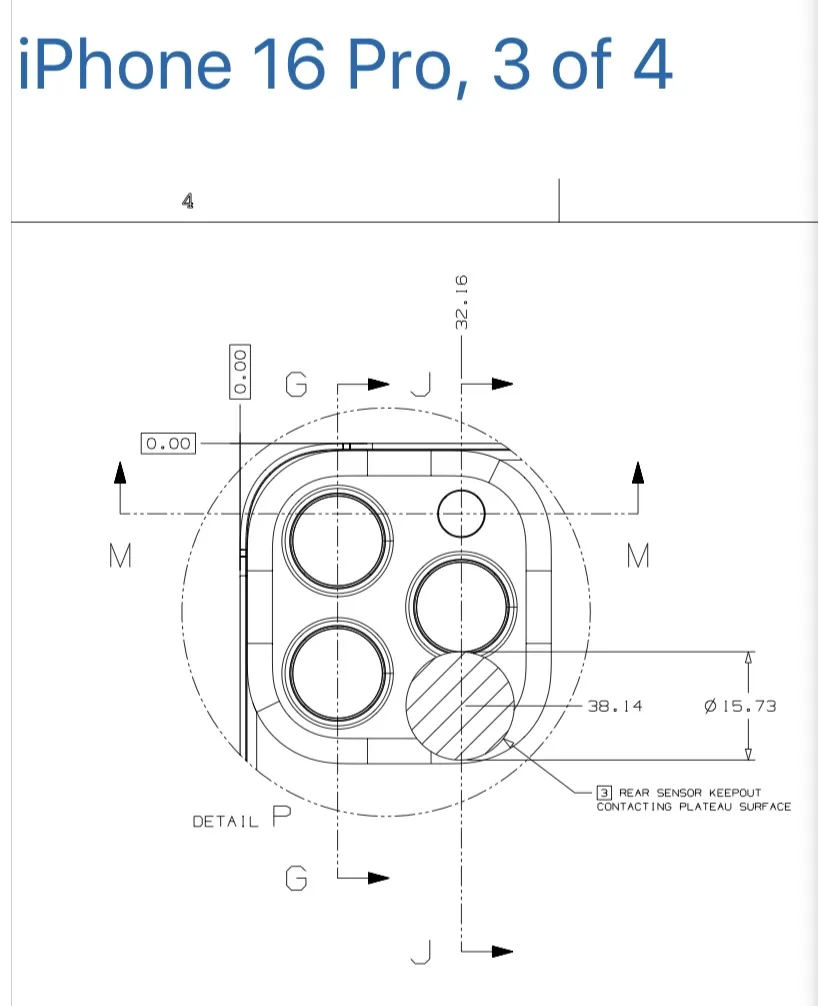
- I've included two options of lens guard. With and without a cutout in the rear sensor keepout area highlighted in the Apple Design Guidelines and one without. Not really sure if this is required as the vast majority of cases out there don't have this cutout. Take your pick.
- Includes a recess to optionally fit MagSafe magnets inside the case for compatibility with wireless charging and MagSafe accessories.
- Specifically, it fits these ones from AliExpress https://s.click.aliexpress.com/e/_ok7ae4I)
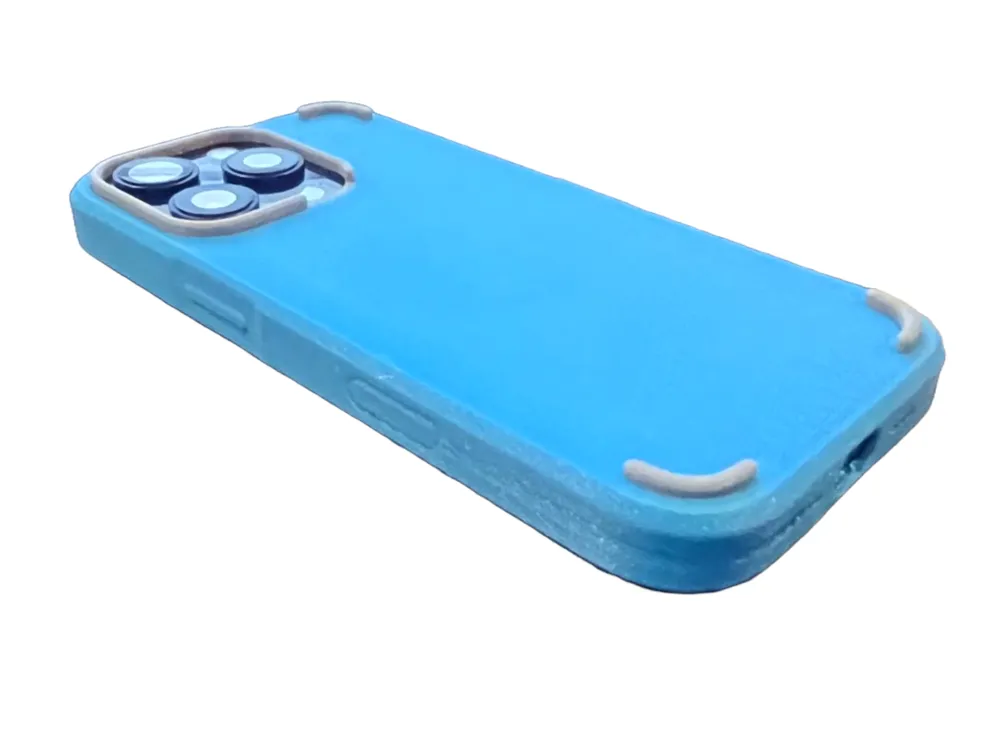
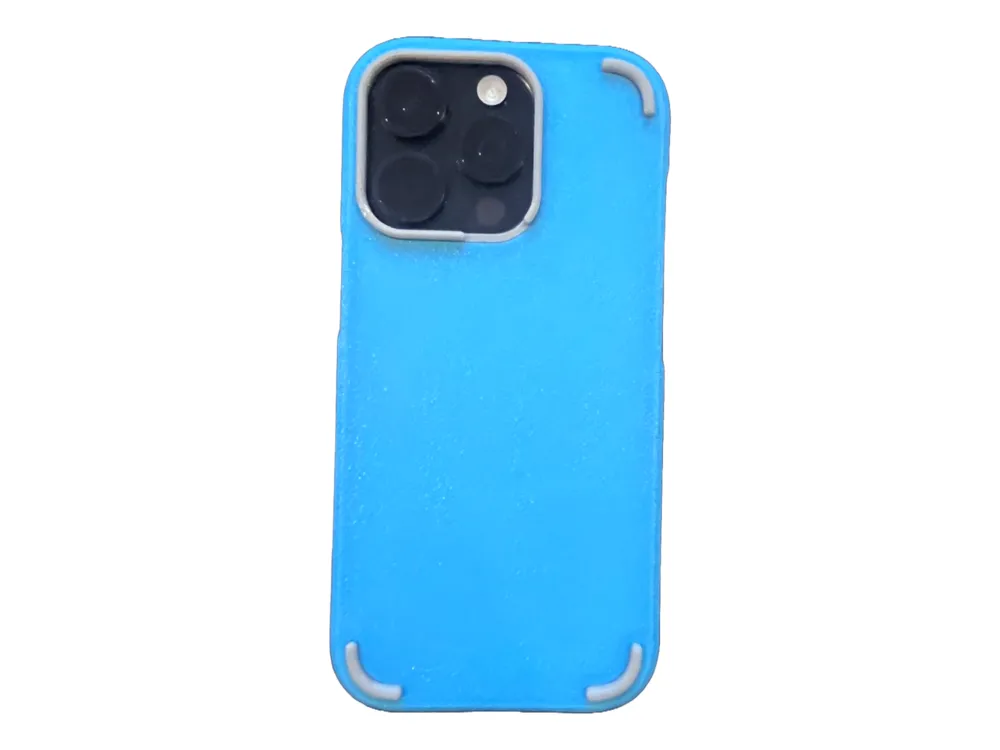
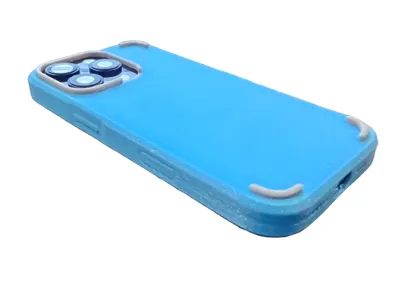
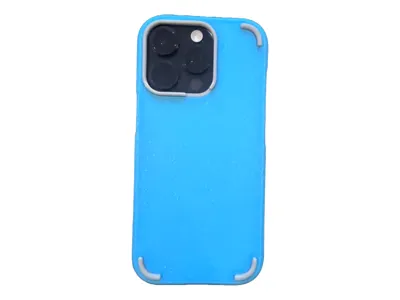
- Sits flat on tabletops thanks to the added bottom corner feet to match the height of the lens guard.
- I drew this with 3D printing in mind and assuming the main case would be printed in TPU 95A. The lens guard and corner feet can be printed in something harder (I used TPU for AMS here but PETG, SLA, ABS would work I imagine).
- Successfully prints without supports (as TPU supports are a pain!). The lip around the phone and the Speaker/Mic holes are designed around a 30deg Threshold Angle. The charger hole does have a small span of unsupported bridge but it printed satisfactorily for me.
- I tried printing the Main Case with TPU for AMS and it was a struggle to get the phone into the case as that stuff is so much stiffer than 95A.
- The feet and lens guard parts should easily pop into place.
- I made the case pretty thin around the buttons as it was a pain to press the buttons with other cases I had printed with TPU 95A.
Known areas for improvement/development:
- I didn't want to have a hole or a cutout for the camera button so the touch sensitivity for the scroll button doesn't work with this case. I tried making that part of the case super thin but it was still not reliably working.
- I'm probably going to experiment with either a conductive film or conductive filament to try and get that functionality back.
Enjoy
License

You shall not share, sub-license, sell, rent, host, transfer, or distribute in any way the digital or 3D printed versions of this object, nor any other derivative work of this object in its digital or physical format (including - but not limited to - remixes of this object, and hosting on other digital platforms). The objects may not be used without permission in any way whatsoever in which you charge money, or collect fees.


Comment & Rating (30)