
Ultimate card scanner stand (for Pokemon/MTG)





Print Profile(6)






Description
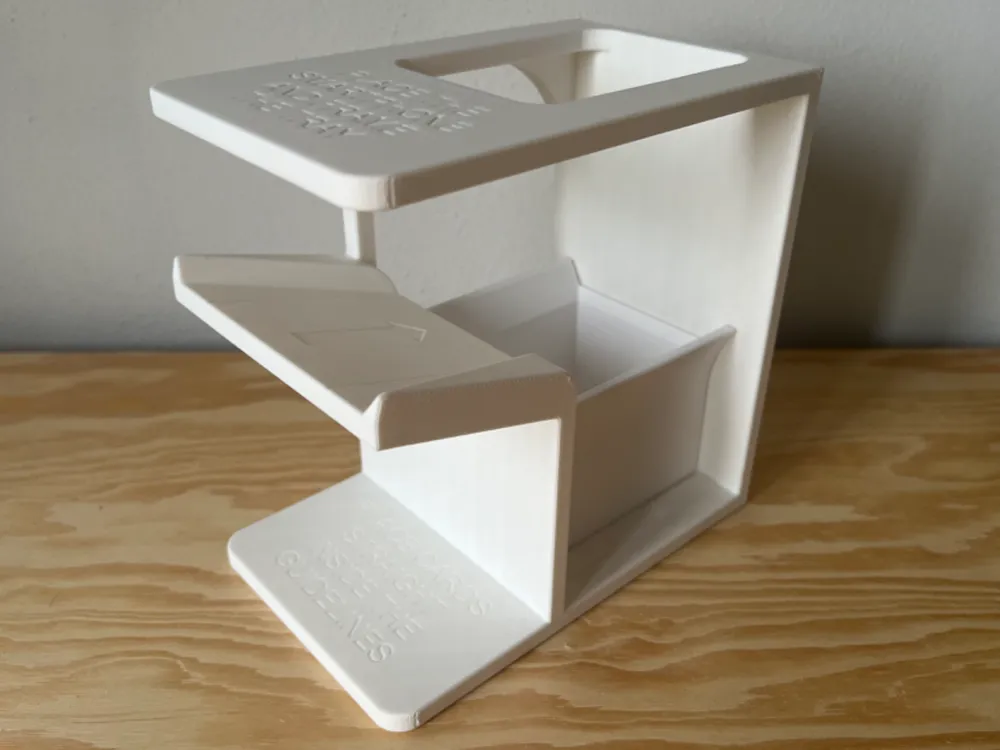
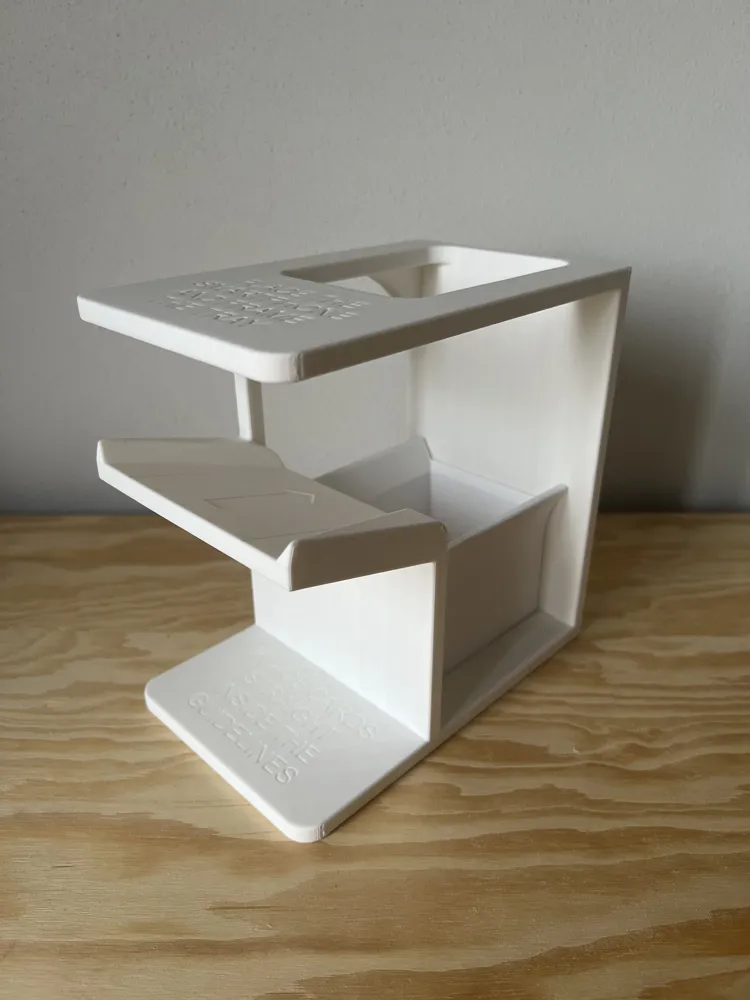
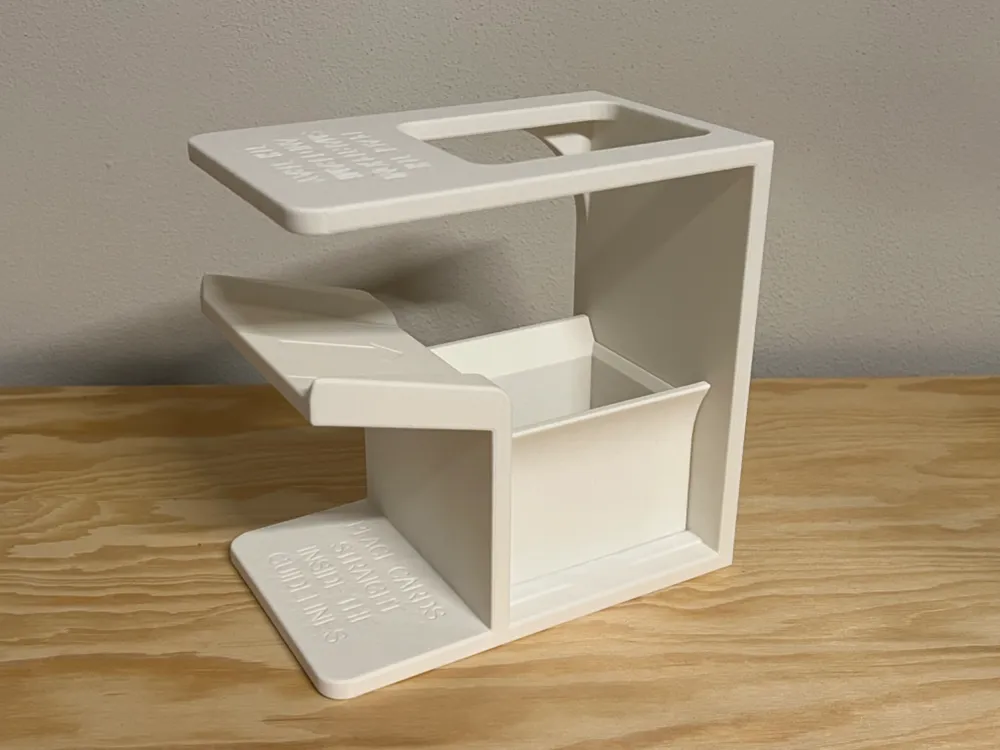
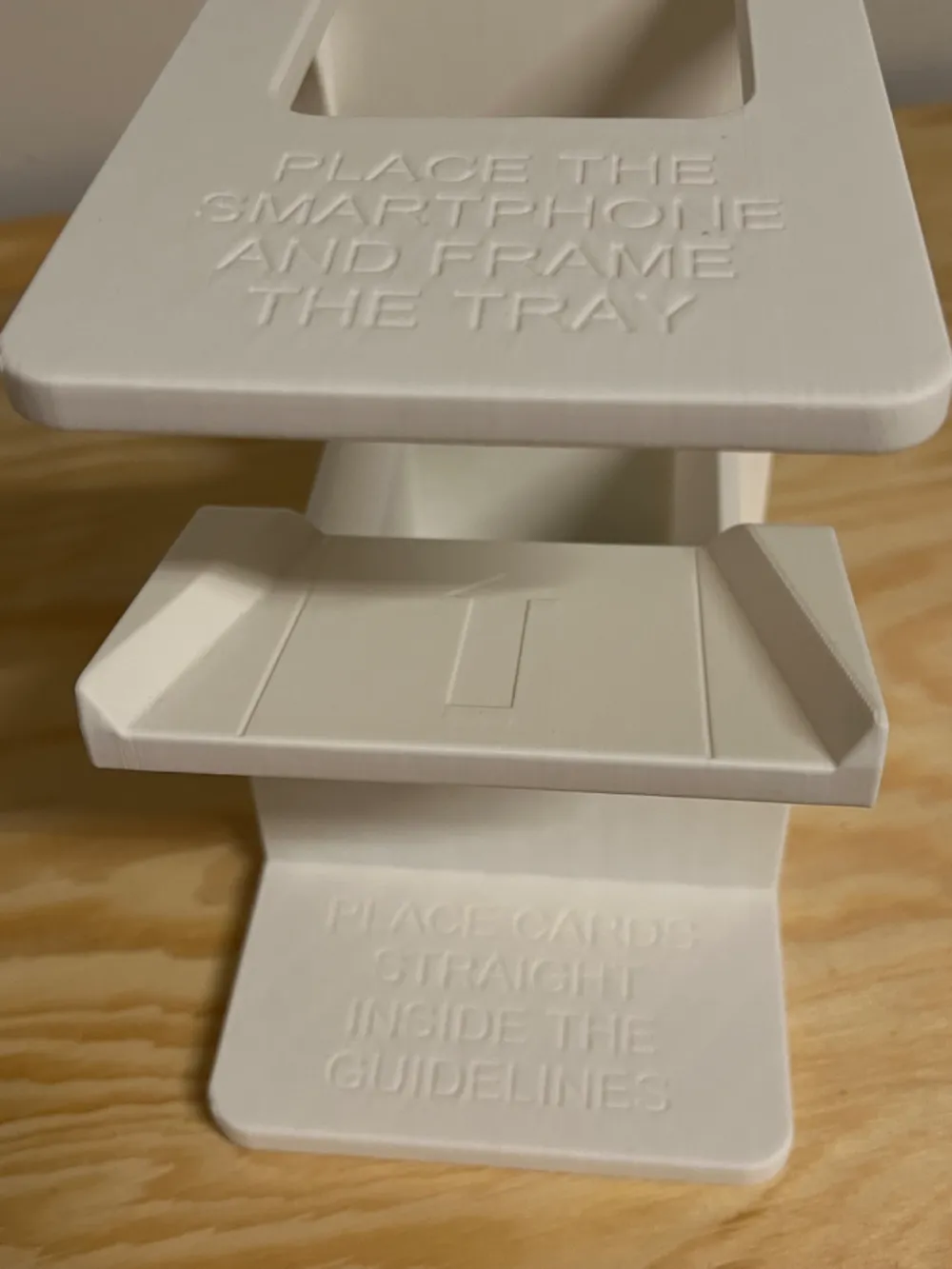
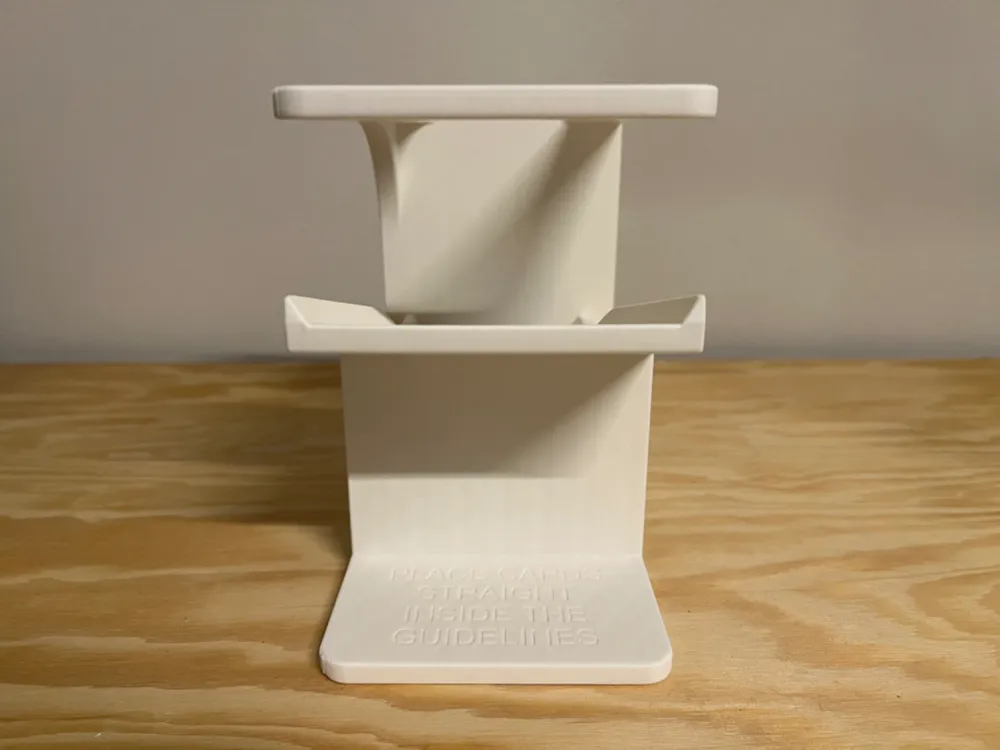
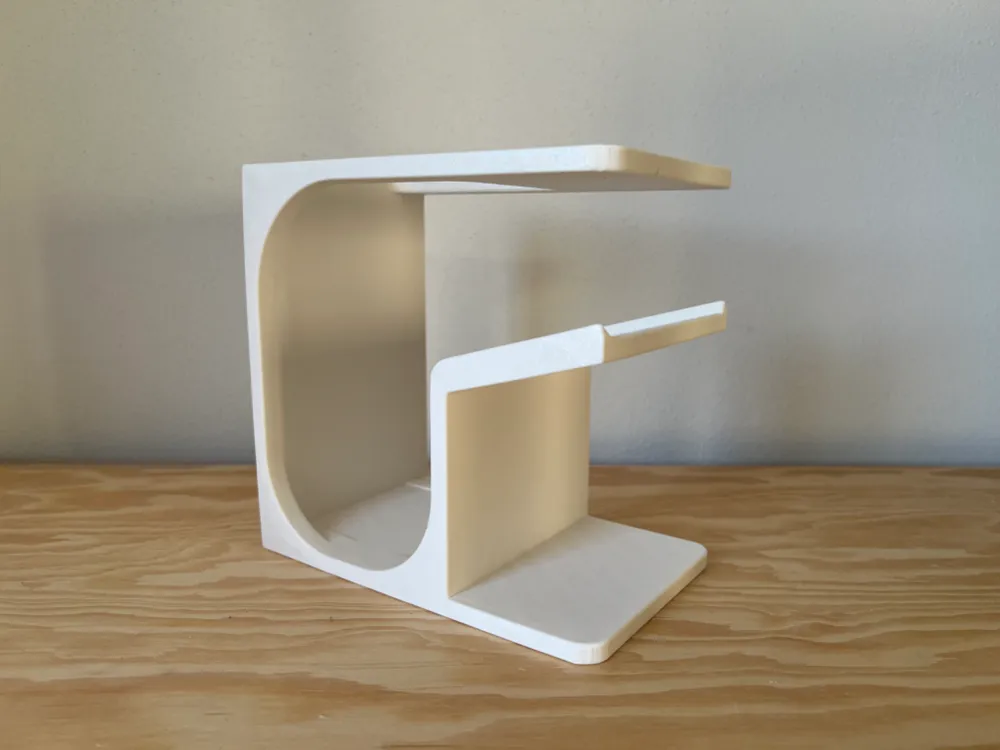
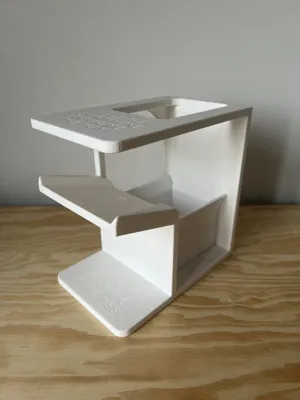
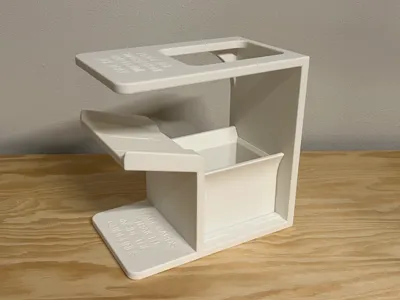
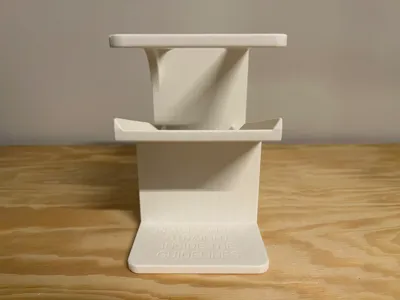
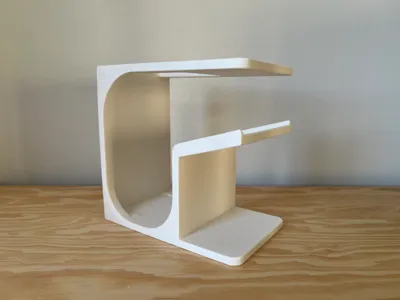
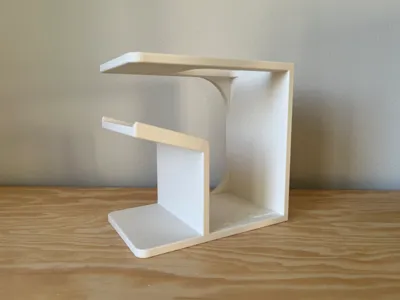
Introducing the ultimate card scanner!
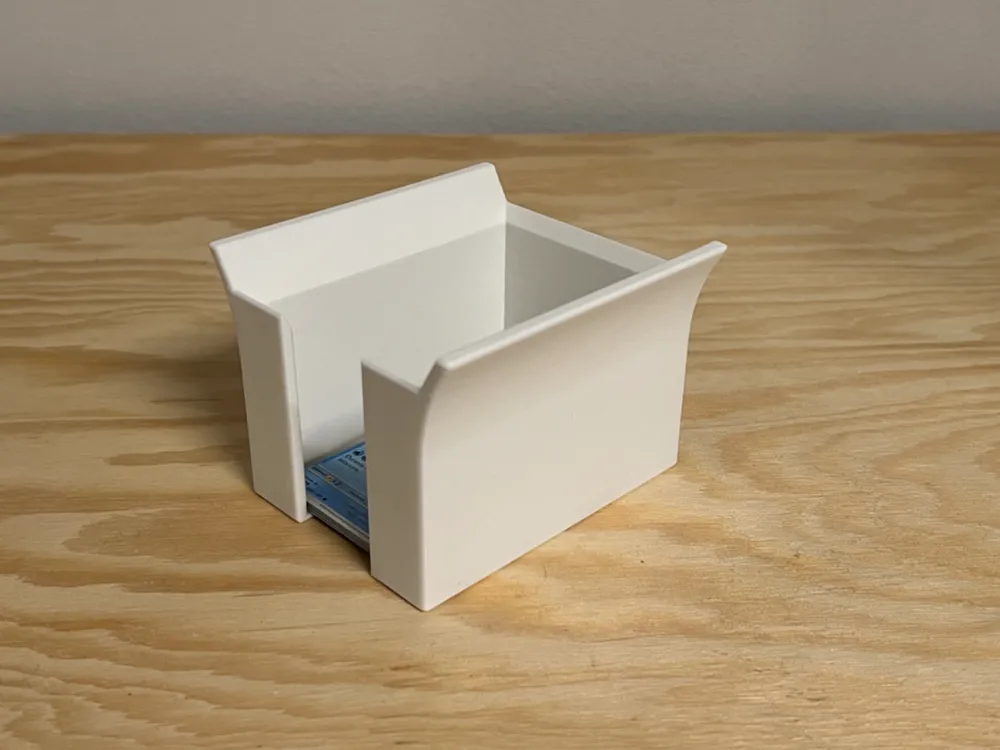
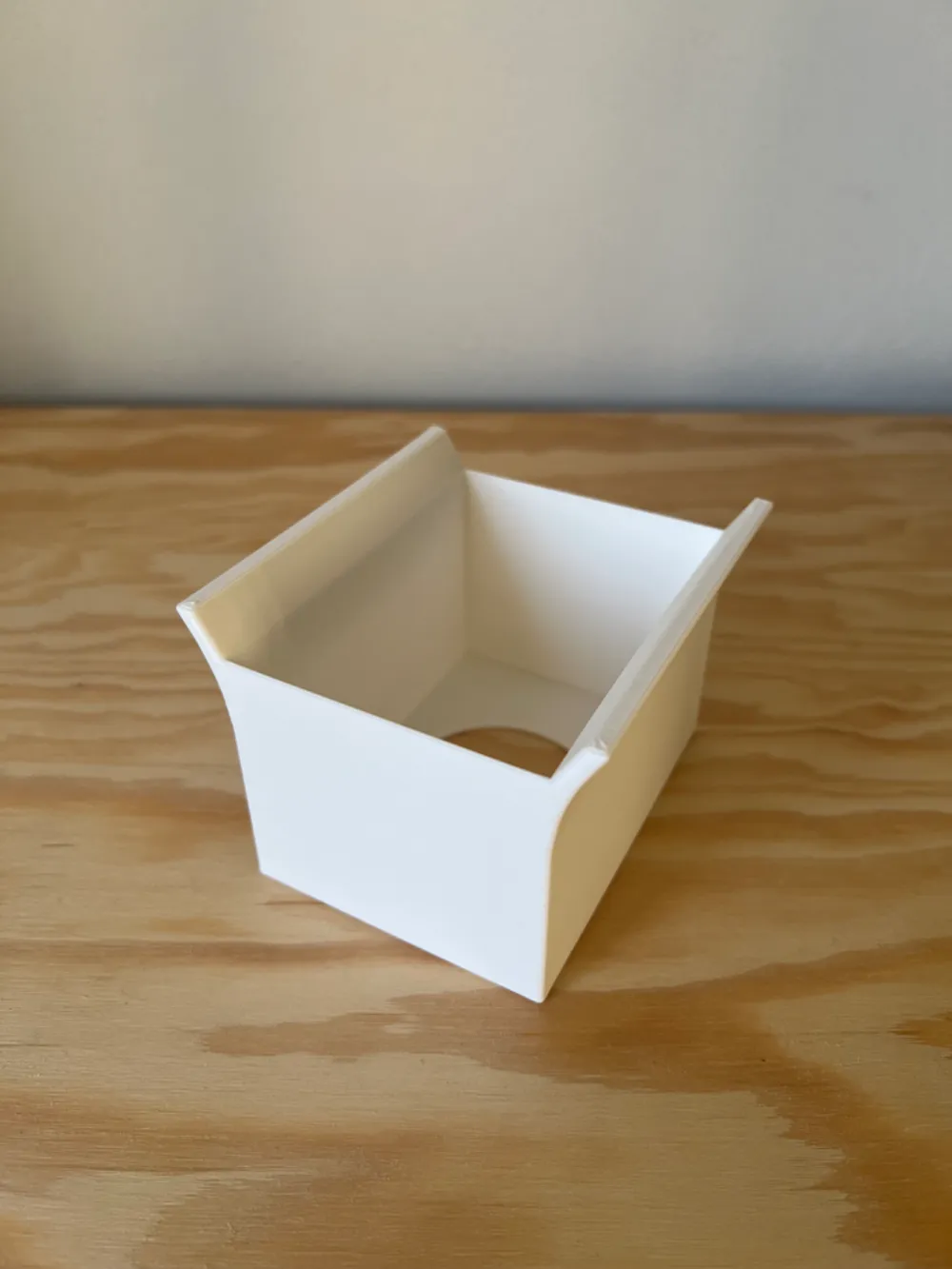
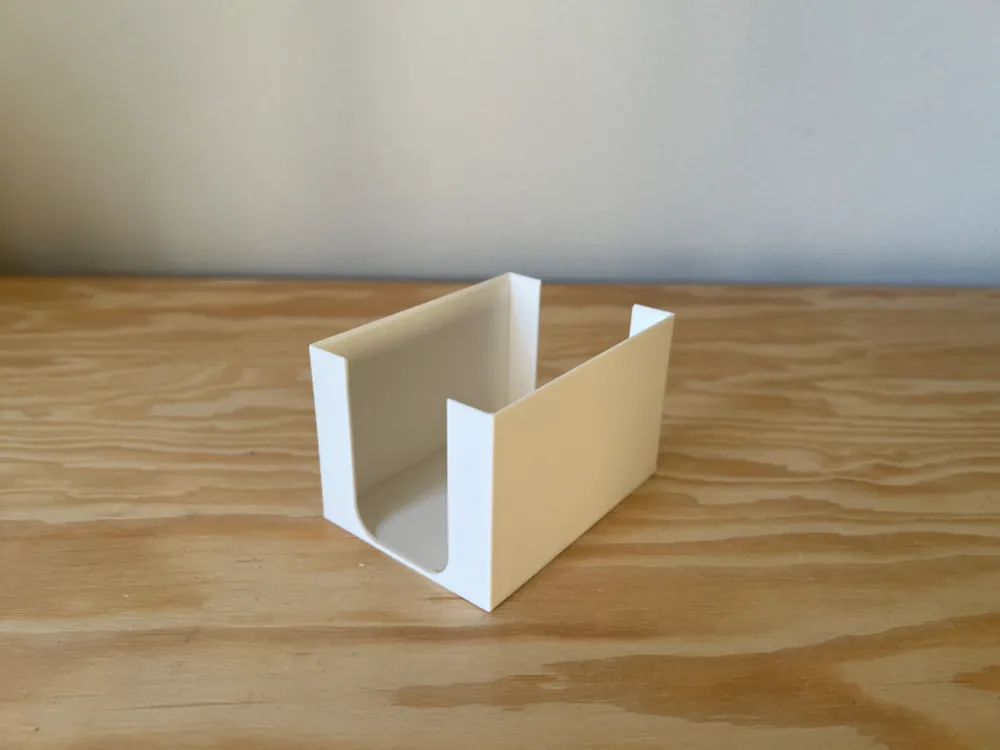
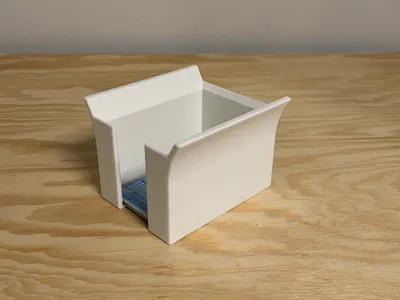
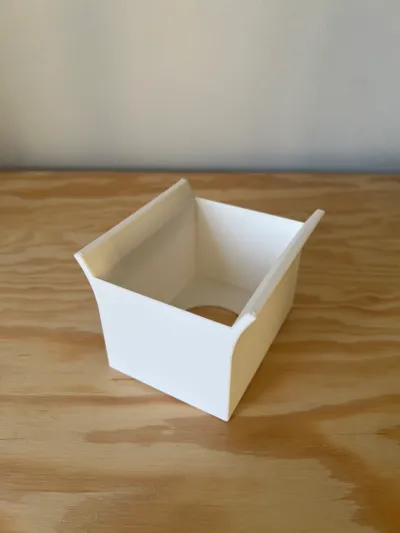
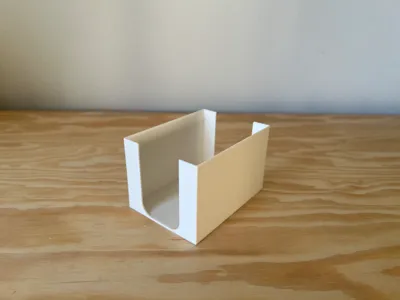
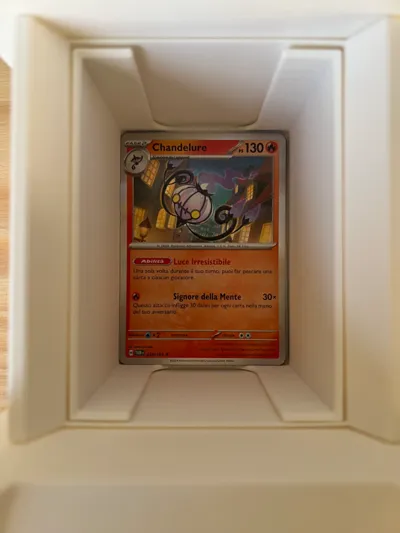
An all-in-one design, featuring a removable tray for sleeved cards and an adapter for unsleeved cards.
Incredibly user-friendly:
- Insert the tray (with or without the adapter)
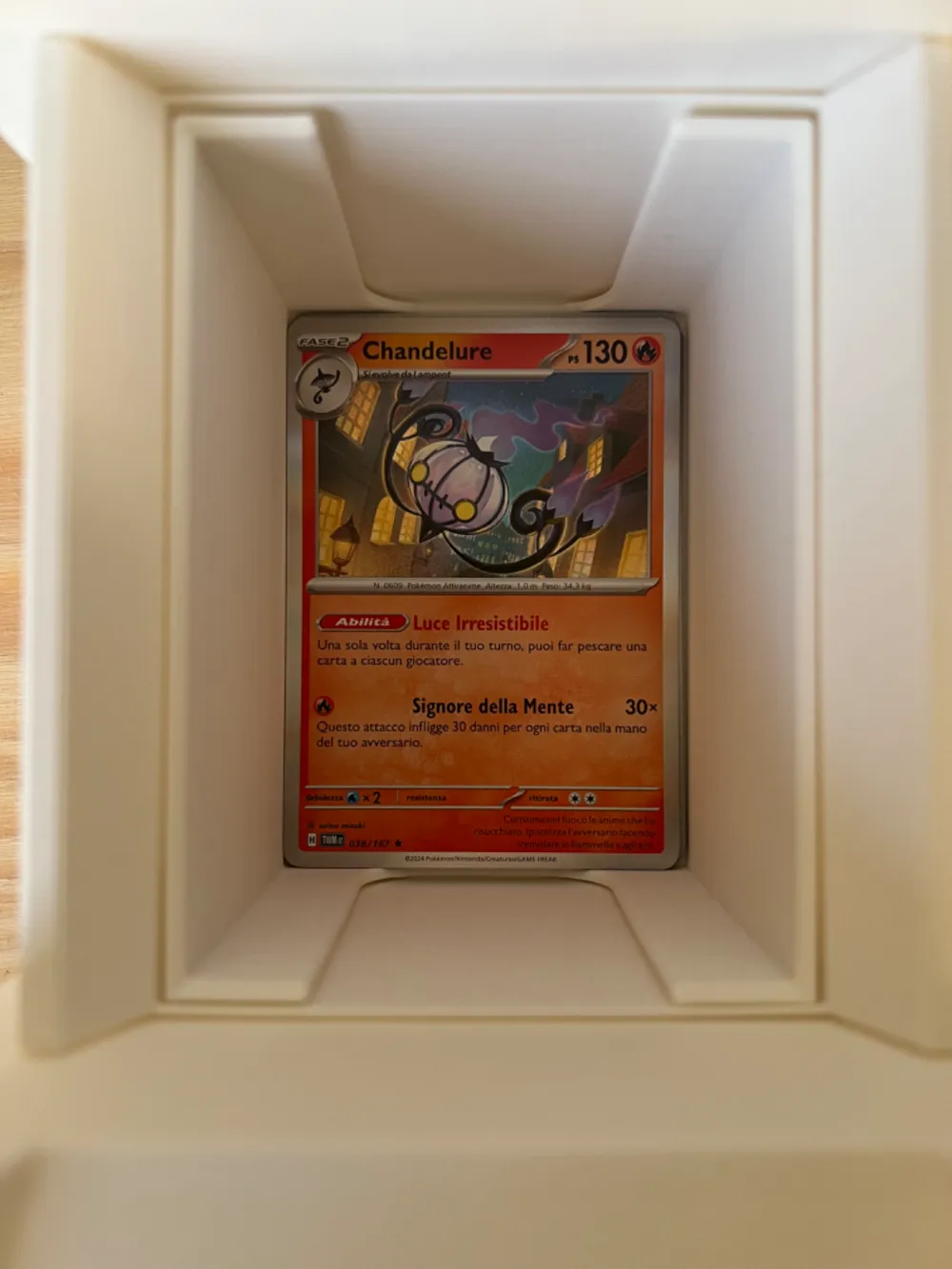
- Position your smartphone on the upper shelf and frame the tray
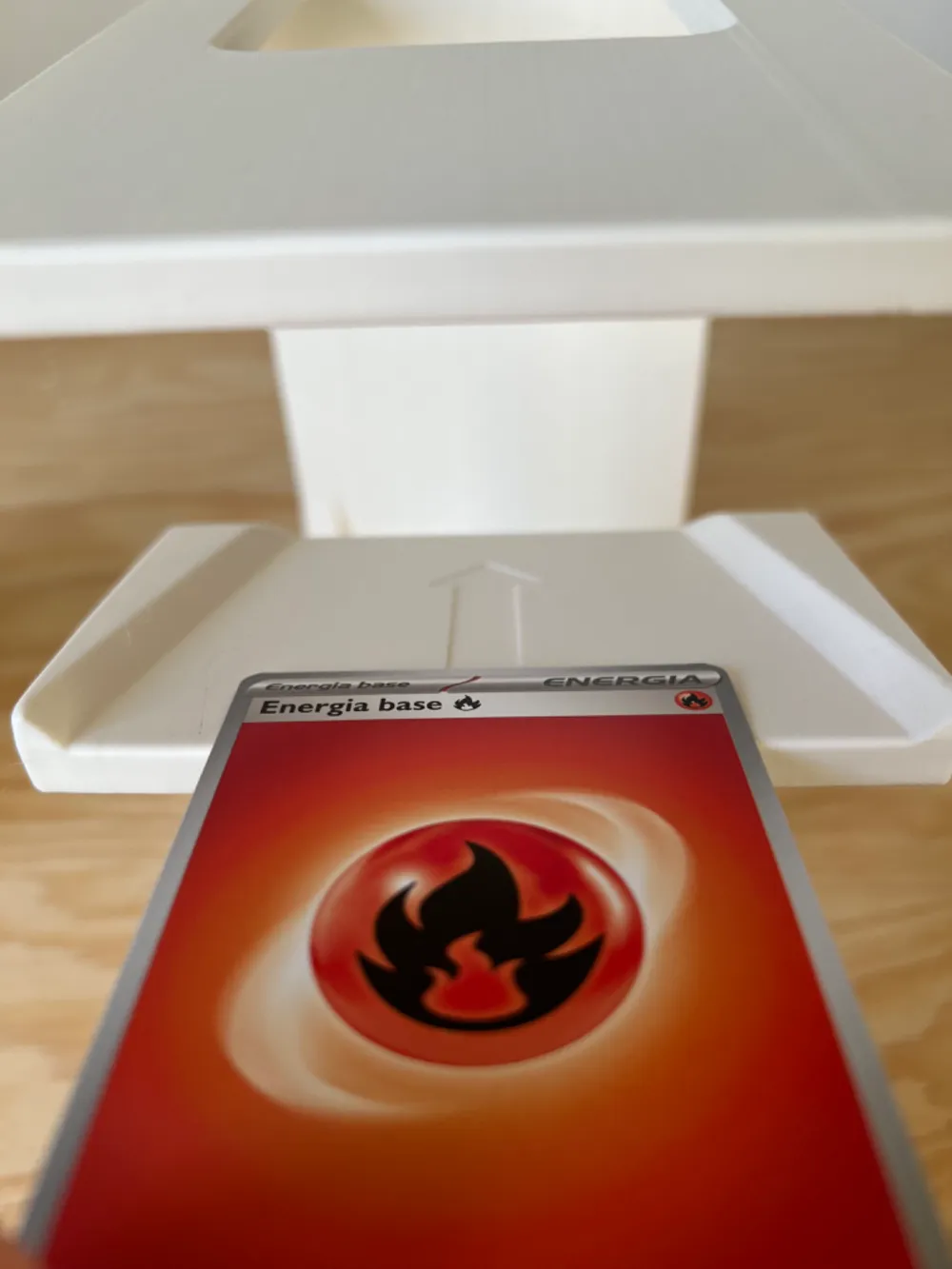
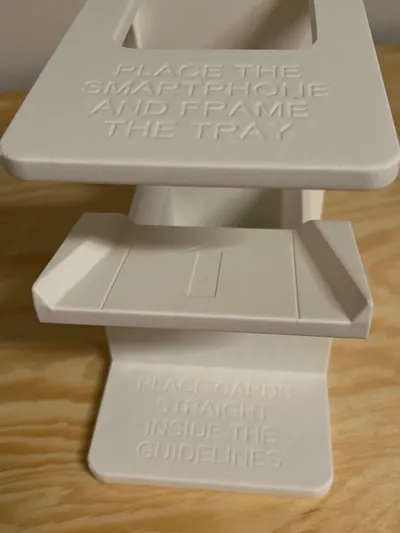
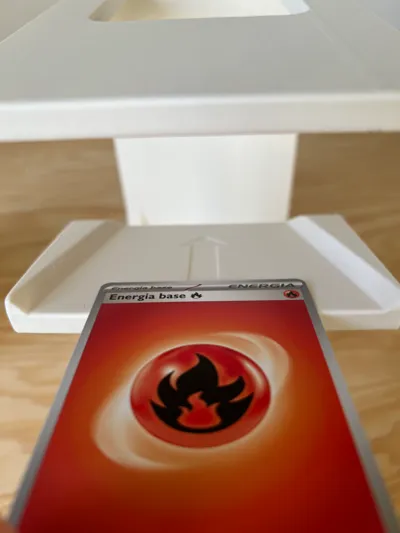
- Place the card centrally on the slide below and allow it to glide into the tray (Cards must be inserted straight above the arrow symbol; avoid diagonal insertion to prevent side impacts and potential issues)
- Once scanning is complete, remove the tray and eject the deck by gently pushing it through the bottom opening
NEW V3!!
A small pillar has been added to prevent the upper shelf from wobbling when using a heavy smartphone.
V2 Enhancements:
- Taller chute taper guide with integrated guidelines
- Redesigned tray (eliminates adapters; two distinct versions for sleeved and unsleeved cards)
- New tray cutout for expedited deck removal
- Comprehensive instructions for optimal use
NEW!! Introducing XL trays for the ultimate card scanner!
Taller trays for enhanced deck scanning; access them here https://makerworld.com/en/models/1506970-xl-trays-for-ultimate-card-scanner-stand#profileId-1577216
V1, V2, and the new XL trays are interchangeable regardless of the structure version: utilize older trays with the new structure or vice versa!
Print profiles for X1/P1/A1 and A1mini are available!
On X1/P1/A1, all parts can be printed on a single plate.
Compatible with all scanning applications; tested with Delver, Poke TCG, and Collectr apps.
IMPORTANT! For optimal scanning app performance, print parts using white PLA. I recommend Bambulab matte.
Boost Me (for free)
Boost this model if you appreciate it!!
Membership
To sell prints of this model, join our Commercial License Membership!
_____________________
Introducing the ultimate card scanner!
An all-in-one design, featuring a removable tray for sleeved cards and an adapter for unsleeved cards.
Incredibly user-friendly:
- Insert the tray (with or without the adapter)
- Position your smartphone on the upper shelf and frame the tray
- Place the card centrally on the slide below and allow it to glide into the tray (Cards must be inserted straight above the arrow symbol; avoid diagonal insertion to prevent side impacts and potential issues)
- Once scanning is complete, remove the tray and eject the deck by gently pushing it through the bottom opening
NEW V3!!
A small pillar has been added to prevent the upper shelf from wobbling when using a heavy smartphone.
V2 Enhancements:
- Taller chute taper guide with integrated guidelines
- Redesigned tray (eliminates adapters; two distinct versions for sleeved and unsleeved cards)
- New tray cutout for expedited deck removal
- Comprehensive instructions for optimal use
NEW!! Introducing XL trays for the ultimate card scanner!
Taller trays for enhanced deck scanning; access them here https://makerworld.com/en/models/1506970-xl-trays-for-ultimate-card-scanner-stand#profileId-1577216
V1, V2, and the new XL trays are interchangeable regardless of the structure version: utilize older trays with the new structure or vice versa!
Print profiles for X1/P1/A1 and A1mini are available!
On X1/P1/A1, all parts can be printed on a single plate.
Compatible with all scanning applications; tested with Poke TCG and Collectr apps.
IMPORTANT! For optimal scanning app performance, print parts using white PLA. I recommend Bambulab matte.
Boost Me (for free)
Boost this model if you appreciate it!!
Membership
To sell prints of this model, join our Commercial License Membership!
License

You shall not share, sub-license, sell, rent, host, transfer, or distribute in any way the digital or 3D printed versions of this object, nor any other derivative work of this object in its digital or physical format (including - but not limited to - remixes of this object, and hosting on other digital platforms). The objects may not be used without permission in any way whatsoever in which you charge money, or collect fees.


Comment & Rating (829)