Search models, users, collections, and posts

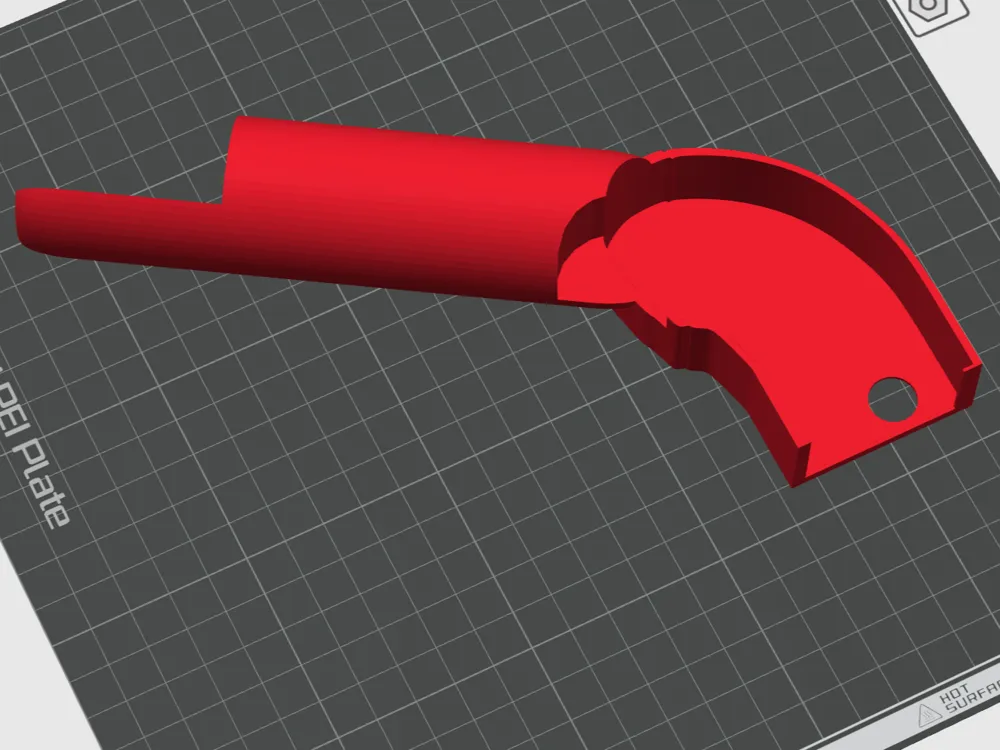
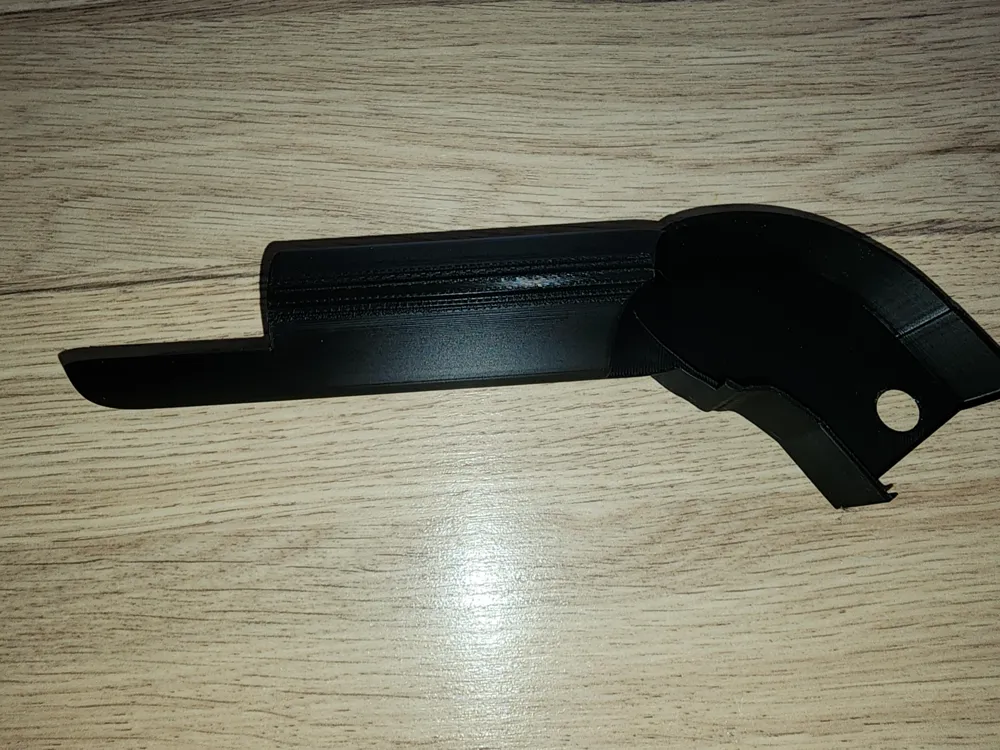
Logitech X56 Throttle Collective with Gamepad
IP Report
Print Profile(1)

0.2mm layer, 2 walls, 15% infill
Designer
1.9 h
1 plate
Open in Bambu Studio
Boost
12
40
1
0
19
7
Released
Description
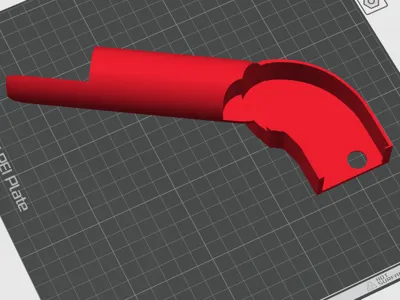
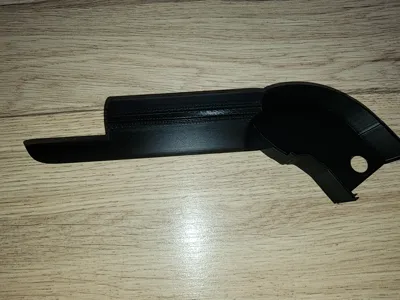
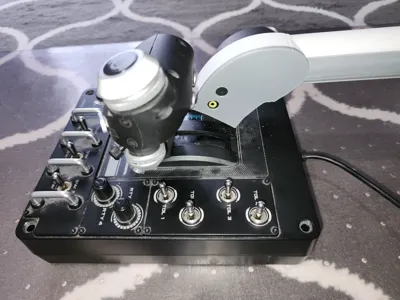
Convert a Logitech X56 throttle to a collective for flying helis in flight simulators.
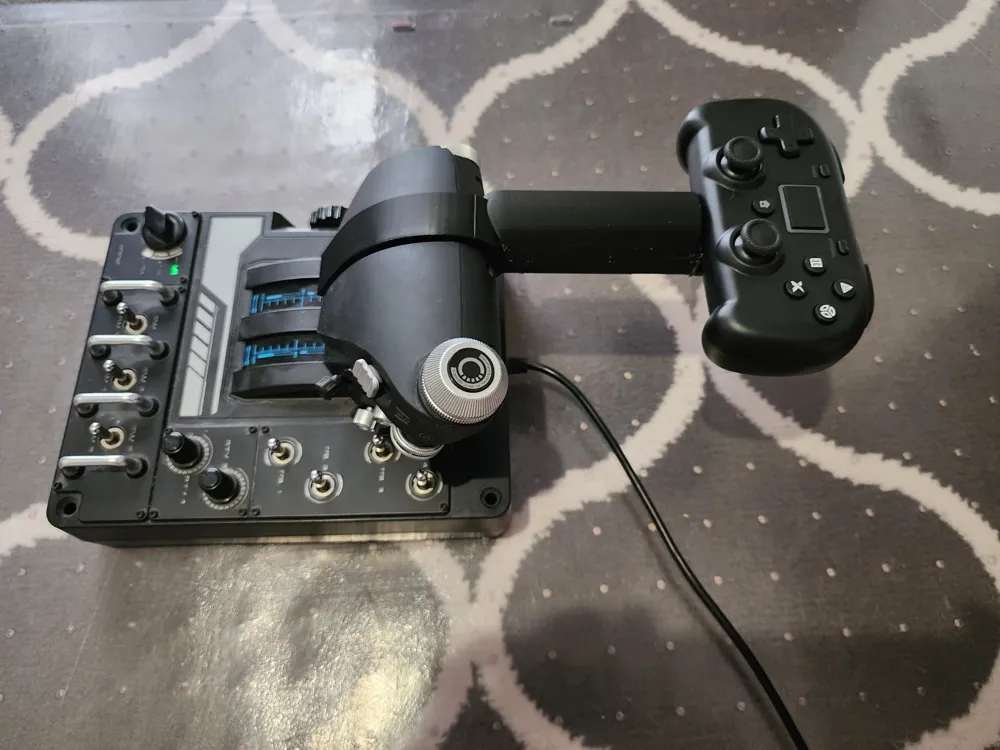
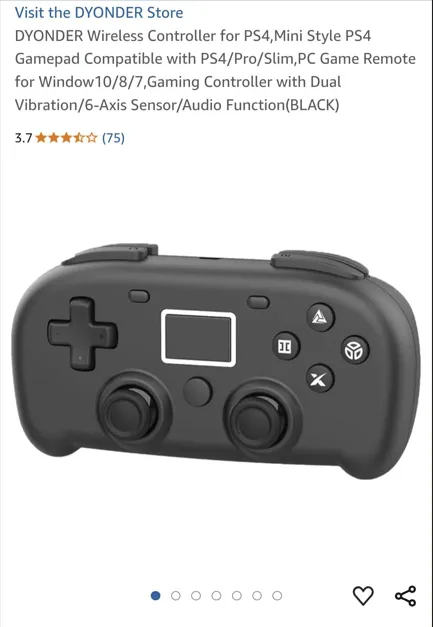
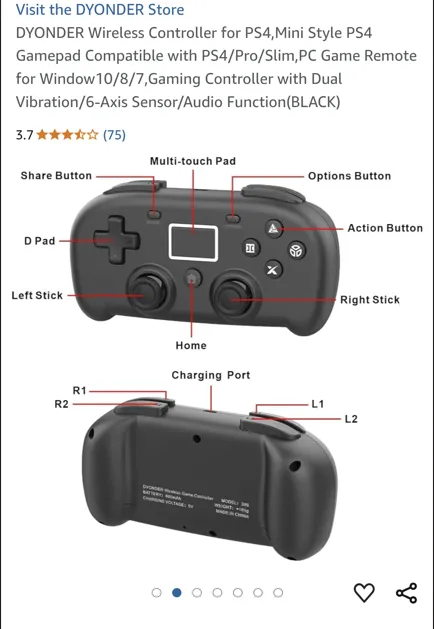
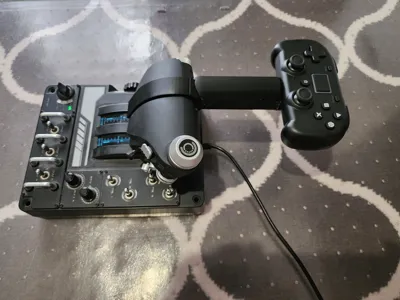
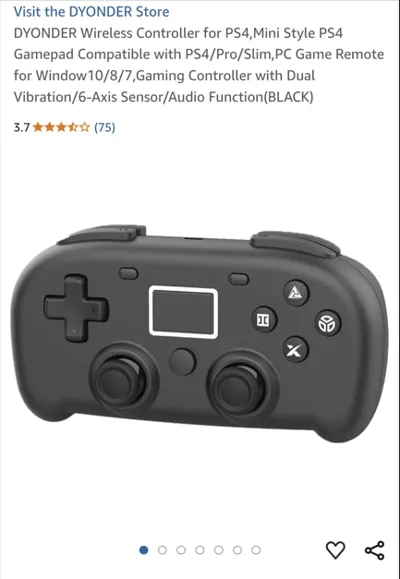
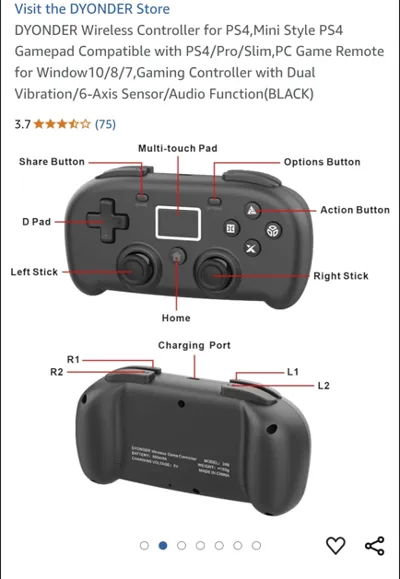
I have remixed this from my basic version that allows the fitment of a bluetooth gamepad to allow more functionality.
To install the collective:
- Release the locking pin on the left-hand throttle.
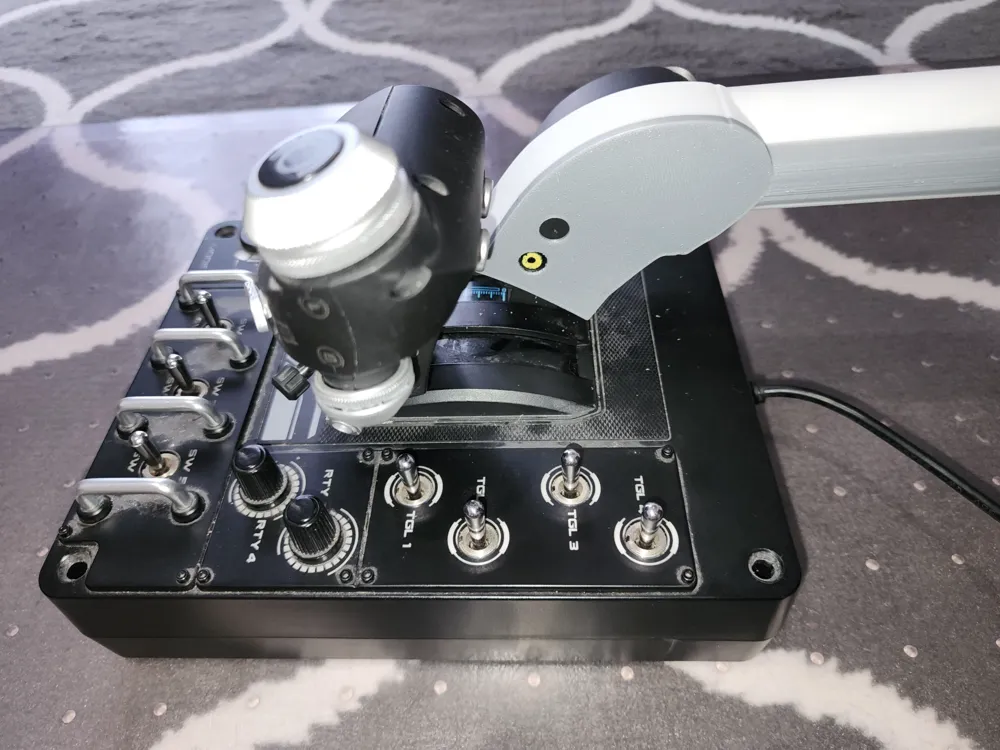
- Push the left-hand throttle fully forward and the right-hand throttle fully back (as per picture).
- Slide the collective onto the left-hand throttle quadrant.
- Align the throttles and insert the locking pin.
- Using double-sided tape, attach the gamepad to the flat portion at the end of the collective.
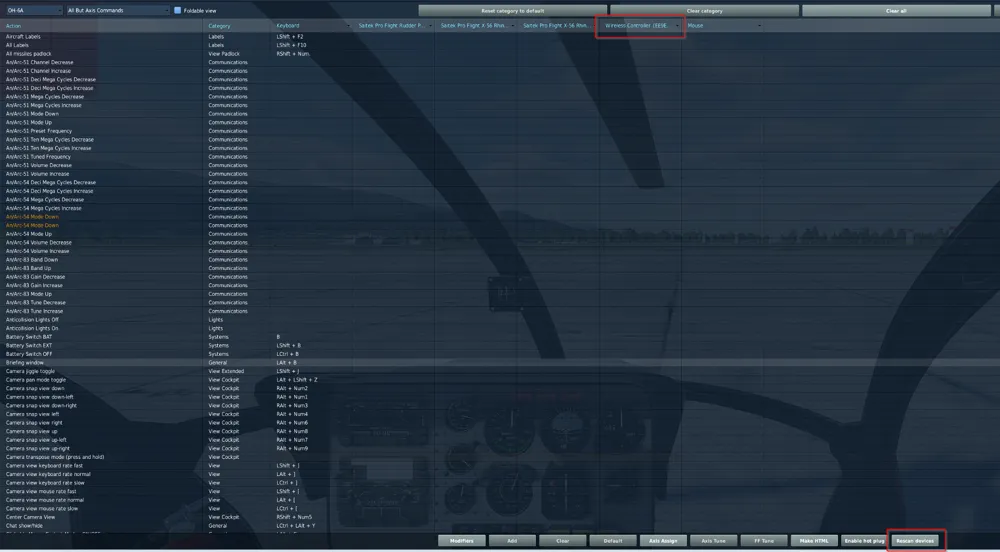
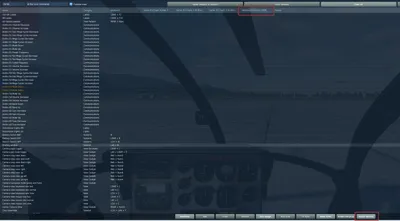
- Bind the gamepad to your pc. the gamepad should come up as a controller in your game; DCS in this case (see pic). You may have to wake up the gamepad and hit the “Rescan Devices” to see it.
- Assign controls as required.
- Enjoy!
Feel free to remix as needed to suit your needs. This collective is fairly short to fit in my setup, but you can make it as long as you like!
This print is simple and as such does not have a twist throttle. I use the knob on top of the right-hand throttle and it works fine.
Happy heli flying!
Cheers.
License

This user content is licensed under a
Creative Commons Attribution-Noncommercial


Comment & Rating (1)