Search models, users, collections, and posts

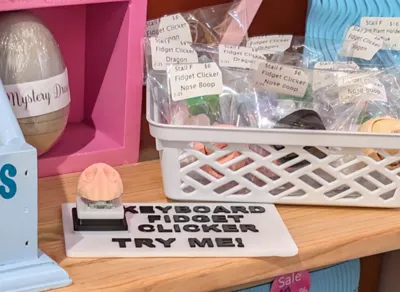
3x Vendor Market Keycaps Clicker Display Tester

IP Report

Print Profile(1)

All
P1S
P1P
X1
X1 Carbon
X1E
A1
A1 mini
H2D
H2D Pro
H2S
P2S
H2C
X2D
A2L

0.2mm layer, 2 walls, 10% infill
Designer
1.8 h
1 plate
5.0(2)

Open in Bambu Studio
Boost
116
362
19
8
91
54
Released 

Description

EDIT: Single keychain style display profiles added for displaying sound examples.

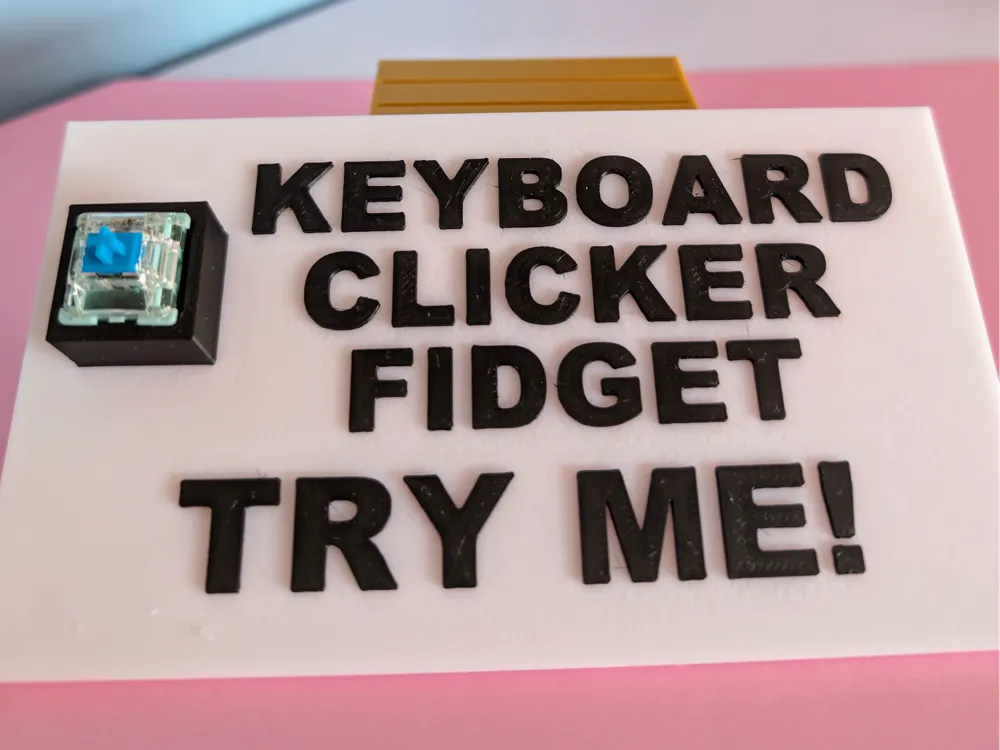
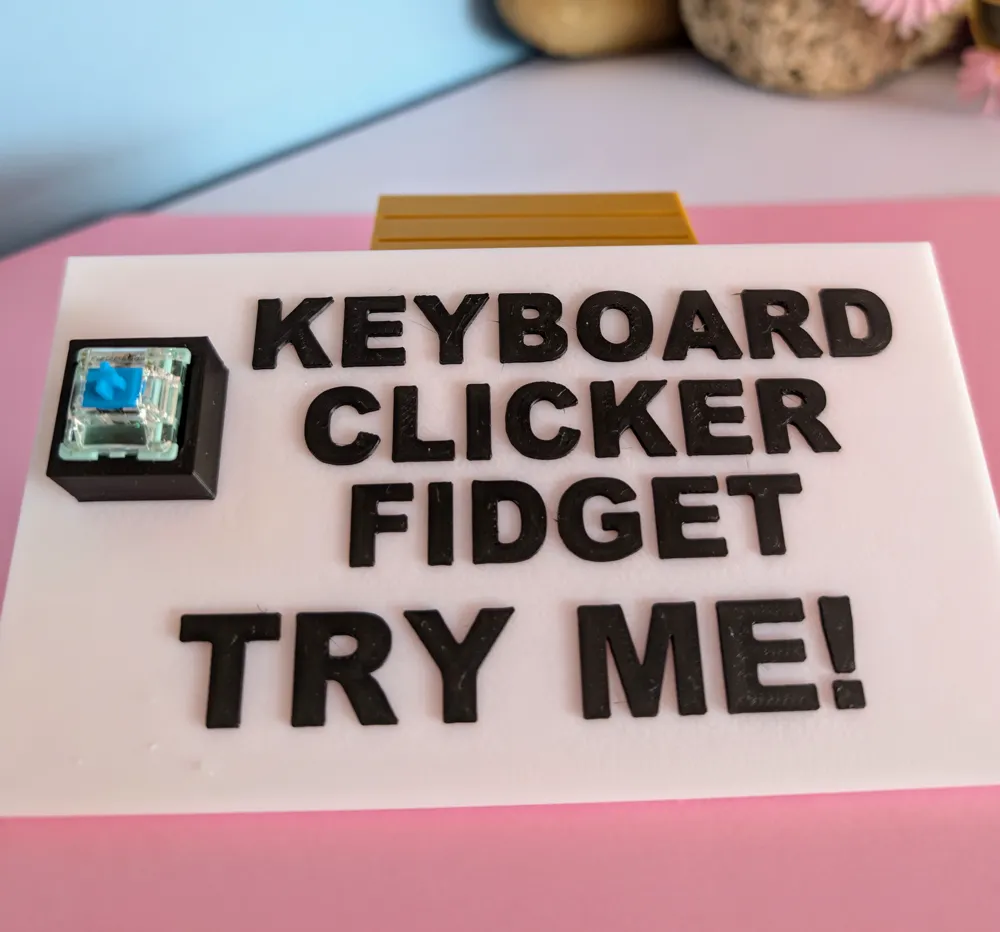
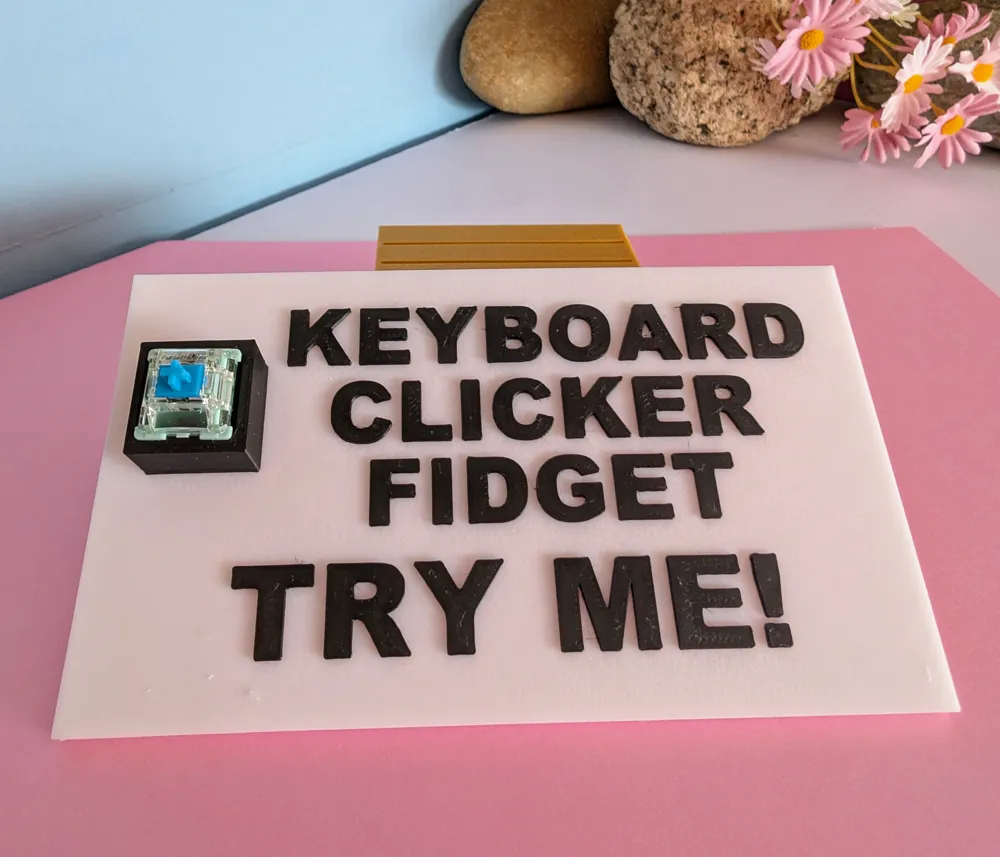
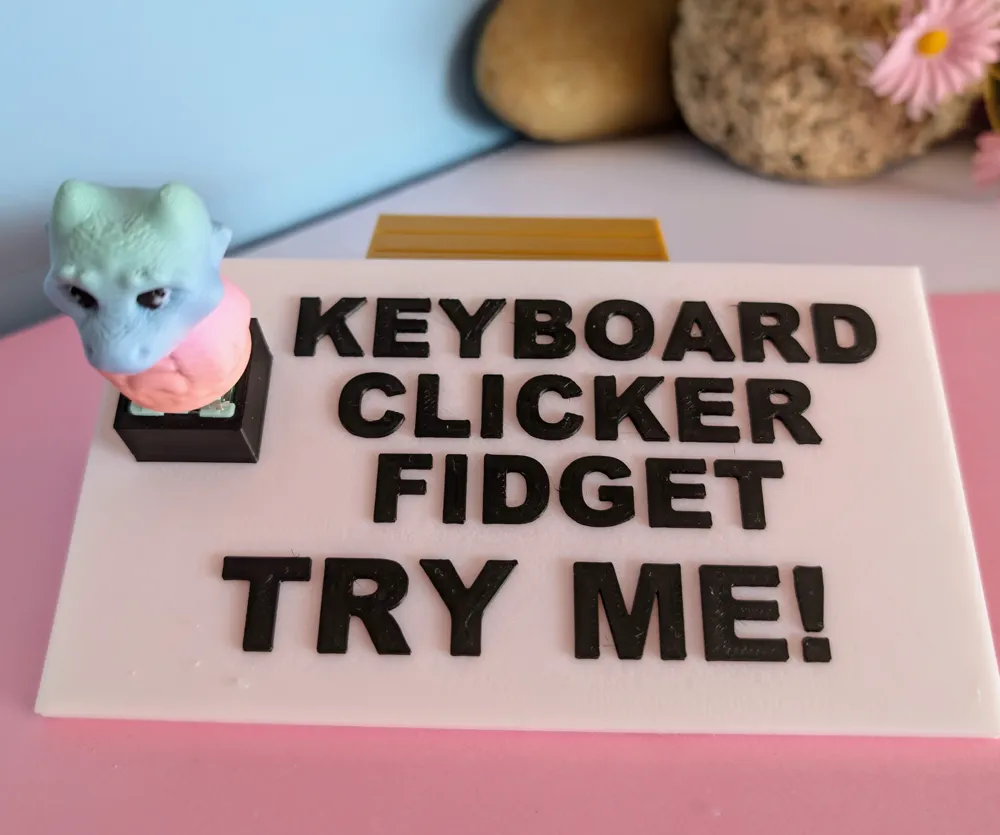
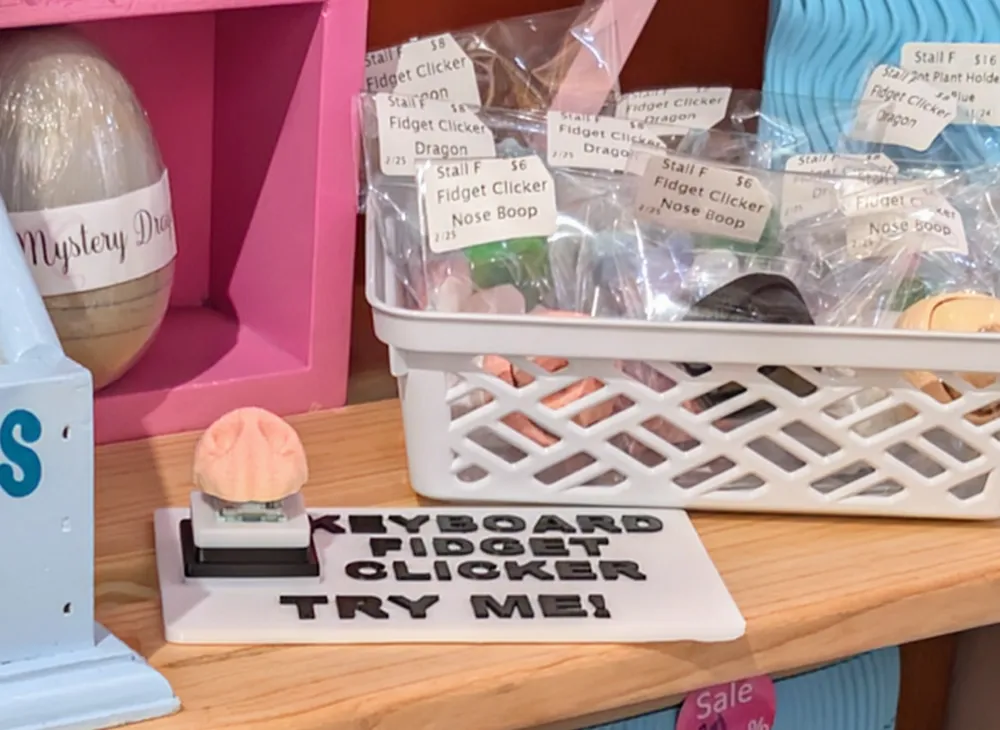
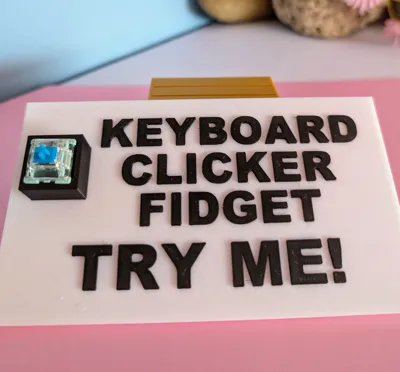
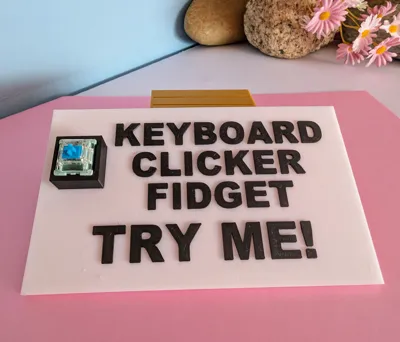
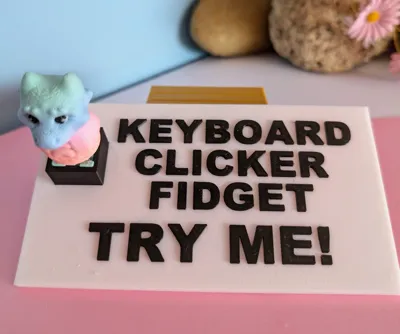
Vendor display for Key caps or fidget clickers. This will allow customers to play and hear the sound of the clicker without the need to use stock or packaged items. 

The text can be changed, moved or deleted to suit your needs by selecting text in the objects menu to make changes. I coloured this by using the paint tool and using the layer height to colour the cube and text. No need for a AMS or prime tower. For a single colour printer just add a pause where you want to change your colour. The base is designed to fit most keyboard switches but i recommend using a dot of glue in the base if needed. . I made this for my own booth and thought i would share with others. 

Im happy to put together another board by request if your wanting to showcase multiple clickers on the same plate in exchange for a boost. 

Dragon cap is not included as its only there as an example. 

Comment & Rating (19)

(0/1000)

Can you make one that has a clicker holder on each side of the sign with "loud" under one holder and "quiet" under the other side for a comparison between the click noises? Ooohh, or better yet, a keychain style sign of each (loud & quite) that people can hold up to their ears at noisy events to still here the clicker?
The designer has replied
designer
2
Reply
sure that can be done. keep an eye out for when I upload it
1
Reply
Hi, i have just uploaded the profiles you requested. :)
0
Reply
Can you do you without the "Keyboard" in?
The designer has replied
0
Reply
I would like to help but unless I print it to add a photo to Makerworld with the profile they will take it down. You should be able to edit the text in the slicer
0
Reply
Replying to @Scooter95 :
I would love a sign without the keyboard word in it as well please! I’m newer to the 3D printing world so I don’t know how to edit yet
0
Reply
Replying to @user_3888837827 :
maybe go to YouTube and search how to edit text in bambu slicer. It's really easy
1
Reply
This is a great idea :)
The designer has replied
designer
1
Reply
Thank-you!
0
Reply
This was a great print!
The designer has replied
0
Reply
Thankyou. feel free to drop a boost.
0
Reply
Love this idea, Boosted
The designer has replied
0
Reply
thankyou
0
Reply
You are awesome!! TY
The designer has replied
0
Reply
thankyou for the boost!!
0
Reply
Are you able to make one with 5 across the top?
0
Reply
Print Profile
0.2mm layer, 2 walls, 10% infill
0
Reply
Print Profile
0.2mm layer, 2 walls, 10% infill
0
Reply
The print profile is no longer public
0
Reply

License

This user content is licensed under a Standard Digital File License.

You shall not share, sub-license, sell, rent, host, transfer, or distribute in any way the digital or 3D printed versions of this object, nor any other derivative work of this object in its digital or physical format (including - but not limited to - remixes of this object, and hosting on other digital platforms). The objects may not be used without permission in any way whatsoever in which you charge money, or collect fees.
