
DJI O4 2.5-inch FPV
Print Profile(1)

Description
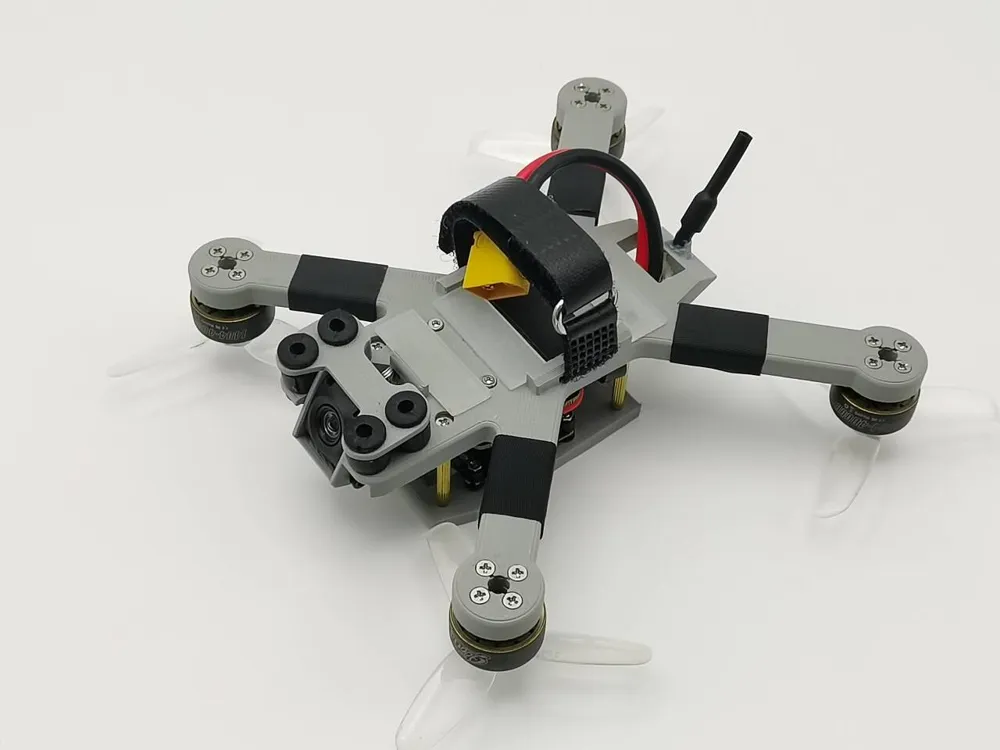
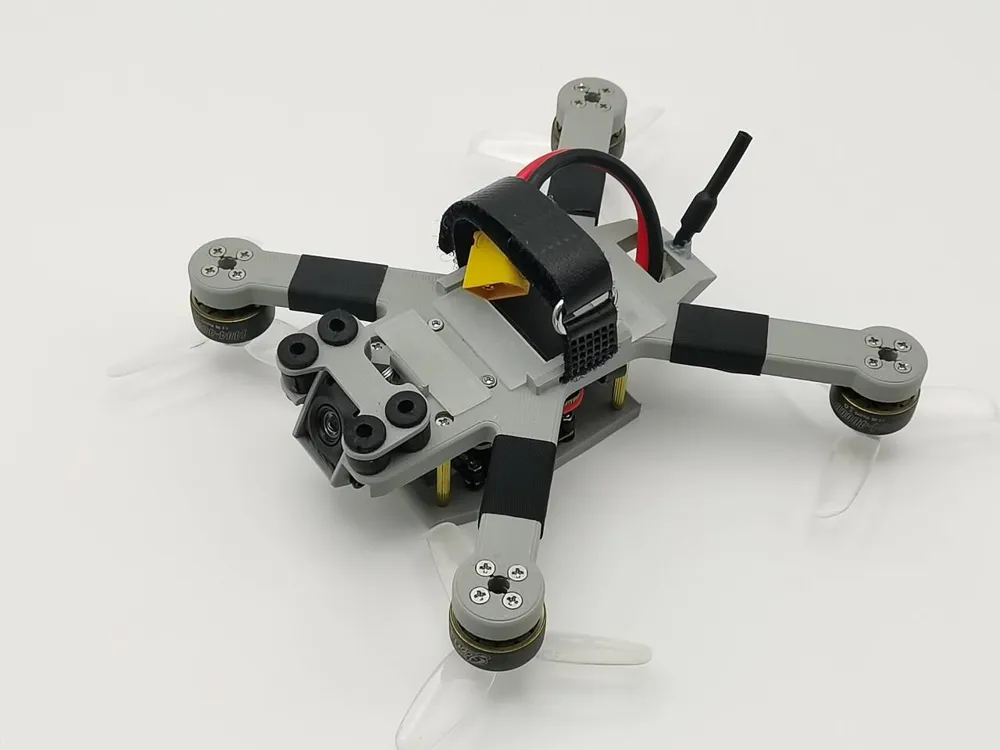
Greetings! XiaoYu is the name of this model designed for DJI-compatible devices, prioritizing structural compatibility with DJI accessories.
DJI accessories are not inexpensive, so please ensure you possess considerable FPV flight experience before proceeding. I do not recommend using costly components for novice practice.
For economical accessory printing solutions, please consult my profile.
Note that this 3D printed frame provides a convenient and affordable alternative. Material limitations preclude the complete 3D printing of larger drones, a fact I have personally verified.
All source files for this model are open-source, subject to license agreement. I hope you enjoy this project.
Preliminary Preparations:
Electronic Components:
DJI O4, DJI FPV Control 3, G3 or N3 goggles.
20mm flight controller + 20mm 4-in-1 ESC.
1404 motors (other sizes may be used, noting mounting hole positions).
Battery no larger than 30*63*20mm. Recommended strap width: 1.2mm, length: 170mm.
Mechanical Components:
9x13 VTX vibration dampeners 4
M1.6x10 screws 4
M1.6 nuts 8
M2x8 screws 24+8 (motor and propeller mounting, adjust as needed)
M2x20 screws 4
M2x24 standoffs 4
M2 nuts 12
2mm thick 3M anti-slip silicone adhesive
Printing Materials:
PLA+ or PLA-CF or PC 200g
Manual Preparations:
Tweezers, carving knife, acetate tape, soldering iron, solder, hot glue.
Initial Preparations:
Gently pry open the acetate tape encasing the wires near the DJI O4 camera with tweezers, then peel back the tape approximately 10mm. This addresses a design flaw in the DJI O4; rigid wiring can cause camera shake!
Caution! Exercise extreme care; severed wires may necessitate purchasing replacement third-party connectors.
Installation Instructions:
Install the flight controller first, ensuring screws are tightened securely while maintaining sufficient clearance.
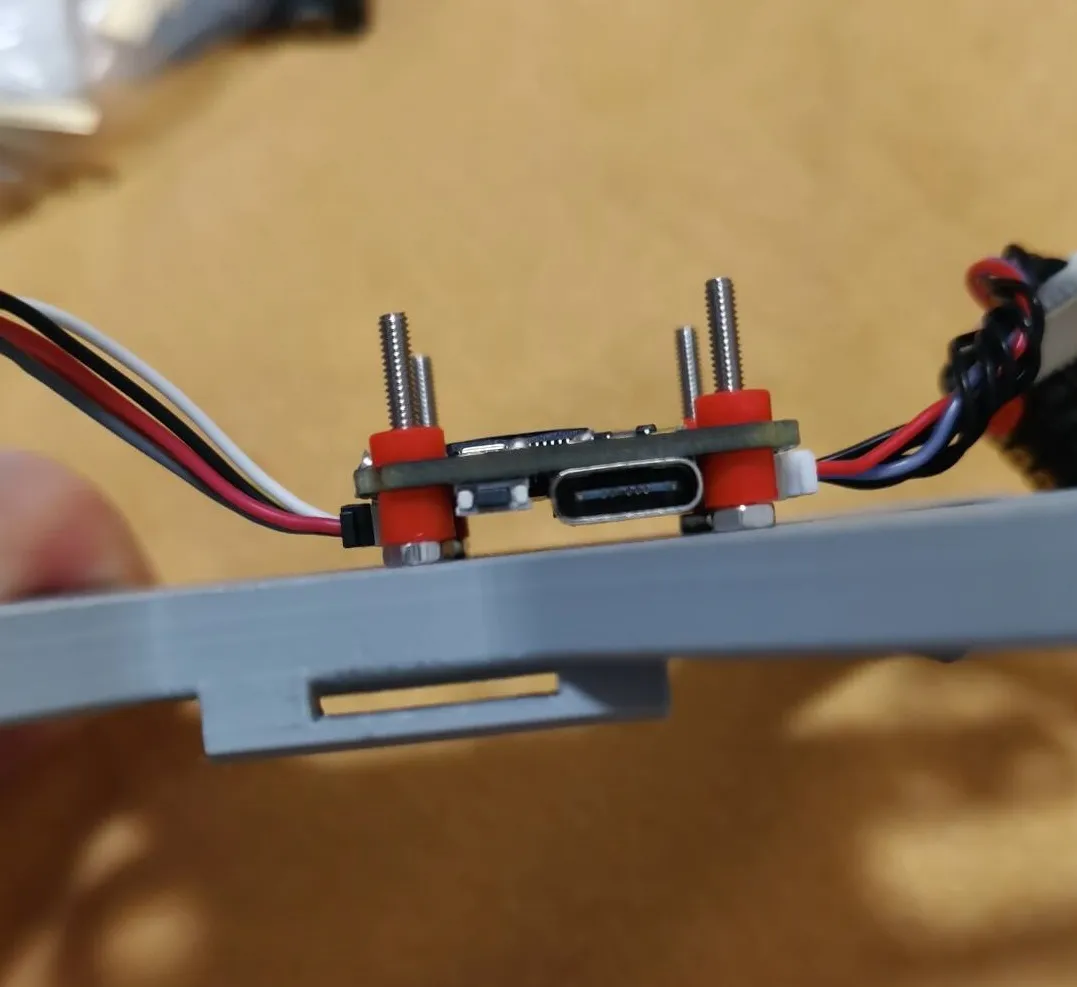
Install the ESC and solder the motors.
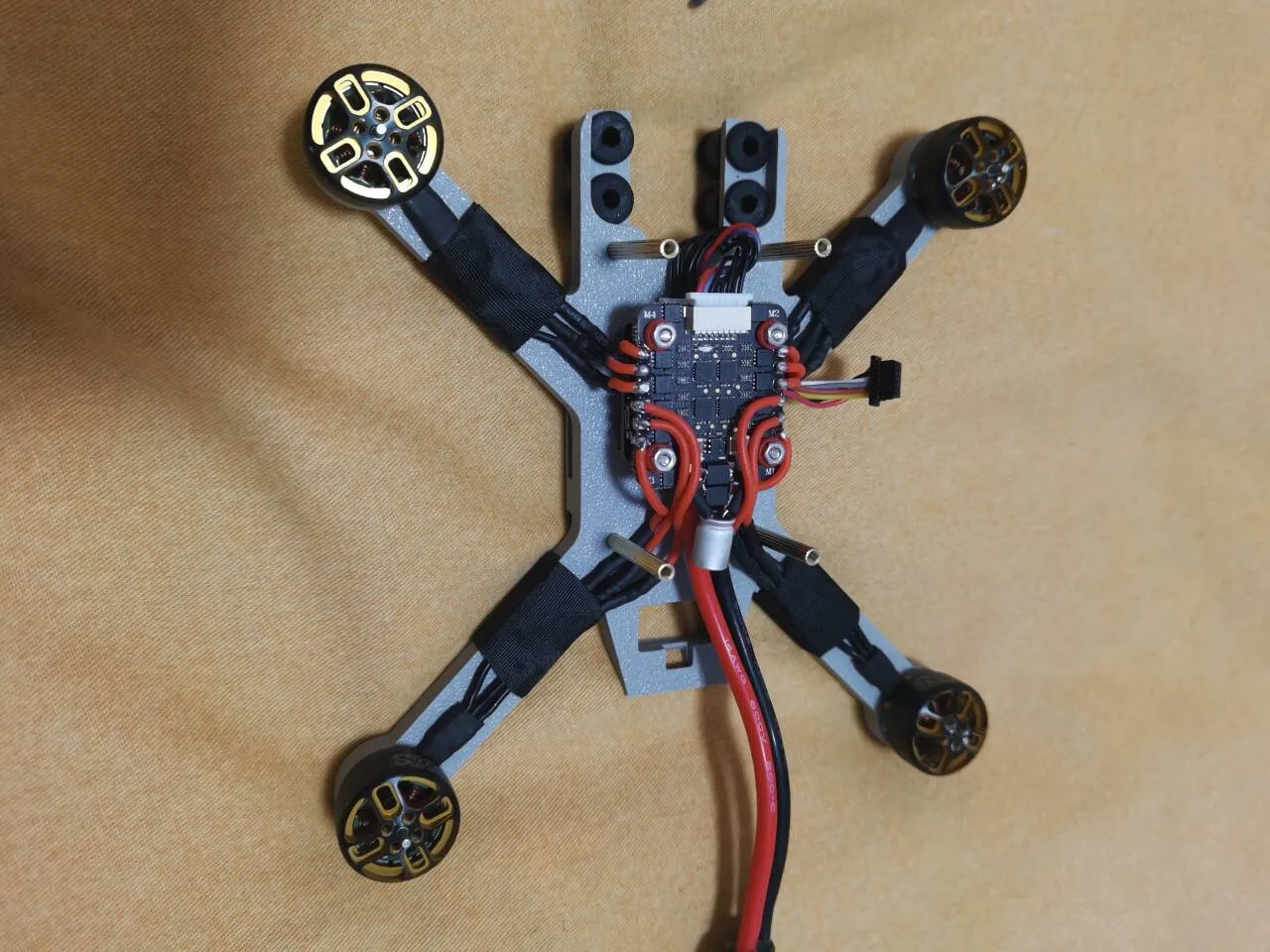
Install the VTX, leaving the battery wires accessible. Secure the VTX antenna with hot glue.
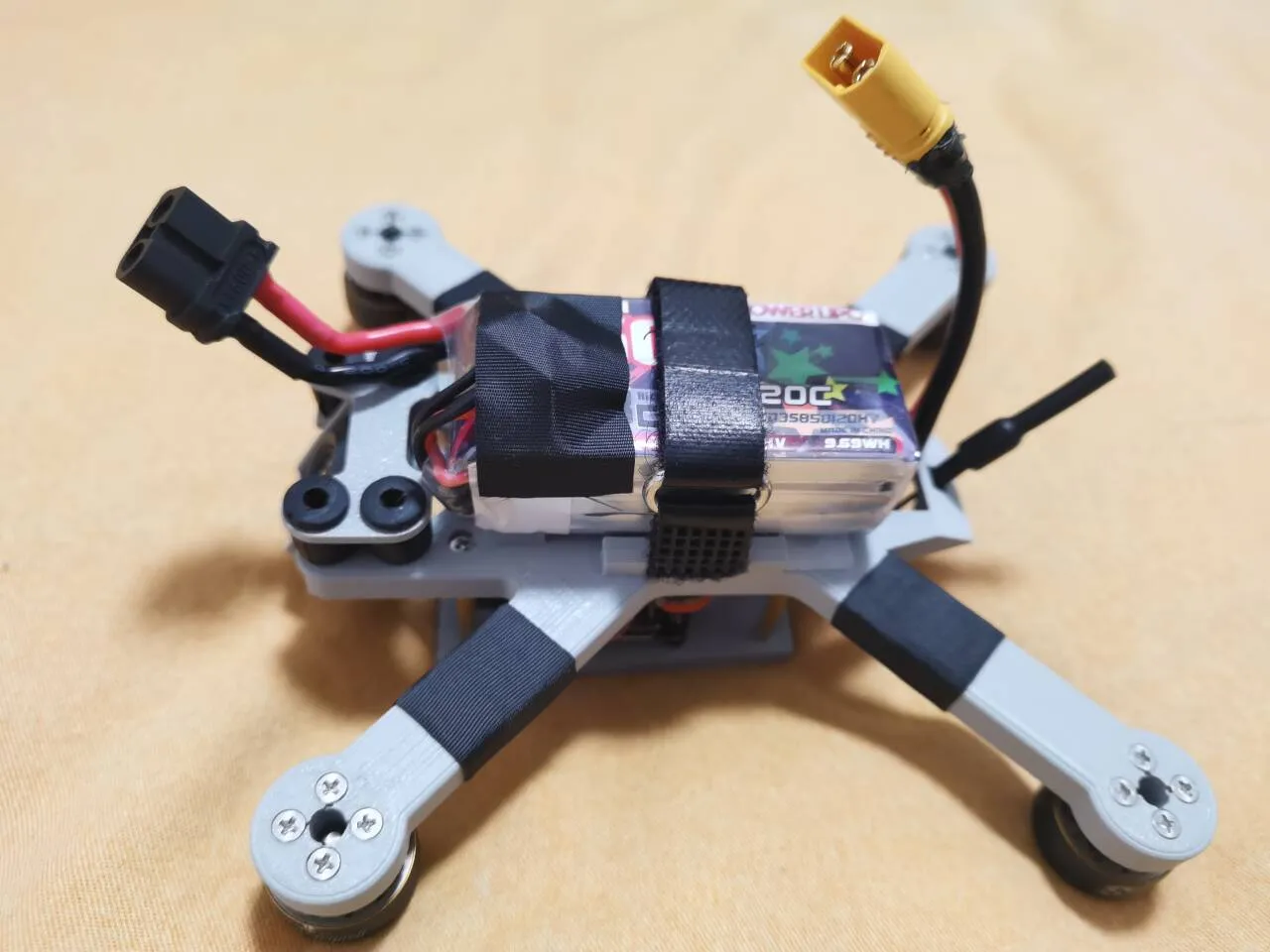
Now you can calibrate using the ground station! Ensure that the type interface and brushless motor wires do not interfere.
The source files for this design are completely open; feel free to modify it to your liking.
License

You shall not share, sub-license, sell, rent, host, transfer, or distribute in any way the digital or 3D printed versions of this object, nor any other derivative work of this object in its digital or physical format (including - but not limited to - remixes of this object, and hosting on other digital platforms). The objects may not be used without permission in any way whatsoever in which you charge money, or collect fees.


Comment & Rating (16)