
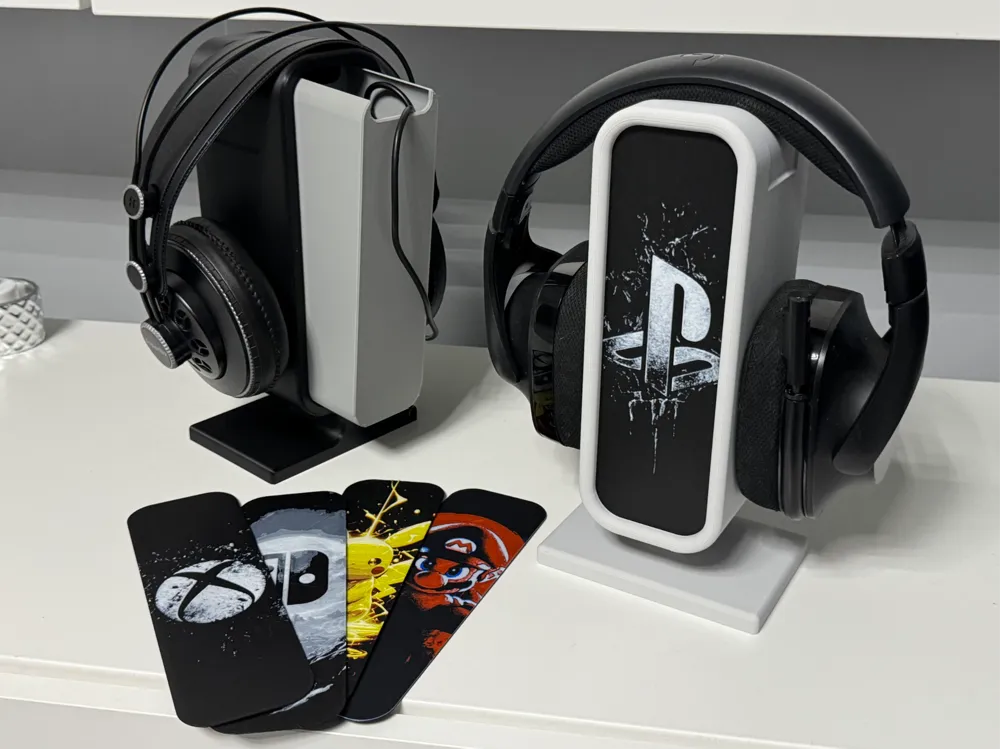
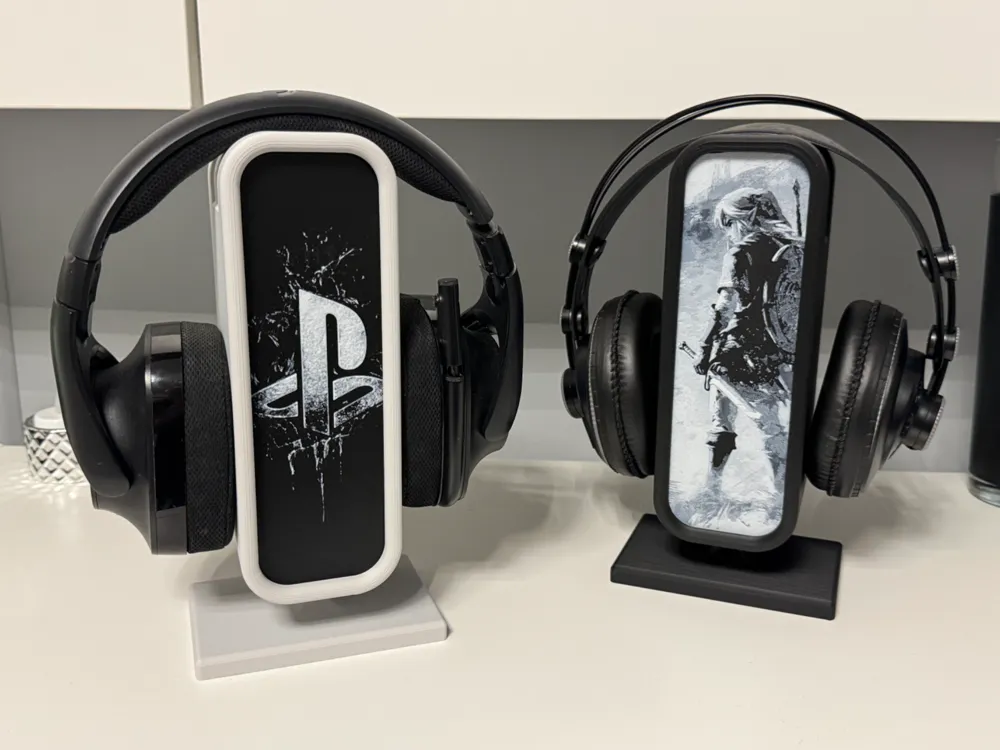
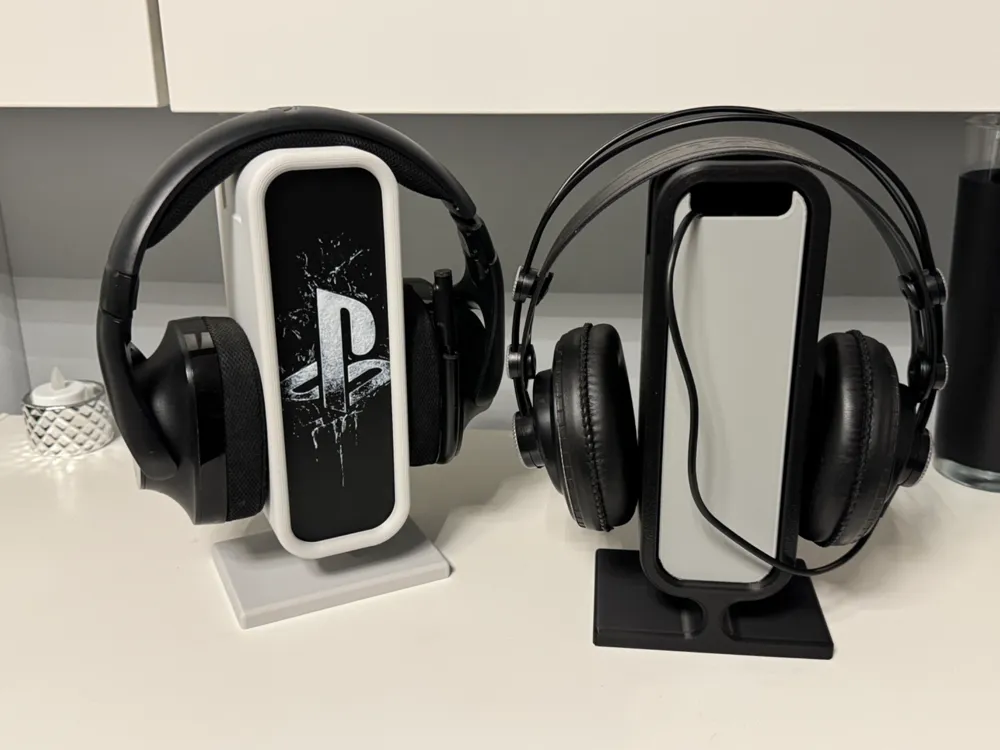
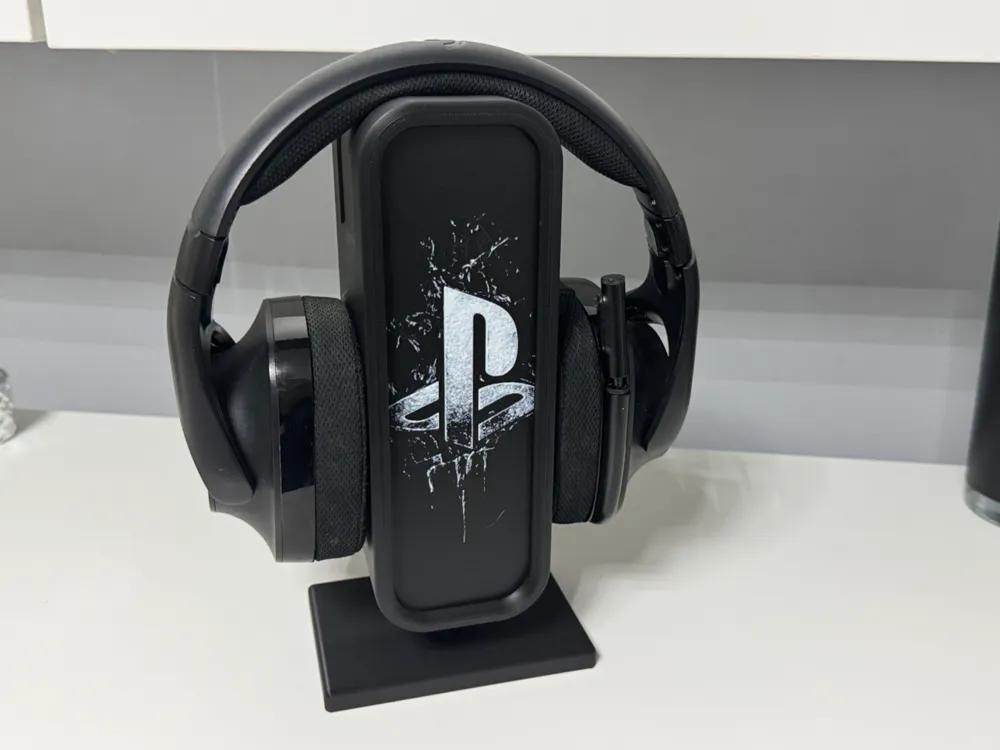
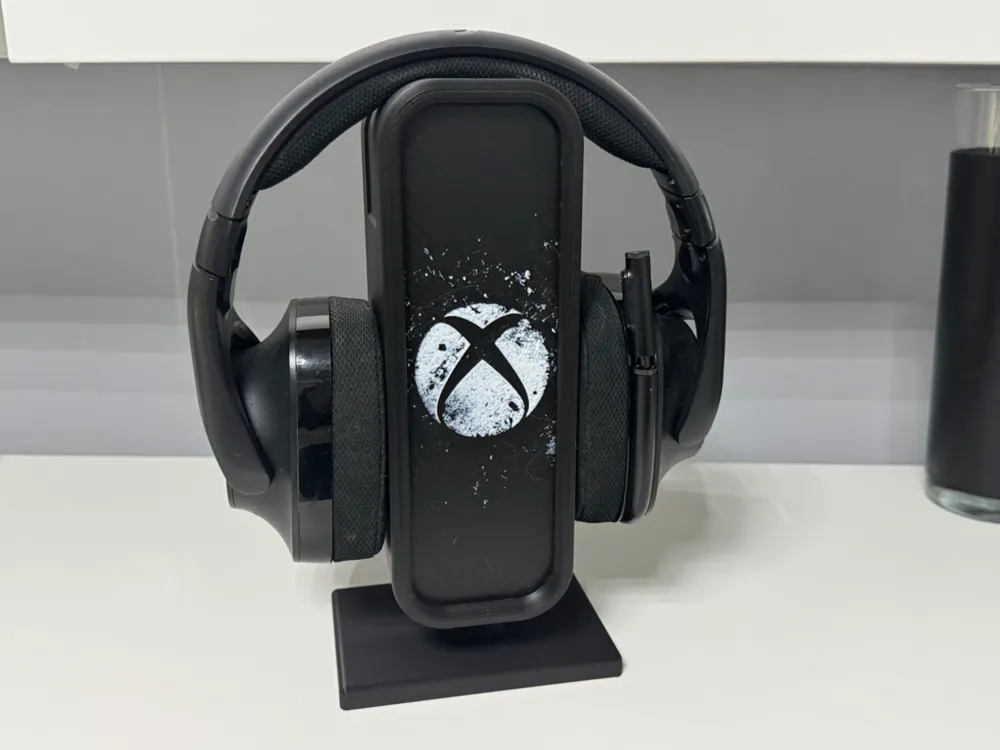
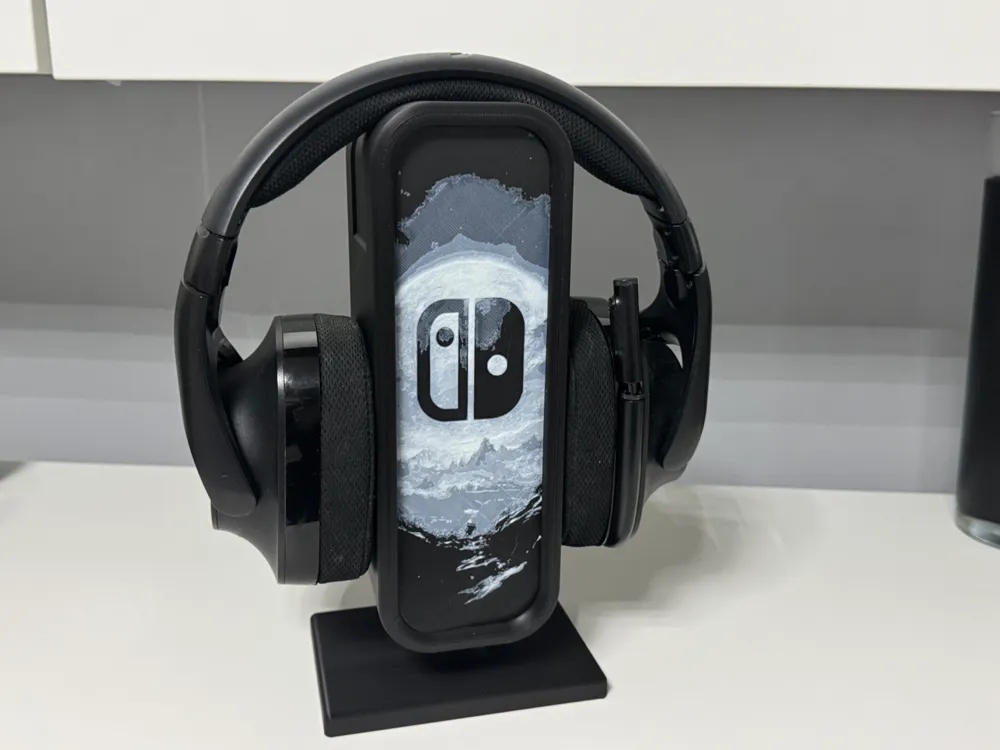
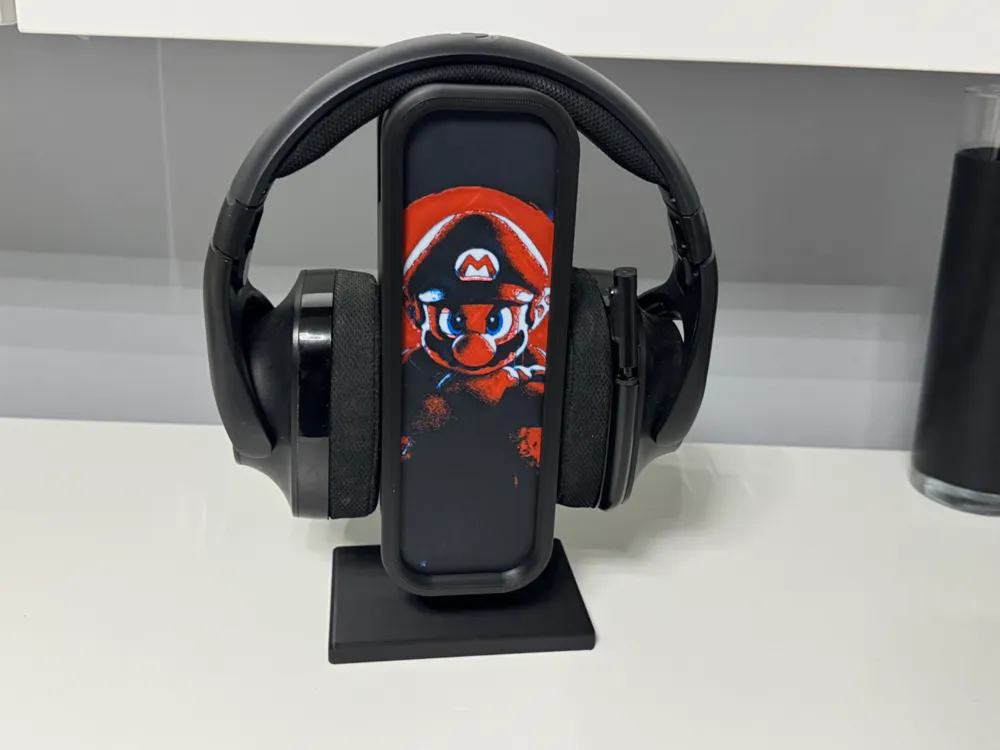
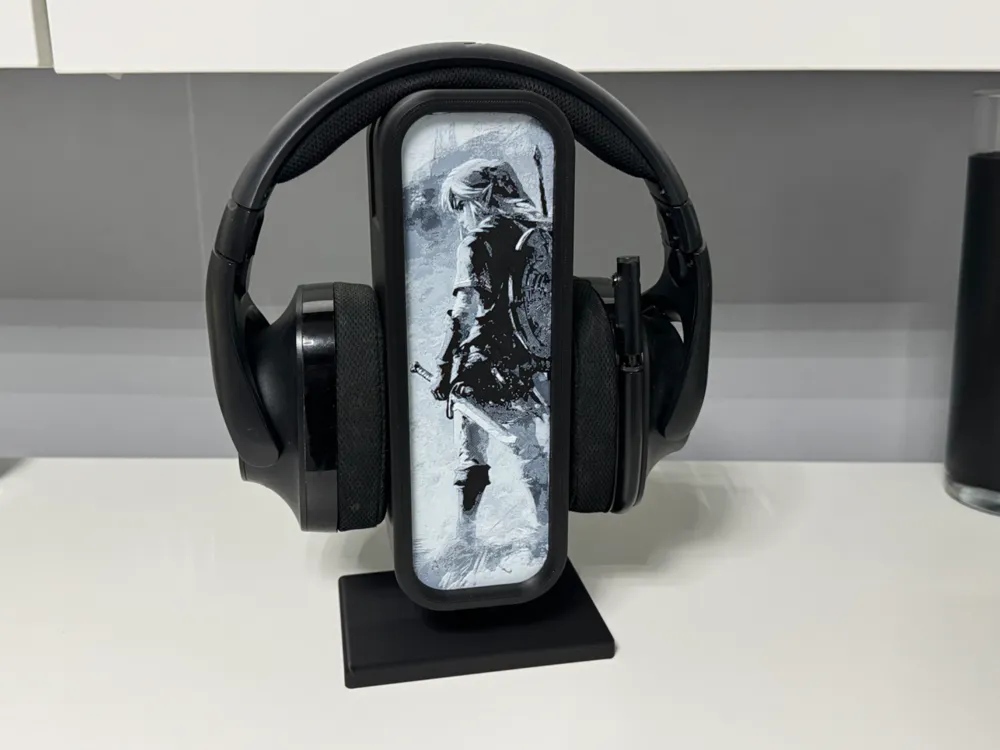
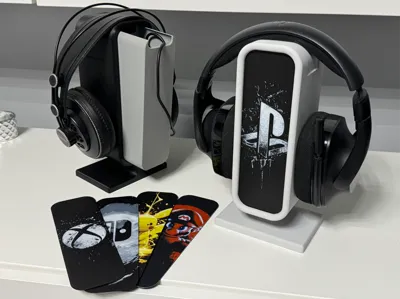
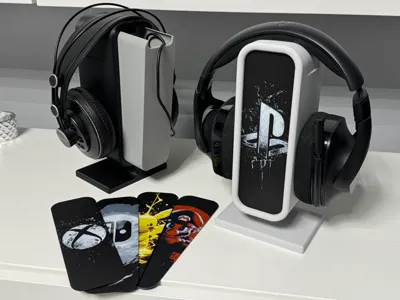
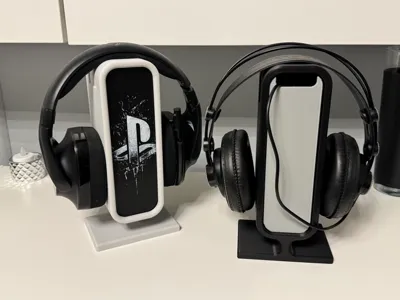
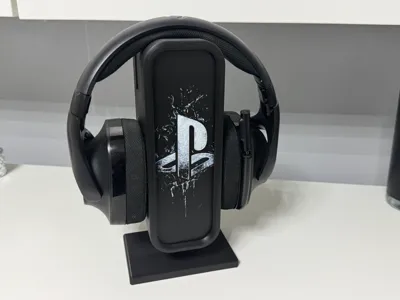
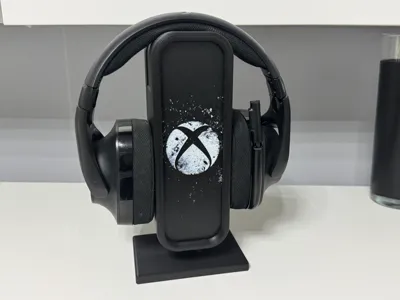
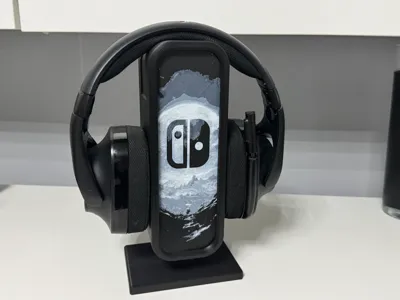
Headphone stand, changeable front + hidden box
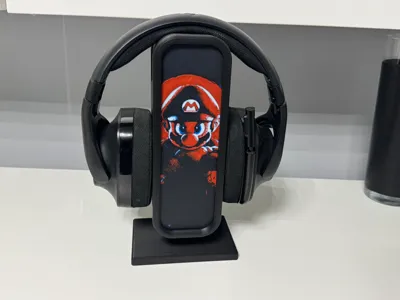
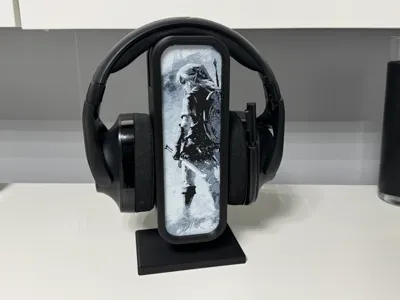
Print Profile(2)




Description
https://makerworld.com/en/collections/4639439-licensed-models
You can sell this model, and all the models in the link above,
with a membership on Patreon.
www.patreon.com/cP_3D
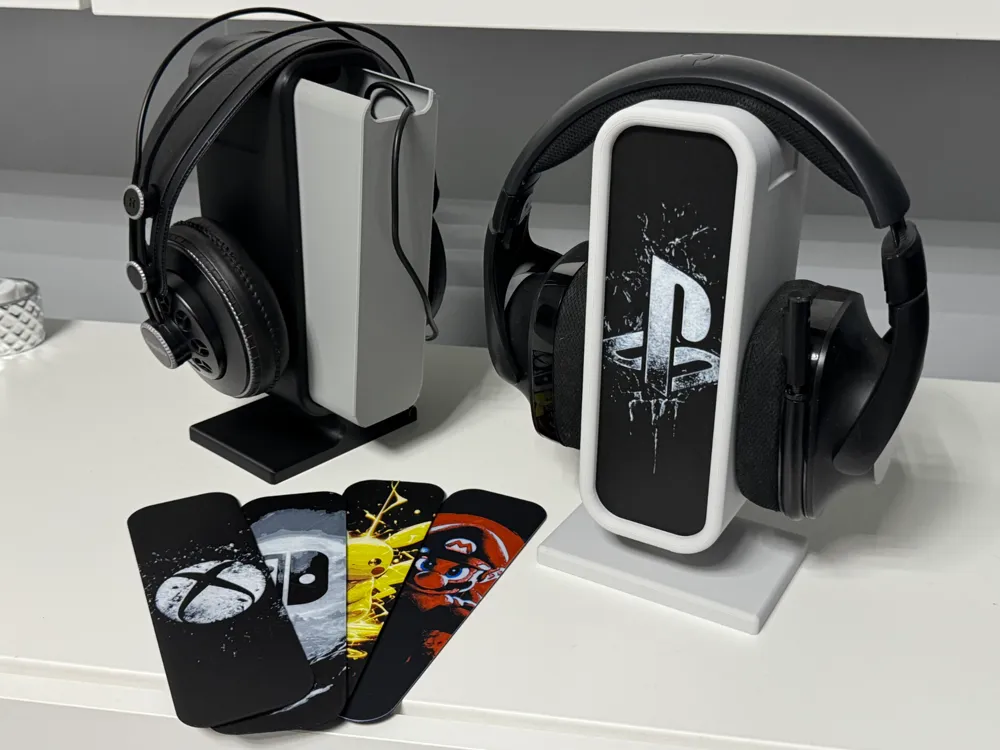
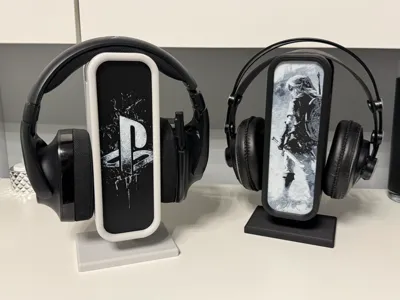
I have designed a customizable headphone stand for you, where you can change the front as you wish, and even design it yourself if required.
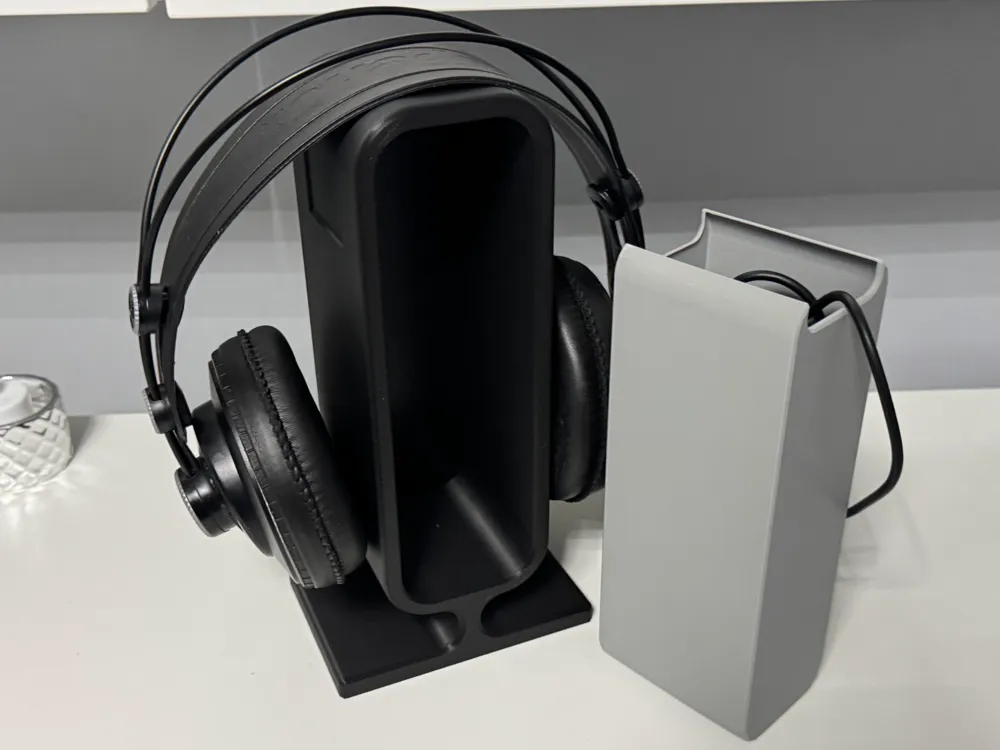
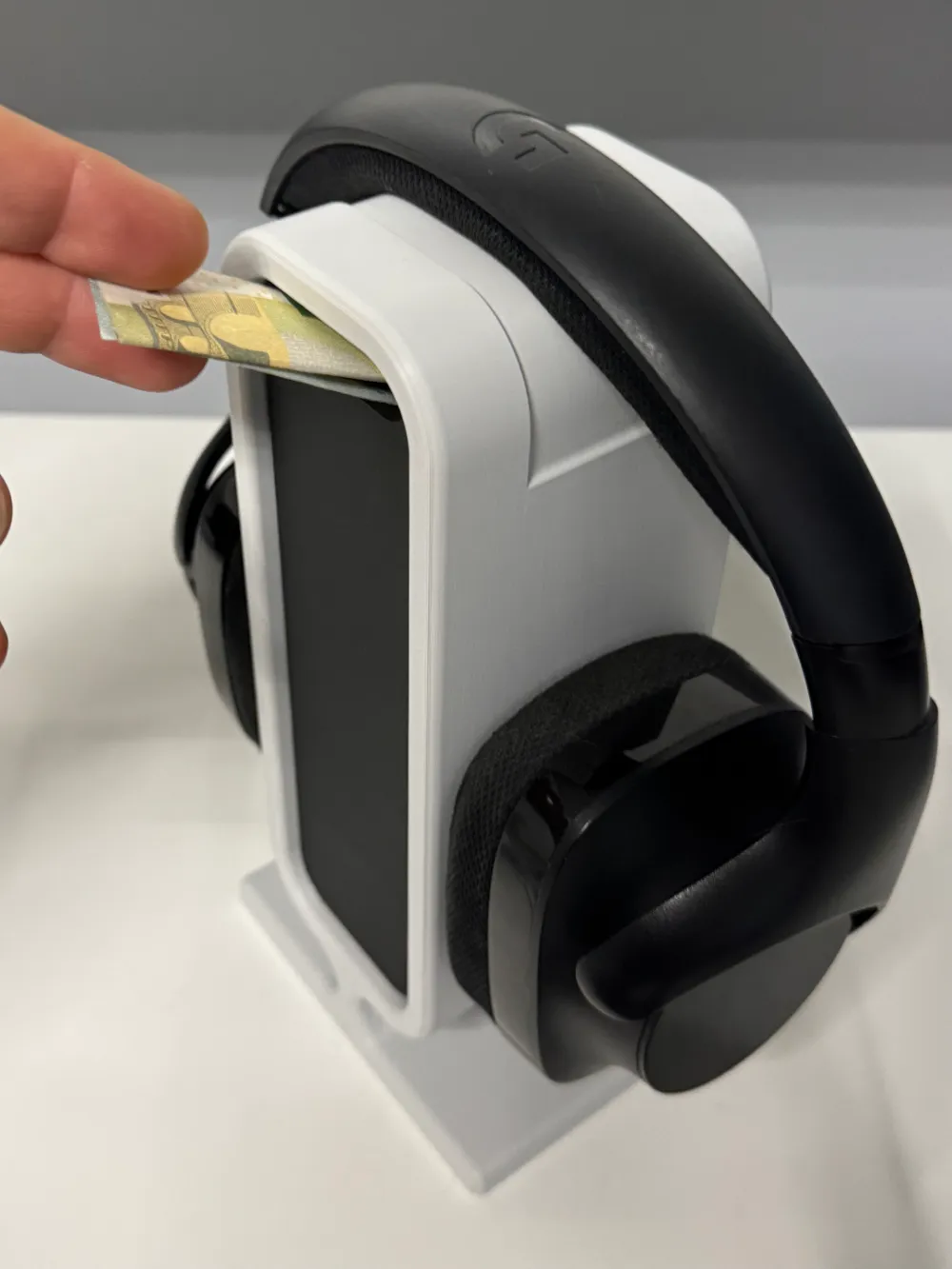
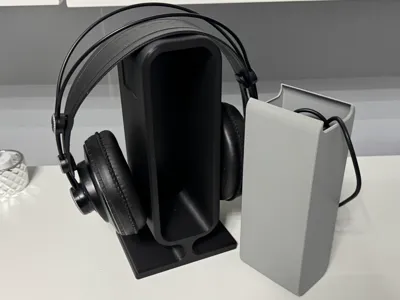
I have even included a hidden box on the back. You can store the cable and accessories of your headphones there, for example, or use it as a savings bank. Maybe you also want to hide sweets from your little sister and much more.
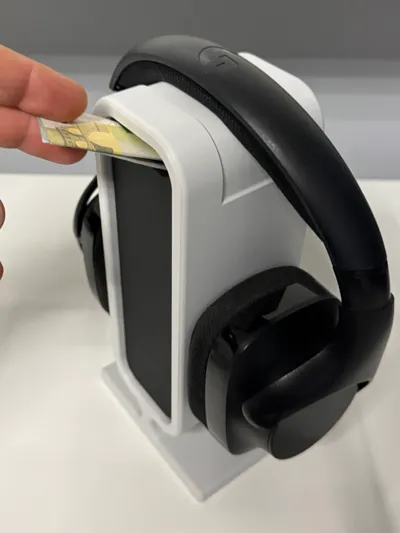
You only have to press your inlay in from the front.
https://www.instagram.com/share/BBBlftDavs
A small note for users who use printing plates that allow printing with lower heating bed temperatures. A certain amount of shrinkage due to heat is taken into account with this model. This means that prints on a cold heating bed are slightly too large. I recommend printing the inserts with the standard printing plates at the usual heating bed temperature.
Here you can only find the stand and the box, as well as the template for your own inserts.
You can find 3djd’s designs for suitable inlays here: https://makerworld.com/en/collections/4983891
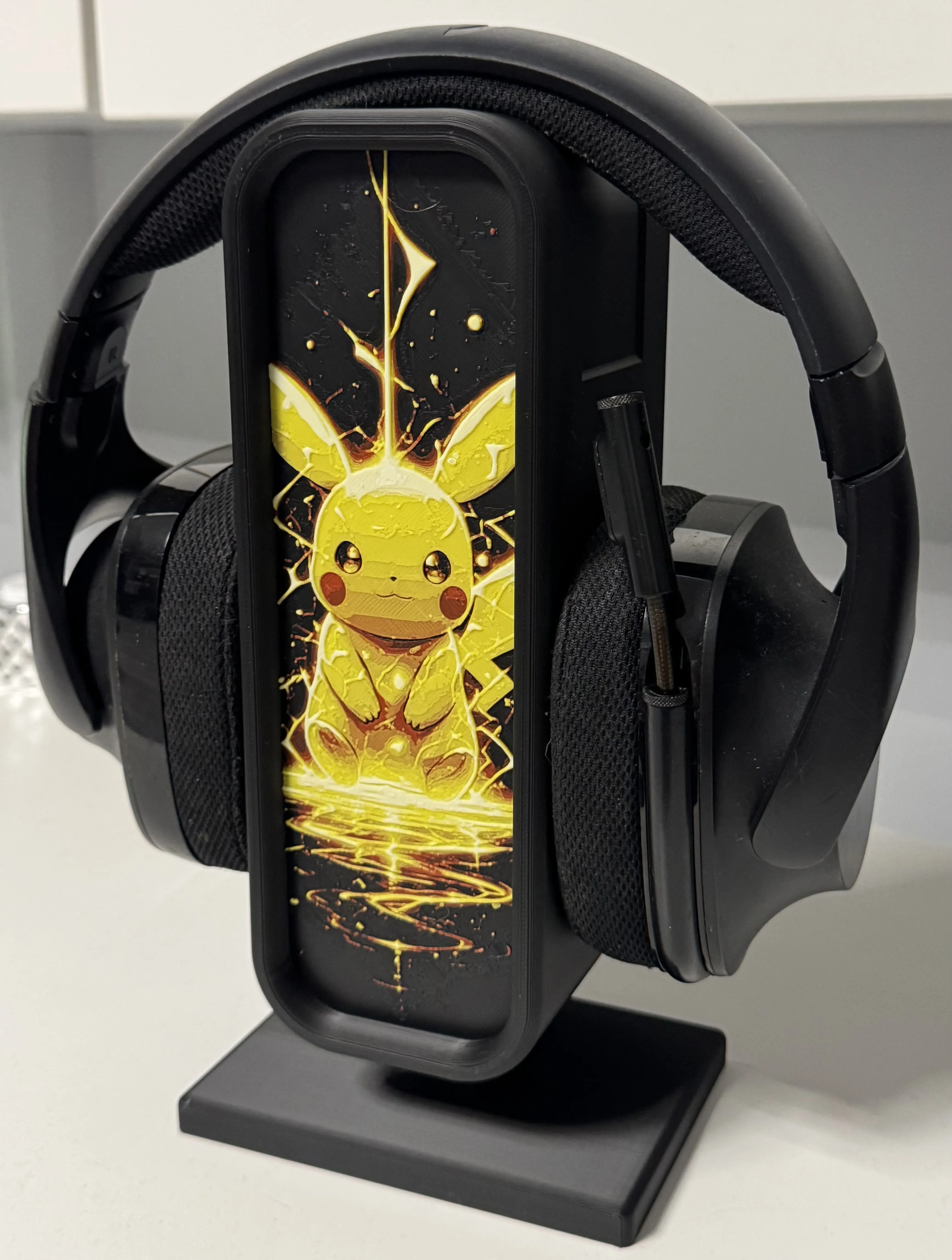
Here you can find my other designs collected:
https://makerworld.com/en/collections/4955446
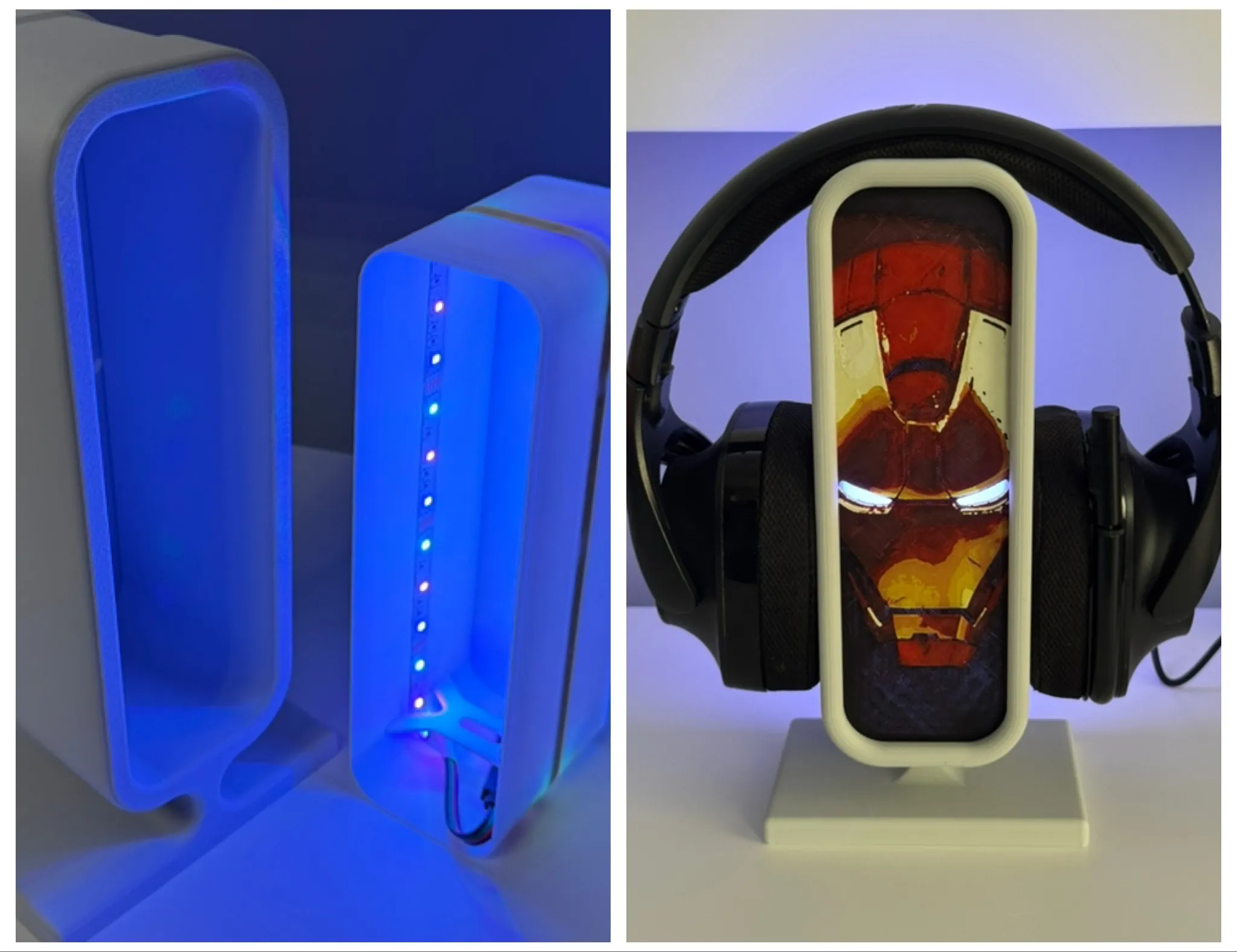
I have now created a matching LED module here:
https://makerworld.com/en/models/1182336-led-modul-for-my-headphone-stand#profileId-1192833
Instructions for the template:
Please note that you must commence with my print profile in Bambu Studio!!!! Loading the .stl file and adjusting all settings manually is too complex, hence my choice of this approach
Open the print profile using Bambu Studio
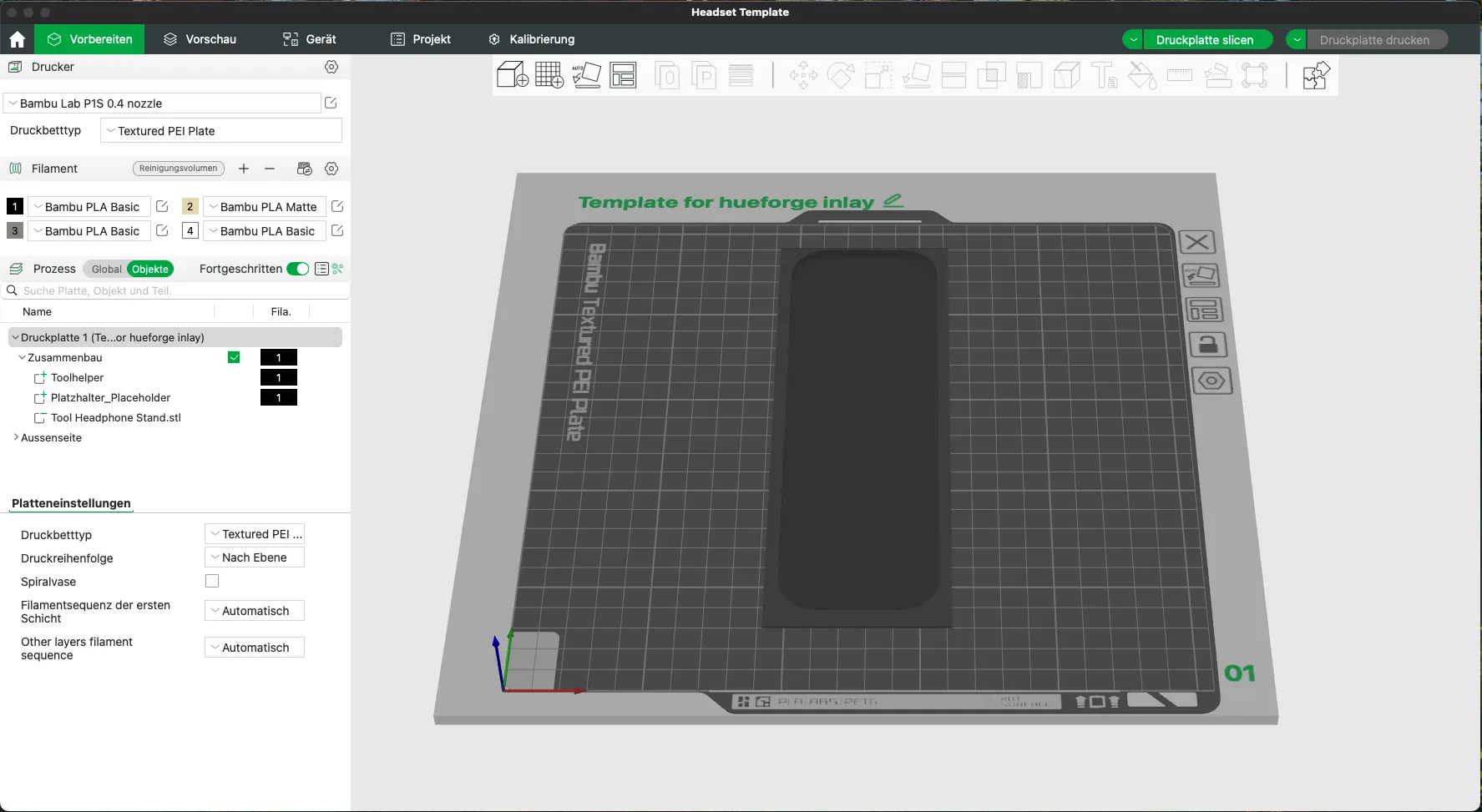
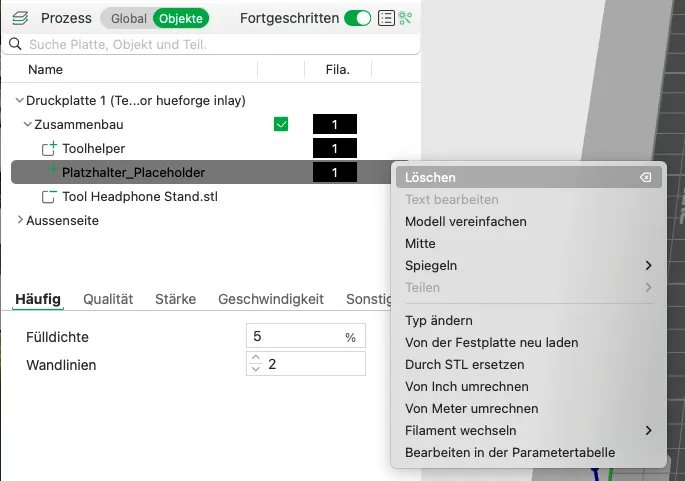
Delete the object placeholder
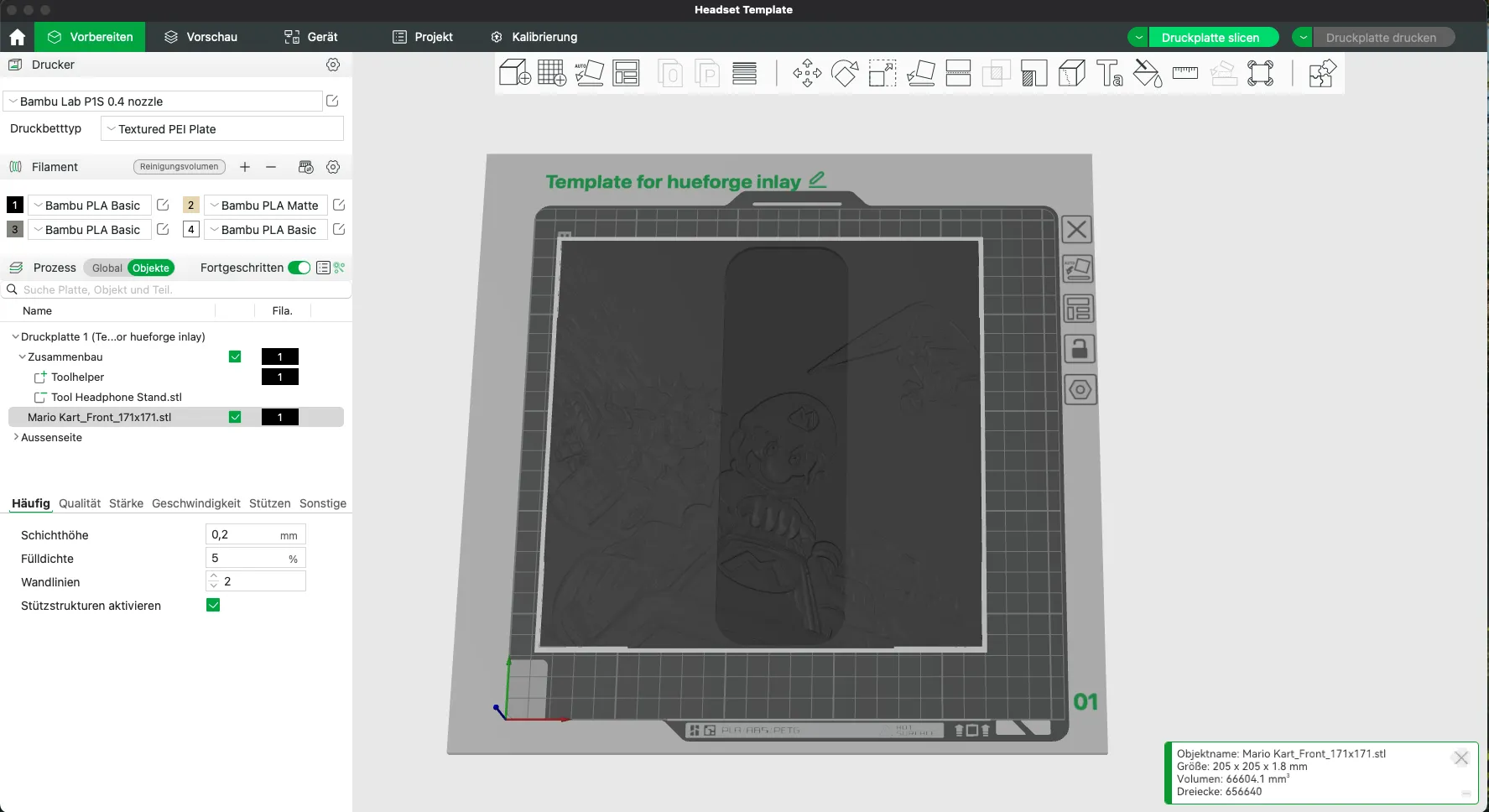
Insert your Hueforge or other suitable model (currently, I have only tested it with Hueforge)
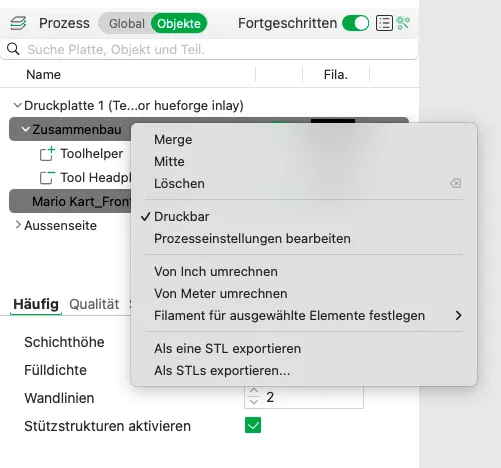
Merge the “Assembly” object and your model (here, “Mario Kart…”) using the Merge function
The result should resemble this:
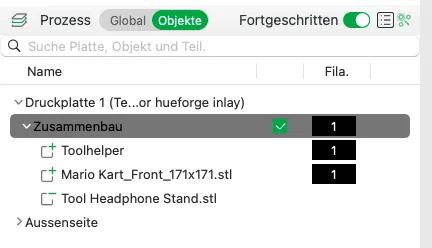
- Now, configure your settings for your image/Hueforge… color changes… layer height, etc
Slice and you’re done
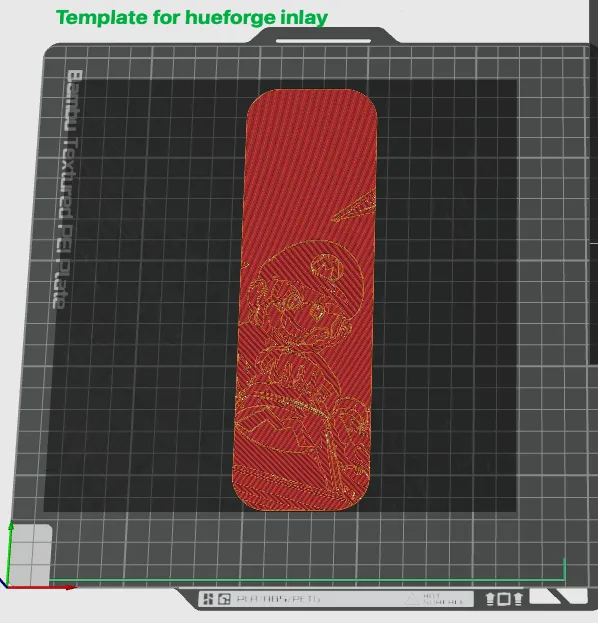
- A final request If you intend to utilize this profile repeatedly, kindly refrain from saving it separately Instead, repeatedly open and use the profile from the Makerworld/Bambu Studio downloads This ensures that Makerworld accurately counts the downloads, granting me proper credit for each use, even if you create ten inlays
Should you have any questions or requests, kindly post them in the comments section of this model
Boost Me (for free)
It gives me pleasure to create things for 3D printing. I also hope to be able to bring joy to others, or to offer a great gift for others.
If the object has brought joy to you or your recipient, then you could also give me joy with a boost 😉
Happy printing
License

You shall not share, sub-license, sell, rent, host, transfer, or distribute in any way the digital or 3D printed versions of this object, nor any other derivative work of this object in its digital or physical format (including - but not limited to - remixes of this object, and hosting on other digital platforms). The objects may not be used without permission in any way whatsoever in which you charge money, or collect fees.


Comment & Rating (254)