
Modern Monitor Stand with Keyboard Cubby
Print Profile(1)

Bill of Materials

Description
Boost Me (for free)
Like this model? Boost it to support my work and follow me for more original 3D designs!
Modern Monitor Stand with Keyboard Cubby
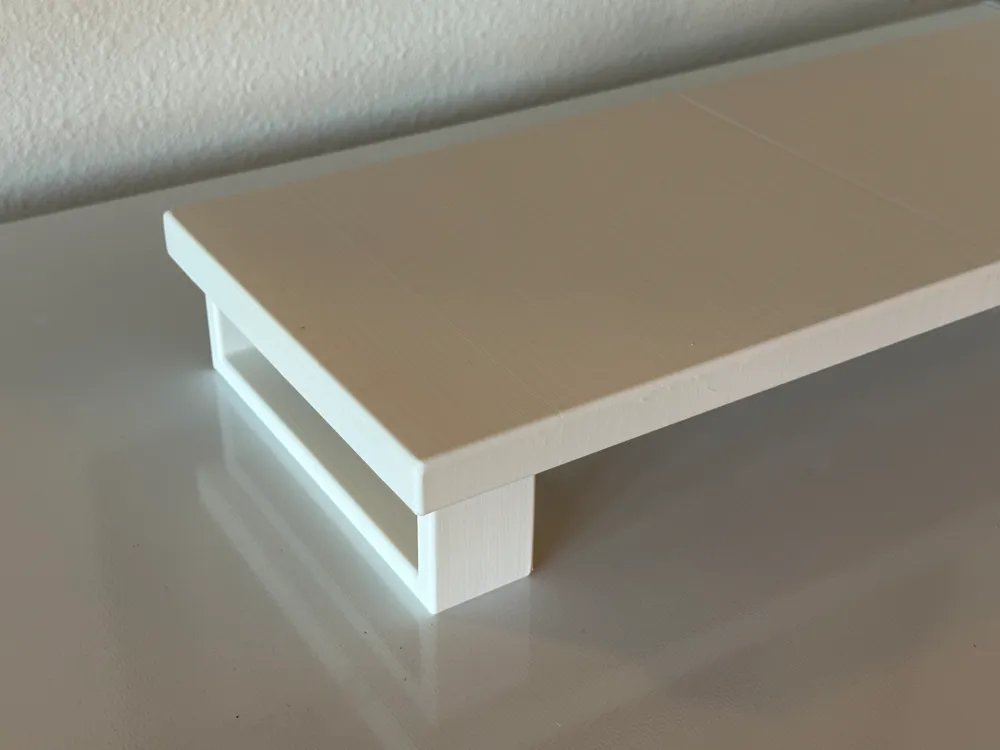
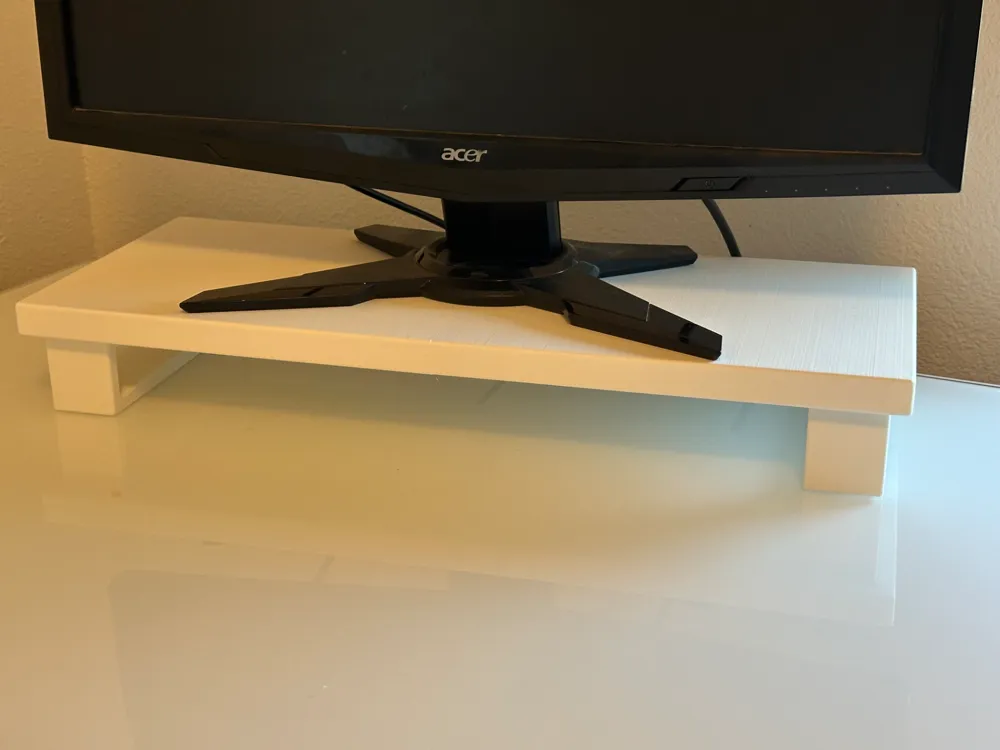
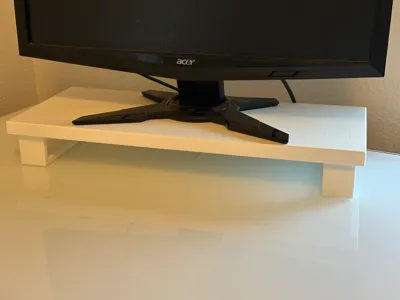
Optimize your desk space with this 3D-printable monitor stand, designed to elevate your monitor to a more ergonomic height and reduce strain on your back and neck. The spacious design allows for easy storage of your keyboard and other essentials underneath, keeping your workspace neat and organized.
Key Features:
✔ Ergonomic Design – Raises your monitor to a comfortable viewing height, reducing neck and eye strain during long hours of use.
✔ Generous Storage Space – The 50mm (1.97 inches) of clearance underneath allows for easy storage of a keyboard or other office supplies. The space between the legs offers a 400mm (15.75 inches) width, ideal for most keyboards and small office items.
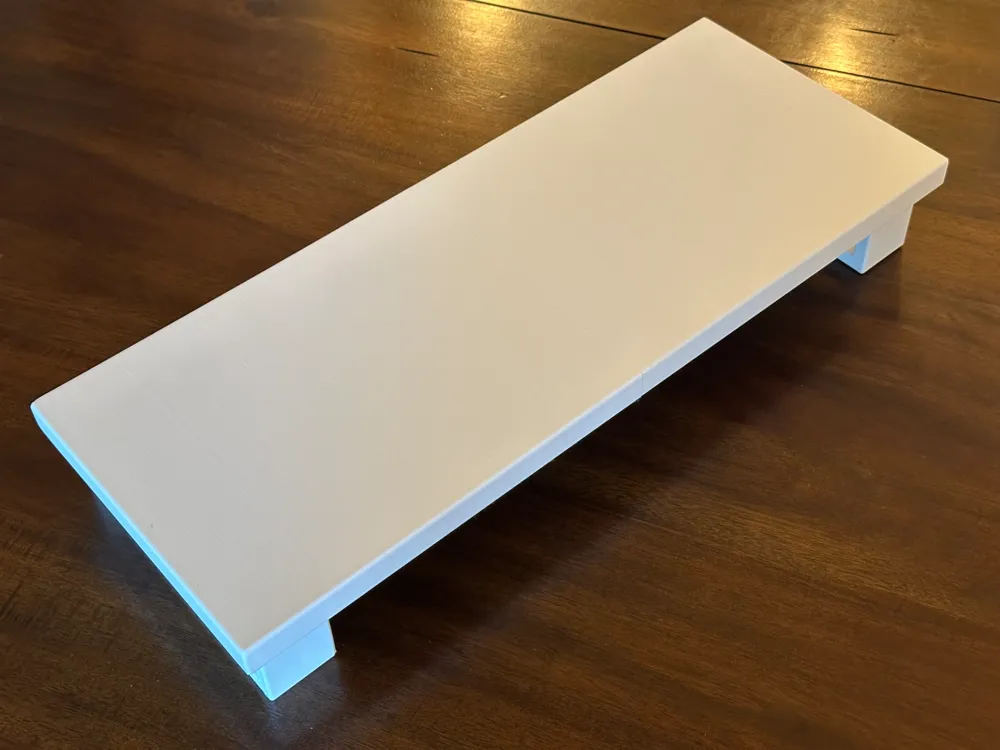
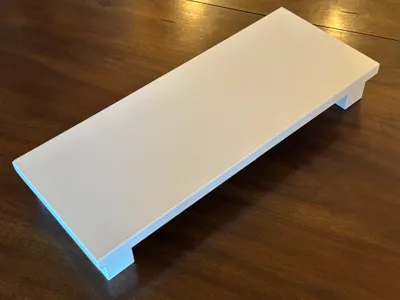
✔ Sturdy & Stable – Designed with a robust structure to ensure stability, the top shelf measures 500mm (19.69 inches) wide and 200mm (7.87 inches) deep, providing ample space for your monitor, printer, or other devices.
✔ Minimal Installation – Quick setup with no tools required—just assemble the legs for easy and fast use.
✔ Versatile Use – Perfect for use with monitors, laptops, printers, and even TV stands, this riser can adapt to your home or office needs.
Assembly Instructions:

- Top Assembly – The top of the stand is divided into two halves. There are 5 pegs that print with the model, which are used to align and hold the two halves together. Super glue the pegs into place to securely join the halves.
- Leg Assembly – The legs are printed separately. While the weight of the top will naturally hold the monitor and the legs will nest into place, it is recommended to glue the legs onto the top for added stability and durability.
Documentation (2)

License

You shall not share, sub-license, sell, rent, host, transfer, or distribute in any way the digital or 3D printed versions of this object, nor any other derivative work of this object in its digital or physical format (including - but not limited to - remixes of this object, and hosting on other digital platforms). The objects may not be used without permission in any way whatsoever in which you charge money, or collect fees.


Comment & Rating (4)