




Print Profile(2)


Description
Update 11/05/2026: I have updated the file so that it fixes the issues reported in the comments. Now the text is lowered so it does not pose an issue anymore.
Hi,
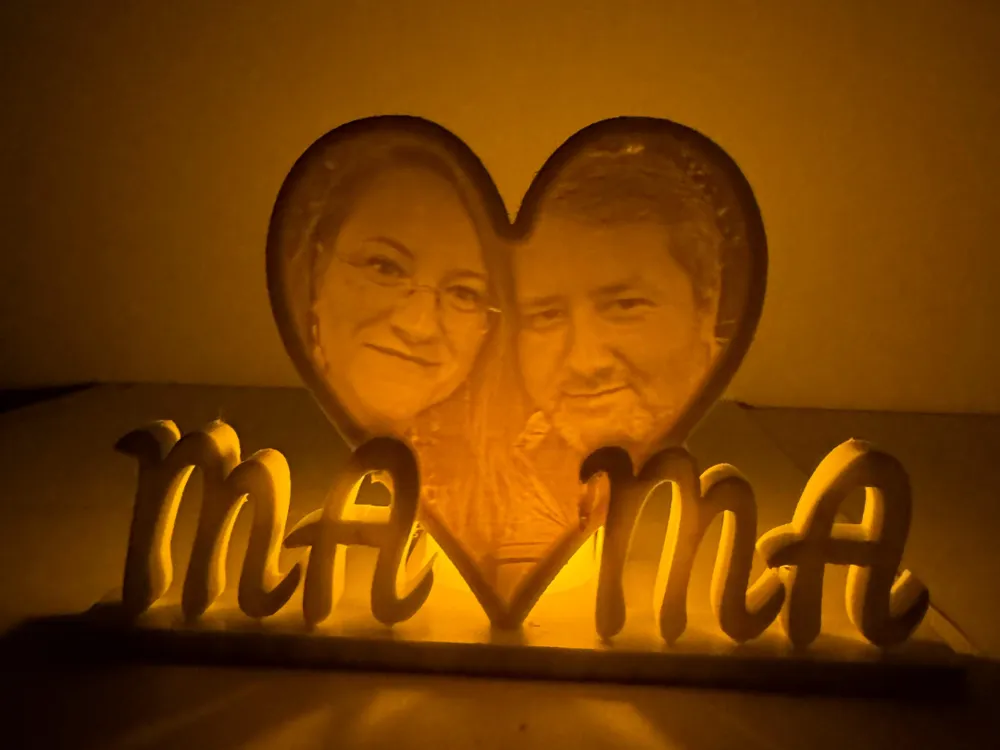
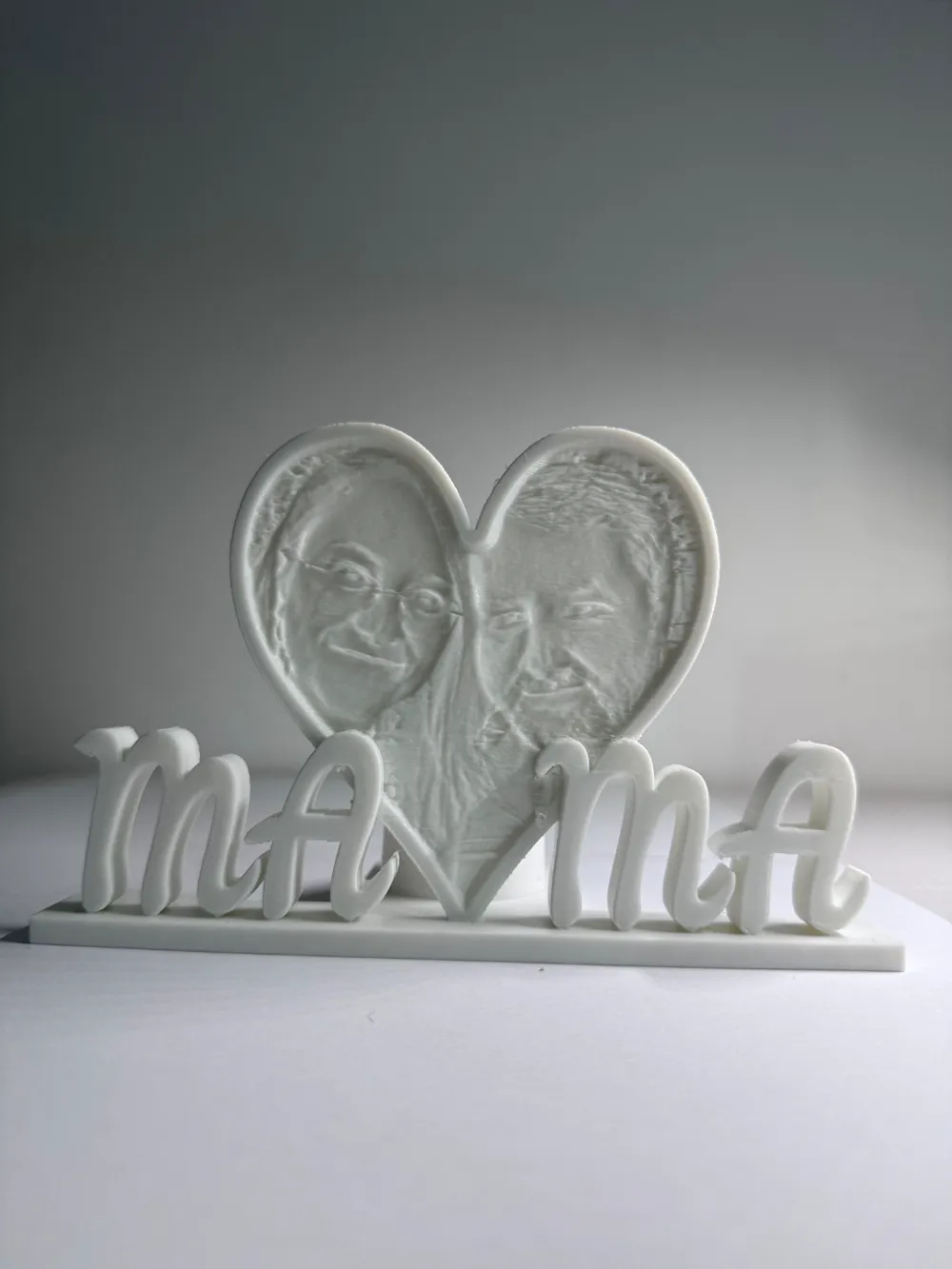
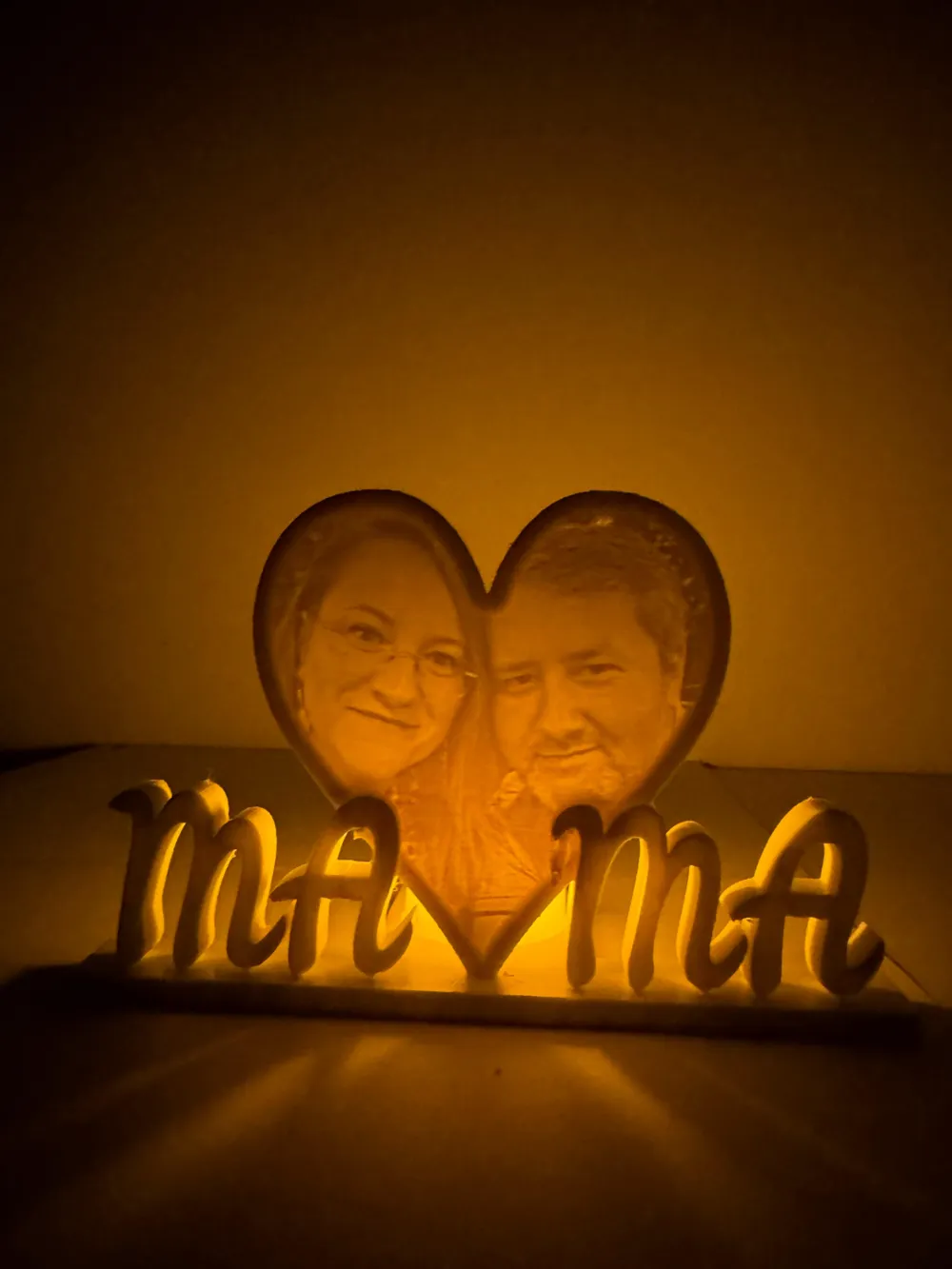
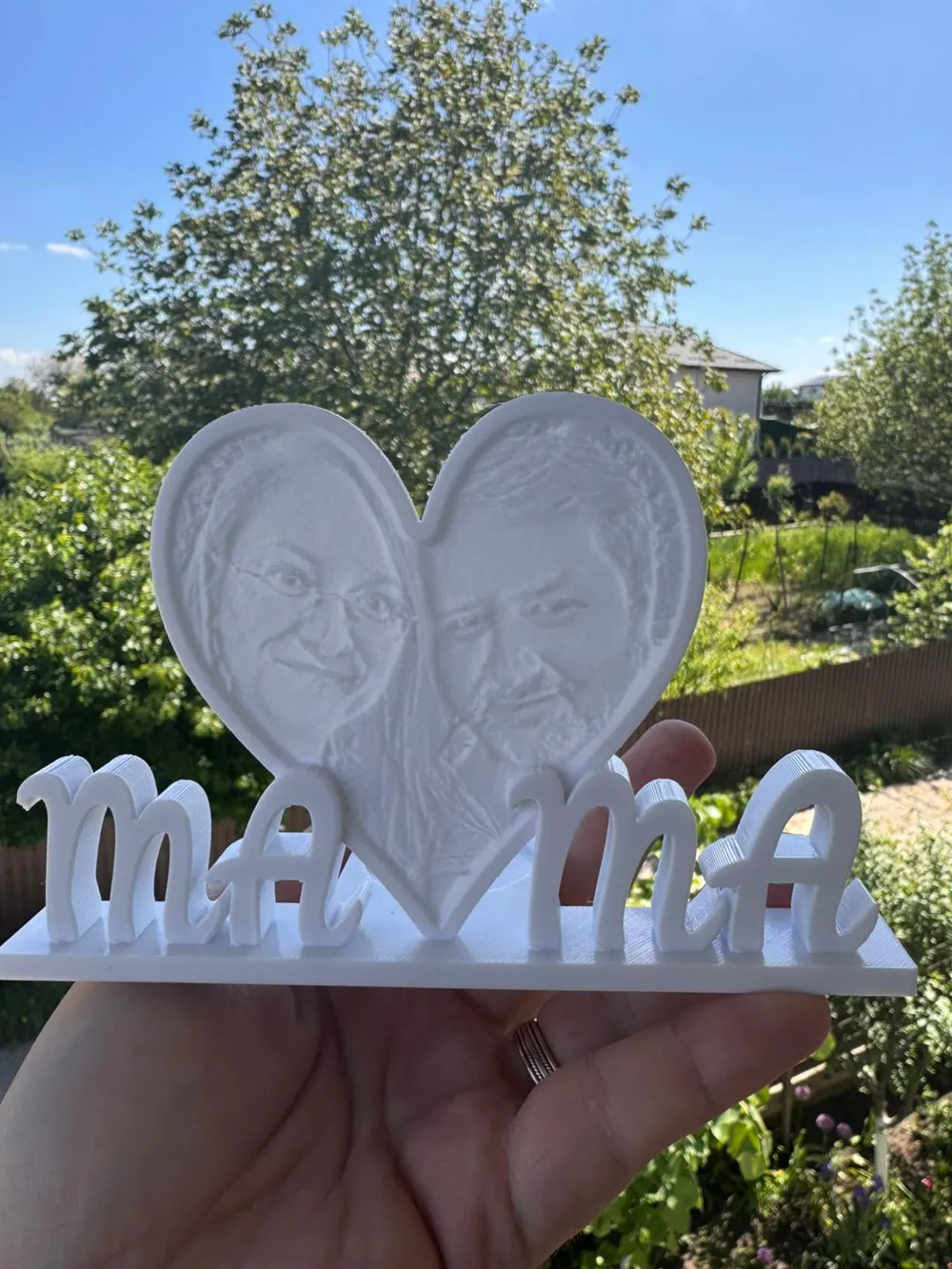
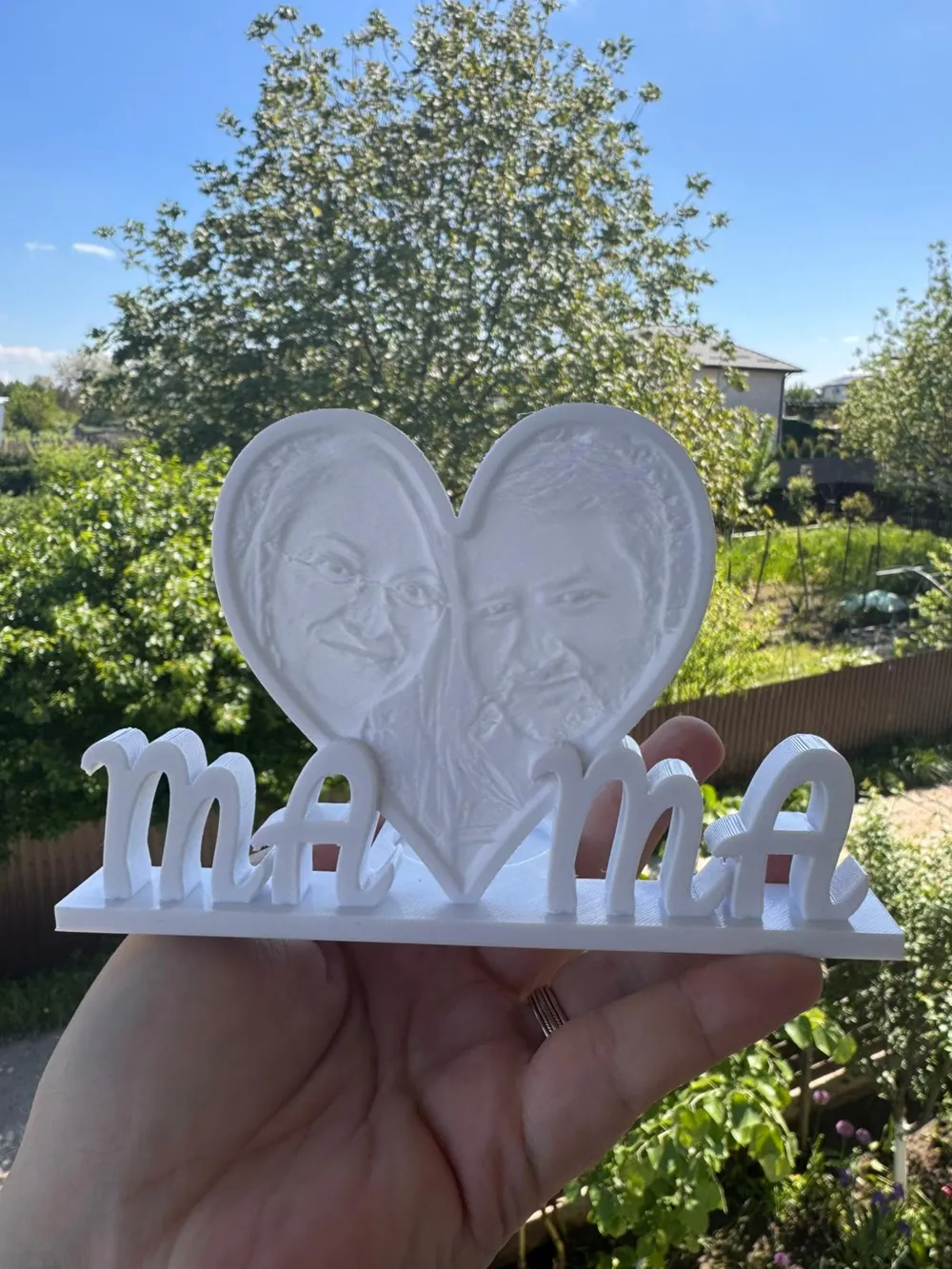
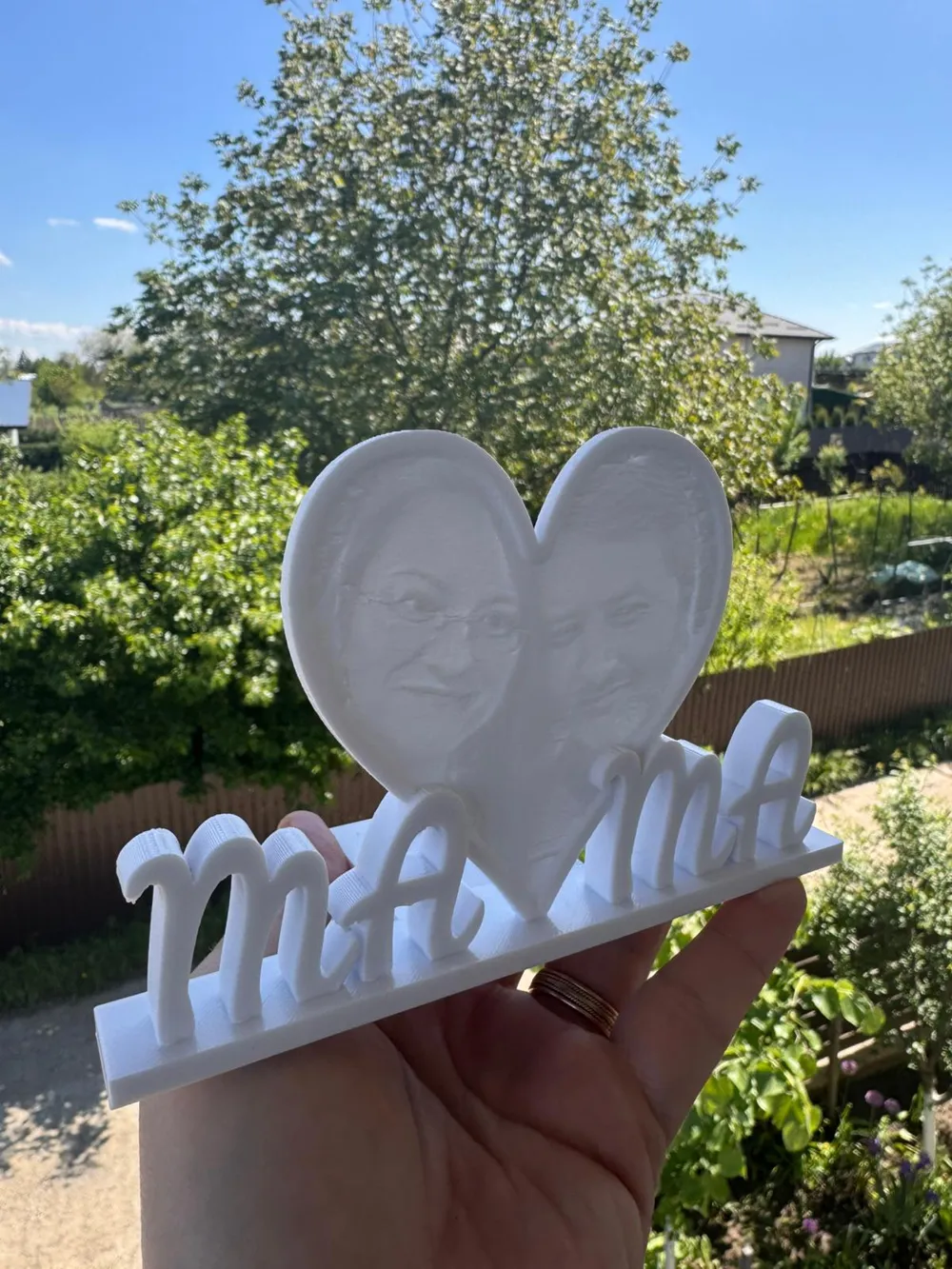
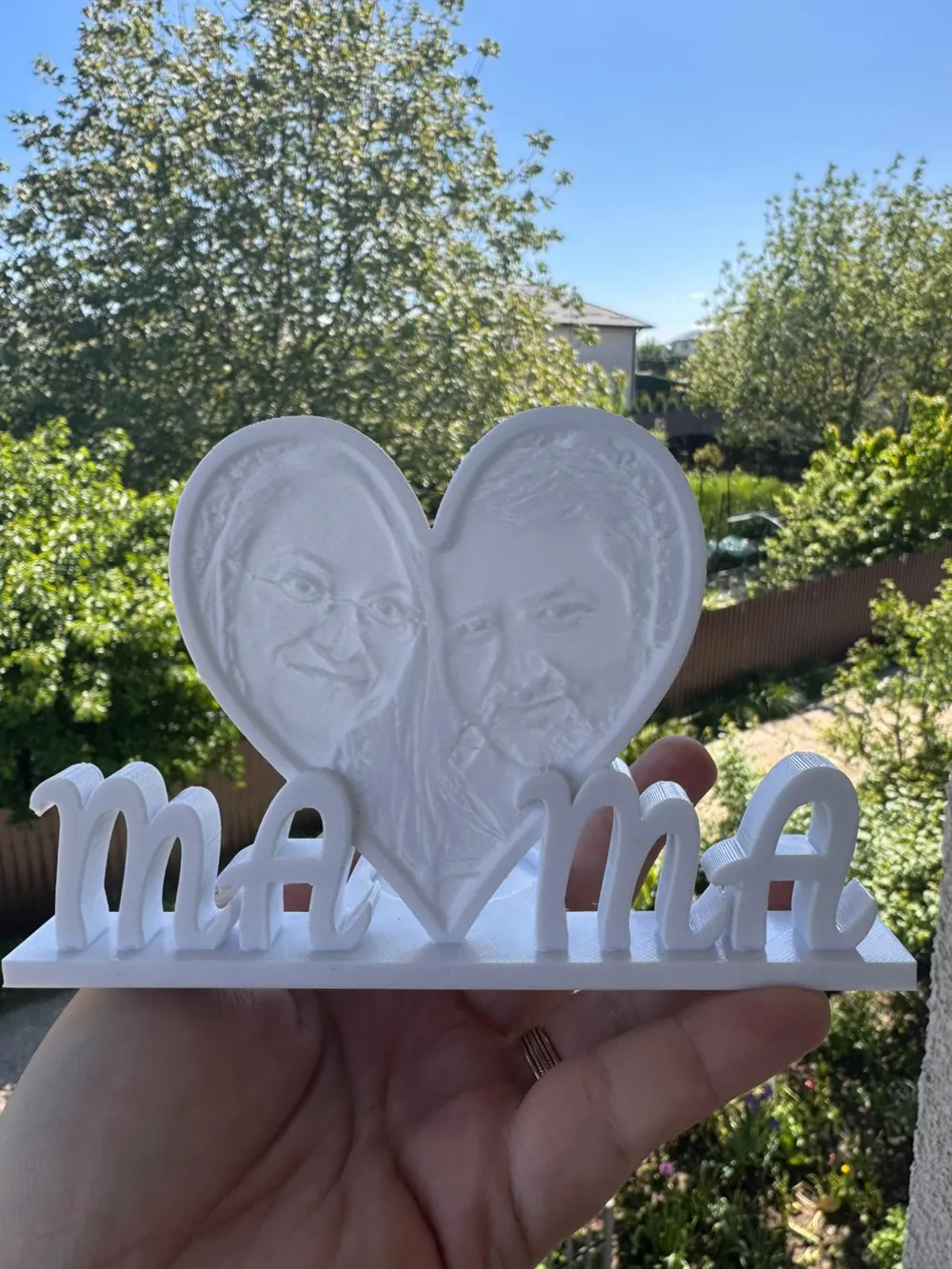
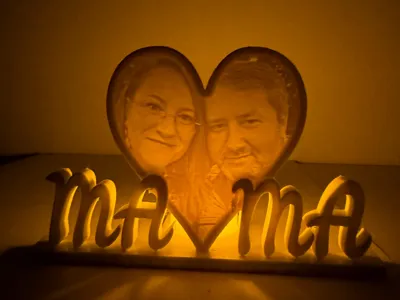
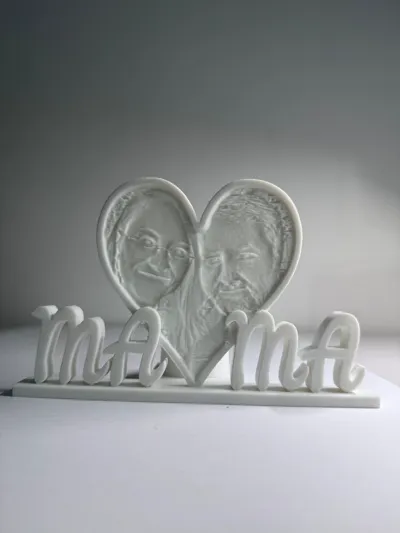
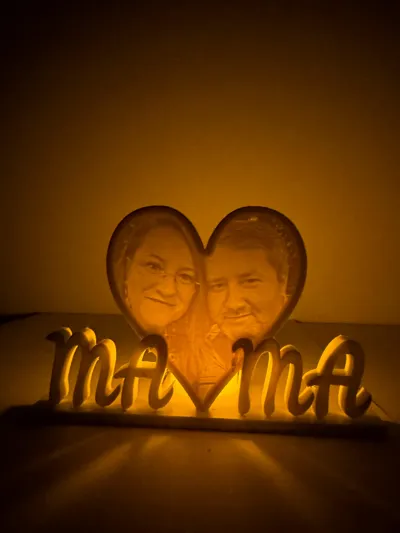
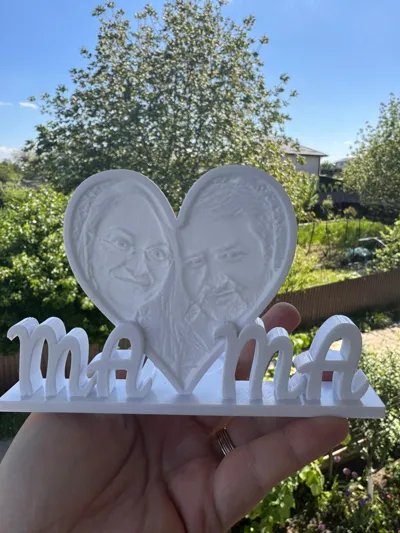
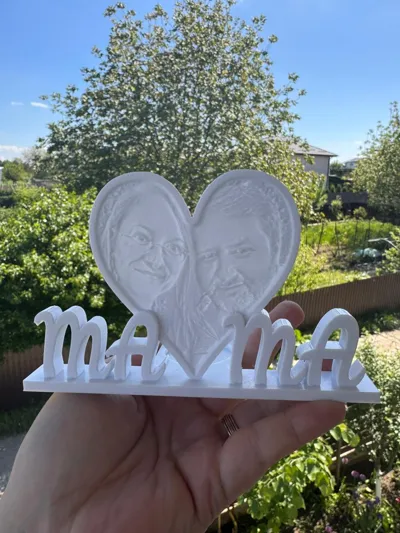
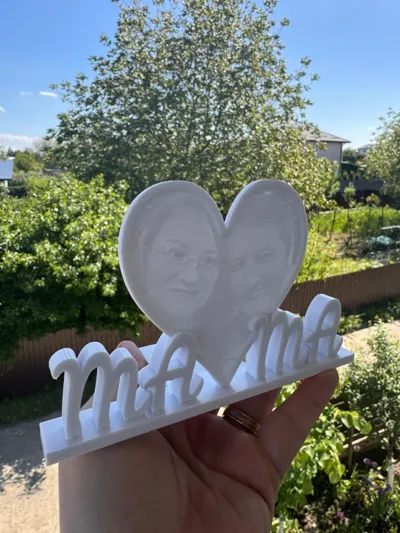
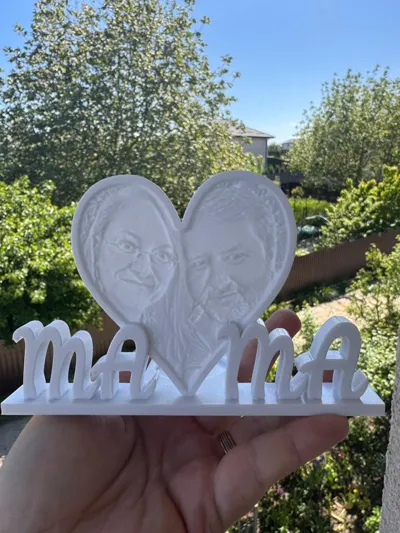
International mothers day is approaching and I wanted to create something that my girls will be able to give as a present to their mother.
In order to change the lithophane please follow the below steps:
1. Open itslitho website: https://tool.itslitho.com/CreateModel
2. From the shape dropdown, select Heart
3. Set the size to 100 mm (Max Size field)
4. Navigate to Upload tab and upload a picture
5. Adjust the settings as per your liking (crop, size and others).
6. Download the litho.
7. Open the project in your preferred slicers (I use Bambu Studio)
8. Once loaded, navigate to Object tab.
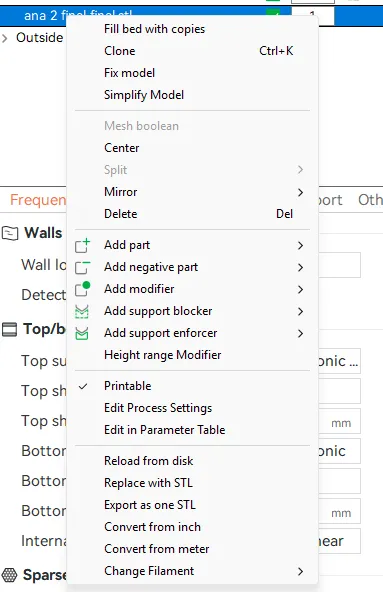
9. Select Replace with STL from the list.
10. Hit Print.
Boost Me (for free)
If you liked this model, consider leaving a boost for me (it's free). Thank you!
License

You shall not share, sub-license, sell, rent, host, transfer, or distribute in any way the digital or 3D printed versions of this object, nor any other derivative work of this object in its digital or physical format (including - but not limited to - remixes of this object, and hosting on other digital platforms). The objects may not be used without permission in any way whatsoever in which you charge money, or collect fees.


Comment & Rating (47)