
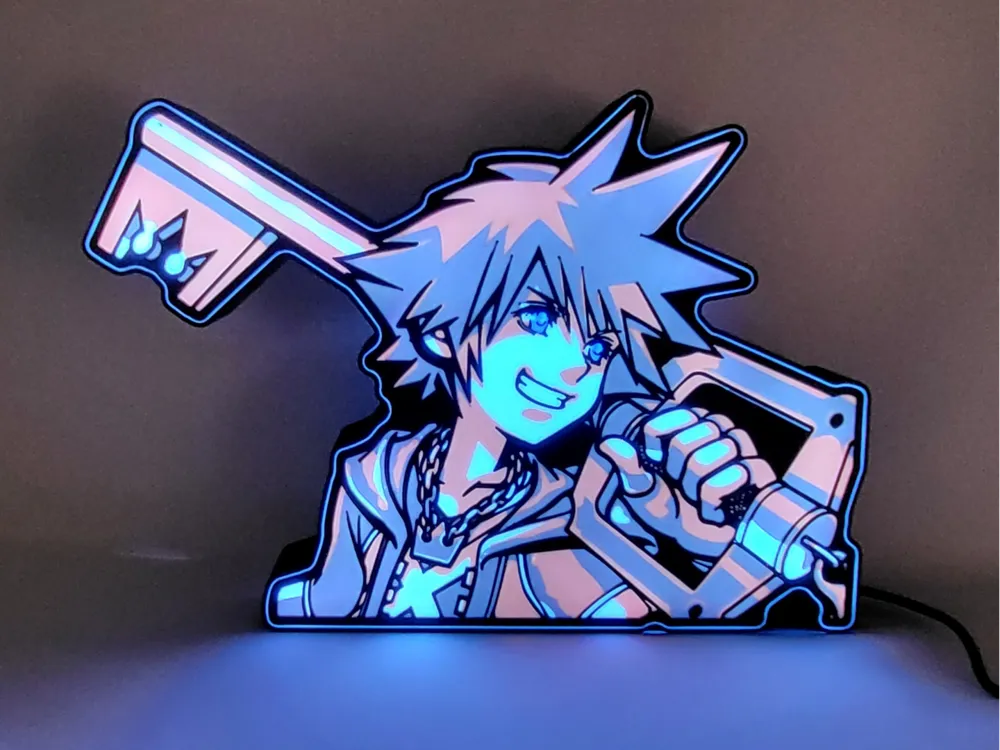

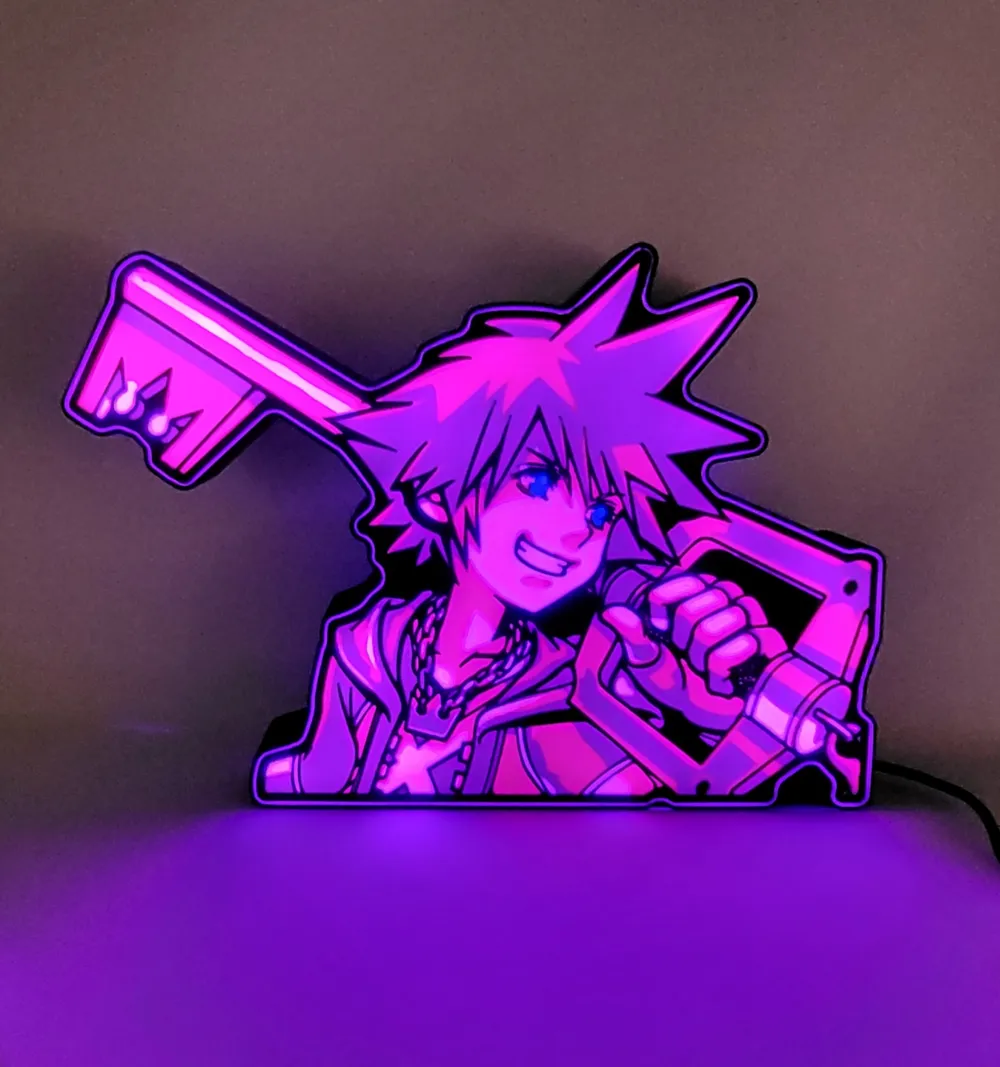
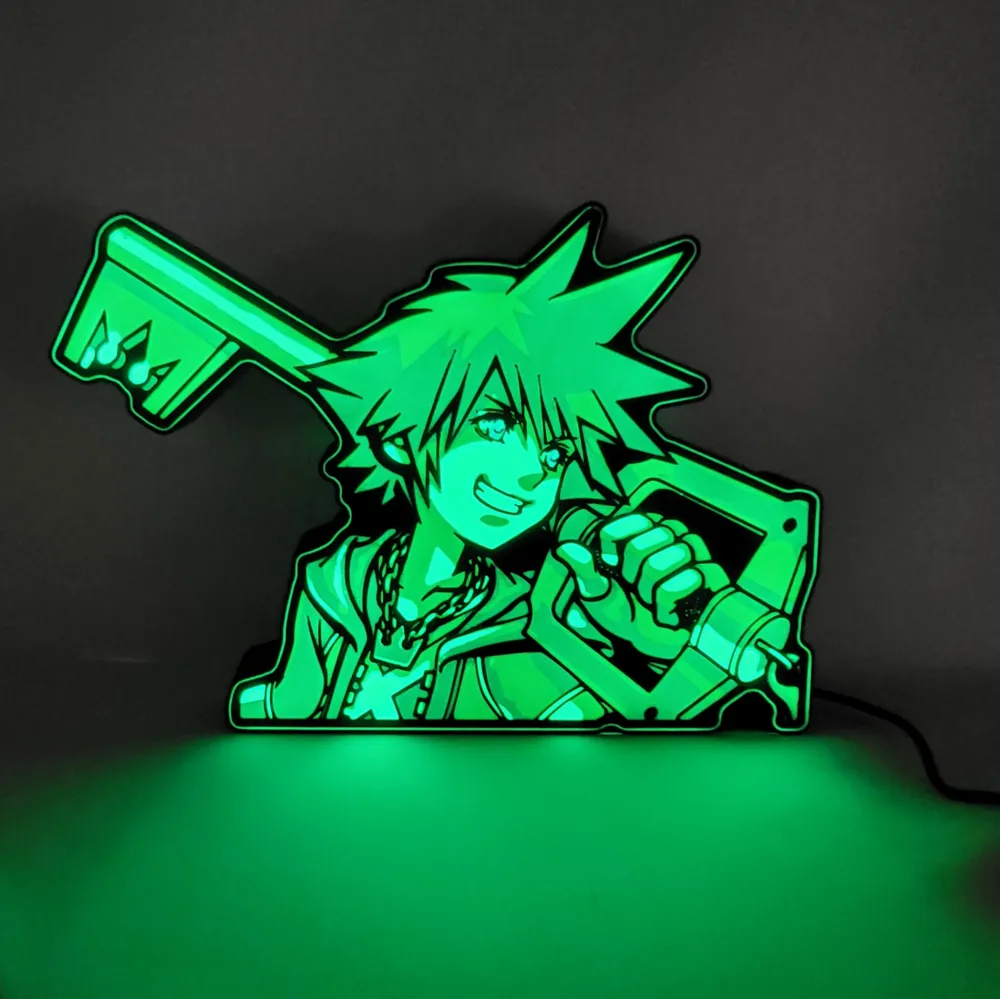


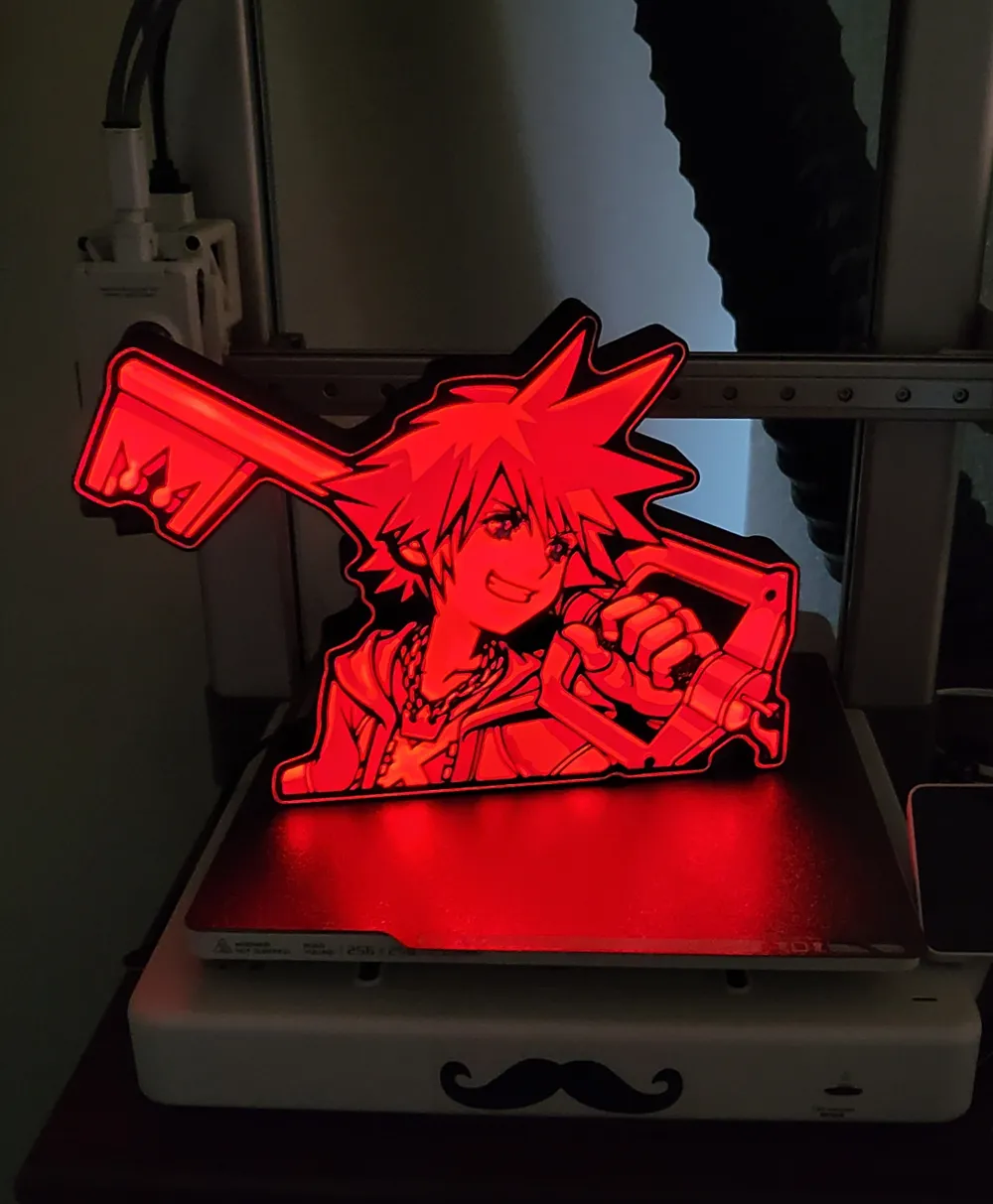
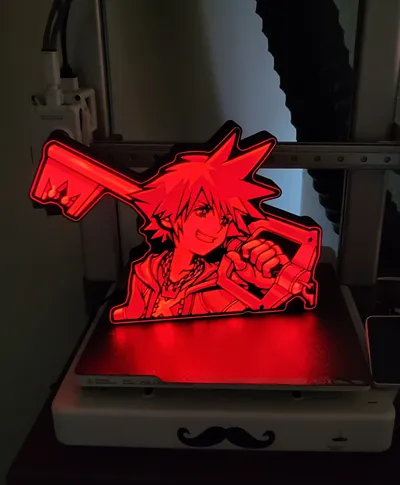
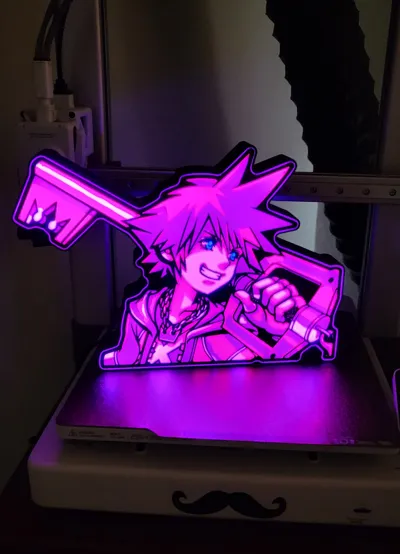
Print Profile(1)

Description
Boost Me (for free)
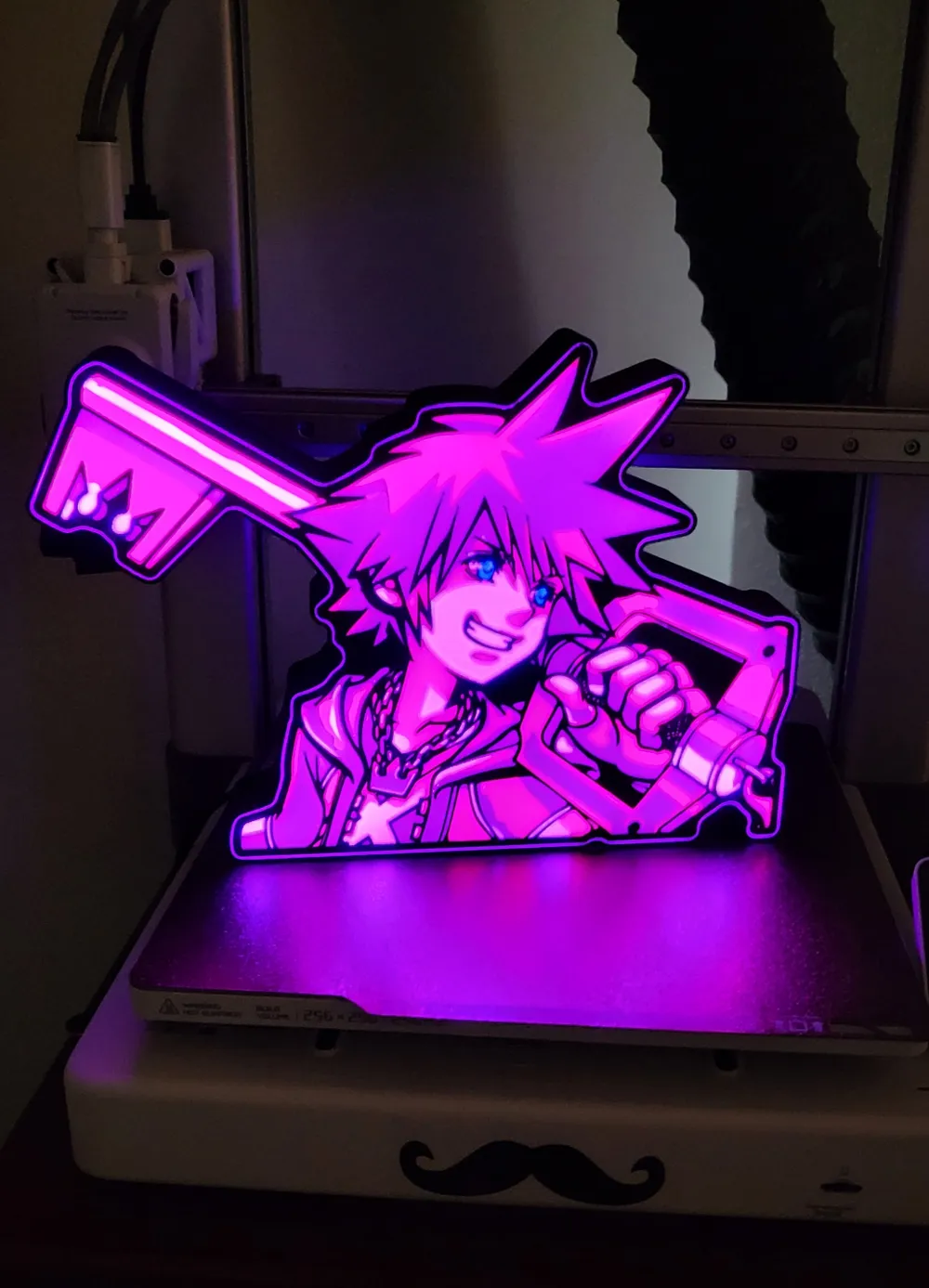
Thank you to everyone that supports me, it truly inspires me to keep designing and making new things! For instructions on how to print with 1 AMS, please read the following below!
For those with only 1 AMS
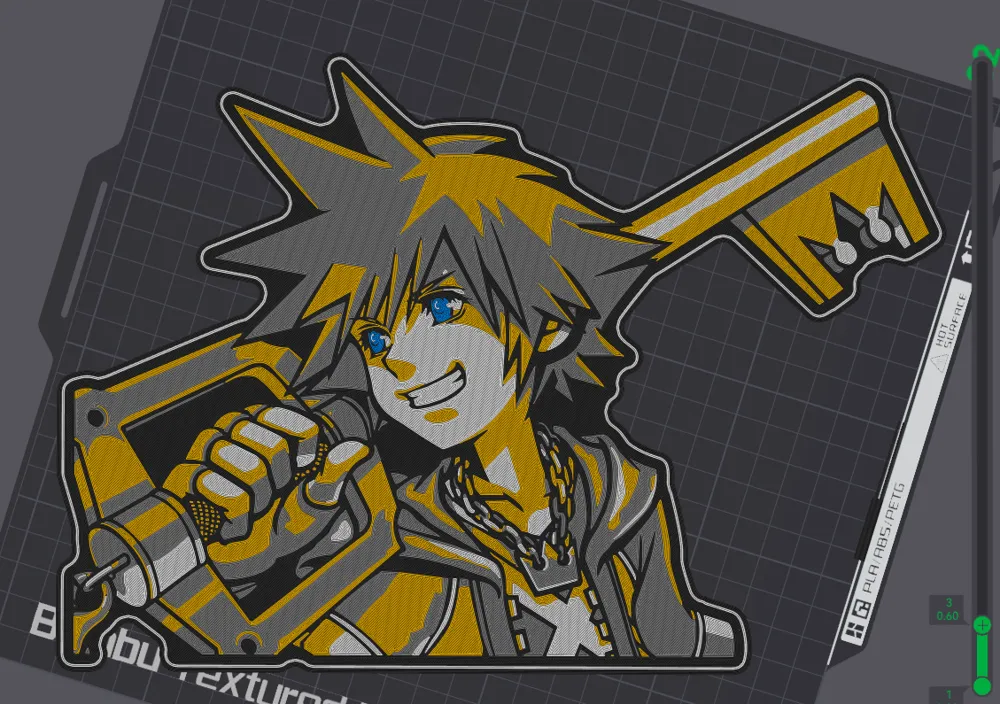
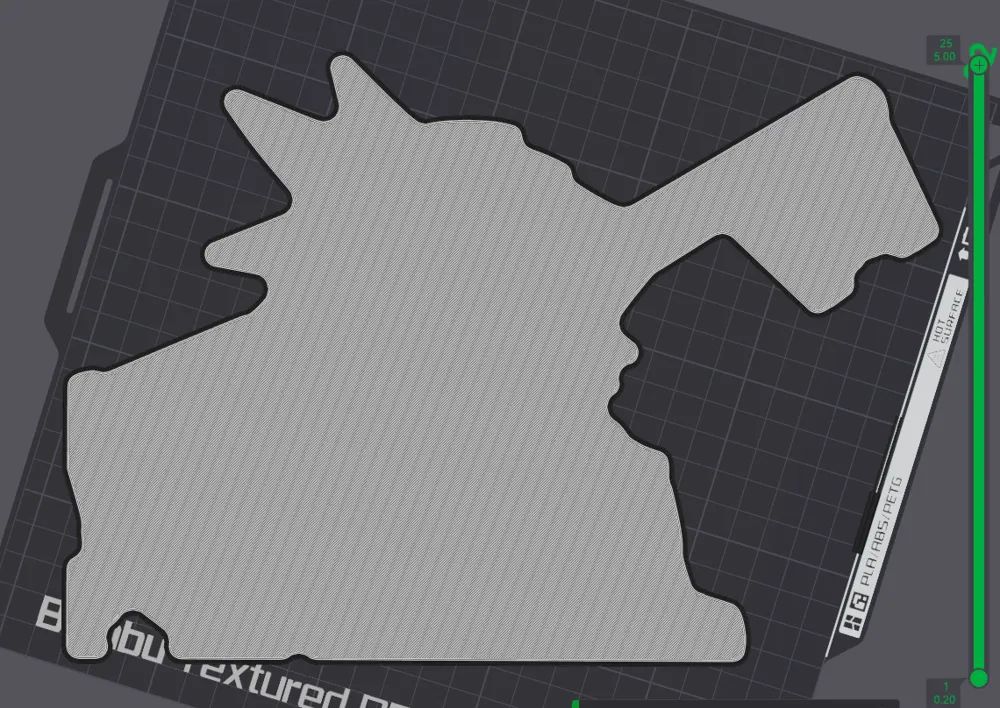
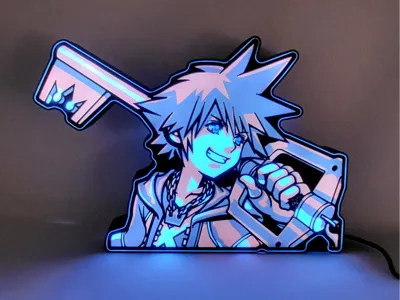
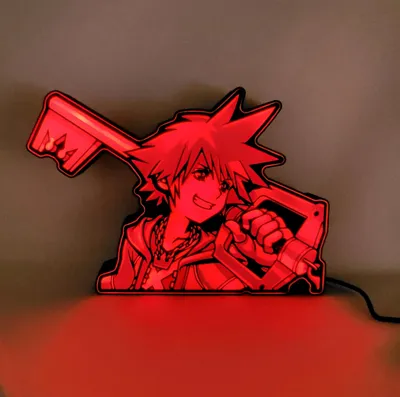
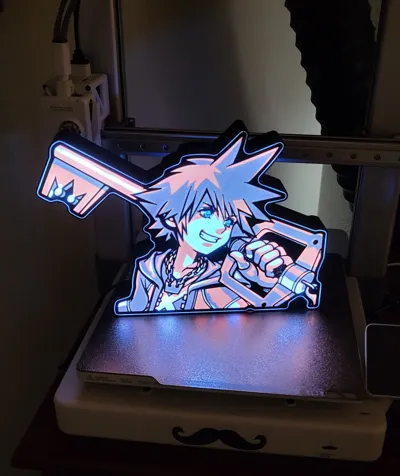
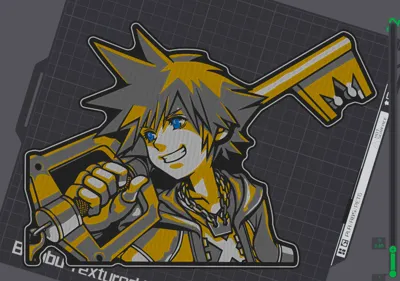
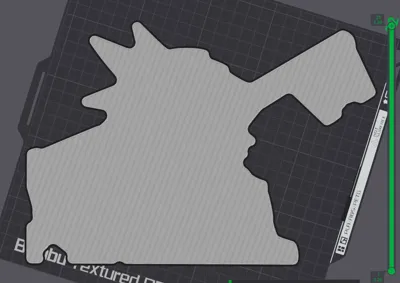
This is a 5 color print, I made this with 1 AMS system so it is possible but you will have to be vigilant with switching colors for the first 5 layers. For the first 3 layers, there are 5 colors (Black, Gray, Gold, White, Cyan) after layer 3, its changes to 2 colors (Black, White).
When you click print you should have Black, Gray, Gold, and White loaded onto the AMS at the beginning. (Doesn't matter where just remember where you placed them for switching purposes) It'll ask you where Cyan is going to be loaded. You'll want to place it under the following:
Cyan Under Gold
When switching:
Once a color has finished laying, wait for it to unload from the hotend then quickly and calmly unspool it and switch it with the proceeding color, load it into the AMS and whenever the next color is ready to print, it will automatically load into the hotend. Repeat the process for all 5 layers.
This is the order in which the printer will print colors according to where they are in the print itself:

This arrow (>) means switch to the filament after the color has finished laying on each layer.
Layers 1 - 3
Layer 1 Layer 2 Layer 3
(1) Black >|(1) Black >|(1) Black
(2) Gray >|(2) Gray >| (2) Gray
(3) Gold > (5) Cyan >|(3) Gold > (5) Cyan >| (3) Gold > (5) Cyan
(4) White >|(4) White >|(4) White
Light Installation
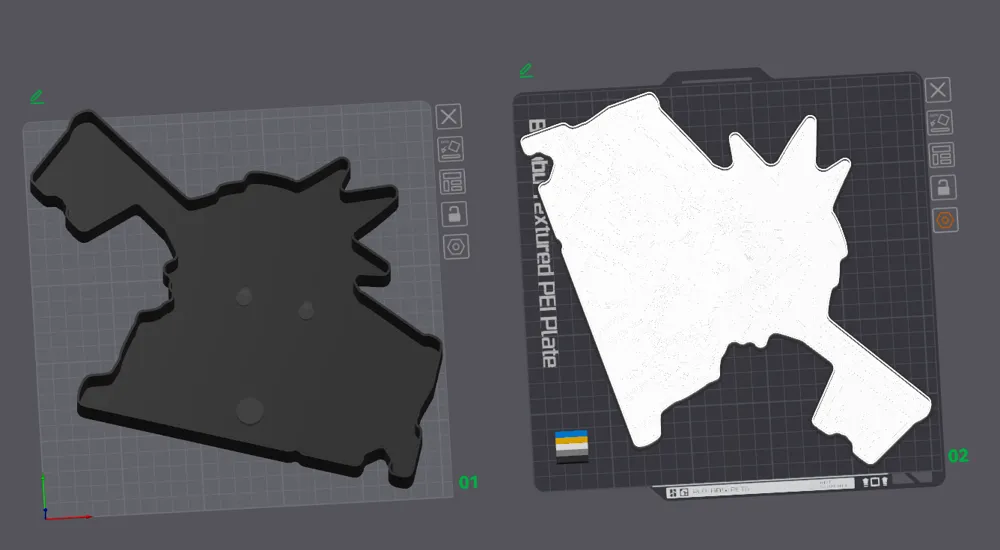
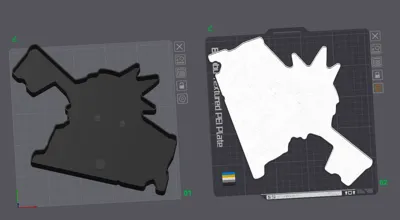
Put aluminum (shiny side up) at the bottom of the baseplate, adhere with glue.
(Skip if you don't plan on using a grommet for the wire hole) Get a 16mm Closed Grommet, cut a thin line down the middle, but don't cut it entirely in half.
Insert led strip, install along the walls of the print, cut to size.
(Personal preference to ensure longevity of adhesive) Hot glue along the lines of the led strip, grommet hole
Insert faceplate.
Sip on a nice cold beer and admire your handiwork.
**I highly recommend turning retraction settings on if you haven't already. Its a vital setting to have on with these light displays. it helps eliminate the chances of blobs or stringing. The other settings are preset but i don't believe retraction settings save over. In any case, these are the retraction settings I use. Feel free to change it how you see fit.
**Also, i changed up the Arachne settings from default to better close up the gap inconsistencies, but if the print isn't coming out the way you hope, change that back to default before you mess with anything else.
License

You shall not share, sub-license, sell, rent, host, transfer, or distribute in any way the digital or 3D printed versions of this object, nor any other derivative work of this object in its digital or physical format (including - but not limited to - remixes of this object, and hosting on other digital platforms). The objects may not be used without permission in any way whatsoever in which you charge money, or collect fees.


Comment & Rating (4)