
Brick City TW6000 Model – Rail Train

Print Profile(1)

Description
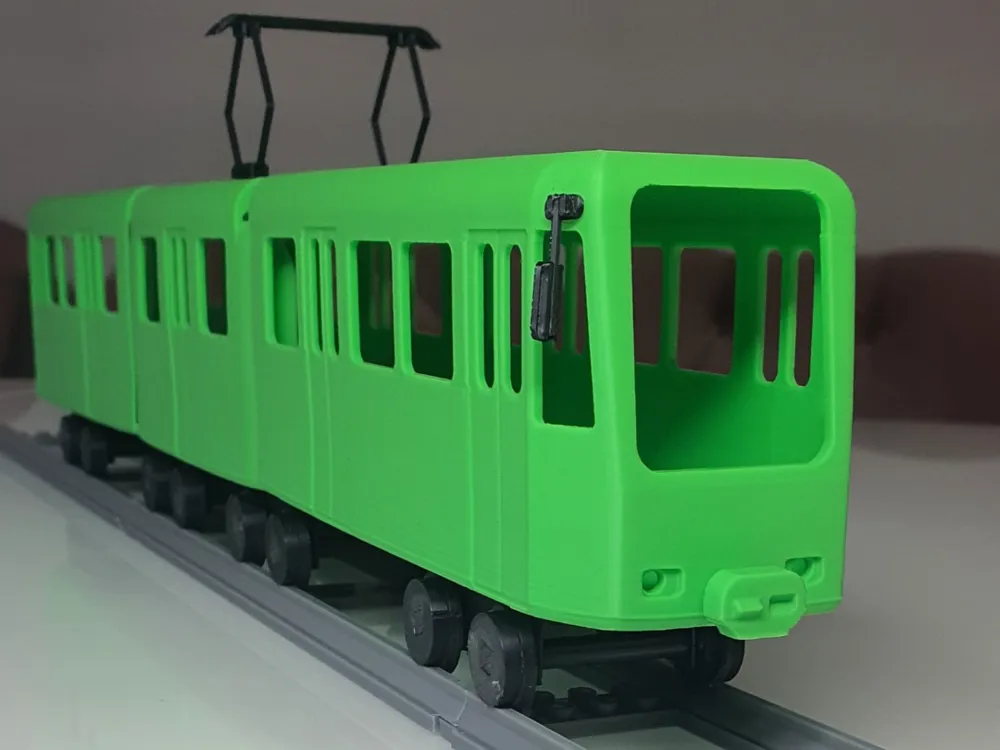
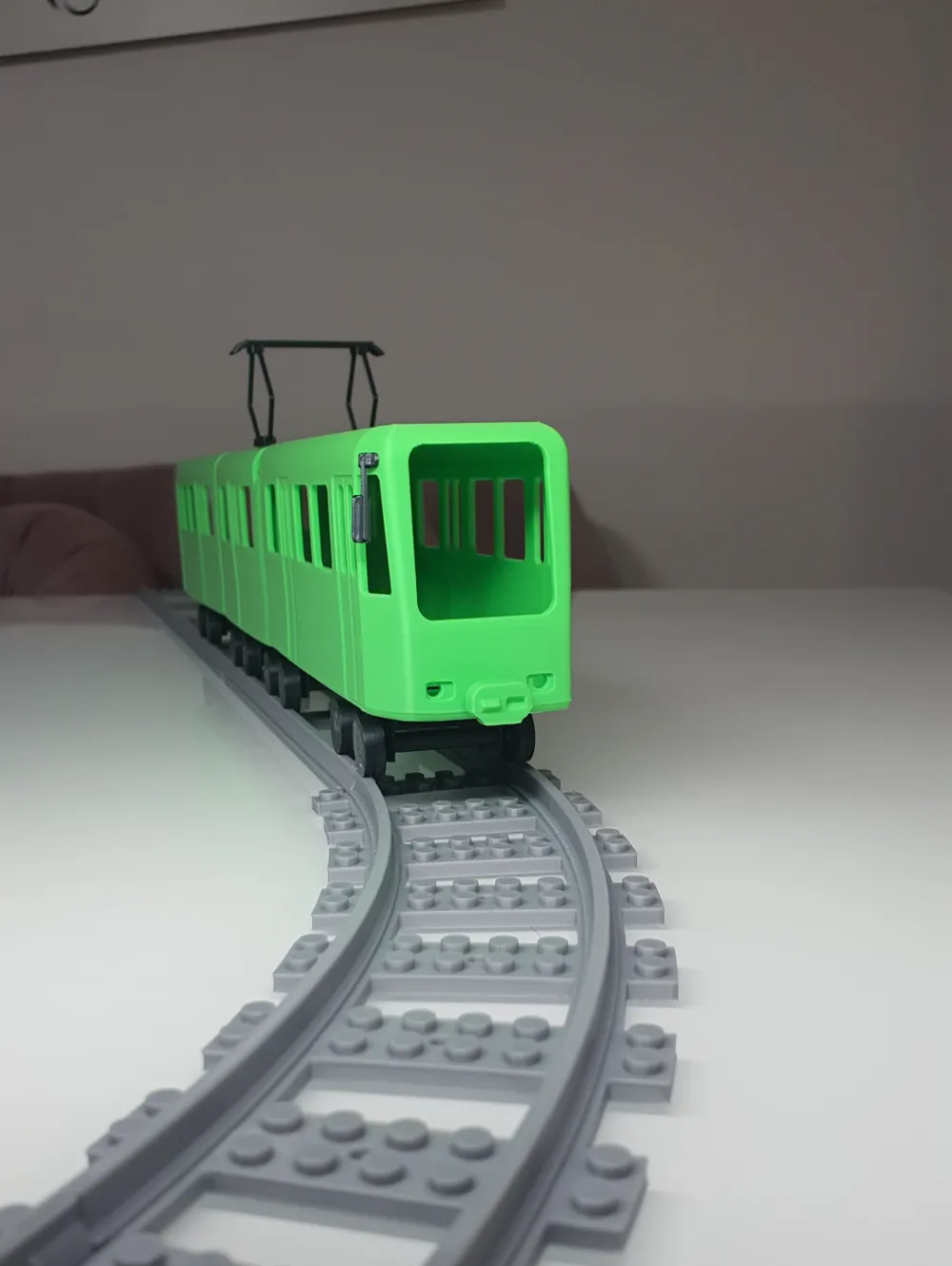
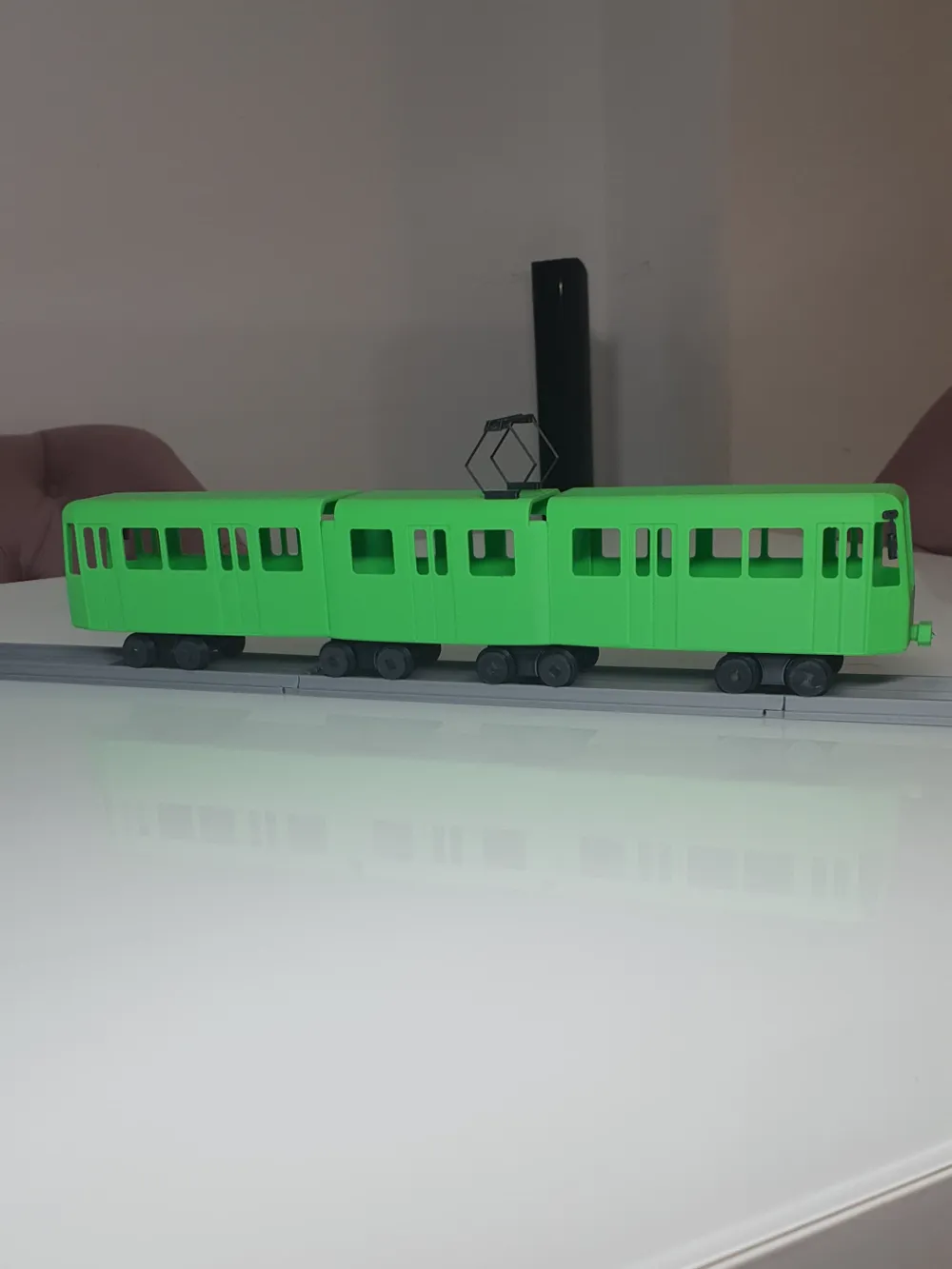
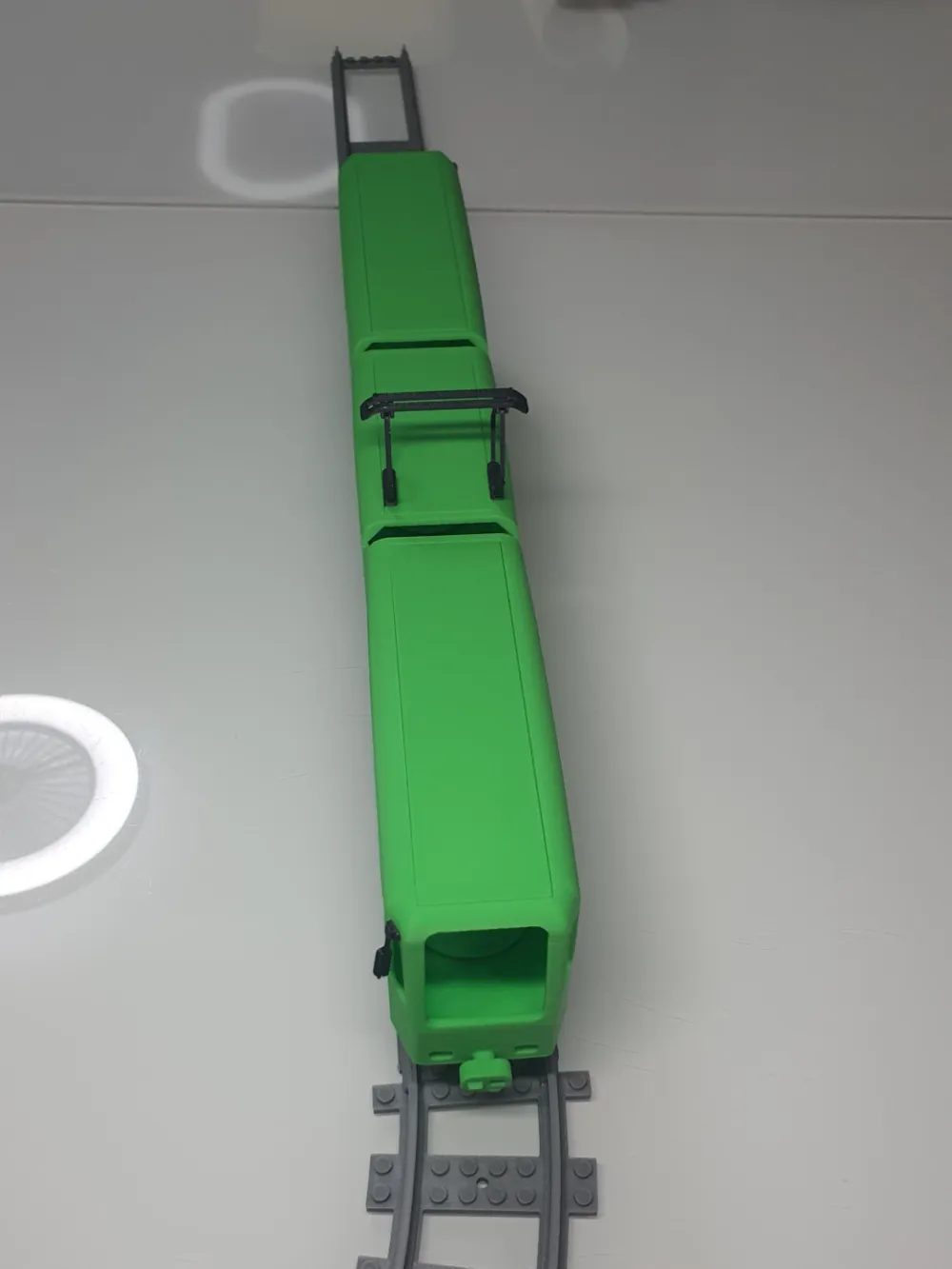
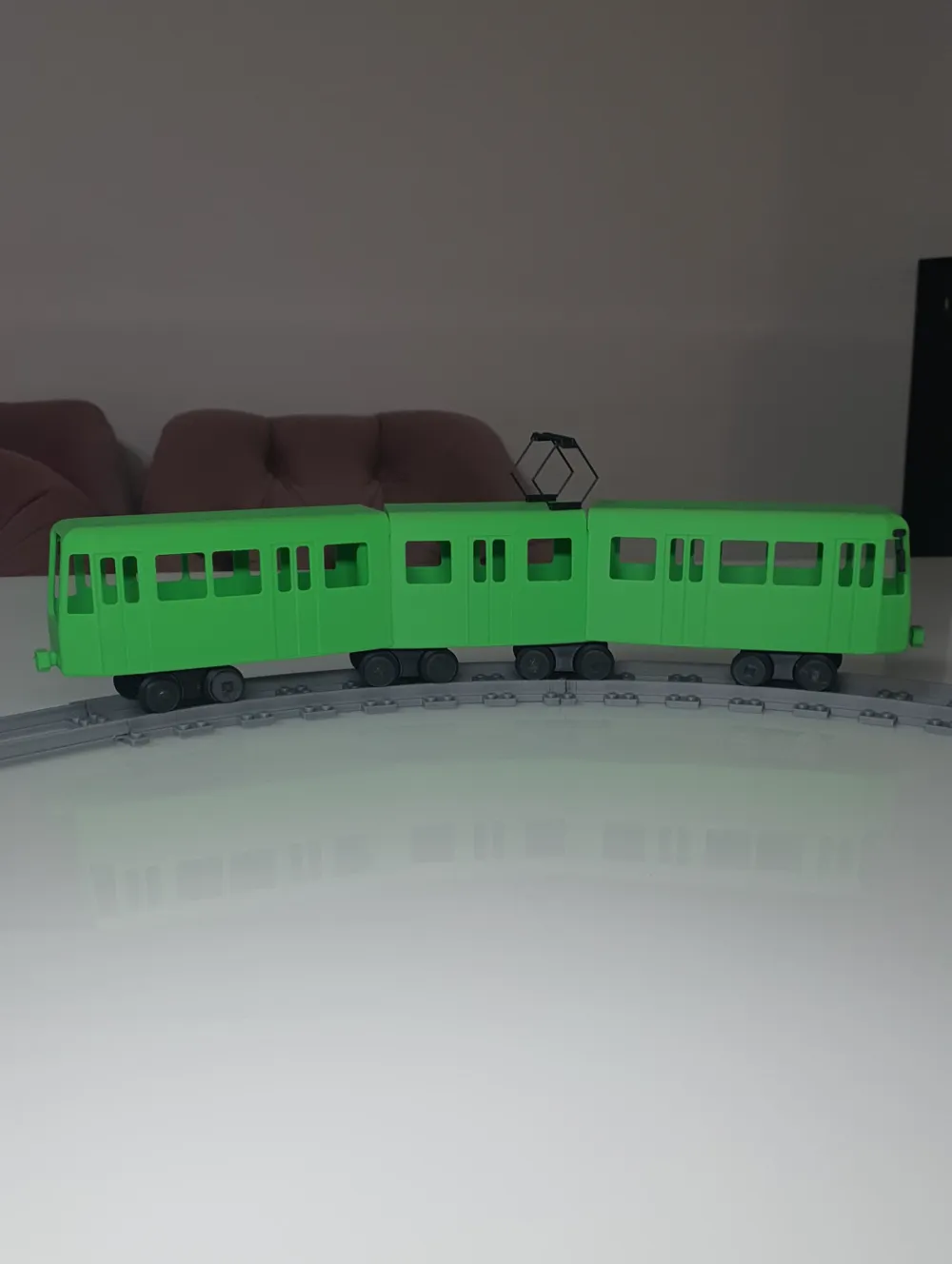
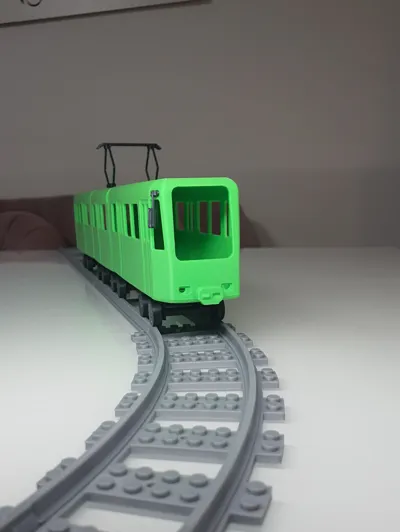
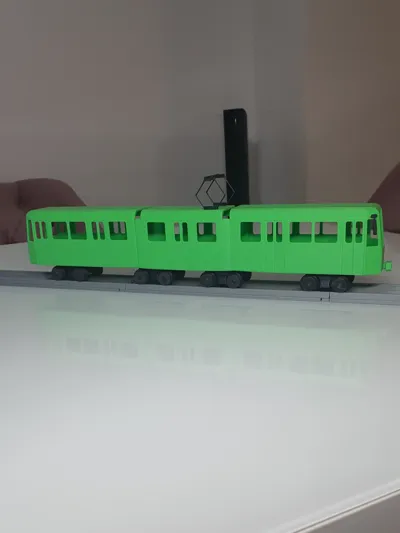
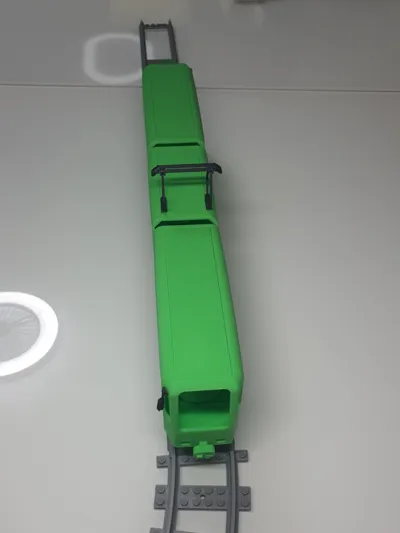
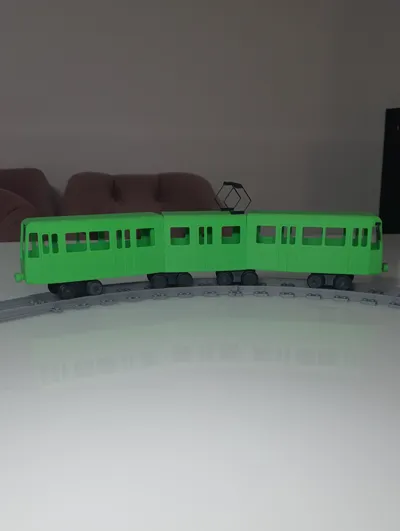
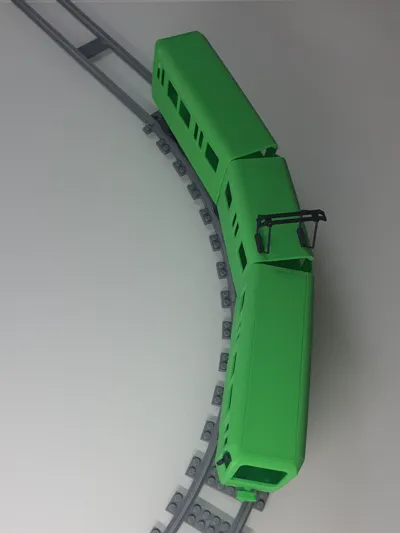
Brick City TW6000 Model – Articulated Light Rail Train
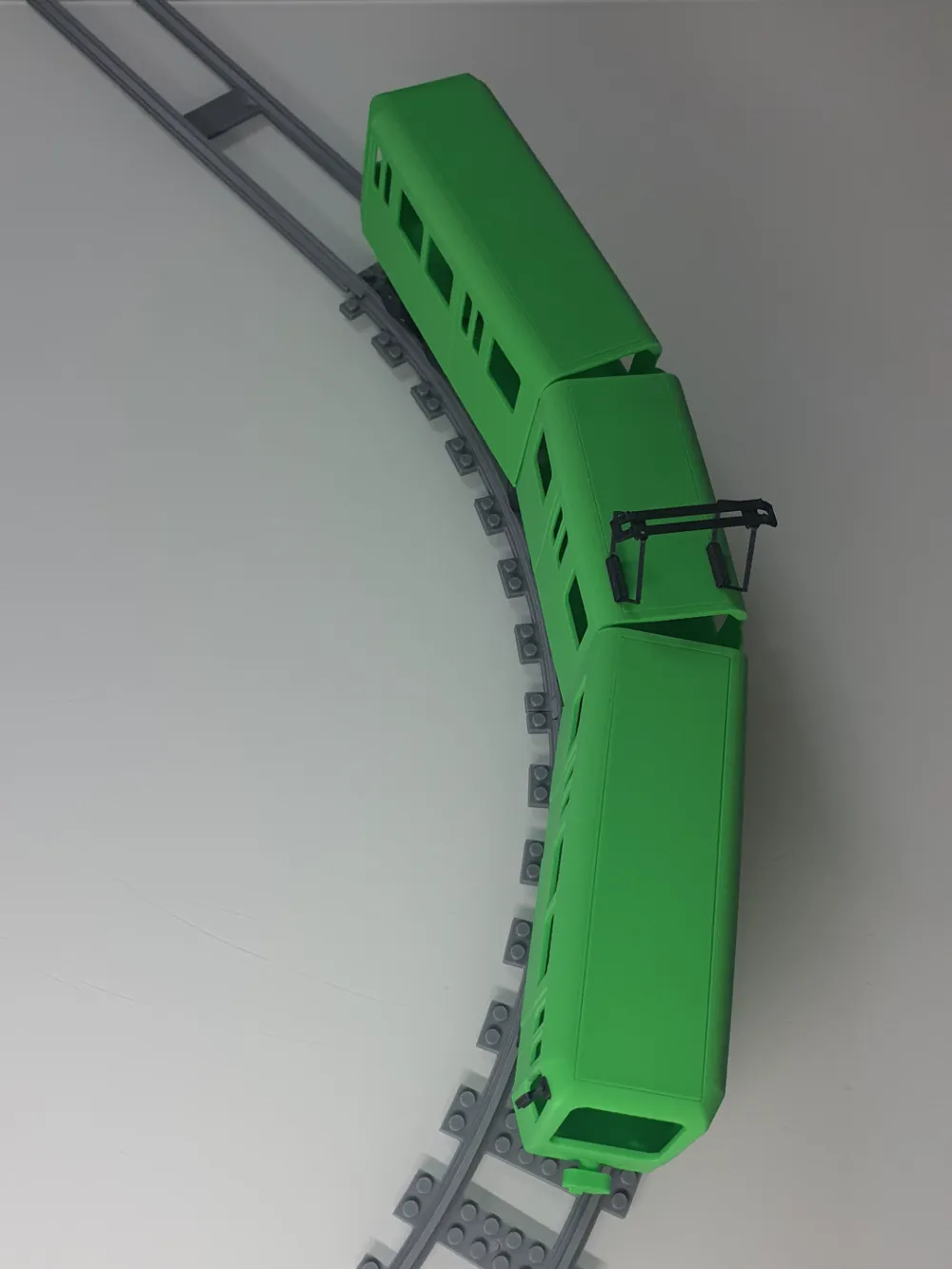
This 3D-printed model is inspired by the iconic TW6000 and is perfect for Brick City enthusiasts. Measuring approximately 40 cm in length, it features realistic details and several moving parts:
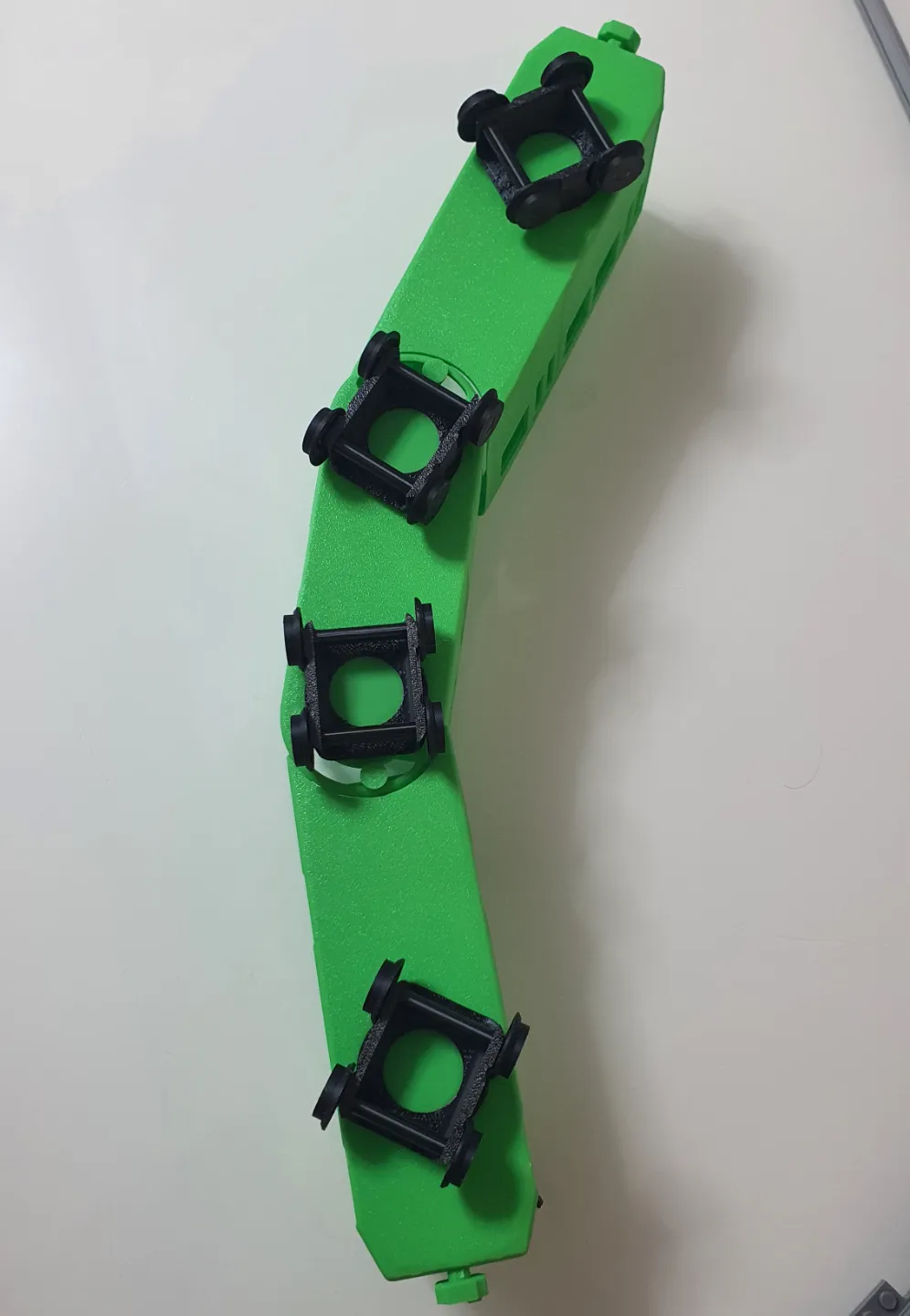
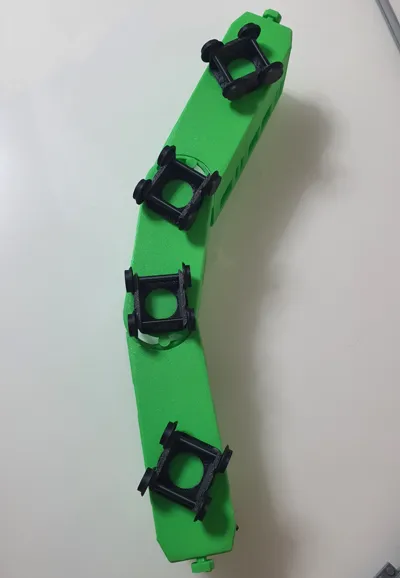
- Rotating bogies for smooth cornering
- Articulated joints between cars for realistic movement
- Compatibility with Brick City for seamless integration into existing layouts
- Detailed design, closely resembling the original
Assembly Instructions for the Brick City TW6000 Model
Connecting the car bodies
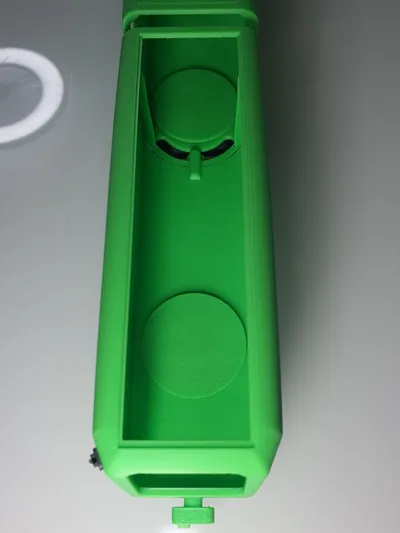
- Connect the three body parts by snapping them together.
- Secure them with a clip to ensure stability.Assembling the axles and wheels
- Insert the axles into the chassis.
- Attach the wheels to the axles.
- If necessary, glue the axles and wheels for extra stability.Attaching the chassis
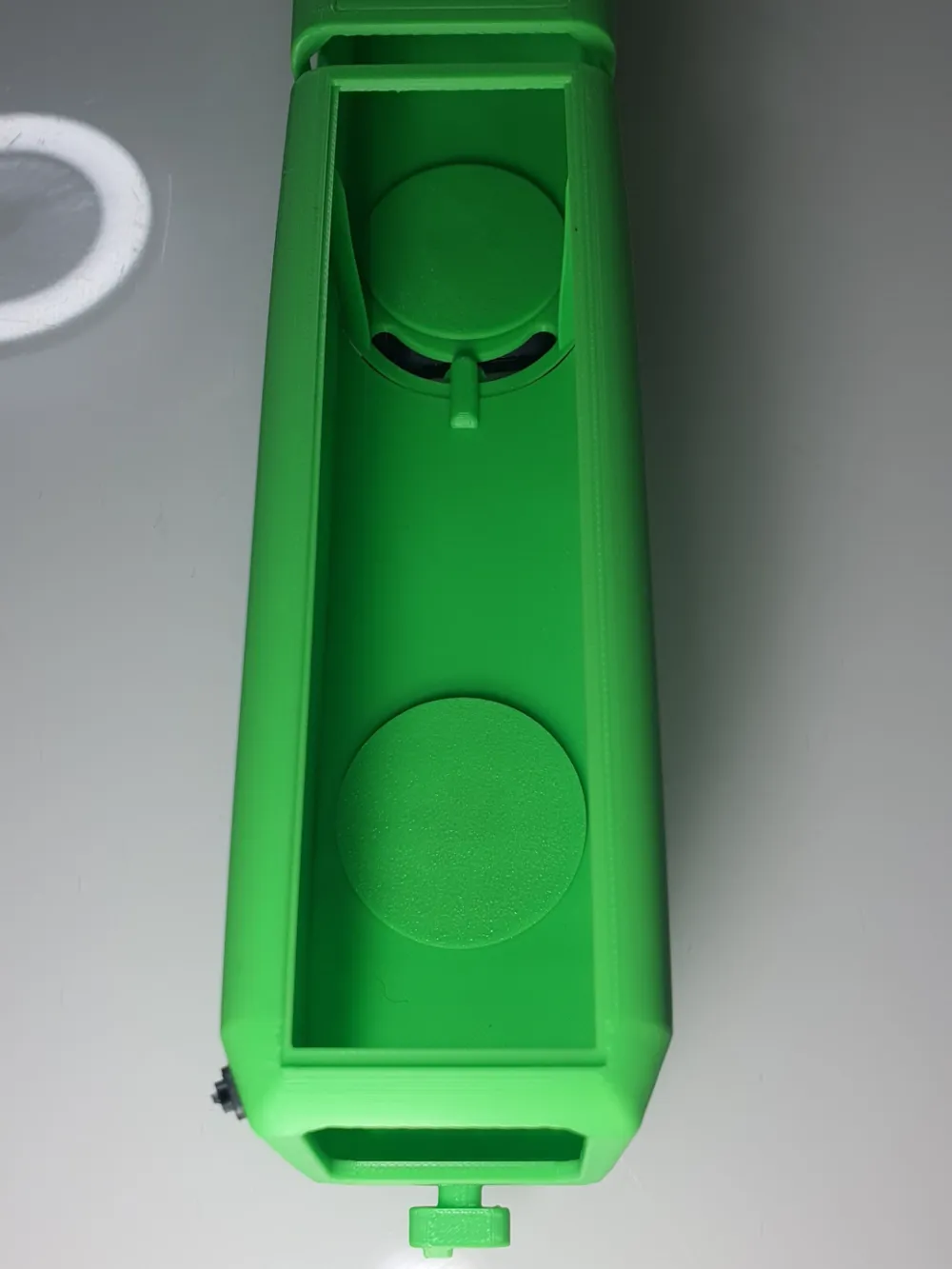
- Insert the chassis into the designated cutouts in the body.
- Secure it with a clip to hold it firmly in place.Attaching the roof
- Place the roof panels on top.
- Optionally, glue them for a permanent hold.Mounting the mirrors
- Glue the mirrors together.
- Attach them to the train.- Attaching the pantograph
- Assemble the pantograph by gluing the parts together.
- Attach it to the top of the train.
This model is designed to be both a realistic and playable addition to your collection. Have fun building and playing!
License



Comment & Rating (10)