
Open-Front Gridfinity Bins
Print Profile(0)
Description
This is a work in progress! Feedback and suggestions are welcome! I would be happy if you post a picture if you print the model!
Open-Front Swapfinity
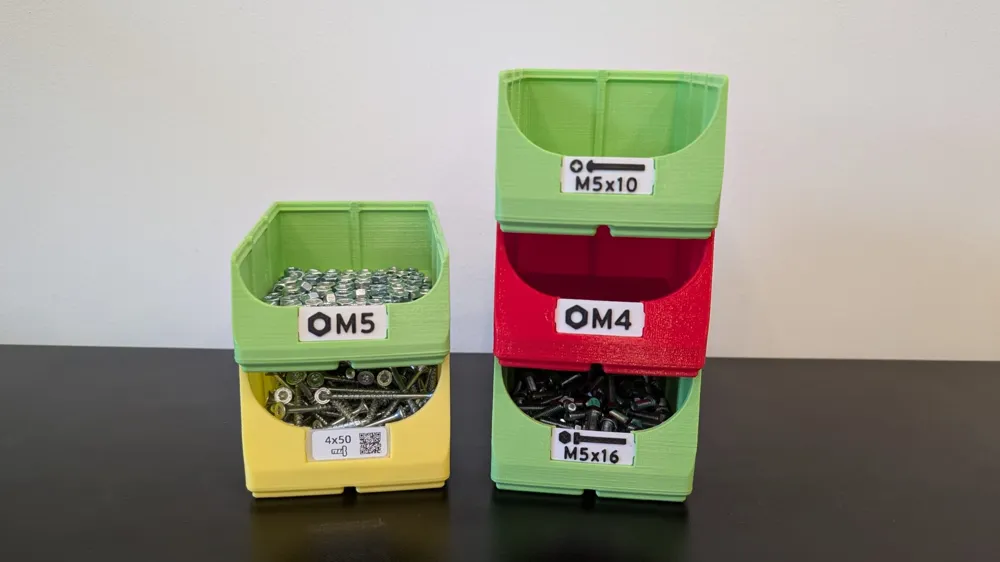
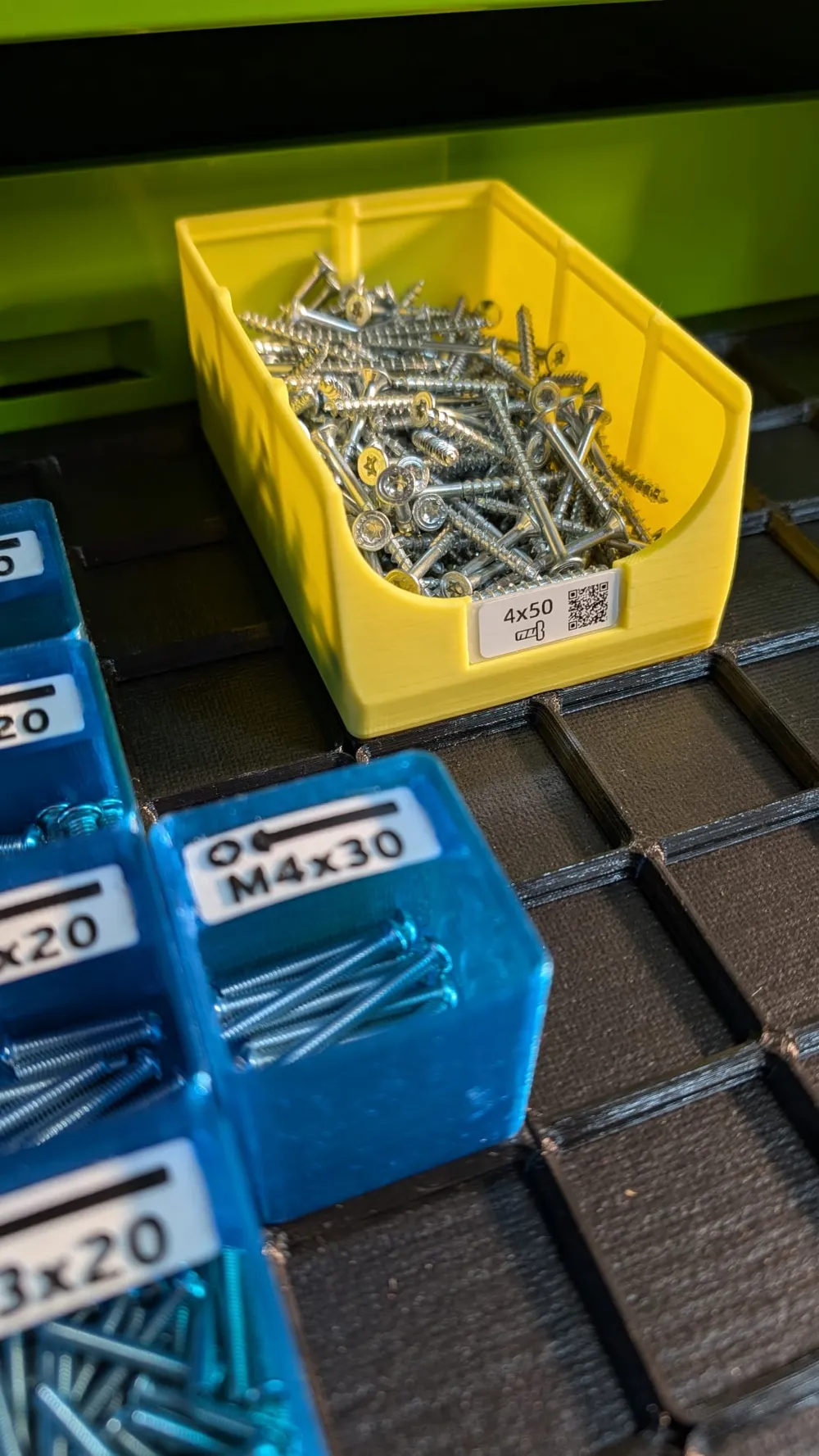
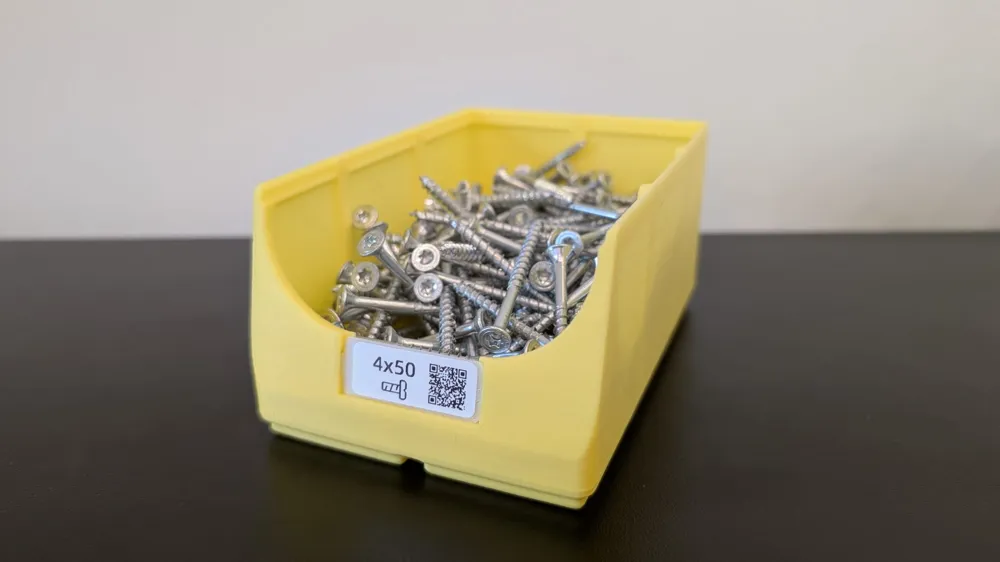
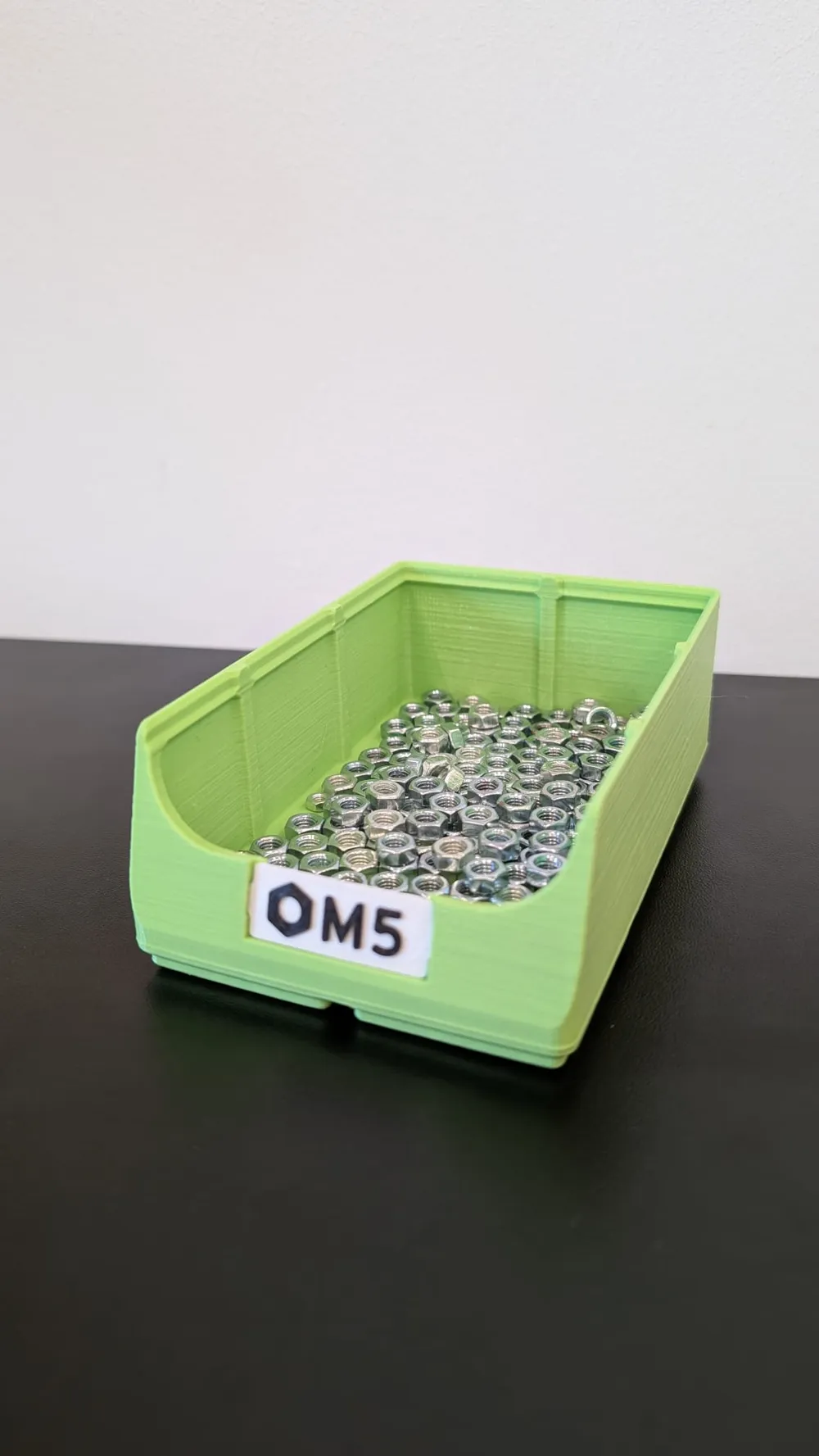
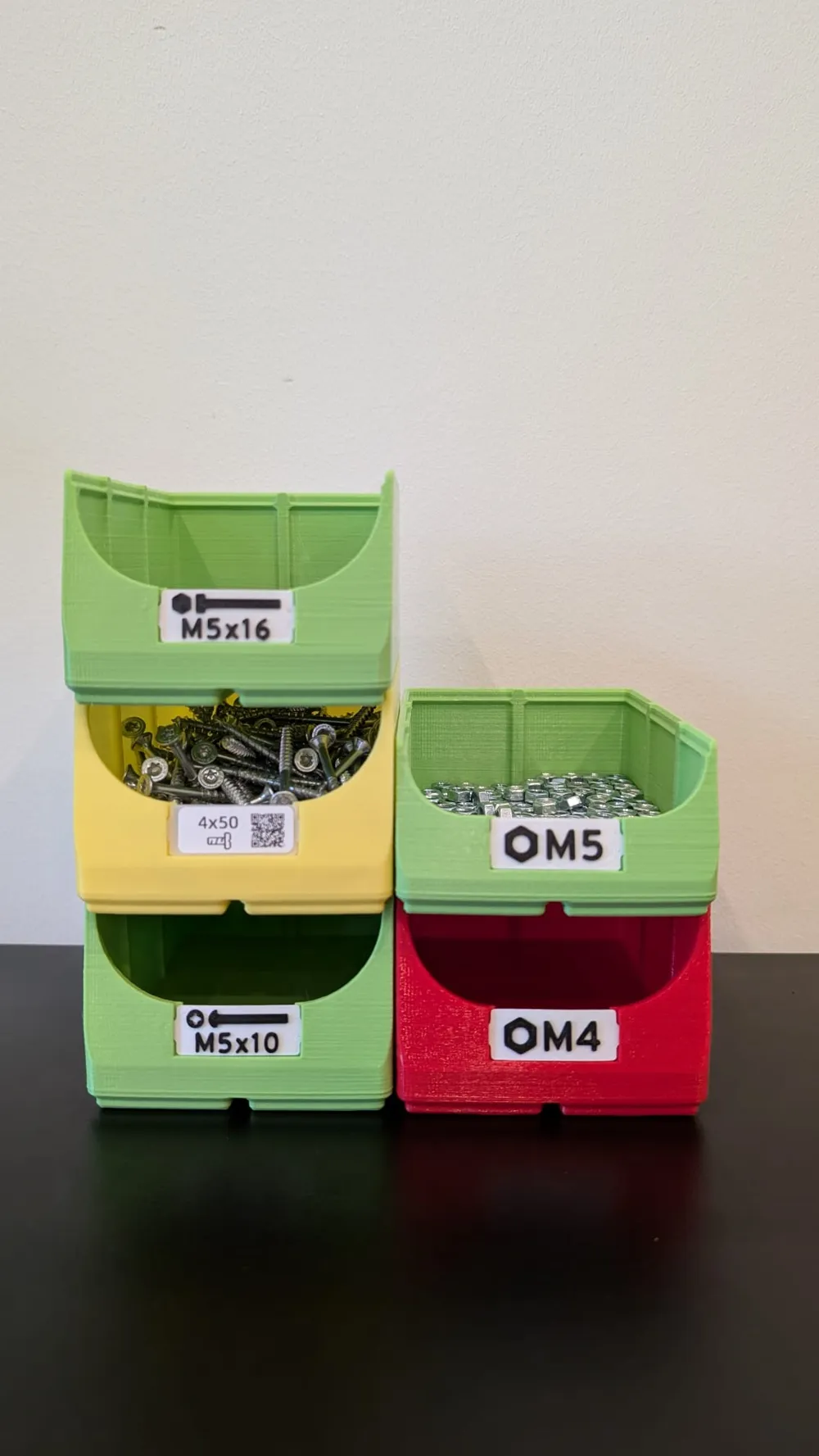
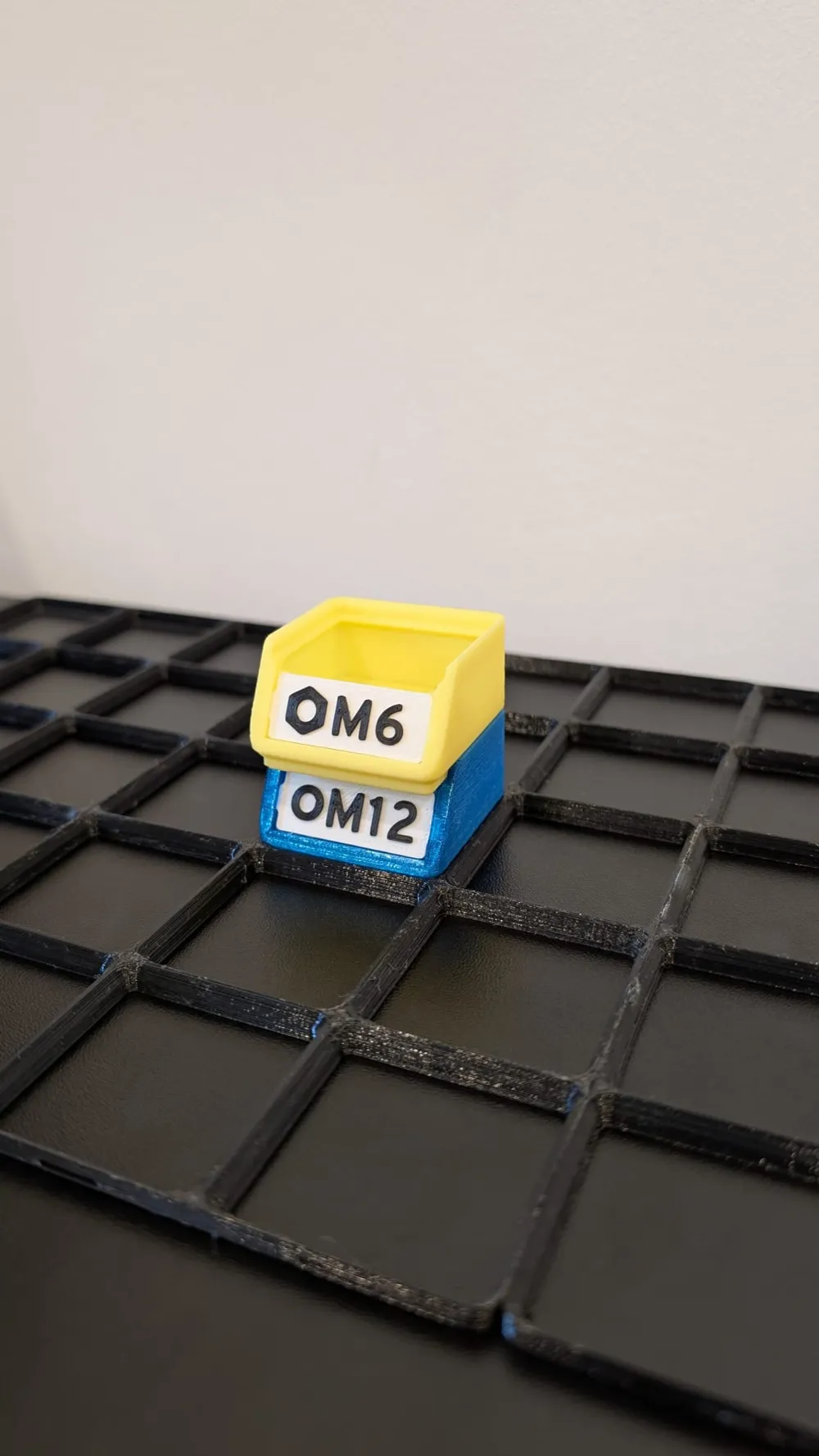
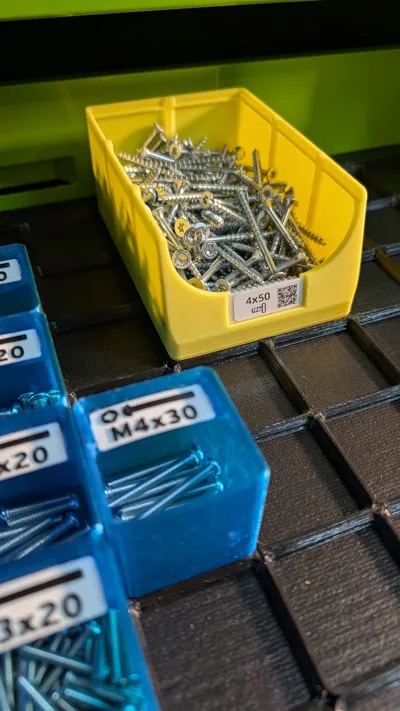
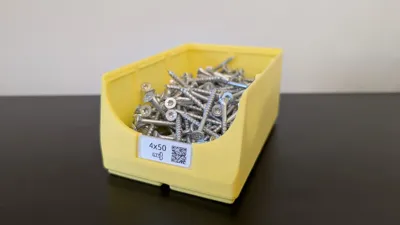
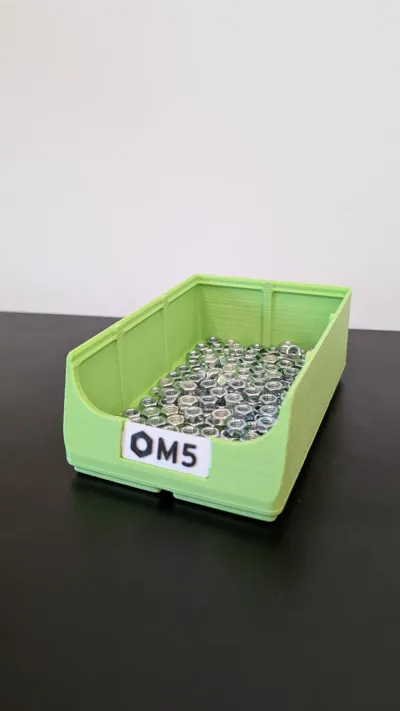
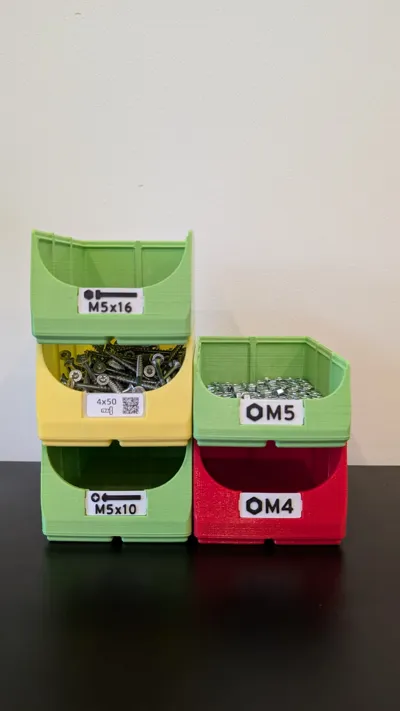
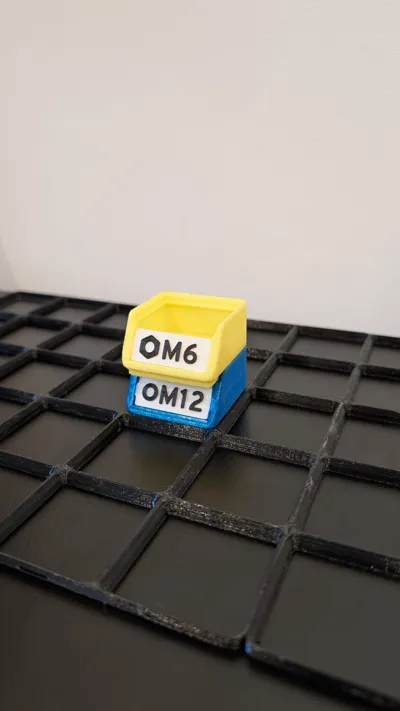
Gridfinity compatible open-front bins with quick swappable, front facing labels. 🚀 This model is based on my original swapfinity bins and is fully compatible with all swapfinity labels.
If you have bins sitting on your desk or shelves, reading the top labels can be difficult. That's when open-front bins really come in handy!
Create bins of different sizes easily and use awesome 3d-printed labels in your gridfinity system.
If you need a specific bin or label with different sizes, text etc. let me know!
I am also open to improvements or suggestions.
Features:
- Open-front bins
- Front facing labels
- Sturdy & Stackable
- Quick swap labels with a non-blocking holder
- Print labels with text, icons etc., use blank versions and write on it with a pen or even use a label printer
- Parametric Fusion 360 model - change it to fit your needs
Usage:
Print the bins and labels. A label can be installed by slightly flexing it and putting the tabs into the pockets in the bin. The label can be uninstalled by putting a finger under it and pulling it upwards.
⚠Be careful and do not flex the label to much.
Printing:
⚠ The models were designed to be printed with a layer height of 0.2mm. I highly recommend to use 0.2mm as layer height.
⚠ Slicers tend to hide the layer seems inside the label holder holes. Make sure to forbid seems inside the holes or use scarf seems to make the label fit well.
Bins:
The bins are easy to print and do not need any supports.
I recommend using PLA or another stiff material.
PETG works, but the bins tend to flex much easier and are not as sturdy.
Labels:
If you just print blanks, you can use PETG or PLA.
For many different premade labels, check out the original swapfinity bins!
Remixing:
The fusion files are available to download, so you can remix the bins to your needs.
Please share your remixes for others to use.
If you design your own labels, the height of the text, icons etc. should not exceed 0.6 mm. Otherwise the bins will stack at a slight angle.
Configuration Parameters
There are some configuration parameters available in the Fusion 360 files, that are meant to be changed if needed.
The most important ones are marked with a star.
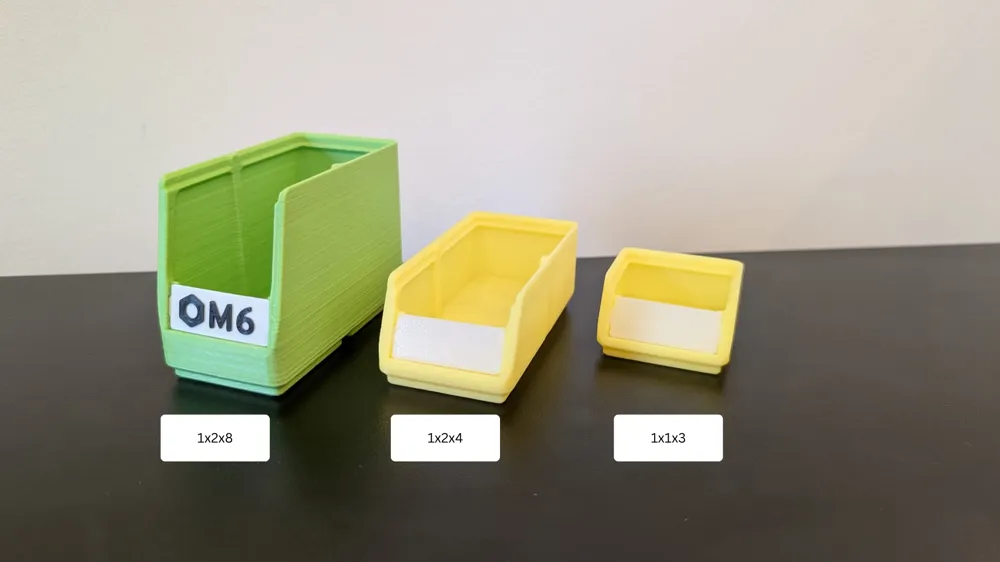
- x_u: width of the bin in u (one size unit)
- y_u: depth of the bin in u (one size unit)
- z_u: height of the bin in u (one height unit)
⚠Only change parameters with calculated in their name if you are familiar with their function!
Available Bins:
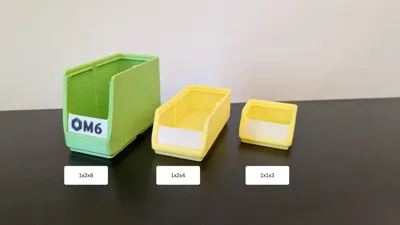
| 3u | 4u | 6u | 8u | |
|---|---|---|---|---|
| 1x1 | ✔ | ✔ | ✔ | ✔ |
| 1x2 | ✔ | ✔ | ✔ | ✔ |
| 2x2 | ✔ | ✔ | ✔ | ✔ |
| 2x3 | ✔ | ✔ | ✔ | ✔ |
Need a differently sized bin? Let me know or generate your own with the available design files!
Available Labels :
Only blank labels are provided here. Check out the original swapfinity bins to find lots of different premade labels!
Need labels with a different text/icon? Let me know!
Versioning:
I use semantic versioning to version the bin models.
Each bin model has a version number with three numbers: MAJOR.MINOR.PATCH.
The version number will change depending on the compatibility between the previous and the current version of the bins.
Meanings:
MAJOR: Major changes in important areas of the model, most likely different major versions are incompatible with each other
MINOR: Greater changes to the model, but still compatible with different minor versions of the same major version
PATCH: Small changes, fixes etc. Fully compatible to other patch versions of the same minor version
Version Log:
- 0.1.1: First public release
Update Log:
Future Plans:
- Increase the max allowed height of generated bins
Known Todos/Issues:
- Bins have a max height of 8u right now
Credits:
- Zack Freedman, creator of gridfinity
This remix is based on

License



Comment & Rating (0)