
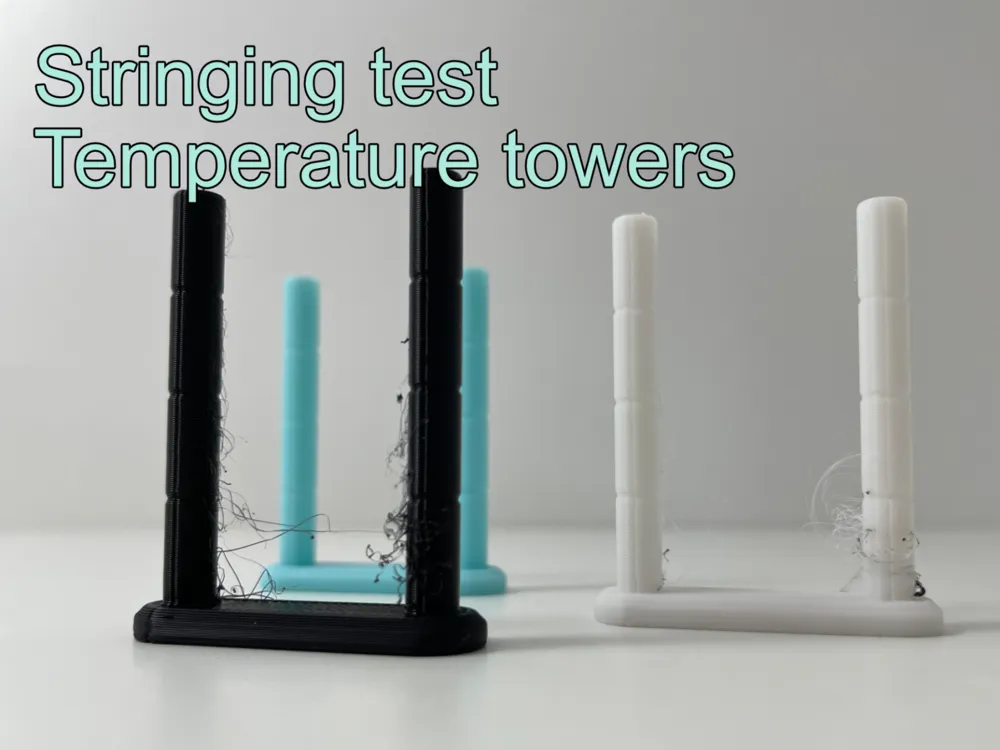
Stringing test - temperature towers

Print Profile(1)

Description

🔧 Warstwy3D.pl – simple ideas that make life (and printing) easier 😄
🚀 Follow to get notified about new tools & accessories!
Optimize your print settings with this Stringing Test Tower! 🧵🔥
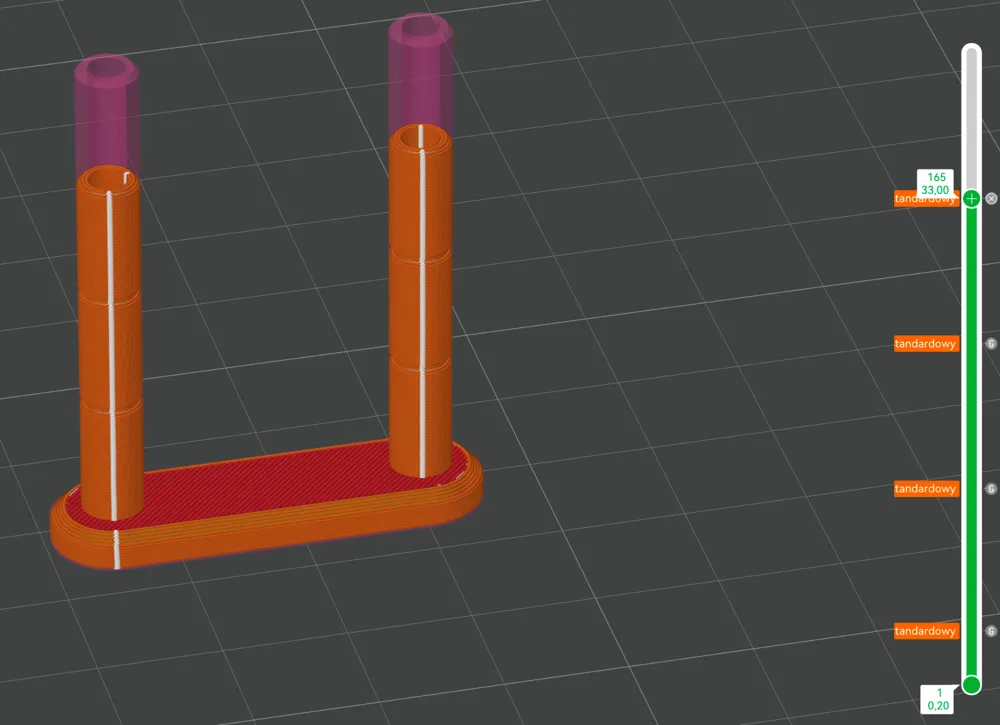
This quick and efficient 3D print helps you identify the best temperature for your filament by gradually increasing the heat across four sections.
✅ Print time: Only 20 minutes ⏳
✅ Filament usage: Just 2g 🎯
✅ Temperature steps:
| Layer | PLA | PETG | ASA | ABS |
|---|---|---|---|---|
| 15 | 190°C | 220°C | 230°C | 230°C |
| 65 | 200°C | 230°C | 240°C | 240°C |
| 115 | 210°C | 240°C | 250°C | 250°C |
| 165 | 220°C | 250°C | 260°C | 260°C |
⛔️ MakerWorld blocks preconfigured G-code included – so you have to set custom g-codes at layers manually:
- For PLA:
- Layer 15: M104 S190
- Layer 65: M104 S200
- Layer 115: M104 S210
- Layer 165: M104 S220
- For PETG:
- Layer 15: M104 S220
- Layer 65: M104 S230
- Layer 115: M104 S240
- Layer 165: M104 S250
- For ABS/ASA:
- Layer 15: M104 S230
- Layer 65: M104 S240
- Layer 115: M104 S250
- Layer 165: M104 S260
Test your filament, reduce stringing, and improve your prints! 🚀
Boost Me (for free)
If you enjoy my projects, don't hesitate to boost me.
Boost Me (for free)
❤️ Enjoy this model? Boost & Follow to support more designs like this!
🛠️ Created by Warstwy3D.pl | Functional 3D tools
License

You shall not share, sub-license, sell, rent, host, transfer, or distribute in any way the digital or 3D printed versions of this object, nor any other derivative work of this object in its digital or physical format (including - but not limited to - remixes of this object, and hosting on other digital platforms). The objects may not be used without permission in any way whatsoever in which you charge money, or collect fees.


Comment & Rating (48)