
Gaudi Lizard keychain (NO AMS, NO GLUE)
Print Profile(2)


Description
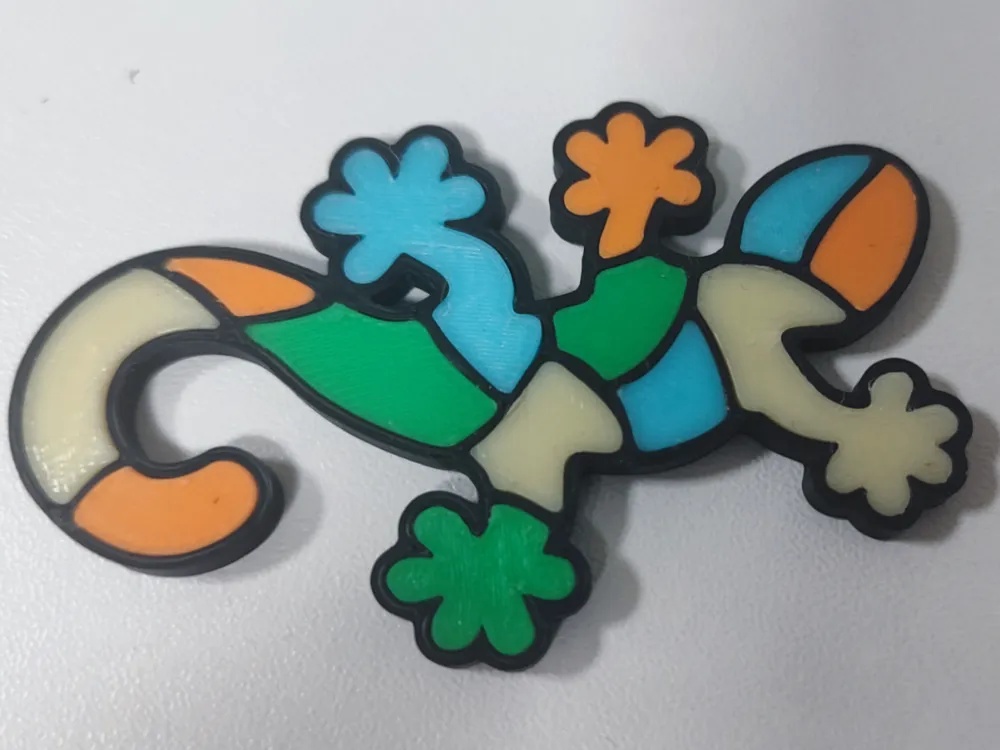
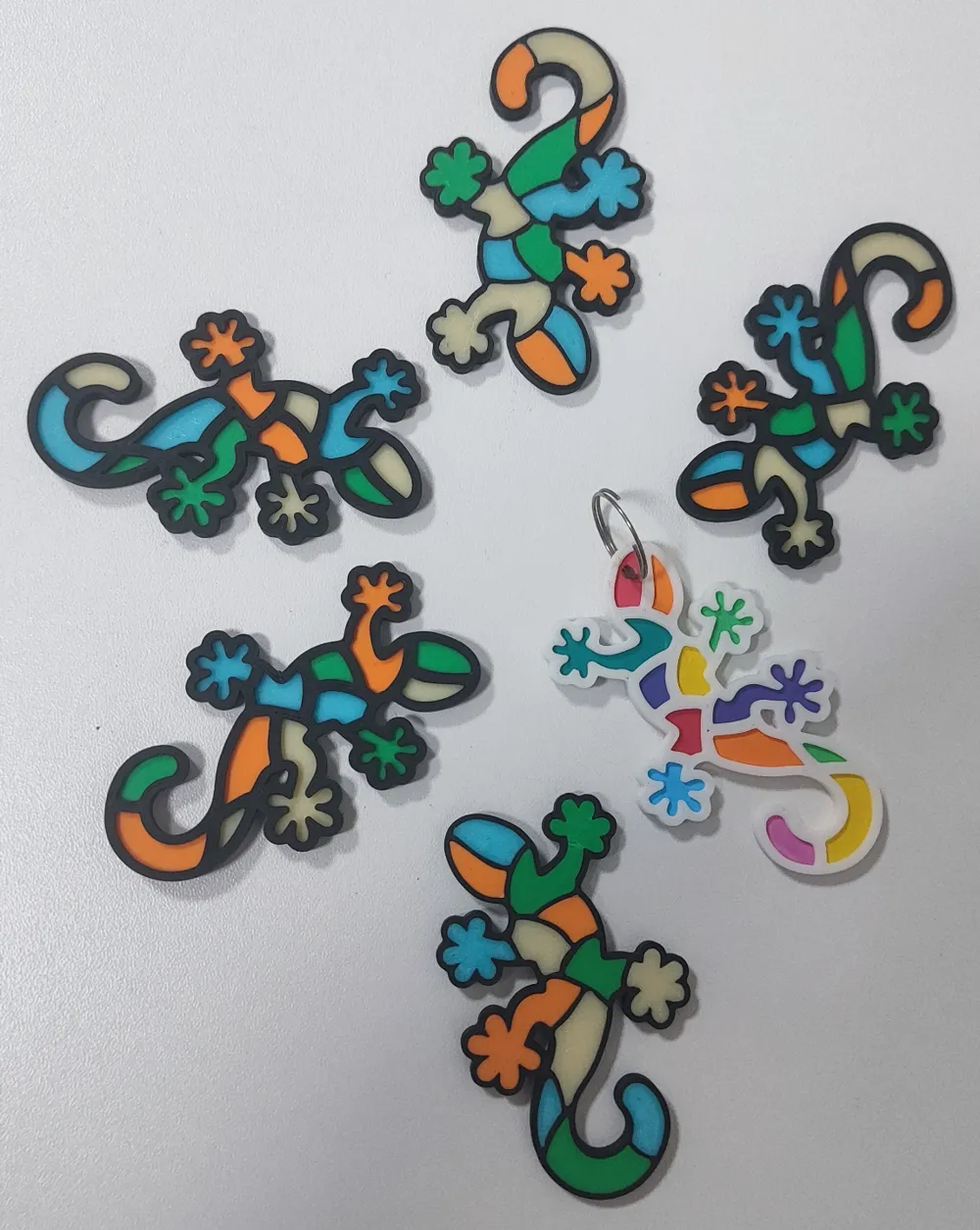
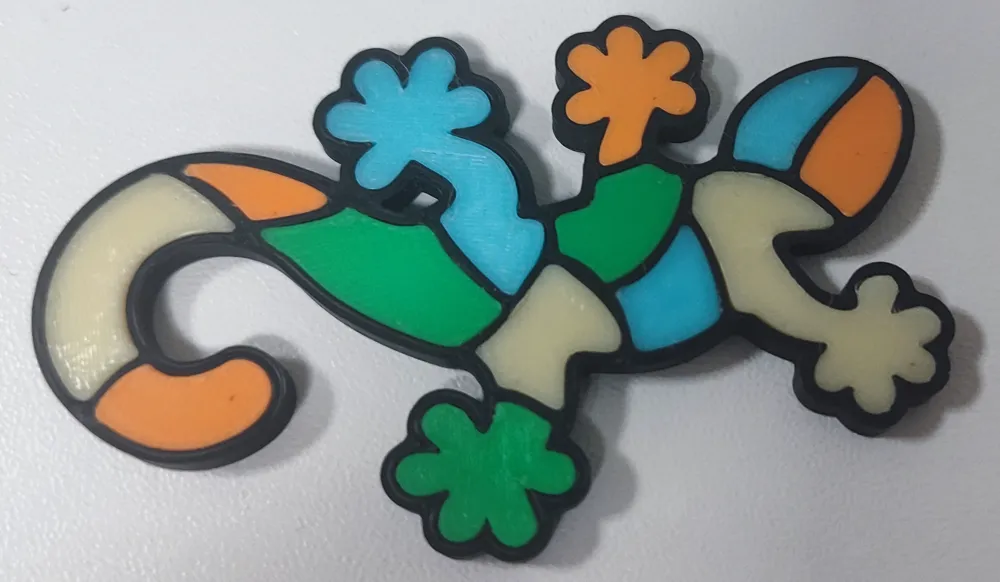
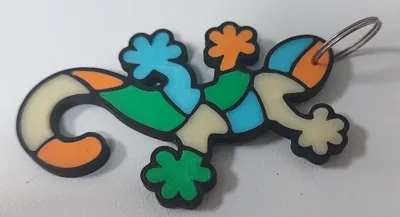
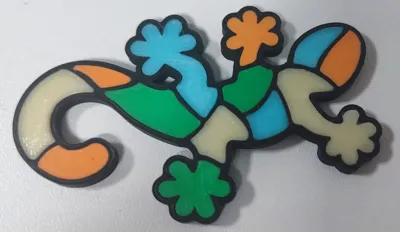
This vibrant mosaic-styled lizard is a decor keychain inspired by my visit to Park Guell in Barcelona.
I designed this model so that you dont need an AMS or glue to put it together.
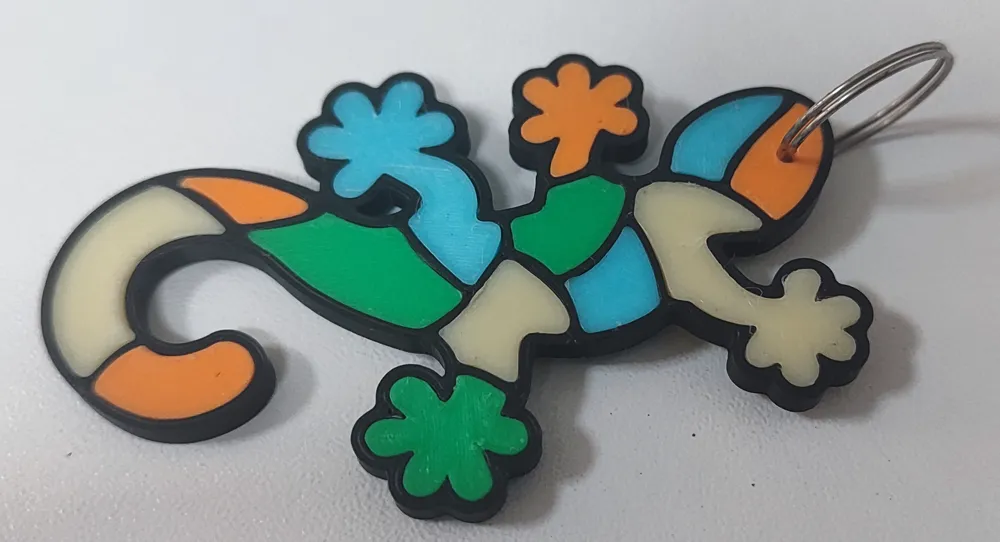
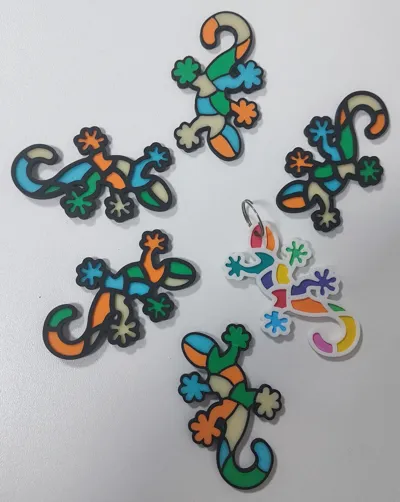
There are 2 main parts of this model, the frame of the lizard printed in black and the inner elements printed in whatever color you wish.
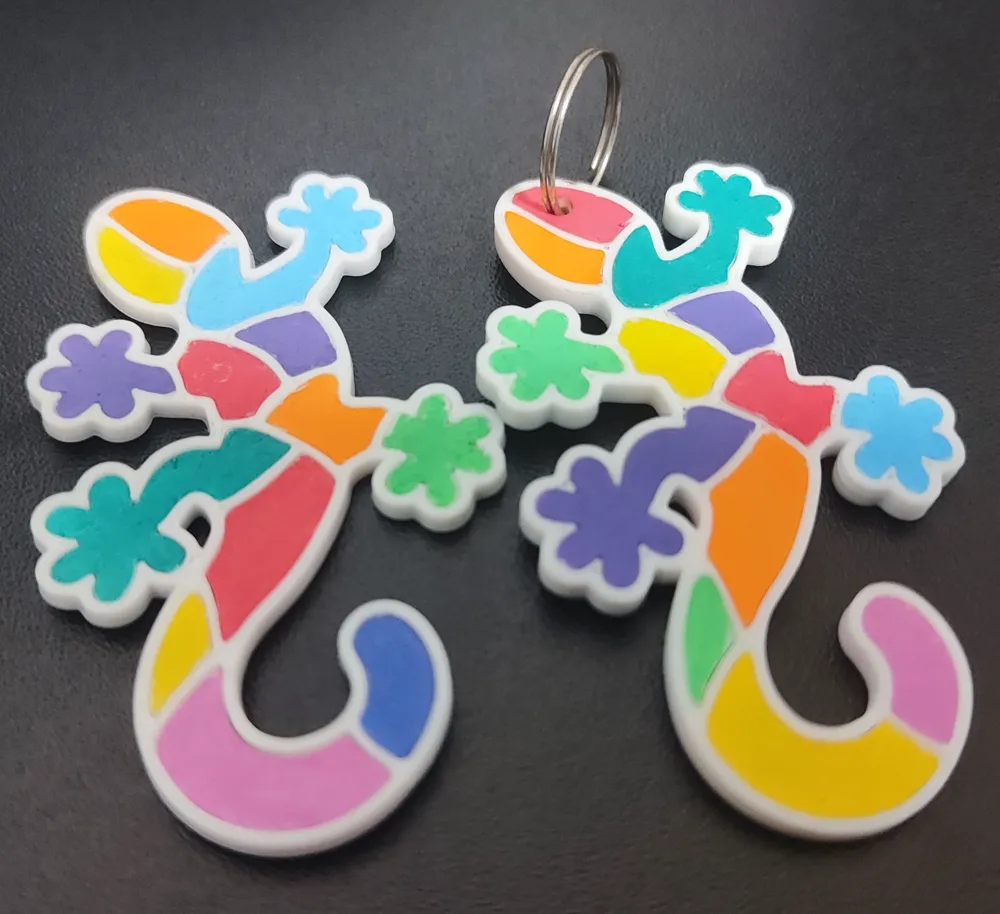
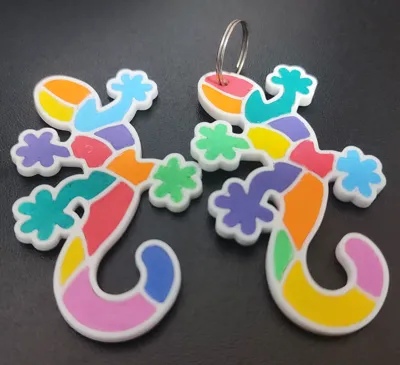
You can also print all the inner elements with white filament, and use acrylic markers or paint to color the pieces individually.
I uploaded multiple print profiles to better suit everyone's need:
- 2 plates 1 color: You can use this one if want to print multiple lizards. For example if you want to print 4 lizards, you print 4 frames in black, and the inner elements plate 4 times in each color you want in your print. In this print profile I didnt add a hole for the keyring, its up to you to customize it for your preference. I added a detailed description how you can add the hole in Bambu Studio below.
- 5 plates 4 color: Print this one if you only want one lizard. Each plate is a different color. I added the color in the plate names that I used in the pictures. In this print profile there is a hole for the keyring by default, but you can alter it in Bambu Studio if you want it somewhere else.
Important print settings:
- Line width: 0.35 This is a small model with narrow details so you need a smaller line width than the default. I found that 0.35 is optimal.
- Order of walls: outer / inner
Instructions:
After printing wait for the parts to cool down on your build plate and remove them gently to avoid the deformation of parts!
The model is designed with VERY tight tolerances so it doesnt come apart easily in someone's pockets. Most of the parts will easily snap in place by hand, but when you encounter a stubborn part save your fingers when you assemble the inner parts into the frame and use a blunt object to snap in the tight pieces.
| Place in half of the inner part to its place. Check twice to make sure you got the right place and right orientation for the part. | 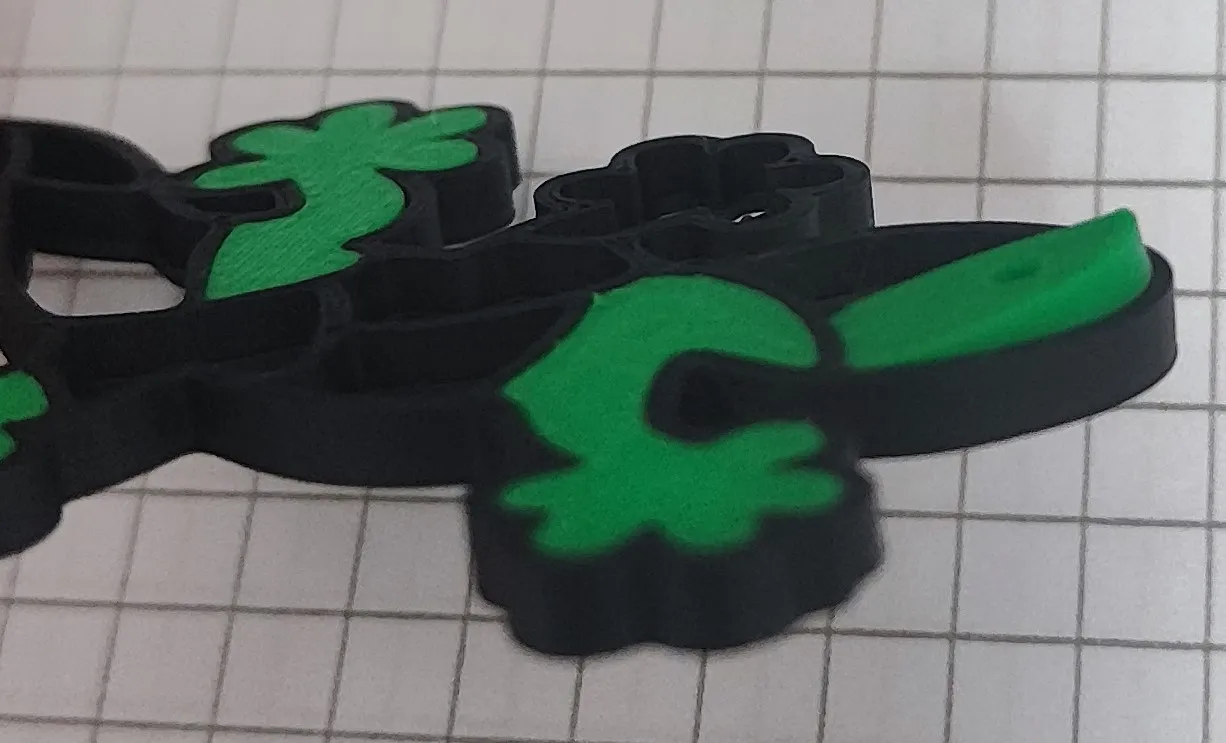 |
| Place the blunt, plastic handle of a screwdriver gently on the other end of the inner part. | 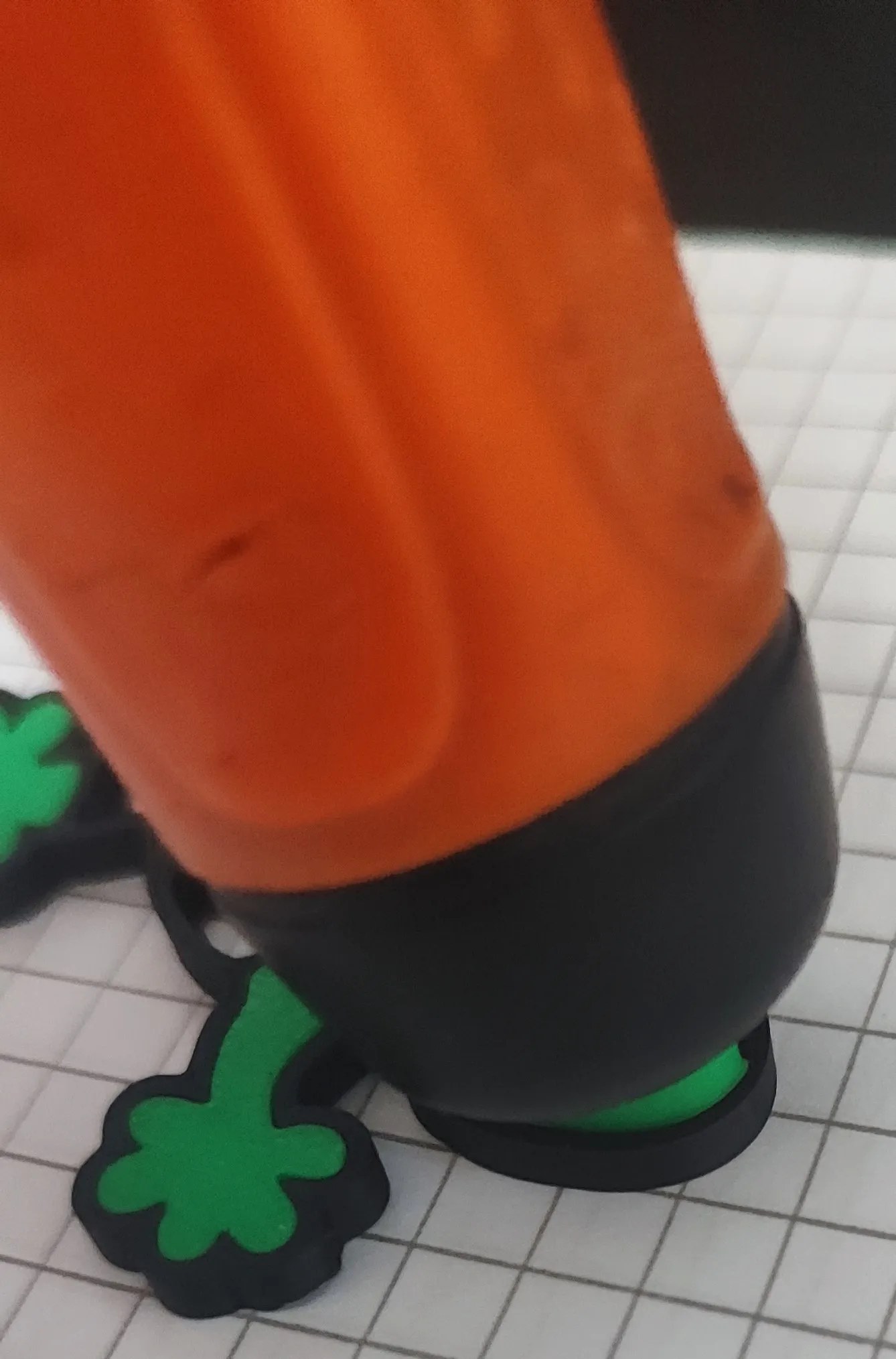 |
| Push down on the handle firmly, and the place will snap in its place. | 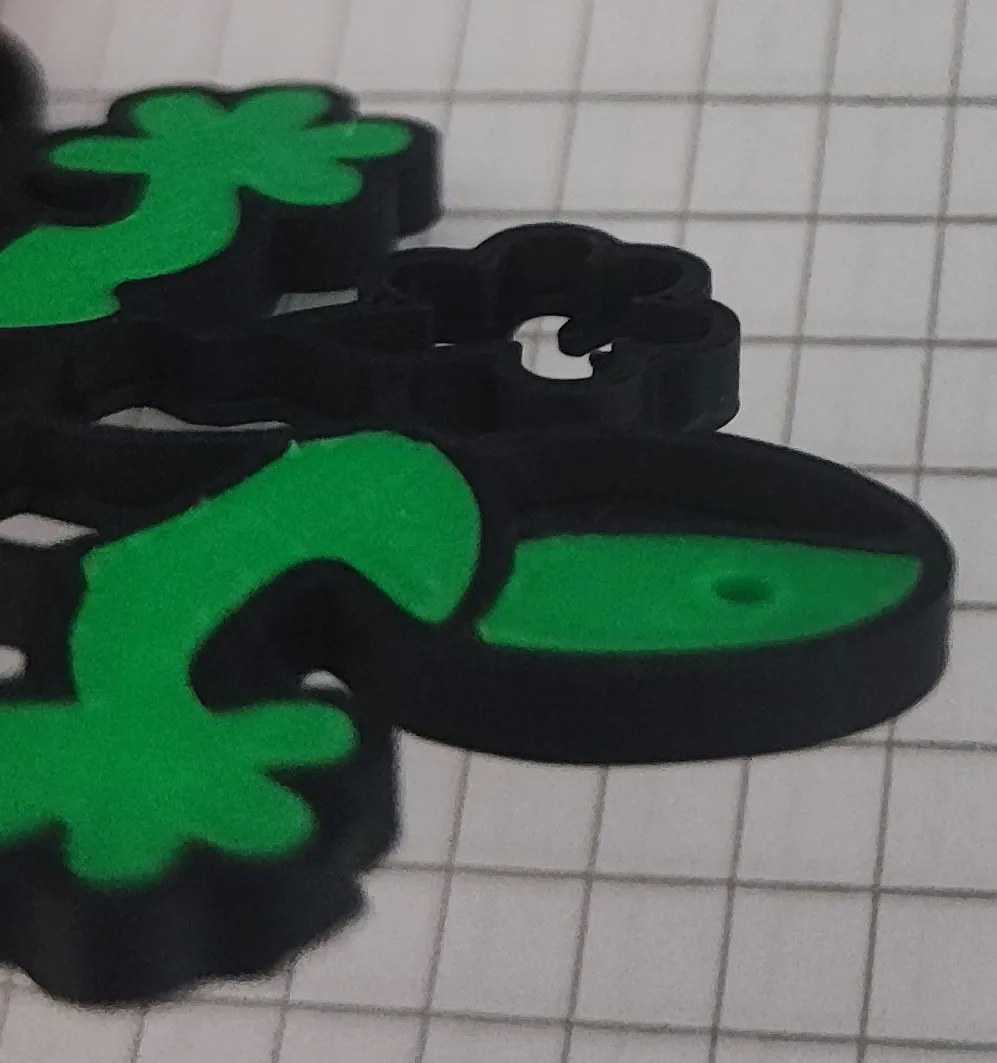 |
Customize the placement of the keyring hole in Bambu Studio:
| Open one of the print profiles in Bambu Studio that you want to customize. | |
| Right click on the part where you want you custom hole, drag your mouse down to add a negative part, and select the cylinder. | 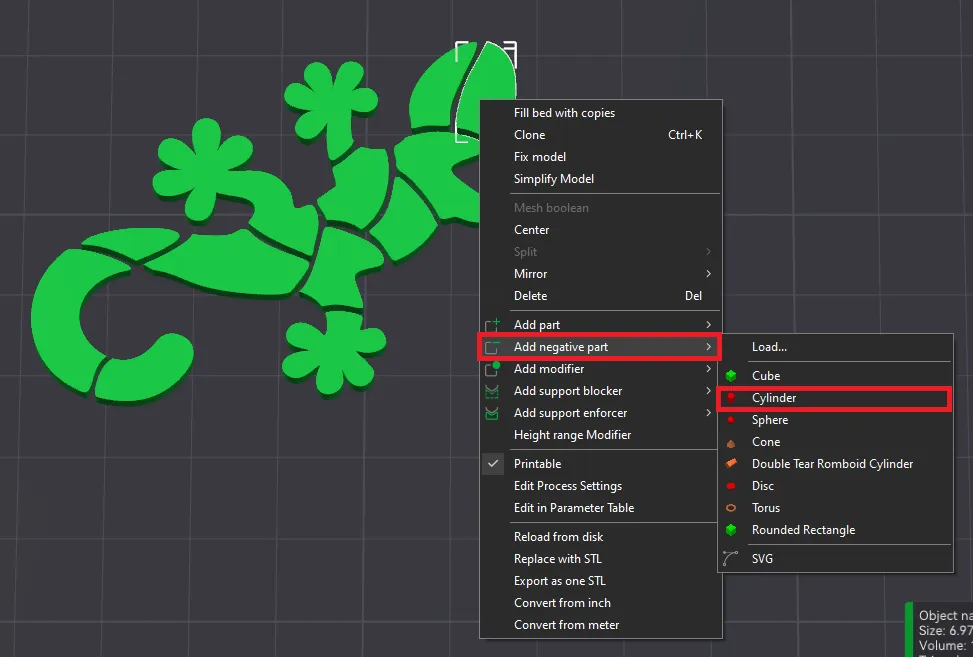 |
| Click OK at this prompt to switch to per-object setting mode. | 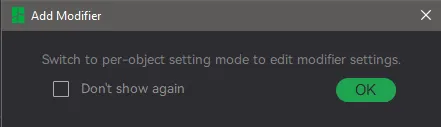 |
| Click the scale button on the top menu bar, and set the size of the cylinder with uniform scale to 2 mm. | 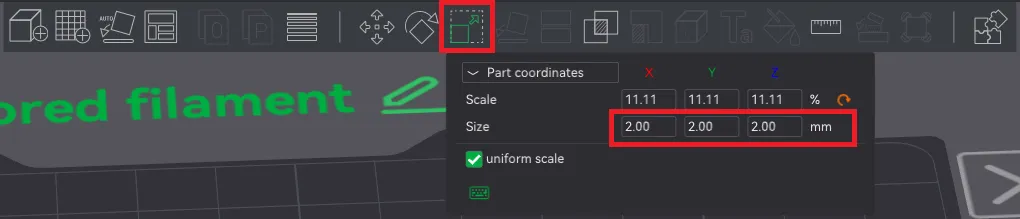 |
| Click the move button the top menu bar, and set the ‘Z’ coordinate to 0.00 mm then use the red and green arrows to move the cylinder to your desired location on part. | 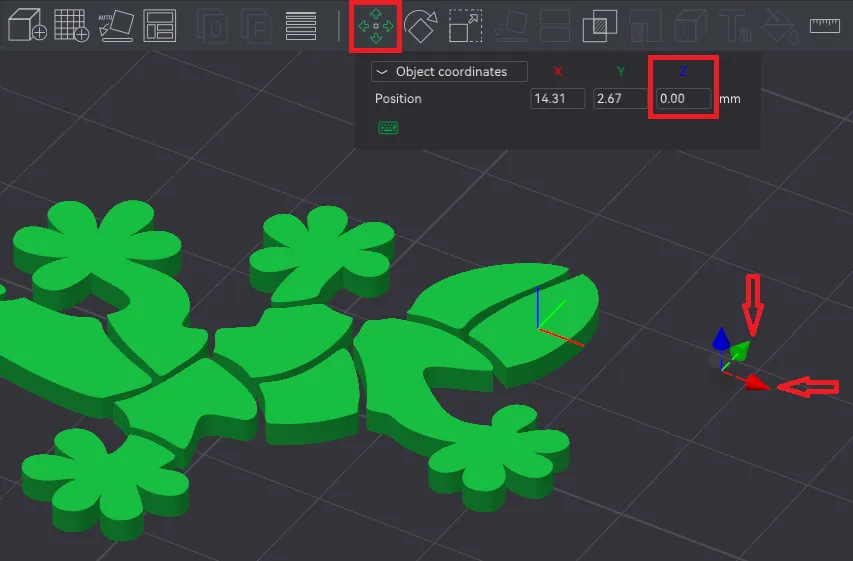 |
| Slice the plate, and you should see the preview of your newly created hole. | 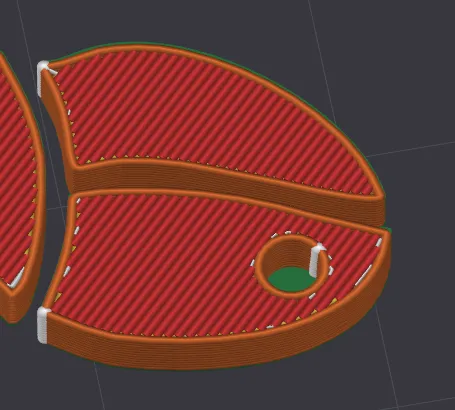 |
Boost Me (for free)
If you liked this design, please send me a boost. Every little thing helps me to continue this hobby of mine.
Thank you! Happy printing!
License

You shall not share, sub-license, sell, rent, host, transfer, or distribute in any way the digital or 3D printed versions of this object, nor any other derivative work of this object in its digital or physical format (including - but not limited to - remixes of this object, and hosting on other digital platforms). The objects may not be used without permission in any way whatsoever in which you charge money, or collect fees.


Comment & Rating (4)