
SONY PVM professional monitor
Print Profile(1)

Description
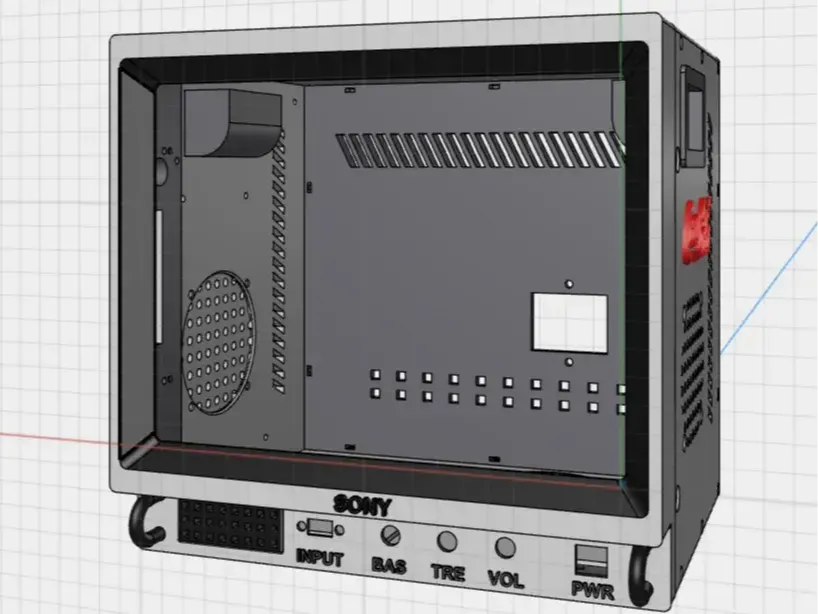
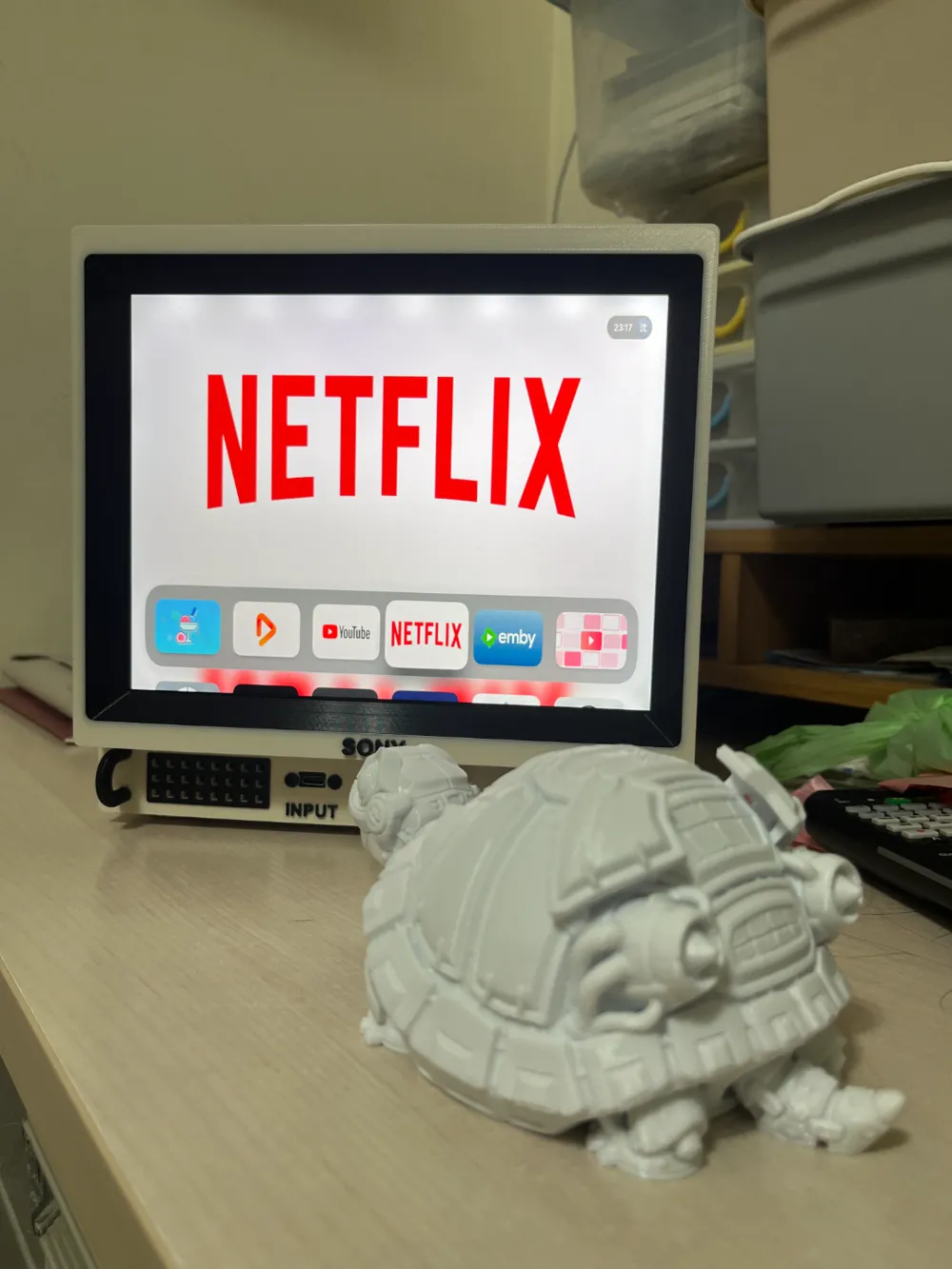
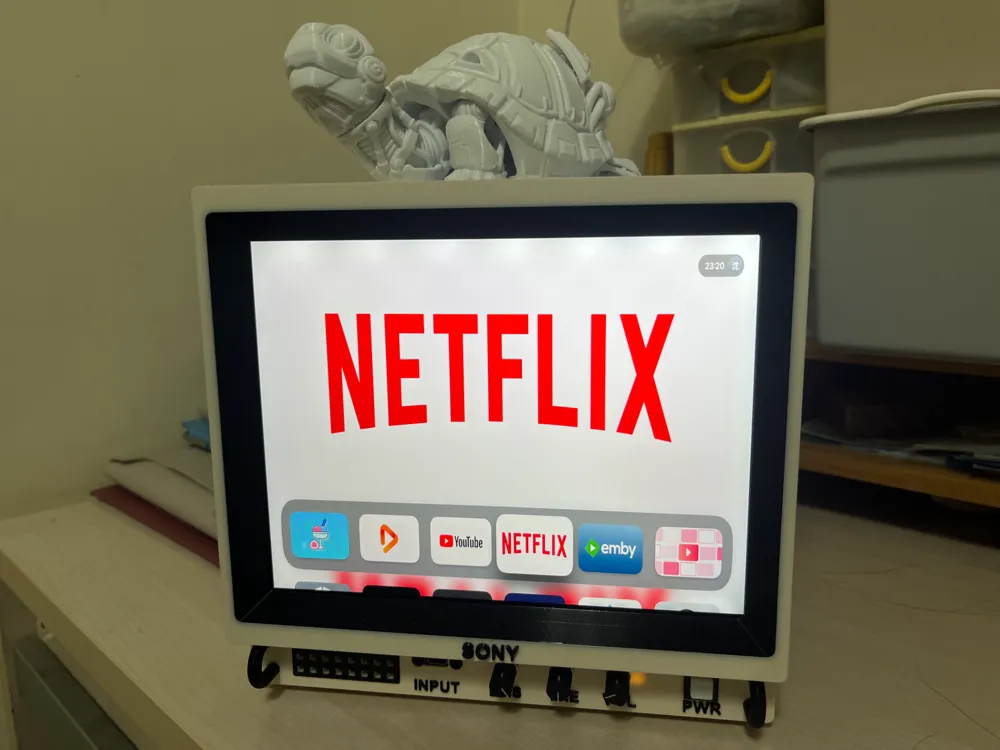
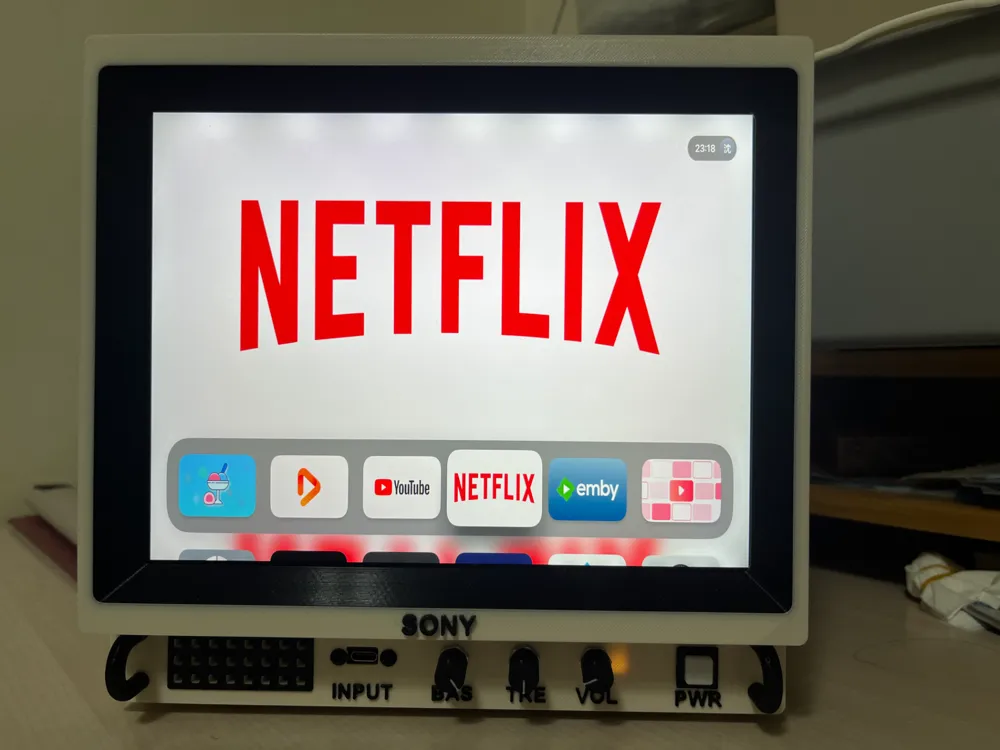
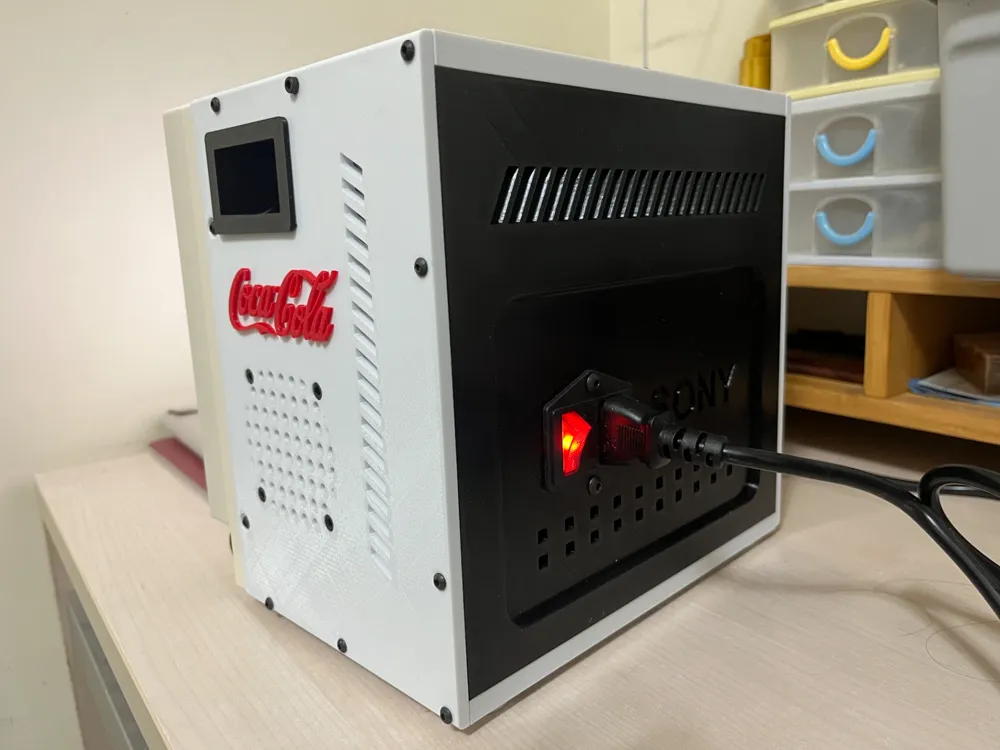
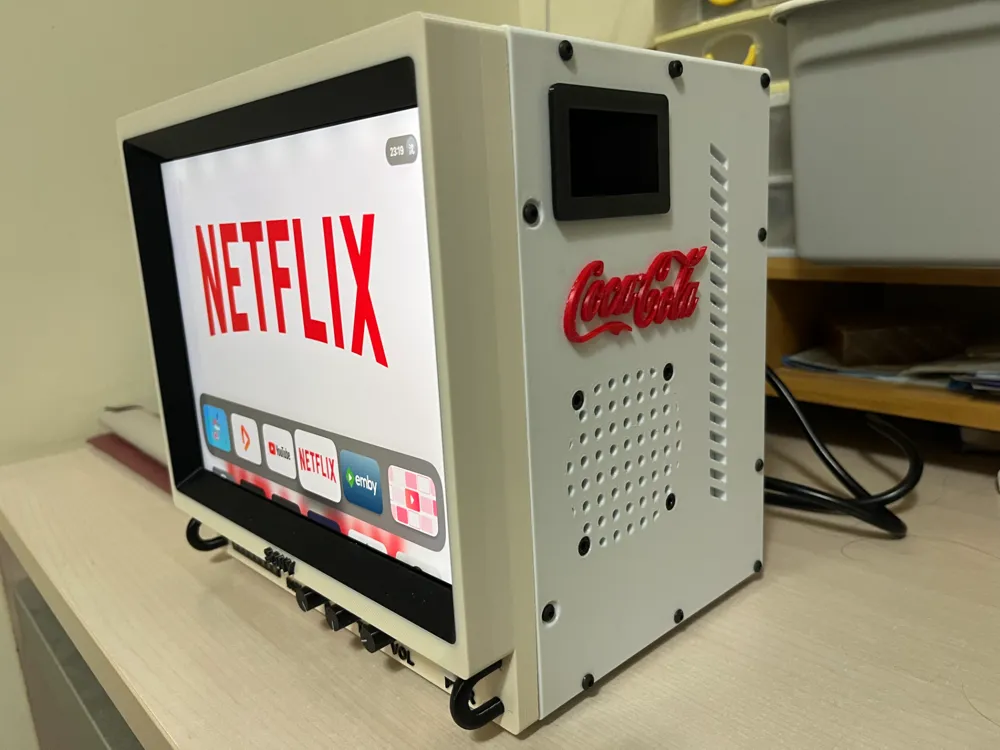
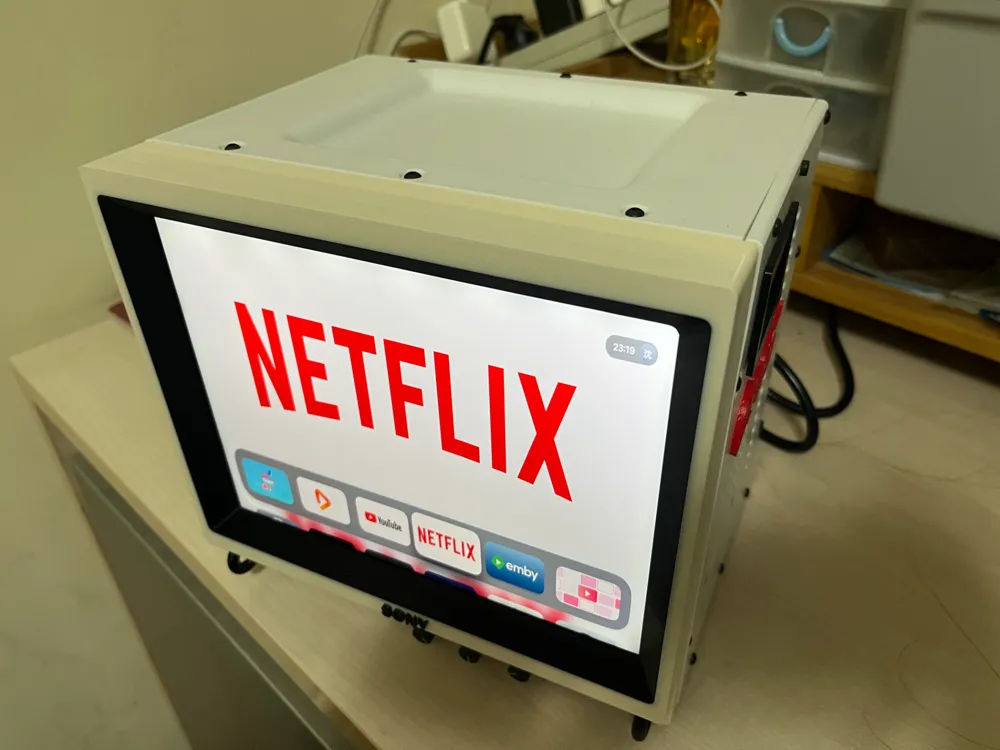
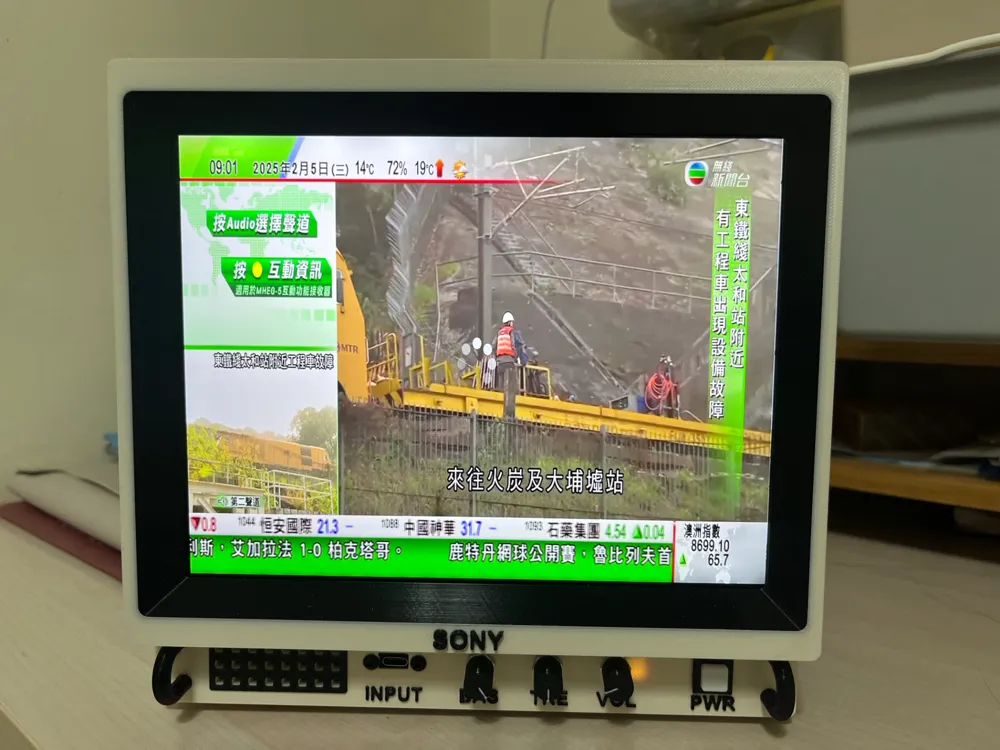
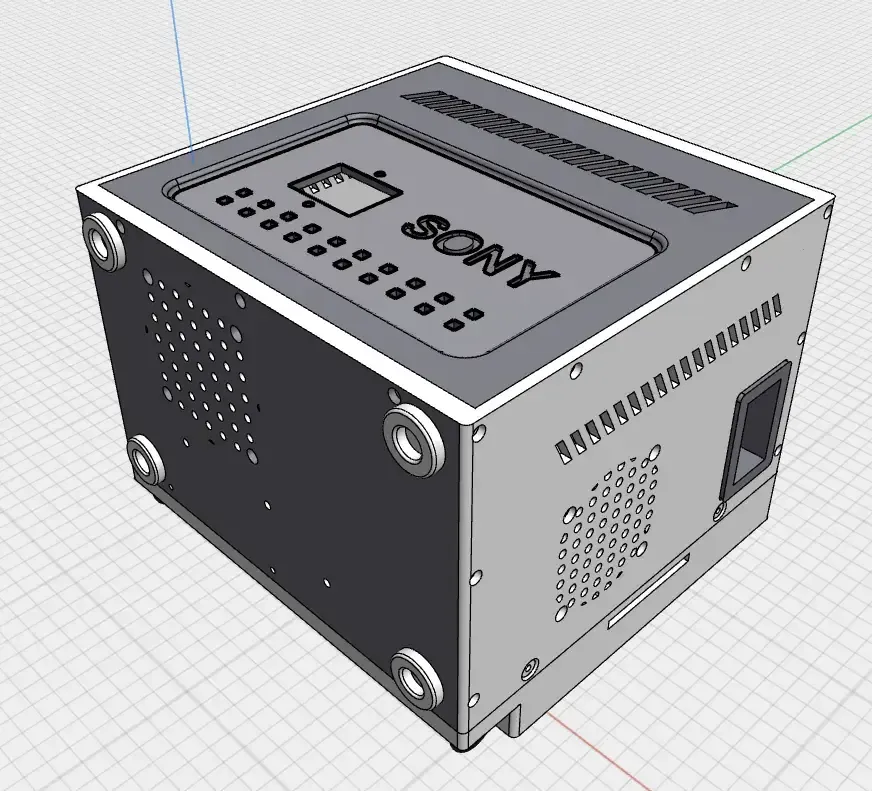
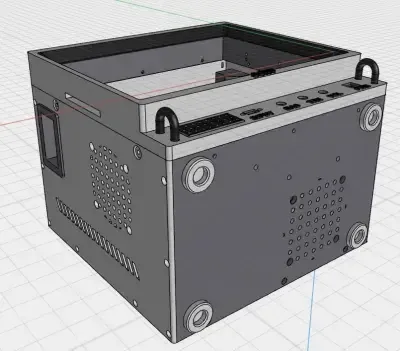
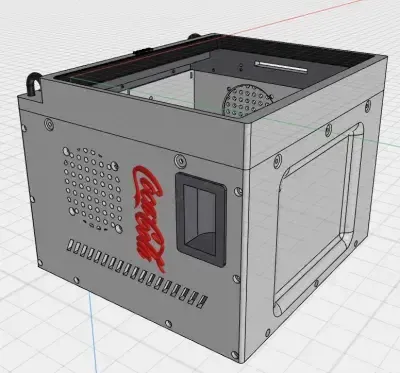
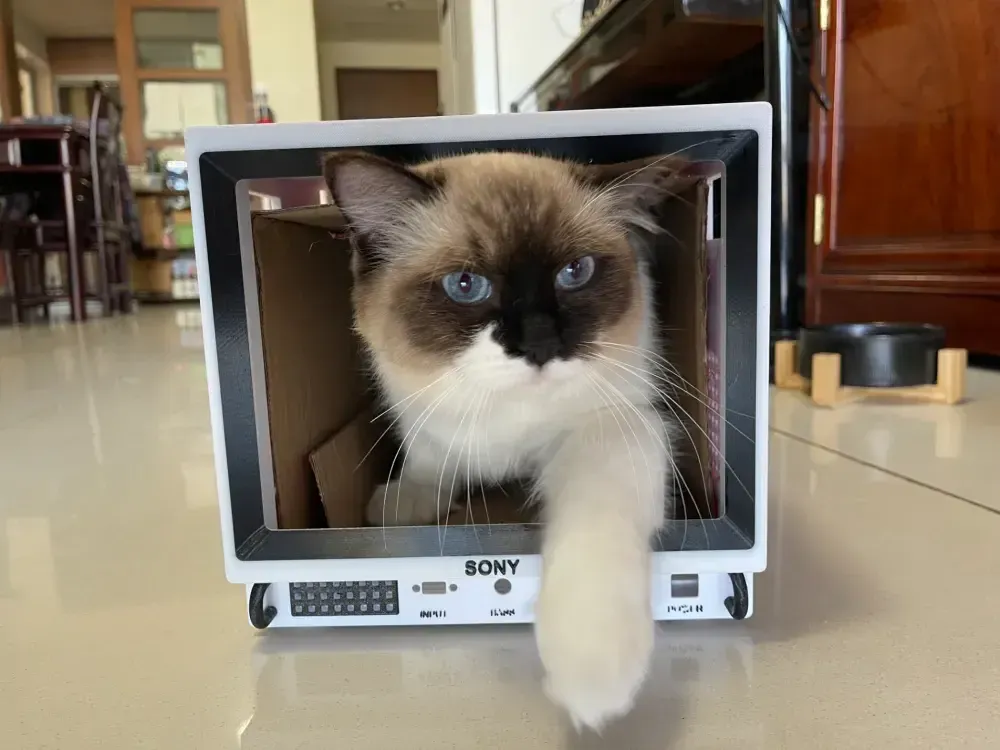
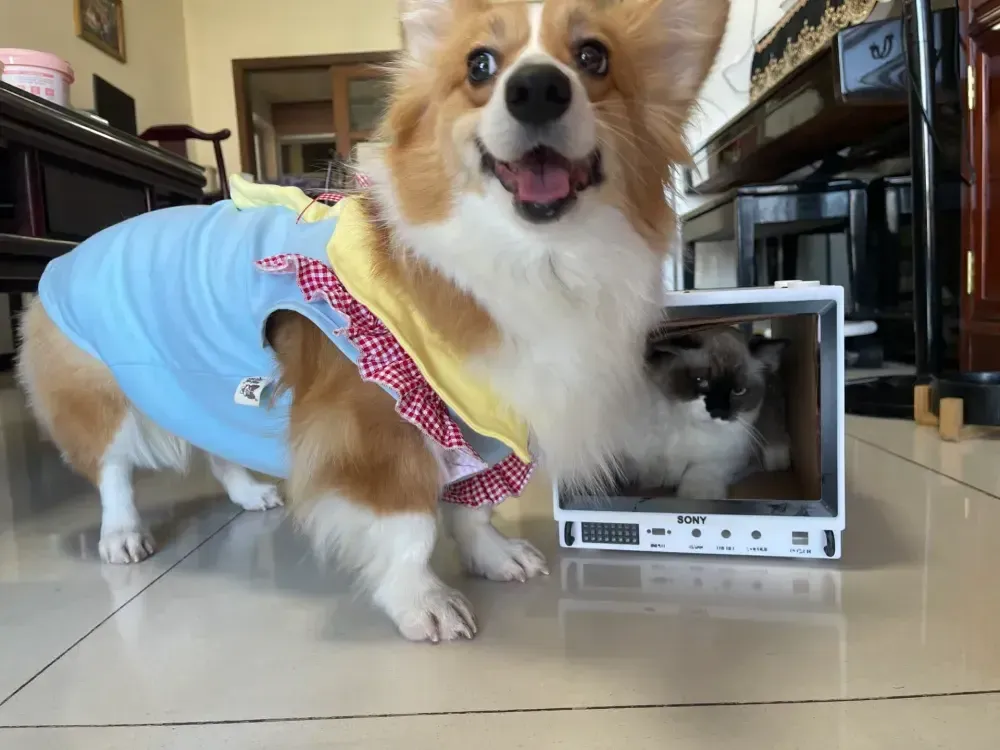
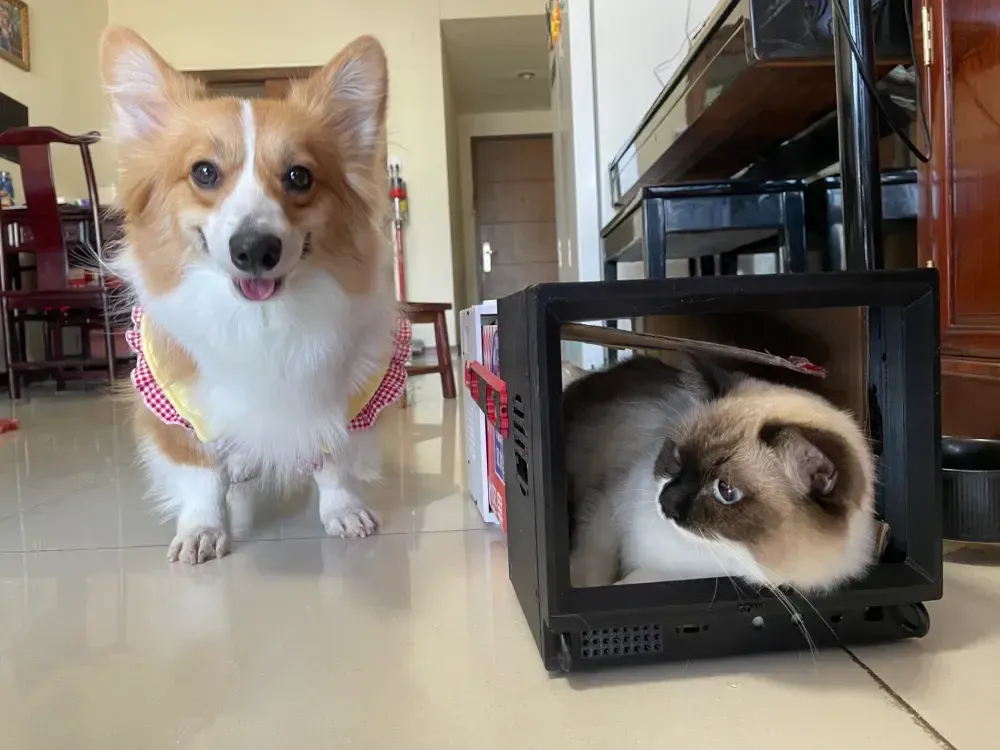
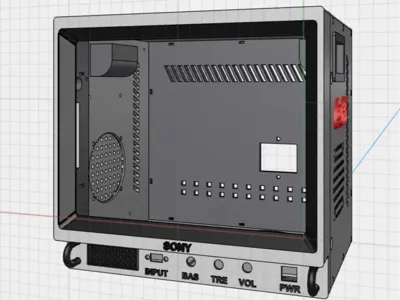
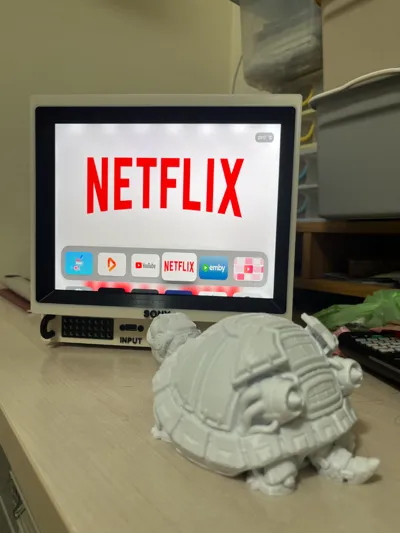
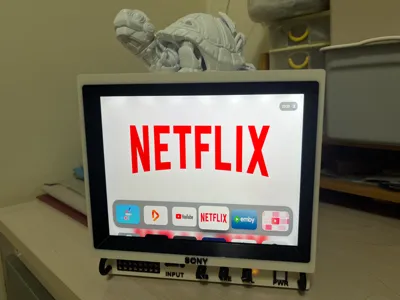
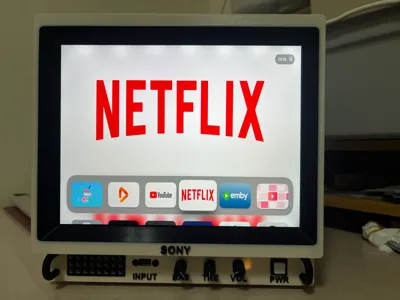
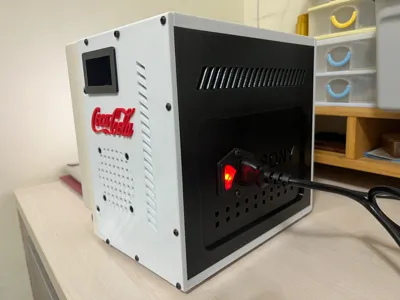
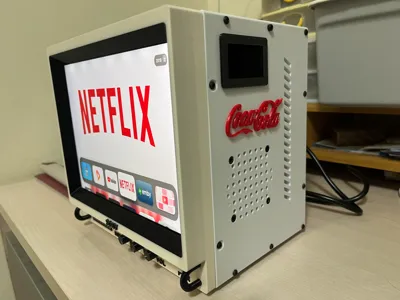
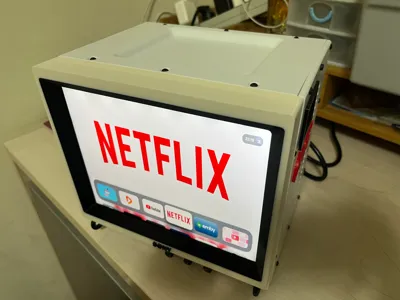
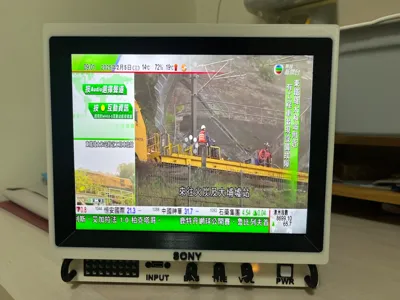
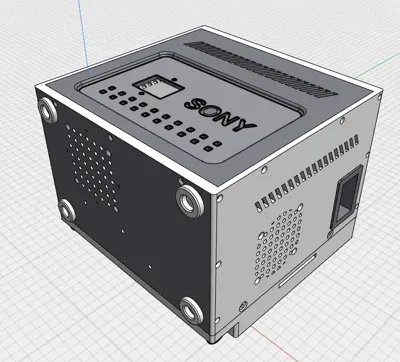
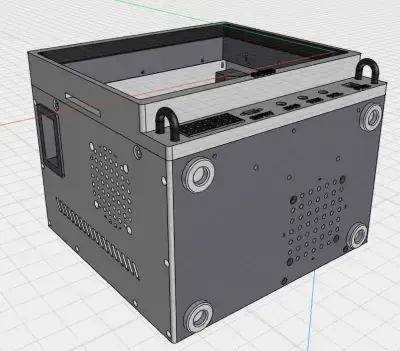
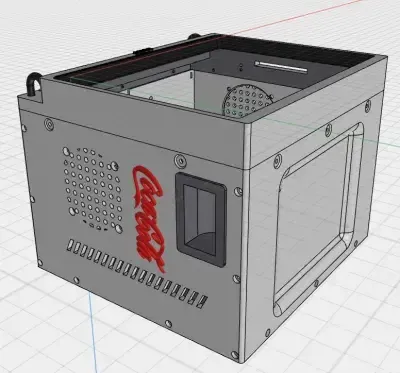
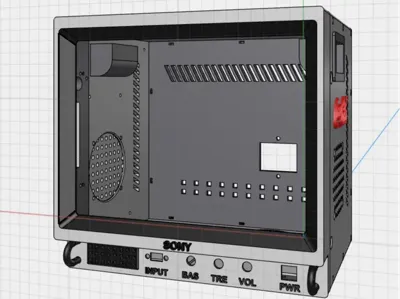
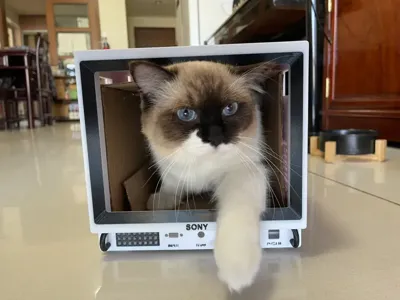
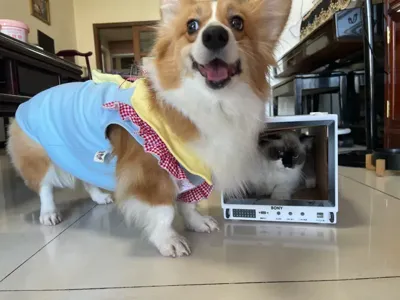
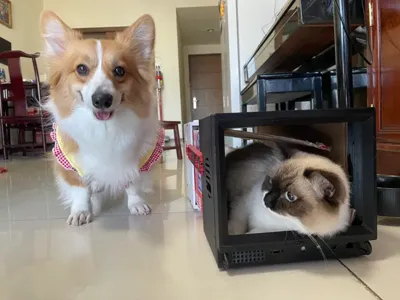
SONY PVM Monitor Modified Replica~~
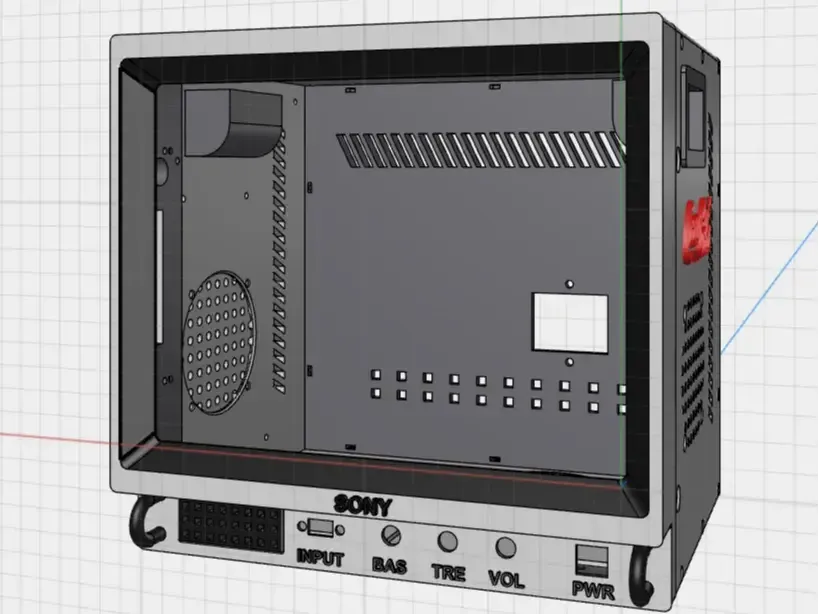
Utilizing a 9.7-inch iPad 3 screen, it incorporates built-in 2.1 speakers. The interior accommodates an Apple TV or Android box (I used an Apple TV 4) and provides a USB-C signal input (compatible with Steam Deck or other USB-C devices).
1. Screws and Nuts (Screw lengths can be customized based on your needs)
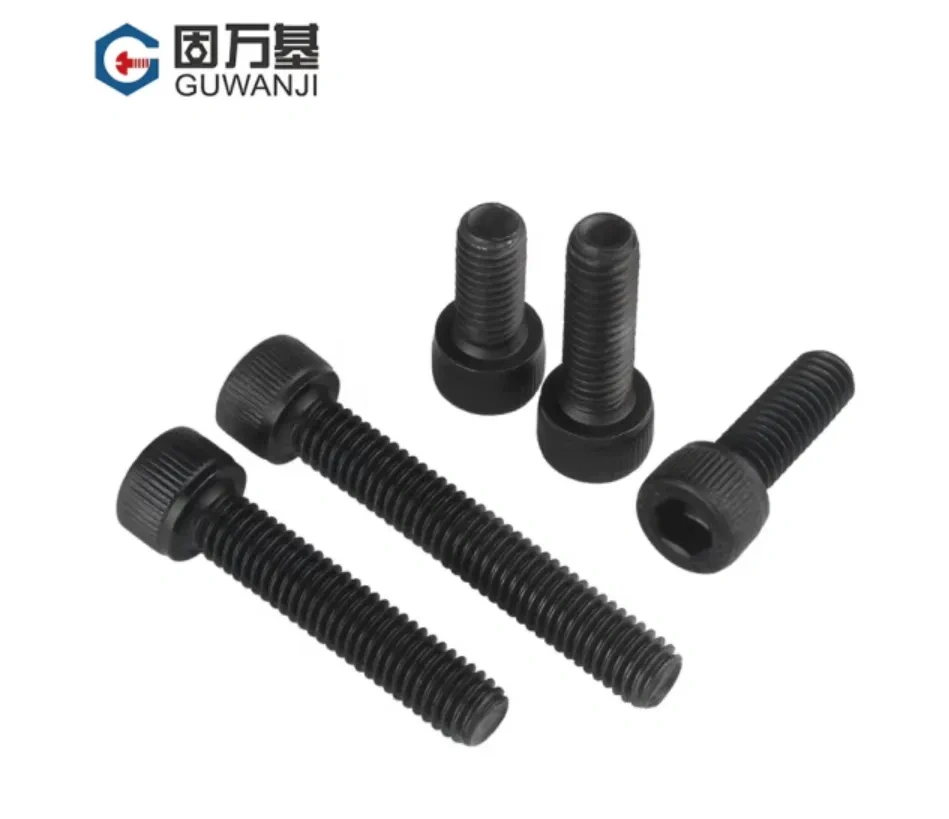
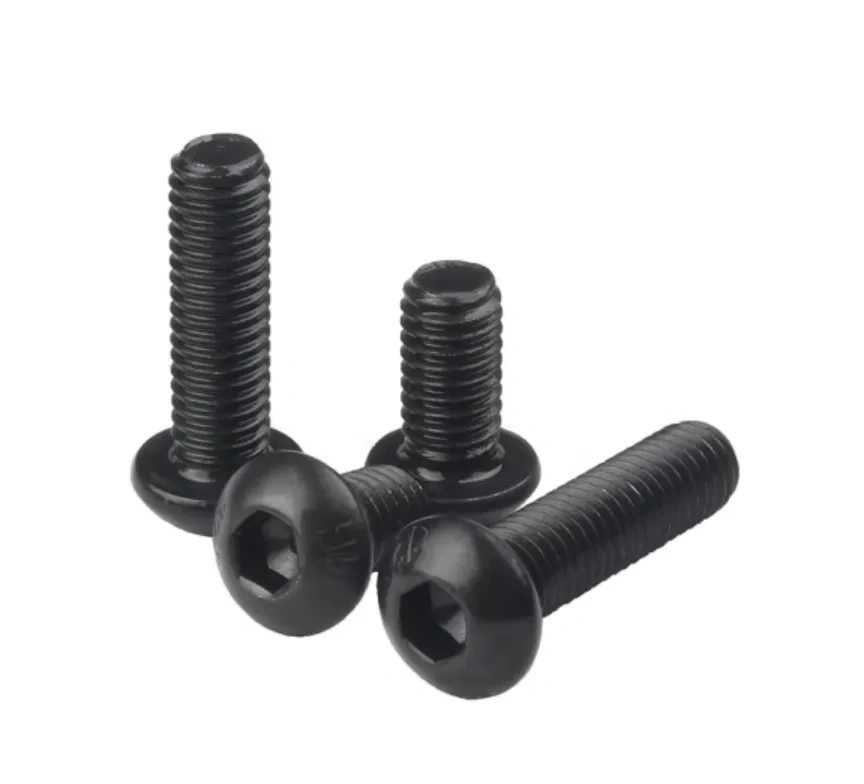

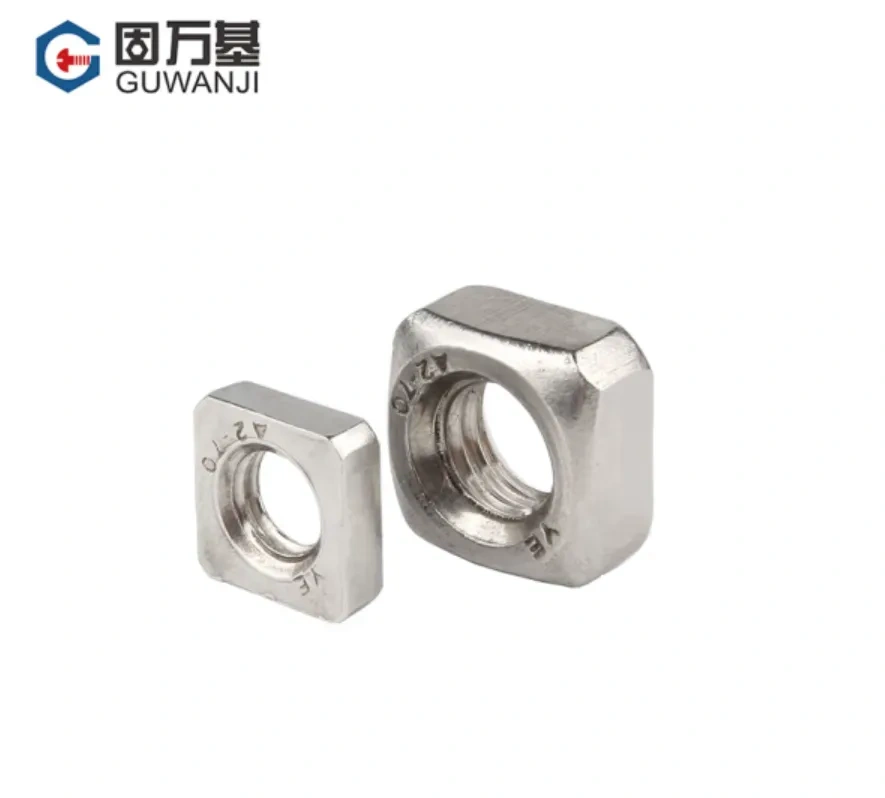
Note: Due to a variety of screw types purchased previously, lengths may be slightly inaccurate. Please provide feedback if errors are found.
(1) Speakers M4*5 Socket Head Cap Screws M4*10 Socket Head Cap Screws M4 Nuts
(2) Casing M3*8 (M3*6) Pan Head Screws M3*14 Socket Head Cap Screws M3 Square Nuts
(3) Display Panel M2*5 Pan Head Screws
2. Display Screen 9.7-inch iPad Screen (Source from Xianyu, link omitted)
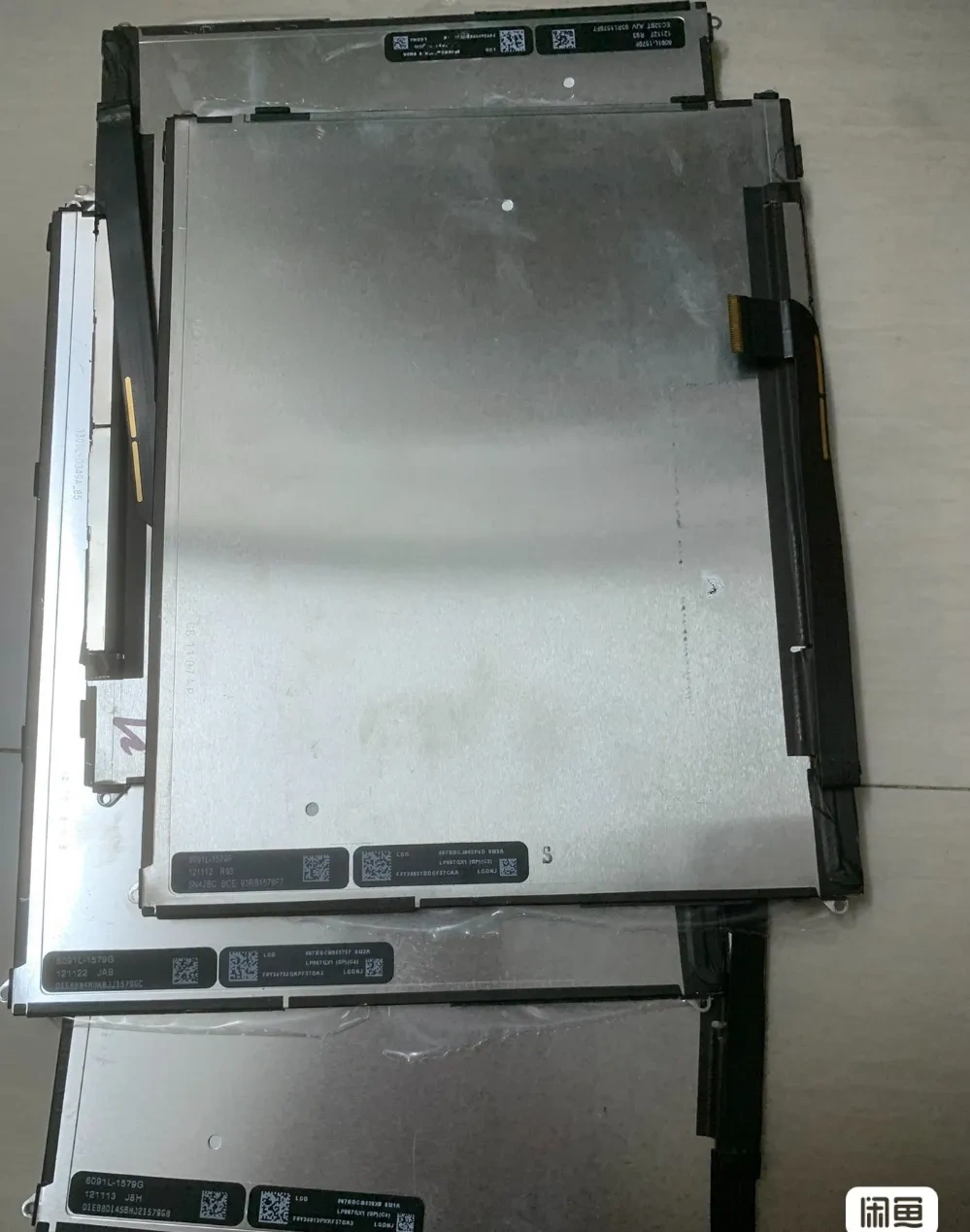
Note: Add several elastic foam pads to the printed screen mounting plate to prevent screen movement.
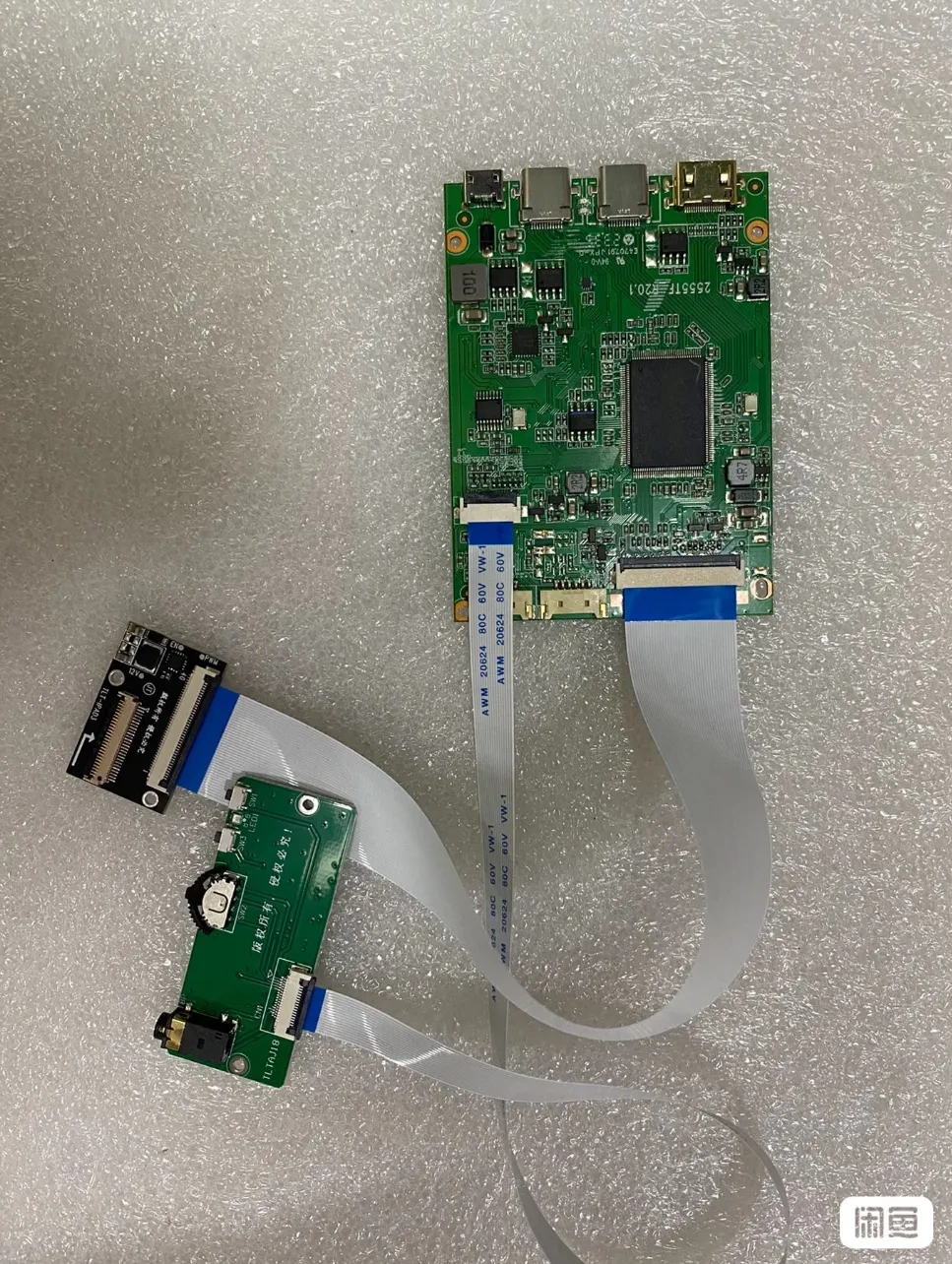
3. Display Driver Board (Source from Xianyu, link omitted; ensure compatibility with the iPad screen). I used one with one mini HDMI and two USB-C ports; the screen control buttons can be placed on the front right panel. A board with two mini HDMI and one USB-C ports might be more cost-effective and practical.
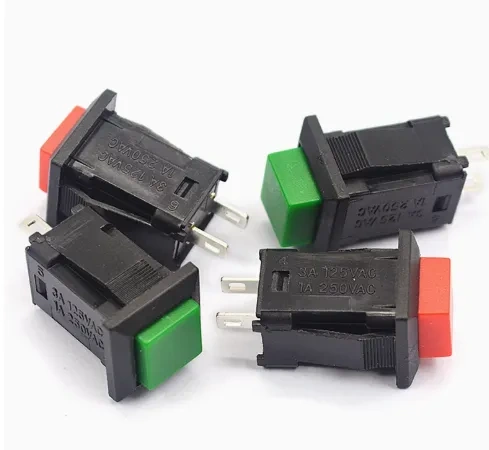
4. Front Panel Power Button (Optional), Power Switch, Power Supply (12V output for amplifier), Step-Down Cable (5V output for screen)
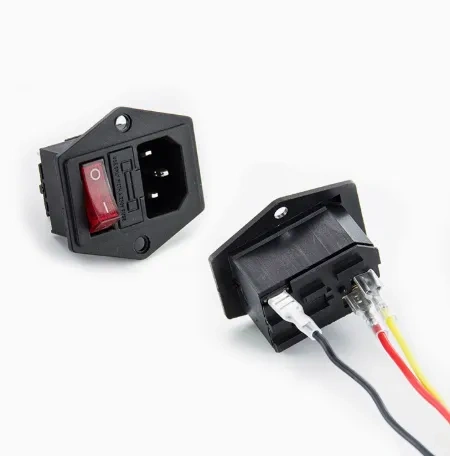
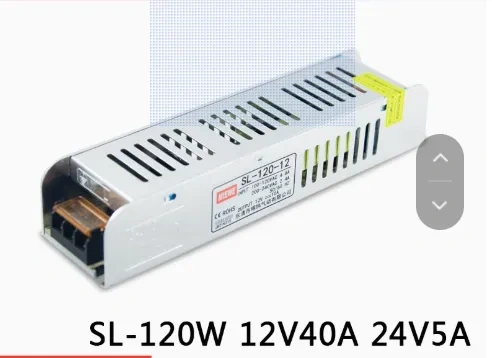
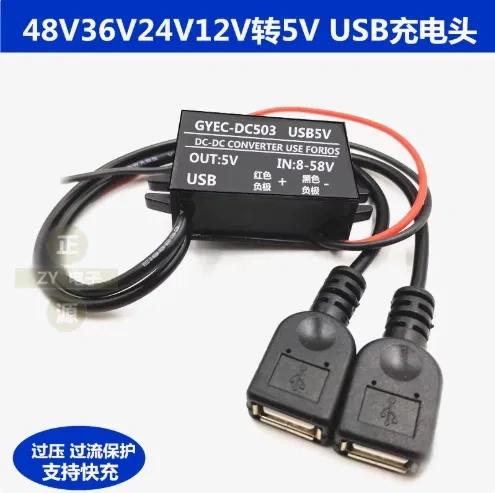
AC Power Inlet with Indicator Light and Fuse, Three-Pin Inlet with KCD3 Switch and Cable-Taobao
Note: The pushbutton switch is optional, as there's already a switch on the back. The printed part includes a simulated button~~~
5. Amplifier Board, Speakers (3-inch subwoofer*1, 2.5-inch full-range*2)
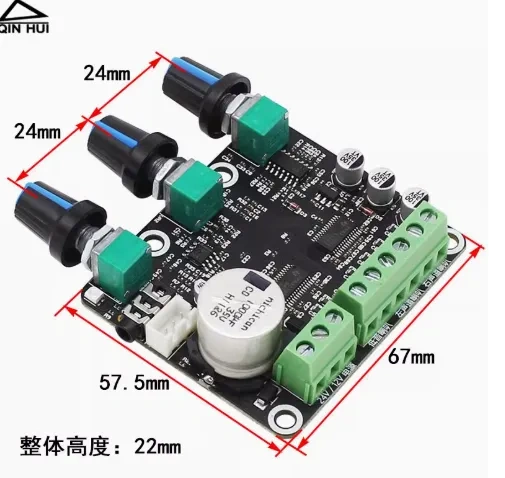
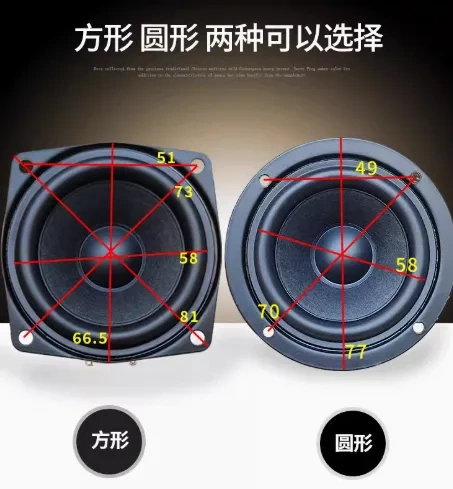
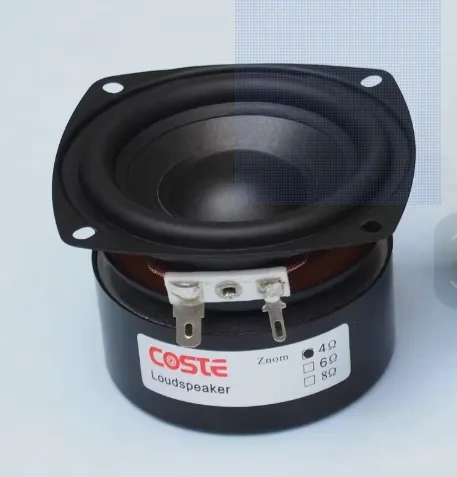
2.5-inch Full-Range Speaker HiFi Audiophile Full-Range Speaker-Taobao
Note: The printed panel includes three black knobs to replace the original ones, enhancing the overall appearance.
6. USB-C Extension Cable
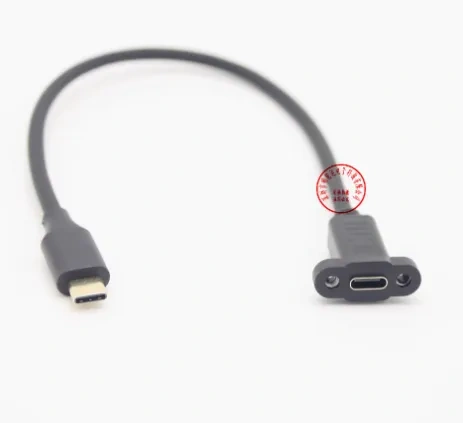
16-Core Full-Function USB 3.1 Type-C Male to Female Extension Cable with Ears and Screw Holes-Taobao
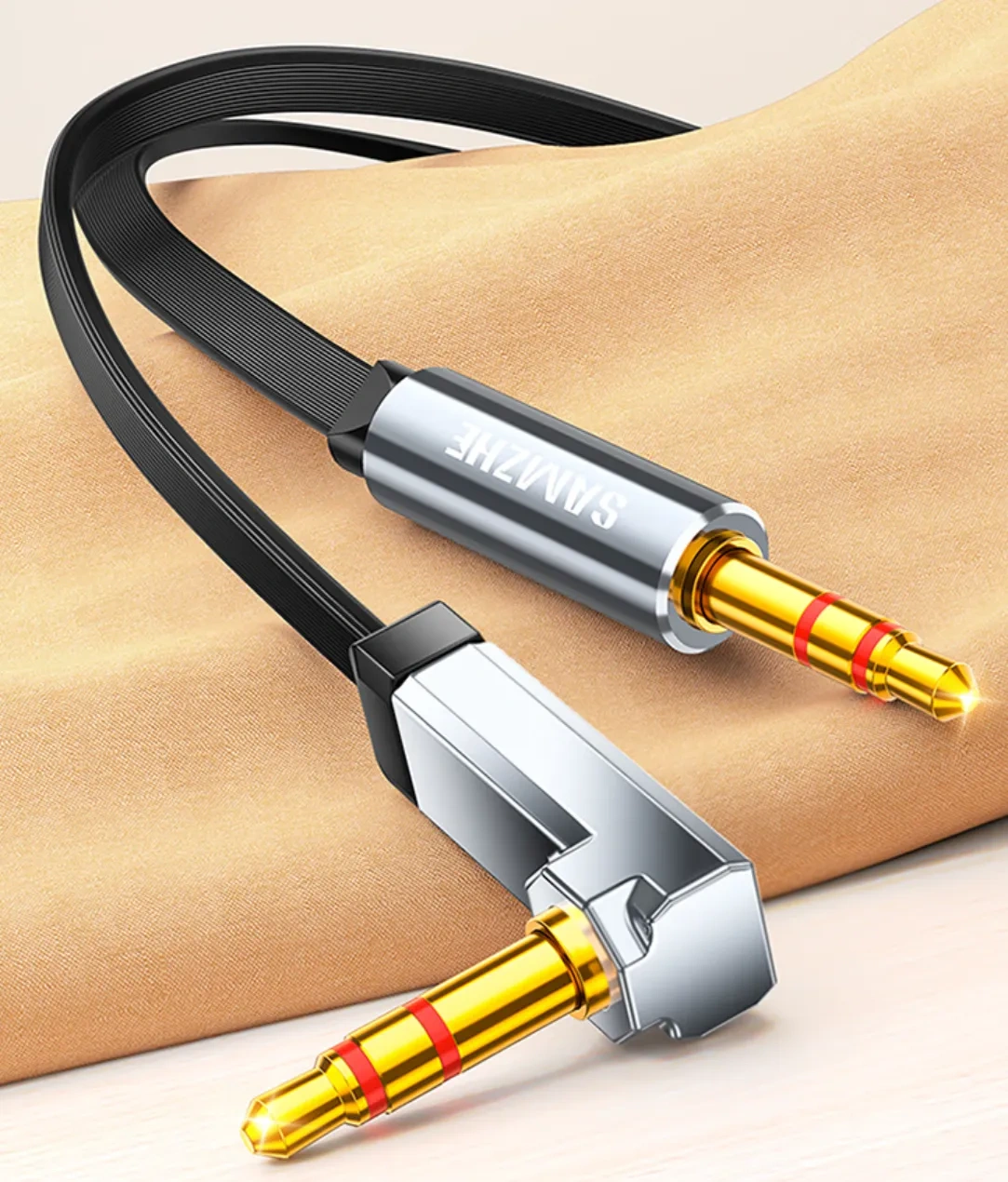
7. Audio Cable (Ideally, both ends should be angled to avoid interfering with the front panel switch button [the simulated switch button will not interfere])
8. Other
(1) Mini HDMI to HDMI cable*1
(2) Internal Power Socket - For internal boxes, consider adding a power socket near the switch.
(3) Android TV Box or Apple TV【Consider a mounting method, such as double-sided tape or screws (M3 screw holes are provided)】
(4) USB-A to Mini USB cable (for screen power)
(5) Wiring (for connecting the switch power supply to the amplifier board)
(6) Earpieces and button fixing can be done using adhesive~
License

You shall not share, sub-license, sell, rent, host, transfer, or distribute in any way the digital or 3D printed versions of this object, nor any other derivative work of this object in its digital or physical format (including - but not limited to - remixes of this object, and hosting on other digital platforms). The objects may not be used without permission in any way whatsoever in which you charge money, or collect fees.


Comment & Rating (2)