
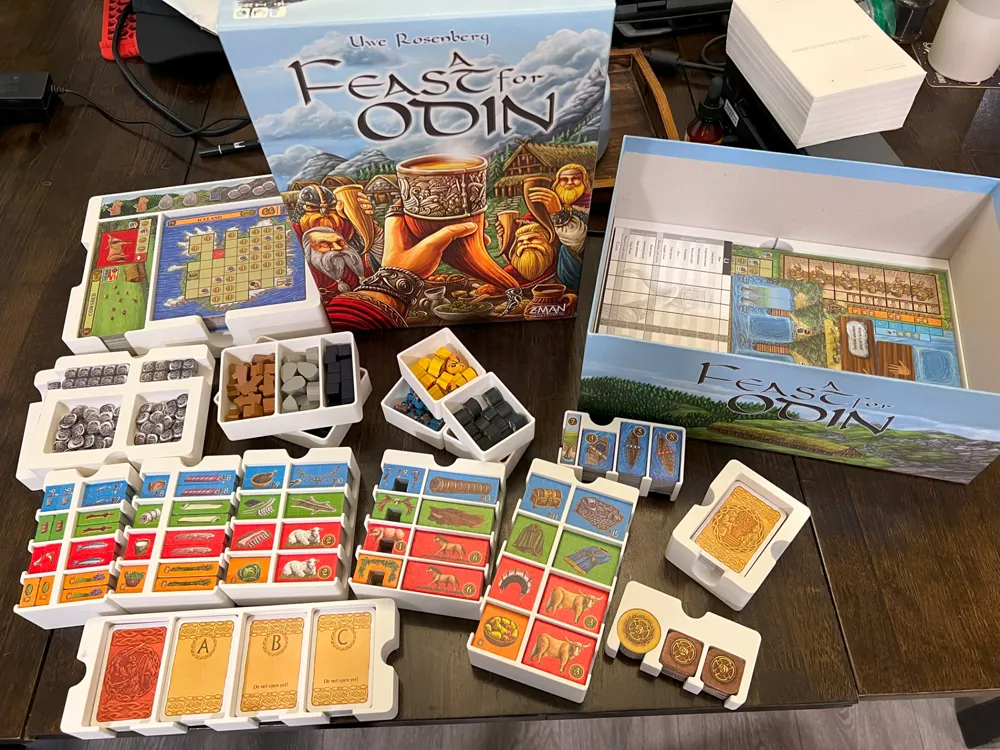
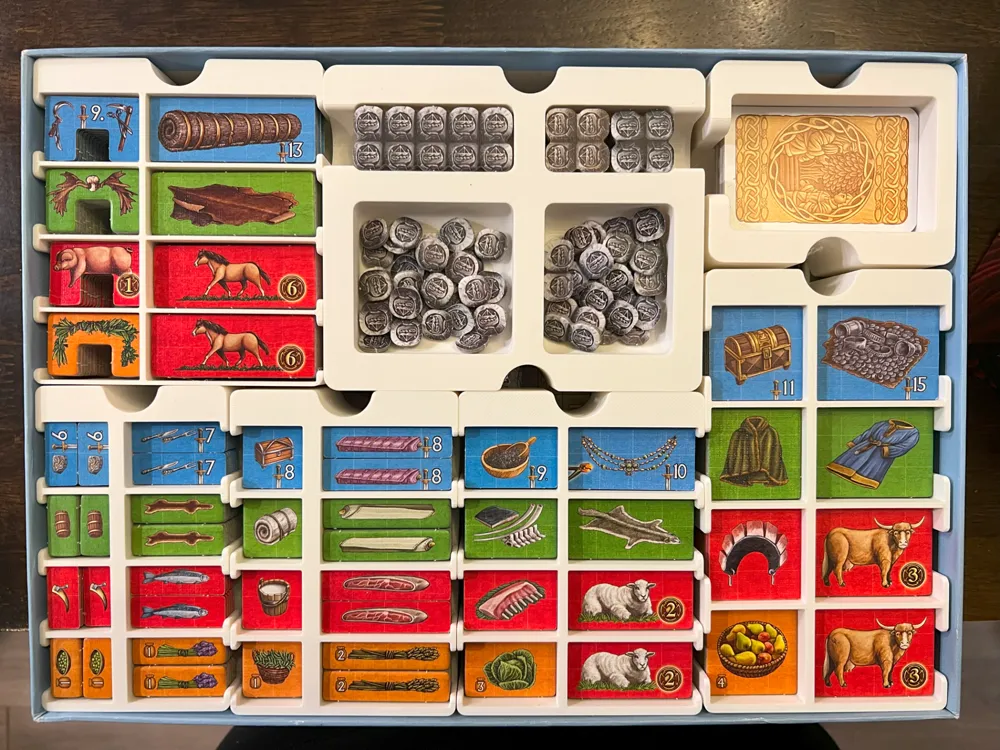
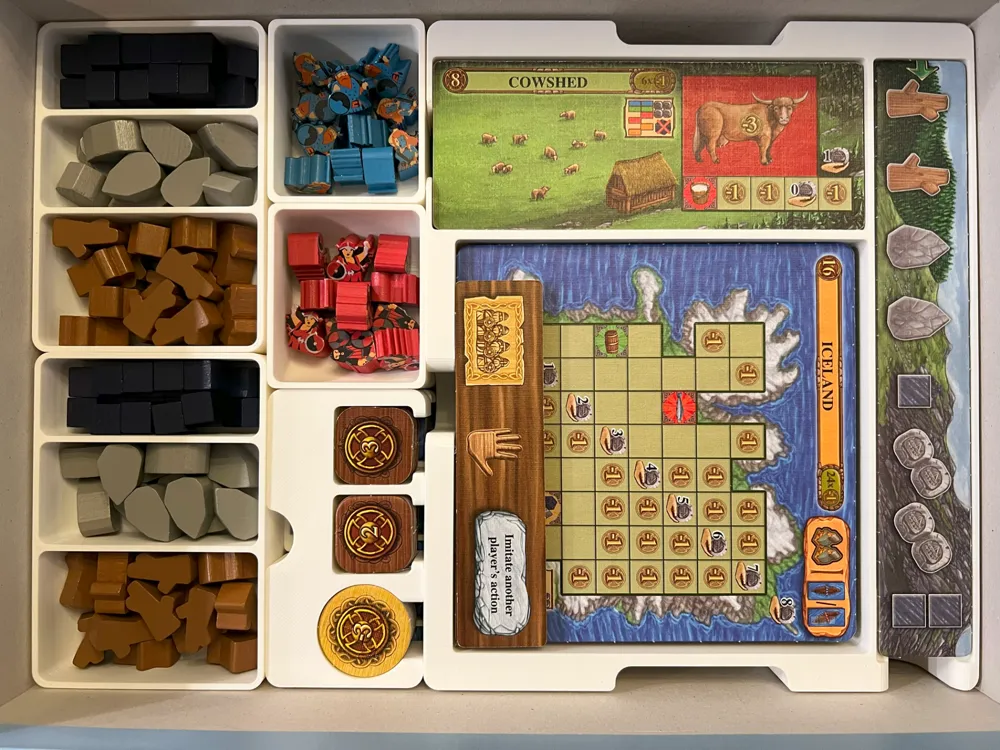
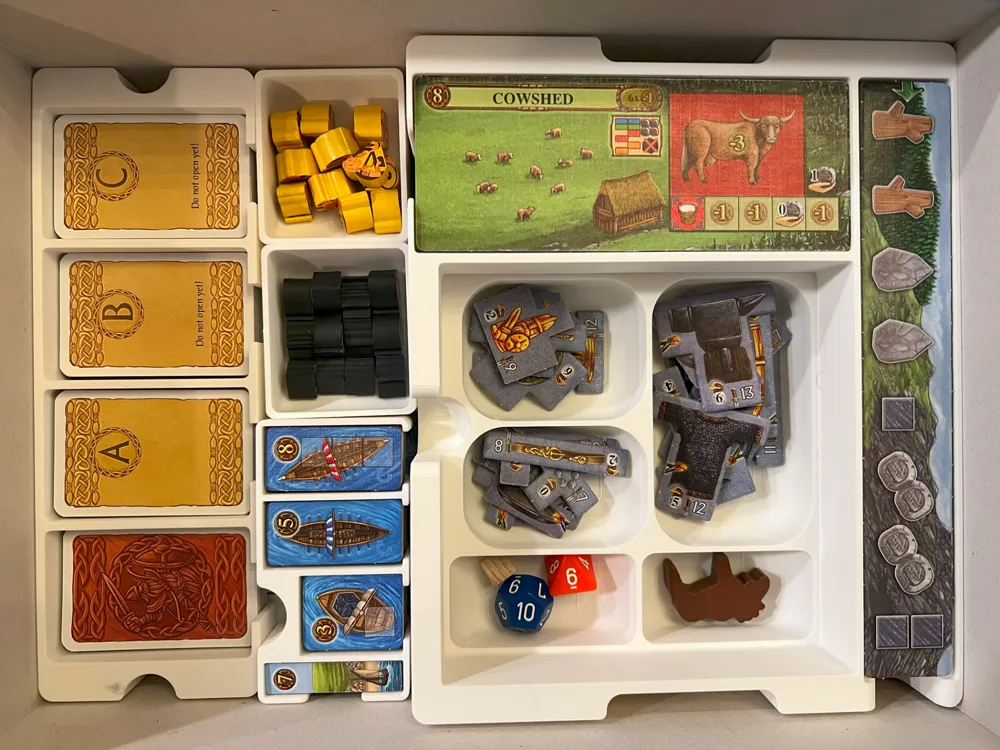
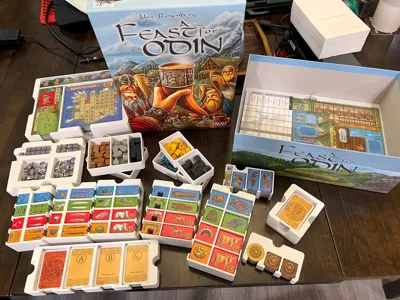
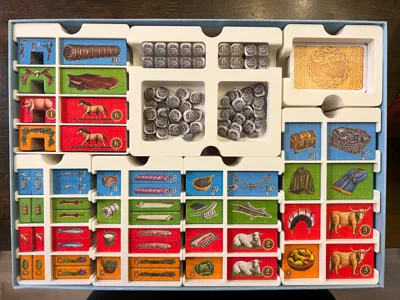
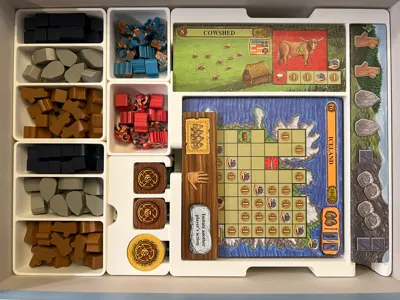
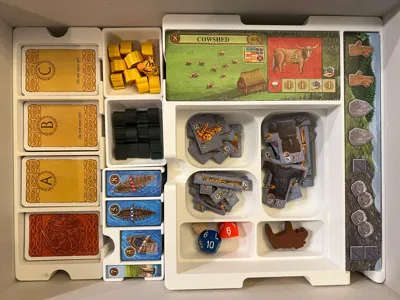
Feast for Odin Insert (Incl. Norweigans)
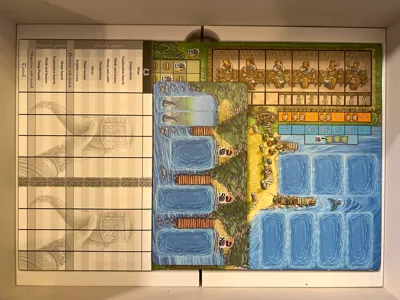
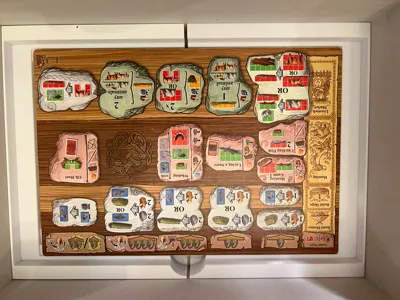
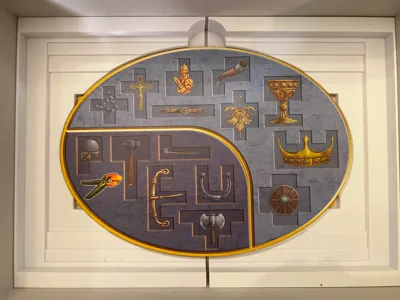
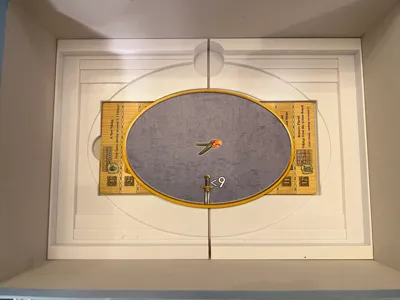
Print Profile(2)


Description
Usage
This works with Feast for Odin base as well as the following expansions:
- Norweigans
- Mini Expansion #1 (incl in recent printings with the base game)
- Mini Expansion #2 (incl in recent printings with the base game)
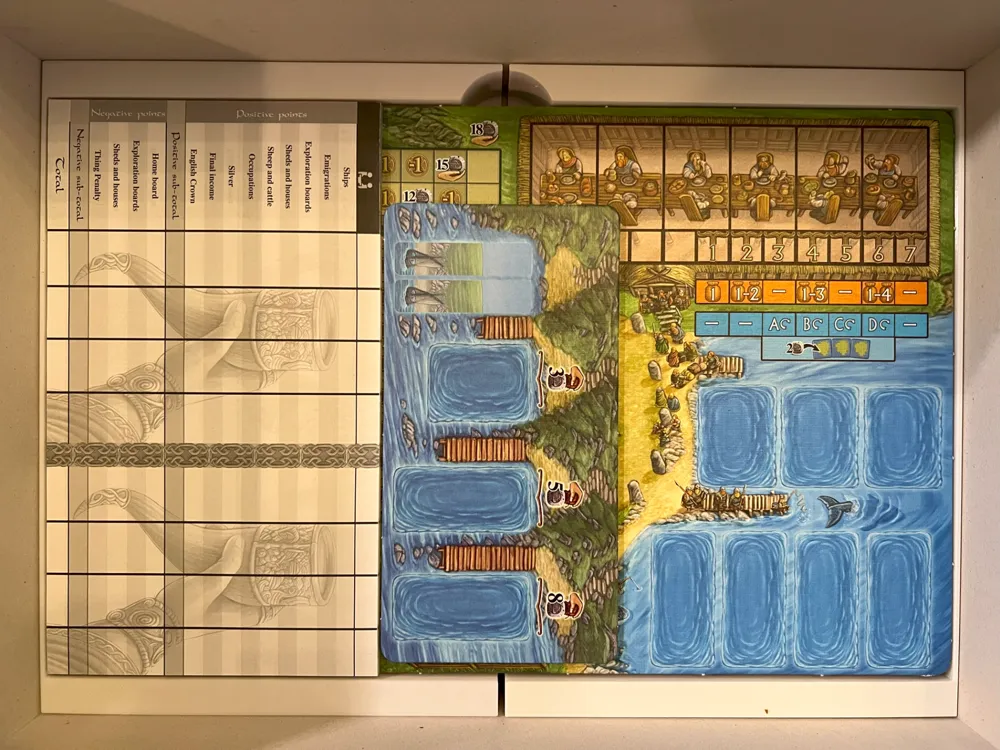
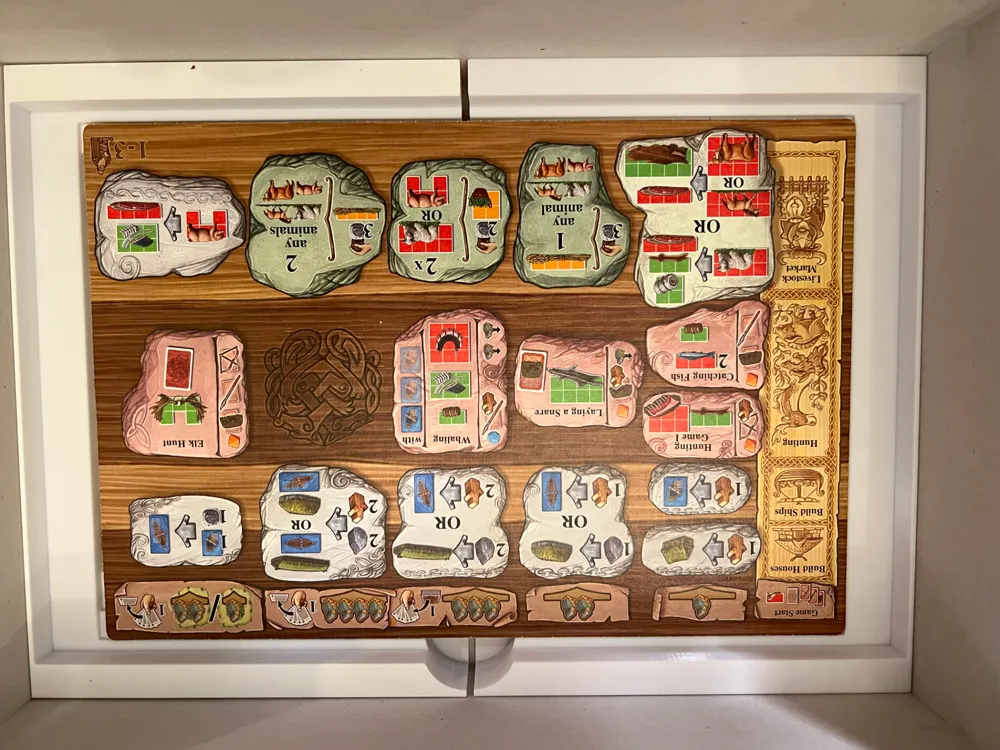
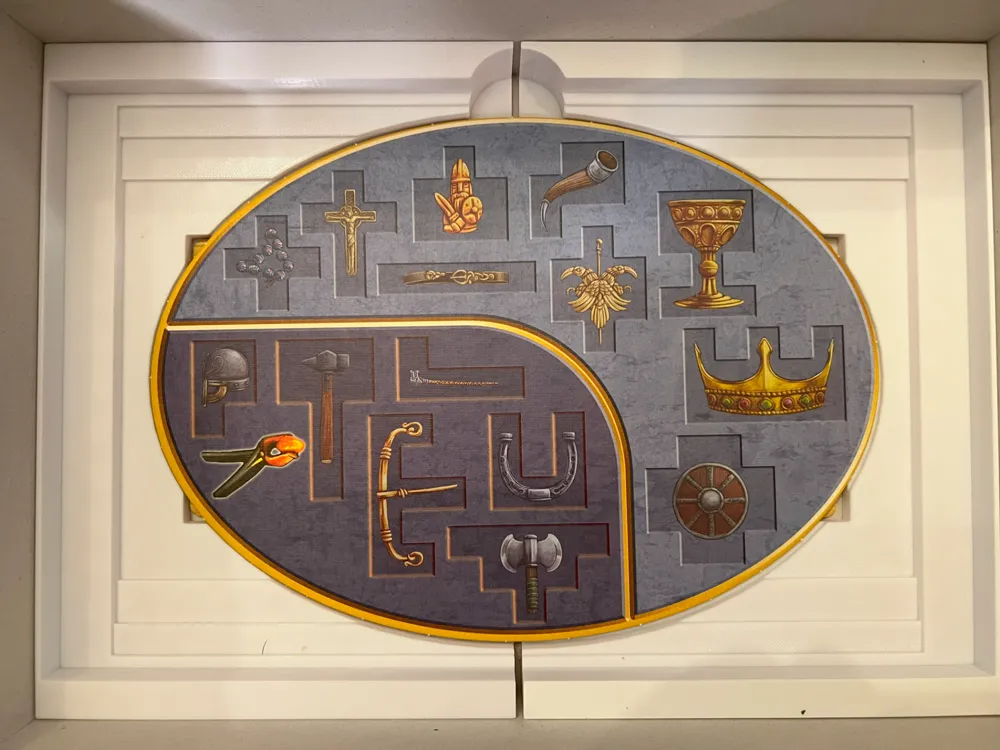
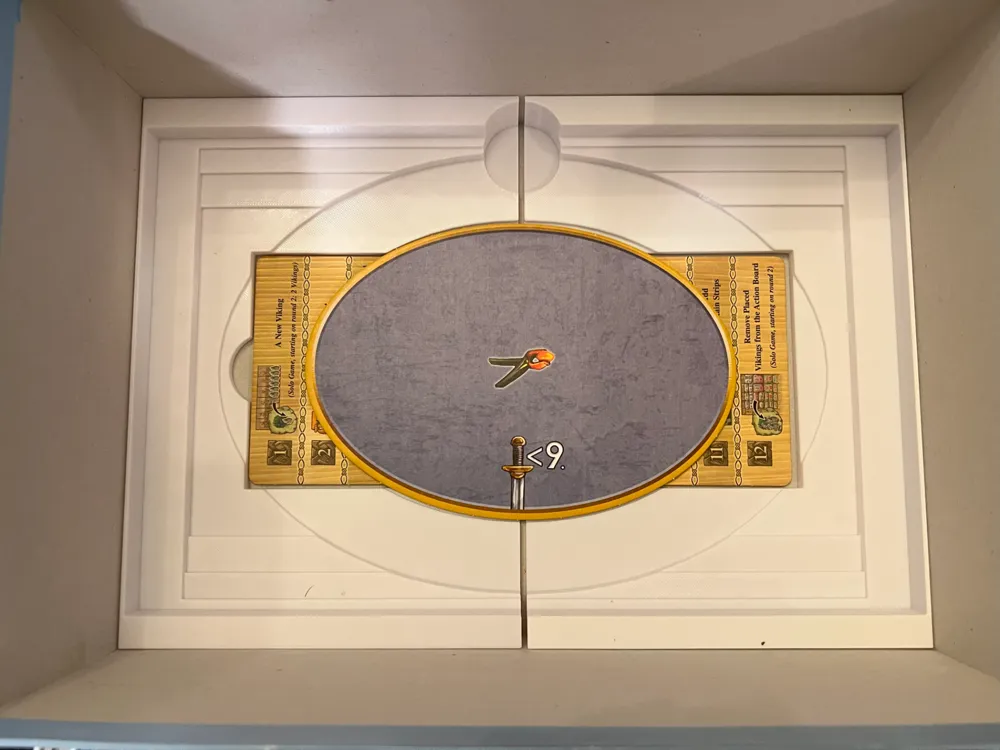
This insert does not work with sleeved cards. If you store just the rulebooks and appendix, there is no lid lift. If you add the Almanac, there is ~2mm of lid lift. This is not meant to hold the base game board (which was replaced by Norweigans), but it can fit with additional lid lift.
This insert is for you if you:
- Like beefier, chunkier inserts
- Are obsessed with having as many rounded corners as possible
- Are really trying to speed up setup / teardown as much as possible
Credits
This insert was based on (and still uses the board spacer) on TheForestFire's Improved Feast for Odin & Norweigans Organizer. I liked most aspects, but did not like the card tray or the awkward layout of the money tray and resource tray. To that end, all trays other than the board spacer were redrawn from scratch.
Notable changes:
- Islands, Resource Strips, Huts, and all board setup parts were combined into one easy to remove tray.
- Resources and Money split into two trays that could be used across the table from each other.
- Viking tray split so that each player gets their own dedicated tray.
- Finger access holes and rounded corners added where possible.
- Separate card tray added for removed / banned occupation cards.
Printing
You must print the following files from TheForestFire's Improved Feast for Odin & Norweigans Organizer:
- A Feast For Odin - Split Spacer No2 (x1).STL
- A Feast For Odin - Split Spacer No1 (x1).STL
Print 1x of all trays except for the following:
- Resources Tray (x2)
- Money Tray (x2)
- Vikings Tray (x4)
All necessary prints are included in the print profile for convenience.
Harvest and Removed/Banned Occupations
If you have the Harvest expansion (Mini Expansion #2), print the “Harvest” print. You can then print 3x of the “Card Divider” to separate out any removed occupations.
If you do not have the Harvest expansion, you can print “Cards (Removed)” as a more convenient place to store removed occupations.
Assembling the Insert
If you don't have the Harvest expansion, you will not have the second score pad or the last two islands to make the Island Tray level. To offset this and prevent any awkward sagging of trays, you can do the following:
- Ensure that the Island Tray is placed over the Board Tray exactly as shown in the images (on the side opposite the single score pad).
- Use the 2x “Extra Spot” boards from the base game as spacers as shown in the images.
This remix is based on

License



Comment & Rating (63)