
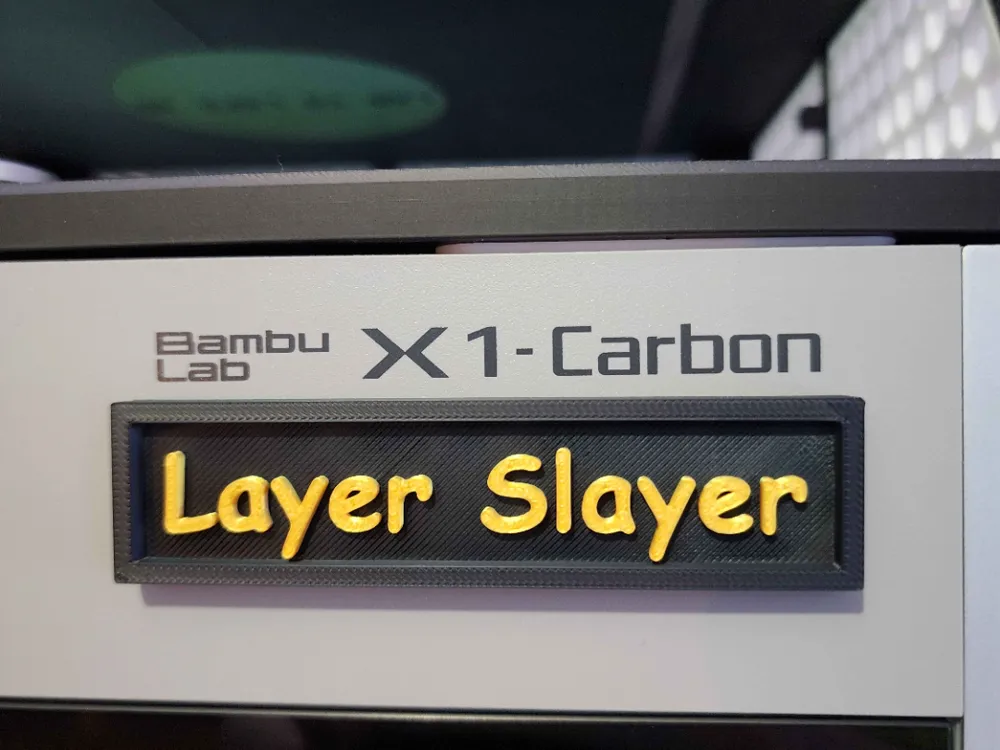
Printer Name Plate
Print Profile(5)


Description
Hey Yall,
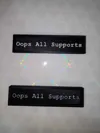
Each profile that has words on it has a flush and raised version on the same plate. Choose which one you want and move the other off the plate and print.
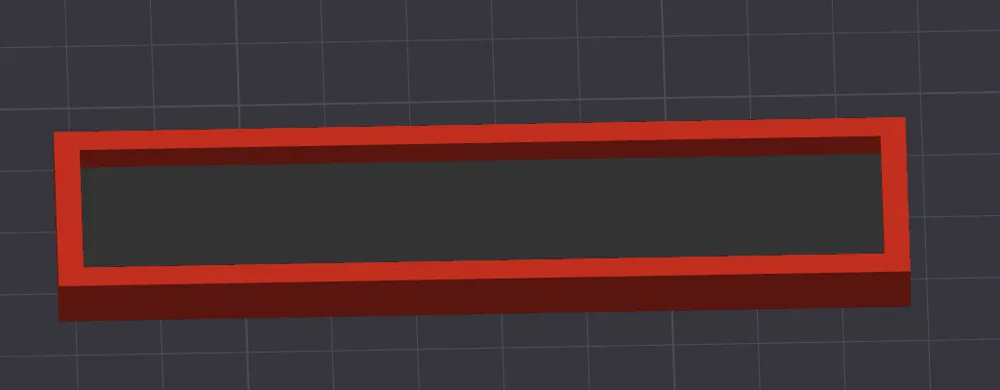
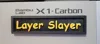
Profiles include: Blank, Rounded, Layer Slayer, and Oops All Supports.
TO ADD TEXT STEP BY STEP:
- Open the file.
- Click on the blank plate (squared or rounded)
- At the top of the toolbar click the “Ta”(text tool)
- Enter text
- Resize to fit inside the square if needed by clicking “size”
- IF you want FLUSH then change the OPERATION to MODIFIER
Thickness is for how thick or tall the letters are, I have mine set to 2mm tall.
License

You shall not share, sub-license, sell, rent, host, transfer, or distribute in any way the digital or 3D printed versions of this object, nor any other derivative work of this object in its digital or physical format (including - but not limited to - remixes of this object, and hosting on other digital platforms). The objects may not be used without permission in any way whatsoever in which you charge money, or collect fees.


Comment & Rating (13)