
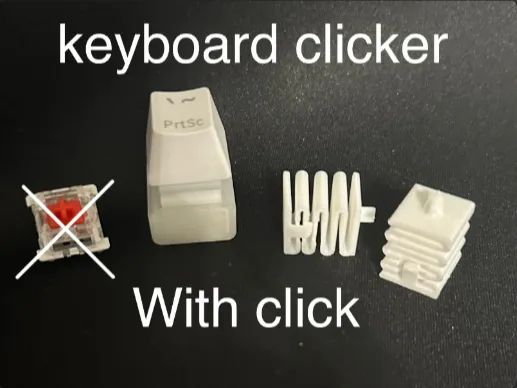
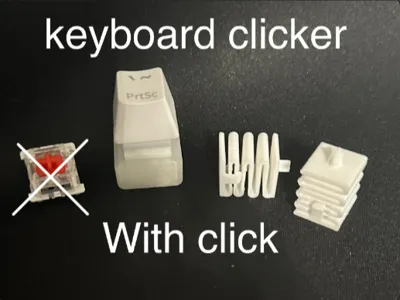
Keyboard clicker Fidget
Print Profile(4)



Description
Clean the build plate before printing, and allow it to fully cool down before taking it off the build plate smooth PEI plate is recommended. Different keyboard fidgets have different sizes; I modeled using normal sizing. If it doesn't fit, you may need to change the size or sand it, which may affect its ability to click or move properly. If It dosent click, you may be using bad filament, pulled it off the bed too early, or not leveled. You may have to make a few to get one that works perfectly.
License

You shall not share, sub-license, sell, rent, host, transfer, or distribute in any way the digital or 3D printed versions of this object, nor any other derivative work of this object in its digital or physical format (including - but not limited to - remixes of this object, and hosting on other digital platforms). The objects may not be used without permission in any way whatsoever in which you charge money, or collect fees.


Comment & Rating (1451)