Search models, users, collections, and posts

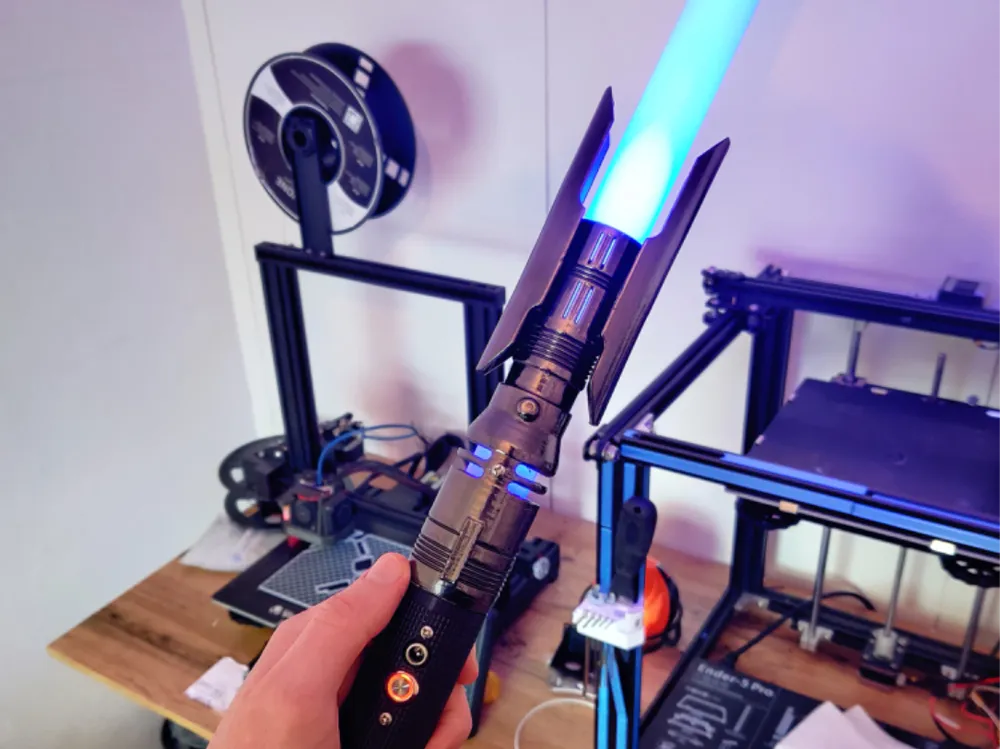
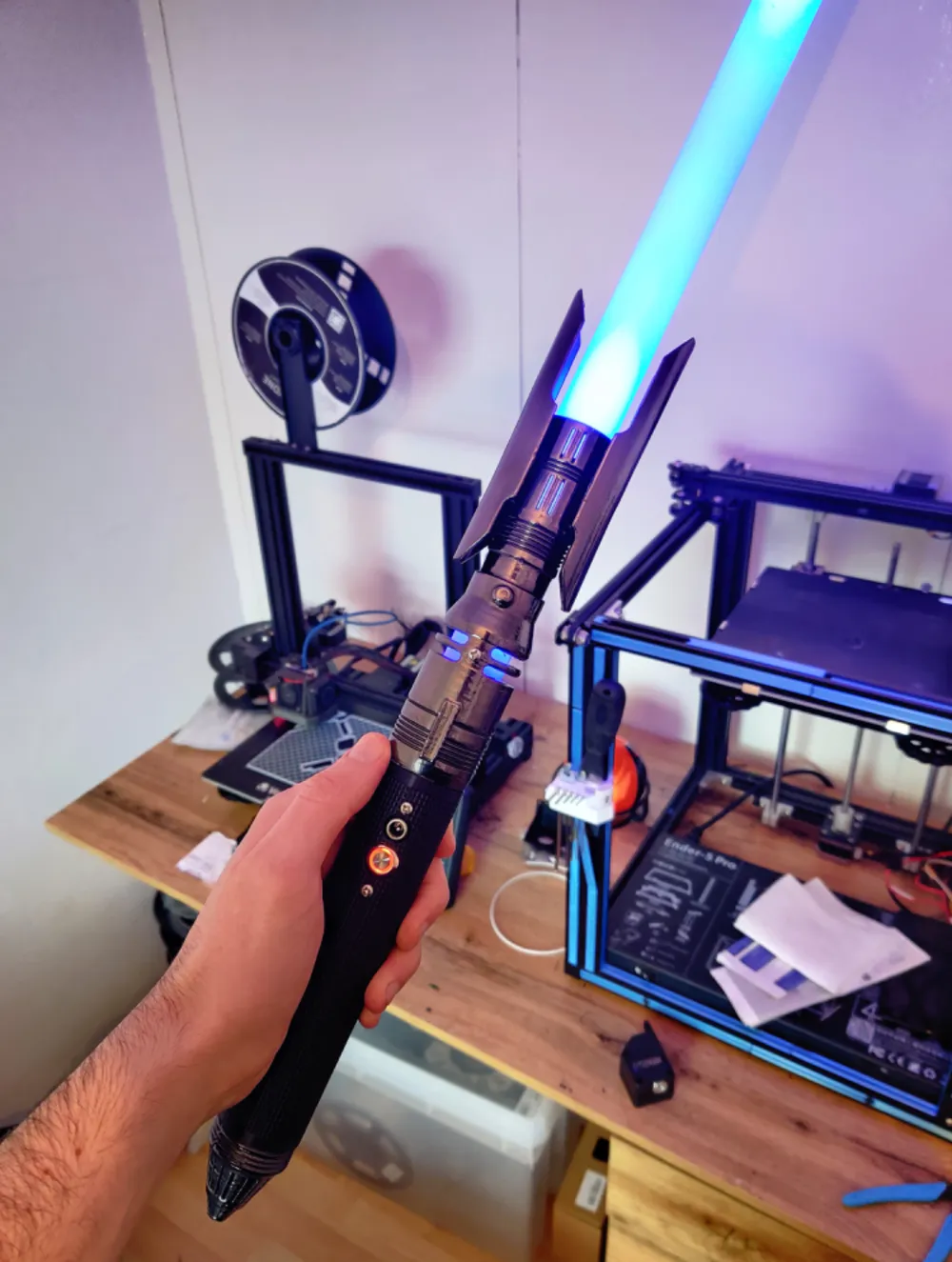
Cal Kestis Jedi Survivor Lightsaber
GIF

Print Profile(1)

All
P1P
P1S
X1
X1 Carbon
X1E
A1
A1 mini
H2D
H2D Pro
H2S
P2S
H2C
X2D
A2L

0.2mm layer, 4 walls, 15% infill
Designer
17.3 h
5 plates
4.4(10)

Open in Bambu Studio
Boost
457
1269
35
11
541
113
Released 

Description

Cal Kestis lightsaber from the Jedi: Survivor game and compatible with the Xenopixel Chassis. If you would like to purchase the Chassis have a look at Viresabers, Padawan Outpost, or Dark Wolf Sabers Websites.


Supports are only necessary on the shrouds and windows of the emitter.

This model requires four M3 screws and two M3 nuts. Make sure you block out the supports inside of the emitter as they will be impossible to remove after printing.

Comment & Rating (35)

(0/1000)

great profile! do suggest fidgeting with supports and settings to make things press fit. the thickness of the side spacers could be less and the bulges to attach them could have bigger holes in the side shields. otherwise great print!
designer
1
Reply
Would these work as the blade ?
0
Reply
not unless you get a baselit core
0
Reply
help I have problem I print this and I don't can tear it off
The designer has replied
0
Reply
You will need to mess with your support top Z distance
0
Reply
Print Profile
0.2mm layer, 4 walls, 15% infill

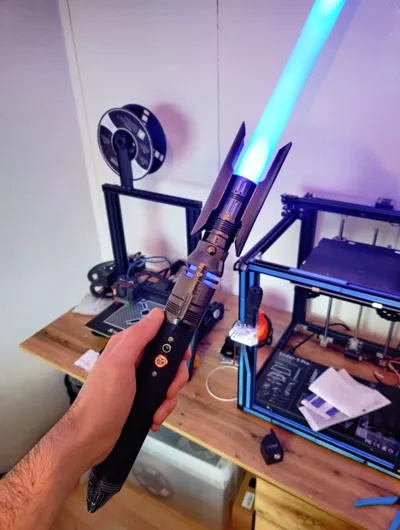
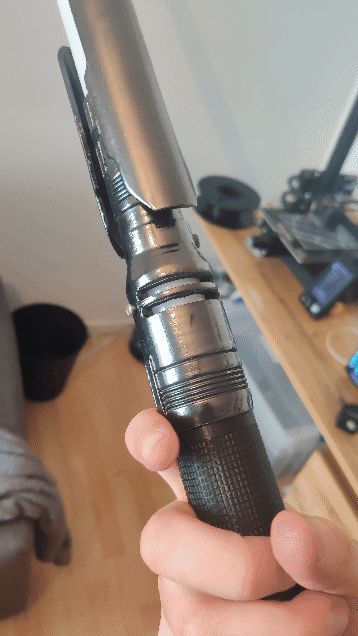
Thank you! The print was great, attached is my interpretation
(Edited)
Show original
0
Reply
which blade and core/chasis and do i buy the screws separately or do they come with the core?
The designer has replied
0
Reply
did you ever figure it out ?
0
Reply
Xenopixel and yes it comes with screws.
0
Reply
Replying to @Gkeys109 :
OK. So, I bought a metal saber a while ago and I went onto that website (SaberForge) and looked to see if they had it and I saw they had Xeno pixel V3 and Xeno RGB V3. Does it matter which one I get?
0
Reply
Print Profile
0.2mm layer, 4 walls, 15% infill
1
Reply
I’m about to print this and buy the lightsaber chassis for it. but the website says to not attach the saber to the core until you have it in the hilt/chassis as otherwise it will break. this part is covered with the model yes?
The designer has replied
0
Reply
As long as you screw the core into the print you won't have any issues, you can then attach the saber.
0
Reply
Replying to @Gkeys109 :
perfect thank you!
0
Reply
It looks so wonderful!. I have no idea how to even print it, but i really enjoy your work
designer
2
Reply
Print Profile
0.2mm layer, 4 walls, 15% infill
where is the saber part
The profile uploader has replied
0
Reply
sorry for not including the file for a PVC blade.
0
Reply
Print Profile
0.2mm layer, 4 walls, 15% infill
average
(Edited)
The profile uploader has replied
Show original
0
Reply
Thank you for the feedback, your in-depth analysis has been constructive
(Edited)
1
Reply

License

This user content is licensed under a Standard Digital File License.

You shall not share, sub-license, sell, rent, host, transfer, or distribute in any way the digital or 3D printed versions of this object, nor any other derivative work of this object in its digital or physical format (including - but not limited to - remixes of this object, and hosting on other digital platforms). The objects may not be used without permission in any way whatsoever in which you charge money, or collect fees.