
Kirby Design – Created and Published with Nomad
Print Profile(1)

Description
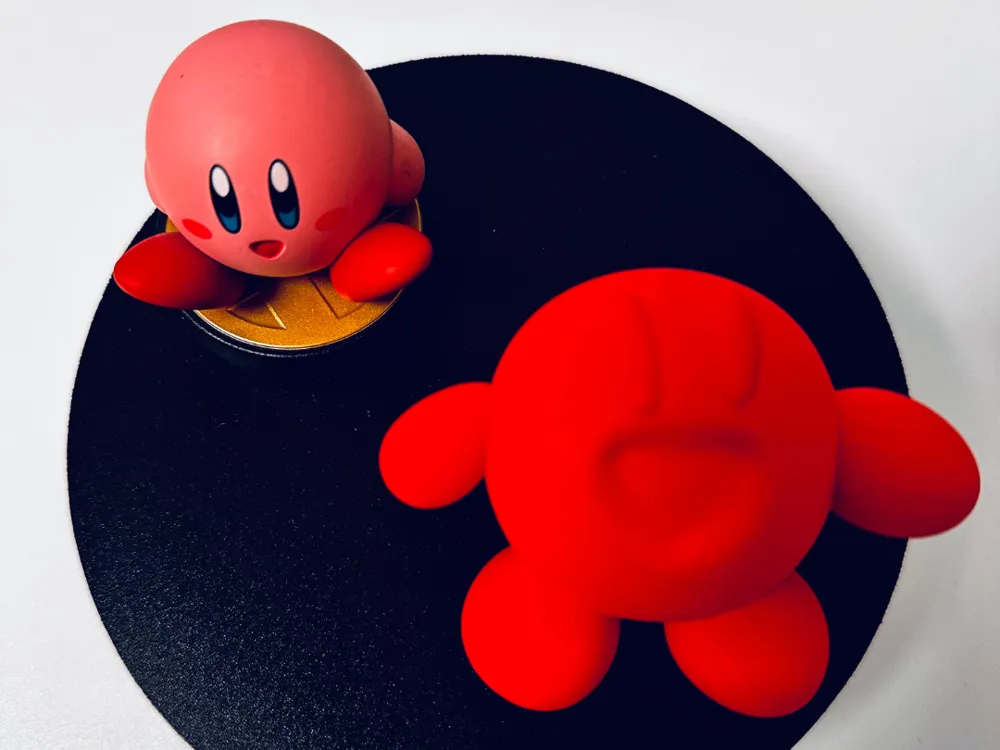
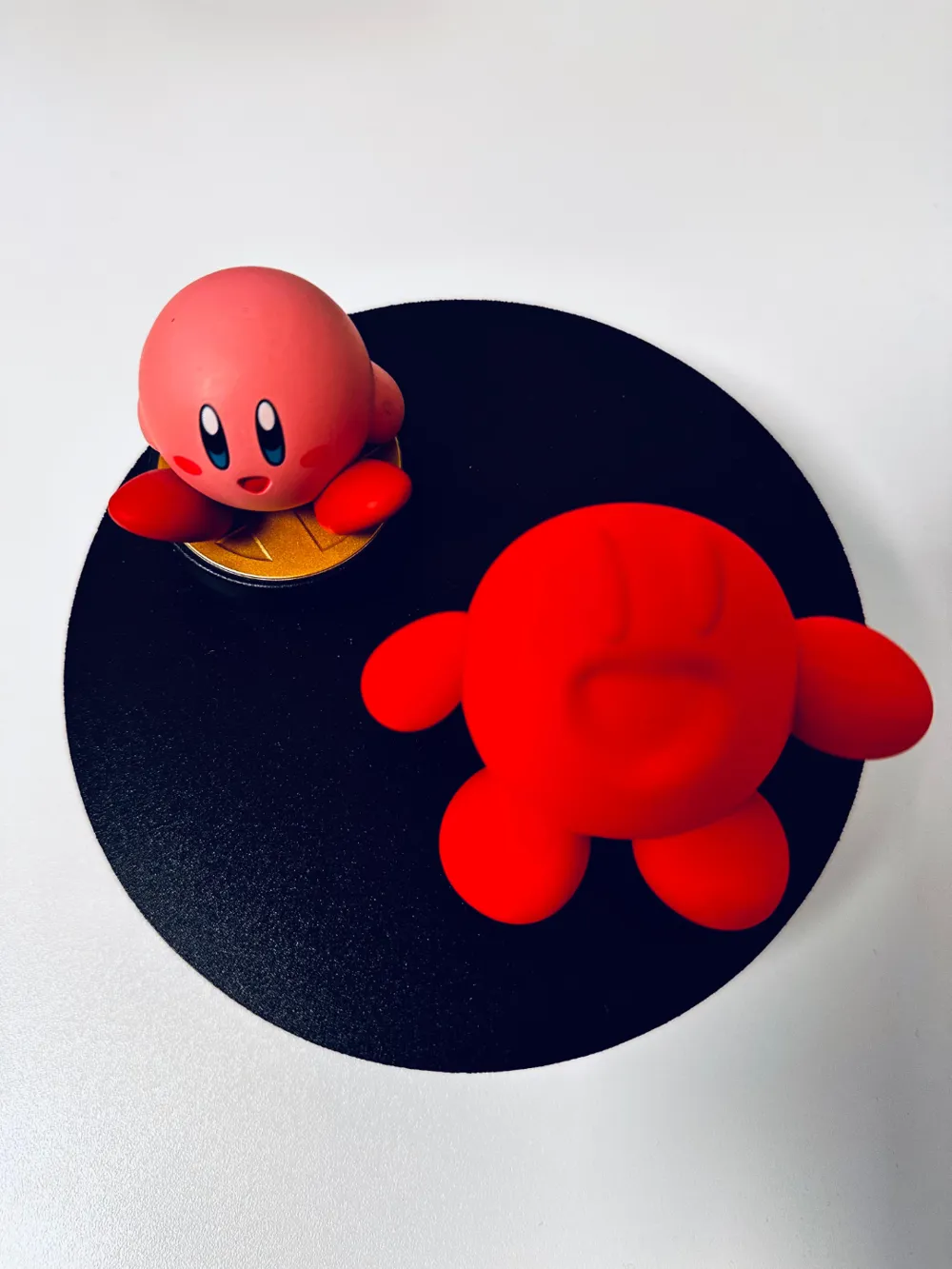
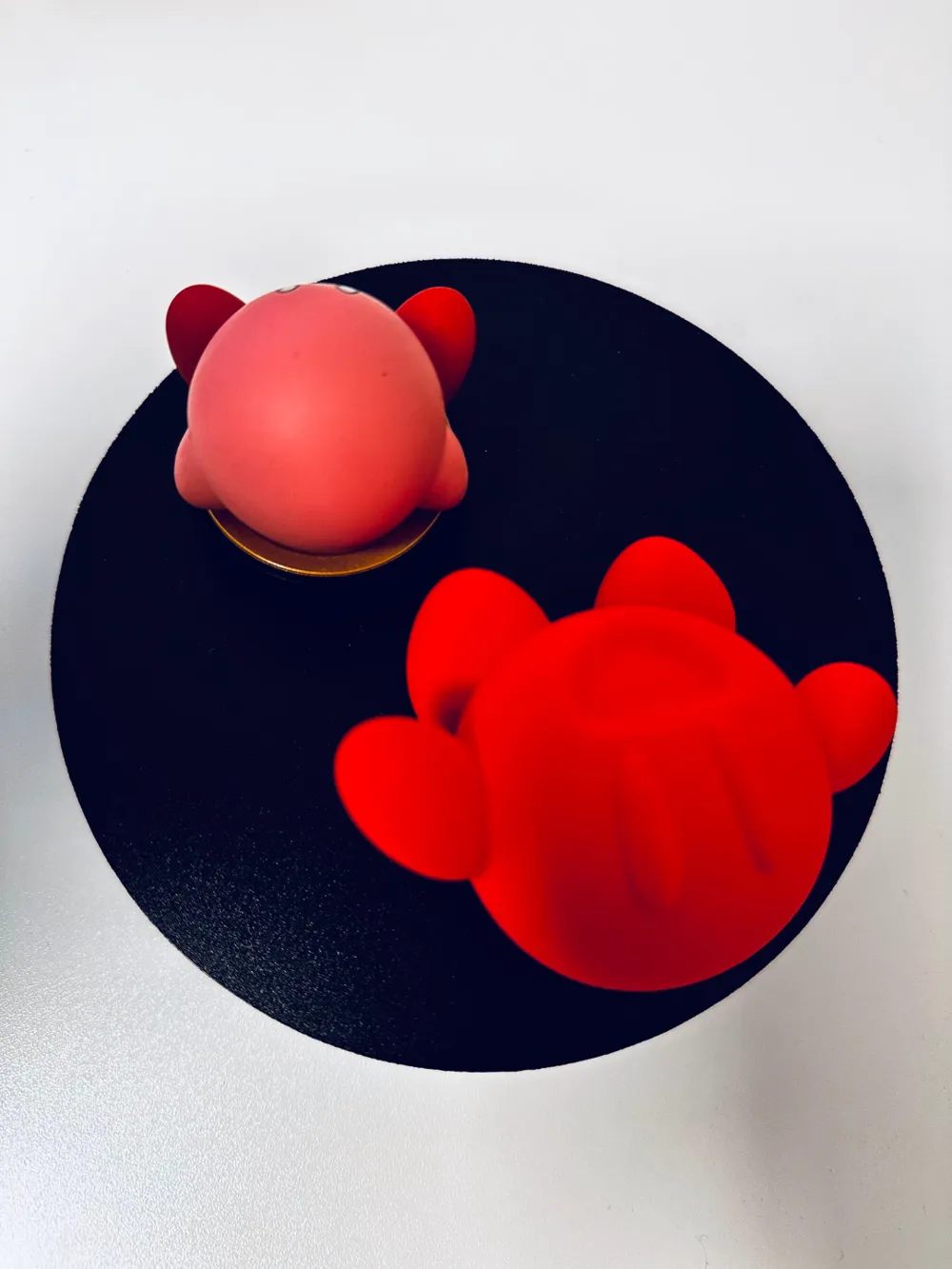
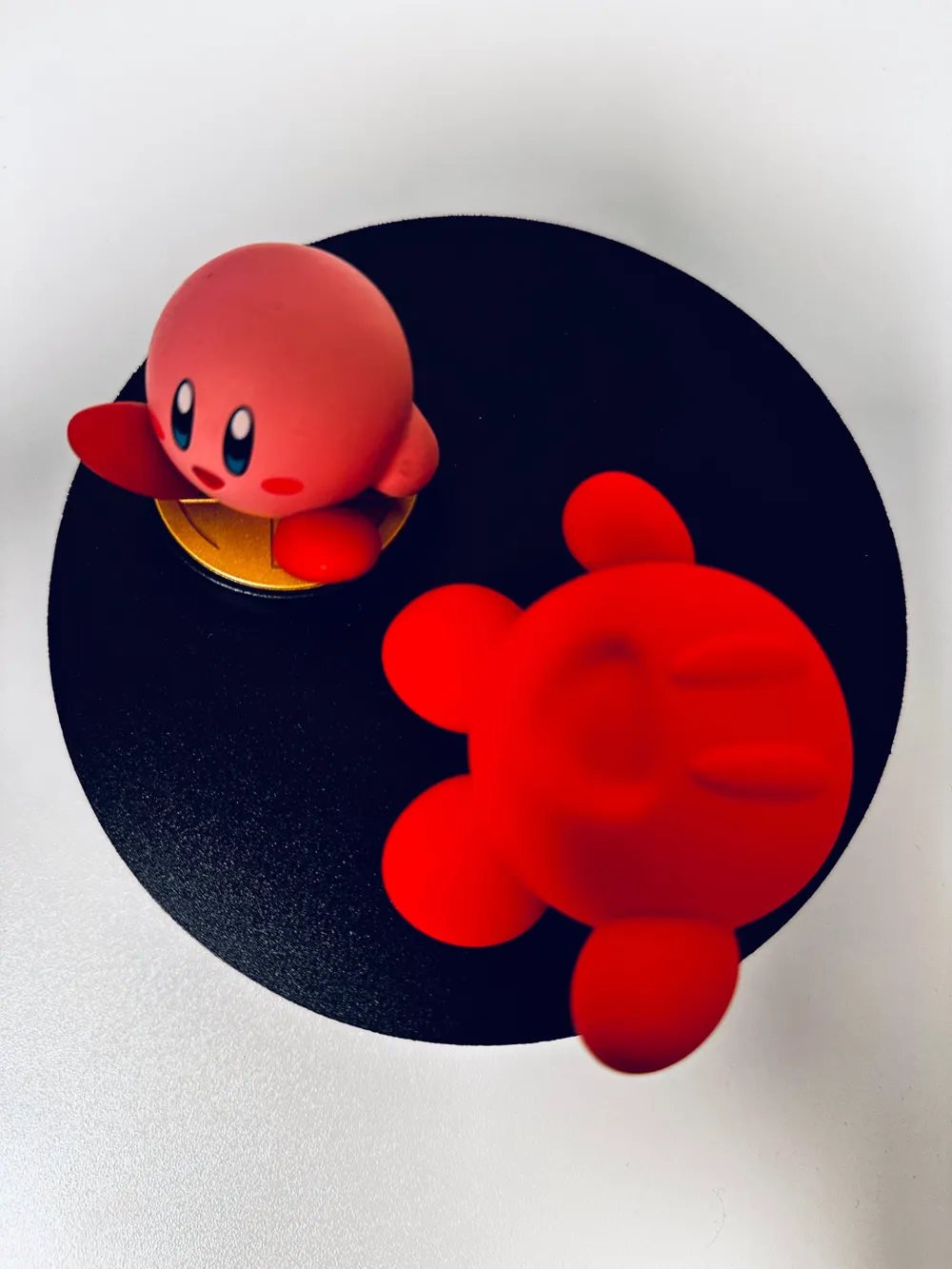
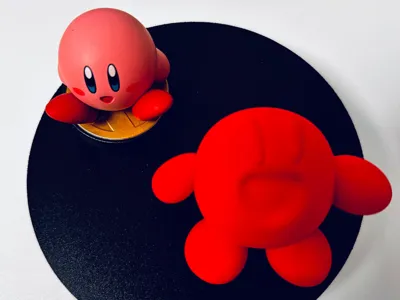
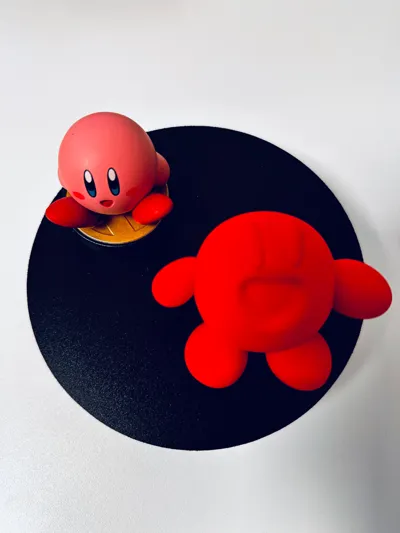
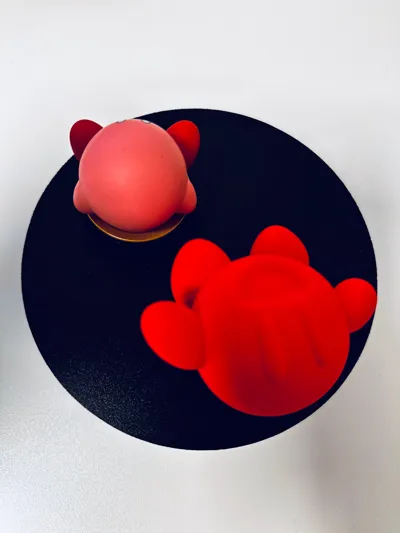
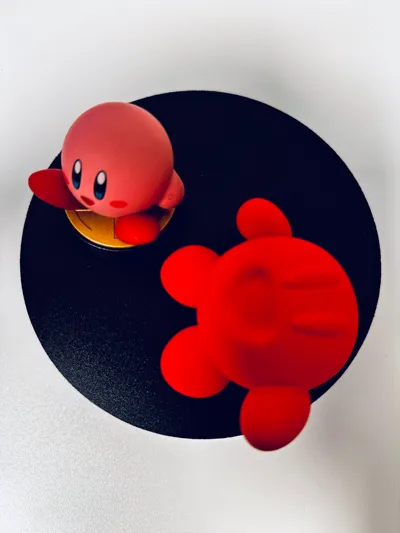
Nintendo fans know and love Kirby – the cute, pink puffball with an insatiable appetite and charm. Now, I'm presenting my very own Kirby design! For the first time, I have created a unique 3D model using Nomad Sculpt and brought it to life directly on my 3D printer. Here, I share my experiences and tips for anyone who wants to try their hand at their own 3D design.
Nomad Sculpt is a powerful yet easy-to-use app for digital sculpting. It is especially great for organic shapes like Kirby. I started with a simple sphere and gradually sculpted my own interpretation of Kirby: with unique proportions, special details, and a personal touch. Nomad provides many helpful tools for smoothing edges and refining details.
An important aspect of designing for 3D printing is ensuring the model's printability. I made sure that all elements had stable connections and avoided overly delicate structures that could cause issues during printing.
Once my custom Kirby model was complete, I exported it as an STL file and prepared it in a slicer software. I opted for FDM printing with PLA filament. Choosing the right settings was crucial to achieving high detail quality. A medium layer height and a slow printing speed were essential for clean results.
Support structures were only minimally required, as I had intentionally designed the model to be largely self-supporting. After a few hours, the print was finished, and my very own Kirby was finally real!
License



Comment & Rating (0)