Search models, users, collections, and posts

Thunderbolt Display Stand
IP Report

Print Profile(3)

Stand 20mm, 0.2mm layer, 2 walls, 10% infill
Designer
2.8 h
1 plate

Stand 15mm, 0.2mm layer, 2 walls, 10% infill
Designer
2.8 h
1 plate

Decoration Strip, 0.2mm layer, 2 walls, TPU
Designer
16 min
1 plate
Open in Bambu Studio
Boost
6
35
5
1
40
24
Released
Description
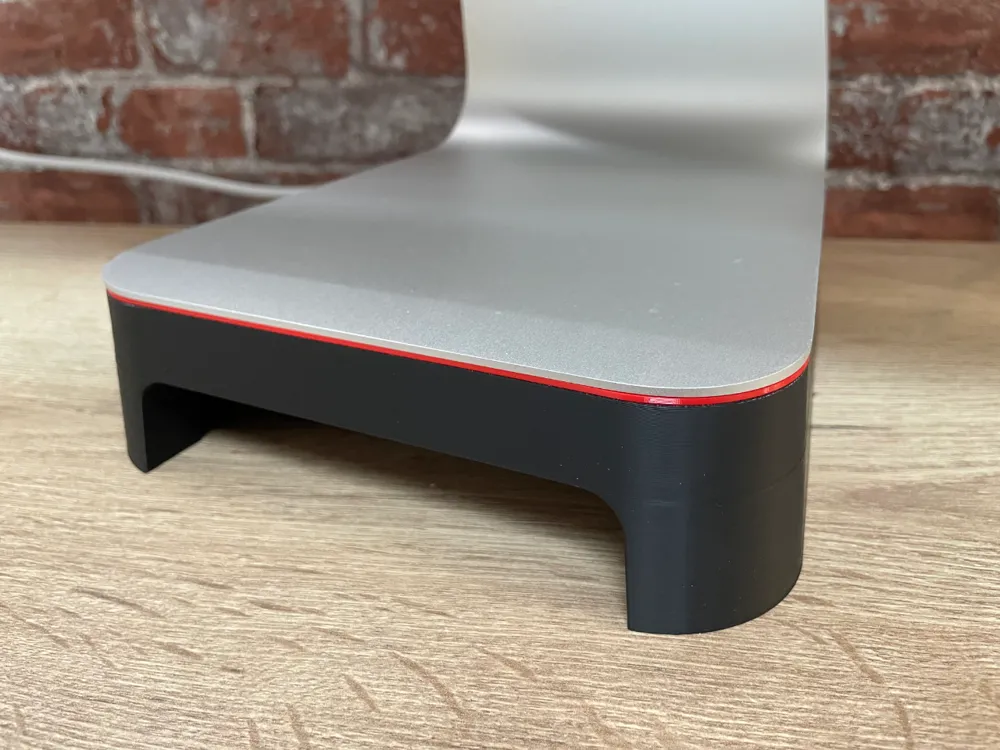
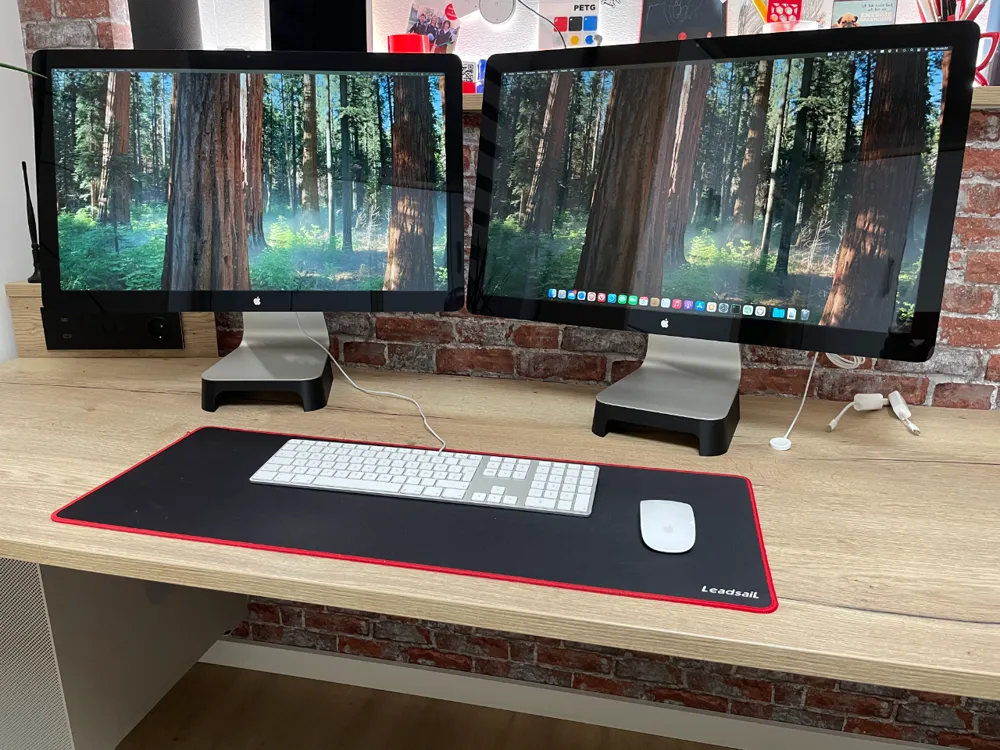
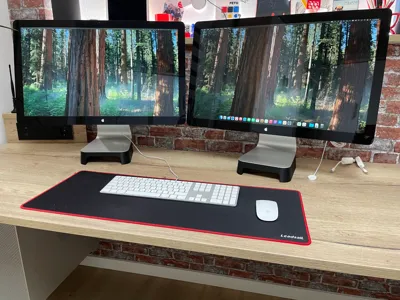
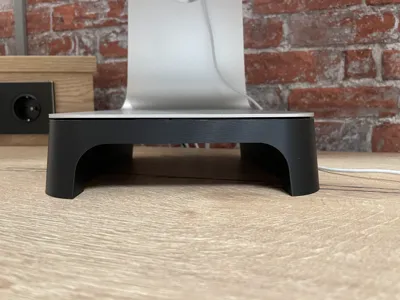
I've been using my Apple Thunderbolt Display for years and had always planned to raise it up a bit to make the viewing angle more ergonomic. Recently I came across a model designed for a 27” iMac that suited my taste exactly. Unfortunately, it didn't fit my Thunderbolt display foot.
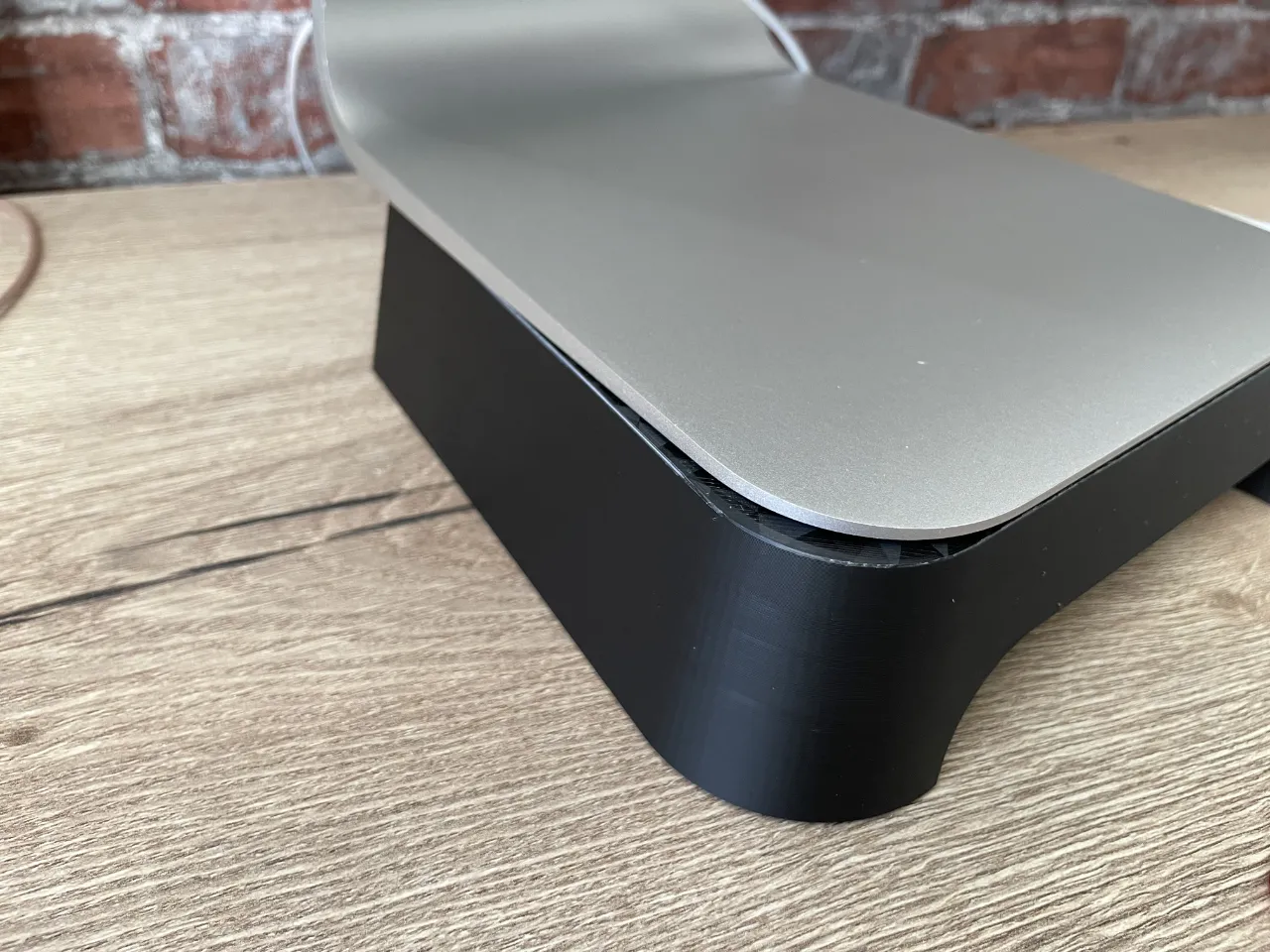
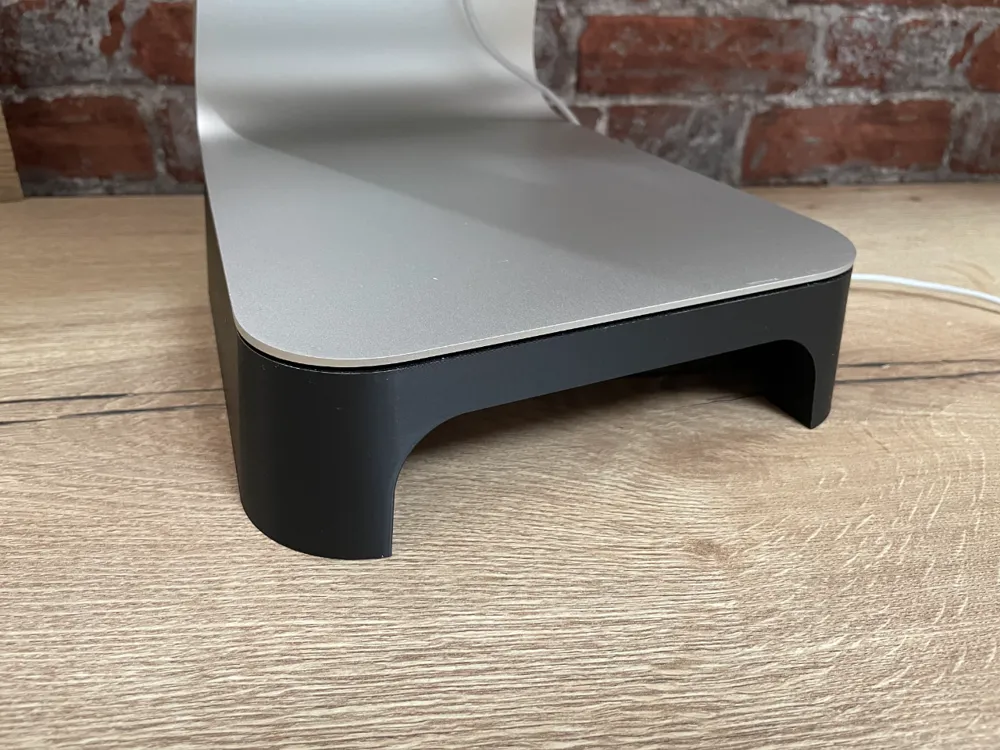
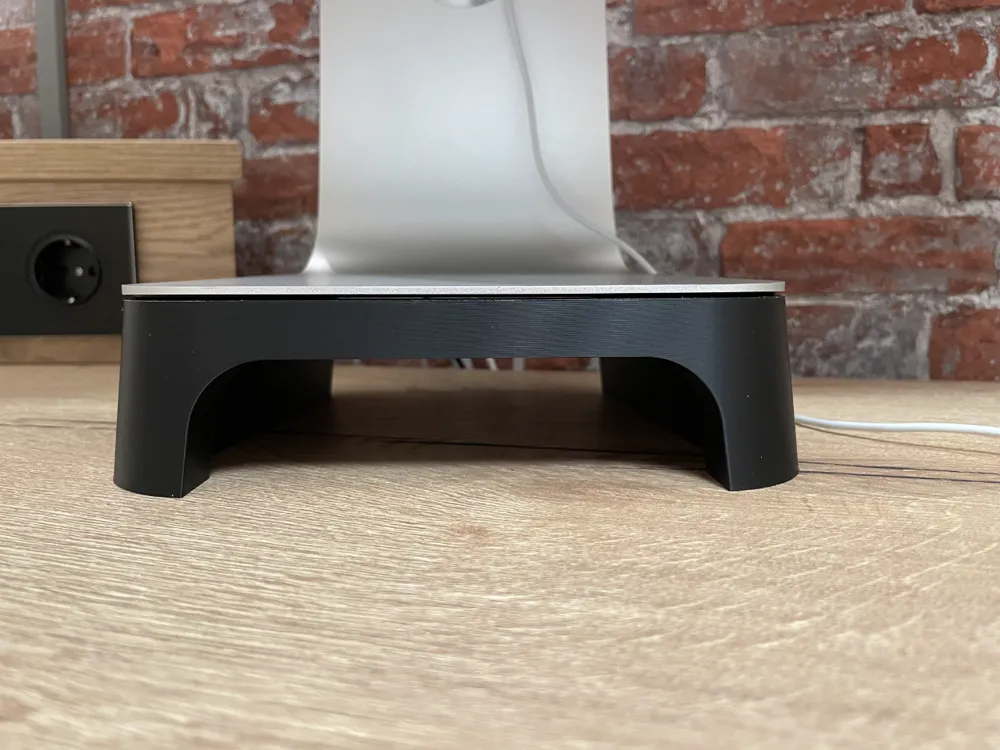
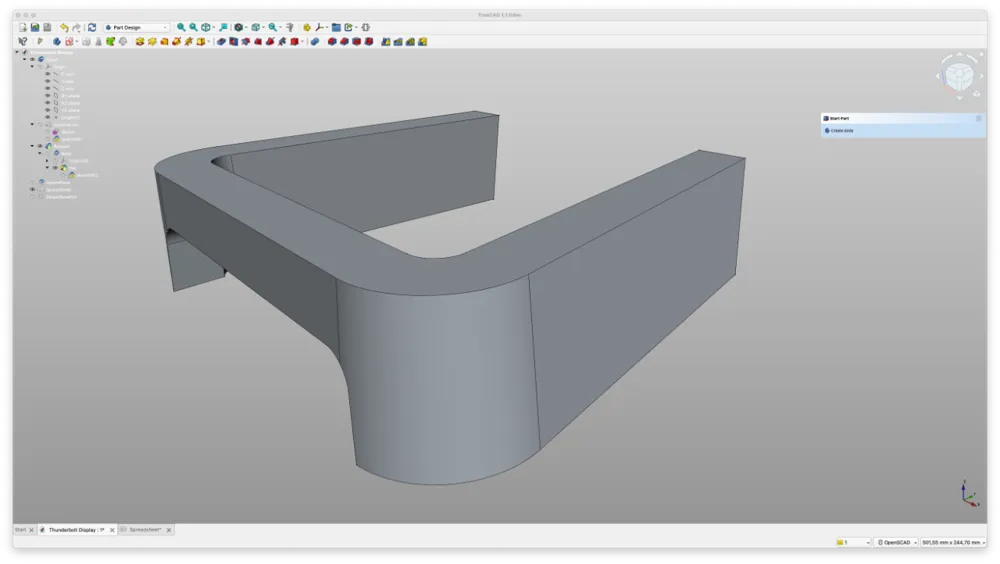
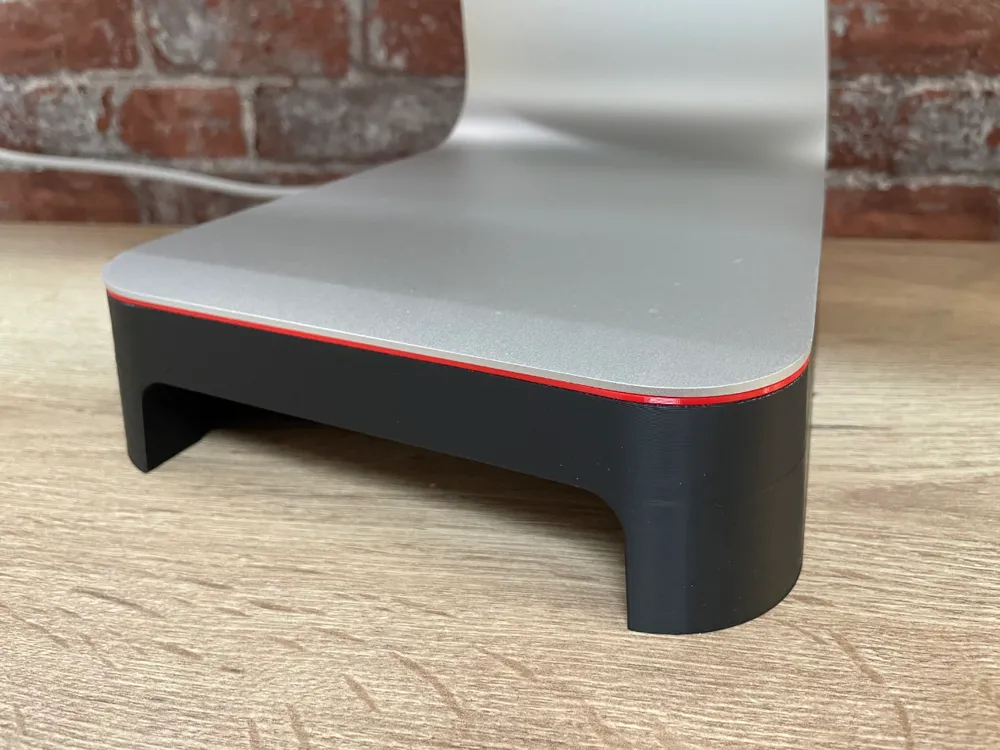
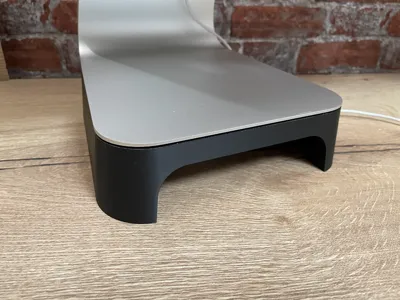
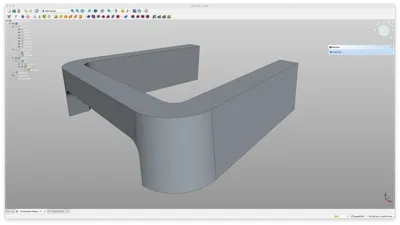
But since I'm currently learning FreeCAD, I took the opportunity to create the design from scratch to fit the Thunderbolt display foot and raising it by 50 mm. Since I'm not sure about the design yet, I created 2 designs:
- the front bridge with a thickness of 20 mm and a radius of 10 mm (Thunderbolt Display-Stand 20mm)
- the front bridge with a thickness of only 15 mm and a radius of 20 mm (Thunderbolt Display-Stand 15mm)
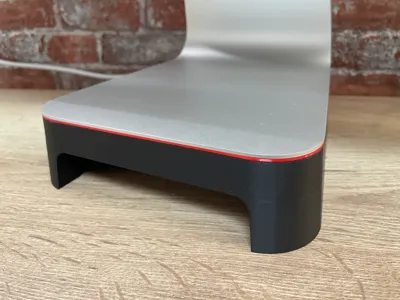
To add a little accent, I created a decorative strip that fits between the stand and the display foot. It can be found as separate print profile.
License

This user content is licensed under a
Creative Commons Attribution-Noncommercial


Comment & Rating (5)