
Daffodils (March) Birth Flower Bookmark HueForge


Print Profile(1)

Description
Want to Sell My 3D prints? JOIN MY PATREON.
Boost Me (for free)
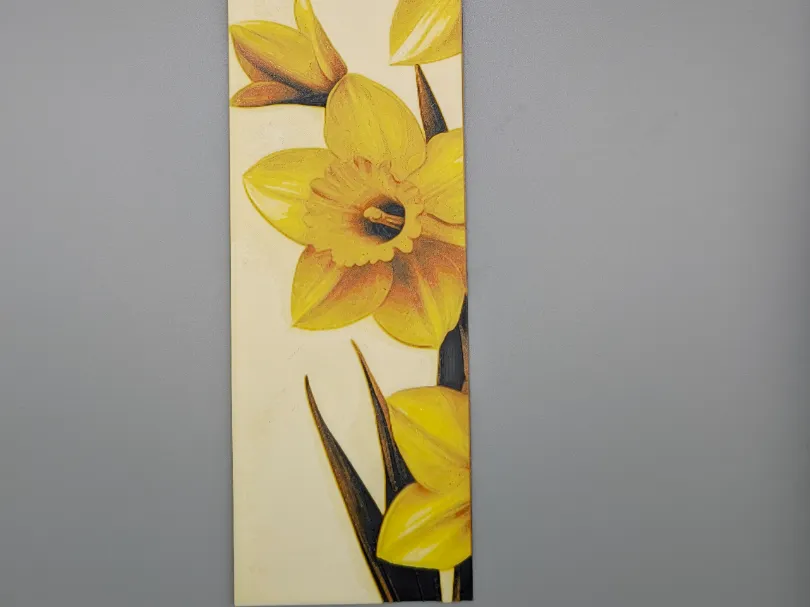
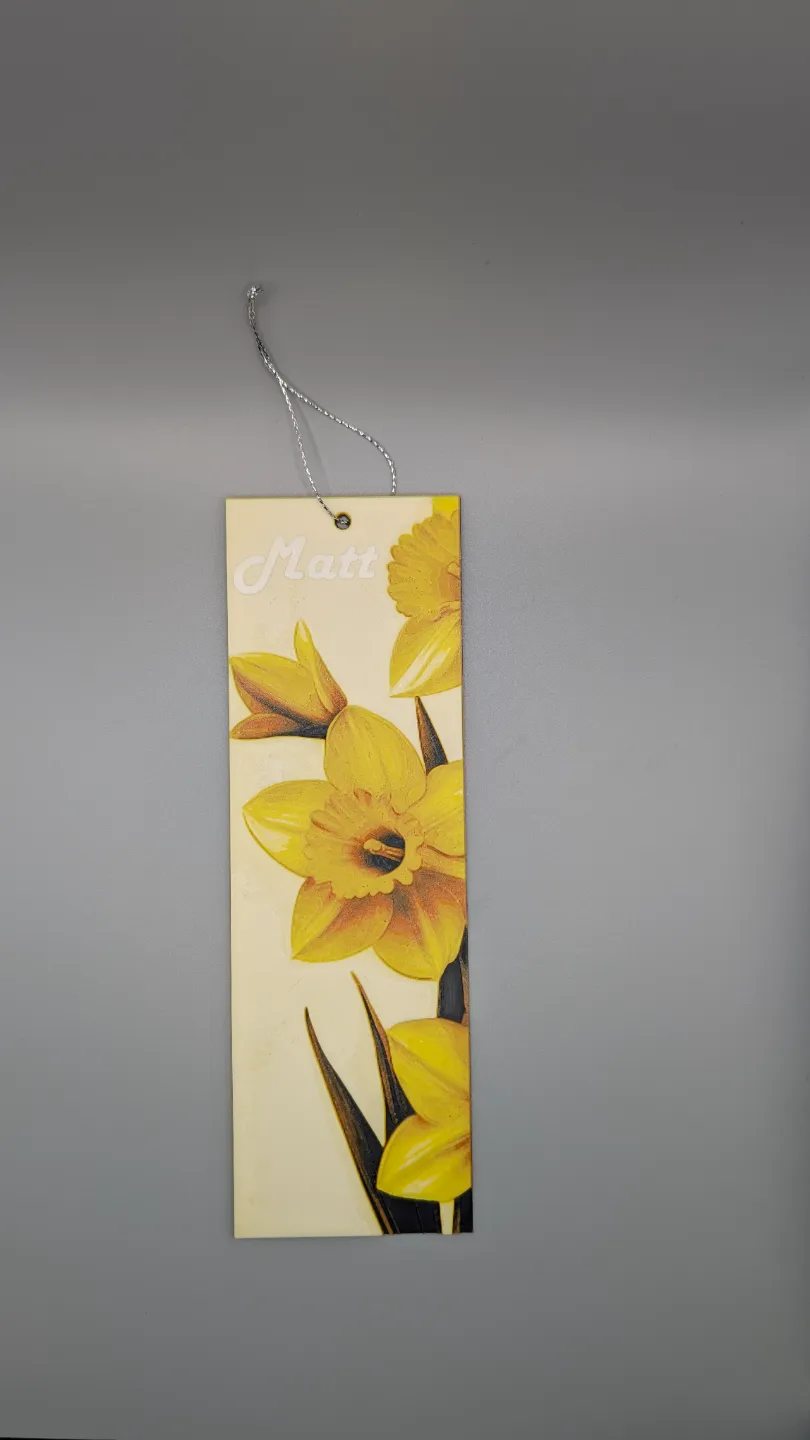
3D printed Hue forge March birth flower DAFFODILS bookmark
The file is saved with the exact settings i have used as in the pictures.
If you do not have the same colors and same brand it is perfectly OKAY! You can still use different brand filament the result will be different but oh so UNIQUE!
Please give it a print and feel free to share your results would love to see the creations!
Daffodil (MARCH): These cheerful yellow flowers are a quintessential symbol of spring and new beginnings. Daffodils represent rebirth, joy, and happiness. Their trumpet-shaped blooms and bright colors make them a welcome sight after a long winter. 🌼
PRINT INSTRUCTIONS:
- Project: Daffodil Bookmark.hfp
Print at 100% infill with a layer height of 0.08mm with a base layer of 0.16mm - The Model is 64.36x200mm in size
You may print at higher layer heights below the Min Depth of 0.48mm
The Max Depth is 2.2mm and the Actual Depth is 2.3mm - Filaments Used:
PLA BambuLab Basic Black Transmission Distance: 0.6
PLA BambuLab Basic Orange Transmission Distance: 7
PLA Kexcelled Yellow Transmission Distance: 6.8
PLA PolyTerra Cotton White Transmission Distance: 2.5
This print uses 4 unique filaments - Swap Instructions:
Start with Black
At layer #9 (0.8mm) swap to Orange
At layer #16 (1.36mm) swap to Yellow
At layer #25 (2.08mm) swap to Cotton White for the rest.
License

You shall not share, sub-license, sell, rent, host, transfer, or distribute in any way the digital or 3D printed versions of this object, nor any other derivative work of this object in its digital or physical format (including - but not limited to - remixes of this object, and hosting on other digital platforms). The objects may not be used without permission in any way whatsoever in which you charge money, or collect fees.


Comment & Rating (11)